
KERJA PRAKTEK PORTFOLIO MAKING 1 Donna Angelina WHAT
- Slides: 42
KERJA PRAKTEK PORTFOLIO MAKING - 1 Donna Angelina
WHAT IS PORTFOLIO? A portfolio is a story about you. A lot of people say a portfolio is a selling tool. But a portfolio is more than that. If you think of your portfolio as a sales tool, you tend to just focus on execution skills or how many pieces of software you can use. A portfolio should instead tell an engaging story about you. It should show, through your projects, where you are in design, your passions, your goals, and your strengths. A good way to start your portfolio story is to have a 2 -sentence summary about who and what you are all about.
HOW TO MAKE A PORTFOLIO? § Have an intro page. This might be a no brainer, but a well-designed introduction page sets the tonality of your portfolio presentation. Many designers just have a title page at the start that says: “Jack’s portfolio. ” That’s not good enough. Expanding from the first point you need to share a little about your background to give your portfolio story more depth. Keep it light though; you are summarizing your design career not writing a biography.
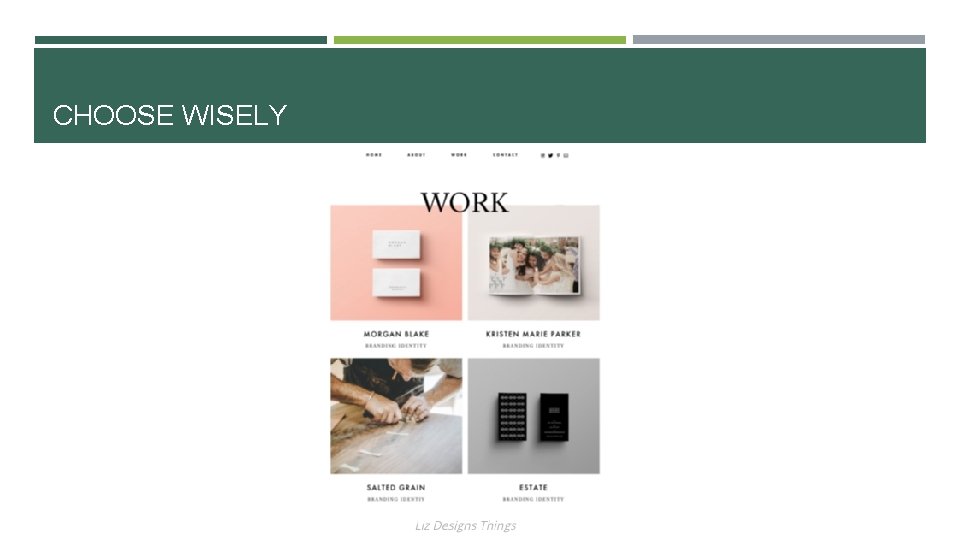
01. BE THOUGHTFUL ABOUT WHAT YOU INCLUDE Don’t add everything you’ve ever created. Set aside time to go through all of your pieces, exclude anything you’re not proud of or don’t think is your best work. Think of your portfolio as your greatest hits – something that reflects not only the work you've done, but the stuff you'd like to do in the future. Easy to navigate. Show the best of what you have, you don’t need to show it all. Example: https: //lizdesignsthings. com/ ;
CHOOSE WISELY
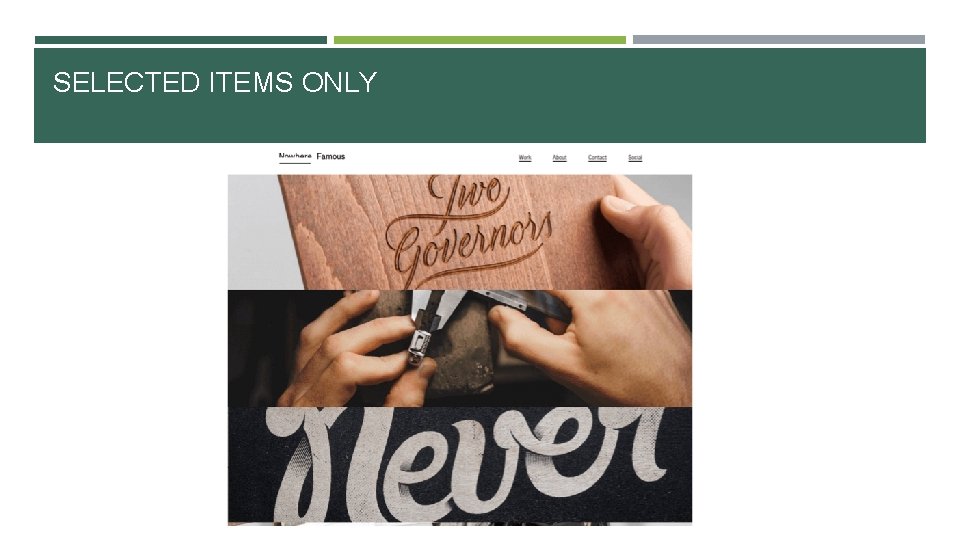
02. SELECT ONLY YOUR STRONGEST PIECES These are the projects you know were successful, got rave reviews and had good. Highlights the strongest and most beautiful works in an in-your-face kind of way. They’re all so dramatic that you just want to click on each one! results. Shows a few pieces that are displayed like a small gallery, with lots of variety. Example: http: //nowherefamous. com/ ; https: //stefanlucut. com/
SELECTED ITEMS ONLY
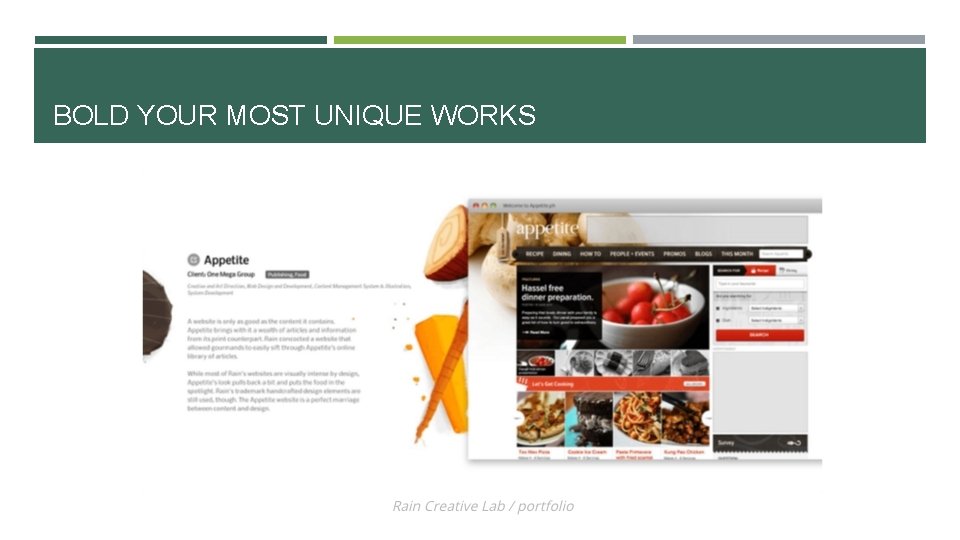
03. SHOWCASE YOUR MOST UNIQUE AND CREATIVE WORK These pieces are bucking the latest trends. They don't follow a Word. Press theme, and they aren't what everyone else is doing. Follow their lead and make people think “Wow, now this is cool!” Make it unique and eye-catching. Shows the work large and bold plus the viewer scrolls through their portfolio up and down and across. Example: https: //duoh. com/portfolio ; http: //www. raincreativelab. com/rain/#works
BOLD YOUR MOST UNIQUE WORKS
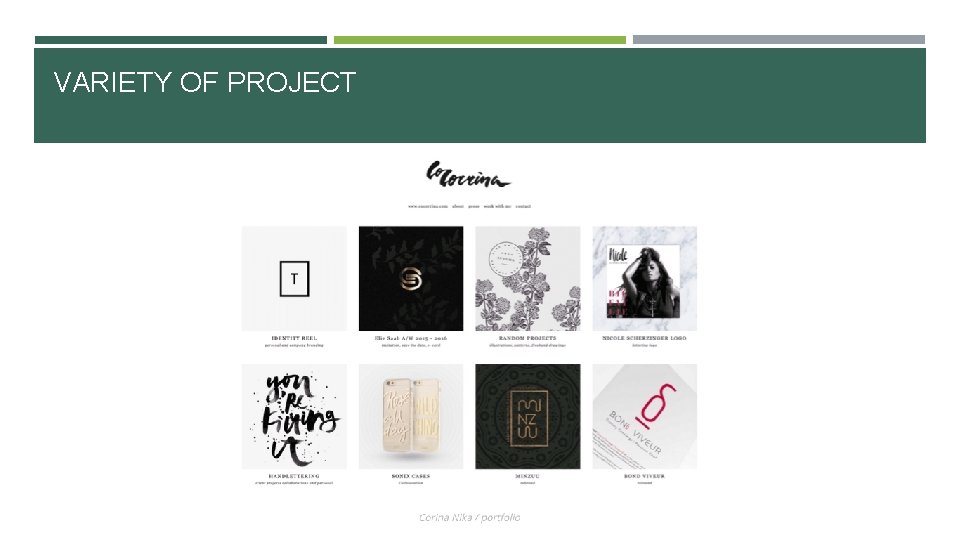
04. GO FOR VARIETY Don’t include only one form of design such as website design or illustration. Though this doesn’t mean that everything shouldn’t work together. Make sure it all still looks like it’s one person’s work. Make great variety of projects in your portfolio and all flow together nicely. Put quite a variety but keeps everything tied together with consistent solids backgrounds. Example: https: //cargocollective. com/corinanika ; https: //studiomast. co/
VARIETY OF PROJECT
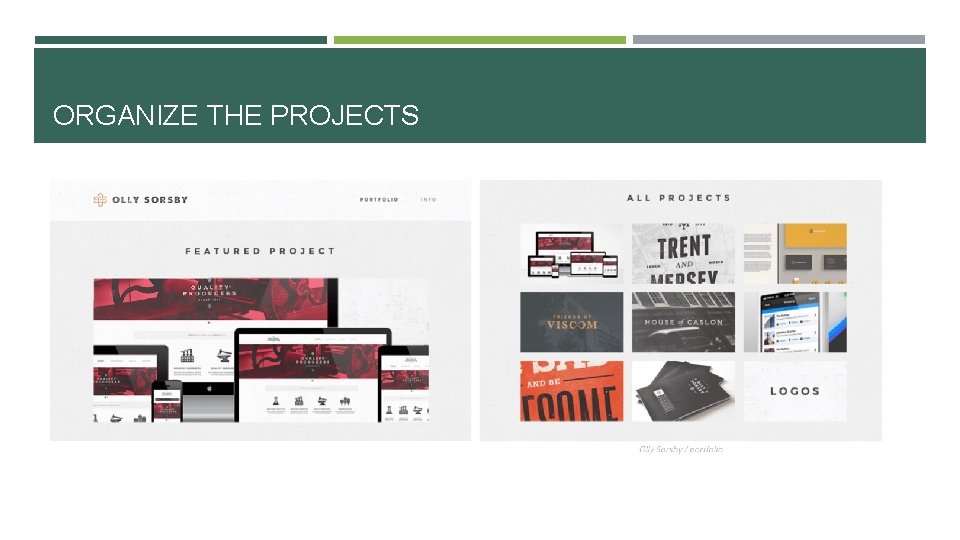
05. DECIDE ON HOW MANY PIECES TO INCLUDE The suggestions vary depending on who you ask. Go for quality not quantity. Ten to twenty examples should do it. No matter how great your work is, the viewer will still only click through a few projects before moving on. Features one project and then shows a handful of additional projects. Using this format draws the viewer’s attention directly to the project he wants them to see first. Example: https: //www. cssdesignawards. com/sites/thuy-trucs-portfolio/5753/
ORGANIZE THE PROJECTS
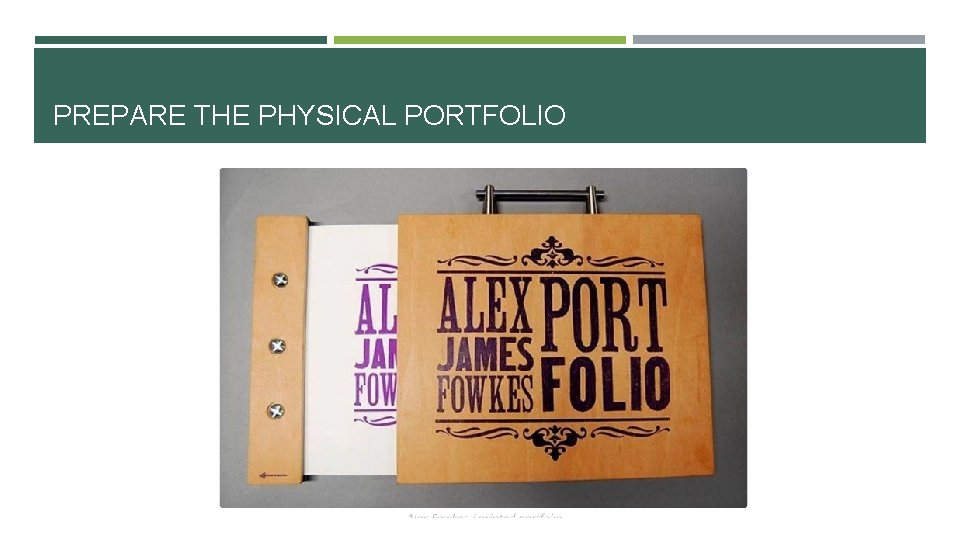
06. DO YOU NEED A PHYSICAL PORTFOLIO? Most designers are using online portfolios these days. But for in-person interviews – especially if you’re a print designer – you should think about creating a physical one. Create an elaborate piece that’s a work of art itself. Example: https: //www. behance. net/gallery/18664129/Minimal-Hipster-Design-Portfolio-2 ; https: //www. behance. net/gallery/5478485/Portfolio
PREPARE THE PHYSICAL PORTFOLIO
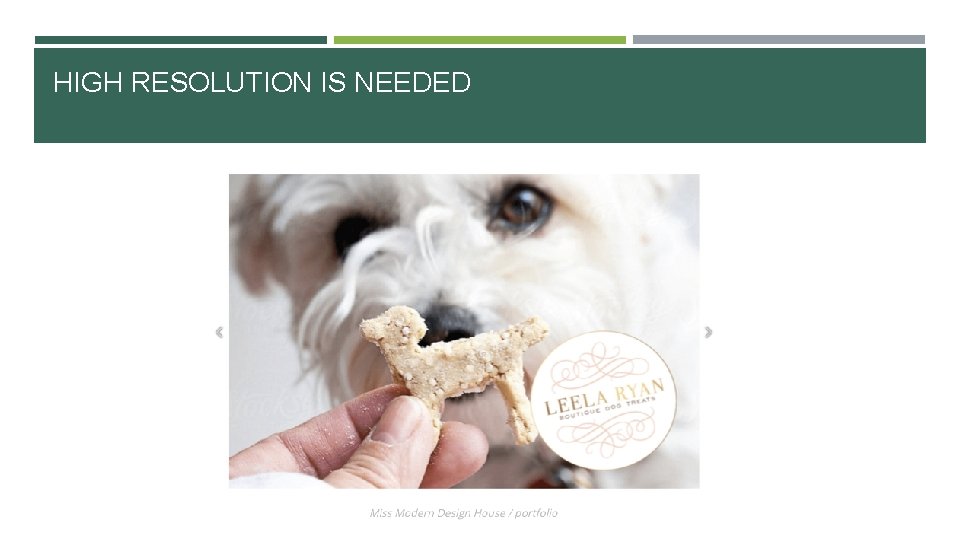
07. GO HIGH-RESOLUTION An image that looks good on your laptop screen may not look so sharp on a large computer monitor. So remember to stick to the highest quality images for your portfolio. Clear close-ups are perfect for sharing on social media, they create drama and give your portfolio a high-quality look. Coco Tafoya says you should think about the sharing potential of your portfolio images. “Make sure the layout works if someone wants to share your designs on social media – mainly Pinterest. ” Example: https: //deluxemoderndesign. com/? gallery_page=slider&pp_gallery_id=1425851409 ;
HIGH RESOLUTION IS NEEDED
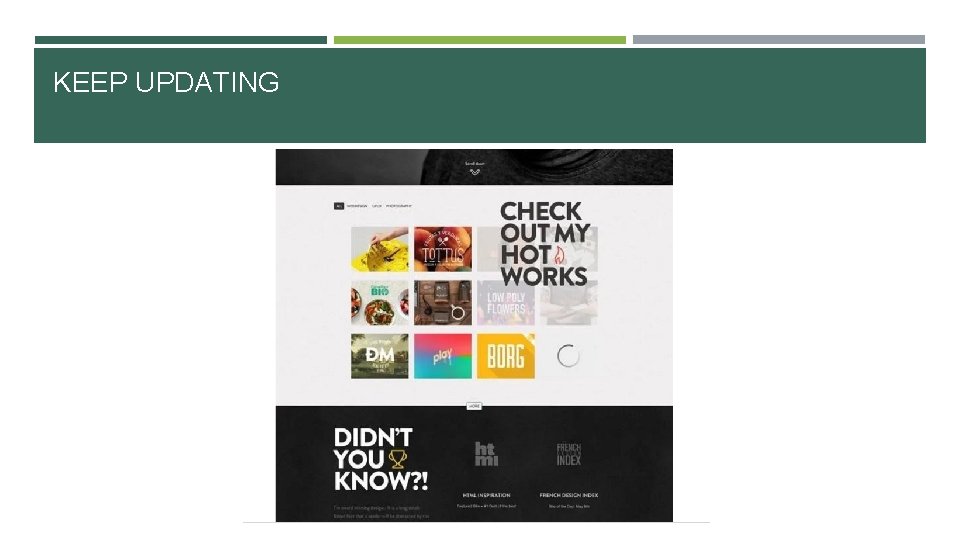
08. STAY CURRENT Trends, techniques and technology change quickly, so don't include anything that's more than three years old. You don’t want to look dated. Displays some pieces very non-traditionally and eye-catching instead of using flat photos or PDFs. These both show they’re up on the latest trends. Create a one-page, very hip and trendy online portfolio. Example: https: //www. behance. net/gallery/15858619/JOHN-Responsive-One-Page- Portfolio-Joomla-Template ;
KEEP UPDATING
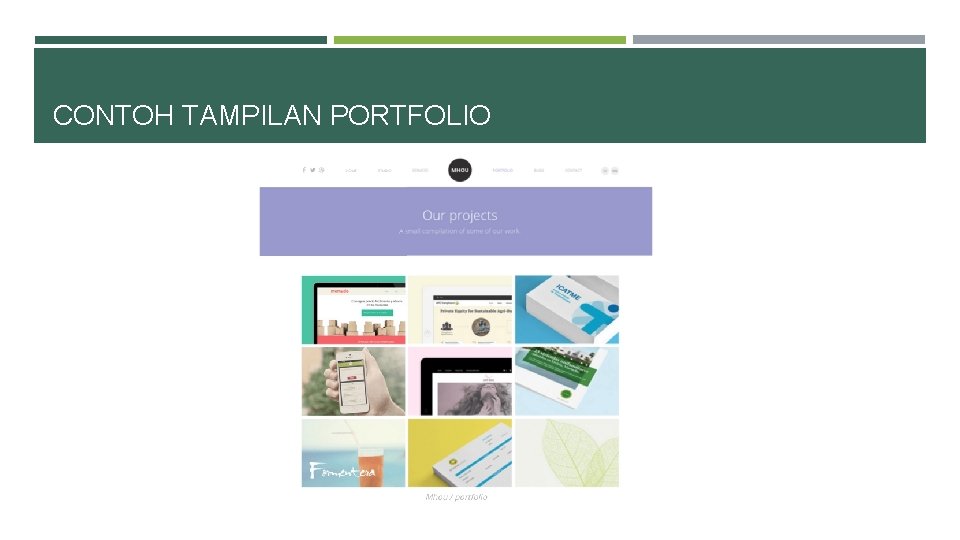
09. THE CHOSEN FEW Once you have the final pieces selected, make sure theye’re cohesive that they form you’re ‘brand’. Make your portfolio different than others. Make your portfolio consistent in each page. Example: http: //mhou. es/portafolio/
CONTOH TAMPILAN PORTFOLIO
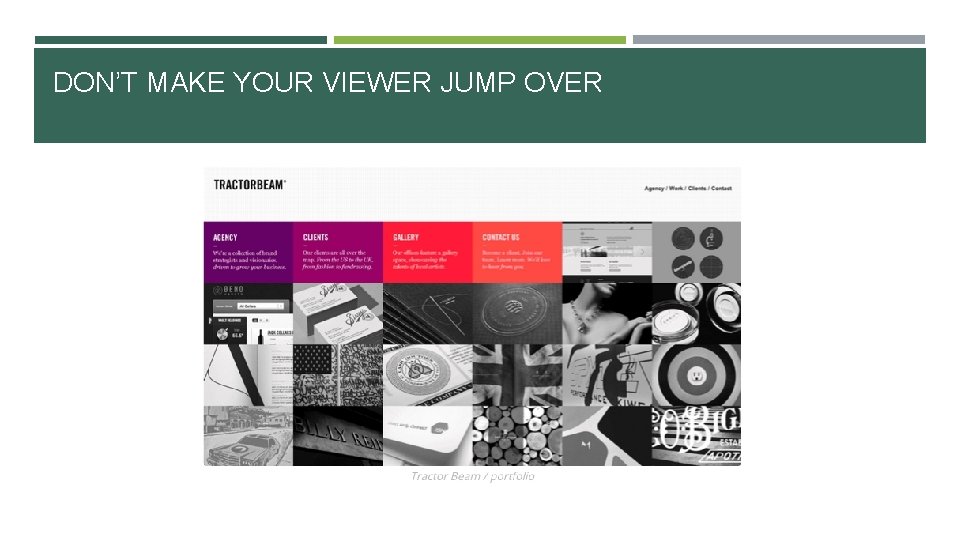
10. MAKE SURE THE PIECES FLOW NICELY FROM ONE TO THE NEXT Doesn’t mean to group all web design together, all logos together, etc. It would be better if the colors, line and angles works together. Keep images consistent until they rolled over
DON’T MAKE YOUR VIEWER JUMP OVER
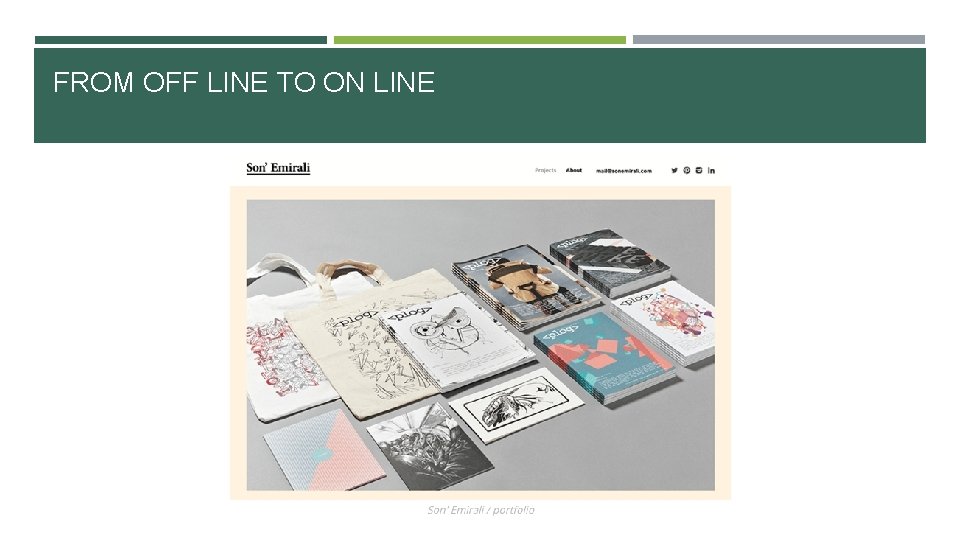
11. SNAP A PIC Take a few photo of your print piece and make it on line. Use your professional camera or maybe you can use professional photographers to take a photo shoot of your products. You can do it with barter services.
FROM OFF LINE TO ON LINE
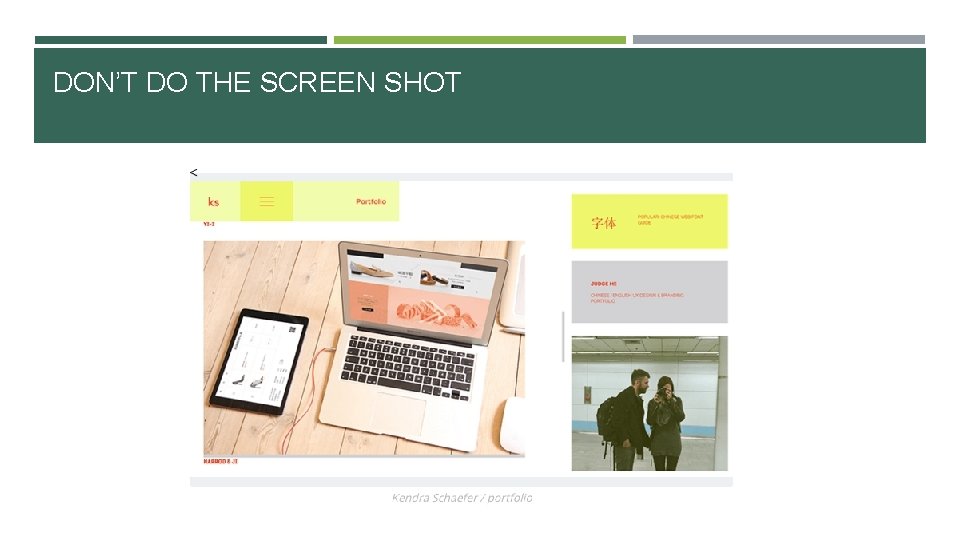
12. MAKE IT INTERESTING If you only have a PDF of a magazine or poster you designed, search online of mock up resources such as Graphicburger. They have free downloads of layered Pdf files to drop your artwork into so they look like they hired a photographer. Taking a photo of a website on your monitor (screen shot) is not acceptable. Create your own portfolio with template Example: http: //kendraschaefer. com/portfolio/
DON’T DO THE SCREEN SHOT
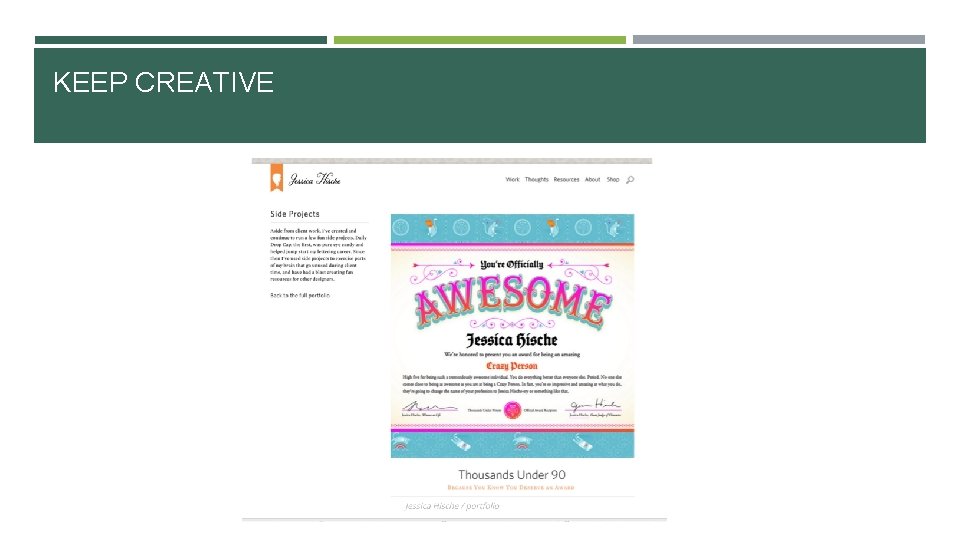
13. NON-CLIENT WORK IS OKAY You can put your un-paid project too. But remember you must choose what is the best. If you want to start with your own projects go ahead. Illustrator an letterer Jessica Hische includes the self-started projects to keep her creative. Example: http: //jessicahische. is/working , https: //www. currah. co/work/swan-vestas/
KEEP CREATIVE
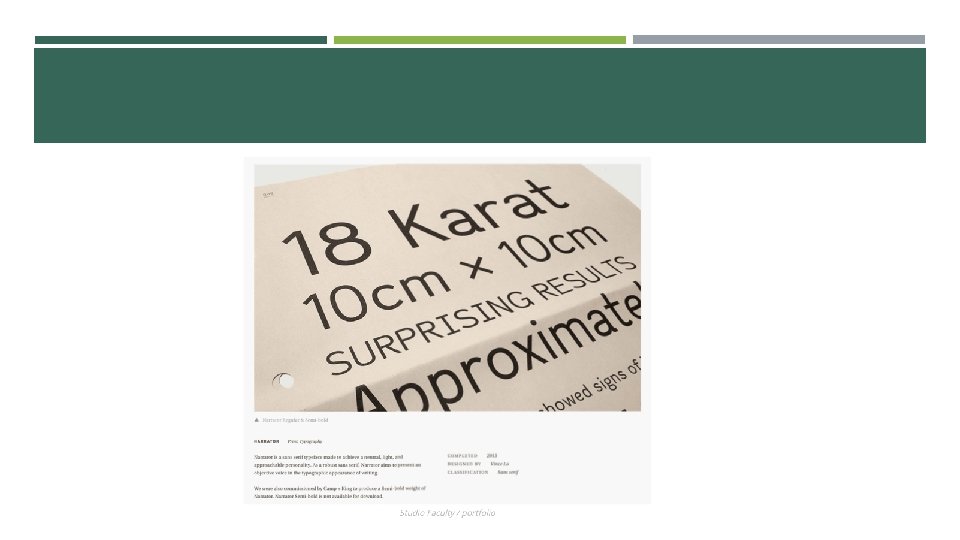
14. GET SOME STREET CRED Many project are probably self-explanatory, but other aren’t. Notes about the project who the client was, what skills were used, and how the project was marketed can help explain why it was success. Emma Dime’s portfolio includes projects notes and how she solved the client’s problem. She also includes the quotes from her client. Example: http: //emmadime. com/
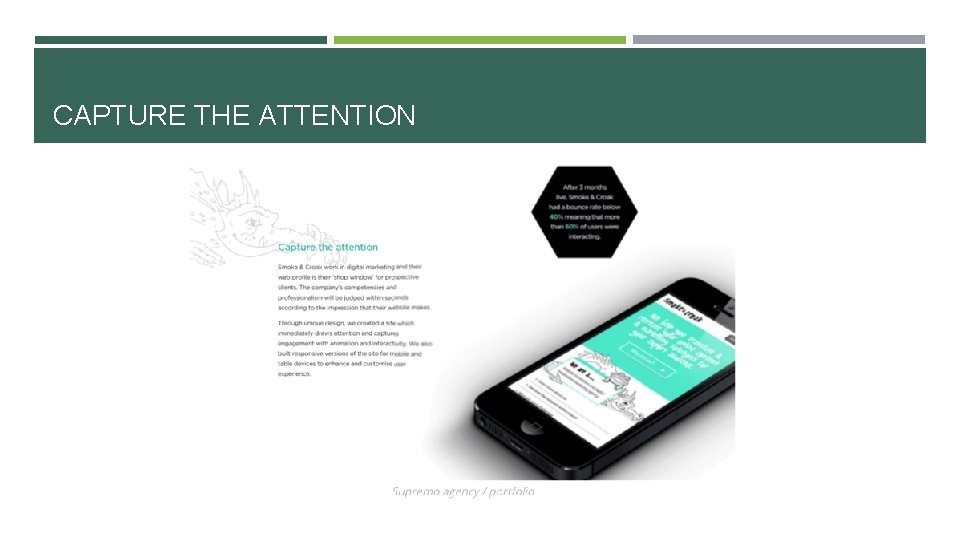
15. RESULT If you designed a marketing campaign, it’s great to include who else worked on the project, how they measured result and how successful it was. You can showcases the results.
CAPTURE THE ATTENTION
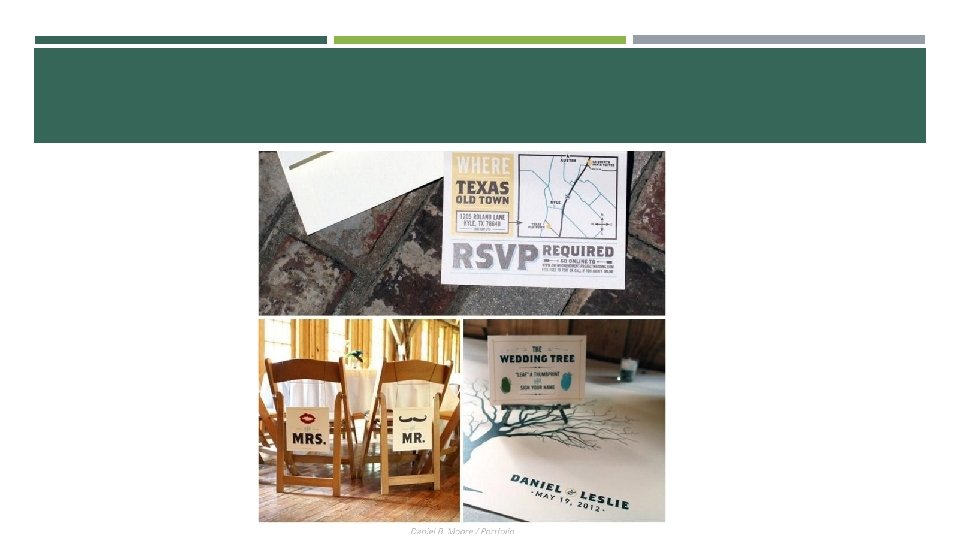
16. GET A CLOSE-UP Viewing a piece in person is different from seeing them online. You can see little details in their materials, colors, etc. Example:
17. SHOWCASE THE DESIGN PROCESS Showcase your creativity and diversity. Creative directors will appreciate the glimpse into your creative process. You also can give your alternative design that you’ve made. Behind the scene’s look, etc. Example: https: //pinegateroad. com/portfolio-obaby-illustrations/
18. DON’T USE FLASH ANIMATION IN YOUR ONLINE PORTFOLIO Parallax or other scrolling features are acceptable and are very trendy – but anything more complicated should be avoided. Keep it clean, simple and non-distracting. Let the viewer click through at their pace. Make a simple pop up windows for each piece that aren’t distracting Example: http: //arunsfolio. com/ , https: //www. frontside. com. au/
19. GET A SECOND OPINION You’ve looked at these pieces three dozen times. They’re becoming a blur to you. Before you finalize your portfolio, get another set of eyes on it. Get someone else’s reaction and opinion. Does it flow, look professional, is easy to click through and correct?
20. REVIEW, ADD, DELETE, REPEAT Think you’re done once you’ve hit “publish” on your portfolio page? If so, go back to #8. You want to stay current, so set a schedule to review your portfolio every six months. Add any new projects and delete anything that’s looking dated or tired.
READY TO PUBLISH!! If you already have a website, then adding a Portfolio section is an obvious choice. Many Squarespace and Word. Press themes are made purposely for portfolios. You can title it Portfolio or some people go with Work. Instagram is also a useful platform to share your work. Start a second account so your selfies don’t show up in between ad campaigns.
REMEMBER THIS… “A portfolio is the backbone of a creative as it shows what you’re capable of, ” says graphic and interactive designer Jacob Cass of Just Creative. It’s a showcase of your blood, sweat, talents and triumphs. It’s your brand, be proud of it. Now go show it off!
SOURCE https: //www. canva. com/learn/portfolio/