
Kendo Ui BASICS What we will do What

Kendo Ui BASICS

What we will do? What is Kendo UI? Check browser support Licensing Download and Install Add it to web application

What is Kendo UI? Java. Script framework for building modern interactive web applications Collection of scripts file and resources( styles, images, etc. ) Leverages Java. Script HTML 5 CSS 3 j. Query

What Kendo UI provide? Rich UI Widgets HTML 5 based controls based on j. Query Core 3 categories of UI widgets Web Data. Viz Mobile Client – side Data. Source Abstraction for working will all types of data on the client side MVVM Framework Provides declarative binding and two-way synchronization in web application Templating Animation and Drag & Drop Validation Framework

Why? Kendo UI provides all the tooling we need in one package Built from ground up to deliver performance Professional support are available

Browser Support IE 7. 0+ Firefox 10. 0 + Chrome All versions Opera 10. 0 + Safari 4. 0+
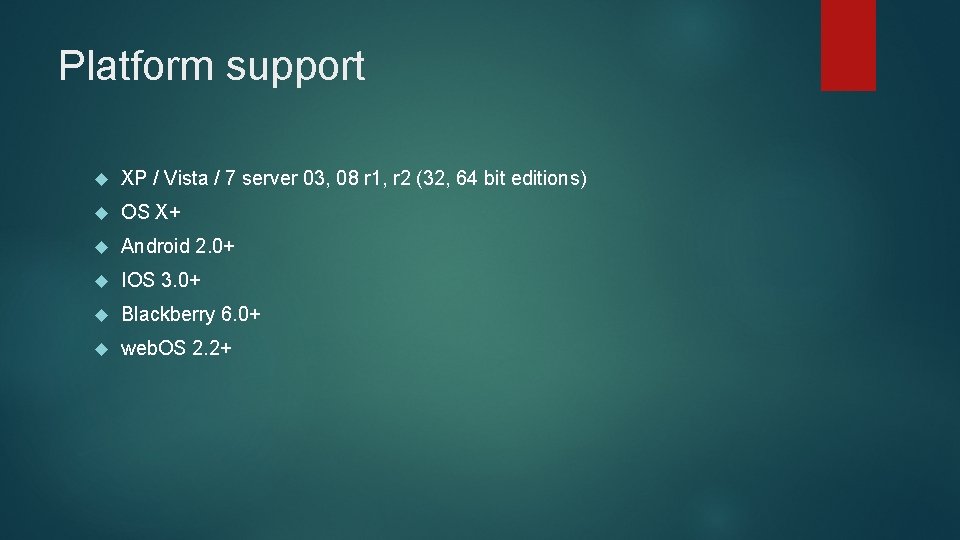
Platform support XP / Vista / 7 server 03, 08 r 1, r 2 (32, 64 bit editions) OS X+ Android 2. 0+ IOS 3. 0+ Blackberry 6. 0+ web. OS 2. 2+

Licensing Trial 30 days GPL v 3. 0 for Open source License Commercials We Kendo UI with our website but we have to agree GPLV 3 Kendo UI Web is available with open source license. Mobile/Data. Viz and server wrappers are available with paid license.

Downloading and Install Download : http: //www. kendoui. com Its pure Java. Script tool set, so unzip it Now we are ready to go.

Explore the Examples Download the 30 days trails from http: //www. kendoui. com Unzip it. All the examples are listed on the example folder inside it

Adding kendo UI to web page Copy “js” Copy “styles” Register the scripts and CSS

Registering for MVVM, validation, and other Framework pieces Include Kendo. common. min. css Kendo. default. min. css Jquery. min. js Kendo. web. min. js

Registering to use data visualization Include Kendo. dataviz. min. css Jquery. min. js Kendo. dataviz. min. js
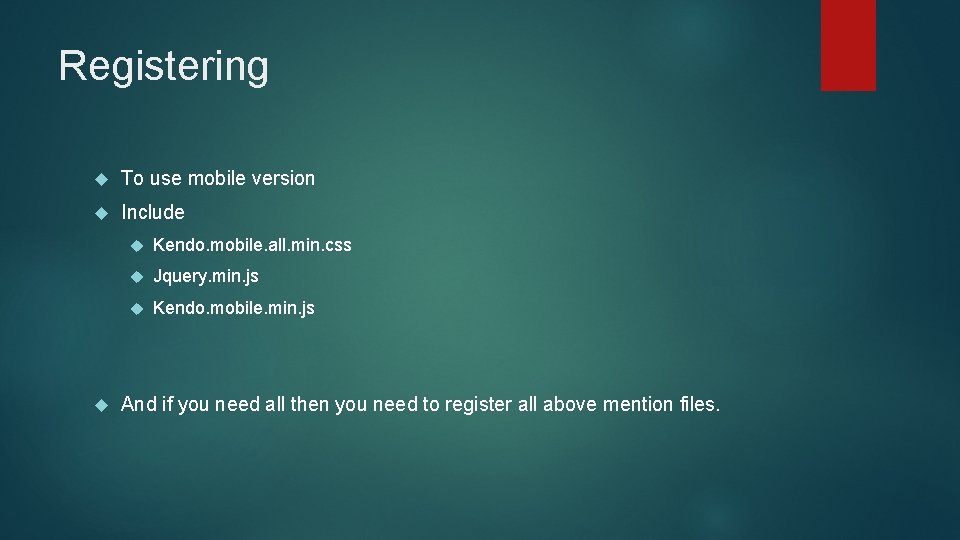
Registering To use mobile version Include Kendo. mobile. all. min. css Jquery. min. js Kendo. mobile. min. js And if you need all then you need to register all above mention files.

An example of using kendo UI /examples

Web widgets. What? Basic usage. Configuration Event Binding Styling Complex UI widget : Grid
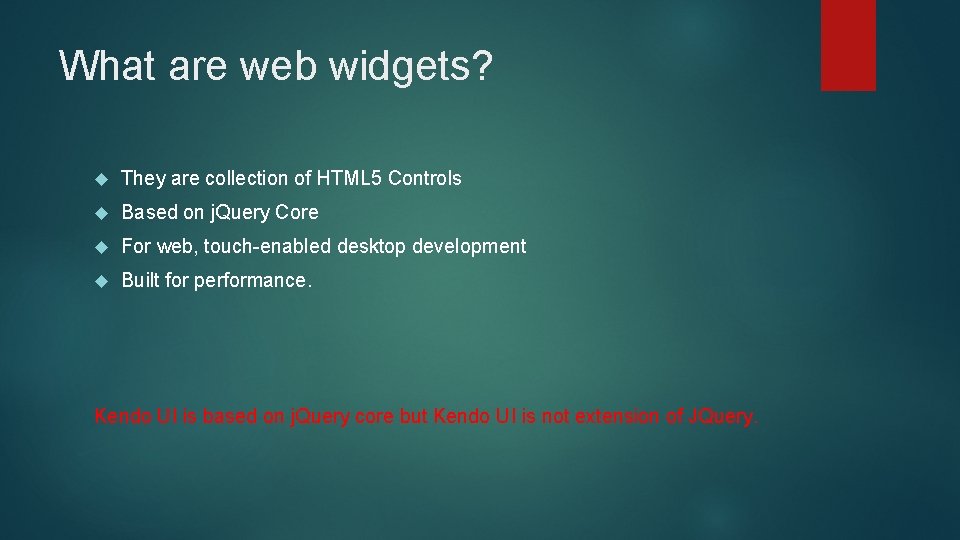
What are web widgets? They are collection of HTML 5 Controls Based on j. Query Core For web, touch-enabled desktop development Built for performance. Kendo UI is based on j. Query core but Kendo UI is not extension of JQuery.
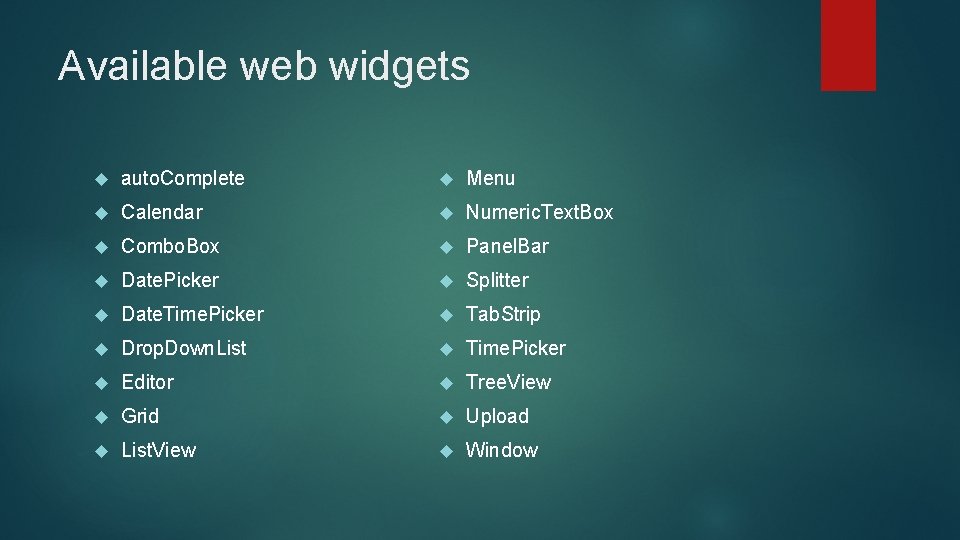
Available web widgets auto. Complete Menu Calendar Numeric. Text. Box Combo. Box Panel. Bar Date. Picker Splitter Date. Time. Picker Tab. Strip Drop. Down. List Time. Picker Editor Tree. View Grid Upload List. View Window
Examples Extensive examples http: //demos. kendoui. com/web /examples of the trail zip folder
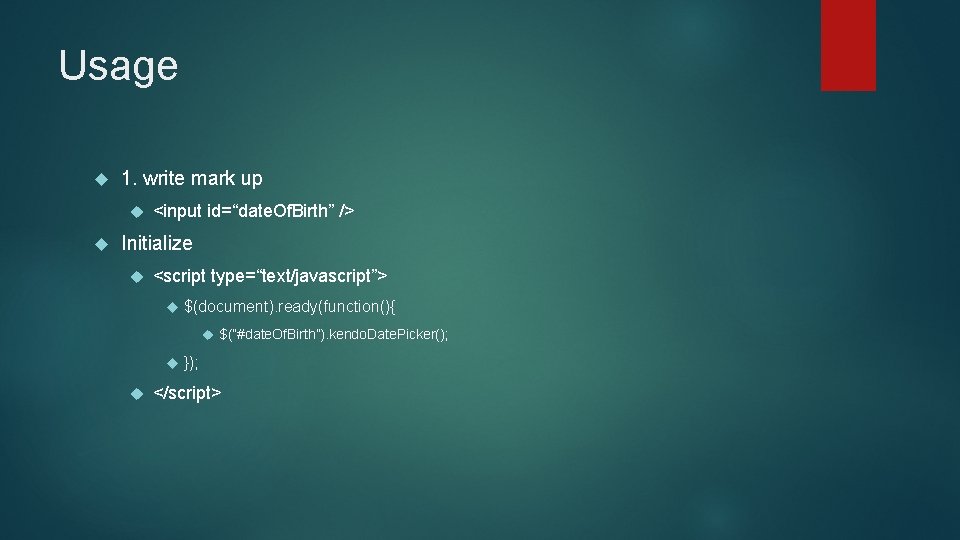
Usage 1. write mark up <input id=“date. Of. Birth” /> Initialize <script type=“text/javascript”> $(document). ready(function(){ $(“#date. Of. Birth”). kendo. Date. Picker(); }); </script>

Declarative Initialization 1. Markup <input id=“date. Of. Birth” data-role=“datepicker” /> 2. Initialize <script type=“text/javascript”> $(document). ready(function(){ Kendo. init($(“#date. Of. Birth”)); }); </script> //j. Query selector select the controller
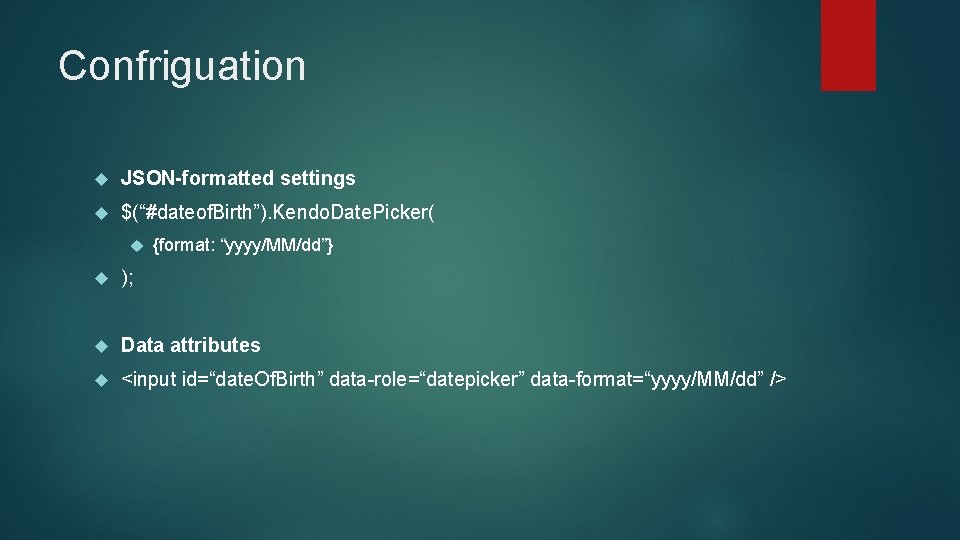
Confriguation JSON-formatted settings $(“#dateof. Birth”). Kendo. Date. Picker( {format: “yyyy/MM/dd”} ); Data attributes <input id=“date. Of. Birth” data-role=“datepicker” data-format=“yyyy/MM/dd” />
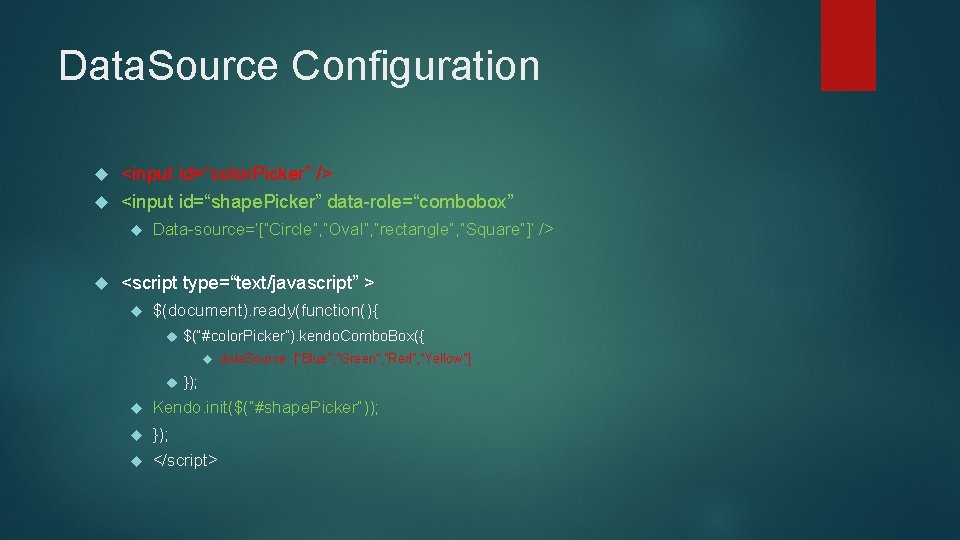
Data. Source Configuration <input id=“color. Picker” /> <input id=“shape. Picker” data-role=“combobox” Data-source=‘[“Circle”, ”Oval”, ”rectangle”, ”Square”]’ /> <script type=“text/javascript” > $(document). ready(function(){ $(“#color. Picker”). kendo. Combo. Box({ data. Source: [“Blue”, ”Green”, ”Red”, ”Yellow”] }); Kendo. init($(“#shape. Picker”)); }); </script>
![Event Binding <input id="color. Picker" /> <input id="shape. Picker" data-role="combobox" data-source='["Circle", "Rectangle"]' data-change="on. Shape.](http://slidetodoc.com/presentation_image_h2/aadf6c2a26b5306726381442fe330fa2/image-24.jpg "Event Binding <input id=\"color. Picker\" /> <input id=\"shape. Picker\" data-role=\"combobox\" data-source='[\"Circle\", \"Rectangle\"]' data-change=\"on. Shape.")
Event Binding <input id="color. Picker" /> <input id="shape. Picker" data-role="combobox" data-source='["Circle", "Rectangle"]' data-change="on. Shape. Change" /> <input id="size. Picker" data-role="combobox" data-change='["Small", "Large"]' /> <script type="text/javascript" > function on. Color. Change(e) { alert('Color Change!'); } function on. SHape. Change(e) { alert('Shape Change'); } function on. Size. Change(e) { alert('Size Change'); } $(document). ready(function (){ $("#color. Picker"). kendo. Combo. Box({ data. Source: ["Blue", "Green", "Red", "Yellow"], change: on. Color. Change }); kendo. init($("#shape. Picker")); kendo. init($("#size. Picker")); var size. Picker = $("#shape. Picker"); size. Picker. bind("change", on. Size. Change). data("kendo. Combo. Box"); }); </script>
Styling Kendo. common. css Its about positioning and sizes and require widgets to work properly. Kendo. [skin]. css Colors and backgrounds Skin specific – out of the box there are 5 skin available Note: use common. css always before skin. css
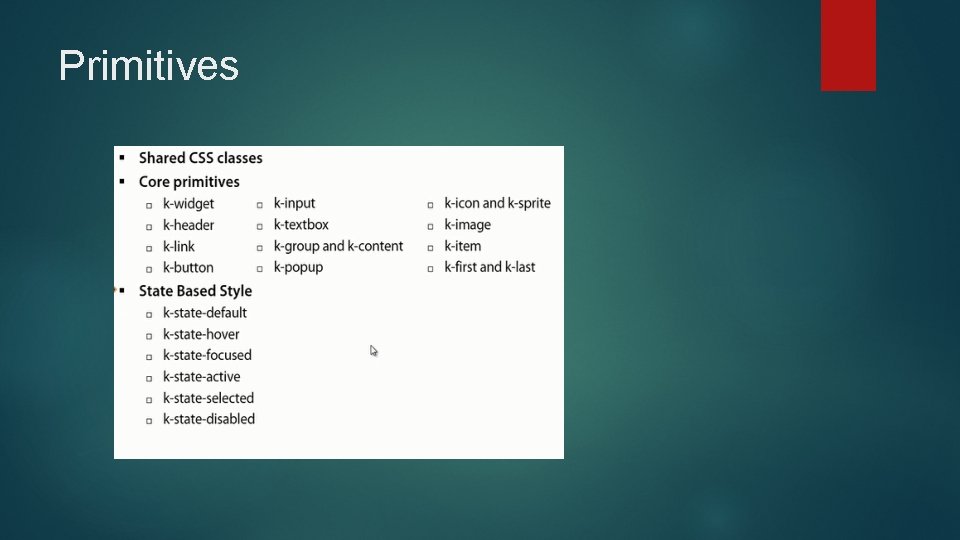
Primitives

Theme. Builder Tool for modifying kendo UI themes Just a browser booklet Real-time styling of your application To check demo http: //themebuilder. kendoui. com

Explore the documentation http: //docs. telerik. com/kendo-ui/introduction Every details are listed here.
- Slides: 28