
Keeping Up Appearances With VRML The Plan Shape


![Image Texture • Image. Texture { • exposed. Field MFString url [] • field](https://slidetodoc.com/presentation_image_h/797635d27052a455591e3349c813eba8/image-16.jpg "Image Texture • Image. Texture { • exposed. Field MFString url [] • field")
- Slides: 19
Keeping Up Appearances With VRML
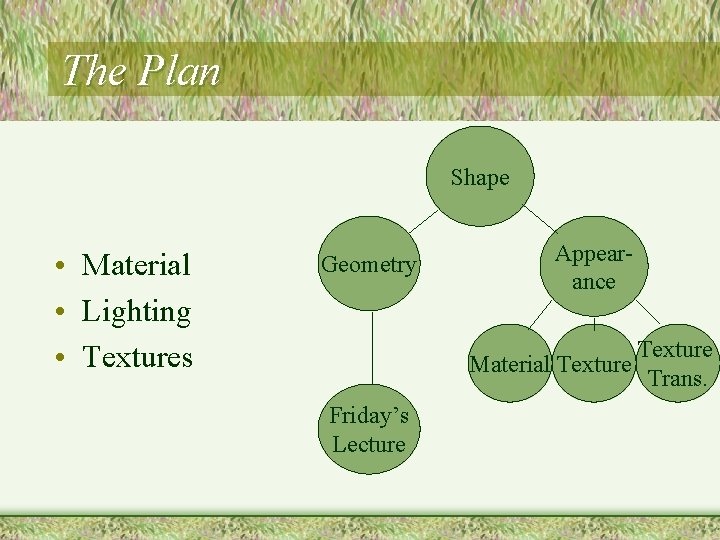
The Plan Shape • Material • Lighting • Textures Geometry Appearance Material Texture Friday’s Lecture Texture Trans.
Material • • • Ambient Intensity Diffuse color Emissive color Shininess Specular color Transparency
Ambient Intensity • The ambient. Intensity field specifies how much ambient light from light sources this surface shall reflect. Ambient light is omnidirectional and depends only on the number of light sources, not their positions with respect to the surface. Ambient colour is calculated as ambient. Intensity × diffuse. Color.
Diffuse Color • The diffuse. Color field reflects all VRML light sources depending on the angle of the surface with respect to the light source. The more directly the surfaces the light, the more diffuse light reflects.
Emissive Color • The emissive. Color field models "glowing" objects. This can be useful for displaying pre-lit models (where the light energy of the room is computed explicitly), or for displaying scientific data.
Specular color and shininess • The specular. Color and shininess fields determine the specular highlights (e. g. , the shiny spots on an apple). When the angle from the light to the surface is close to the angle from the surface to the viewer, the specular. Color is added to the diffuse and ambient colour calculations. Lower shininess values produce soft glows, while higher values result in sharper, smaller highlights.
Transparency • The transparency field specifies how "clear" an object is, with 1. 0 being completely transparent, and 0. 0 completely opaque.
Lights • Properties – Intensity: brightness of the direct emission – Color – Ambient Intensity: intensity of the ambient emission • Types – Directional Light – Point Light – Spot Light
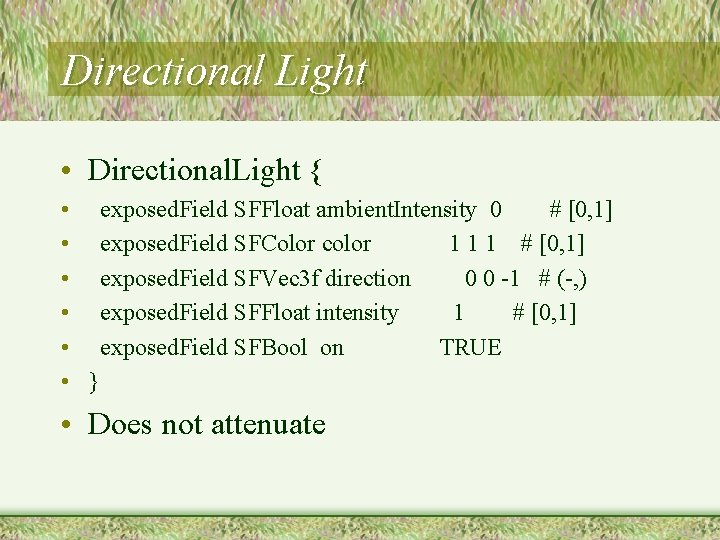
Directional Light • Directional. Light { • exposed. Field SFFloat ambient. Intensity 0 # [0, 1] • exposed. Field SFColor color 1 1 1 # [0, 1] • exposed. Field SFVec 3 f direction 0 0 -1 # (-, ) • exposed. Field SFFloat intensity 1 # [0, 1] • exposed. Field SFBool on TRUE • } • Does not attenuate
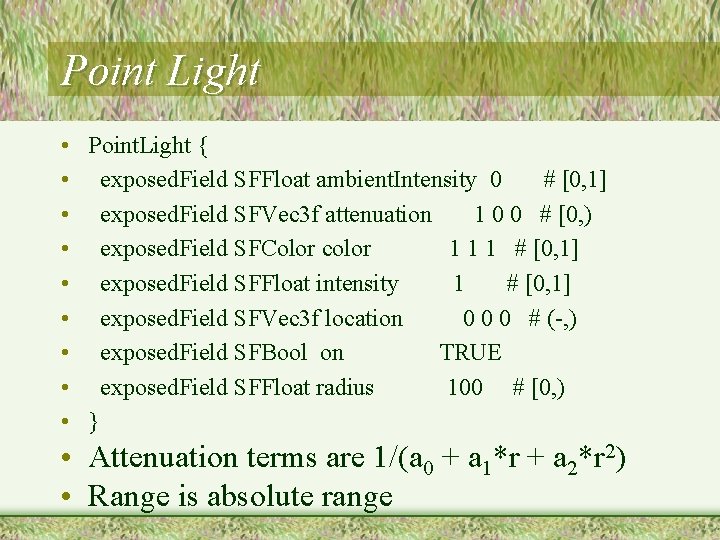
Point Light • Point. Light { • exposed. Field SFFloat ambient. Intensity 0 # [0, 1] • exposed. Field SFVec 3 f attenuation 1 0 0 # [0, ) • exposed. Field SFColor color 1 1 1 # [0, 1] • exposed. Field SFFloat intensity 1 # [0, 1] • exposed. Field SFVec 3 f location 0 0 0 # (-, ) • exposed. Field SFBool on TRUE • exposed. Field SFFloat radius 100 # [0, ) • } • Attenuation terms are 1/(a 0 + a 1*r + a 2*r 2) • Range is absolute range
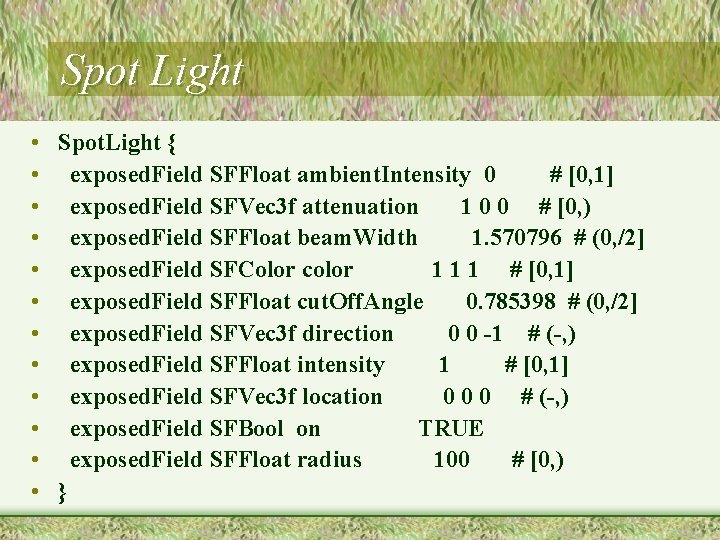
Spot Light • Spot. Light { • exposed. Field SFFloat ambient. Intensity 0 # [0, 1] • exposed. Field SFVec 3 f attenuation 1 0 0 # [0, ) • exposed. Field SFFloat beam. Width 1. 570796 # (0, /2] • exposed. Field SFColor color 1 1 1 # [0, 1] • exposed. Field SFFloat cut. Off. Angle 0. 785398 # (0, /2] • exposed. Field SFVec 3 f direction 0 0 -1 # (-, ) • exposed. Field SFFloat intensity 1 # [0, 1] • exposed. Field SFVec 3 f location 0 0 0 # (-, ) • exposed. Field SFBool on TRUE • exposed. Field SFFloat radius 100 # [0, ) • }
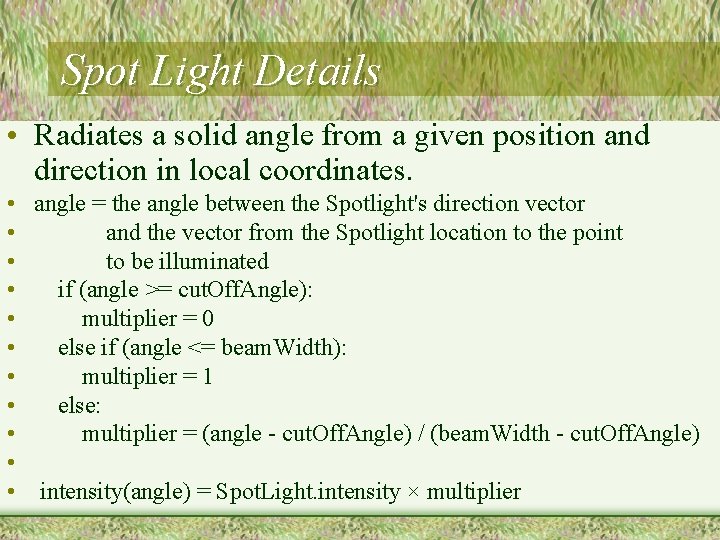
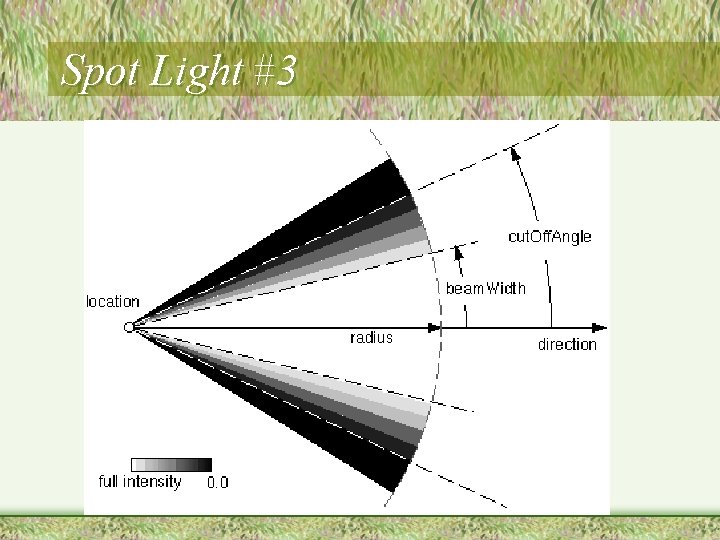
Spot Light Details • Radiates a solid angle from a given position and direction in local coordinates. • angle = the angle between the Spotlight's direction vector • and the vector from the Spotlight location to the point • to be illuminated • if (angle >= cut. Off. Angle): • multiplier = 0 • else if (angle <= beam. Width): • multiplier = 1 • else: • multiplier = (angle - cut. Off. Angle) / (beam. Width - cut. Off. Angle) • • intensity(angle) = Spot. Light. intensity × multiplier
Spot Light #3
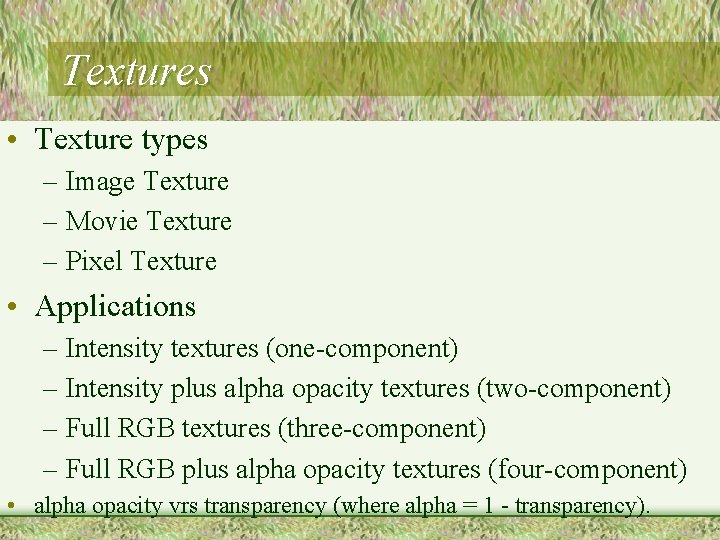
Textures • Texture types – Image Texture – Movie Texture – Pixel Texture • Applications – Intensity textures (one-component) – Intensity plus alpha opacity textures (two-component) – Full RGB textures (three-component) – Full RGB plus alpha opacity textures (four-component) • alpha opacity vrs transparency (where alpha = 1 - transparency).
Image Texture • Image. Texture { • exposed. Field MFString url [] • field SFBool repeat. S TRUE • field SFBool repeat. T TRUE • } • 2 D coordinate system (s, t) that ranges from [0. 0, 1. 0] in both directions • . PNG, . JPEG, (gif)
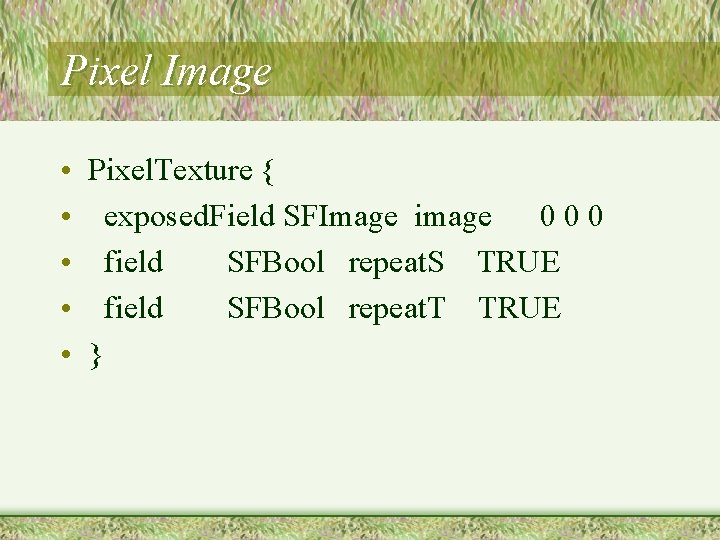
Pixel Image • • • Pixel. Texture { exposed. Field SFImage image 0 0 0 field SFBool repeat. S TRUE field SFBool repeat. T TRUE }
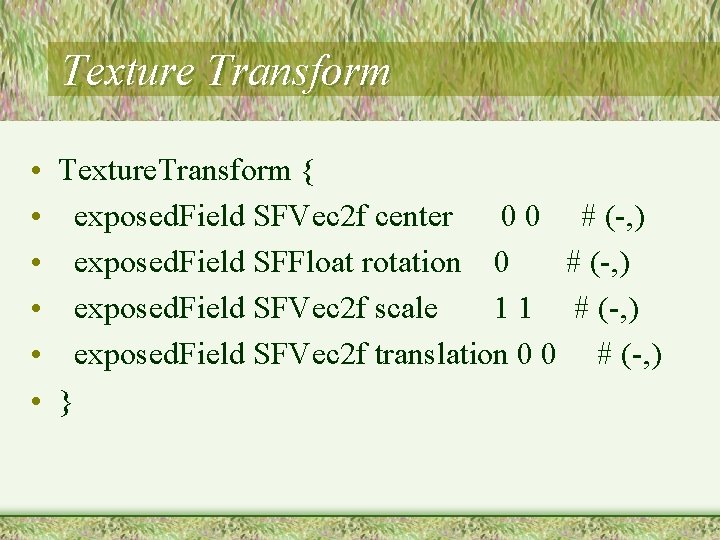
Texture Transform • • • Texture. Transform { exposed. Field SFVec 2 f center 0 0 # (-, ) exposed. Field SFFloat rotation 0 # (-, ) exposed. Field SFVec 2 f scale 1 1 # (-, ) exposed. Field SFVec 2 f translation 0 0 # (-, ) }
Mathematics of Light • http: //www. web 3 d. org/x 3 d/specifications/vr ml/ISO_IEC_14772 All/part 1/concepts. html#4. 14