
Keeping safe on the internet A Guide for
- Slides: 16
Keeping safe on the internet A Guide for Parents and Carers
You are first-generation internet parents Our children are the first generation to be born and raised with the Internet as part of their everyday lives. Our children know more about the Internet than we do!
Main Goals • To understand what our children are doing online • To keep our children safe when they’re online • To teach our children to make smart choices when they’re online • To start a discussion about Internet safety that we continue with our families and others beyond tonight
How do your children use the internet? • • • Research/Homework Social media Text messages or emails Post and view videos Download music, apps and games Play online – PC, Play. Station, Xbox etc.
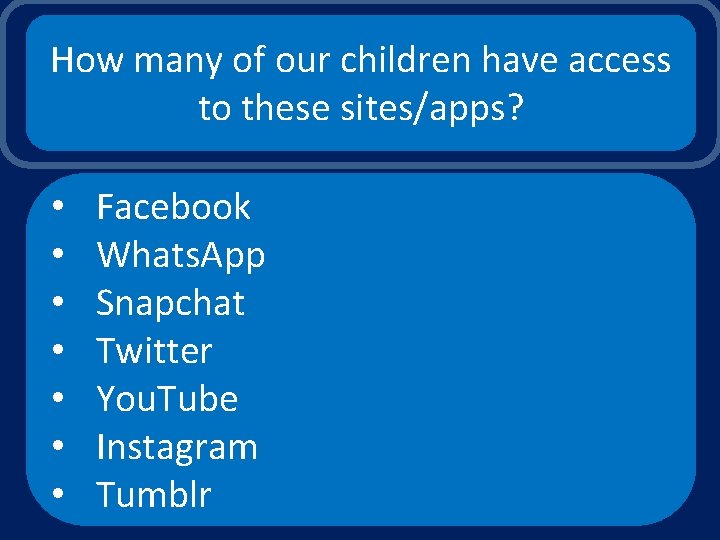
How many of our children have access to these sites/apps? • • Facebook Whats. App Snapchat Twitter You. Tube Instagram Tumblr
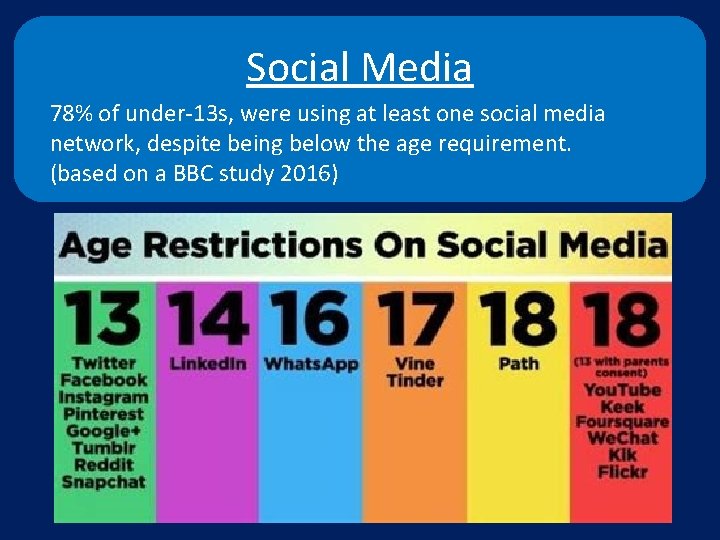
Social Media 78% of under-13 s, were using at least one social media network, despite being below the age requirement. (based on a BBC study 2016)
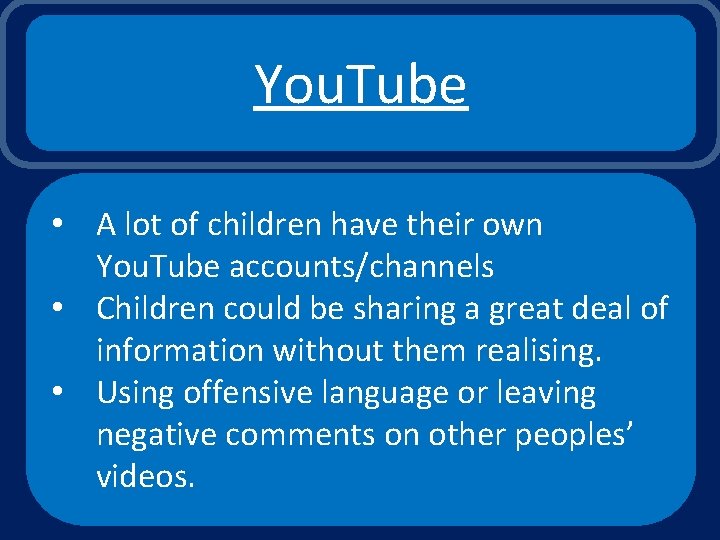
You. Tube • A lot of children have their own You. Tube accounts/channels • Children could be sharing a great deal of information without them realising. • Using offensive language or leaving negative comments on other peoples’ videos.
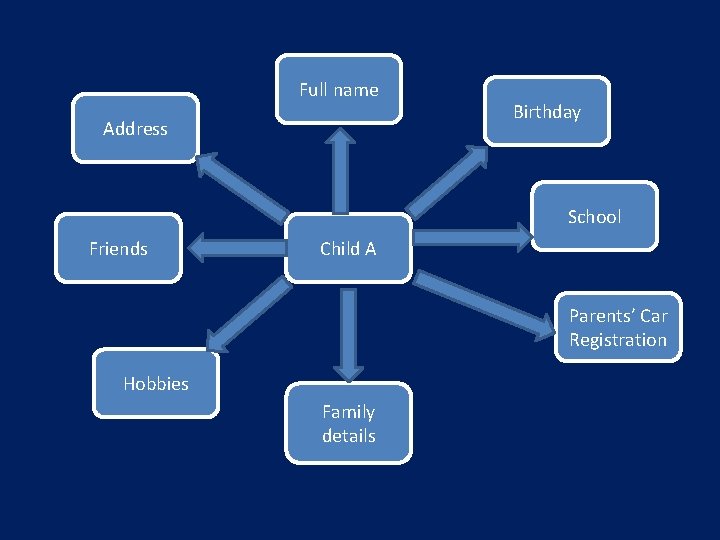
Full name Address Birthday School Friends Child A Parents’ Car Registration Hobbies Family details
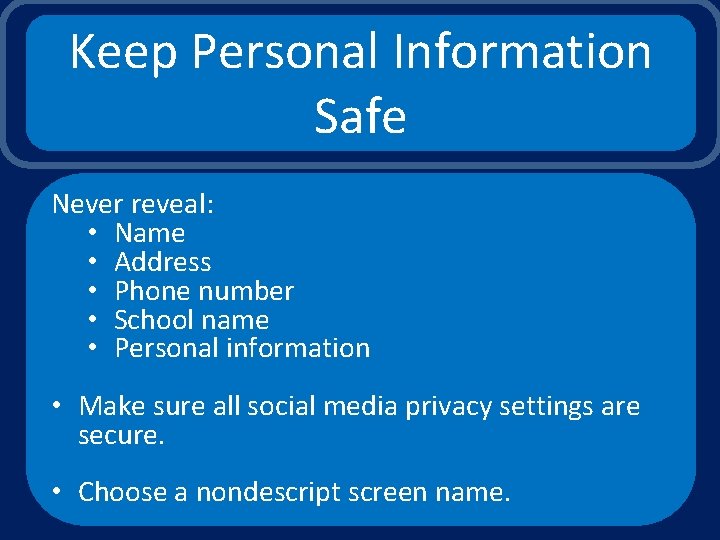
Keep Personal Information Safe Never reveal: • Name • Address • Phone number • School name • Personal information • Make sure all social media privacy settings are secure. • Choose a nondescript screen name.
What is Cyberbullying? “The use of electronic communication to bully a person, typically by sending messages of an intimidating or threatening nature”
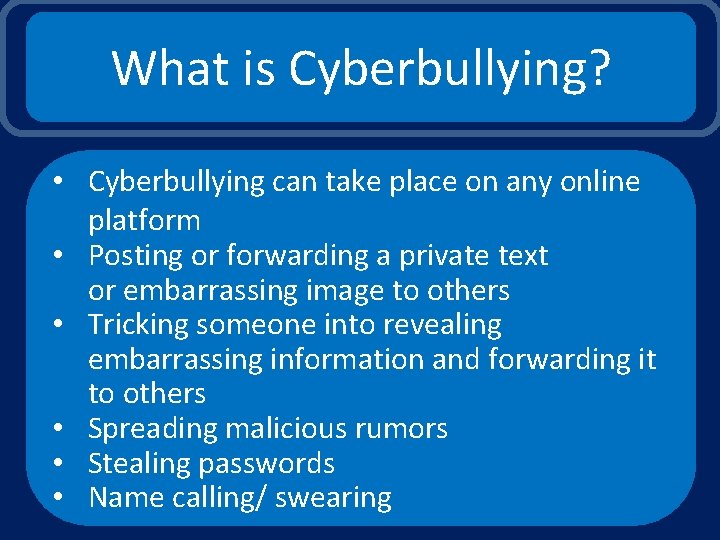
What is Cyberbullying? • Cyberbullying can take place on any online platform • Posting or forwarding a private text or embarrassing image to others • Tricking someone into revealing embarrassing information and forwarding it to others • Spreading malicious rumors • Stealing passwords • Name calling/ swearing
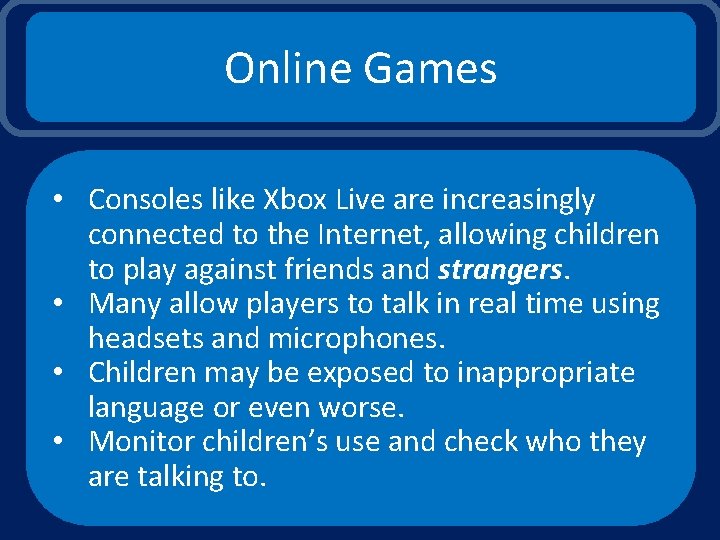
Online Games • Consoles like Xbox Live are increasingly connected to the Internet, allowing children to play against friends and strangers. • Many allow players to talk in real time using headsets and microphones. • Children may be exposed to inappropriate language or even worse. • Monitor children’s use and check who they are talking to.
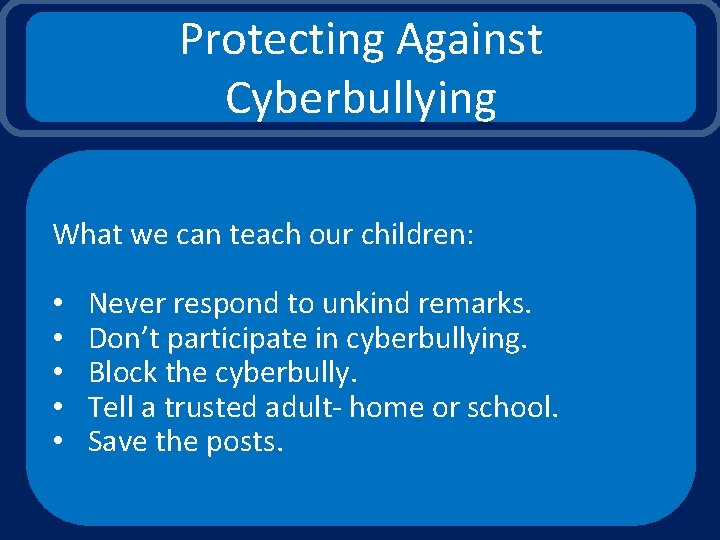
Protecting Against Cyberbullying What we can teach our children: • • • Never respond to unkind remarks. Don’t participate in cyberbullying. Block the cyberbully. Tell a trusted adult- home or school. Save the posts.
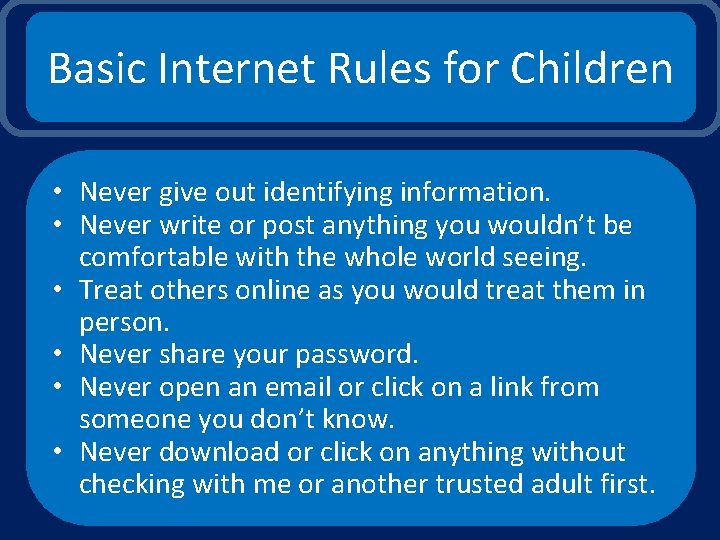
Basic Internet Rules for Children • Never give out identifying information. • Never write or post anything you wouldn’t be comfortable with the whole world seeing. • Treat others online as you would treat them in person. • Never share your password. • Never open an email or click on a link from someone you don’t know. • Never download or click on anything without checking with me or another trusted adult first.
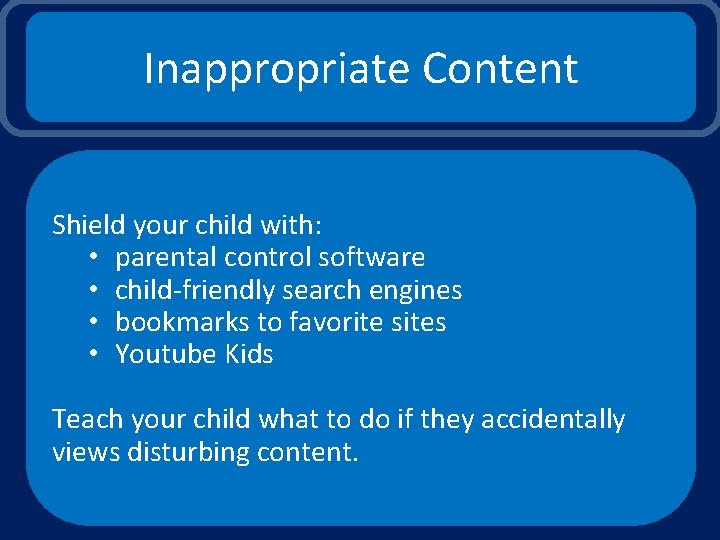
Inappropriate Content Shield your child with: • parental control software • child-friendly search engines • bookmarks to favorite sites • Youtube Kids Teach your child what to do if they accidentally views disturbing content.