
Keeping Connecting Colorado Safe Training for Business Services

Keeping Connecting Colorado Safe Training for Business Services Teams
ARE THEY REALLY WHO THEY SAY THEY ARE? • Let’s go Phishing - scammers are everywhere: § The Secret Service advises that a phishing scam hits every 30 seconds • There is virtually no prosecutorial recourse https: //www. deteque. com/live-threat-map/ What is a Botnet? - a network of private computers infected with malicious software and controlled as a group without the owners' knowledge, e. g. , to send spam messages.
A Comprehensive Approach to Business Services Colorado Policy Guidance Letter#: WP-2016 -04 • PGL o Structure of the Business Services Team o Describes Core Business Services o Establishes Approval of Employers o Establishes Approval of Job Orders o Addresses Partner Responsibilities o Describes Business Services under WIOA o Addresses Local Policy Requirements • + 5 detailed attachments
A Comprehensive Approach to Business Services Colorado Policy Guidance Letter#: WP-2016 -04 Approval of Employers in Connecting Colorado 1. Definitions US Jobs Employers: Employers that enter Connecting Colorado through third-party sources such as National Labor Exchange (NLX) or Direct Employers. Also referred to as Job Central employers. Web-Entered Employers: Employers that enter Connecting Colorado through independent selfregistration on Connecting Colorado. Staff-Entered Employers: Employers that enter Connecting Colorado through workforce center staff data entry. 2. As of February 1, 2017, new web-entered and staff-entered employer accounts must contain a Federal Employer Identification Number (FEIN), or a Social Security Number (SSN) for employers that do not have a FEIN. 3. All pending web-entered employers must be verified prior to activation and approved or refused following the process in Attachment 2, Employer Verification in Connecting Colorado Guide.
A Comprehensive Approach to Business Services Colorado Policy Guidance Letter#: WP-2016 -04 4. Employers are required to state if they pay into Workers Compensation and Unemployment Insurance Payment into Workers Compensation and Unemployment Insurance is required to help validate the legitimacy of an employer or job posting. Employers who do not pay W/C and U/I cannot post unsubsidized jobs in Connecting Colorado. 5. Provisional Employer Accounts (Inactive): For employers who do not currently have job orders that can be posted in Connecting Colorado, but are currently receiving services from the Workforce System, staff will create an inactive employer account for the business. This account will not allow the employer to search for candidates without having their account verified and job/s posted. The provisional account will allow storing of services. Staff may decide to activate the provisional account for job postings in the future. Services provided to an employer without a FEIN in the account will not count in federal performance reporting.
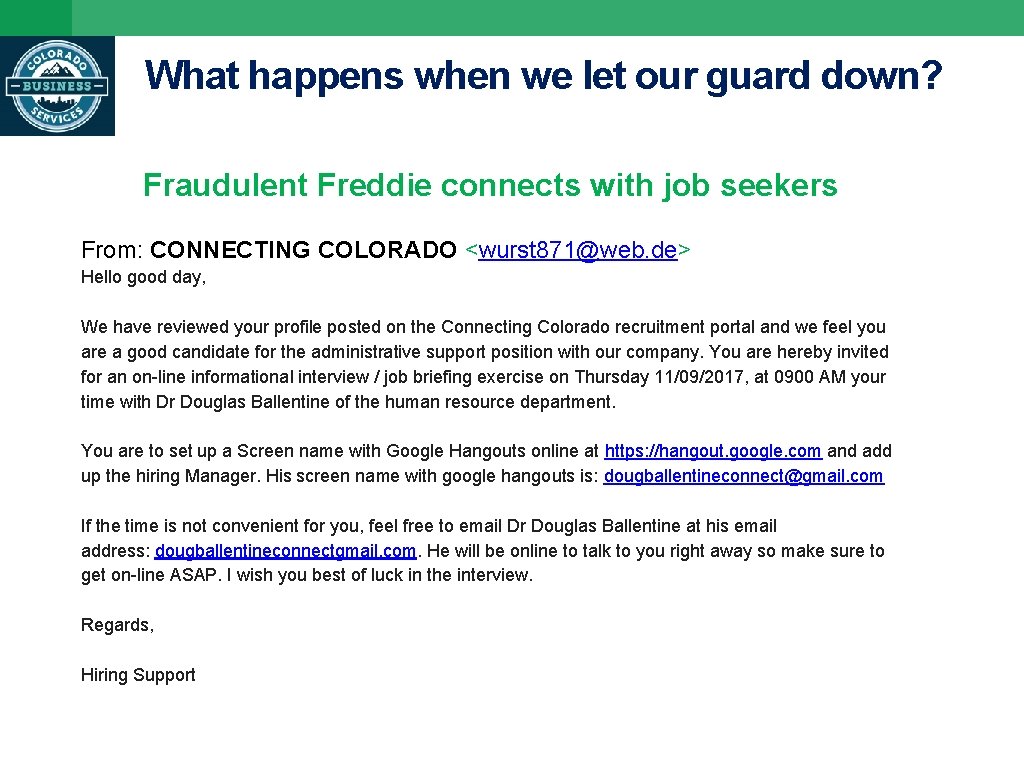
What happens when we let our guard down? Fraudulent Freddie connects with job seekers From: CONNECTING COLORADO <wurst 871@web. de> Hello good day, We have reviewed your profile posted on the Connecting Colorado recruitment portal and we feel you are a good candidate for the administrative support position with our company. You are hereby invited for an on-line informational interview / job briefing exercise on Thursday 11/09/2017, at 0900 AM your time with Dr Douglas Ballentine of the human resource department. You are to set up a Screen name with Google Hangouts online at https: //hangout. google. com and add up the hiring Manager. His screen name with google hangouts is: dougballentineconnect@gmail. com If the time is not convenient for you, feel free to email Dr Douglas Ballentine at his email address: dougballentineconnectgmail. com. He will be online to talk to you right away so make sure to get on-line ASAP. I wish you best of luck in the interview. Regards, Hiring Support

PGL WP-2016 -04 Attachment 2 • Employer Verification in Connecting Colorado Guide 1. Data Verification of Information in Employer Account/Job Order 2. Required Service Code Entry for Approval/Refusal of Employer Accounts 3. Workforce Participant Reported Fraud Attachment 5, Fraudulent Employer Intrusion in Connecting Colorado Procedure
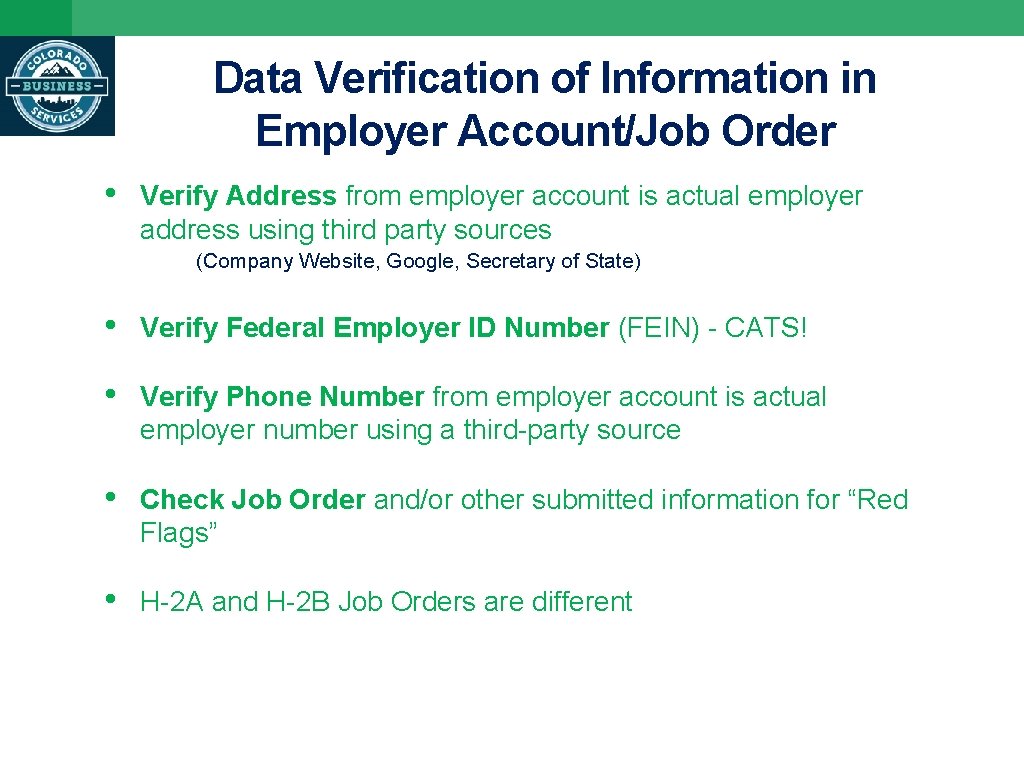
Data Verification of Information in Employer Account/Job Order • Verify Address from employer account is actual employer address using third party sources (Company Website, Google, Secretary of State) • Verify Federal Employer ID Number (FEIN) - CATS! • Verify Phone Number from employer account is actual employer number using a third-party source • Check Job Order and/or other submitted information for “Red Flags” • H-2 A and H-2 B Job Orders are different
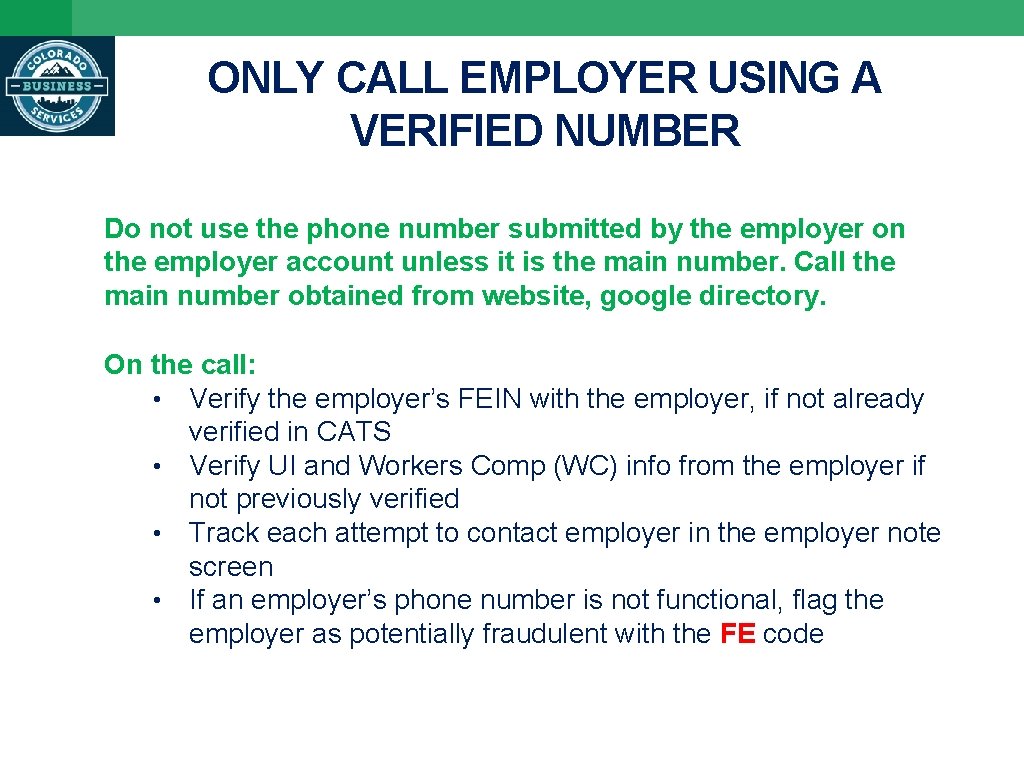
ONLY CALL EMPLOYER USING A VERIFIED NUMBER Do not use the phone number submitted by the employer on the employer account unless it is the main number. Call the main number obtained from website, google directory. On the call: • Verify the employer’s FEIN with the employer, if not already verified in CATS • Verify UI and Workers Comp (WC) info from the employer if not previously verified • Track each attempt to contact employer in the employer note screen • If an employer’s phone number is not functional, flag the employer as potentially fraudulent with the FE code
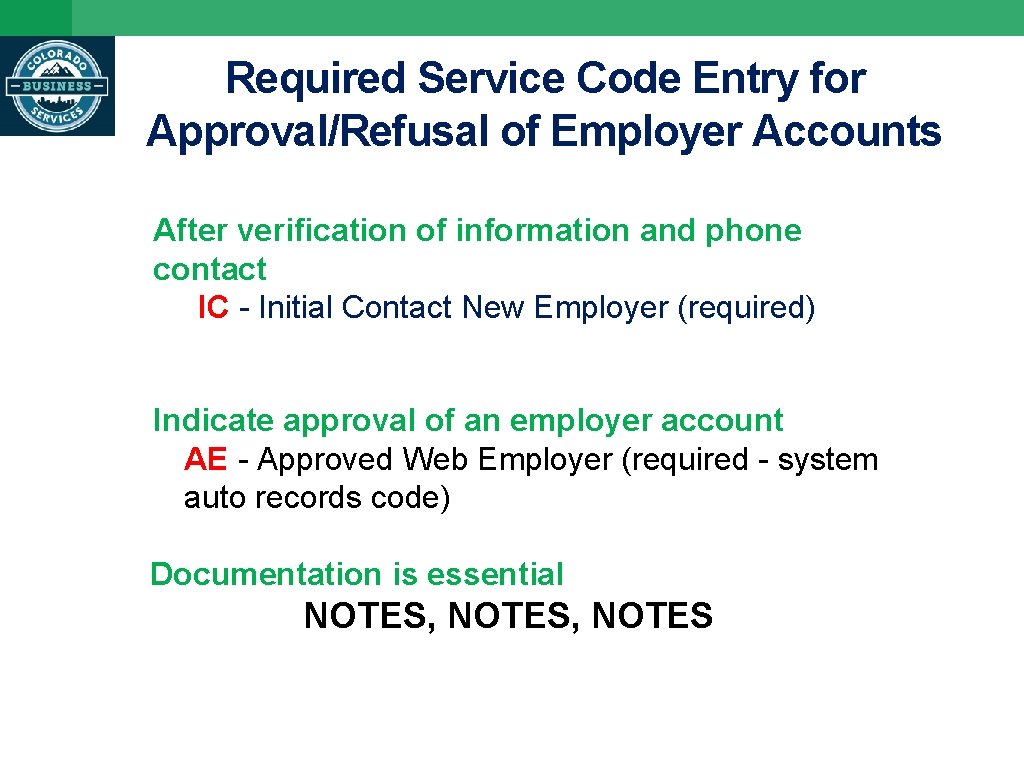
Required Service Code Entry for Approval/Refusal of Employer Accounts After verification of information and phone contact IC - Initial Contact New Employer (required) Indicate approval of an employer account AE - Approved Web Employer (required - system auto records code) Documentation is essential NOTES, NOTES
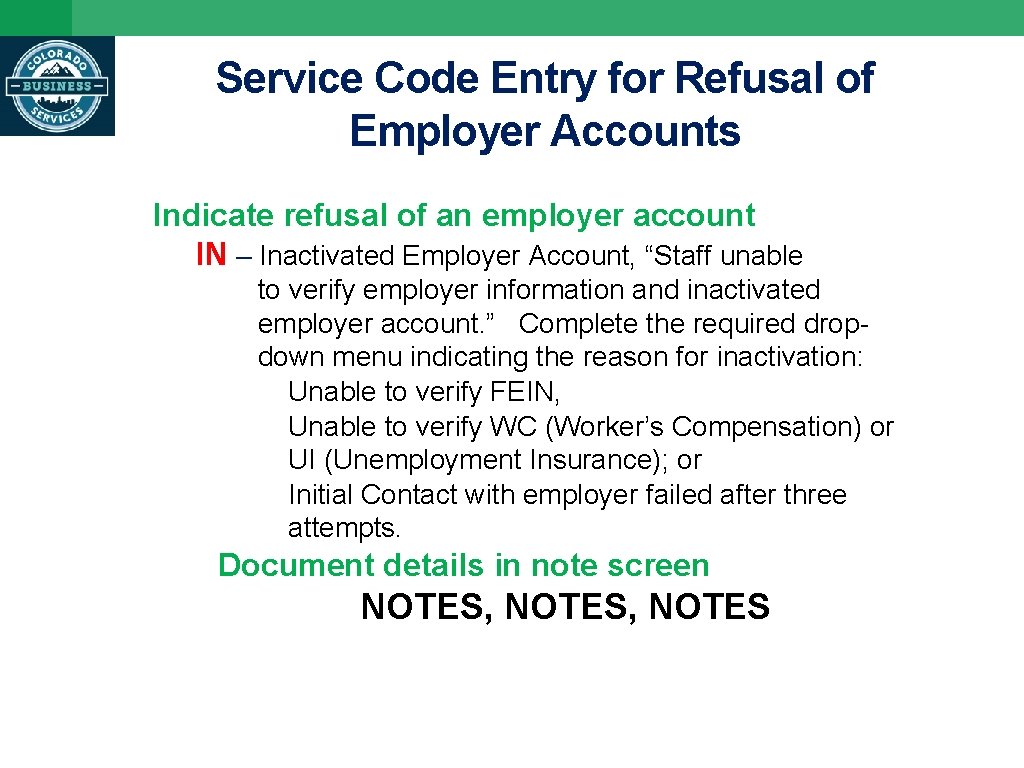
Service Code Entry for Refusal of Employer Accounts Indicate refusal of an employer account IN – Inactivated Employer Account, “Staff unable to verify employer information and inactivated employer account. ” Complete the required dropdown menu indicating the reason for inactivation: Unable to verify FEIN, Unable to verify WC (Worker’s Compensation) or UI (Unemployment Insurance); or Initial Contact with employer failed after three attempts. Document details in note screen NOTES, NOTES
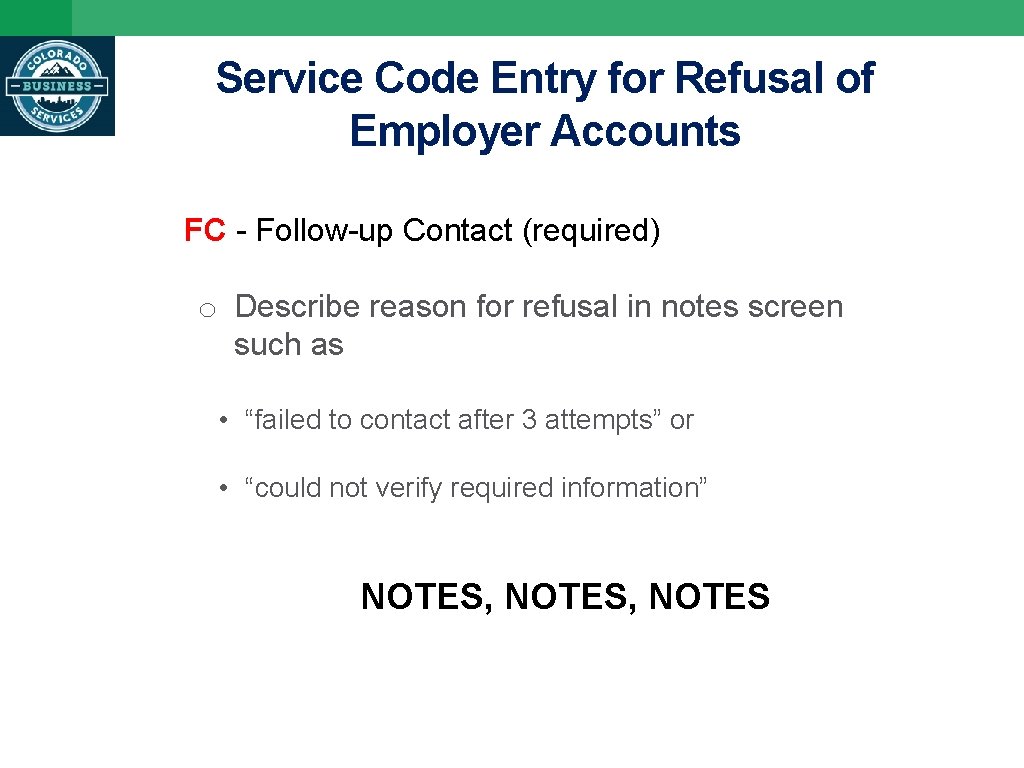
Service Code Entry for Refusal of Employer Accounts FC - Follow-up Contact (required) o Describe reason for refusal in notes screen such as • “failed to contact after 3 attempts” or • “could not verify required information” NOTES, NOTES
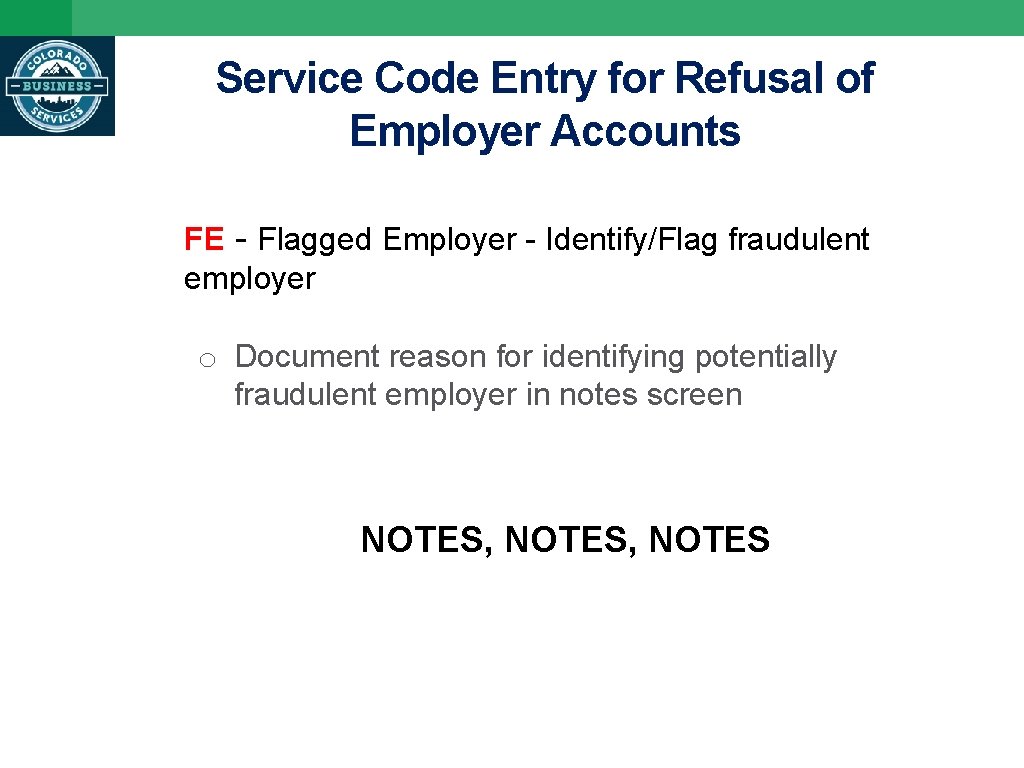
Service Code Entry for Refusal of Employer Accounts FE - Flagged Employer - Identify/Flag fraudulent employer o Document reason for identifying potentially fraudulent employer in notes screen NOTES, NOTES
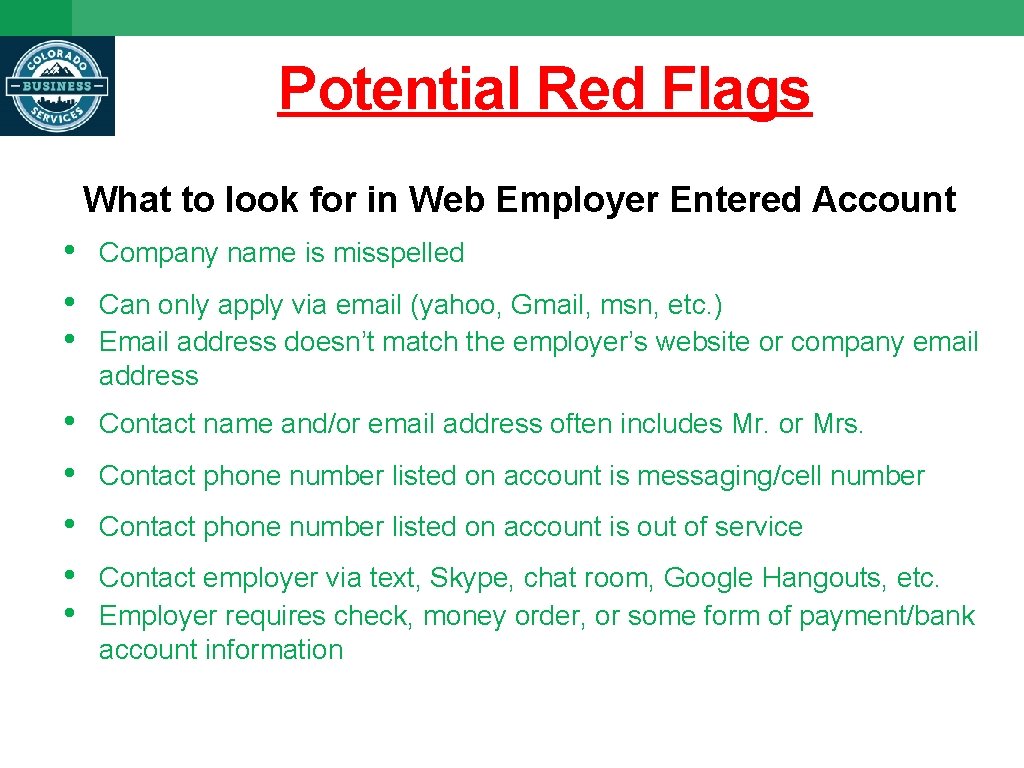
Potential Red Flags What to look for in Web Employer Entered Account • • • Company name is misspelled • • • Contact name and/or email address often includes Mr. or Mrs. Can only apply via email (yahoo, Gmail, msn, etc. ) Email address doesn’t match the employer’s website or company email address Contact phone number listed on account is messaging/cell number Contact phone number listed on account is out of service Contact employer via text, Skype, chat room, Google Hangouts, etc. Employer requires check, money order, or some form of payment/bank account information
Potential Red Flags • • • Job description or title contains bad grammar Holiday and vacation hours are exceptionally high High wages, e. g. basic entry level job paying $35 per hour Wage/hours do not comply with legal requirements Too many job openings for a specific job Many of the same job title postings entered all over the state Someone answers phone with “Hello” - not a business greeting Voicemail is not a company voicemail, but a personal voicemail Phone just goes dead after ringing several times - there is no voicemail system
Good News! • From January 1, 2019 to today there have been 20 fraud attempts stopped in their tracks by all our due diligence • So far this year there has only been 1 intrusion
Recent Attempts *Job Seeker reported being contacted by scammer. Job Seekers services record showed 2 detected attempts from months earlier. Latest attempt not necessarily from Connecting Colorado. Point – the information that has been stolen in the past can be reused or sold to another entity. *Phisher highjacked almost all the employer’s information. The information that was false was the email and phone number. *There have been aggressive phone calls from fraudulent employers. Now to go one step further, a confrontational employer came into a WFC and demanded her account to be activated. She did not have a viable company (no UI/WC, etc. ).
Report Every Fraudulent Employer Reporting form is in Connecting Colorado Staff Information Business Services Fraudulent Employer Form & Phisher Intrusion Report
Reporting Fraudulent Employers and Intrusions into Connecting Colorado (New Attachment 5 to the PGL) When a customer reports contact from a Phisher: • • • Open and read the Intrusion to Connecting Colorado Procedure Gather information about the phisher Use the information to identify the source Employer Account of the intrusion in Connecting Colorado Investigate the employer account to determine if it is a fraudulent employer. If the employer is determined to be fraudulent, first close all job orders, then inactivate the fraudulent employer account and store an FE “Fraudulent Employer” service code Document reasons/actions taken
Reporting Fraudulent Employers and Intrusions into Connecting Colorado (New Attachment 5 to the PGL) • Use the link to the “Fraudulent Employer and Phisher Intrusion Report” form on the Connecting Colorado “Staff Information” page. o Name and Connecting Colorado MSK for the reporting job o o o seeker How contact was made When contact was made Actions requested by the phisher Actions taken by the job seeker (did that person provide any personal information such as credit card numbers, bank information and social security number) Copies of text messages, email and voice messages, and documents exchanged contracts, job application, bank information, checks, etc. )
Reporting Fraudulent Employers and Intrusions into Connecting Colorado (New Attachment 5 to the PGL) • Seek job orders where the job seeker’s name, who reported the phishing, appeared. o From the job seekers’ services screen, look for WEB_EMPL referrals on or near the date of contact from the fraudulent employer. Investigate job orders that show a referral for that time period. o Use the Job Referrals CSV Report to generate a list of people who are on the referral list for a fraudulent account / job order. • Advise your local manager and Director about the intrusion. o Use the list of referred job seekers to prepare an email list. Forward email list to your Director for notification of phishing scam to affected customers.
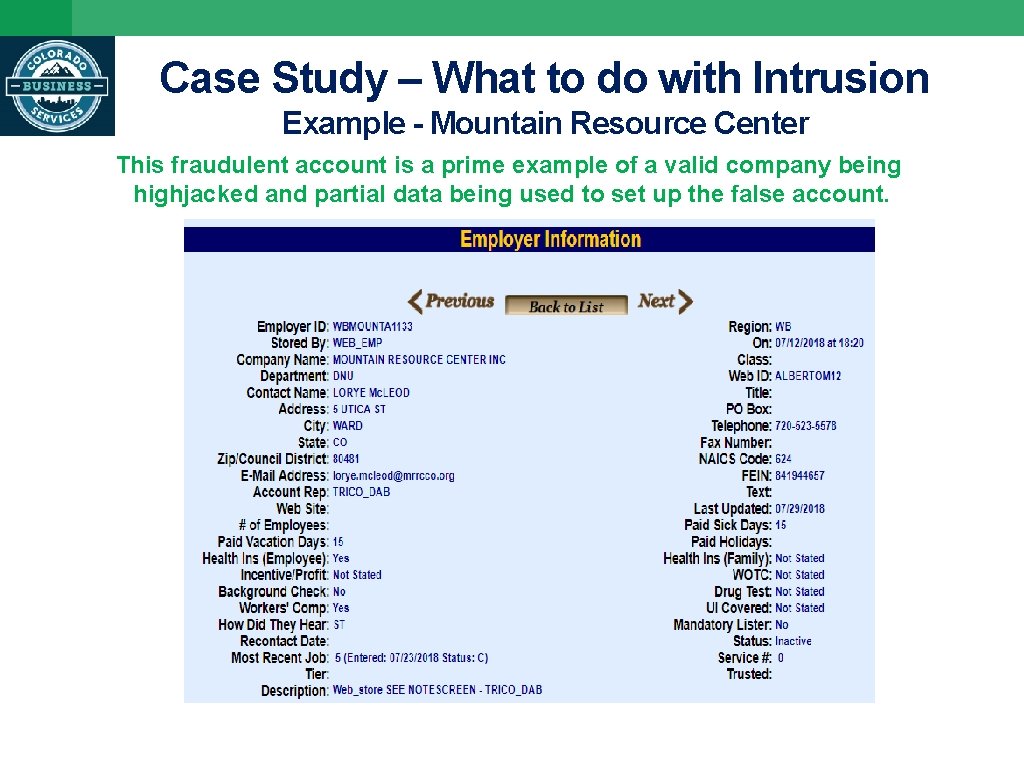
Case Study – What to do with Intrusion Example - Mountain Resource Center This fraudulent account is a prime example of a valid company being highjacked and partial data being used to set up the false account.
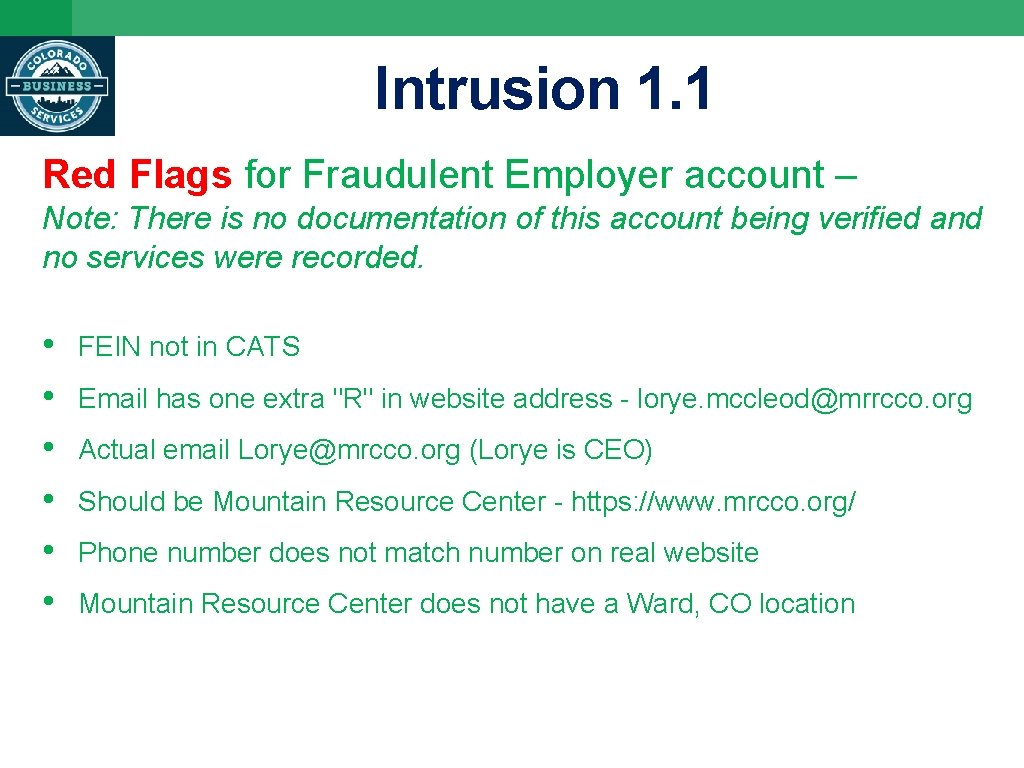
Intrusion 1. 1 Red Flags for Fraudulent Employer account – Note: There is no documentation of this account being verified and no services were recorded. • • • FEIN not in CATS Email has one extra "R" in website address - lorye. mccleod@mrrcco. org Actual email Lorye@mrcco. org (Lorye is CEO) Should be Mountain Resource Center - https: //www. mrcco. org/ Phone number does not match number on real website Mountain Resource Center does not have a Ward, CO location
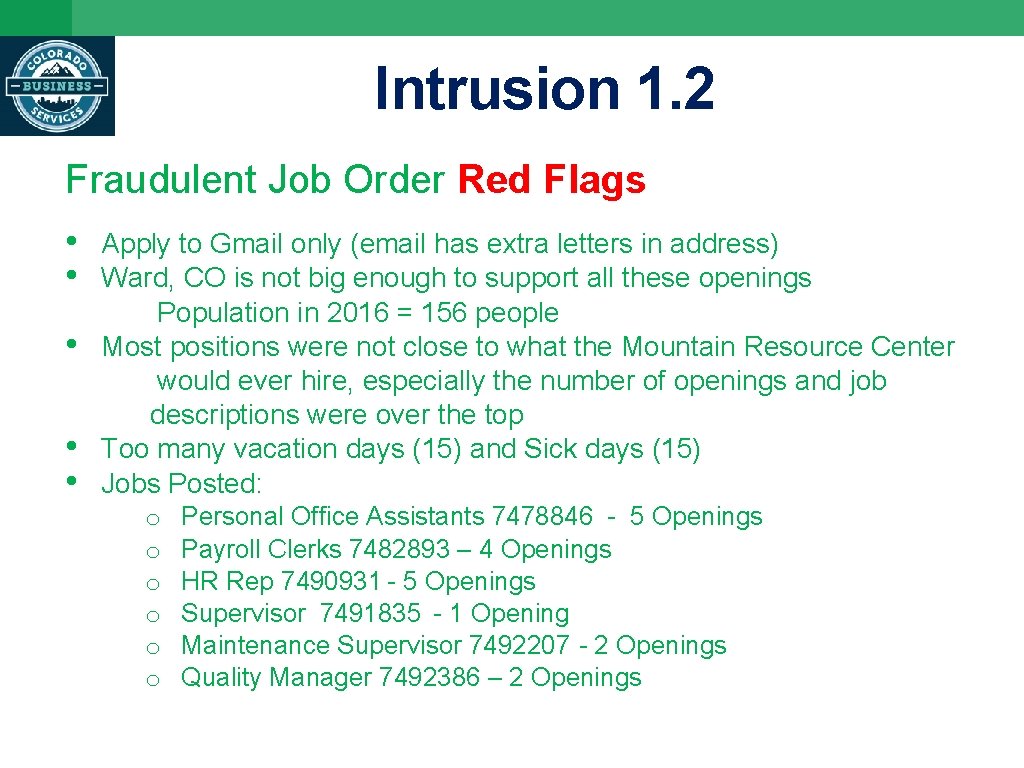
Intrusion 1. 2 Fraudulent Job Order Red Flags • • • Apply to Gmail only (email has extra letters in address) Ward, CO is not big enough to support all these openings Population in 2016 = 156 people Most positions were not close to what the Mountain Resource Center would ever hire, especially the number of openings and job descriptions were over the top Too many vacation days (15) and Sick days (15) Jobs Posted: o o o Personal Office Assistants 7478846 - 5 Openings Payroll Clerks 7482893 – 4 Openings HR Rep 7490931 - 5 Openings Supervisor 7491835 - 1 Opening Maintenance Supervisor 7492207 - 2 Openings Quality Manager 7492386 – 2 Openings
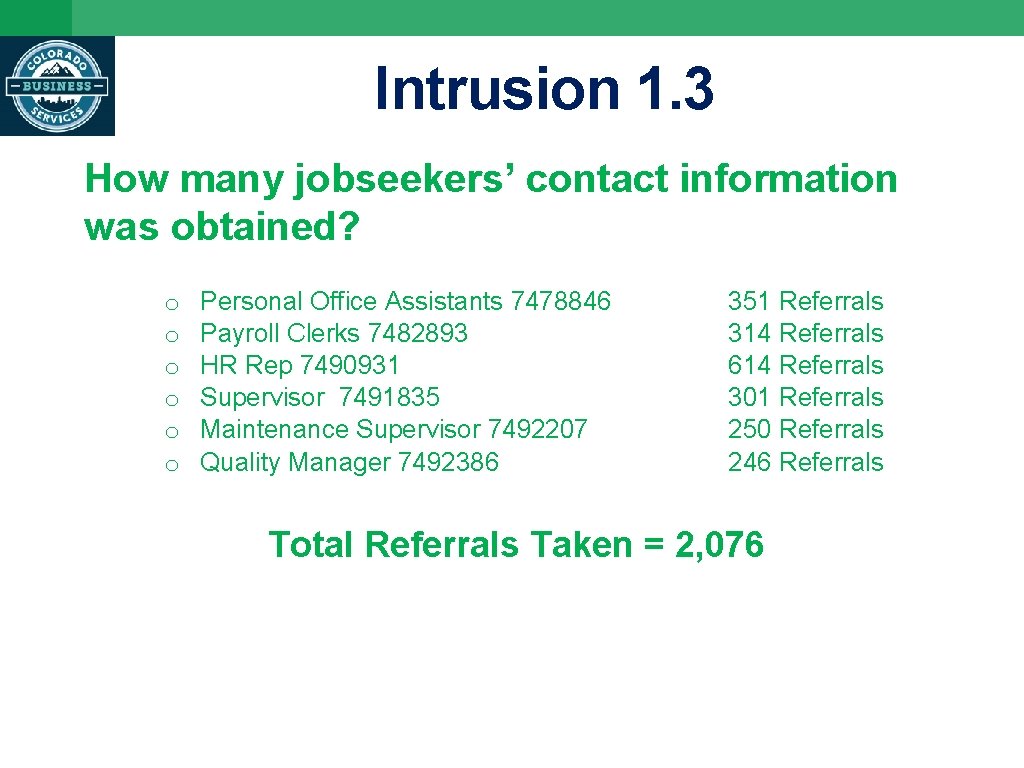
Intrusion 1. 3 How many jobseekers’ contact information was obtained? o o o Personal Office Assistants 7478846 Payroll Clerks 7482893 HR Rep 7490931 Supervisor 7491835 Maintenance Supervisor 7492207 Quality Manager 7492386 351 Referrals 314 Referrals 614 Referrals 301 Referrals 250 Referrals 246 Referrals Total Referrals Taken = 2, 076

Questions?

Questions - please contact Debbie Beckley, Quality Assurance Jefferson County Business & Workforce Center dbeckley@Jeffco. us 303 -271 -4718
- Slides: 27