
Karel J Robot A Gentle Introduction to the
Karel J. Robot A Gentle Introduction to the Art of Object-Oriented Programming in Java http: //csis. pace. edu/~bergin/Karel. Java 2 ed/Karel++Java. Edition. html Copyright, Joseph Bergin
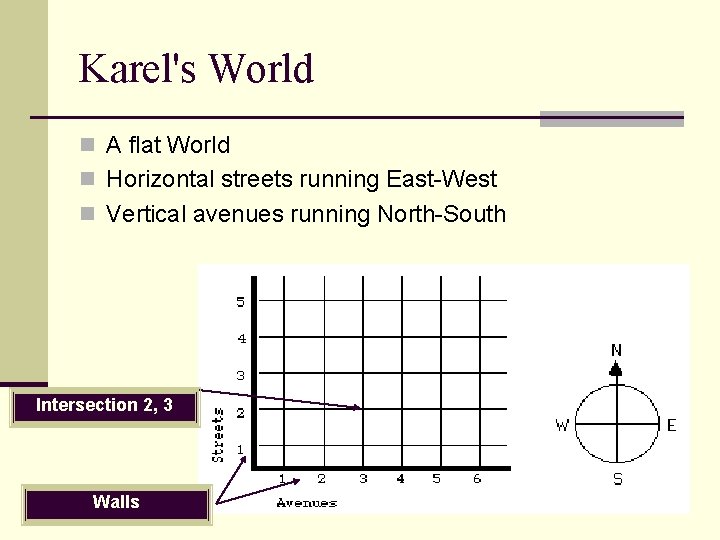
Karel's World n A flat World n Horizontal streets running East-West n Vertical avenues running North-South Intersection 2, 3 Walls
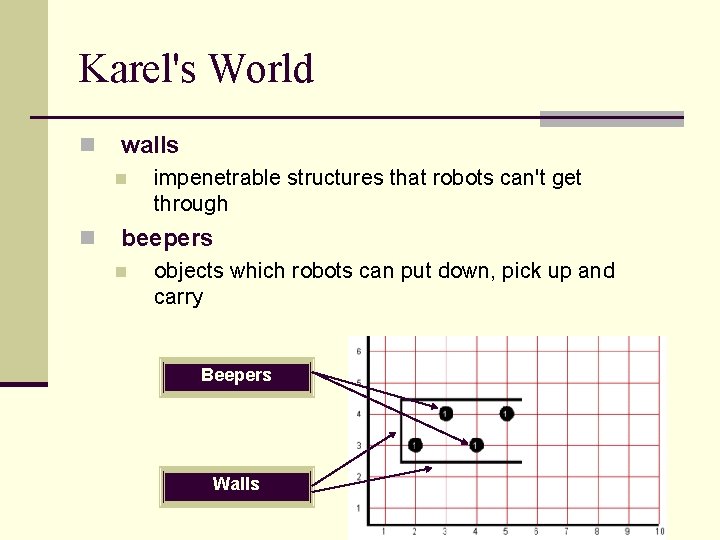
Karel's World n walls n n impenetrable structures that robots can't get through beepers n objects which robots can put down, pick up and carry Beepers Walls
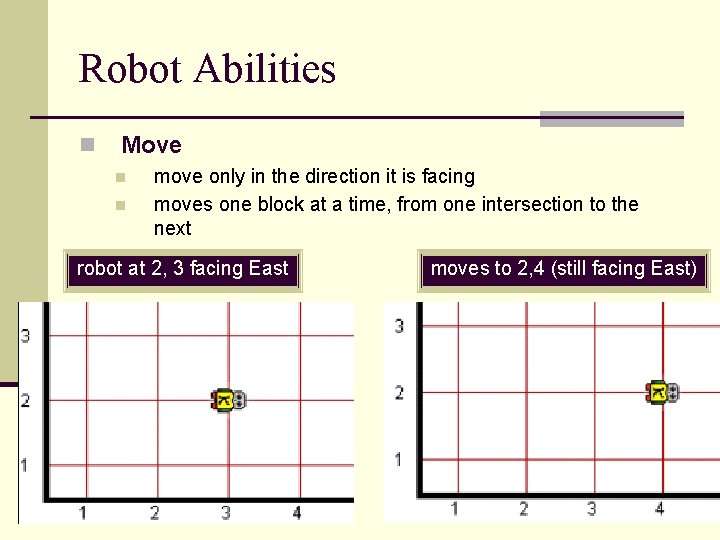
Robot Abilities n Move n n move only in the direction it is facing moves one block at a time, from one intersection to the next robot at 2, 3 facing East moves to 2, 4 (still facing East)
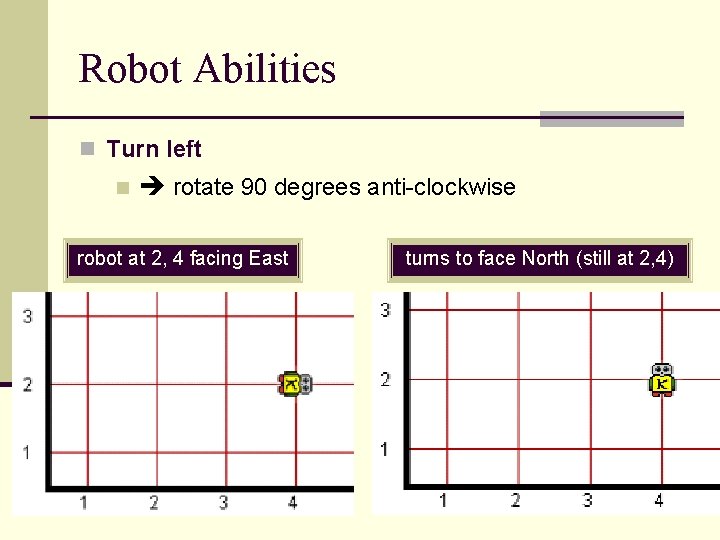
Robot Abilities n Turn left n rotate 90 degrees anti-clockwise robot at 2, 4 facing East turns to face North (still at 2, 4)
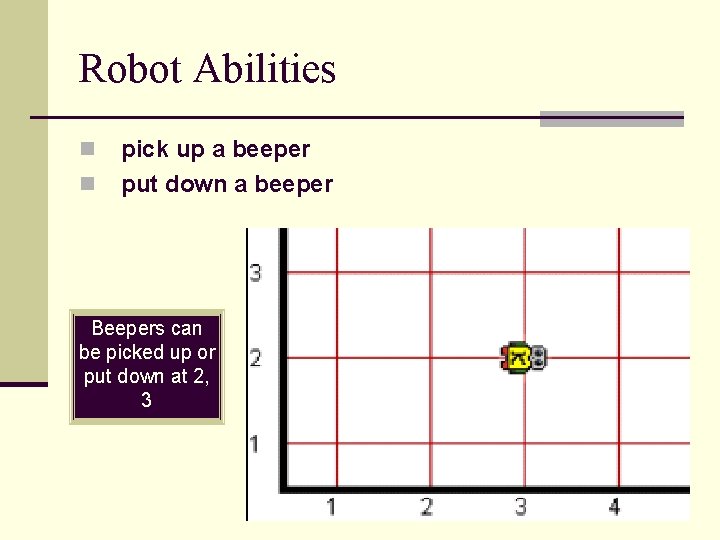
Robot Abilities n n pick up a beeper put down a beeper Beepers can be picked up or put down at 2, 3
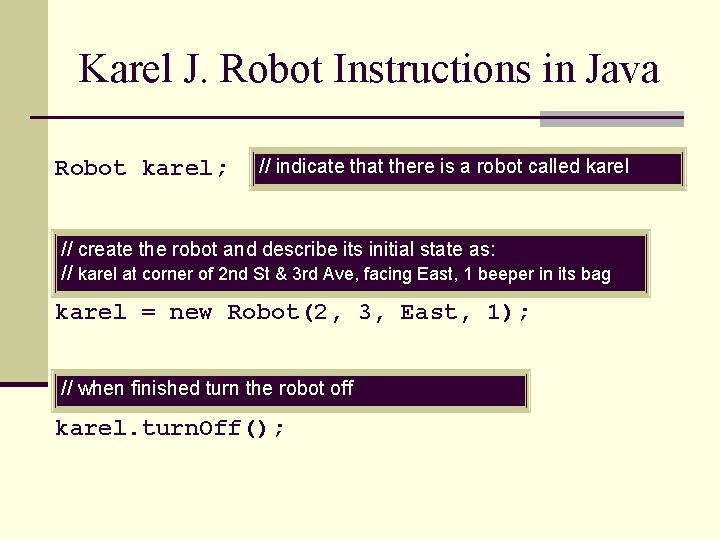
Karel J. Robot Instructions in Java Robot karel; // indicate that there is a robot called karel // create the robot and describe its initial state as: // karel at corner of 2 nd St & 3 rd Ave, facing East, 1 beeper in its bag karel = new Robot(2, 3, East, 1); // when finished turn the robot off karel. turn. Off();
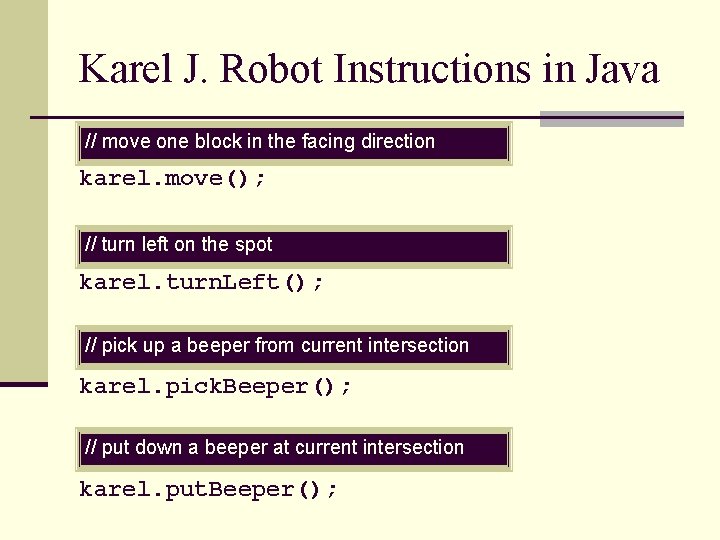
Karel J. Robot Instructions in Java // move one block in the facing direction karel. move(); // turn left on the spot karel. turn. Left(); // pick up a beeper from current intersection karel. pick. Beeper(); // put down a beeper at current intersection karel. put. Beeper();
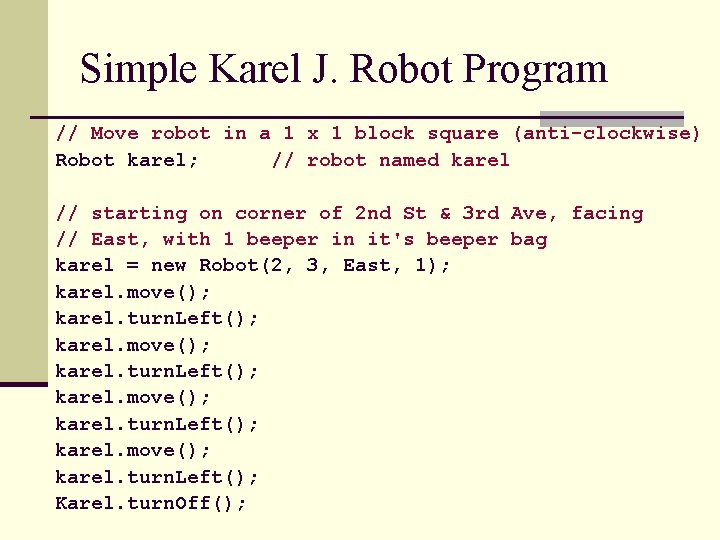
Simple Karel J. Robot Program // Move robot in a 1 x 1 block square (anti-clockwise) Robot karel; // robot named karel // starting on corner of 2 nd St & 3 rd Ave, facing // East, with 1 beeper in it's beeper bag karel = new Robot(2, 3, East, 1); karel. move(); karel. turn. Left(); Karel. turn. Off();
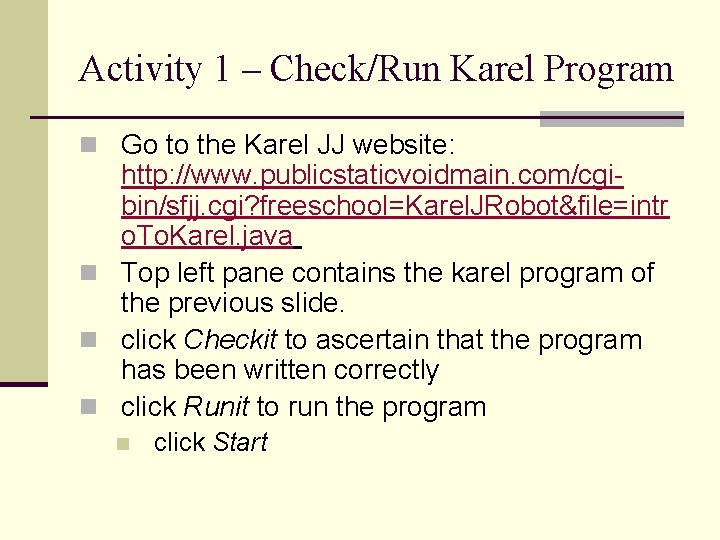
Activity 1 – Check/Run Karel Program n Go to the Karel JJ website: http: //www. publicstaticvoidmain. com/cgibin/sfjj. cgi? freeschool=Karel. JRobot&file=intr o. To. Karel. java n Top left pane contains the karel program of the previous slide. n click Checkit to ascertain that the program has been written correctly n click Runit to run the program n click Start
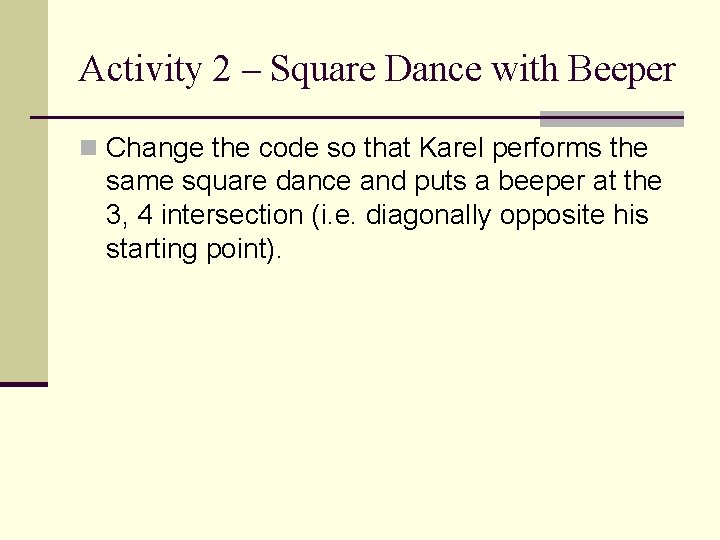
Activity 2 – Square Dance with Beeper n Change the code so that Karel performs the same square dance and puts a beeper at the 3, 4 intersection (i. e. diagonally opposite his starting point).
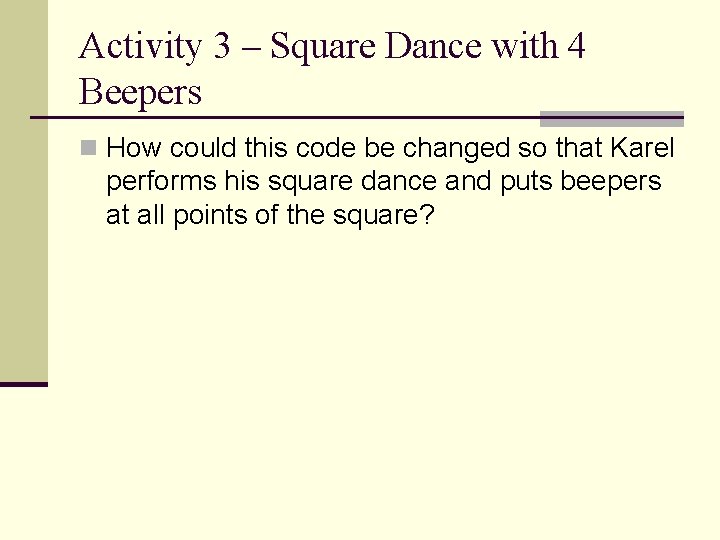
Activity 3 – Square Dance with 4 Beepers n How could this code be changed so that Karel performs his square dance and puts beepers at all points of the square?
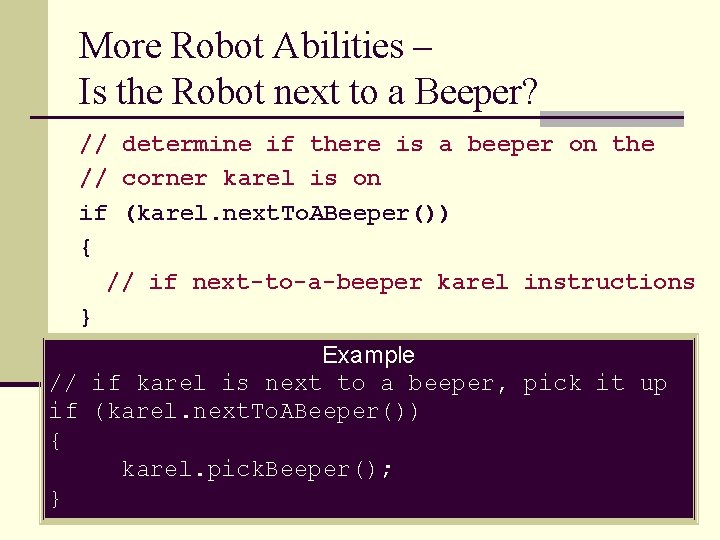
More Robot Abilities – Is the Robot next to a Beeper? // determine if there is a beeper on the // corner karel is on if (karel. next. To. ABeeper()) { // if next-to-a-beeper karel instructions } Example // if karel is next to a beeper, pick it up if (karel. next. To. ABeeper()) { karel. pick. Beeper(); }
Activity 4 – Square Dance and Pick up any Beepers n Write a program in which Karel performs the same square dance and picks up any beepers he finds on corners. n To test the program: on Runit screen: click show World Builder n (make sure the world screen is visible) n Click Beeper n n n add some beepers on corners of the square Click set new world defn
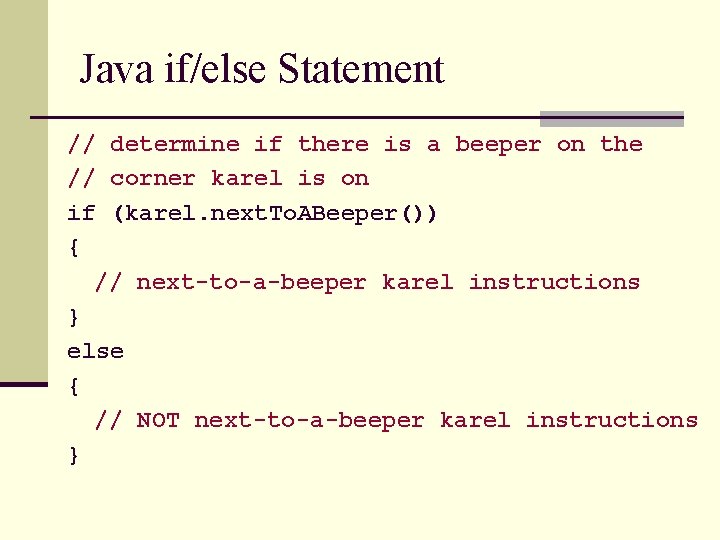
Java if/else Statement // determine if there is a beeper on the // corner karel is on if (karel. next. To. ABeeper()) { // next-to-a-beeper karel instructions } else { // NOT next-to-a-beeper karel instructions }
Activity 5 – Square Dance and Move Beepers n Write a program in which Karel performs the same square dance and picks up a beeper from any corner on which there is one n puts a beeper on any corner on which there is no beeper n n Hint: How many beepers should Karel initially have in his beeper bag? n Note: He does not know how many beepers he will find on corners.
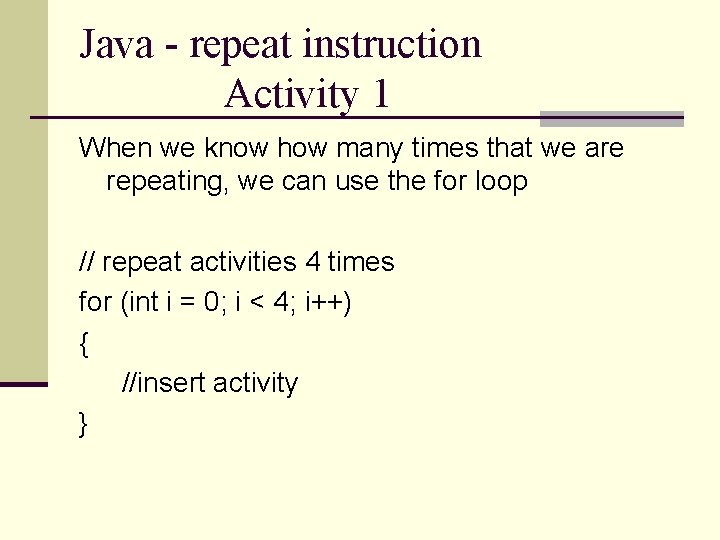
Java - repeat instruction Activity 1 When we know how many times that we are repeating, we can use the for loop // repeat activities 4 times for (int i = 0; i < 4; i++) { //insert activity }
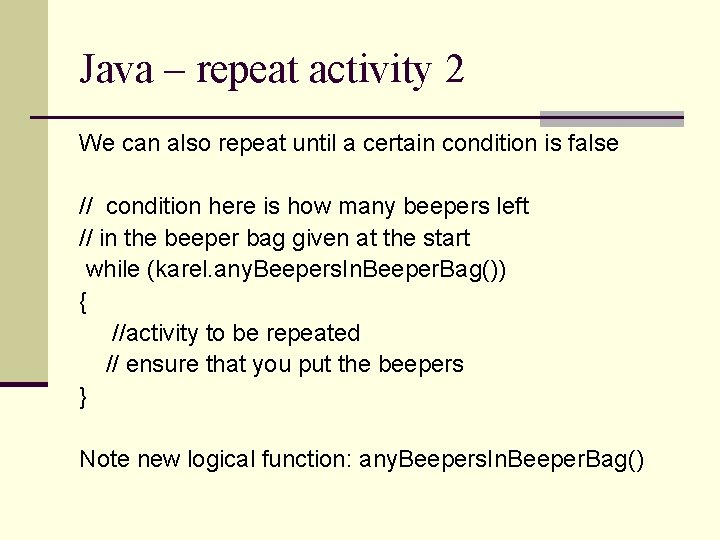
Java – repeat activity 2 We can also repeat until a certain condition is false // condition here is how many beepers left // in the beeper bag given at the start while (karel. any. Beepers. In. Beeper. Bag()) { //activity to be repeated // ensure that you put the beepers } Note new logical function: any. Beepers. In. Beeper. Bag()
Activity 6 n To test the repeat action, write two separate programs that n (1) gets Karel to drop a 4 beeper along a straight line n (2) gets Karel to drop a beeper along a straight line, until there are no more beepers left
Activity 7 – Escape from Maze n A program which has Karel escape from a maze. n Example maze world given in file: maze. txt copy contents into pane below use text world defn n click use text world defn n n Simple version of program in file: maze. jj. txt n copy contents into code area n Check and run the program n What is the program algorithm (design)?
- Slides: 20