
Kamal Abburi Premier Field Engineer Microsoft Jason Helmick
Kamal Abburi | Premier Field Engineer, Microsoft Jason Helmick | Senior Technologist, Concentrated Technology
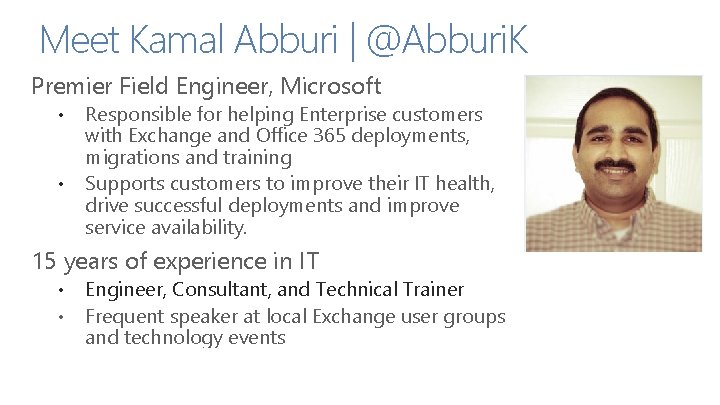
Meet Kamal Abburi | @Abburi. K Premier Field Engineer, Microsoft • • Responsible for helping Enterprise customers with Exchange and Office 365 deployments, migrations and training Supports customers to improve their IT health, drive successful deployments and improve service availability. 15 years of experience in IT • • Engineer, Consultant, and Technical Trainer Frequent speaker at local Exchange user groups and technology events
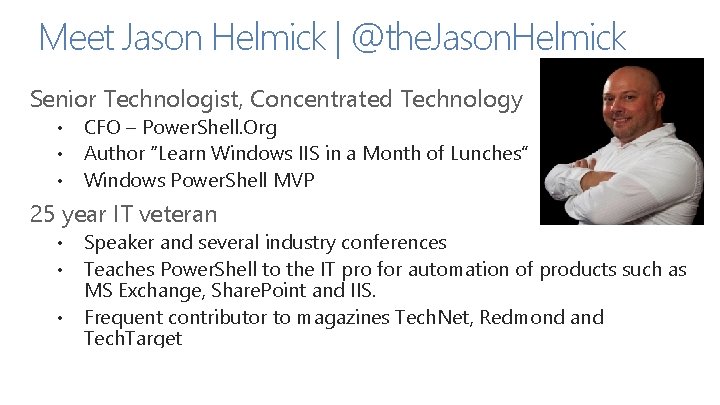
Meet Jason Helmick | @the. Jason. Helmick Senior Technologist, Concentrated Technology • • • CFO – Power. Shell. Org Author “Learn Windows IIS in a Month of Lunches” Windows Power. Shell MVP 25 year IT veteran • • Speaker and several industry conferences Teaches Power. Shell to the IT pro for automation of products such as MS Exchange, Share. Point and IIS. Frequent contributor to magazines Tech. Net, Redmond and Tech. Target Detailed comment, such as SME’s hometown and some personal details, such as family, sports, hobbies, etc.
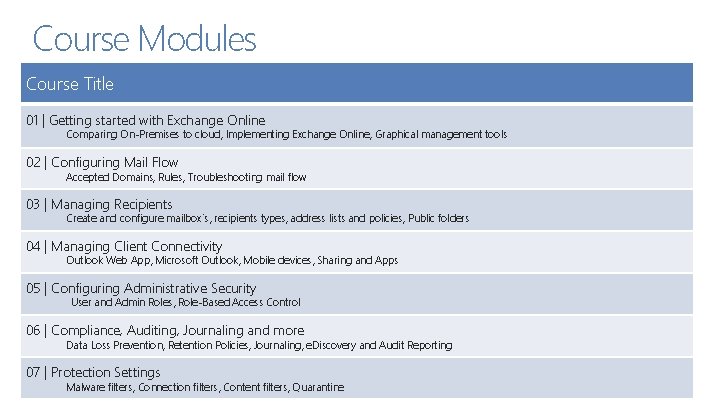
Course Modules Course Title 01 | Getting started with Exchange Online Comparing On-Premises to cloud, Implementing Exchange Online, Graphical management tools 02 | Configuring Mail Flow Accepted Domains, Rules, Troubleshooting mail flow 03 | Managing Recipients Create and configure mailbox’s, recipients types, address lists and policies, Public folders 04 | Managing Client Connectivity Outlook Web App, Microsoft Outlook, Mobile devices, Sharing and Apps 05 | Configuring Administrative Security User and Admin Roles, Role-Based Access Control 06 | Compliance, Auditing, Journaling and more Data Loss Prevention, Retention Policies, Journaling, e. Discovery and Audit Reporting 07 | Protection Settings Malware filters, Connection filters, Content filters, Quarantine
07 | Protection Settings Kamal Abburi | Premier Field Engineer, Microsoft Jason Helmick | Senior Technologist, Concentrated Technology
Module Overview • • Malware filters Connection filters Content filters Quarantine

Malware filters

Connection filters

Content filters

Quarantine
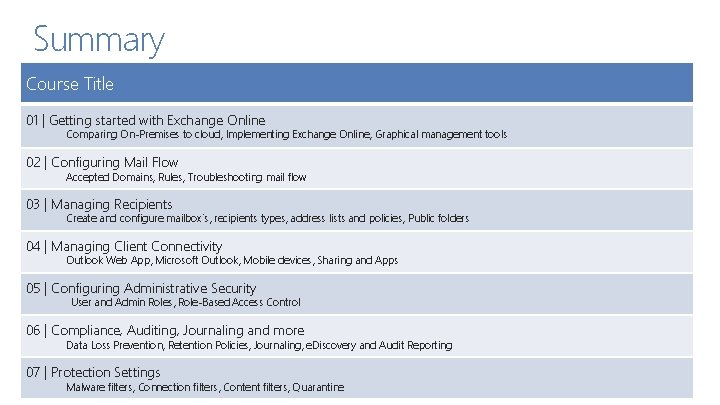
Summary Course Title 01 | Getting started with Exchange Online Comparing On-Premises to cloud, Implementing Exchange Online, Graphical management tools 02 | Configuring Mail Flow Accepted Domains, Rules, Troubleshooting mail flow 03 | Managing Recipients Create and configure mailbox’s, recipients types, address lists and policies, Public folders 04 | Managing Client Connectivity Outlook Web App, Microsoft Outlook, Mobile devices, Sharing and Apps 05 | Configuring Administrative Security User and Admin Roles, Role-Based Access Control 06 | Compliance, Auditing, Journaling and more Data Loss Prevention, Retention Policies, Journaling, e. Discovery and Audit Reporting 07 | Protection Settings Malware filters, Connection filters, Content filters, Quarantine

© 2013 Microsoft Corporation. All rights reserved. Microsoft, Windows, Office, Azure, System Center, Dynamics and other product names are or may be registered trademarks and/or trademarks in the U. S. and/or other countries. The information herein is for informational purposes only and represents the current view of Microsoft Corporation as of the date of this presentation. Because Microsoft must respond to changing market conditions, it should not be interpreted to be a commitment on the part of Microsoft, and Microsoft cannot guarantee the accuracy of any information provided after the date of this presentation. MICROSOFT MAKES NO WARRANTIES, EXPRESS, IMPLIED OR STATUTORY, AS TO THE INFORMATION IN THIS PRESENTATION.
- Slides: 12