
Kam Woods and Geoffrey Brown Indiana University Assisted
Kam Woods and Geoffrey Brown, Indiana University Assisted Emulation for Long-Term Preservation
Key Questions � What happens when users no longer remember how to “drive”? Preserving contextual information about legacy software and environments � How can we simplify and standardize the process of interacting with an emulated environment? Automated installation and execution Repeatable on-the-fly configuration Eliminate dependence on reference workstations � How do we preserve the materials and software required to do this in a cost-effective manner that emphasizes distributed storage and curation?
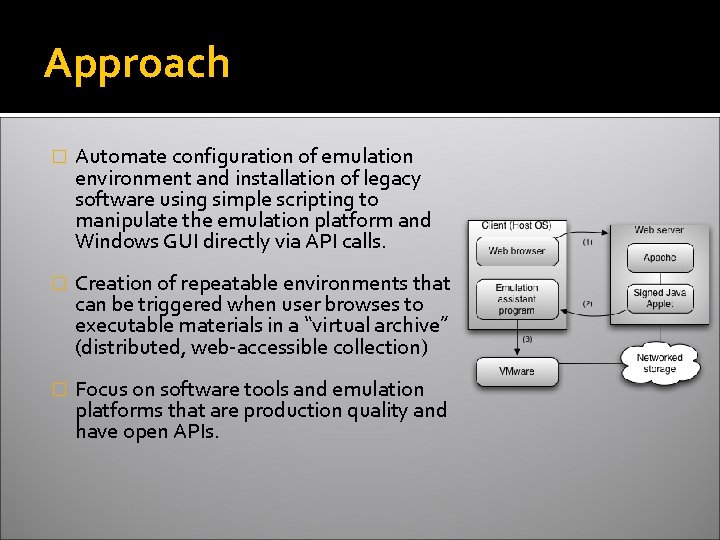
Approach � Automate configuration of emulation environment and installation of legacy software using simple scripting to manipulate the emulation platform and Windows GUI directly via API calls. � Creation of repeatable environments that can be triggered when user browses to executable materials in a “virtual archive” (distributed, web-accessible collection) � Focus on software tools and emulation platforms that are production quality and have open APIs.
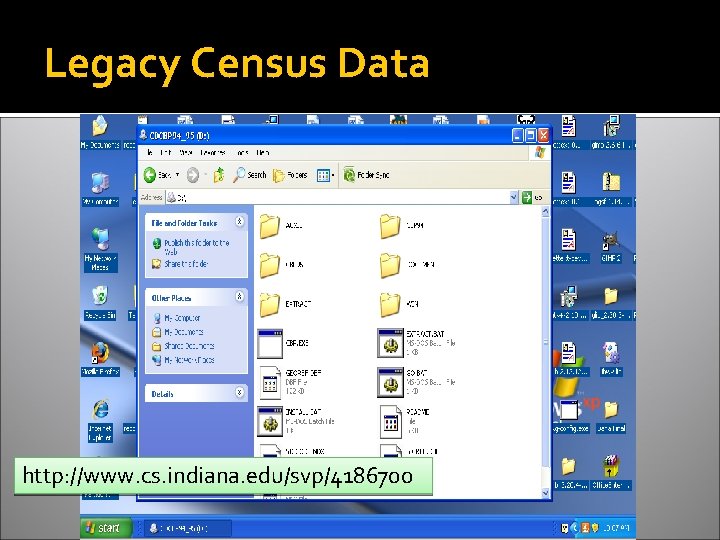
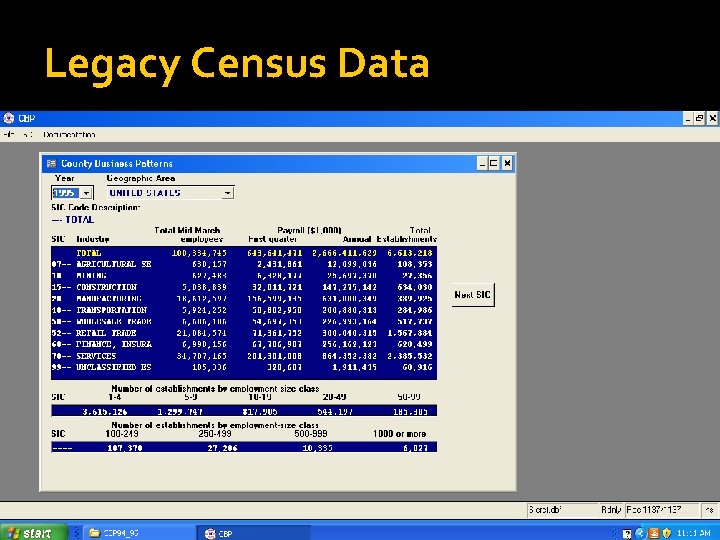
Legacy Census Data http: //www. cs. indiana. edu/svp/4186700
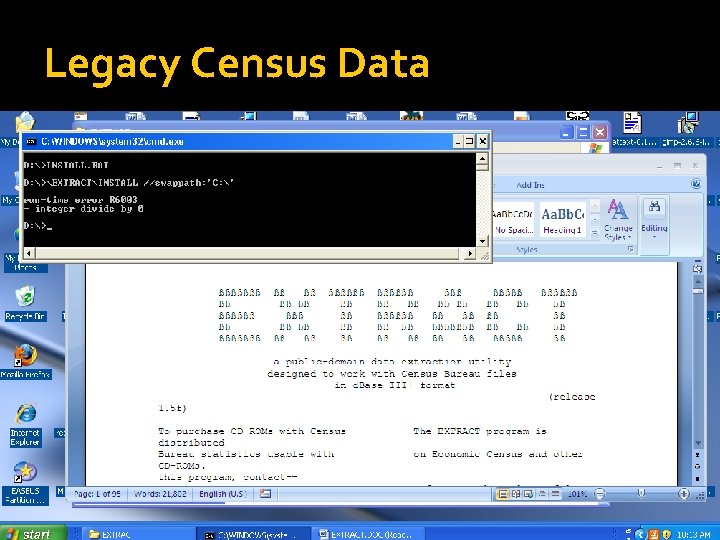
Legacy Census Data
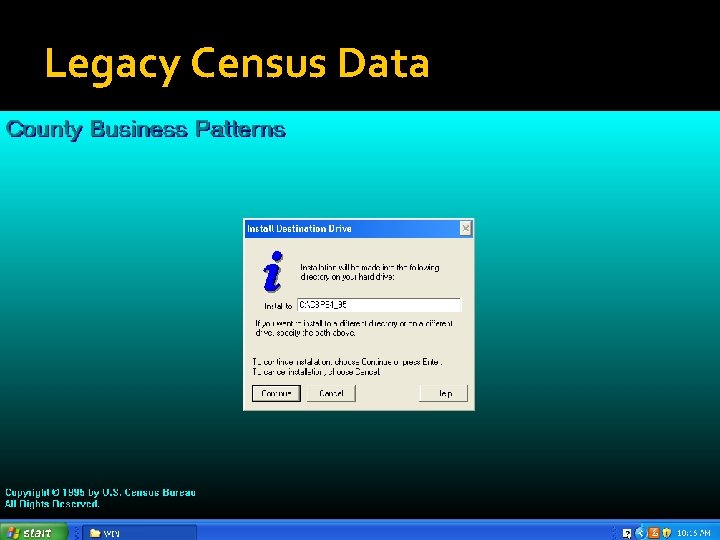
Legacy Census Data
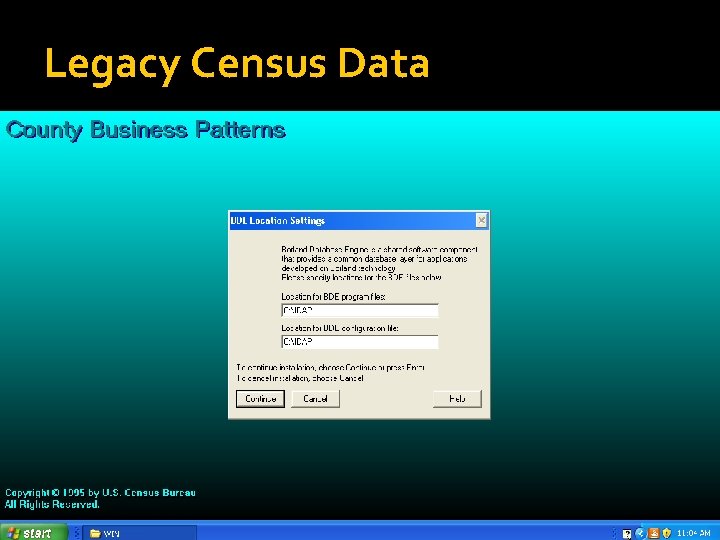
Legacy Census Data
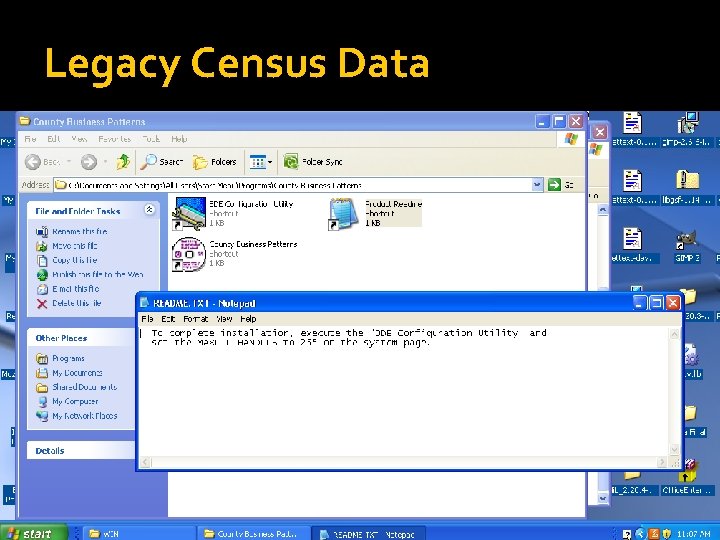
Legacy Census Data
Legacy Census Data
Legacy Census Data
Legacy Census Data
Legacy Census Data http: //www. census. gov/epcd/www/extract. html#CBP
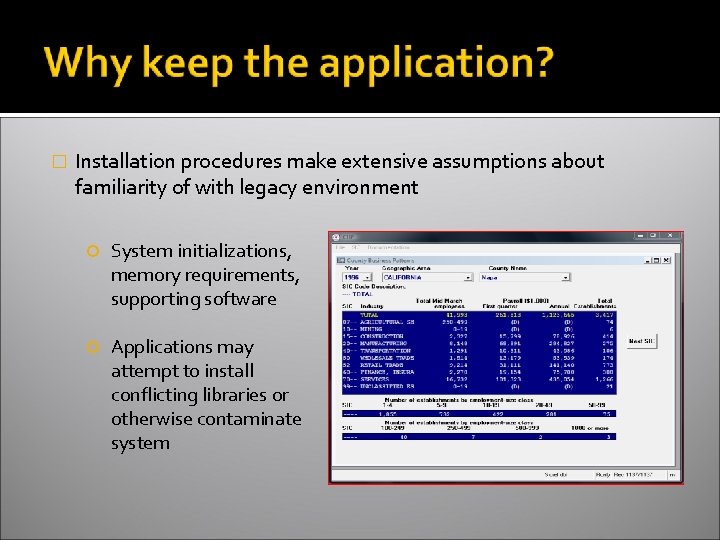
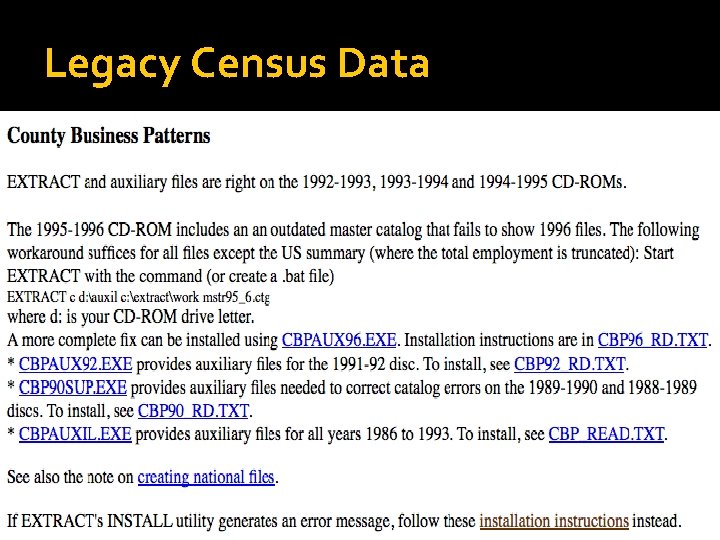
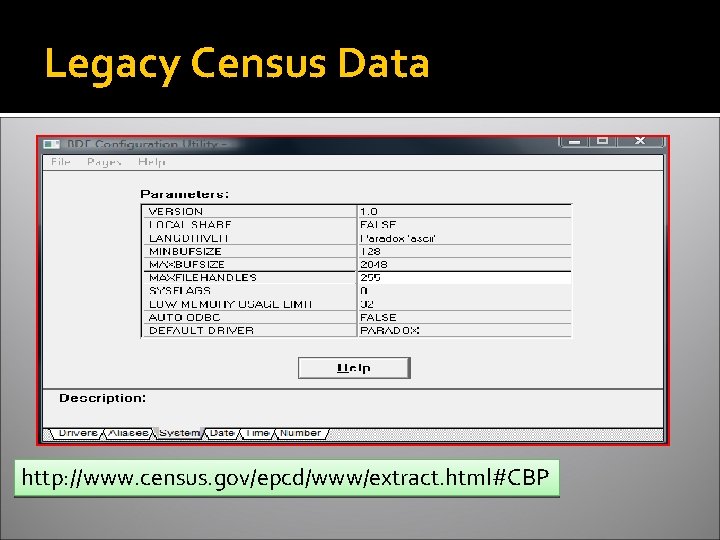
� Installation procedures make extensive assumptions about familiarity of with legacy environment System initializations, memory requirements, supporting software Applications may attempt to install conflicting libraries or otherwise contaminate system
� Legacy applications may uniquely manipulate data that could otherwise be migrated. Joins, merges, filters on legacy database files Export functions to produce humanreadable content or assist other applications Application-internal documentation
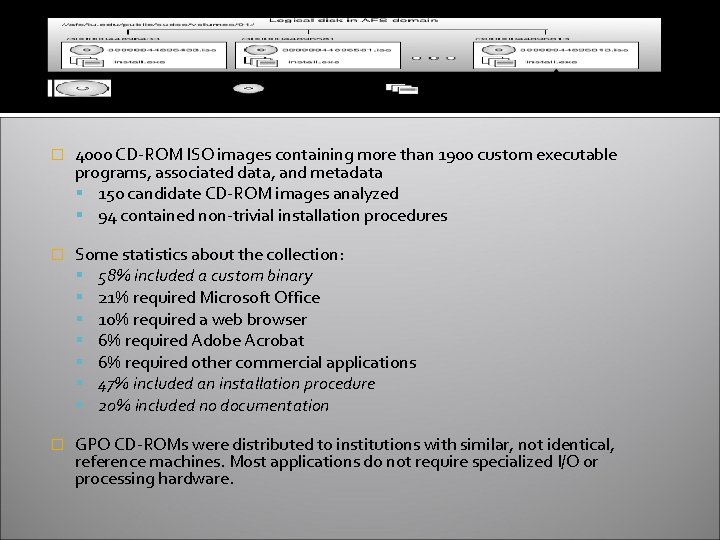
� 4000 CD-ROM ISO images containing more than 1900 custom executable programs, associated data, and metadata 150 candidate CD-ROM images analyzed 94 contained non-trivial installation procedures � Some statistics about the collection: 58% included a custom binary 21% required Microsoft Office 10% required a web browser 6% required Adobe Acrobat 6% required other commercial applications 47% included an installation procedure 20% included no documentation � GPO CD-ROMs were distributed to institutions with similar, not identical, reference machines. Most applications do not require specialized I/O or processing hardware.
Executable installation scripts created using Auto. It scripting tool for Windows GUI Simulates keystrokes and mouse movements Manipulates windows and processes Interacts with all standard windows controls Scripts can be compiled into standalone executables Support for regular expressions Directly call external DLL and Windows API functions
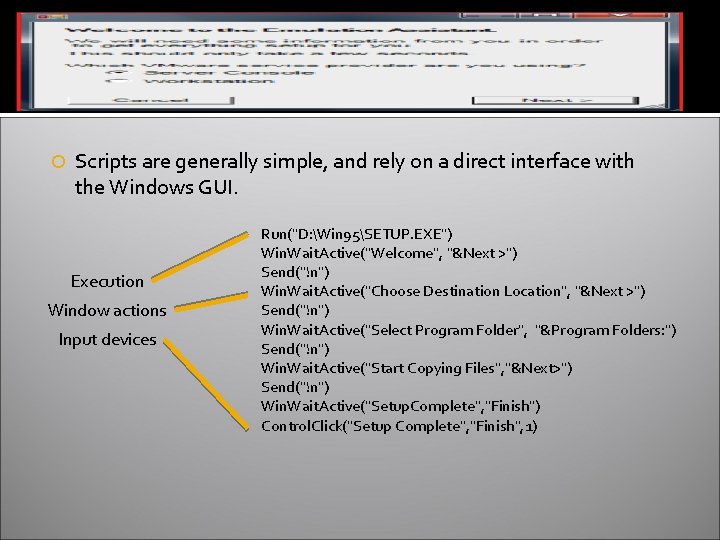
Scripts are generally simple, and rely on a direct interface with the Windows GUI. Execution Window actions Input devices Run("D: Win 95SETUP. EXE") Win. Wait. Active("Welcome", "&Next >") Send("!n") Win. Wait. Active("Choose Destination Location", "&Next >") Send("!n") Win. Wait. Active("Select Program Folder", "&Program Folders: ") Send("!n") Win. Wait. Active("Start Copying Files", "&Next>") Send("!n") Win. Wait. Active("Setup. Complete", "Finish") Control. Click("Setup Complete", "Finish", 1)
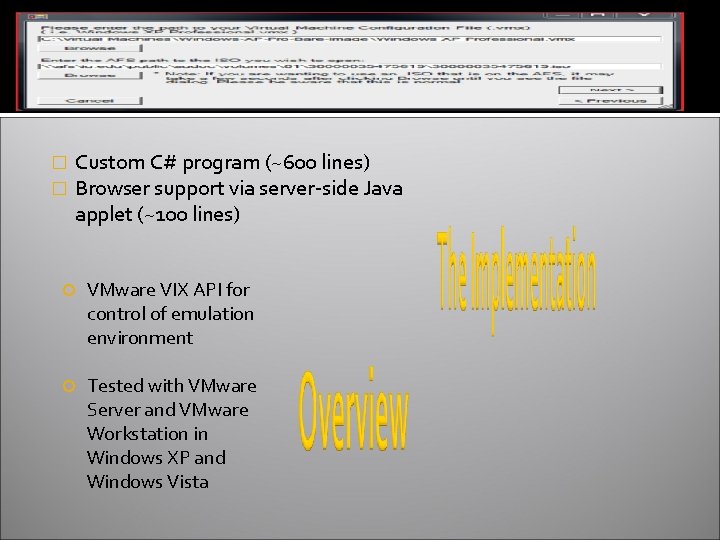
� � Custom C# program (~600 lines) Browser support via server-side Java applet (~100 lines) VMware VIX API for control of emulation environment Tested with VMware Server and VMware Workstation in Windows XP and Windows Vista
� Could be modified to work with commercial (Parallels, Cross. Over) and open source virtualization platforms (Qemu via libvirt) with API support for automation of virtualized I/O, network, and hardware devices. � Preserving management and automation APIs alongside emulation platform and snapshots of stable, clean virtual machines allows for simple, low-cost deployment in production settings
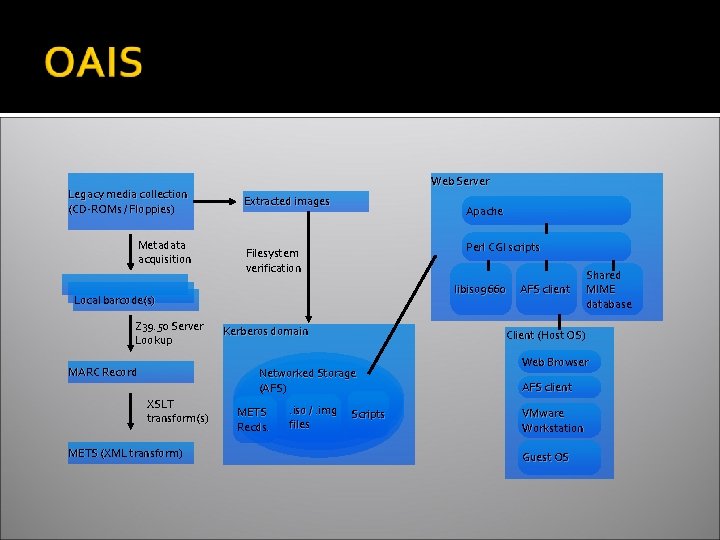
Legacy media collection (CD-ROMs / Floppies) Metadata acquisition Web Server Extracted images Apache Perl CGI scripts Filesystem verification libiso 9660 Local barcode(s) Z 39. 50 Server Lookup MARC Record Kerberos domain Client (Host OS) Networked Storage (AFS) XSLT transform(s) METS (XML transform) METS Recds. . iso /. img files AFS client Shared MIME database Scripts Web Browser AFS client VMware Workstation Guest OS
� Browsing interface http: //www. cs. indiana. edu/svp/ � Network file system access to all materials at: //afs/iu. edu/public/sudoc/volumes/ � Application sources: http: //sourceforge. net/projects/aemk (soon…)
- Slides: 21