
Kabuk Programlama Shell Scriptingbash Asl Ergn Shell Trleri
Kabuk Programlama Shell Scripting(bash) Aslı Ergün
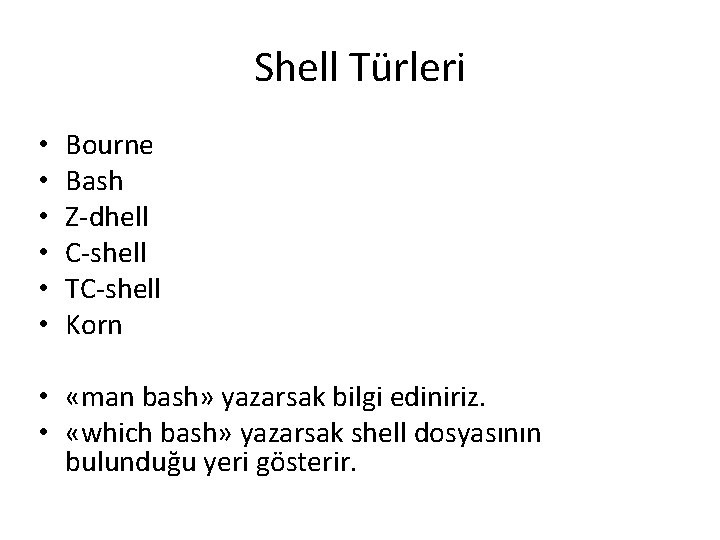
Shell Türleri • • • Bourne Bash Z-dhell C-shell TC-shell Korn • «man bash» yazarsak bilgi ediniriz. • «which bash» yazarsak shell dosyasının bulunduğu yeri gösterir.
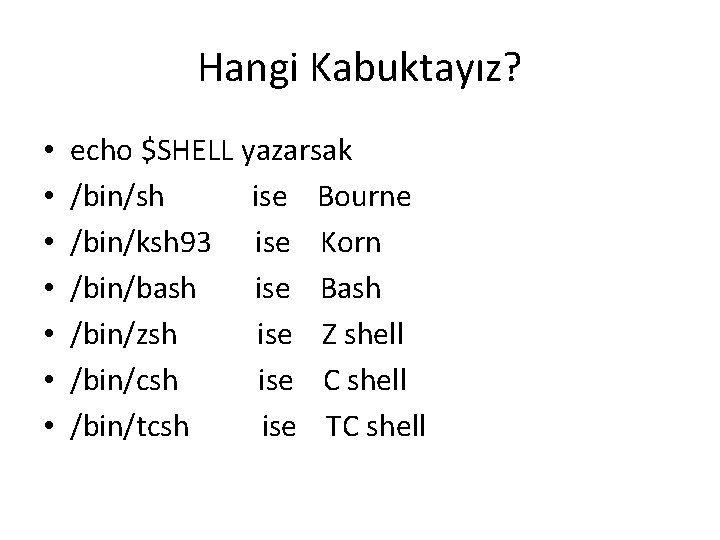
Hangi Kabuktayız? • • echo $SHELL yazarsak /bin/sh ise Bourne /bin/ksh 93 ise Korn /bin/bash ise Bash /bin/zsh ise Z shell /bin/csh ise C shell /bin/tcsh ise TC shell
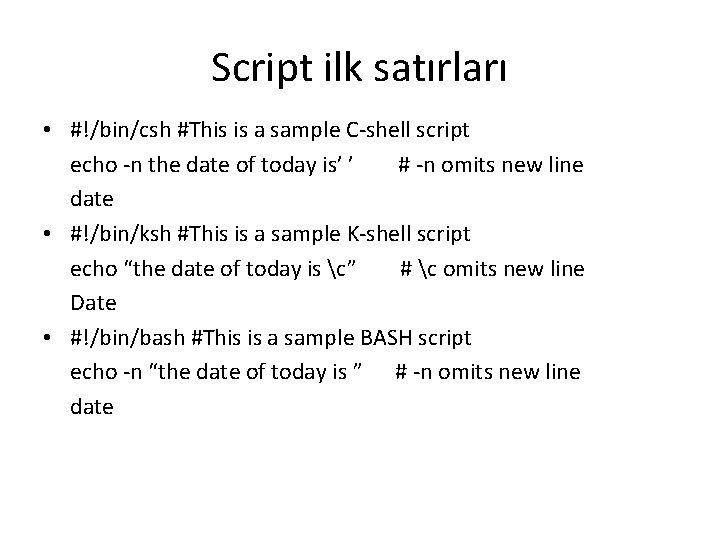
Script ilk satırları • #!/bin/csh #This is a sample C-shell script echo -n the date of today is’ ’ # -n omits new line date • #!/bin/ksh #This is a sample K-shell script echo “the date of today is c” # c omits new line Date • #!/bin/bash #This is a sample BASH script echo -n “the date of today is ” # -n omits new line date
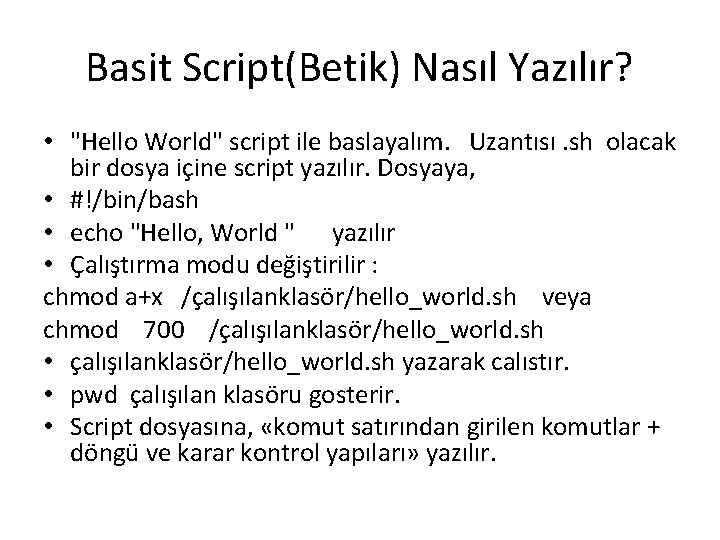
Basit Script(Betik) Nasıl Yazılır? • "Hello World" script ile baslayalım. Uzantısı. sh olacak bir dosya içine script yazılır. Dosyaya, • #!/bin/bash • echo "Hello, World " yazılır • Çalıştırma modu değiştirilir : chmod a+x /çalışılanklasör/hello_world. sh veya chmod 700 /çalışılanklasör/hello_world. sh • çalışılanklasör/hello_world. sh yazarak calıstır. • pwd çalışılan klasöru gosterir. • Script dosyasına, «komut satırından girilen komutlar + döngü ve karar kontrol yapıları» yazılır.
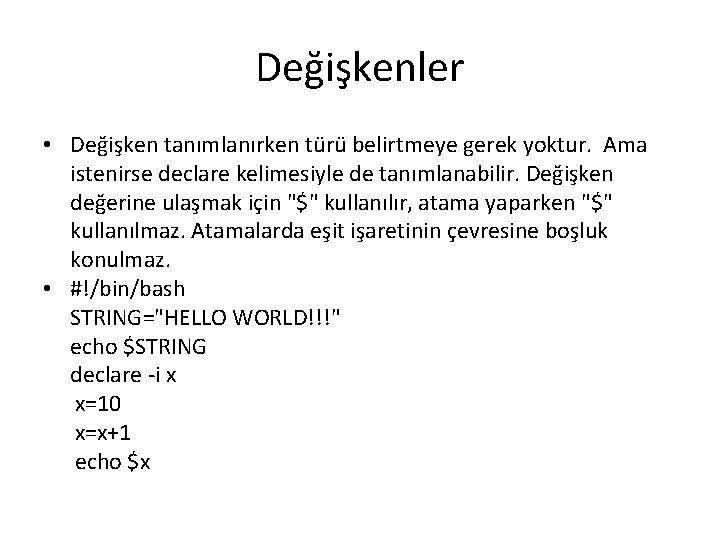
Değişkenler • Değişken tanımlanırken türü belirtmeye gerek yoktur. Ama istenirse declare kelimesiyle de tanımlanabilir. Değişken değerine ulaşmak için "$" kullanılır, atama yaparken "$" kullanılmaz. Atamalarda eşit işaretinin çevresine boşluk konulmaz. • #!/bin/bash STRING="HELLO WORLD!!!" echo $STRING declare -i x x=10 x=x+1 echo $x
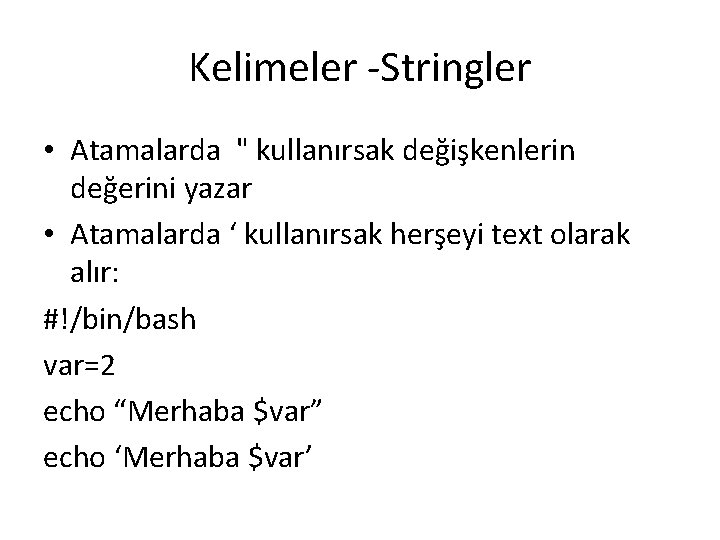
Kelimeler -Stringler • Atamalarda " kullanırsak değişkenlerin değerini yazar • Atamalarda ‘ kullanırsak herşeyi text olarak alır: #!/bin/bash var=2 echo “Merhaba $var” echo ‘Merhaba $var’
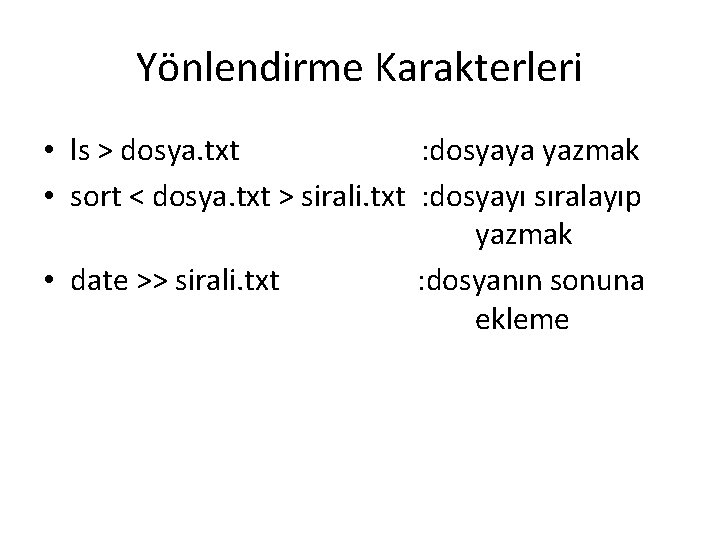
Yönlendirme Karakterleri • ls > dosya. txt : dosyaya yazmak • sort < dosya. txt > sirali. txt : dosyayı sıralayıp yazmak • date >> sirali. txt : dosyanın sonuna ekleme
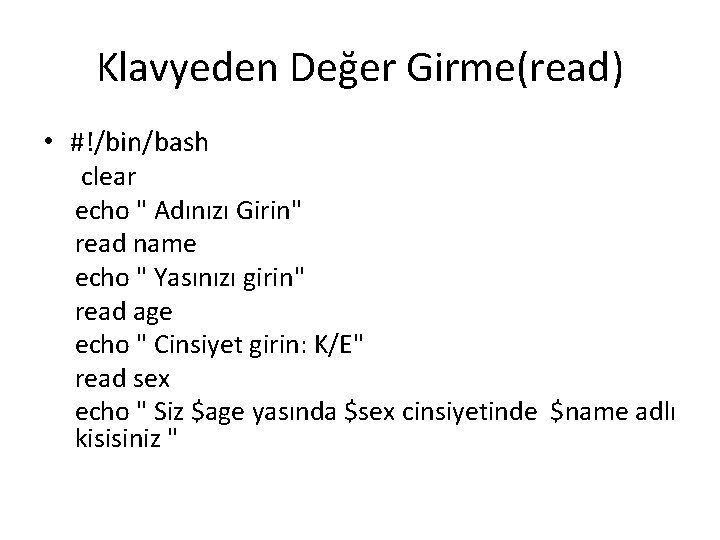
Klavyeden Değer Girme(read) • #!/bin/bash clear echo " Adınızı Girin" read name echo " Yasınızı girin" read age echo " Cinsiyet girin: K/E" read sex echo " Siz $age yasında $sex cinsiyetinde $name adlı kisisiniz "
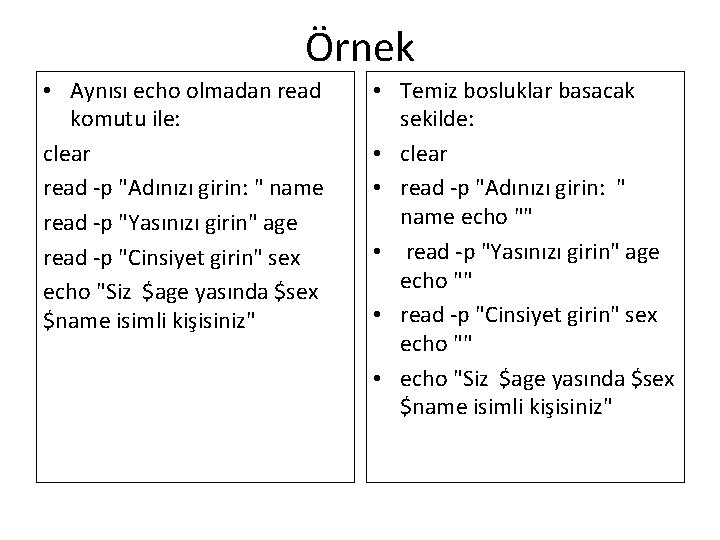
Örnek • Aynısı echo olmadan read komutu ile: clear read -p "Adınızı girin: " name read -p "Yasınızı girin" age read -p "Cinsiyet girin" sex echo "Siz $age yasında $sex $name isimli kişisiniz" • Temiz bosluklar basacak sekilde: • clear • read -p "Adınızı girin: " name echo "" • read -p "Yasınızı girin" age echo "" • read -p "Cinsiyet girin" sex echo "" • echo "Siz $age yasında $sex $name isimli kişisiniz"
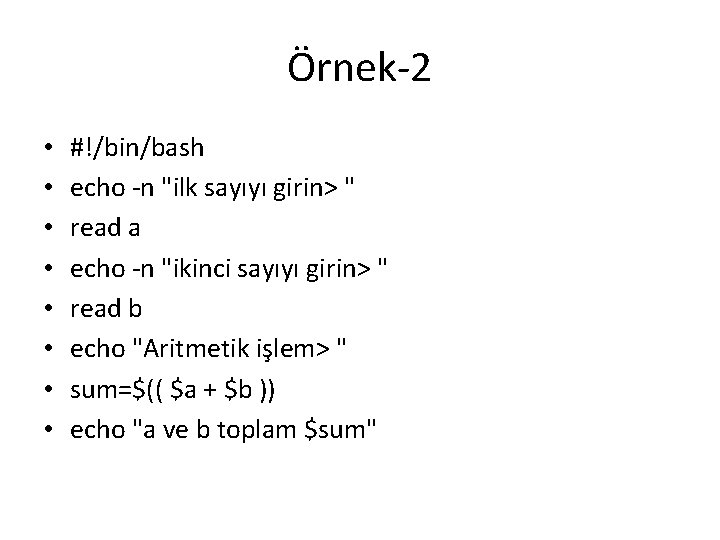
Örnek-2 • • #!/bin/bash echo -n "ilk sayıyı girin> " read a echo -n "ikinci sayıyı girin> " read b echo "Aritmetik işlem> " sum=$(( $a + $b )) echo "a ve b toplam $sum"
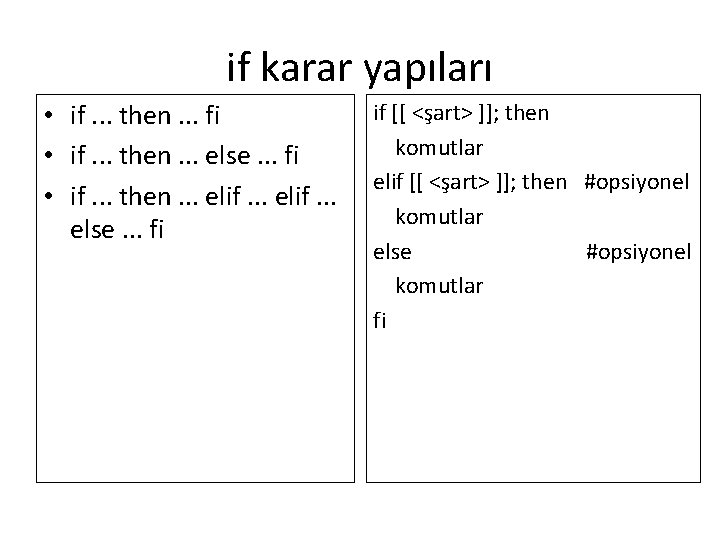
if karar yapıları • if. . . then. . . fi • if. . . then. . . else. . . fi • if. . . then. . . elif. . . else. . . fi if [[ <şart> ]]; then komutlar elif [[ <şart> ]]; then #opsiyonel komutlar else #opsiyonel komutlar fi
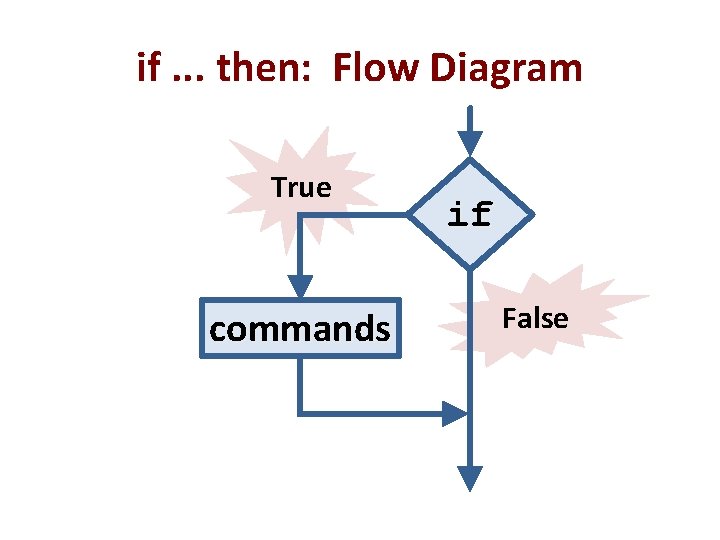
if. . . then: Flow Diagram True commands if False
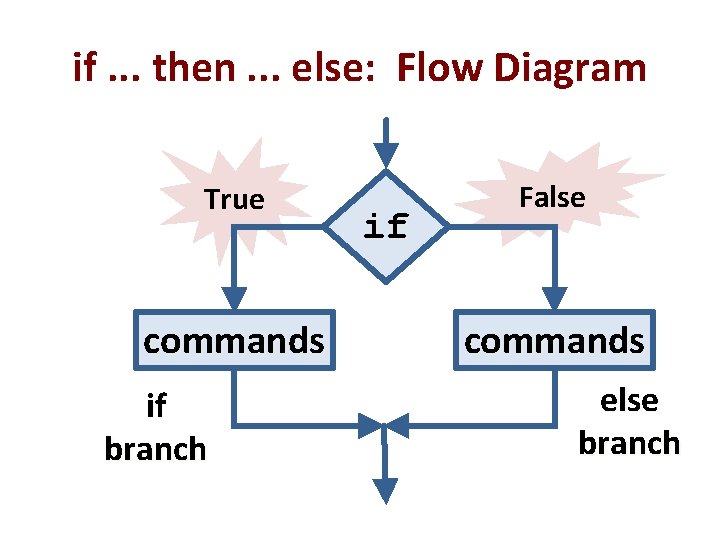
if. . . then. . . else: Flow Diagram True commands if branch if False commands else branch
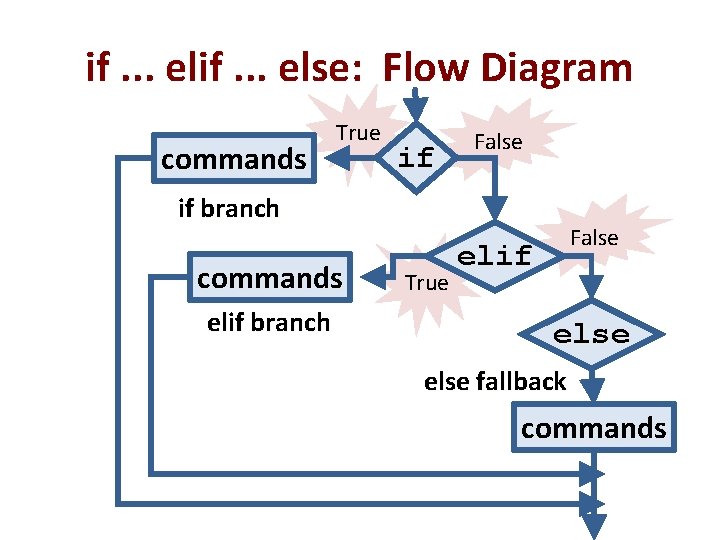
if. . . else: Flow Diagram commands True if False if branch commands elif branch True False elif else fallback commands
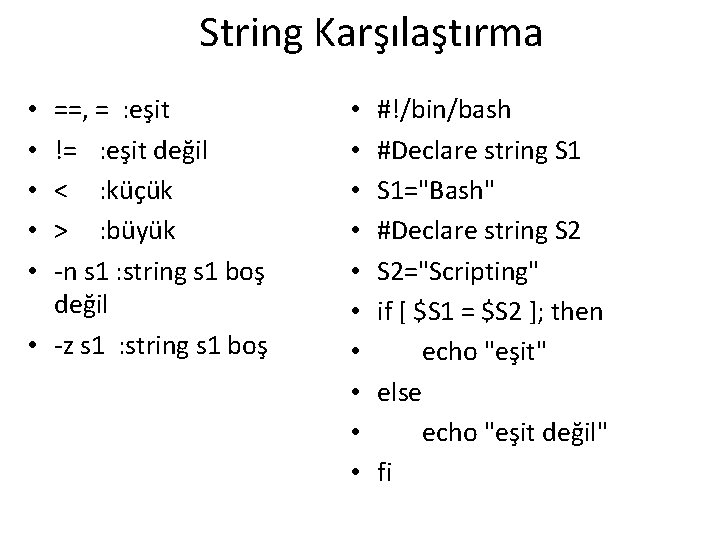
String Karşılaştırma ==, = : eşit != : eşit değil < : küçük > : büyük -n s 1 : string s 1 boş değil • -z s 1 : string s 1 boş • • • • #!/bin/bash #Declare string S 1="Bash" #Declare string S 2="Scripting" if [ $S 1 = $S 2 ]; then echo "eşit" else echo "eşit değil" fi
![String Karşılaştırma-2 • • • if [[ $name == “Ali” ]]; then echo Ali,](http://slidetodoc.com/presentation_image_h/1b7f4f715b471f85cb7c2e15ad019aa0/image-17.jpg "String Karşılaştırma-2 • • • if [[ $name == “Ali” ]]; then echo Ali,")
String Karşılaştırma-2 • • • if [[ $name == “Ali” ]]; then echo Ali, Oda numarası 12 atandın elif [[ $name == “Hasan” ]]; then echo Hasan, Oda numarası 3 atandın elif [[ -z $name ]]; then echo Adınızı soylemediniz else echo Adınız $name fi
![Örnek if [ $fruit = "elma" ] then echo " Elmalar. . . "](http://slidetodoc.com/presentation_image_h/1b7f4f715b471f85cb7c2e15ad019aa0/image-18.jpg "Örnek if [ $fruit = \"elma\" ] then echo \" Elmalar. . . \"")
Örnek if [ $fruit = "elma" ] then echo " Elmalar. . . " elif [ $fruit = "armut"] then echo " Armutlar. . . " elif [ $fruit = "muz" ] then echo " Muzlar" else echo " Geriye Portakal kaldı!" fi
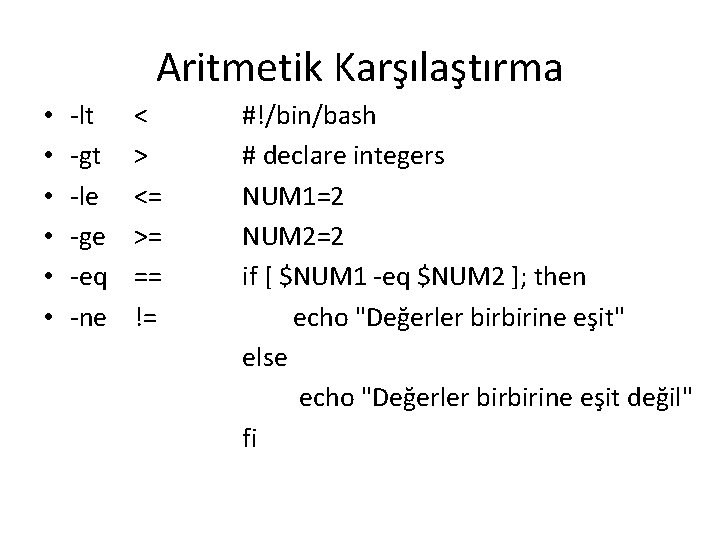
Aritmetik Karşılaştırma • • • -lt < -gt > -le <= -ge >= -eq == -ne != #!/bin/bash # declare integers NUM 1=2 NUM 2=2 if [ $NUM 1 -eq $NUM 2 ]; then echo "Değerler birbirine eşit" else echo "Değerler birbirine eşit değil" fi
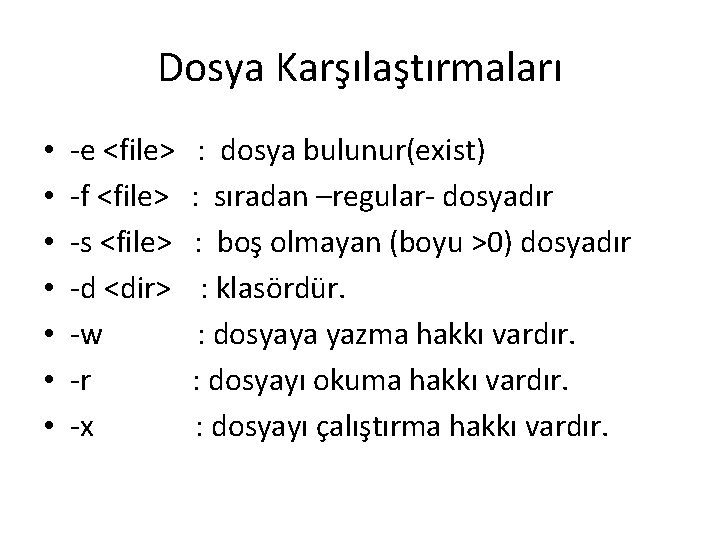
Dosya Karşılaştırmaları • • -e <file> : dosya bulunur(exist) -f <file> : sıradan –regular- dosyadır -s <file> : boş olmayan (boyu >0) dosyadır -d <dir> : klasördür. -w : dosyaya yazma hakkı vardır. -r : dosyayı okuma hakkı vardır. -x : dosyayı çalıştırma hakkı vardır.
![If Cumleleri #!/bin/bash • #!/bin/bash if [ -h "$1" ] ; then directory=". /Bash.](http://slidetodoc.com/presentation_image_h/1b7f4f715b471f85cb7c2e15ad019aa0/image-21.jpg "If Cumleleri #!/bin/bash • #!/bin/bash if [ -h \"$1\" ] ; then directory=\". /Bash.")
If Cumleleri #!/bin/bash • #!/bin/bash if [ -h "$1" ] ; then directory=". /Bash. Scripting" echo "Link: $1" elif [ -f "$1" ] ; then # bash klasörmü diye echo "File: $1" kontrol eder elif [ -d "$1" ] ; then if [ -d $directory ]; then echo «Klasör var" echo "Directory: $1" else echo «Klasör yok" echo "Not link, file or dir" fi fi
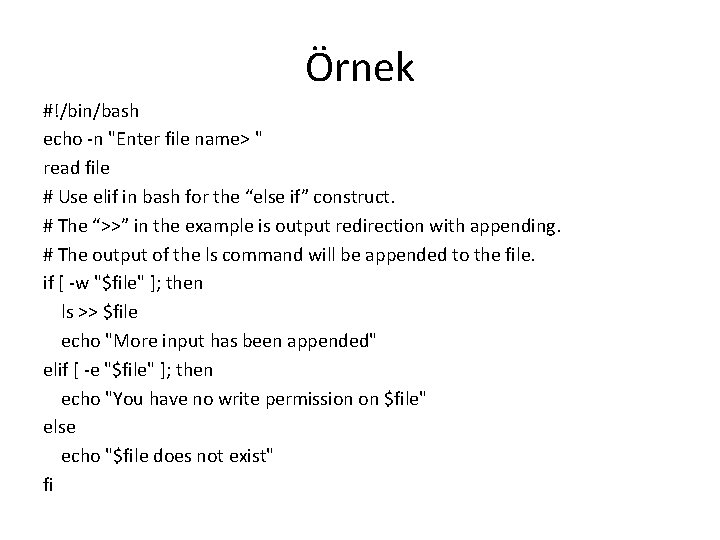
Örnek #!/bin/bash echo -n "Enter file name> " read file # Use elif in bash for the “else if” construct. # The “>>” in the example is output redirection with appending. # The output of the ls command will be appended to the file. if [ -w "$file" ]; then ls >> $file echo "More input has been appended" elif [ -e "$file" ]; then echo "You have no write permission on $file" else echo "$file does not exist" fi
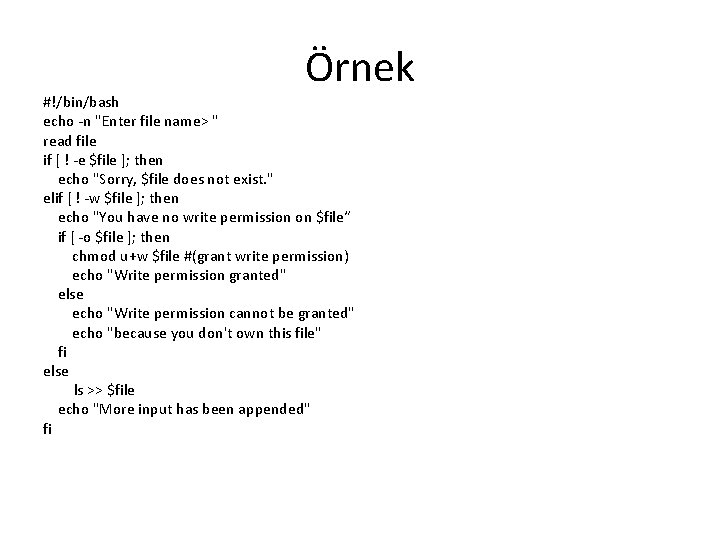
Örnek #!/bin/bash echo -n "Enter file name> " read file if [ ! -e $file ]; then echo "Sorry, $file does not exist. " elif [ ! -w $file ]; then echo "You have no write permission on $file“ if [ -o $file ]; then chmod u+w $file #(grant write permission) echo "Write permission granted" else echo "Write permission cannot be granted" echo "because you don't own this file" fi else ls >> $file echo "More input has been appended" fi
![Örnek if [-d mydir ]; then if [ -f the_file ]; then cp the_file](http://slidetodoc.com/presentation_image_h/1b7f4f715b471f85cb7c2e15ad019aa0/image-24.jpg "Örnek if [-d mydir ]; then if [ -f the_file ]; then cp the_file")
Örnek if [-d mydir ]; then if [ -f the_file ]; then cp the_file mydir fi else mkdir mydir echo “Klasör mydir yaratıldı” fi
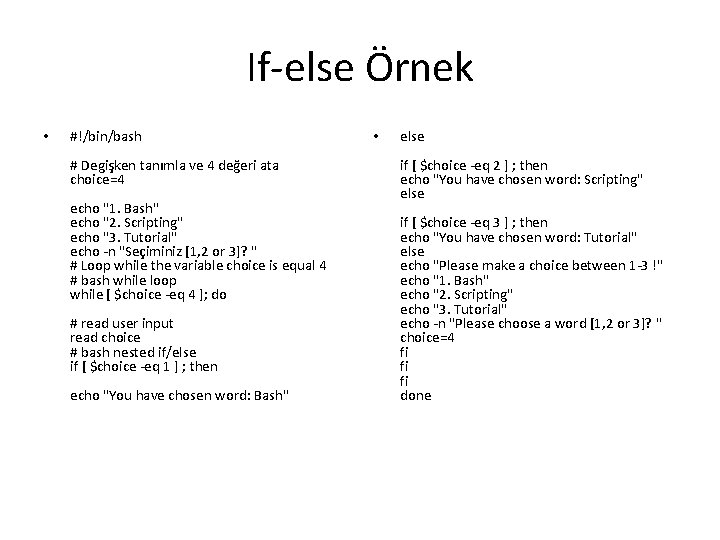
If-else Örnek • #!/bin/bash # Degişken tanımla ve 4 değeri ata choice=4 echo "1. Bash" echo "2. Scripting" echo "3. Tutorial" echo -n "Seçiminiz [1, 2 or 3]? " # Loop while the variable choice is equal 4 # bash while loop while [ $choice -eq 4 ]; do # read user input read choice # bash nested if/else if [ $choice -eq 1 ] ; then echo "You have chosen word: Bash" • else if [ $choice -eq 2 ] ; then echo "You have chosen word: Scripting" else if [ $choice -eq 3 ] ; then echo "You have chosen word: Tutorial" else echo "Please make a choice between 1 -3 !" echo "1. Bash" echo "2. Scripting" echo "3. Tutorial" echo -n "Please choose a word [1, 2 or 3]? " choice=4 fi fi fi done
![Örnek-İşlemler #!/bin/bash if [[ $1 > 0 && $(($2 % 10)) != 0 ]];](http://slidetodoc.com/presentation_image_h/1b7f4f715b471f85cb7c2e15ad019aa0/image-26.jpg "Örnek-İşlemler #!/bin/bash if [[ $1 > 0 && $(($2 % 10)) != 0 ]];")
Örnek-İşlemler #!/bin/bash if [[ $1 > 0 && $(($2 % 10)) != 0 ]]; then echo Operands are valid let “a = $2 % 10” let “r = $(($1 * $2)) / $a” echo "expression value is $r" else echo "Operand problem" fi
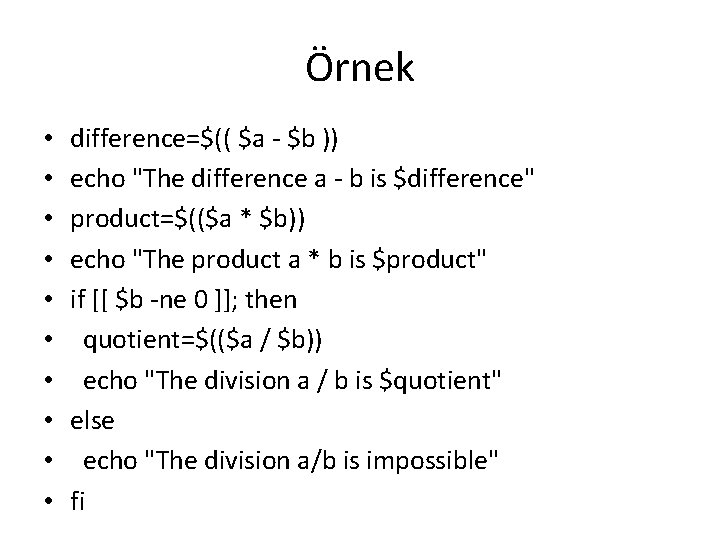
Örnek • • • difference=$(( $a - $b )) echo "The difference a - b is $difference" product=$(($a * $b)) echo "The product a * b is $product" if [[ $b -ne 0 ]]; then quotient=$(($a / $b)) echo "The division a / b is $quotient" else echo "The division a/b is impossible" fi
![Ornek-2 Geliştirilmiş #!/bin/bash if [ $# != 2 ]; # or, if ( test](http://slidetodoc.com/presentation_image_h/1b7f4f715b471f85cb7c2e15ad019aa0/image-28.jpg "Ornek-2 Geliştirilmiş #!/bin/bash if [ $# != 2 ]; # or, if ( test")
Ornek-2 Geliştirilmiş #!/bin/bash if [ $# != 2 ]; # or, if ( test $# != 2 ) then echo “Usage: $0 integer 1 integer 2” else echo “Doing arithmetic> “ r=$(($1 + $2)) ; echo “the sum "$1" + "$2“ is $r” r=$(($1 - $2)) ; echo "the subtraction "$1" - "$2" is $r“ r=$(($1 * $2)) ; echo "the product $1 * $2 is $r“ if [ $2 -ne 0 ] ; then r=$(($1 / $2)) ; echo "the division $1 / $2 is $r" else echo "the division $1 / $2 is impossible" fi fi
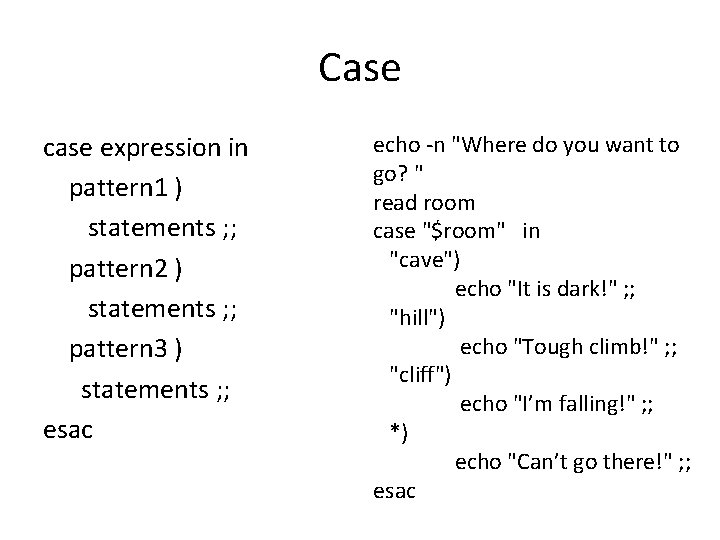
Case case expression in pattern 1 ) statements ; ; pattern 2 ) statements ; ; pattern 3 ) statements ; ; esac echo -n "Where do you want to go? " read room case "$room" in "cave") echo "It is dark!" ; ; "hill") echo "Tough climb!" ; ; "cliff") echo "I’m falling!" ; ; *) echo "Can’t go there!" ; ; esac
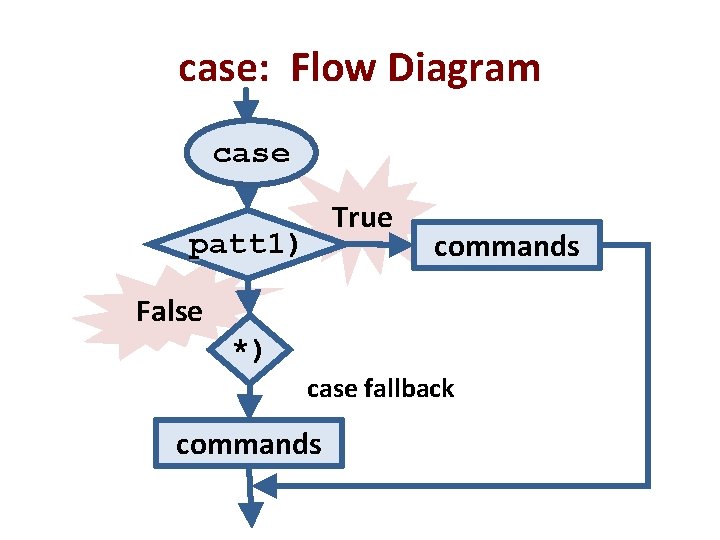
case: Flow Diagram case True patt 1) commands False *) case fallback commands
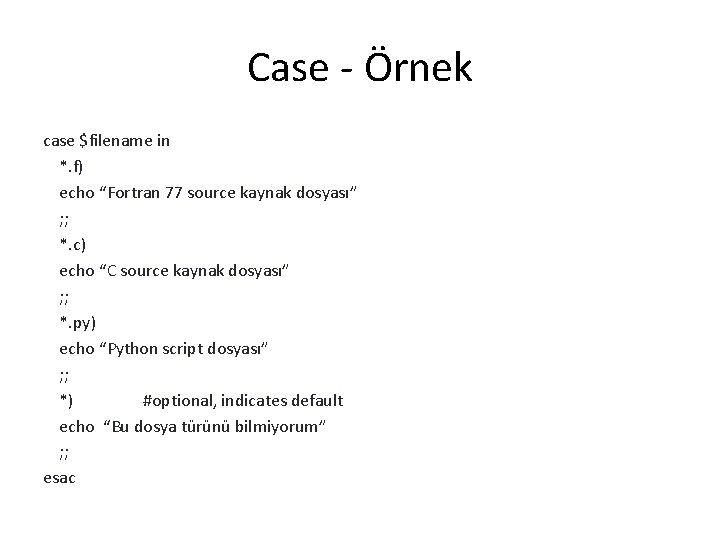
Case - Örnek case $filename in *. f) echo “Fortran 77 source kaynak dosyası” ; ; *. c) echo “C source kaynak dosyası” ; ; *. py) echo “Python script dosyası” ; ; *) #optional, indicates default echo “Bu dosya türünü bilmiyorum” ; ; esac
For Loop • İlk kullanım şekli: for degisken in iterator do komutlar done
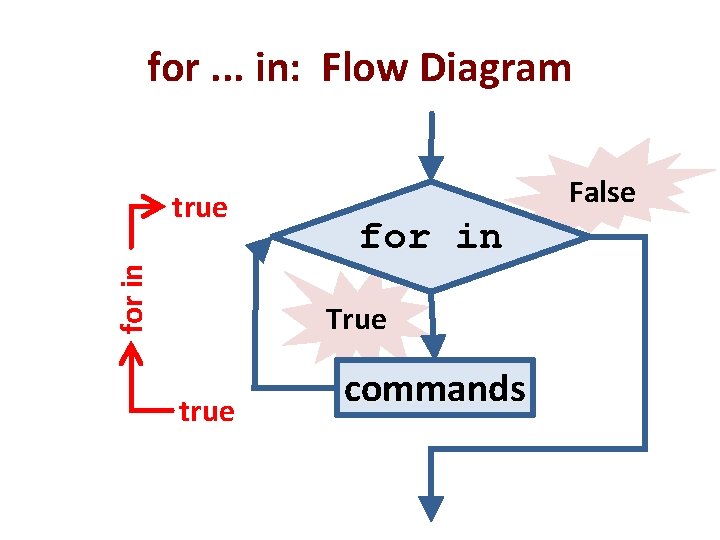
for. . . in: Flow Diagram for in true False for in True true commands
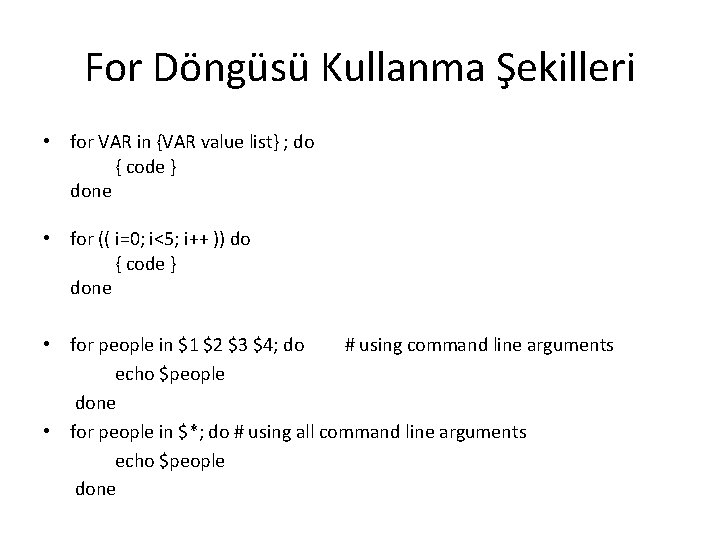
For Döngüsü Kullanma Şekilleri • for VAR in {VAR value list} ; do { code } done • for (( i=0; i<5; i++ )) do { code } done • for people in $1 $2 $3 $4; do # using command line arguments echo $people done • for people in $*; do # using all command line arguments echo $people done
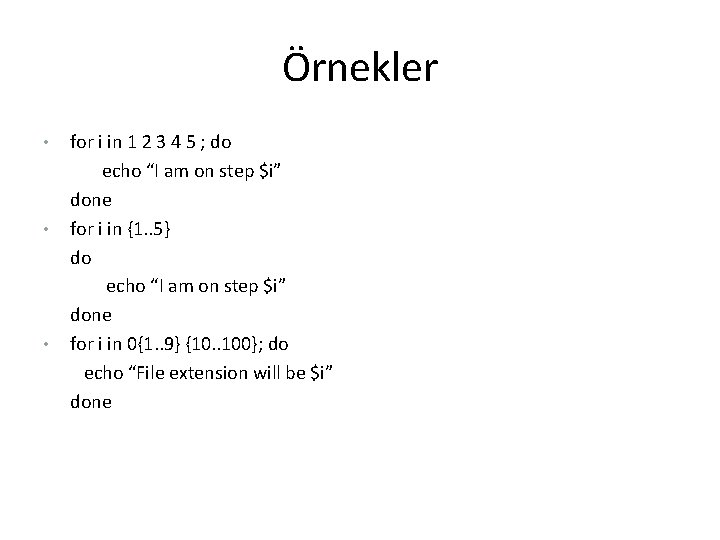
Örnekler for i in 1 2 3 4 5 ; do echo “I am on step $i” done • for i in {1. . 5} do echo “I am on step $i” done • for i in 0{1. . 9} {10. . 100}; do echo “File extension will be $i” done •
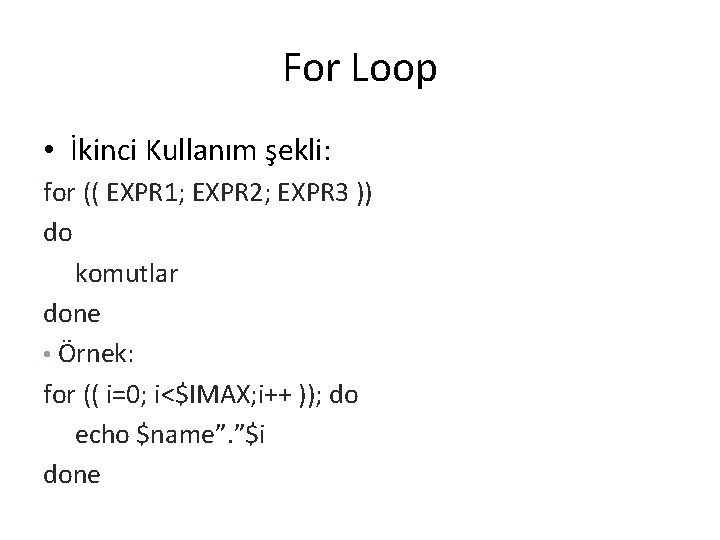
For Loop • İkinci Kullanım şekli: for (( EXPR 1; EXPR 2; EXPR 3 )) do komutlar done • Örnek: for (( i=0; i<$IMAX; i++ )); do echo $name”. ”$i done
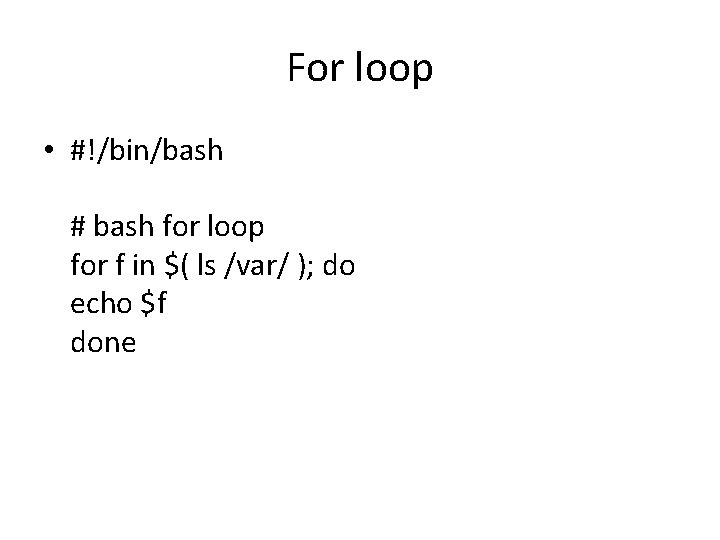
For loop • #!/bin/bash # bash for loop for f in $( ls /var/ ); do echo $f done
![While while [ condition ] do komut done • #!/bin/bash COUNT=6 # bash while](http://slidetodoc.com/presentation_image_h/1b7f4f715b471f85cb7c2e15ad019aa0/image-38.jpg "While while [ condition ] do komut done • #!/bin/bash COUNT=6 # bash while")
While while [ condition ] do komut done • #!/bin/bash COUNT=6 # bash while loop while [ $COUNT -gt 0 ]; do echo ‘Degeri: ’ $COUNT let COUNT=COUNT-1 done
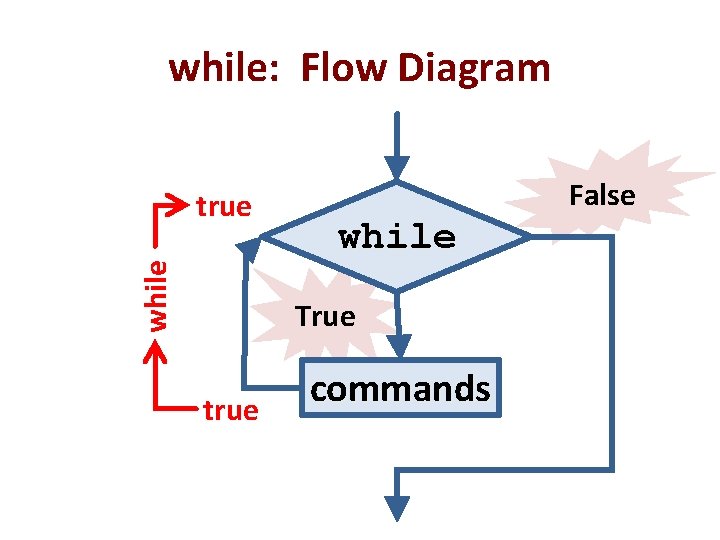
while: Flow Diagram while true False while True true commands
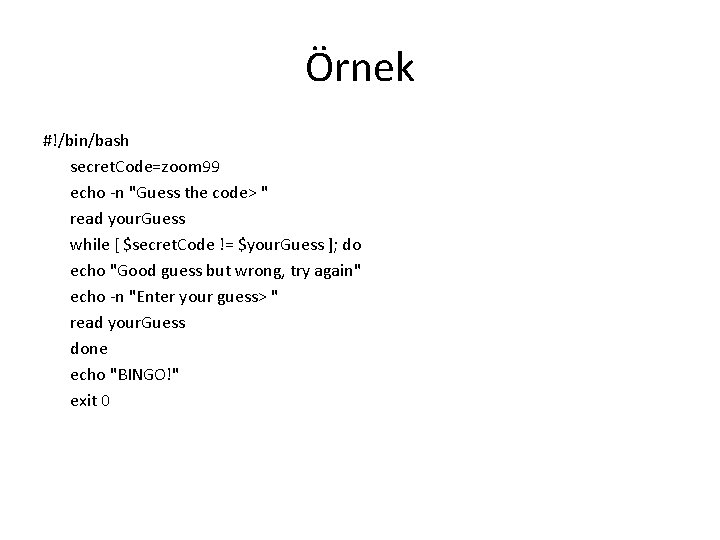
Örnek #!/bin/bash secret. Code=zoom 99 echo -n "Guess the code> " read your. Guess while [ $secret. Code != $your. Guess ]; do echo "Good guess but wrong, try again" echo -n "Enter your guess> " read your. Guess done echo "BINGO!" exit 0
![break while [ condition ] do if [ disaster ]; then break fi command](http://slidetodoc.com/presentation_image_h/1b7f4f715b471f85cb7c2e15ad019aa0/image-41.jpg "break while [ condition ] do if [ disaster ]; then break fi command")
break while [ condition ] do if [ disaster ]; then break fi command done for idx in {0. . 9} ; do if [ $idx = 4 ] ; then break fi echo $idx done
![continue for i in iterator; do if [[ something ]]; then continue fi command](http://slidetodoc.com/presentation_image_h/1b7f4f715b471f85cb7c2e15ad019aa0/image-42.jpg "continue for i in iterator; do if [[ something ]]; then continue fi command")
continue for i in iterator; do if [[ something ]]; then continue fi command done for idx in {0. . 9} ; do if [ $idx = 4 ] ; then continue fi echo $idx done
![Until • until [ i -eq 10 ] do {code} let i++ done •](http://slidetodoc.com/presentation_image_h/1b7f4f715b471f85cb7c2e15ad019aa0/image-43.jpg "Until • until [ i -eq 10 ] do {code} let i++ done •")
Until • until [ i -eq 10 ] do {code} let i++ done • #!/bin/bash COUNT=0 # bash until loop until [ $COUNT -gt 5 ]; do echo Value of count is: $COUNT let COUNT=COUNT+1 done
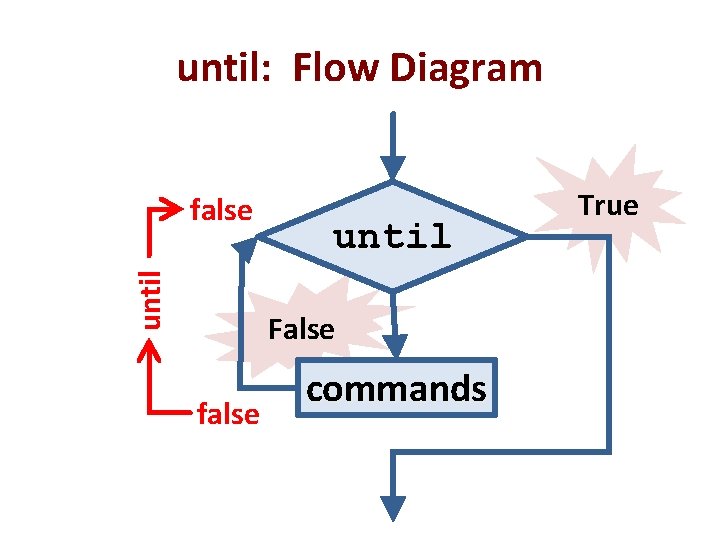
until: Flow Diagram until false until False false commands True
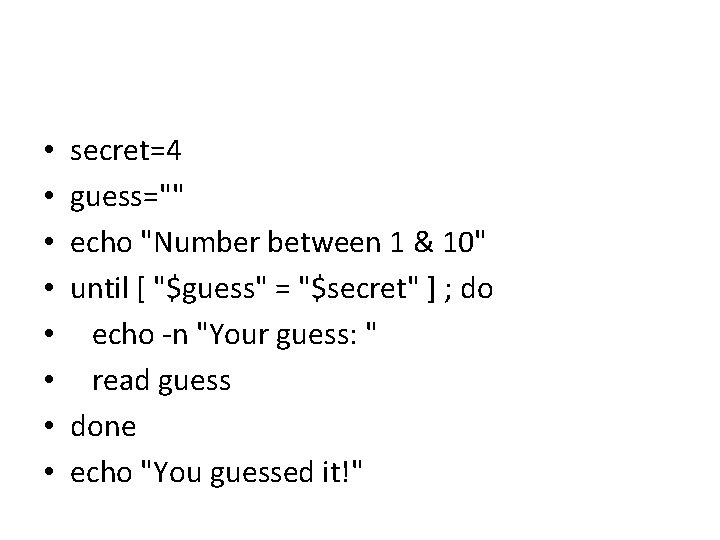
• • secret=4 guess="" echo "Number between 1 & 10" until [ "$guess" = "$secret" ] ; do echo -n "Your guess: " read guess done echo "You guessed it!"
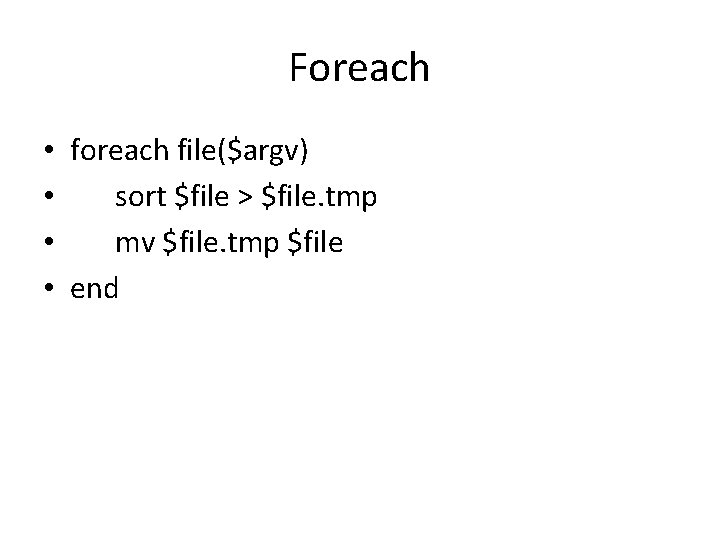
Foreach • foreach file($argv) • sort $file > $file. tmp • mv $file. tmp $file • end
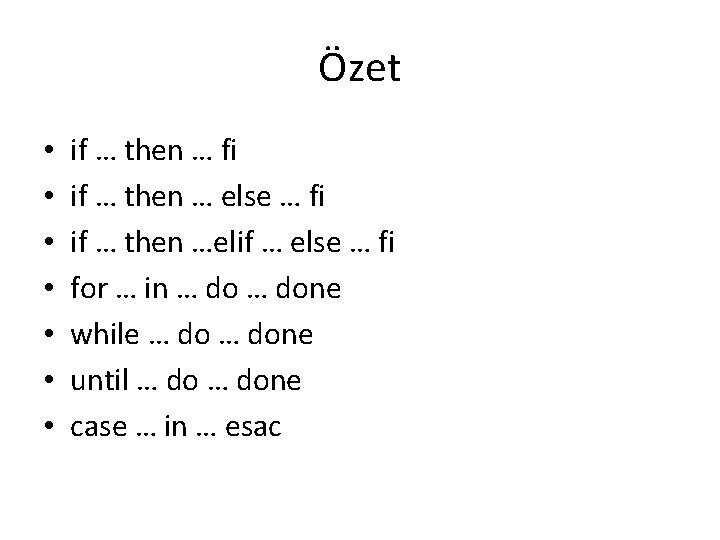
Özet • • if … then … fi if … then … else … fi if … then …elif … else … fi for … in … done while … done until … done case … in … esac
![Bash Aritmetik • • • x=$((4+20)) i=$(($i+1)) x=1 x=$[$x+1] y=$((2*$x+16)) Veya ileri aritmetik için](http://slidetodoc.com/presentation_image_h/1b7f4f715b471f85cb7c2e15ad019aa0/image-48.jpg "Bash Aritmetik • • • x=$((4+20)) i=$(($i+1)) x=1 x=$[$x+1] y=$((2*$x+16)) Veya ileri aritmetik için")
Bash Aritmetik • • • x=$((4+20)) i=$(($i+1)) x=1 x=$[$x+1] y=$((2*$x+16)) Veya ileri aritmetik için bc de kullanılabilir: x=$(echo “ 3*8+$z” | bc) Veya ‘expr’ da kullanılabilir: x=`expr $x + 1` # x i 1 artırır. x=$(expr $x * 2 )
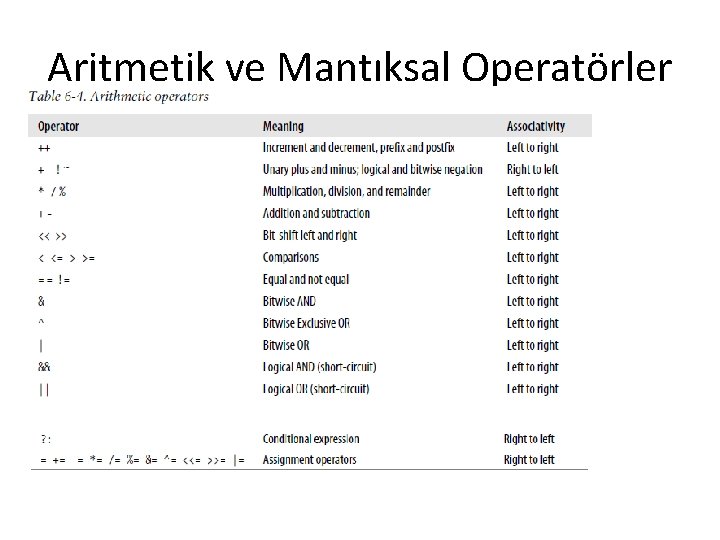
Aritmetik ve Mantıksal Operatörler
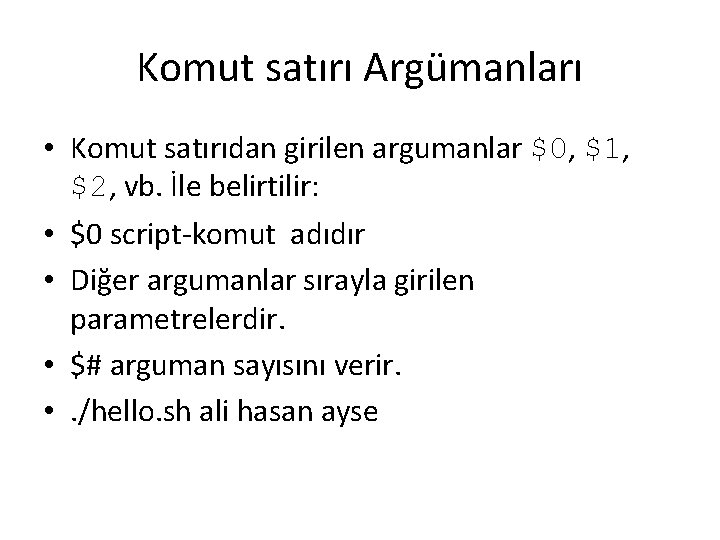
Komut satırı Argümanları • Komut satırıdan girilen argumanlar $0, $1, $2, vb. İle belirtilir: • $0 script-komut adıdır • Diğer argumanlar sırayla girilen parametrelerdir. • $# arguman sayısını verir. • . /hello. sh ali hasan ayse
![#!/bin/bash USAGE="Usage: $0 dir 1" if [ "$#" == "0" ]; then echo "$USAGE"](http://slidetodoc.com/presentation_image_h/1b7f4f715b471f85cb7c2e15ad019aa0/image-51.jpg "#!/bin/bash USAGE=\"Usage: $0 dir 1\" if [ \"$#\" == \"0\" ]; then echo \"$USAGE\"")
#!/bin/bash USAGE="Usage: $0 dir 1" if [ "$#" == "0" ]; then echo "$USAGE" exit 1 fi while [ $# -gt 0 ]; do echo “$1” done
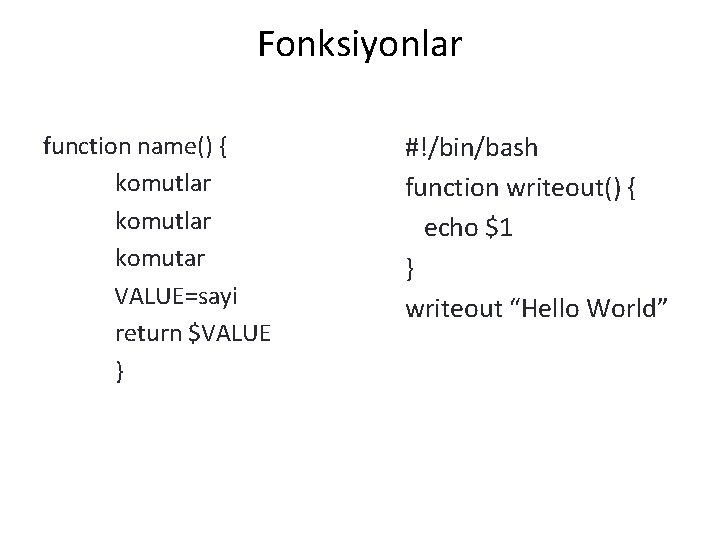
Fonksiyonlar function name() { komutlar komutar VALUE=sayi return $VALUE } #!/bin/bash function writeout() { echo $1 } writeout “Hello World”
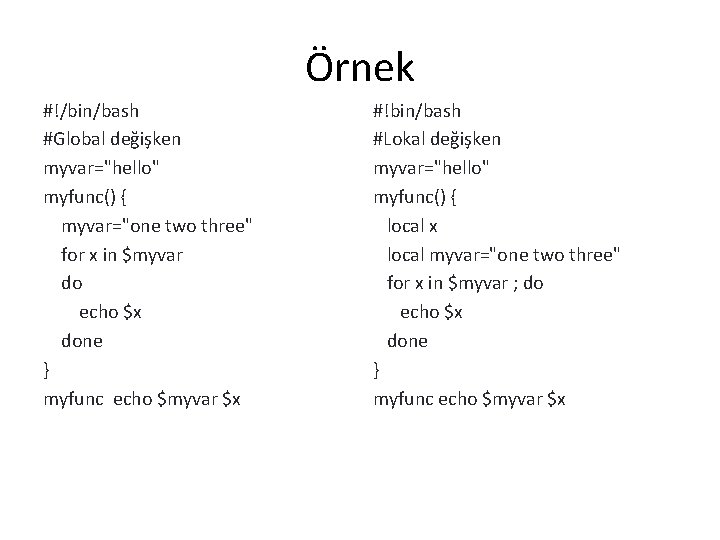
Örnek #!/bin/bash #Global değişken myvar="hello" myfunc() { myvar="one two three" for x in $myvar do echo $x done } myfunc echo $myvar $x #!bin/bash #Lokal değişken myvar="hello" myfunc() { local x local myvar="one two three" for x in $myvar ; do echo $x done } myfunc echo $myvar $x
![Örnek #!/bin/bash if [ $# -ne 2 ] # Argument check then echo "Usage:](http://slidetodoc.com/presentation_image_h/1b7f4f715b471f85cb7c2e15ad019aa0/image-54.jpg "Örnek #!/bin/bash if [ $# -ne 2 ] # Argument check then echo \"Usage:")
Örnek #!/bin/bash if [ $# -ne 2 ] # Argument check then echo "Usage: $0 first-number second-number" exit 1 fi gcd () { dividend=$1; divisor=$2; remainder=1 until [ "$remainder" -eq 0 ] do let "remainder = $dividend % $divisor" dividend=$divisor; divisor=$remainder done } gcd $1 $2 echo; echo "GCD of $1 and $2 = $dividend"; echo
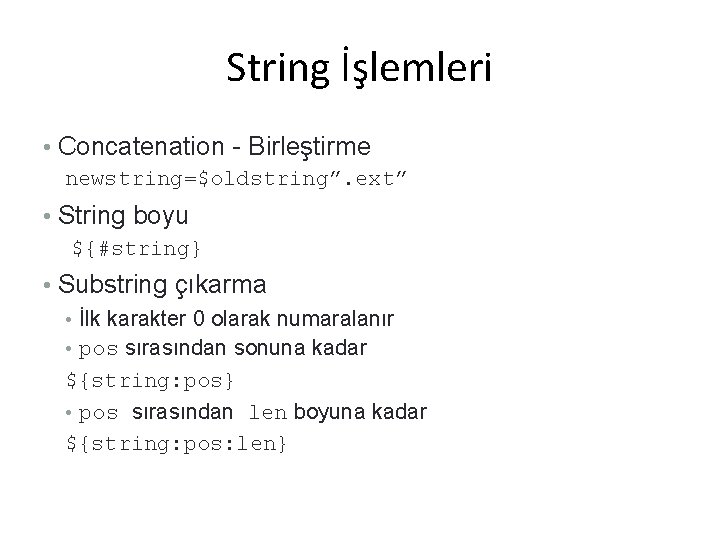
String İşlemleri • Concatenation - Birleştirme newstring=$oldstring”. ext” • String boyu ${#string} • Substring çıkarma • İlk karakter 0 olarak numaralanır • pos sırasından sonuna kadar ${string: pos} • pos sırasından len boyuna kadar ${string: pos: len}
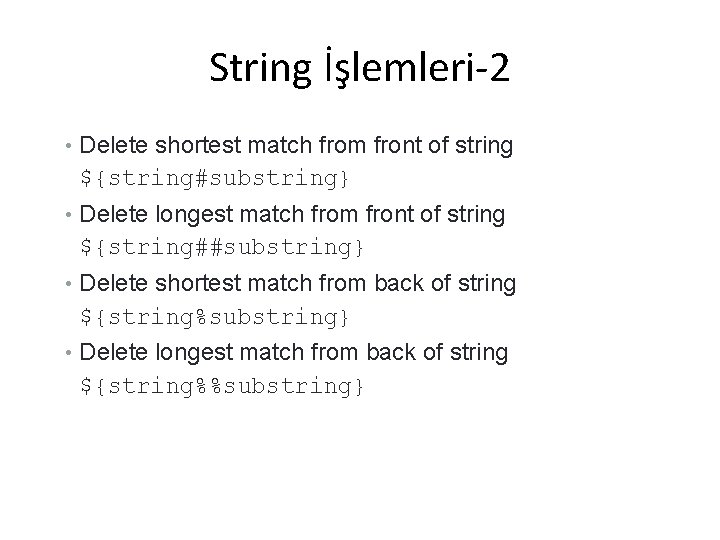
String İşlemleri-2 • Delete shortest match from front of string ${string#substring} • Delete longest match from front of string ${string##substring} • Delete shortest match from back of string ${string%substring} • Delete longest match from back of string ${string%%substring}
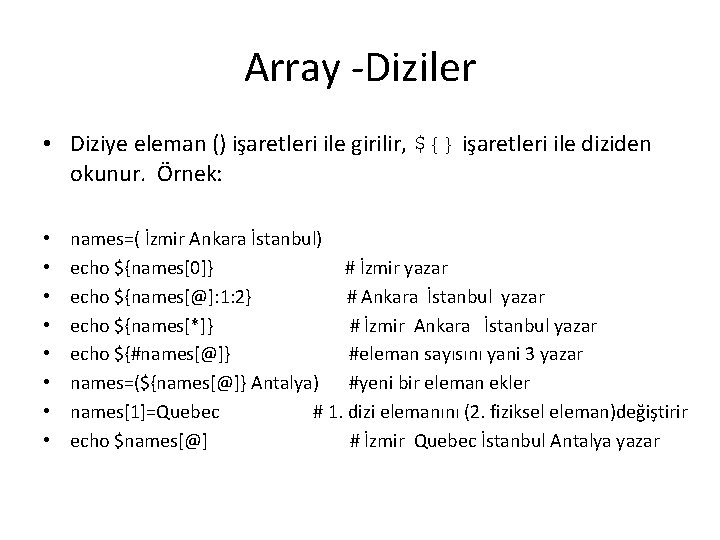
Array -Diziler • Diziye eleman () işaretleri ile girilir, ${} işaretleri ile diziden okunur. Örnek: • • names=( İzmir Ankara İstanbul) echo ${names[0]} # İzmir yazar echo ${names[@]: 1: 2} # Ankara İstanbul yazar echo ${names[*]} # İzmir Ankara İstanbul yazar echo ${#names[@]} #eleman sayısını yani 3 yazar names=(${names[@]} Antalya) #yeni bir eleman ekler names[1]=Quebec # 1. dizi elemanını (2. fiziksel eleman)değiştirir echo $names[@] # İzmir Quebec İstanbul Antalya yazar
![Örnekler my_arr=(1 2 3 4 5 6) for num in ${my_arr[@]}; do echo $num](http://slidetodoc.com/presentation_image_h/1b7f4f715b471f85cb7c2e15ad019aa0/image-58.jpg "Örnekler my_arr=(1 2 3 4 5 6) for num in ${my_arr[@]}; do echo $num")
Örnekler my_arr=(1 2 3 4 5 6) for num in ${my_arr[@]}; do echo $num done jpg_files=(`ls *jpg`) for file in ${jpg_files[*]}; do if [[ -n $file ]]; then convert $file ${file%%”. jpg”}. png fi done
![names=( İzmir Ankara İstanbul) for name in $*; do array=("${array[@]}" $name) done echo ${array[@]}](http://slidetodoc.com/presentation_image_h/1b7f4f715b471f85cb7c2e15ad019aa0/image-59.jpg "names=( İzmir Ankara İstanbul) for name in $*; do array=(\"${array[@]}\" $name) done echo ${array[@]}")
names=( İzmir Ankara İstanbul) for name in $*; do array=("${array[@]}" $name) done echo ${array[@]} #print all the array elements i=0 until [ $i -eq $# ]; do echo -n ${array[$i]} #print one array element echo let i++ done
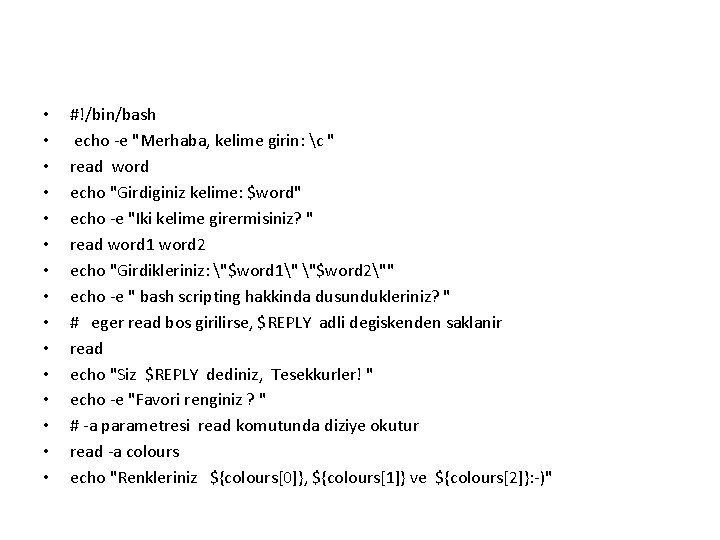
• • • • #!/bin/bash echo -e "Merhaba, kelime girin: c " read word echo "Girdiginiz kelime: $word" echo -e "Iki kelime girermisiniz? " read word 1 word 2 echo "Girdikleriniz: "$word 1" "$word 2"" echo -e " bash scripting hakkinda dusundukleriniz? " # eger read bos girilirse, $REPLY adli degiskenden saklanir read echo "Siz $REPLY dediniz, Tesekkurler! " echo -e "Favori renginiz ? " # -a parametresi read komutunda diziye okutur read -a colours echo "Renkleriniz ${colours[0]}, ${colours[1]} ve ${colours[2]}: -)"
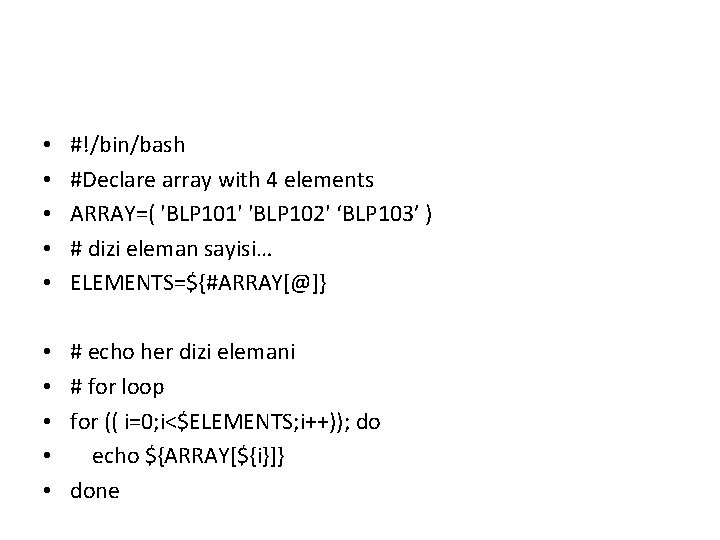
• • • #!/bin/bash #Declare array with 4 elements ARRAY=( 'BLP 101' 'BLP 102' ‘BLP 103’ ) # dizi eleman sayisi… ELEMENTS=${#ARRAY[@]} • • • # echo her dizi elemani # for loop for (( i=0; i<$ELEMENTS; i++)); do echo ${ARRAY[${i}]} done
![Shell Script Çevre Değişkenleri export EDITOR=emacs if [[ $REMOTEHOST ]]; then if [[ $REMOTEHOST](http://slidetodoc.com/presentation_image_h/1b7f4f715b471f85cb7c2e15ad019aa0/image-62.jpg "Shell Script Çevre Değişkenleri export EDITOR=emacs if [[ $REMOTEHOST ]]; then if [[ $REMOTEHOST")
Shell Script Çevre Değişkenleri export EDITOR=emacs if [[ $REMOTEHOST ]]; then if [[ $REMOTEHOST == "csgate. uwindsor. ca“ ]]; then export DISPLAY="U 96. lamf. uwindsor. ca: 0. 0" else export DISPLAY=$REMOTEHOST": 0. 0" fi else export DISPLAY=$HOST": 0. 0" fi
- Slides: 62