
KA 3 PMW Net Control Operator Log Training
- Slides: 37
KA 3 PMW Net Control Operator Log Training
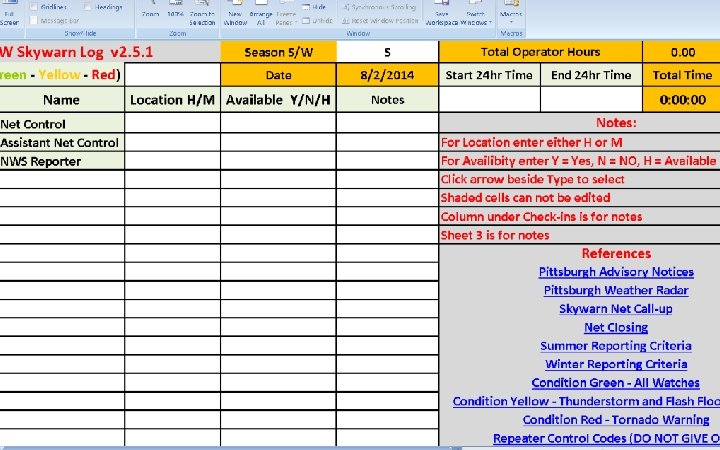
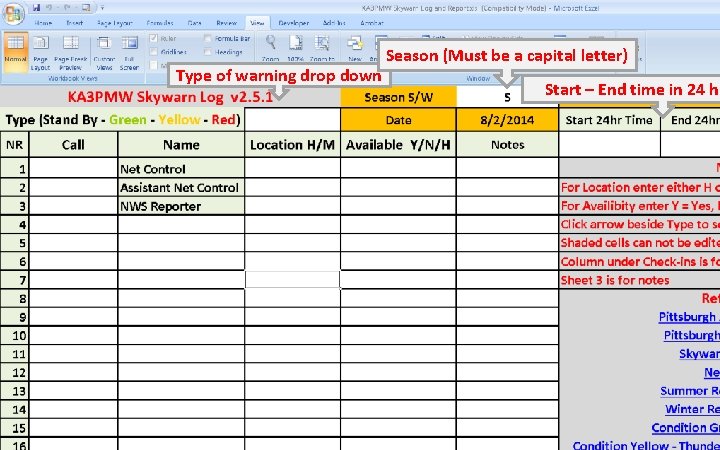
Skywarn Log Training • The following slide shows the main page of the Skywarn log form.
First fill in the Season, type of warning from drop down menu and the start and end times given to you by the NWS. These can be changed later. Don’t forget to enter the net control operator’s call sign.
Type of warning drop down Season (Must be a capital letter) Start – End time in 24 hr
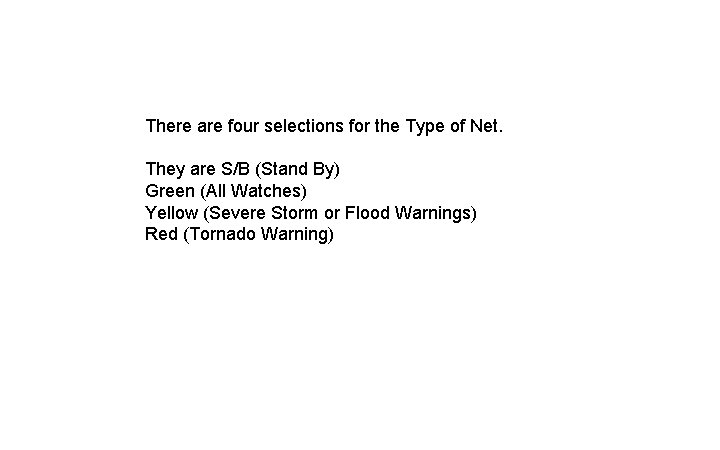
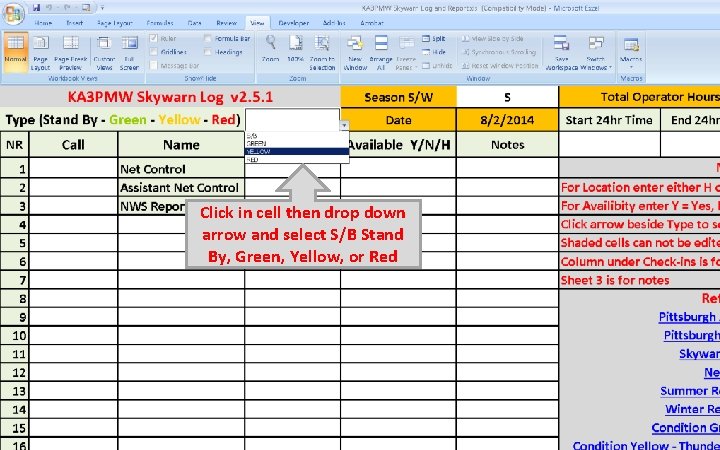
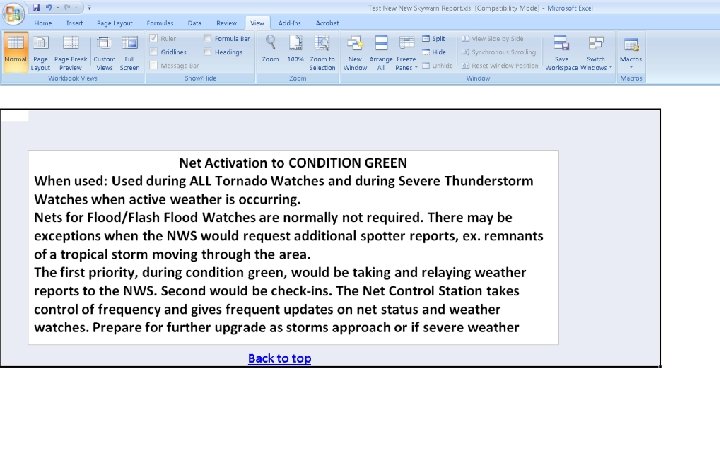
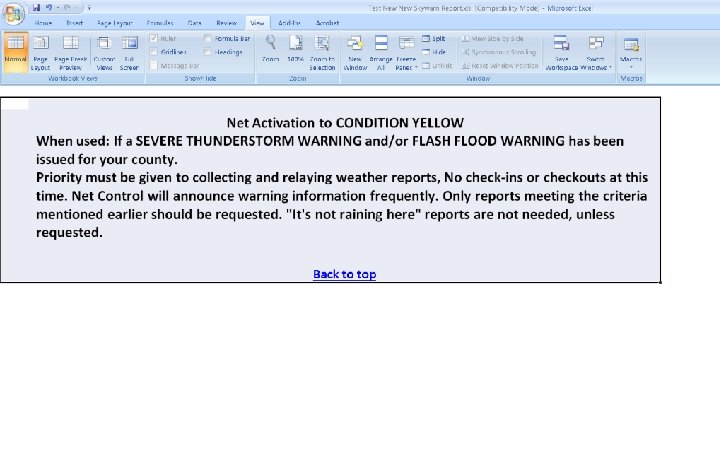
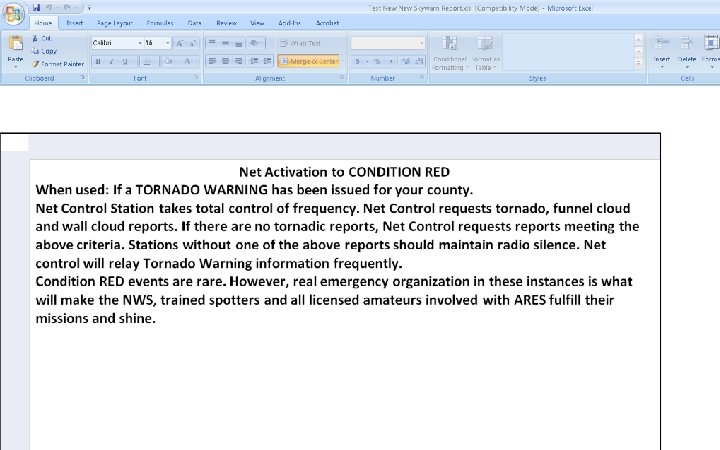
There are four selections for the Type of Net. They are S/B (Stand By) Green (All Watches) Yellow (Severe Storm or Flood Warnings) Red (Tornado Warning)
Click in cell then drop down arrow and select S/B Stand By, Green, Yellow, or Red
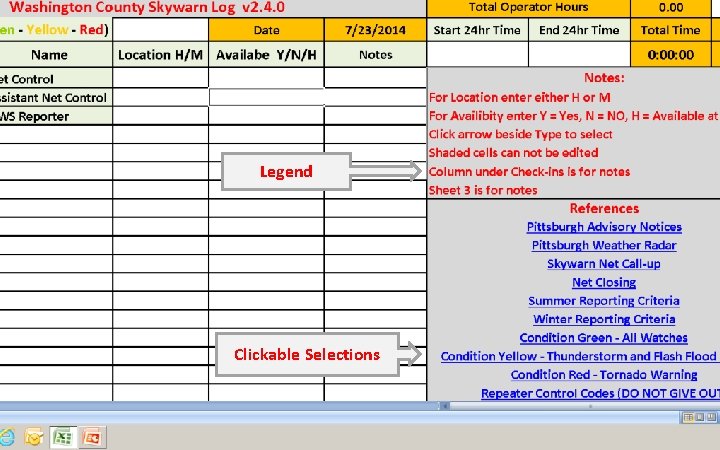
The next slide shows The Key and Menu headings
Legend Clickable Selections
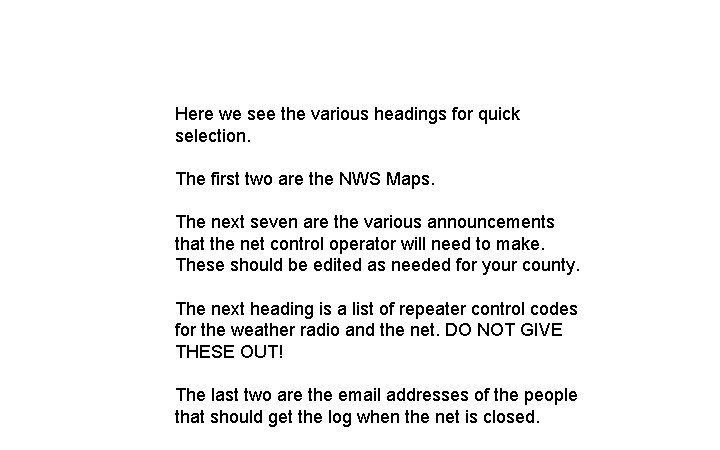
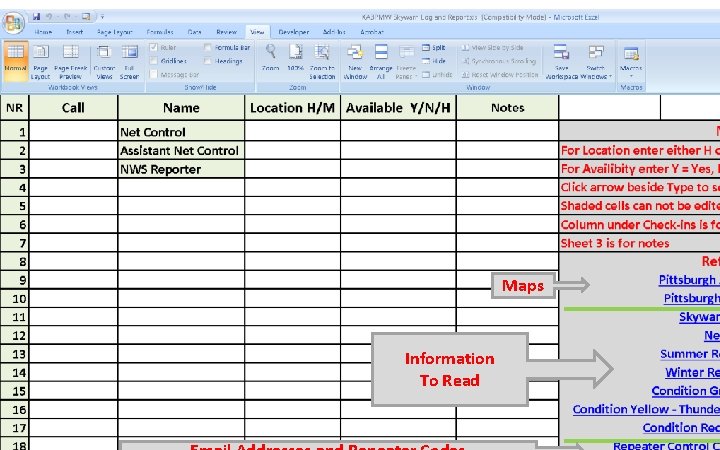
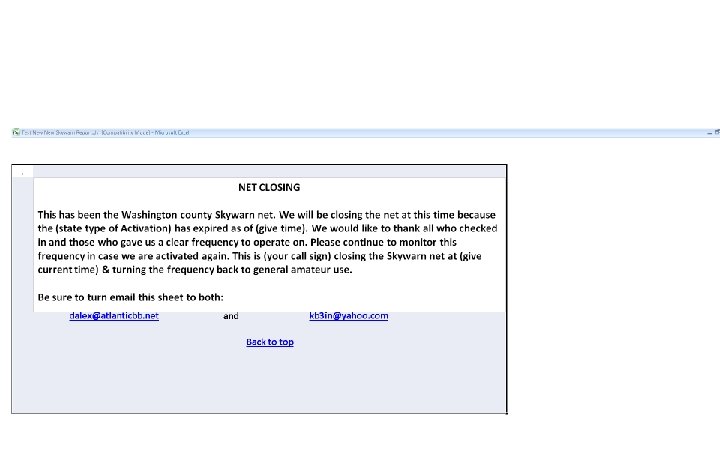
Here we see the various headings for quick selection. The first two are the NWS Maps. The next seven are the various announcements that the net control operator will need to make. These should be edited as needed for your county. The next heading is a list of repeater control codes for the weather radio and the net. DO NOT GIVE THESE OUT! The last two are the email addresses of the people that should get the log when the net is closed.
Maps Information To Read
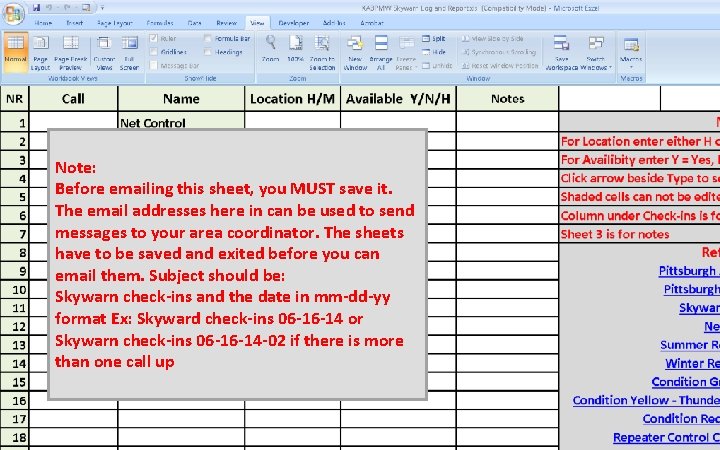
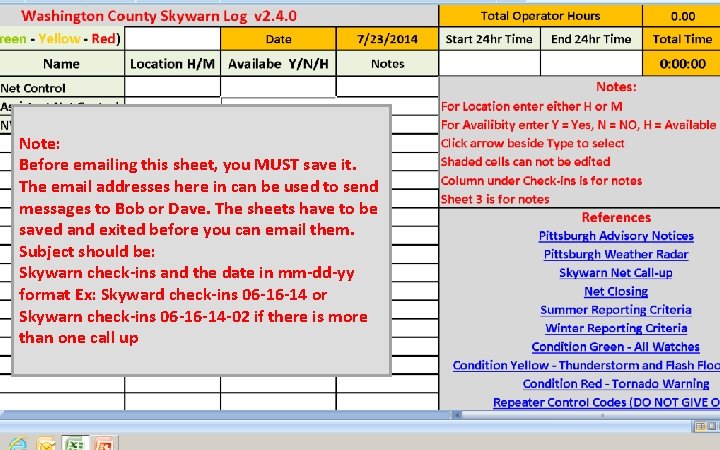
Note: Before emailing this sheet, you MUST save it. The email addresses here in can be used to send messages to your area coordinator. The sheets have to be saved and exited before you can email them. Subject should be: Skywarn check-ins and the date in mm-dd-yy format Ex: Skyward check-ins 06 -16 -14 or Skywarn check-ins 06 -16 -14 -02 if there is more than one call up
Note: Before emailing this sheet, you MUST save it. The email addresses here in can be used to send messages to Bob or Dave. The sheets have to be saved and exited before you can email them. Subject should be: Skywarn check-ins and the date in mm-dd-yy format Ex: Skyward check-ins 06 -16 -14 or Skywarn check-ins 06 -16 -14 -02 if there is more than one call up
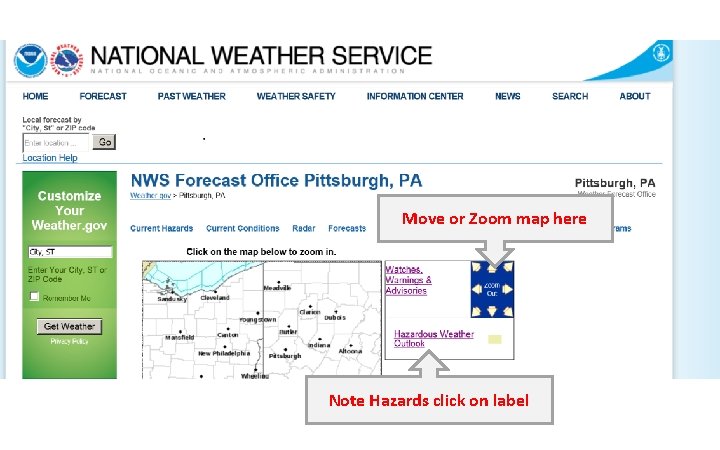
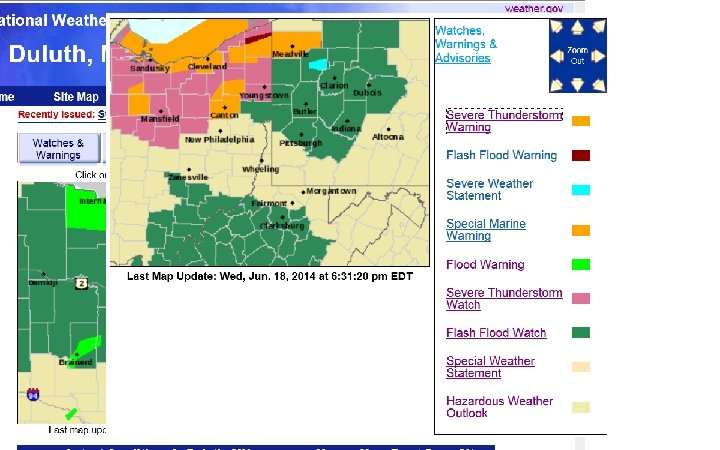
The first map selection is the NWS advisory map. The hyperlink for this will have to be changed for your particular county. Here are two advisory maps. To get the advisory for your county, click on the text to the left of the color of your particular county.
Move or Zoom map here Note Hazards click on label
Zoom in or out or move Match to map Click here to select
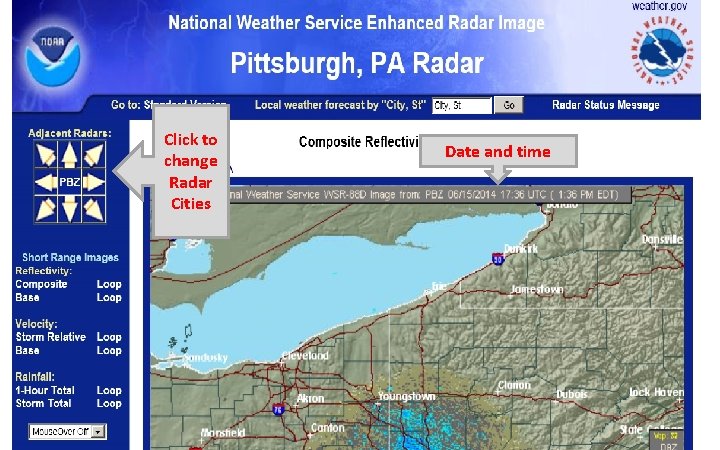
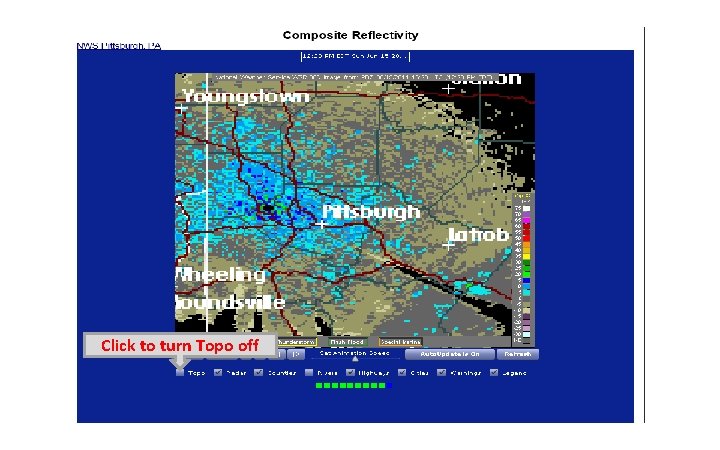
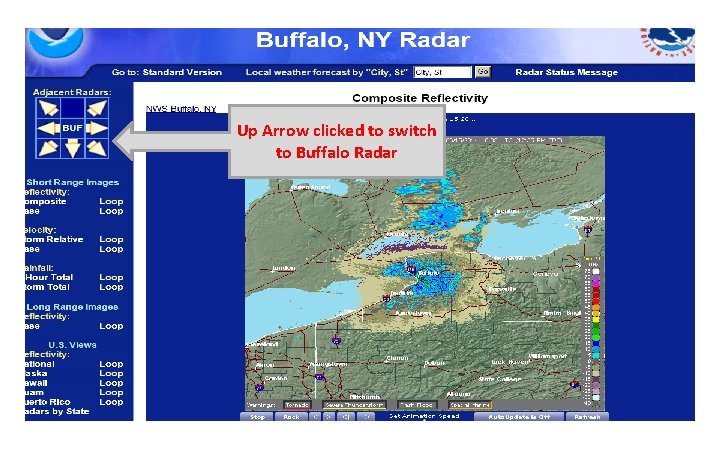
Next is the radar map. Change the hyperlink for your county.
Click to change Radar Cities Date and time
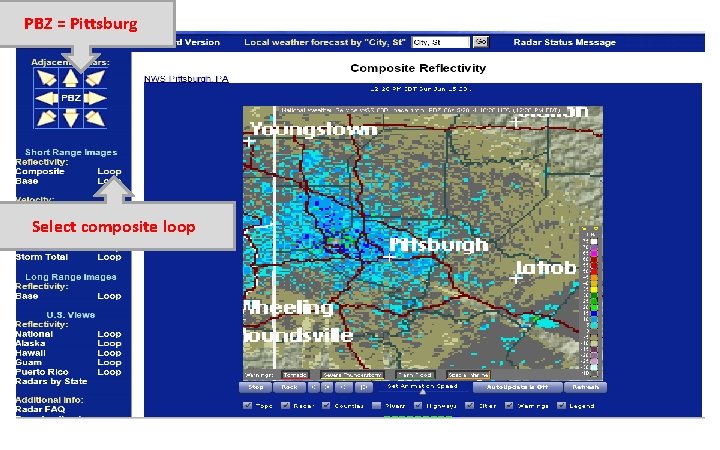
PBZ = Pittsburg Select composite loop
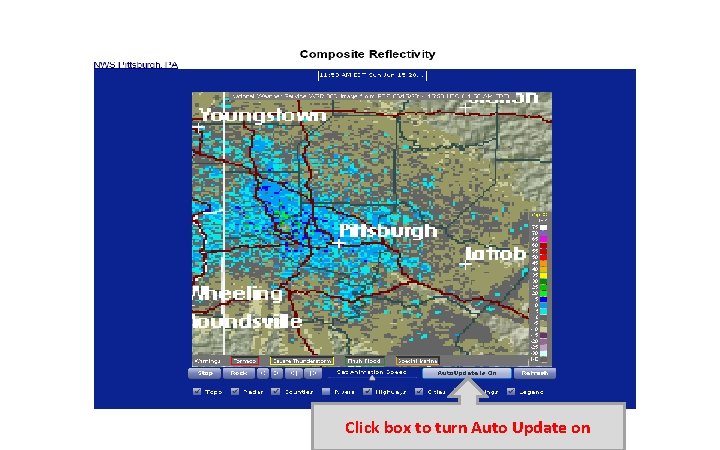
Click box to turn Auto Update on
Click to turn Topo off
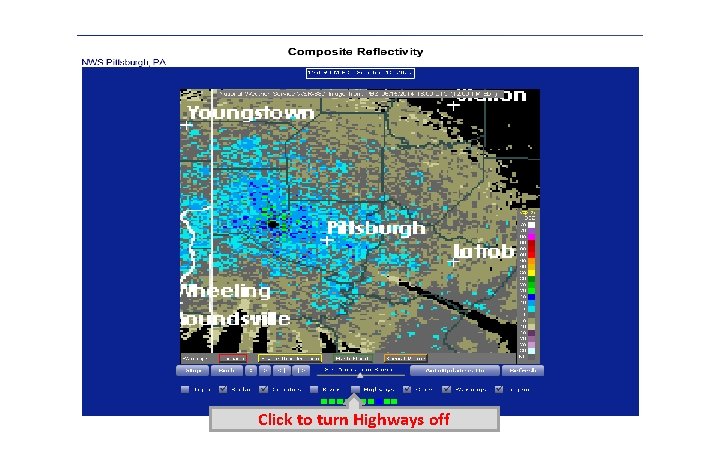
Click to turn Highways off
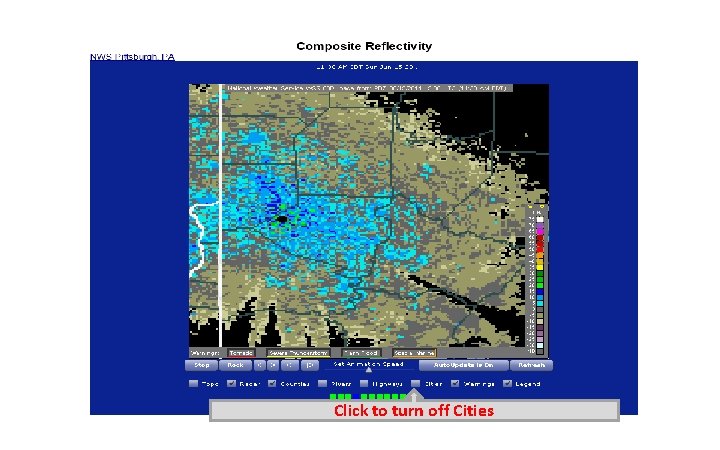
Click to turn off Cities
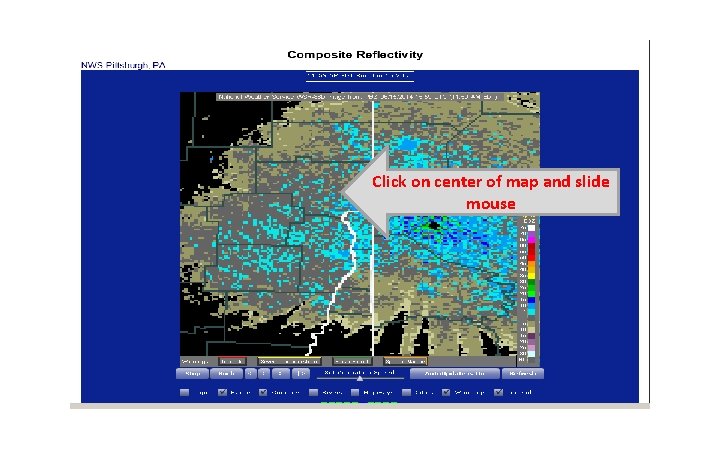
Click on center of map and slide mouse
Up Arrow clicked to switch to Buffalo Radar
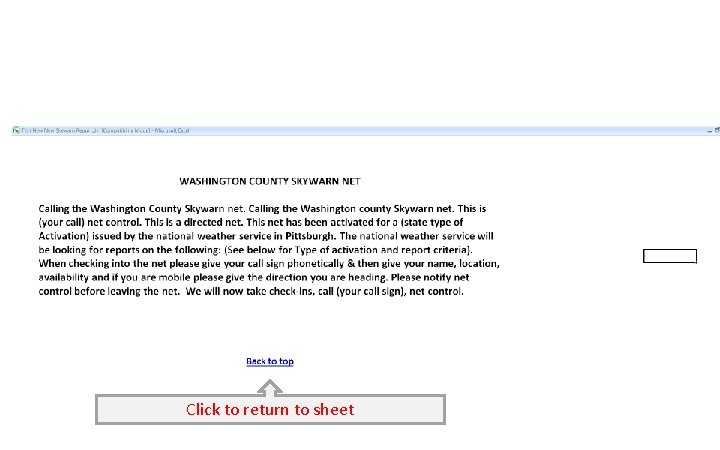
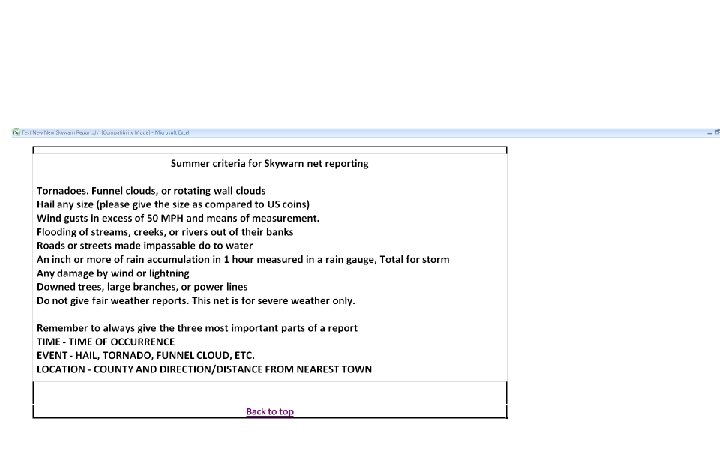
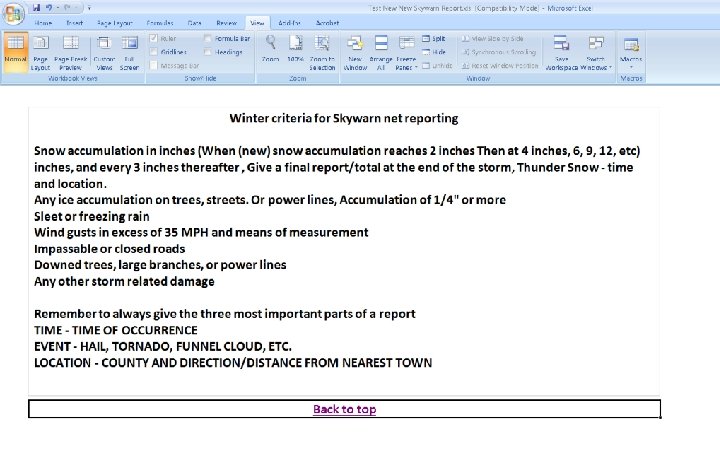
The next slides show the various announcements that the net control operator will need to make. Edit these for your particular Skywarn call up format.
Click to return to sheet
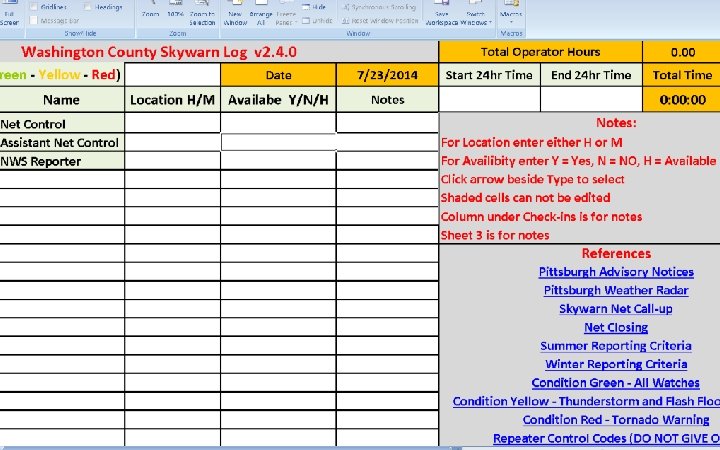
Using The Log To fill out the log, start with the Net Control Operator. Put in their call sign. Their location will be H for home and Availability will be H for available at home. The Assistant Net Control Operator will have the same for their location and availability. The NWS Reporter is the person that will be directed to contact 911 and NWS with information. Generally this person will also have the same responses.
For the other check-ins, You need their call, Name, Location, and either Y or N for availability. Note that the number of check-ins and the total time are updated every time that a new call sign is added.
Any Questions ? ? ?