
JUNK DRAWER ROBOTICS Train the Trainer TOT Junk
JUNK DRAWER ROBOTICS Train the Trainer (TOT)
Junk Drawer Robotics – Curriculum Overview • What is Junk Drawer Robotics? • What will you do? • Learn the structure of the Junk Drawer Robotics Curriculum • Develop personal knowledge and experience to draw upon when utilizing Junk Drawer Robotics • Experience the processes of Thinking like a Scientist, Designing like an Engineer and Building like a Technician and understand how to connect them to real-world experiences for youth
Junk Drawer • Junk Drawer Presenter’s Activity Guides 1. Give Robots a Hand - design robotic hands, arms, and grippers, 2. Robots on the Move – design machines that roll and move 3. Mechatronics – explore connection between mechanical and electrical elements • Youth Robotics Notebook – all 3 levels • Record their ideas and predictions, • collect data • draw designs • Reflect on experiences
Introduction to Curriculum • The 4 -H Junk Drawer Robotics Curriculum was launched in 2010. It was developed through a rigorous process that included formative evaluation, student and leader feedback, and impact assessments. There are three levels or books about different fundamental concepts of robotics. Today we are focusing on the first level, Give Robots a Hand that is all about how robotic arms and grippers function; and the second level, Robots on the Move • Important parts of the learning experience for youth include: • • • Basic physical science concepts related to robots The Scientific Inquiry Process The Engineering Design Process Technology tools for learning and communications An exploration of Science, Engineering and Technology (SET) careers

JUNK DRAWER ROBOTICS LEVEL 1: GIVE ROBOTS A HAND
JUNK DRAWER ROBOTICS • Youth will explore the design and function of robotic arms, hands and grippers. • Youth will build a robotic arm that really moves. • Youth will design and build machines that explore robot mobility, movement, power transfer and locomotion.
USING JUNK DRAWER ROBOTICS • Learn by doing, designing and building • Making and tinkering with a plan and structure behind it • Flexible and adaptable
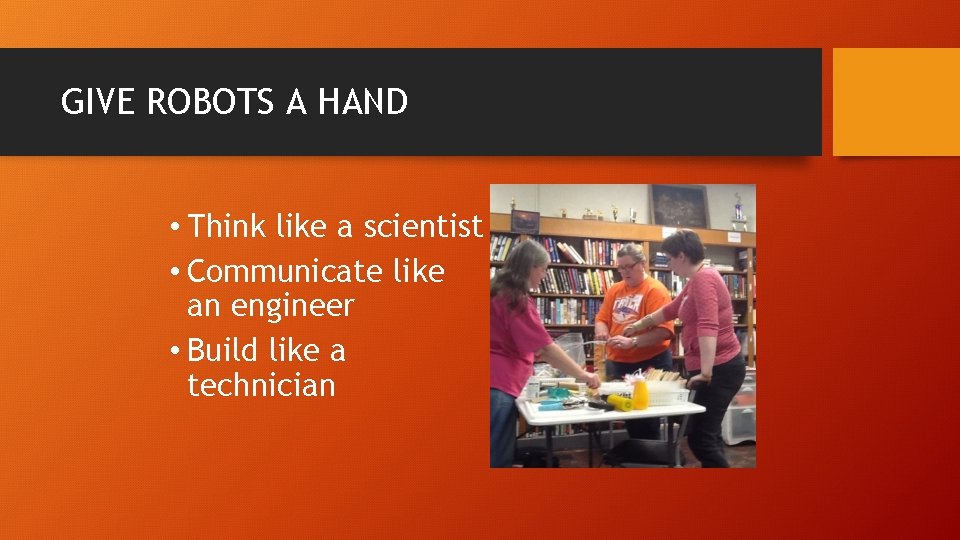
GIVE ROBOTS A HAND • Think like a scientist • Communicate like an engineer • Build like a technician
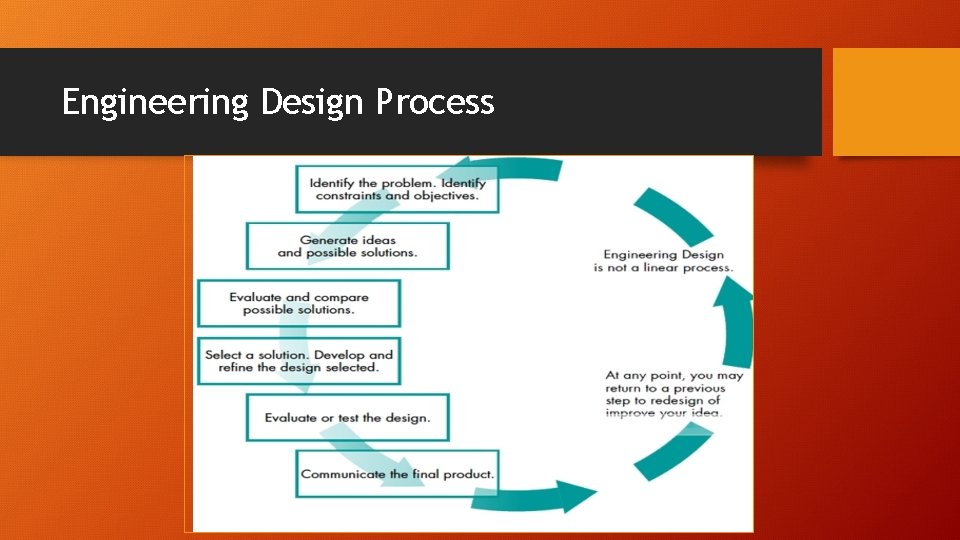
Engineering Design Process
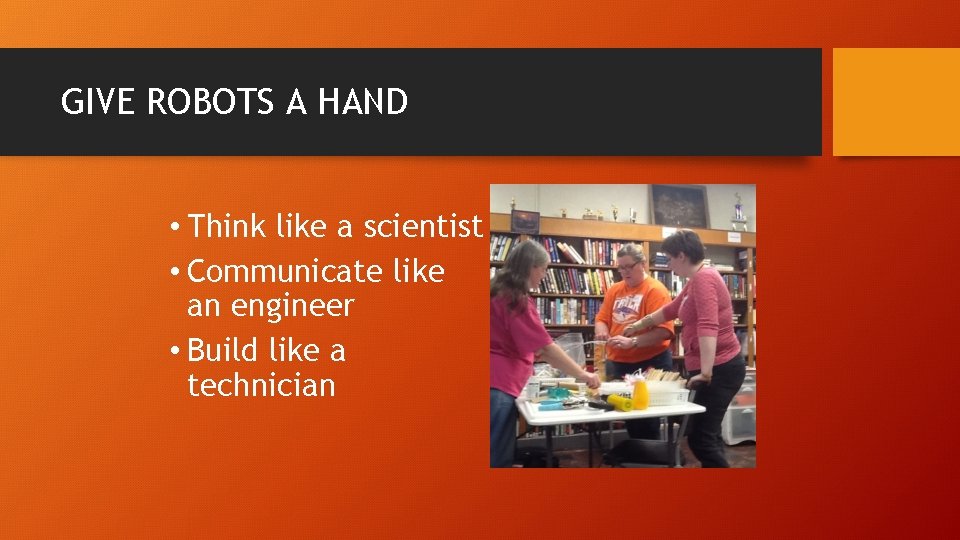
GIVE ROBOTS A HAND • Think like a scientist • Communicate like an engineer • Build like a technician
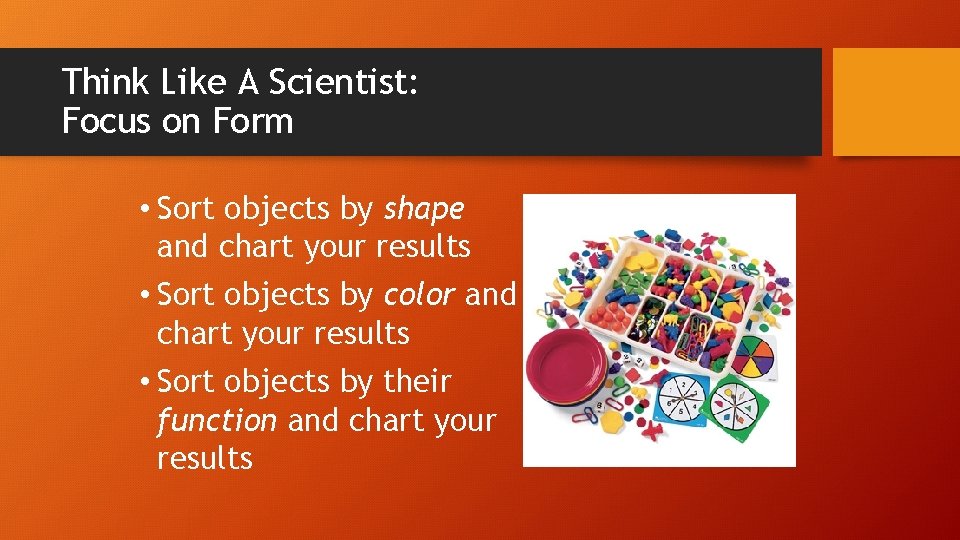
Think Like A Scientist: Focus on Form • Sort objects by shape and chart your results • Sort objects by color and chart your results • Sort objects by their function and chart your results
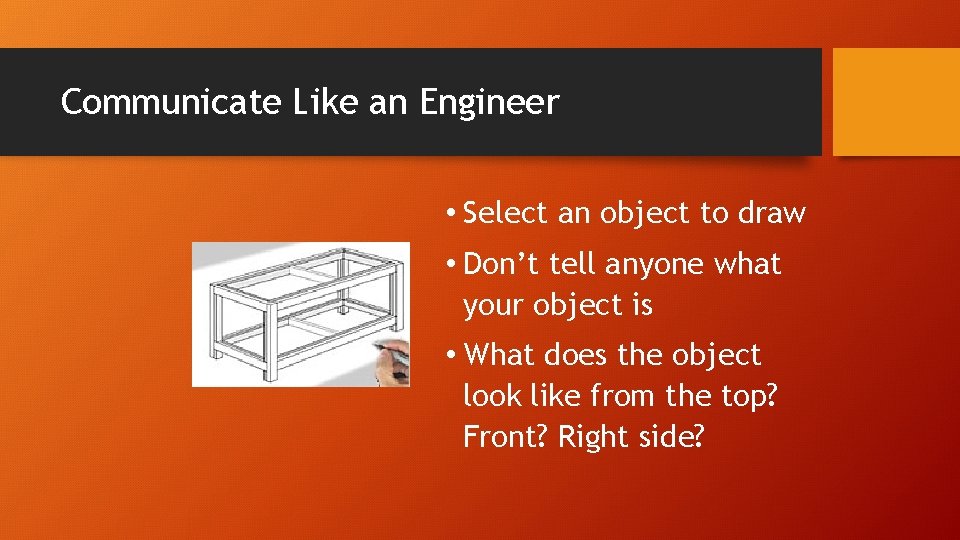
Communicate Like an Engineer • Select an object to draw • Don’t tell anyone what your object is • What does the object look like from the top? Front? Right side?
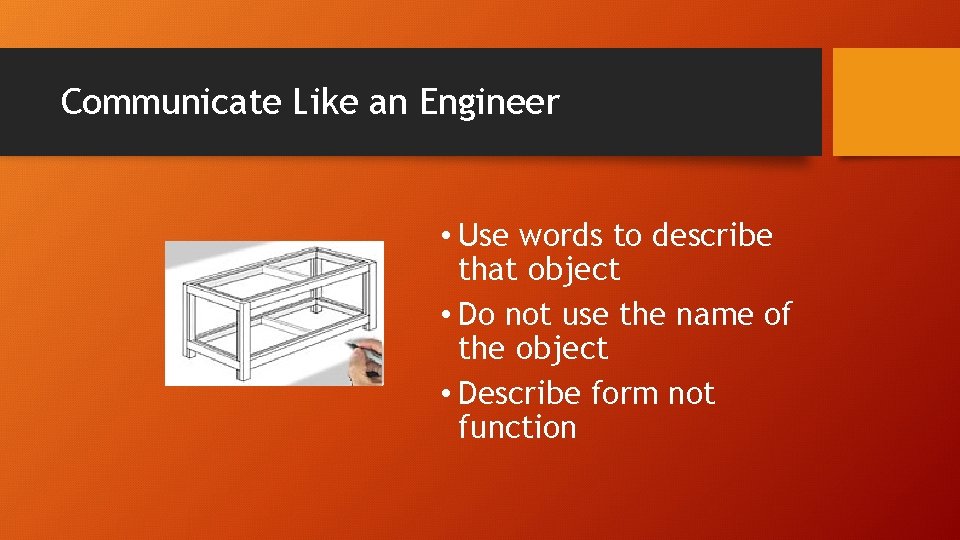
Communicate Like an Engineer • Use words to describe that object • Do not use the name of the object • Describe form not function
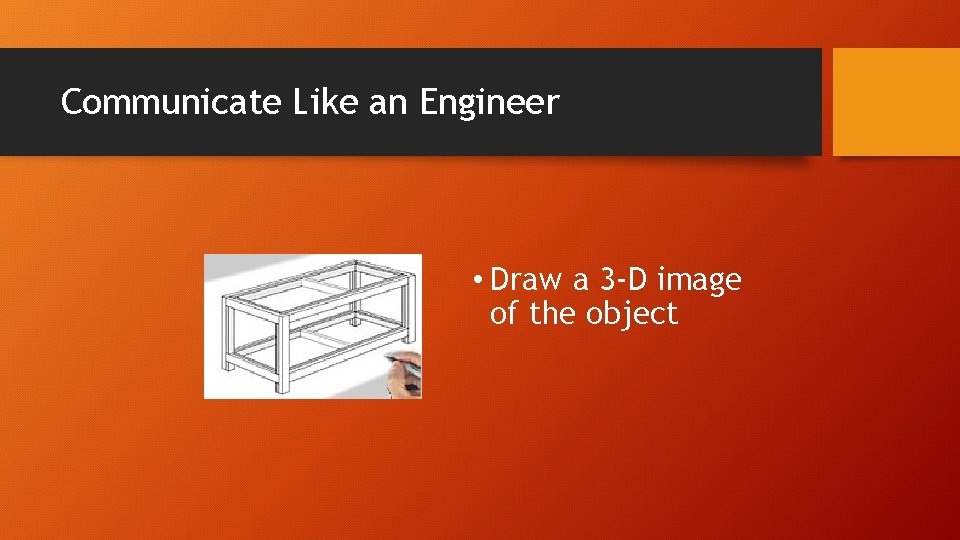
Communicate Like an Engineer • Draw a 3 -D image of the object
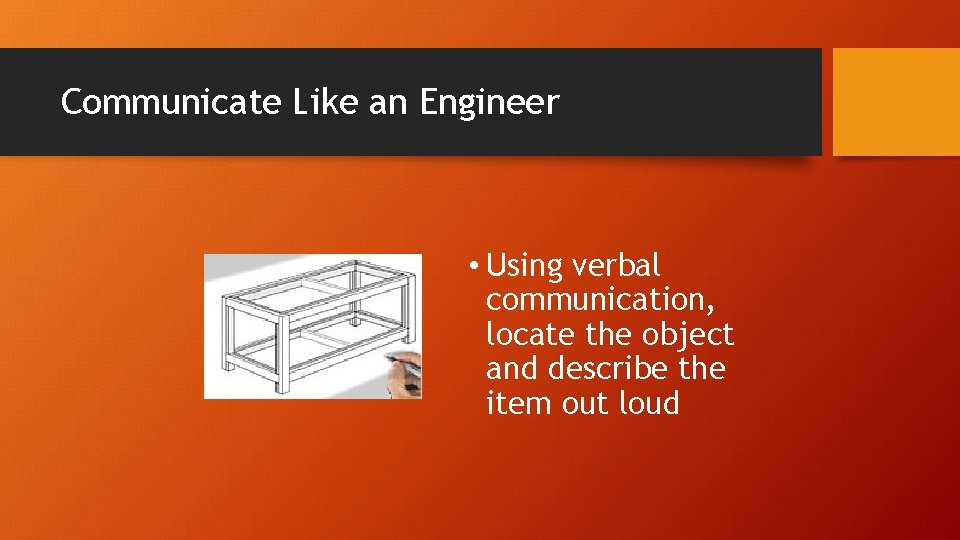
Communicate Like an Engineer • Using verbal communication, locate the object and describe the item out loud
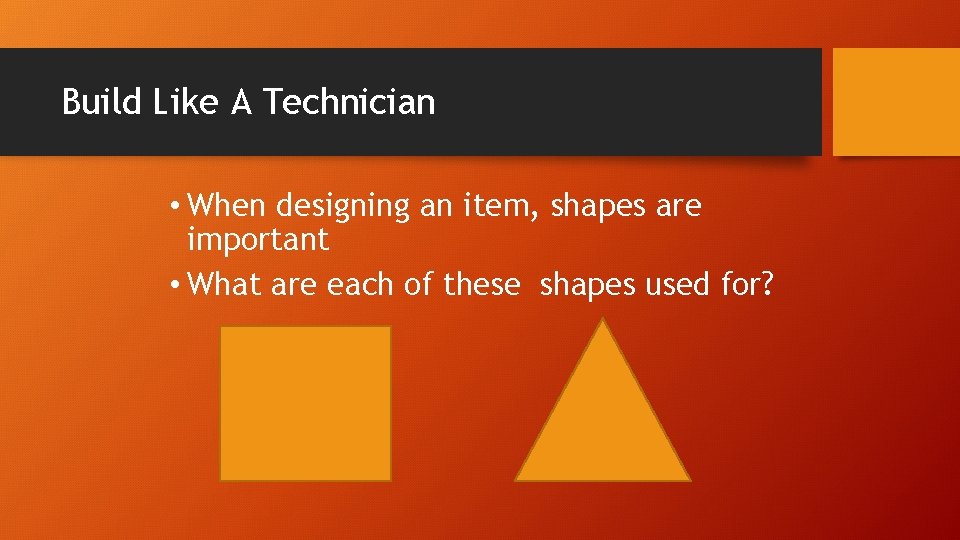
Build Like A Technician • When designing an item, shapes are important • What are each of these shapes used for?
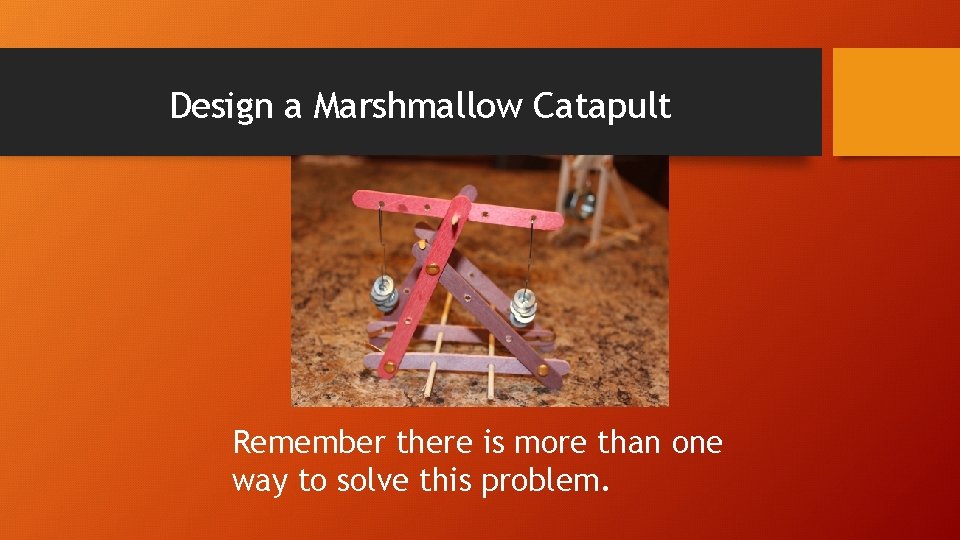
Design a Marshmallow Catapult Remember there is more than one way to solve this problem.
Design a Marshmallow Catapult • Follow instructions • Design a trebuchet-style swing arm catapult • Arm of catapult must be adjustable (moveable pivot point) • Use at least five (5) different types of materials or parts (craft sticks, brads, dowels, etc. ) • Use weights and gravity as the power source • Launch a marshmallow at least six (6) feet
Design a Marshmallow Catapult • Think like a scientist • Check available resources • Consider the concepts of design • Review manufacturing elements • Think about form and function
Design a Marshmallow Catapult • Communicate like an engineer • Describe the object using sketches and drawings as well as written and verbal descriptions. • Be descriptive
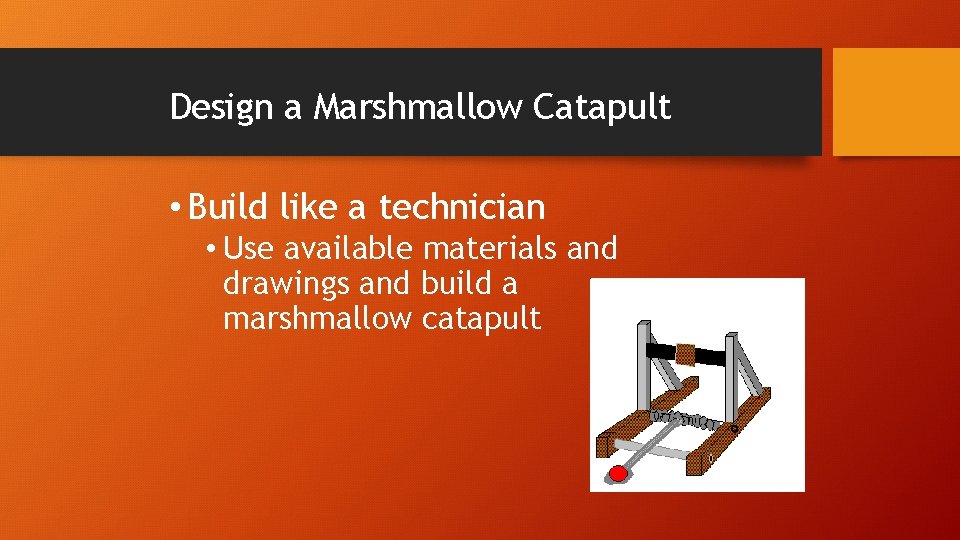
Design a Marshmallow Catapult • Build like a technician • Use available materials and drawings and build a marshmallow catapult
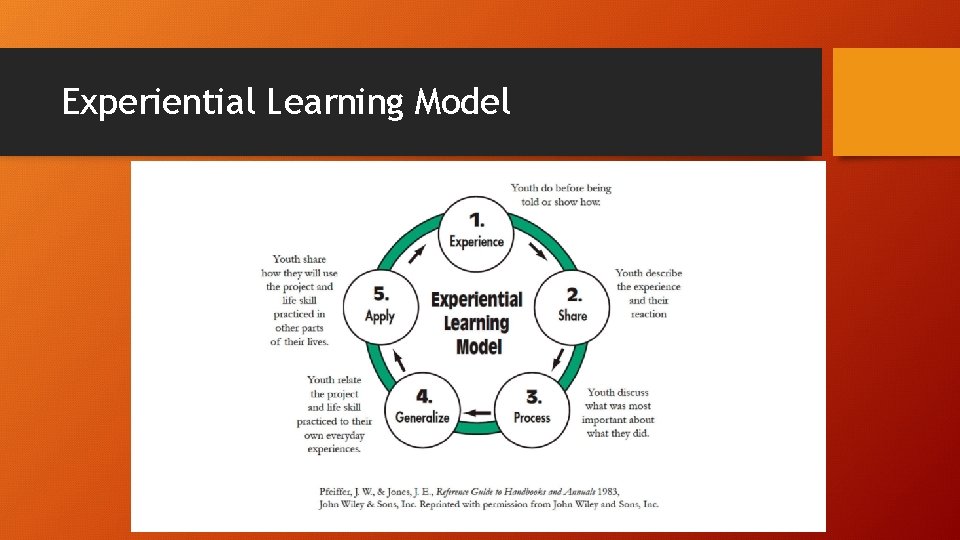
Experiential Learning Model

Discussion

JUNK DRAWER ROBOTICS LEVEL 2: ROBOTS ON THE MOVE
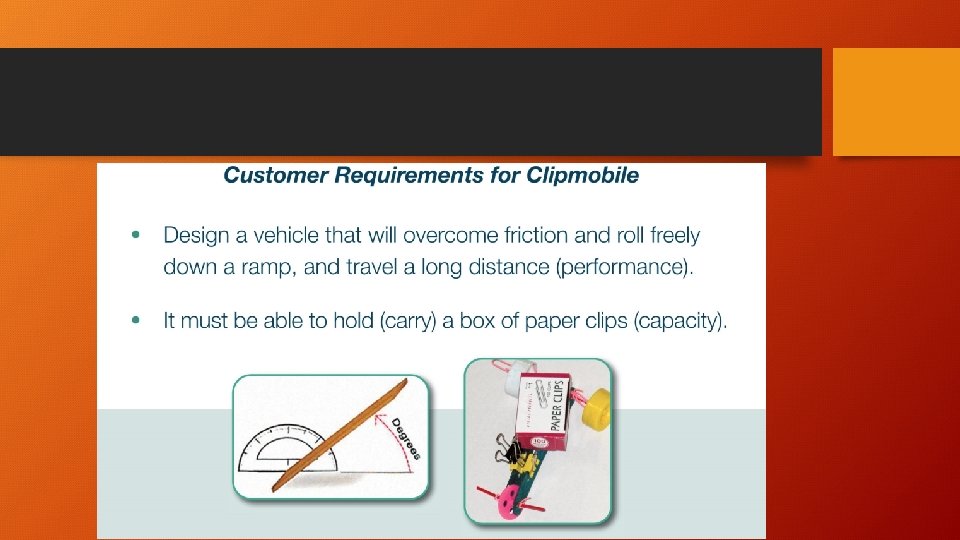
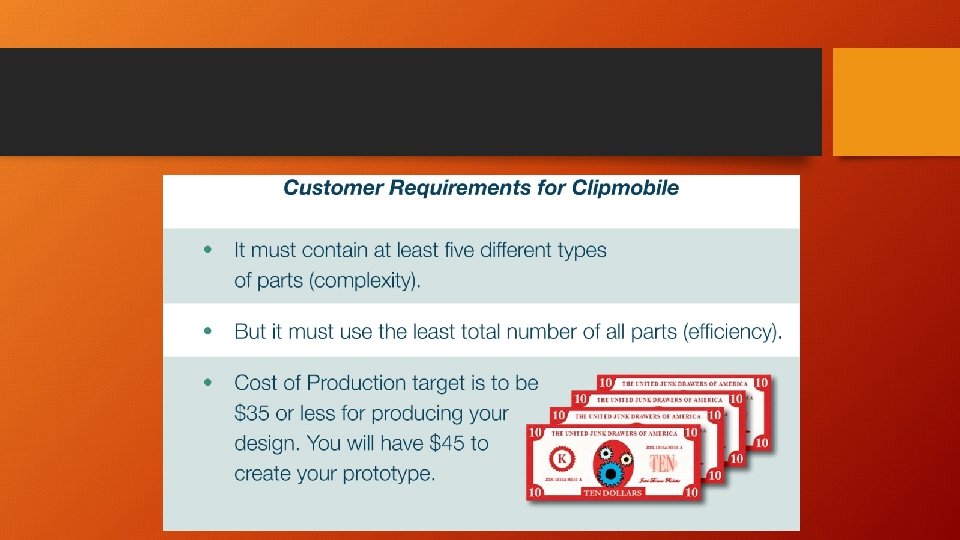
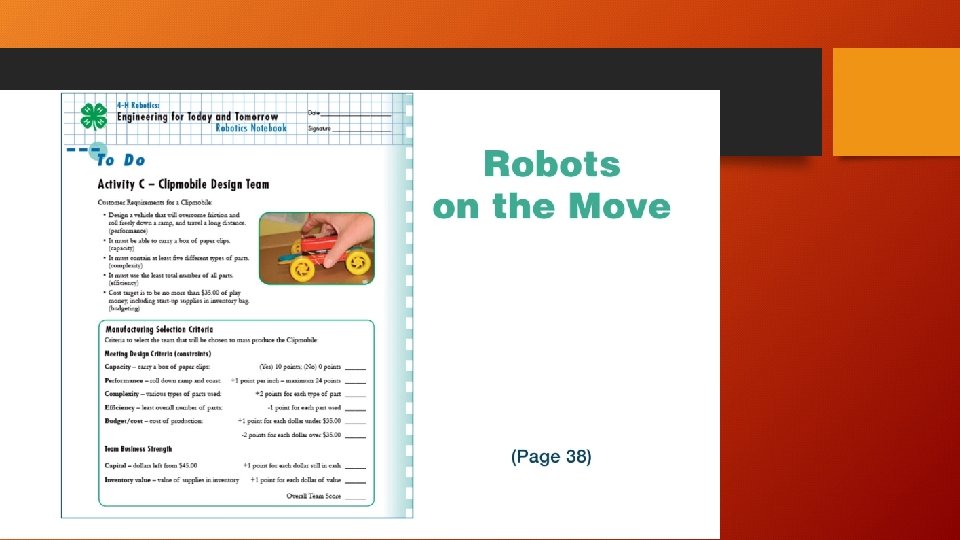
JUNK DRAWER ROBOTICS • Youth will explore movement and friction • Youth will test rolling friction by adding wheels • Youth will plan and design a vehicle to maximize its ability to coast based on effects of friction • Youth will build a complex clipmobile.
USING JUNK DRAWER ROBOTICS • Learn by doing, designing and building • Making and tinkering with a plan and structure behind it • Flexible and adaptable
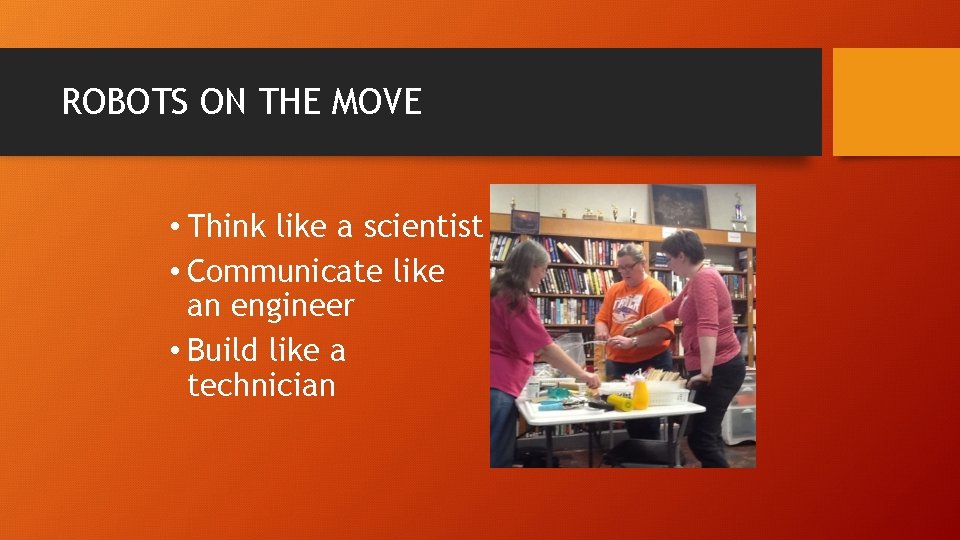
ROBOTS ON THE MOVE • Think like a scientist • Communicate like an engineer • Build like a technician
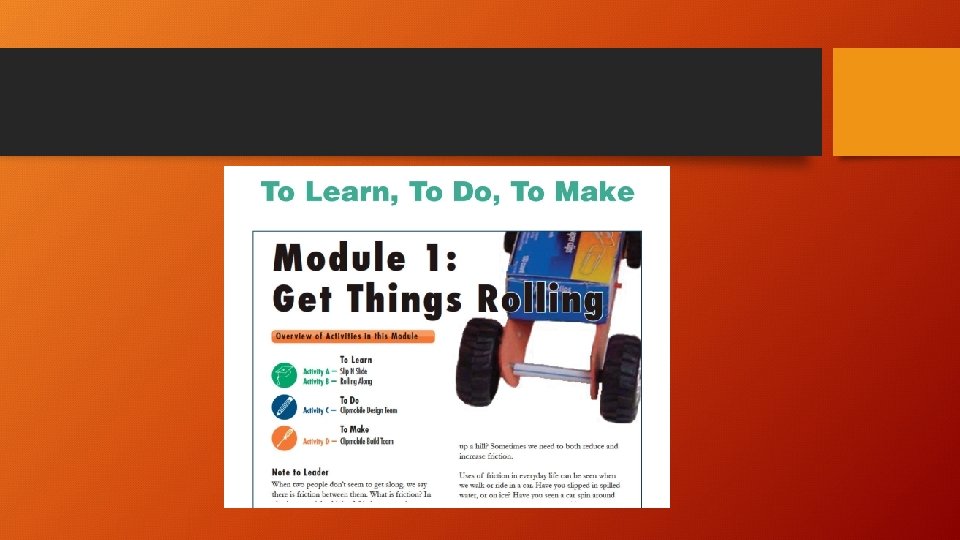
SLIP N SLIDE: TO LEARN • Compare and select materials based on how they may affect sliding friction. • Test sliding a box of paper clips on several surfaces • Test by raising angle of ramp • Measure angle at which box begins to move and record results • Repeat to get an average
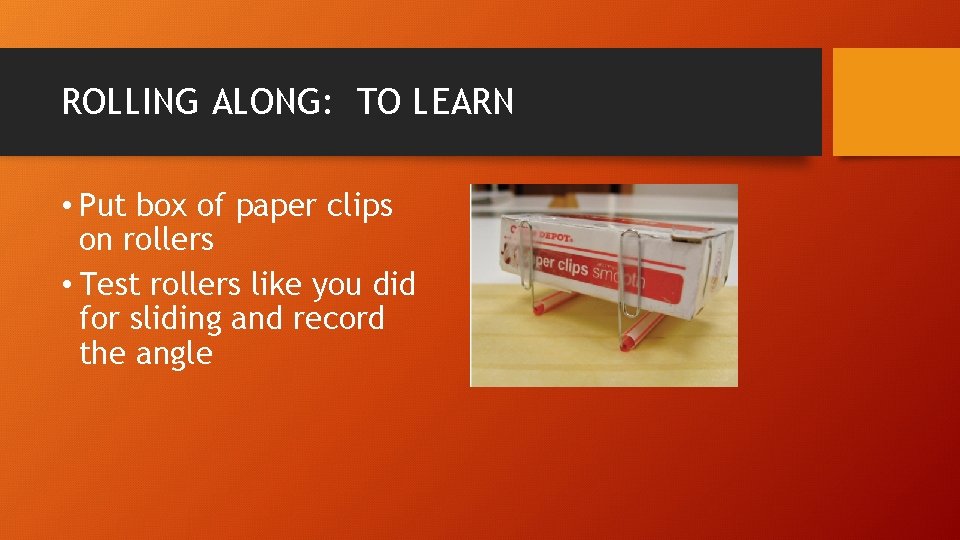
ROLLING ALONG: TO LEARN • Put box of paper clips on rollers • Test rollers like you did for sliding and record the angle
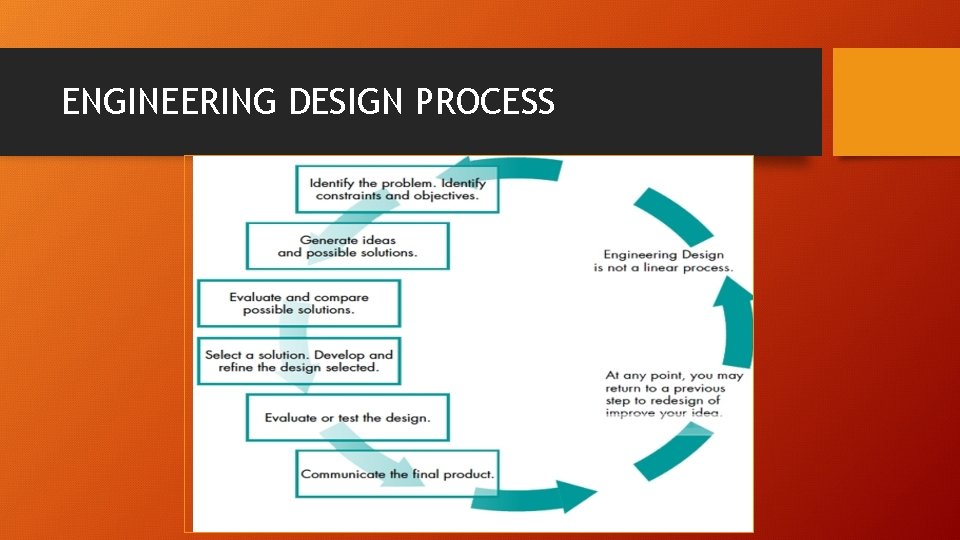
ENGINEERING DESIGN PROCESS
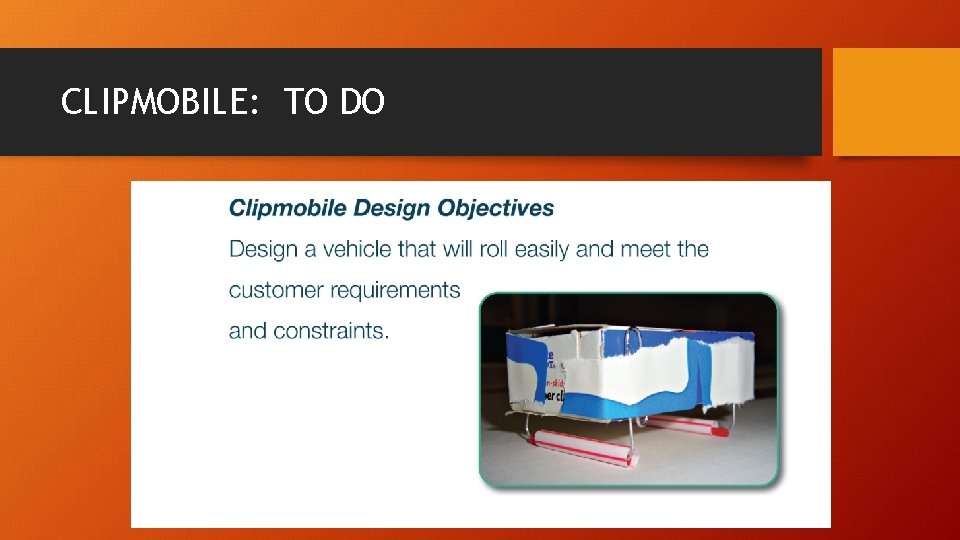
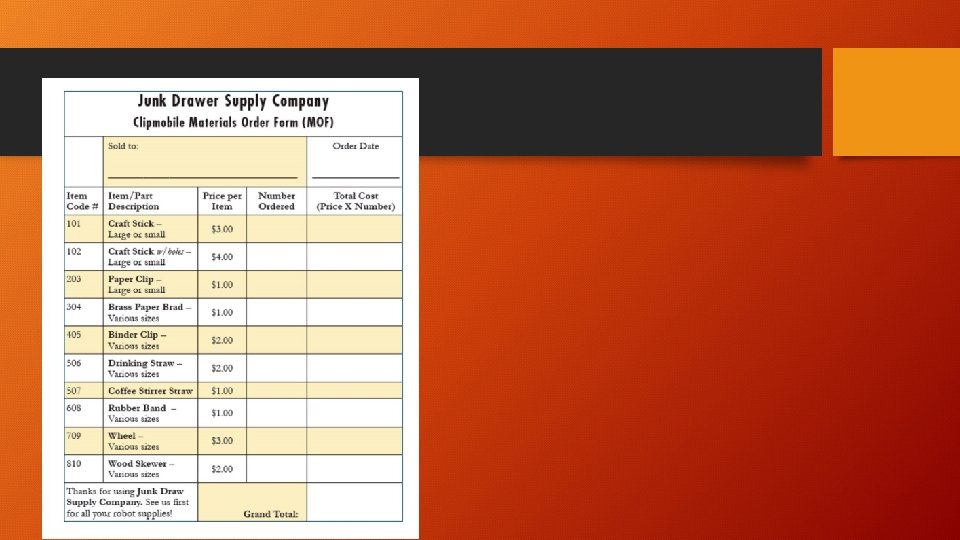
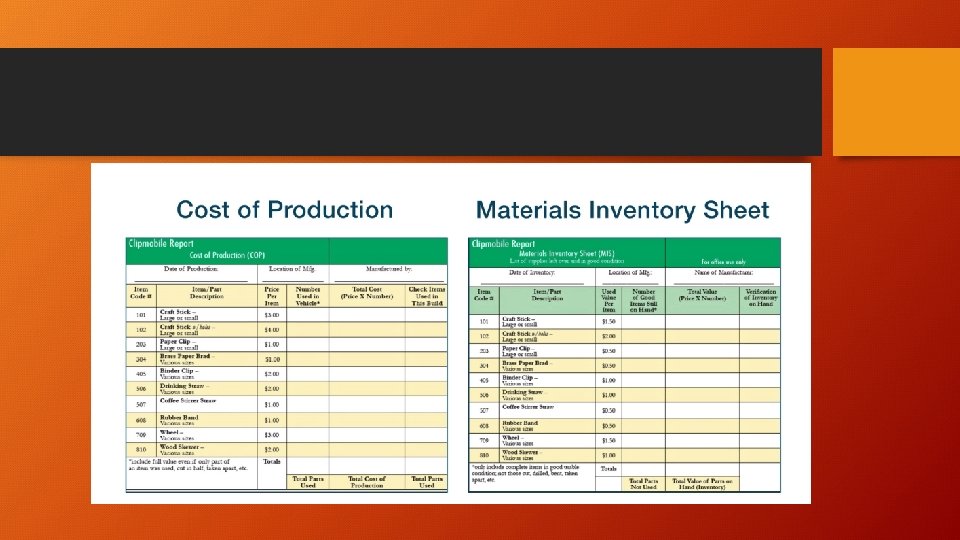
CLIPMOBILE: TO DO
Facilitating with Youth • Participants make real-world connections between robotics, everyday experiences of youth and STEM careers • Tool safety is important for activities and building that will be done in these robotic activities. Go to 4 h. org/parents/curriculum/robotics/junk-drawer-robotics/
JUNK DRAWER ROBOTICS LEVEL 3: Mechatronics
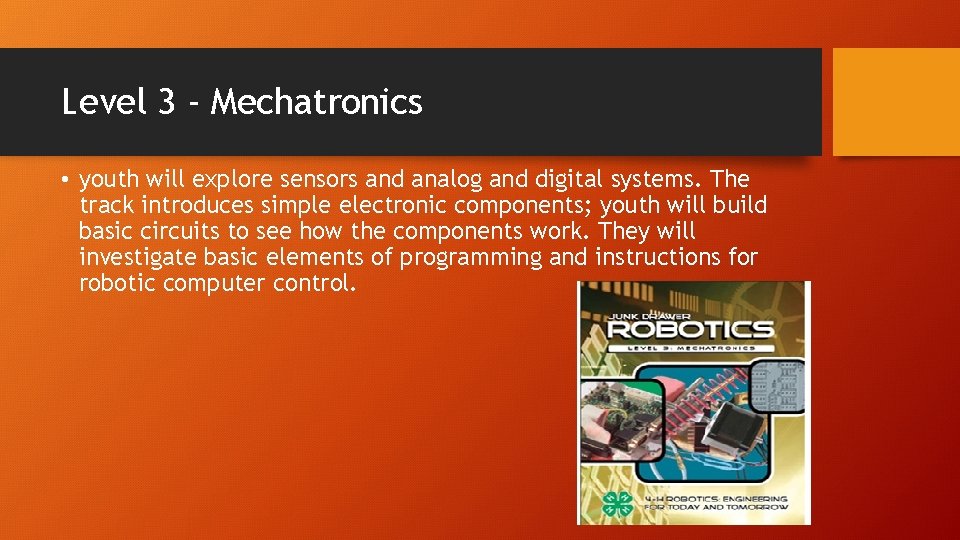
Level 3 - Mechatronics • youth will explore sensors and analog and digital systems. The track introduces simple electronic components; youth will build basic circuits to see how the components work. They will investigate basic elements of programming and instructions for robotic computer control.

Wrap-Up • Review and Summary • Questions? ? • THANK YOU!
- Slides: 41