JUNIT in Eclipse Pepper Credit to Eclipse Documentation

- Slides: 11
JUNIT in Eclipse Pepper Credit to Eclipse Documentation http: //help. eclipse. org/juno/index. jsp? topic=%2 Forg. e clipse. jdt. doc. user%2 Fgetting. Started%2 Fqs-junit. htm
Purpose • Create test case classes to test individual classes or small groups – Easy to hook test classes to the classes being tested • Test building tools inside Junit class • Easy to rerun one set of tests or all tests in the entire system. • Easy to supress tests in production
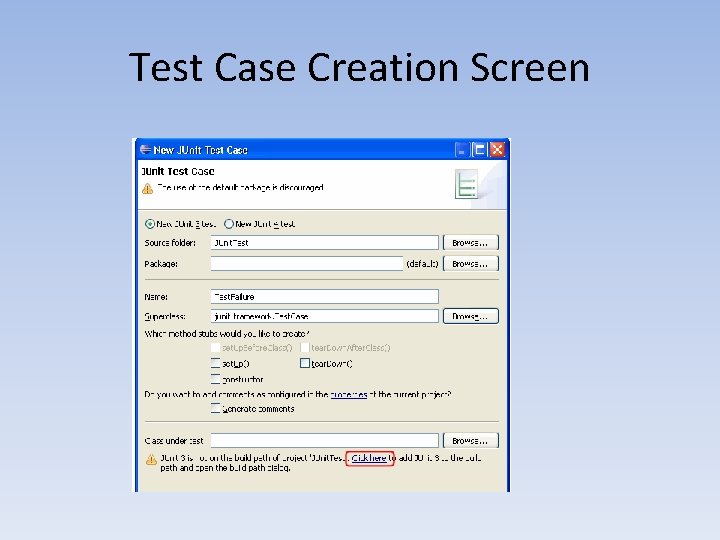
Startup • Create a project if you do not have one (file -> New -> Project) • Create a folder for your test cases (optional) • Create a test case for a class you intend to write (file -> new -> Junit Test Case) • Choose the type (new junit 4 test) and name your test class • You can indicate the name of the class being tested, but only after it is created
Test Case Creation Screen
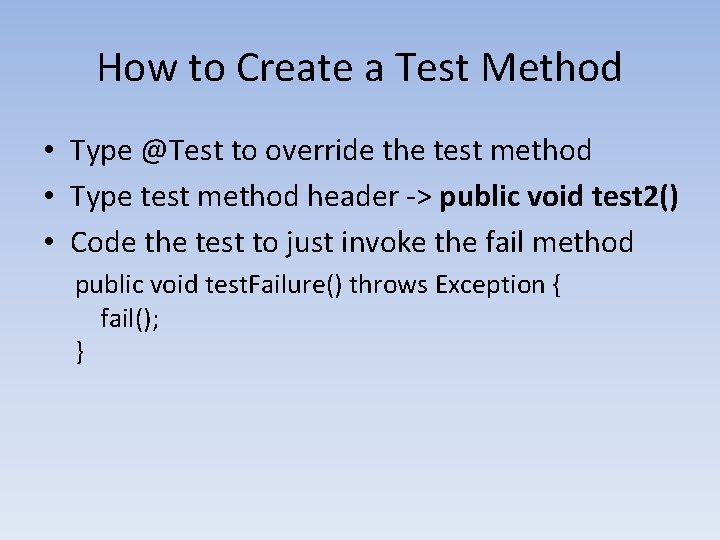
How to Create a Test Method • Type @Test to override the test method • Type test method header -> public void test 2() • Code the test to just invoke the fail method public void test. Failure() throws Exception { fail(); }
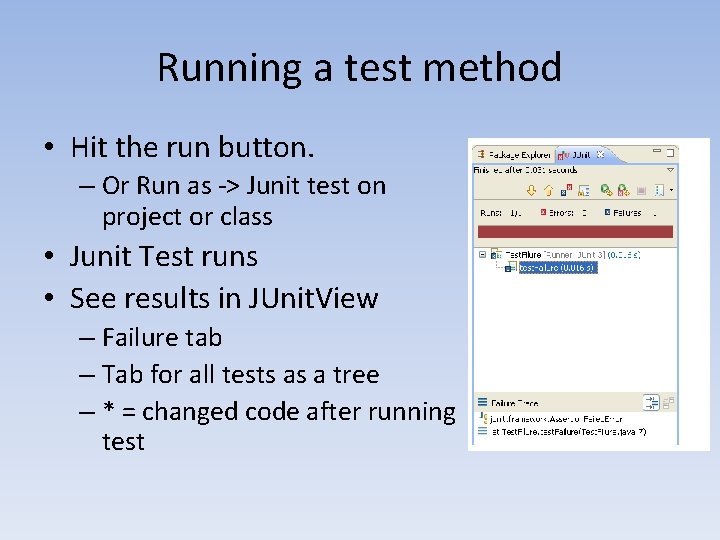
Running a test method • Hit the run button. – Or Run as -> Junit test on project or class • Junit Test runs • See results in JUnit. View – Failure tab – Tab for all tests as a tree – * = changed code after running test
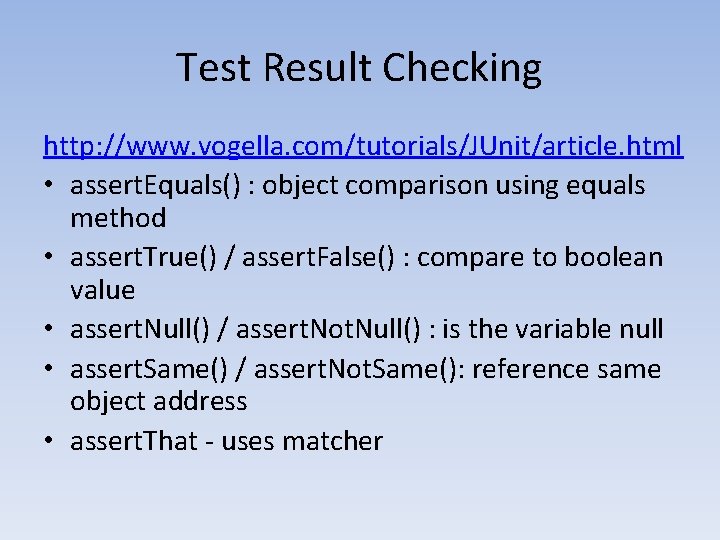
Test Result Checking http: //www. vogella. com/tutorials/JUnit/article. html • assert. Equals() : object comparison using equals method • assert. True() / assert. False() : compare to boolean value • assert. Null() / assert. Not. Null() : is the variable null • assert. Same() / assert. Not. Same(): reference same object address • assert. That - uses matcher
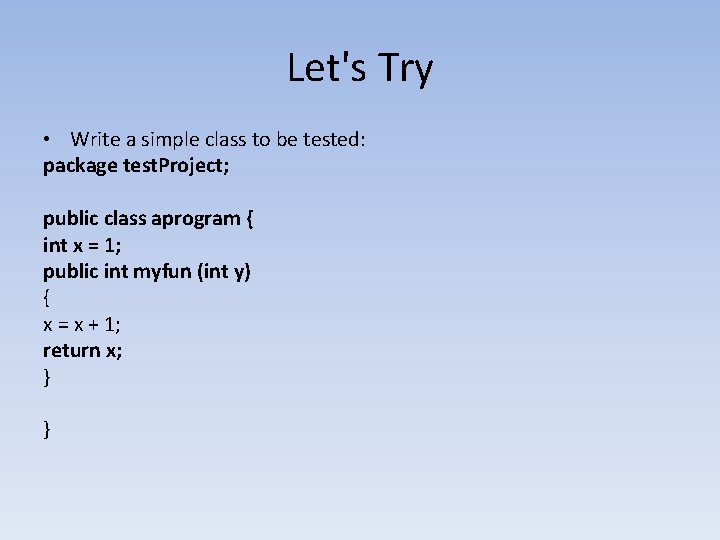
Let's Try • Write a simple class to be tested: package test. Project; public class aprogram { int x = 1; public int myfun (int y) { x = x + 1; return x; } }
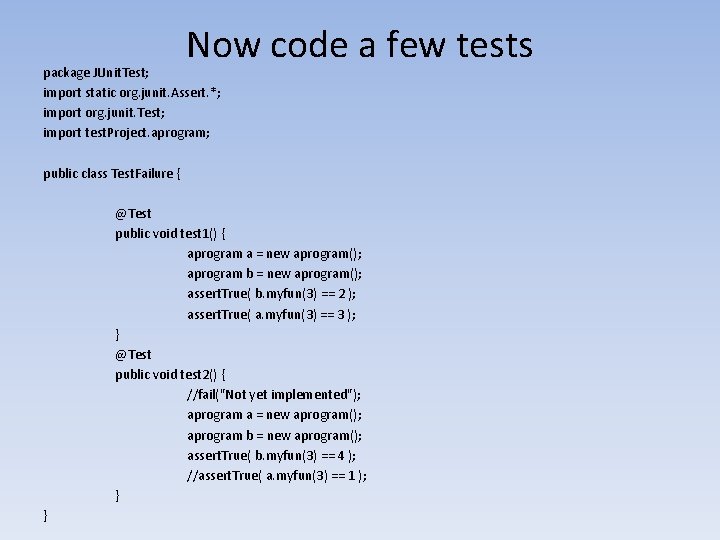
Now code a few tests package JUnit. Test; import static org. junit. Assert. *; import org. junit. Test; import test. Project. aprogram; public class Test. Failure { @Test public void test 1() { aprogram a = new aprogram(); aprogram b = new aprogram(); assert. True( b. myfun(3) == 2 ); assert. True( a. myfun(3) == 3 ); } @Test public void test 2() { //fail("Not yet implemented"); aprogram a = new aprogram(); aprogram b = new aprogram(); assert. True( b. myfun(3) == 4 ); //assert. True( a. myfun(3) == 1 ); } }
Run the Tests • See how it points to problem test • See how one failure in a test class stops the running of the next one • Make both succeed • Make both fail
Create a Test Suite • File -> New -> Java -> Junit Test Suite • Name the suite (All. Tests) • Select test classes to run