
Jumps and Branches MIPS ASM Tutorial part 4
Jumps and Branches MIPS ASM Tutorial part 4 By Arthurtilly Link to part 3
Jumps and Branches Jumps and branches are used to make more complex code in ASM, instead of just a row of commands that are executed in turn. Both of them simply move to another place in RAM, but there are two major differences in them. The first is that branches are conditional, that is, they will only jump if a specified condition is true. The second is that branch jumps are relative, as opposed to normal jumps which are absolute. This means that branch jumps are defined in ASM as jumping to another place in the same code, while normal jumps are given a RAM address.
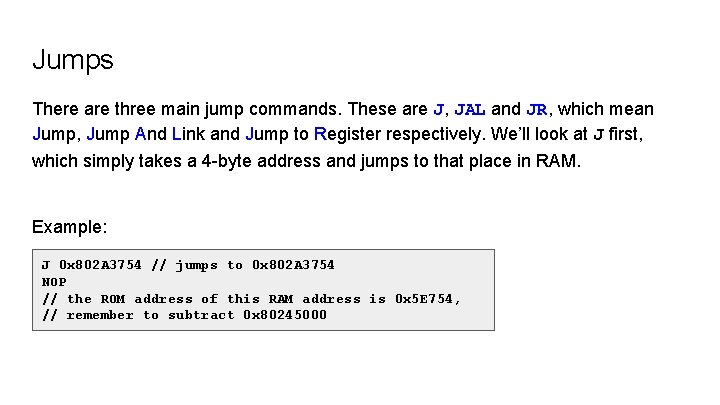
Jumps There are three main jump commands. These are J, JAL and JR, which mean Jump, Jump And Link and Jump to Register respectively. We’ll look at J first, which simply takes a 4 -byte address and jumps to that place in RAM. Example: J 0 x 802 A 3754 // jumps to 0 x 802 A 3754 NOP // the ROM address of this RAM address is 0 x 5 E 754, // remember to subtract 0 x 80245000
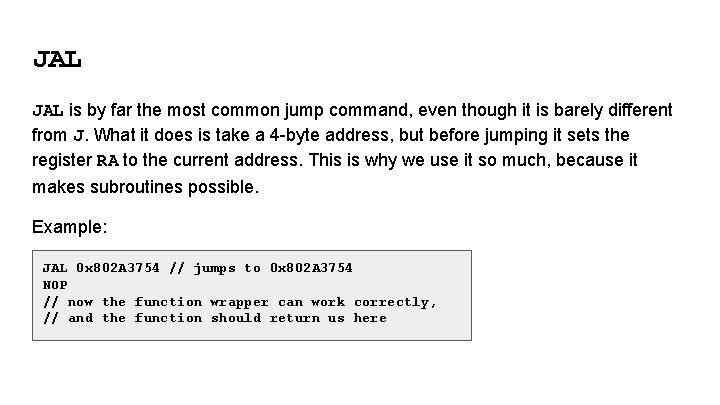
JAL is by far the most common jump command, even though it is barely different from J. What it does is take a 4 -byte address, but before jumping it sets the register RA to the current address. This is why we use it so much, because it makes subroutines possible. Example: JAL 0 x 802 A 3754 // jumps to 0 x 802 A 3754 NOP // now the function wrapper can work correctly, // and the function should return us here
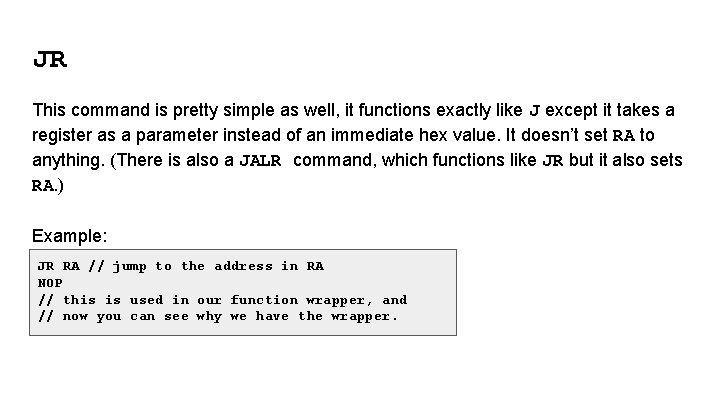
JR This command is pretty simple as well, it functions exactly like J except it takes a register as a parameter instead of an immediate hex value. It doesn’t set RA to anything. (There is also a JALR command, which functions like JR but it also sets RA. ) Example: JR RA // jump to the address in RA NOP // this is used in our function wrapper, and // now you can see why we have the wrapper.
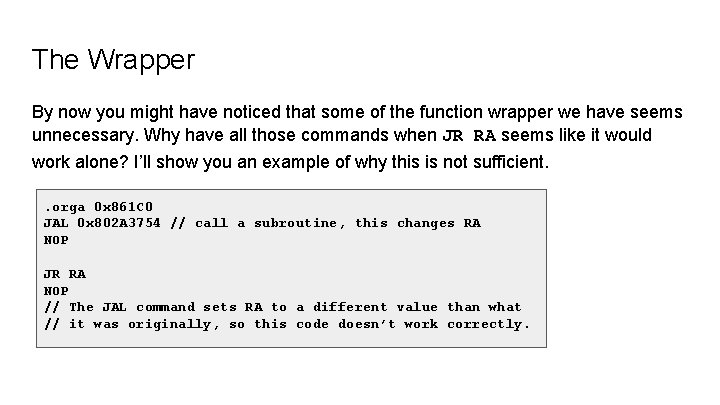
The Wrapper By now you might have noticed that some of the function wrapper we have seems unnecessary. Why have all those commands when JR RA seems like it would work alone? I’ll show you an example of why this is not sufficient. . orga 0 x 861 C 0 JAL 0 x 802 A 3754 // call a subroutine, this changes RA NOP JR RA NOP // The JAL command sets RA to a different value than what // it was originally, so this code doesn’t work correctly.
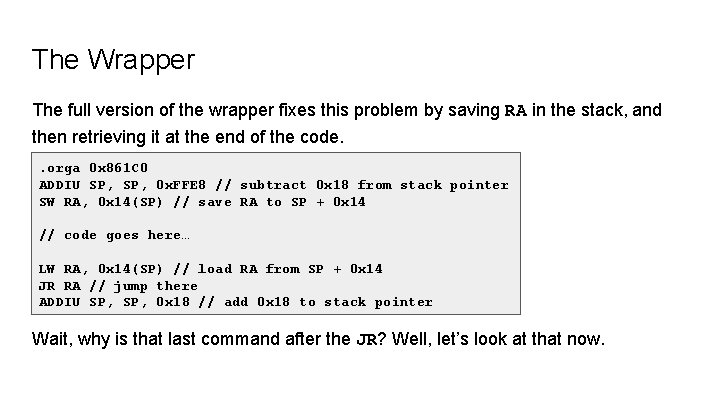
The Wrapper The full version of the wrapper fixes this problem by saving RA in the stack, and then retrieving it at the end of the code. . orga 0 x 861 C 0 ADDIU SP, 0 x. FFE 8 // subtract 0 x 18 from stack pointer SW RA, 0 x 14(SP) // save RA to SP + 0 x 14 // code goes here… LW RA, 0 x 14(SP) // load RA from SP + 0 x 14 JR RA // jump there ADDIU SP, 0 x 18 // add 0 x 18 to stack pointer Wait, why is that last command after the JR? Well, let’s look at that now.
Delay Slots You might have noticed that I keep putting a NOP command after jumps, and that I placed a command after the JR command in the wrapper. This is because all jump and branch instructions have a delay slot, which means that the line after the jump/branch command is executed before the jump. Importantly, the delay slot for a branch is executed even if the condition is false and the command doesn’t jump. Generally we can put commands in the delay slot to save space, but if we can’t, this is where NOP comes in handy.
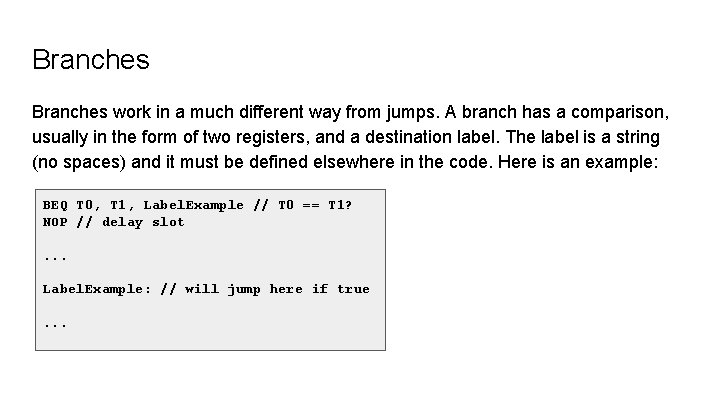
Branches work in a much different way from jumps. A branch has a comparison, usually in the form of two registers, and a destination label. The label is a string (no spaces) and it must be defined elsewhere in the code. Here is an example: BEQ T 0, T 1, Label. Example // T 0 == T 1? NOP // delay slot. . . Label. Example: // will jump here if true. . .
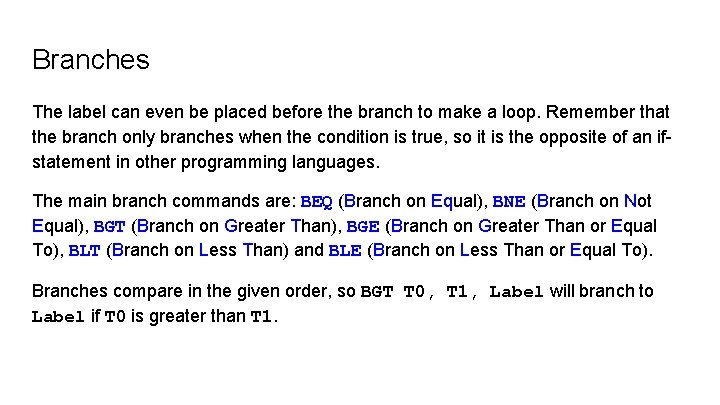
Branches The label can even be placed before the branch to make a loop. Remember that the branch only branches when the condition is true, so it is the opposite of an ifstatement in other programming languages. The main branch commands are: BEQ (Branch on Equal), BNE (Branch on Not Equal), BGT (Branch on Greater Than), BGE (Branch on Greater Than or Equal To), BLT (Branch on Less Than) and BLE (Branch on Less Than or Equal To). Branches compare in the given order, so BGT T 0, T 1, Label will branch to Label if T 0 is greater than T 1.
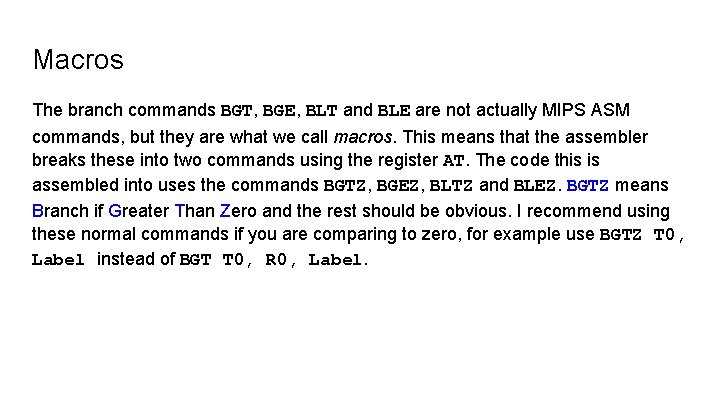
Macros The branch commands BGT, BGE, BLT and BLE are not actually MIPS ASM commands, but they are what we call macros. This means that the assembler breaks these into two commands using the register AT. The code this is assembled into uses the commands BGTZ, BGEZ, BLTZ and BLEZ. BGTZ means Branch if Greater Than Zero and the rest should be obvious. I recommend using these normal commands if you are comparing to zero, for example use BGTZ T 0, Label instead of BGT T 0, R 0, Label.
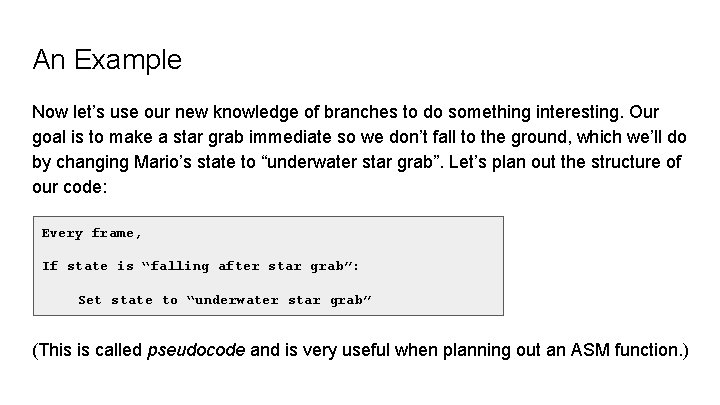
An Example Now let’s use our new knowledge of branches to do something interesting. Our goal is to make a star grab immediate so we don’t fall to the ground, which we’ll do by changing Mario’s state to “underwater star grab”. Let’s plan out the structure of our code: Every frame, If state is “falling after star grab”: Set state to “underwater star grab” (This is called pseudocode and is very useful when planning out an ASM function. )
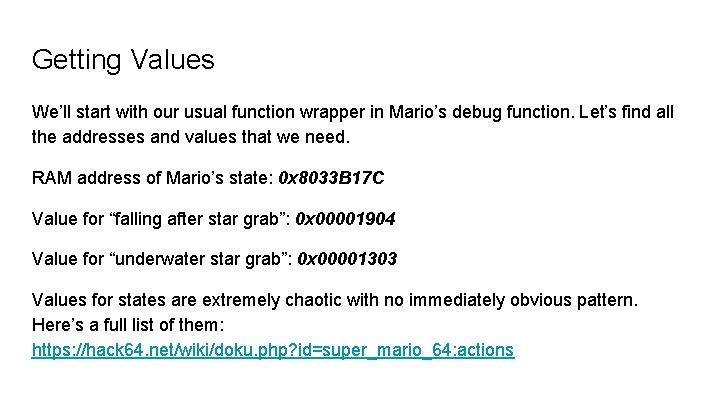
Getting Values We’ll start with our usual function wrapper in Mario’s debug function. Let’s find all the addresses and values that we need. RAM address of Mario’s state: 0 x 8033 B 17 C Value for “falling after star grab”: 0 x 00001904 Value for “underwater star grab”: 0 x 00001303 Values for states are extremely chaotic with no immediately obvious pattern. Here’s a full list of them: https: //hack 64. net/wiki/doku. php? id=super_mario_64: actions
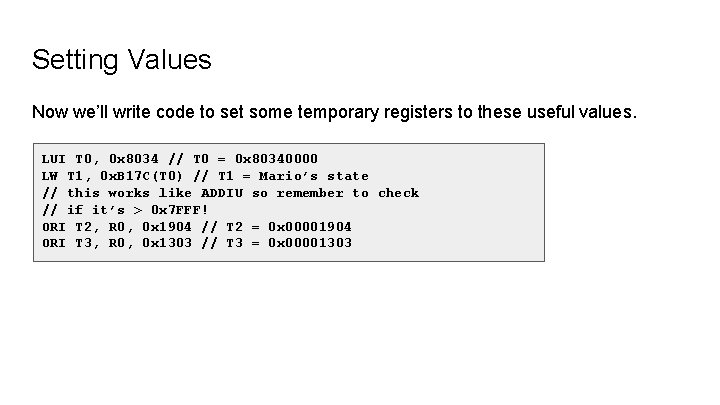
Setting Values Now we’ll write code to set some temporary registers to these useful values. LUI T 0, 0 x 8034 // T 0 = 0 x 80340000 LW T 1, 0 x. B 17 C(T 0) // T 1 = Mario’s state // this works like ADDIU so remember to check // if it’s > 0 x 7 FFF! ORI T 2, R 0, 0 x 1904 // T 2 = 0 x 00001904 ORI T 3, R 0, 0 x 1303 // T 3 = 0 x 00001303
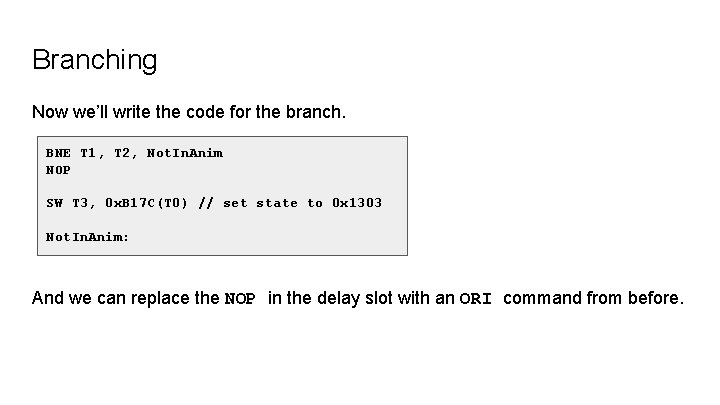
Branching Now we’ll write the code for the branch. BNE T 1, T 2, Not. In. Anim NOP SW T 3, 0 x. B 17 C(T 0) // set state to 0 x 1303 Not. In. Anim: And we can replace the NOP in the delay slot with an ORI command from before.
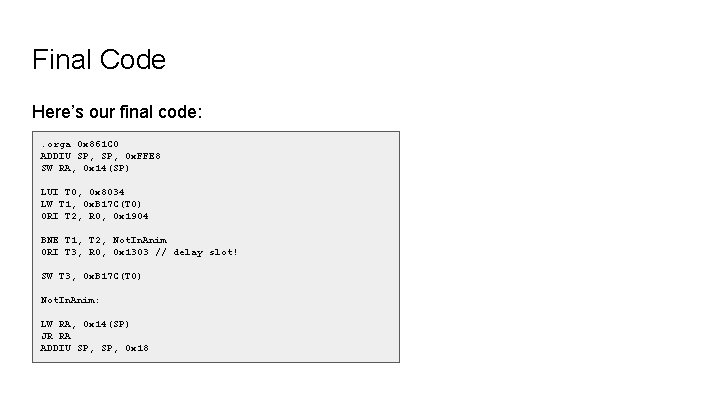
Final Code Here’s our final code: . orga 0 x 861 C 0 ADDIU SP, 0 x. FFE 8 SW RA, 0 x 14(SP) LUI T 0, 0 x 8034 LW T 1, 0 x. B 17 C(T 0) ORI T 2, R 0, 0 x 1904 BNE T 1, T 2, Not. In. Anim ORI T 3, R 0, 0 x 1303 // delay slot! SW T 3, 0 x. B 17 C(T 0) Not. In. Anim: LW RA, 0 x 14(SP) JR RA ADDIU SP, 0 x 18
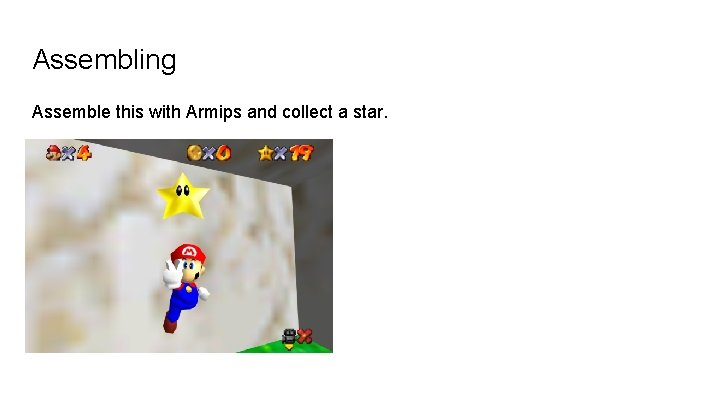
Assembling Assemble this with Armips and collect a star.
Assembling Now you can see how much can be done with ASM and we haven’t even looked into custom objects yet! In the next tutorial we will look at behaviour scripts, which are vital in creating custom objects. Bye for now!
- Slides: 18