
Julie Basu Senior Development Manager Nirav Chanchani Senior

Julie Basu Senior Development Manager Nirav Chanchani Senior Product Manager Oracle Corporation
Session id: 40258 Heterogeneous XML-based Data Integration Using XQuery, J 2 EETM, and Database Technologies
Presentation Agenda Ÿ Business Problem Ÿ XML-based Data Integration Ÿ Querying with XQuery Ÿ Building Applications using the J 2 EETM Platform Ÿ Leveraging the XML Database Ÿ Demonstration Ÿ Next Steps
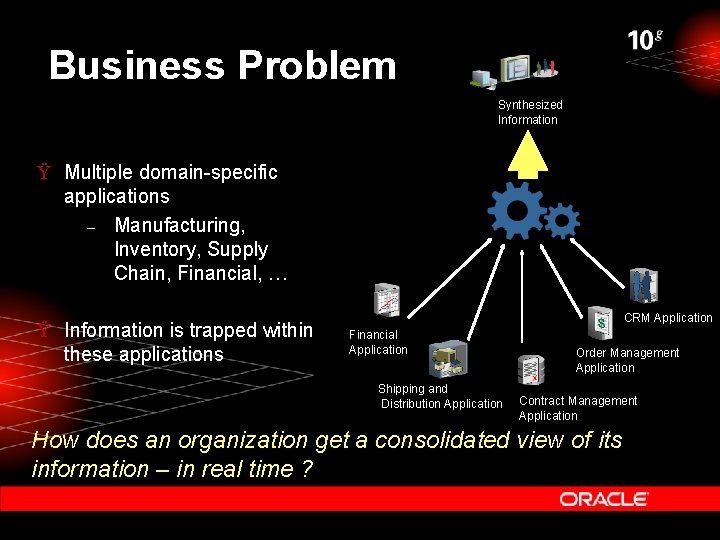
Business Problem Synthesized Information Ÿ Multiple domain-specific applications – Manufacturing, Inventory, Supply Chain, Financial, … Ÿ Information is trapped within these applications CRM Application Financial Application Shipping and Distribution Application Order Management Application Contract Management Application How does an organization get a consolidated view of its information – in real time ?
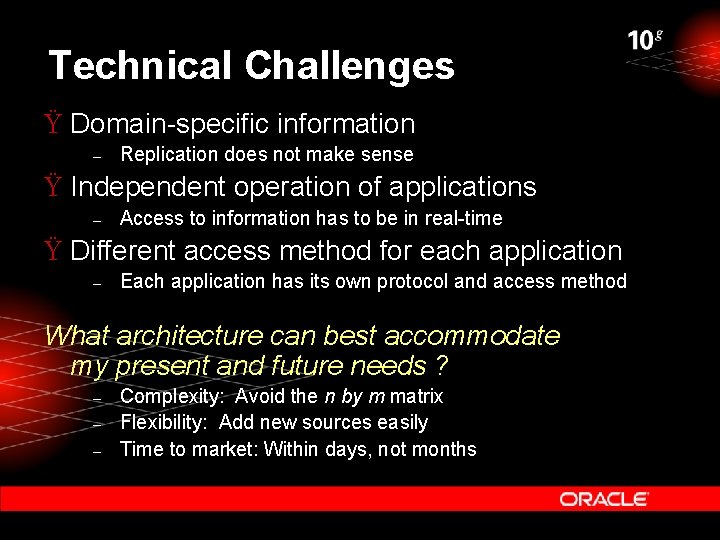
Technical Challenges Ÿ Domain-specific information – Replication does not make sense Ÿ Independent operation of applications – Access to information has to be in real-time Ÿ Different access method for each application – Each application has its own protocol and access method What architecture can best accommodate my present and future needs ? – – – Complexity: Avoid the n by m matrix Flexibility: Add new sources easily Time to market: Within days, not months
Presentation Agenda Ÿ Business Problem Ÿ XML-based Data Integration Ÿ Querying with XQuery Ÿ Building Applications using the J 2 EETM Platform Ÿ Leveraging the XML Database Ÿ Demonstration Ÿ Next Steps
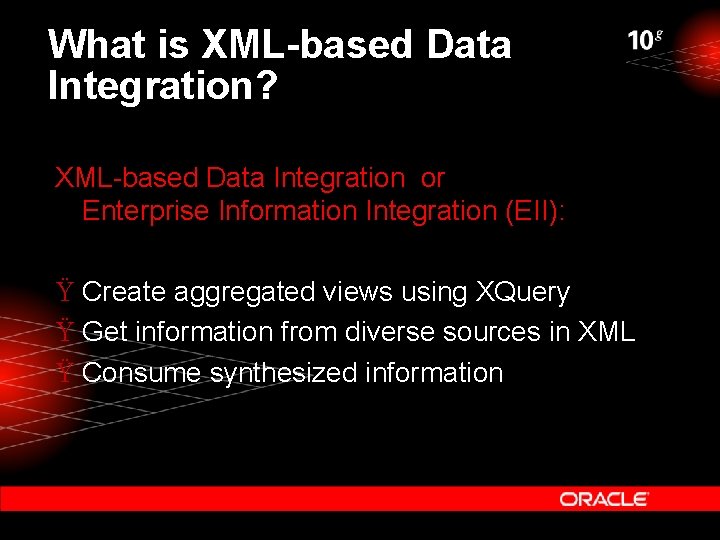
What is XML-based Data Integration? XML-based Data Integration or Enterprise Information Integration (EII): Ÿ Create aggregated views using XQuery Ÿ Get information from diverse sources in XML Ÿ Consume synthesized information
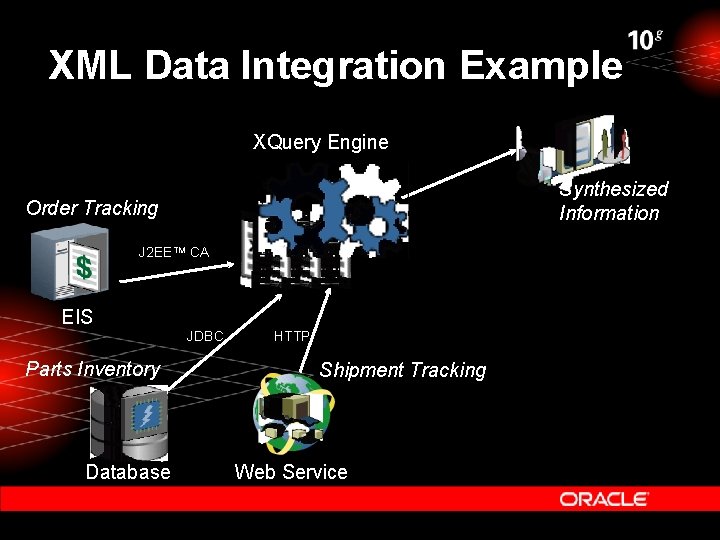
XML Data Integration Example XQuery Engine Synthesized Information Order Tracking J 2 EETM CA EIS JDBC Parts Inventory Database HTTP Shipment Tracking Web Service
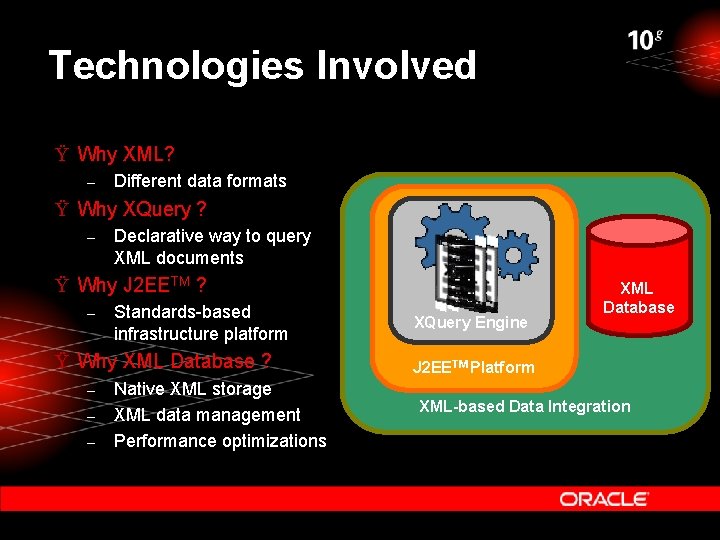
Technologies Involved Ÿ Why XML? – Different data formats Ÿ Why XQuery ? – Declarative way to query XML documents Ÿ Why J 2 EETM ? – Standards-based infrastructure platform Ÿ Why XML Database ? – – – Native XML storage XML data management Performance optimizations XQuery Engine XML Database J 2 EETM Platform XML-based Data Integration
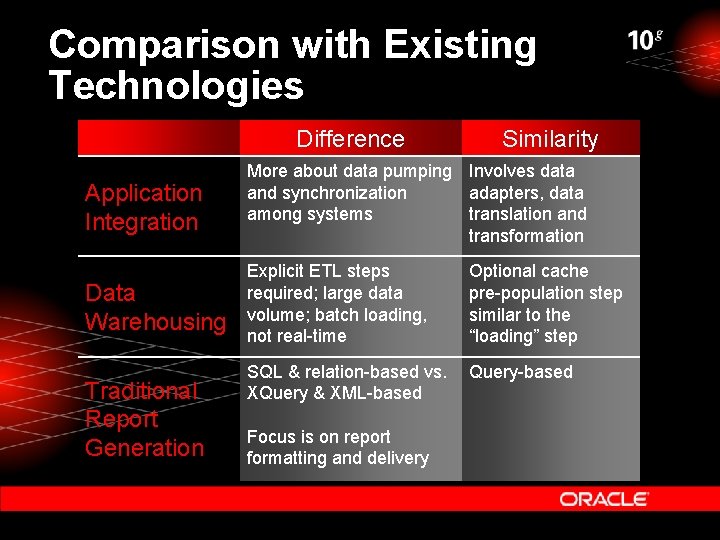
Comparison with Existing Technologies Difference Similarity Application Integration More about data pumping Involves data and synchronization adapters, data among systems translation and transformation Data Warehousing Explicit ETL steps required; large data volume; batch loading, not real-time Optional cache pre-population step similar to the “loading” step SQL & relation-based vs. XQuery & XML-based Query-based Traditional Report Generation Focus is on report formatting and delivery
Presentation Agenda Ÿ Business Problem Ÿ XML-based Data Integration Ÿ Querying with XQuery Ÿ Building Applications using the J 2 EETM Platform Ÿ Leveraging the XML Database Ÿ Demonstration Ÿ Next Steps
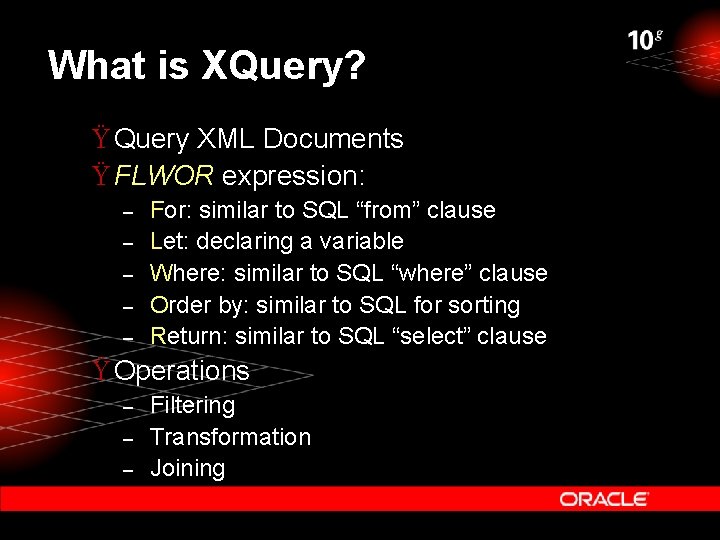
What is XQuery? Ÿ Query XML Documents Ÿ FLWOR expression: – – – For: similar to SQL “from” clause Let: declaring a variable Where: similar to SQL “where” clause Order by: similar to SQL for sorting Return: similar to SQL “select” clause Ÿ Operations – – – Filtering Transformation Joining
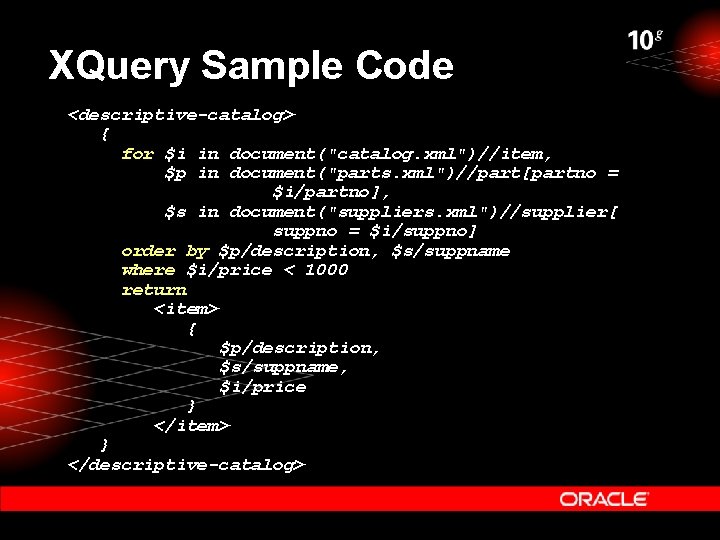
XQuery Sample Code <descriptive-catalog> { for $i in document("catalog. xml")//item, $p in document("parts. xml")//part[partno = $i/partno], $s in document("suppliers. xml")//supplier[ suppno = $i/suppno] order by $p/description, $s/suppname where $i/price < 1000 return <item> { $p/description, $s/suppname, $i/price } </item> } </descriptive-catalog>
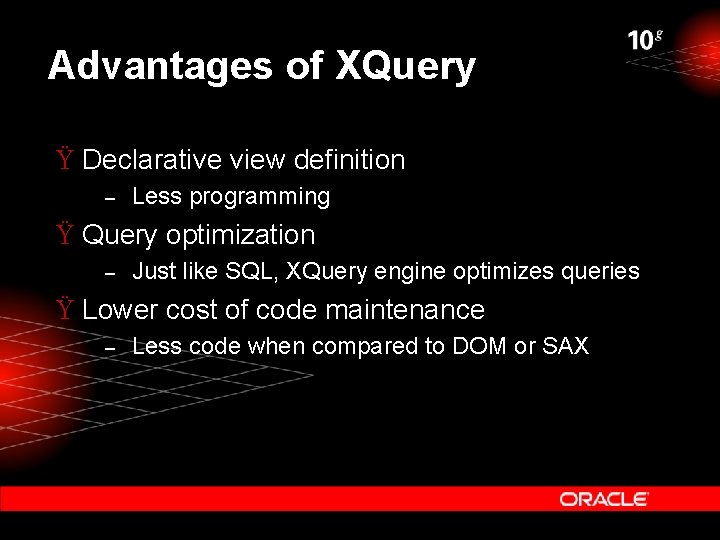
Advantages of XQuery Ÿ Declarative view definition – Less programming Ÿ Query optimization – Just like SQL, XQuery engine optimizes queries Ÿ Lower cost of code maintenance – Less code when compared to DOM or SAX
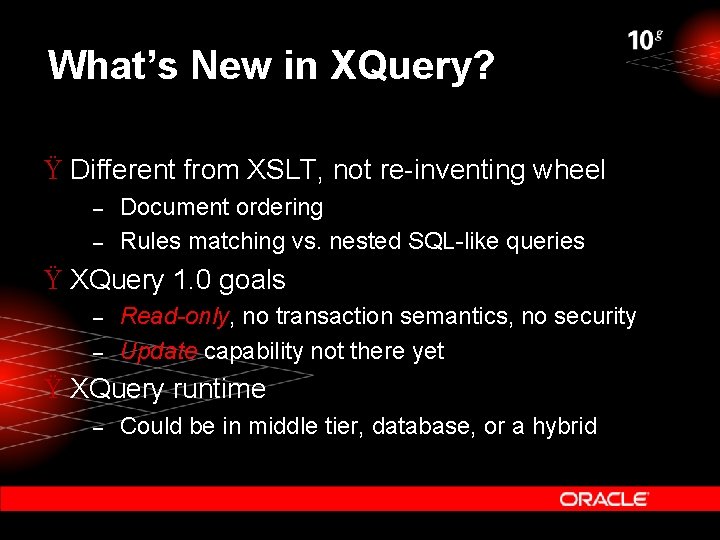
What’s New in XQuery? Ÿ Different from XSLT, not re-inventing wheel – – Document ordering Rules matching vs. nested SQL-like queries Ÿ XQuery 1. 0 goals – – Read-only, no transaction semantics, no security Update capability not there yet Ÿ XQuery runtime – Could be in middle tier, database, or a hybrid
Presentation Agenda Ÿ Business Problem Ÿ XML-based Data Integration Ÿ Querying with XQuery Ÿ Building Applications using the J 2 EETM Platform Ÿ Leveraging the XML Database Ÿ Demonstration Ÿ Next Steps
Oracle Application Server 10 g The J 2 EETM Platform Building applications using J 2 EETM services in Oracle Application Server 10 g Ÿ Data Source Access Ÿ Client Access Ÿ Caching Ÿ Security
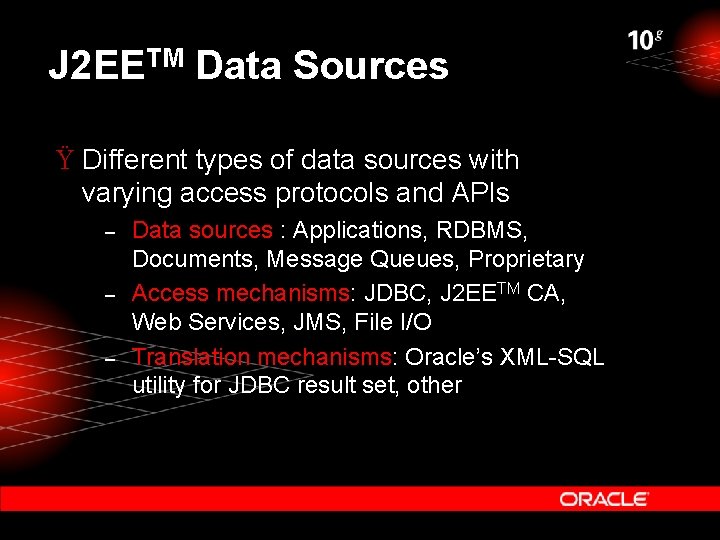
J 2 EETM Data Sources Ÿ Different types of data sources with varying access protocols and APIs – – – Data sources : Applications, RDBMS, Documents, Message Queues, Proprietary Access mechanisms: JDBC, J 2 EETM CA, Web Services, JMS, File I/O Translation mechanisms: Oracle’s XML-SQL utility for JDBC result set, other
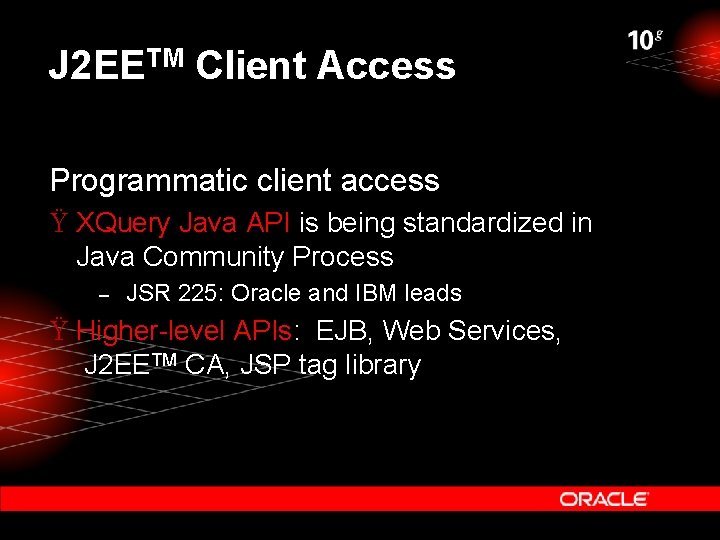
J 2 EETM Client Access Programmatic client access Ÿ XQuery Java API is being standardized in Java Community Process – JSR 225: Oracle and IBM leads Ÿ Higher-level APIs: EJB, Web Services, J 2 EETM CA, JSP tag library
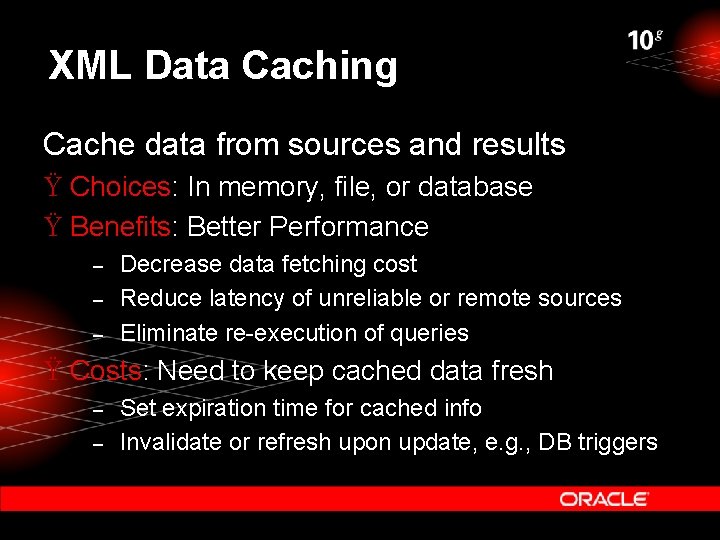
XML Data Caching Cache data from sources and results Ÿ Choices: In memory, file, or database Ÿ Benefits: Better Performance – – – Decrease data fetching cost Reduce latency of unreliable or remote sources Eliminate re-execution of queries Ÿ Costs: Need to keep cached data fresh – – Set expiration time for cached info Invalidate or refresh upon update, e. g. , DB triggers
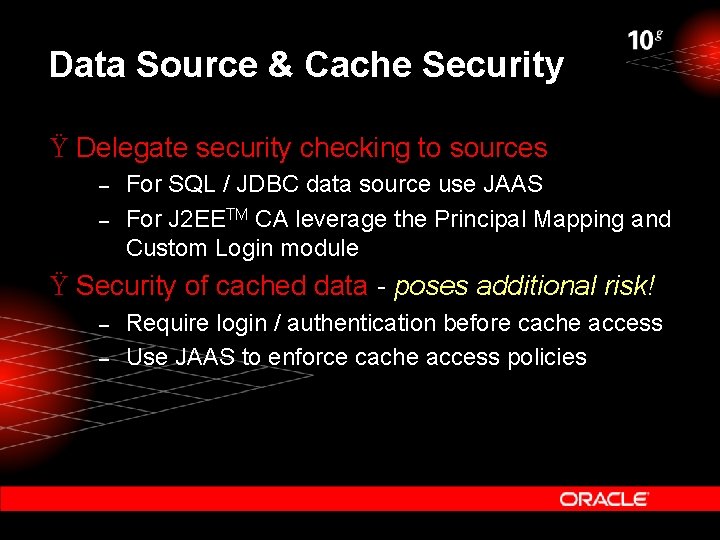
Data Source & Cache Security Ÿ Delegate security checking to sources – – For SQL / JDBC data source use JAAS For J 2 EETM CA leverage the Principal Mapping and Custom Login module Ÿ Security of cached data - poses additional risk! – – Require login / authentication before cache access Use JAAS to enforce cache access policies
Presentation Agenda Ÿ Business Problem Ÿ XML-based Data Integration Ÿ Querying with XQuery Ÿ Building Applications using the J 2 EETM platform Ÿ Leveraging the XML Database Ÿ Demonstration Ÿ Next Steps
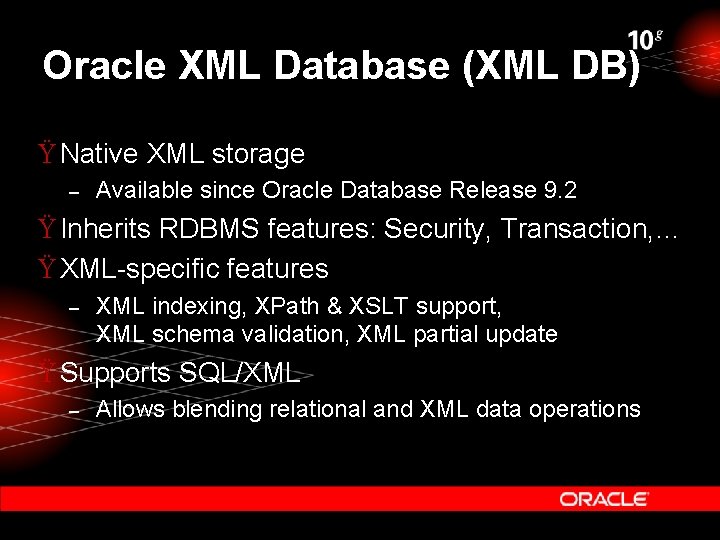
Oracle XML Database (XML DB) Ÿ Native XML storage – Available since Oracle Database Release 9. 2 Ÿ Inherits RDBMS features: Security, Transaction, … Ÿ XML-specific features – XML indexing, XPath & XSLT support, XML schema validation, XML partial update Ÿ Supports SQL/XML – Allows blending relational and XML data operations
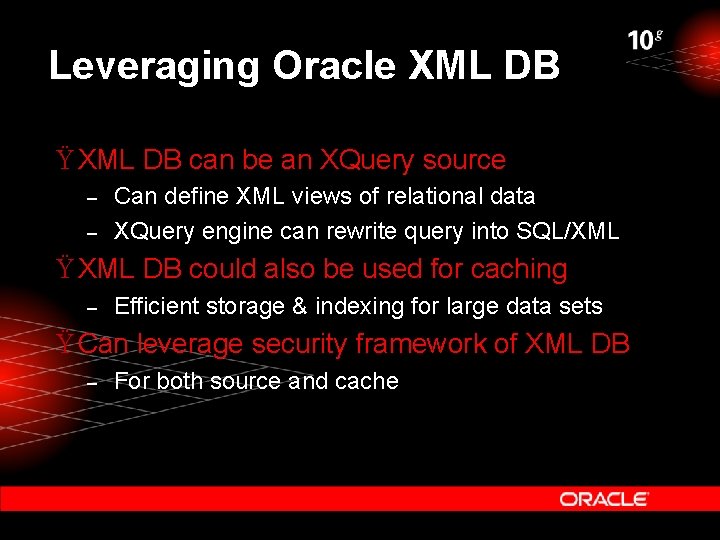
Leveraging Oracle XML DB Ÿ XML DB can be an XQuery source – – Can define XML views of relational data XQuery engine can rewrite query into SQL/XML Ÿ XML DB could also be used for caching – Efficient storage & indexing for large data sets Ÿ Can leverage security framework of XML DB – For both source and cache
What about Standards? Ÿ Most components based on existing standards: XML-based, J 2 EETM-based Ÿ Oracle is helping to move standards forward: – Query APIs Ÿ XQuery Java API: JSR 225 Oracle and IBM leads Ÿ XML Extension to JDBC: JSR 114 – XML metadata API to enhance usability Ÿ Candidate technology: CCI in J 2 EETM CA
D E M O N S T R A T I O N
Summary Ÿ What? – – Get information from diverse sources in XML Join, filter and transform data by XQuery Apply Caching and Security appropriately Consume synthesized information Ÿ Why? – – Real-time information access and synthesis Productivity: Quick development cycle, low code maintenance cost
Next Steps …. Ÿ See the solution in action at Oracle DEMOGrounds! – At the Oracle Application Sever 10 g booth - Simplify Information Integration Ÿ Relevant web sites – OTN: http: //otn. oracle. com Ÿ Contact information – Product Manager: Nirav. Chanchani@oracle. com
Q& A QUESTIONS ANSWERS
Reminder – Please complete the Oracle. World online session survey Thank you.
- Slides: 32