
JSP Implicit Objects Implicit Objects in JSP are
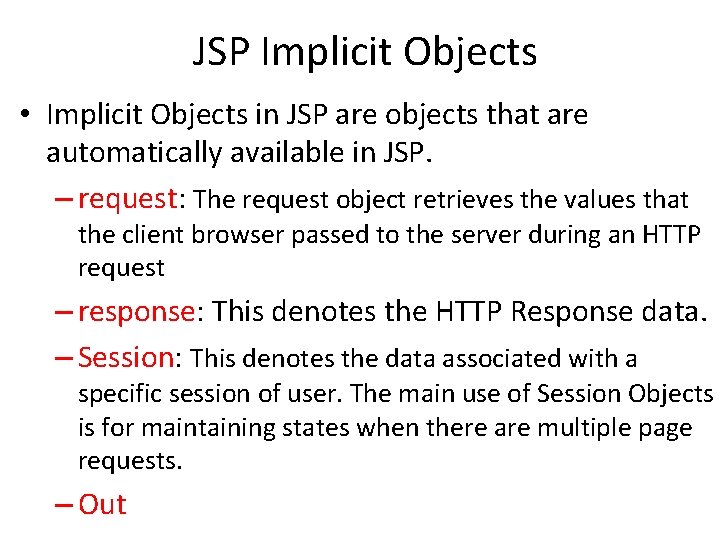
JSP Implicit Objects • Implicit Objects in JSP are objects that are automatically available in JSP. – request: The request object retrieves the values that the client browser passed to the server during an HTTP request – response: This denotes the HTTP Response data. – Session: This denotes the data associated with a specific session of user. The main use of Session Objects is for maintaining states when there are multiple page requests. – Out
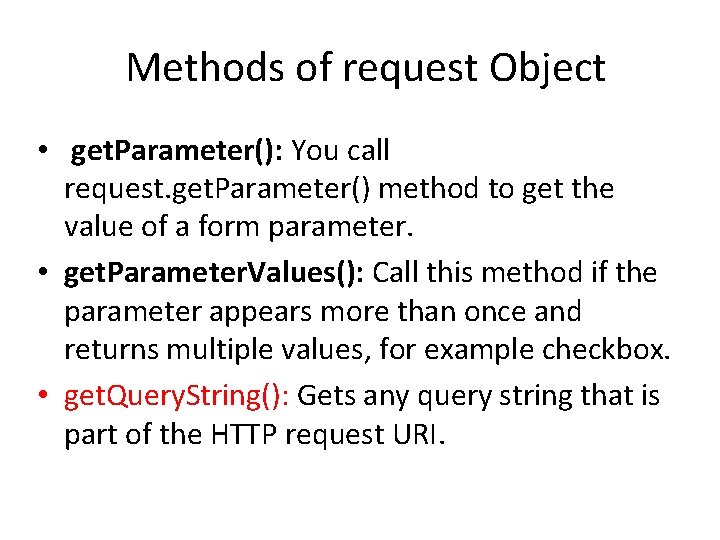
Methods of request Object • get. Parameter(): You call request. get. Parameter() method to get the value of a form parameter. • get. Parameter. Values(): Call this method if the parameter appears more than once and returns multiple values, for example checkbox. • get. Query. String(): Gets any query string that is part of the HTTP request URI.

Use JSP to Process a Form
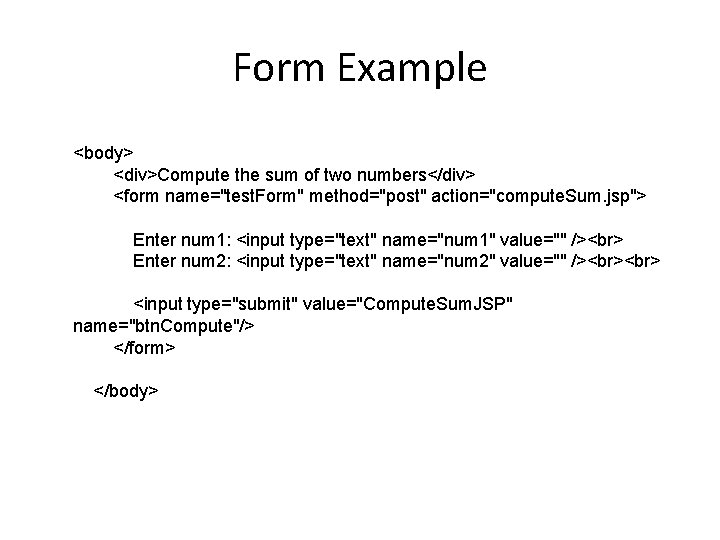
Form Example <body> <div>Compute the sum of two numbers</div> <form name="test. Form" method="post" action="compute. Sum. jsp"> Enter num 1: <input type="text" name="num 1" value="" /> Enter num 2: <input type="text" name="num 2" value="" /> <input type="submit" value="Compute. Sum. JSP" name="btn. Compute"/> </form> </body>
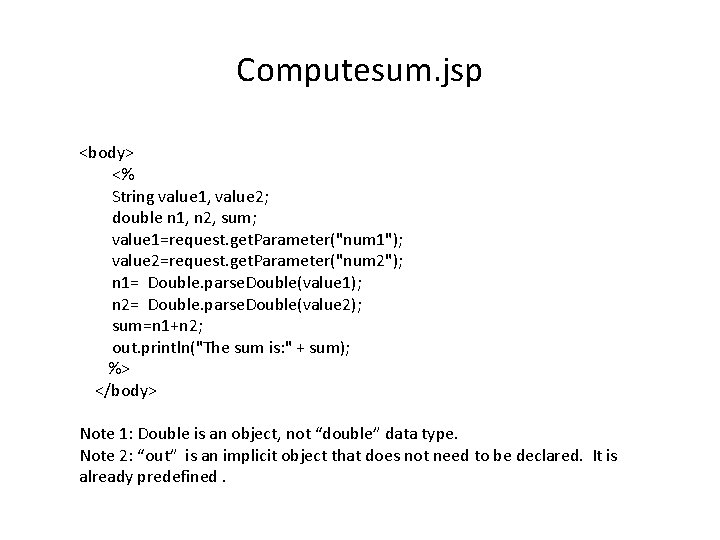
Computesum. jsp <body> <% String value 1, value 2; double n 1, n 2, sum; value 1=request. get. Parameter("num 1"); value 2=request. get. Parameter("num 2"); n 1= Double. parse. Double(value 1); n 2= Double. parse. Double(value 2); sum=n 1+n 2; out. println("The sum is: " + sum); %> </body> Note 1: Double is an object, not “double” data type. Note 2: “out” is an implicit object that does not need to be declared. It is already predefined.
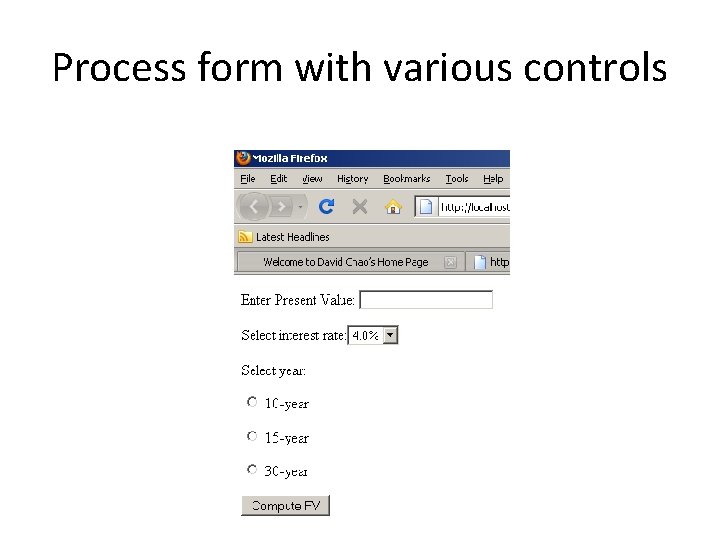
Process form with various controls
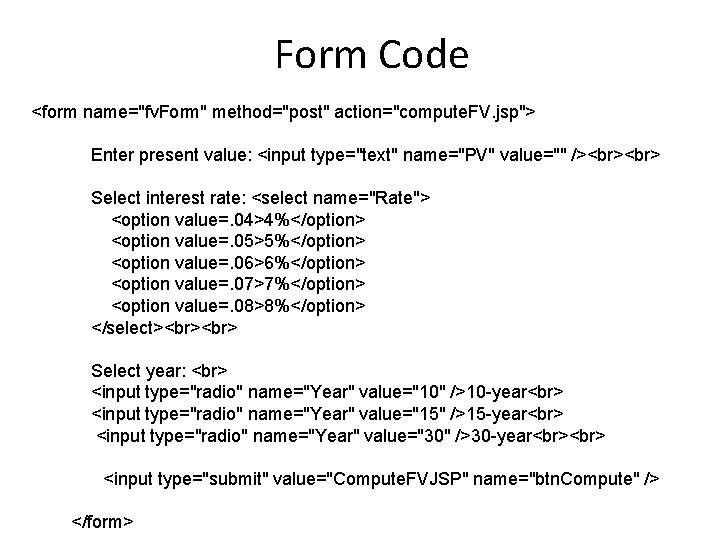
Form Code <form name="fv. Form" method="post" action="compute. FV. jsp"> Enter present value: <input type="text" name="PV" value="" /> Select interest rate: <select name="Rate"> <option value=. 04>4%</option> <option value=. 05>5%</option> <option value=. 06>6%</option> <option value=. 07>7%</option> <option value=. 08>8%</option> </select> Select year: <input type="radio" name="Year" value="10" />10 -year <input type="radio" name="Year" value="15" />15 -year <input type="radio" name="Year" value="30" />30 -year <input type="submit" value="Compute. FVJSP" name="btn. Compute" /> </form>
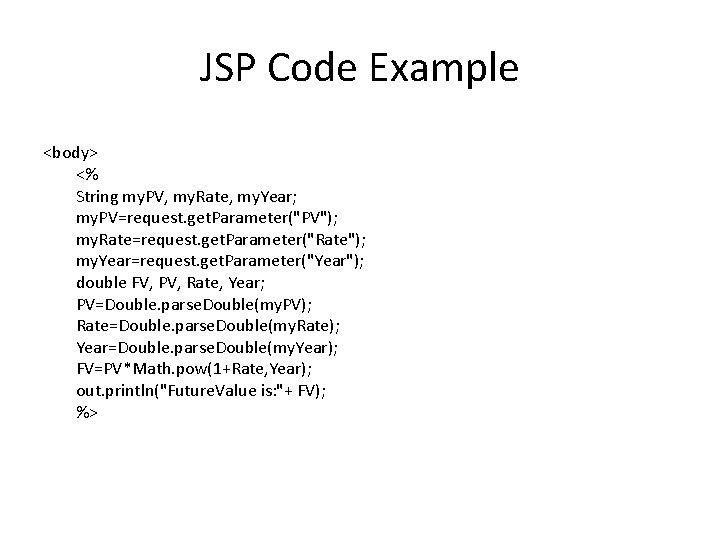
JSP Code Example <body> <% String my. PV, my. Rate, my. Year; my. PV=request. get. Parameter("PV"); my. Rate=request. get. Parameter("Rate"); my. Year=request. get. Parameter("Year"); double FV, PV, Rate, Year; PV=Double. parse. Double(my. PV); Rate=Double. parse. Double(my. Rate); Year=Double. parse. Double(my. Year); FV=PV*Math. pow(1+Rate, Year); out. println("Future. Value is: "+ FV); %>
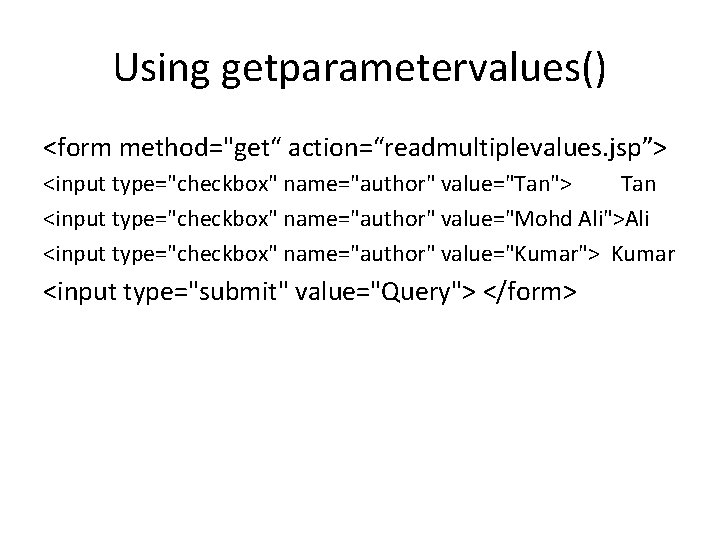
Using getparametervalues() <form method="get“ action=“readmultiplevalues. jsp”> <input type="checkbox" name="author" value="Tan"> Tan <input type="checkbox" name="author" value="Mohd Ali">Ali <input type="checkbox" name="author" value="Kumar"> Kumar <input type="submit" value="Query"> </form>
![Readmultiplevalues. jsp <% String[] authors = request. get. Parameter. Values("author"); if (authors != null)](http://slidetodoc.com/presentation_image_h2/871e081ab3694cb9d8484f152e5e2bc6/image-10.jpg "Readmultiplevalues. jsp <% String[] authors = request. get. Parameter. Values(\"author\"); if (authors != null)")
Readmultiplevalues. jsp <% String[] authors = request. get. Parameter. Values("author"); if (authors != null) { %> <h 3>You have selected author(s): </h 3> <ul> <% for (int i = 0; i < authors. length; ++i) { %> <li><%= authors[i] %></li> <% } %> </ul>
LTC EXERCISES • Write JSP code to validate the DATA entered by the user through HTML form • Examples – Password & Re-enter password fields MATCHED or not – AGE field between 18 and 100 – Password atleast 8 characters – Mobile Number exactly 10 digits
Methods of response Object • add. Cookie(Cookie): Adds the specified cookie to the response. It can be called multiple times to set more than one cookie. • send. Redirect(String): Sends a temporary redirect response to the client using the specified redirect location URL.
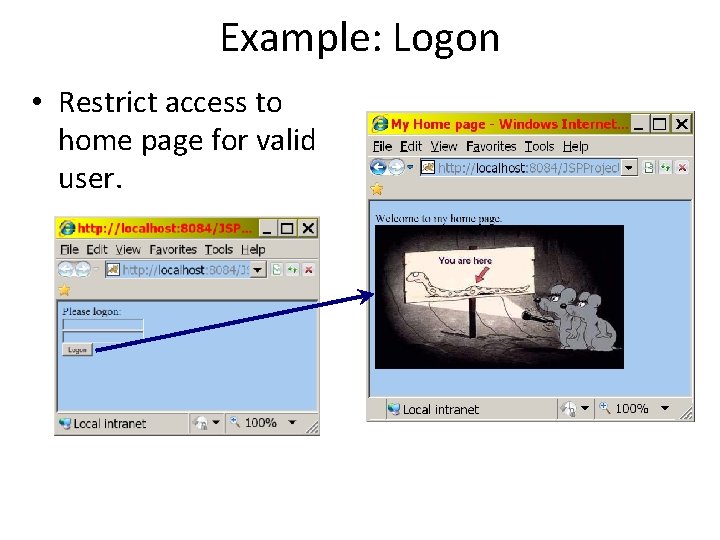
Example: Logon • Restrict access to home page for valid user.
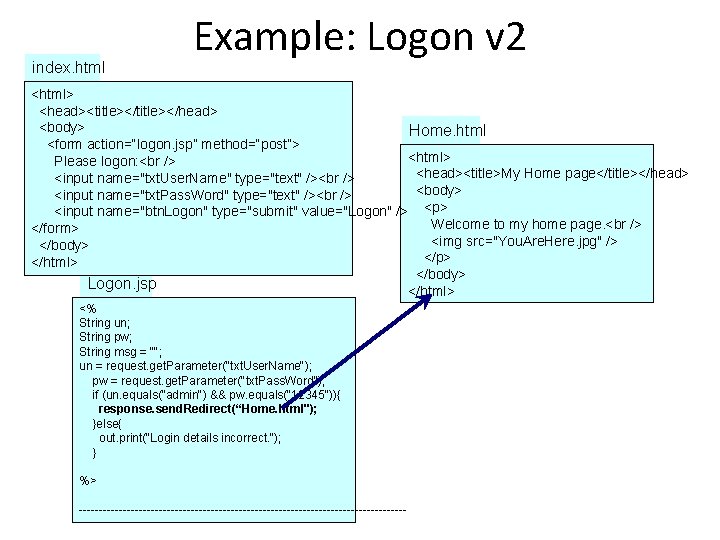
index. html Example: Logon v 2 <html> <head><title></head> <body> Home. html <form action=“logon. jsp” method=“post”> <html> Please logon: <head><title>My Home page</title></head> <input name="txt. User. Name" type="text" /> <body> <input name="txt. Pass. Word" type="text" /> <input name="btn. Logon" type="submit" value="Logon" /> <p> Welcome to my home page. </form> <img src="You. Are. Here. jpg" /> </body> </p> </html> </body> Logon. jsp </html> <% String un; String pw; String msg = ""; un = request. get. Parameter("txt. User. Name"); pw = request. get. Parameter("txt. Pass. Word"); if (un. equals(“admin") && pw. equals(“ 12345")){ response. send. Redirect(“Home. html"); }else{ out. print(“Login details incorrect. “); } %> -----------------------------------------
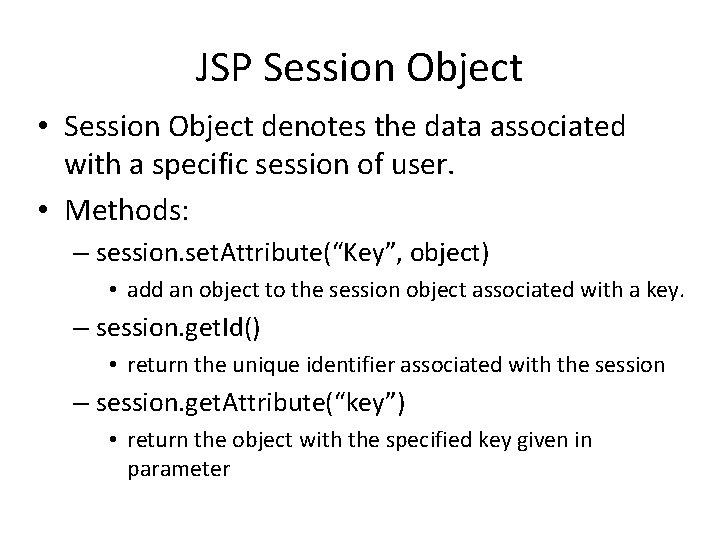
JSP Session Object • Session Object denotes the data associated with a specific session of user. • Methods: – session. set. Attribute(“Key”, object) • add an object to the session object associated with a key. – session. get. Id() • return the unique identifier associated with the session – session. get. Attribute(“key”) • return the object with the specified key given in parameter

DEMO
- Slides: 16