
JSON and A Comparison of Scripts JSON Java
- Slides: 11
JSON and A Comparison of Scripts
JSON: Java. Script Object Notation • Based on a subset of the Java. Script Programming Language • provides a standardized data exchange format that is better-suited for Ajax-style web applications. formal languages specifically designed to support the communication of data and metadata.
JSON: Java. Script Object Notation • Language independant, but similar to Cfamily (C, Java, Perl, Python) • Data formatted according to the JSON standard is lightweight and can be parsed by Java. Script implementations with incredible ease
JSON: Java. Script Object Notation • Built on two structures: • Name/value pair • Ordered list of values
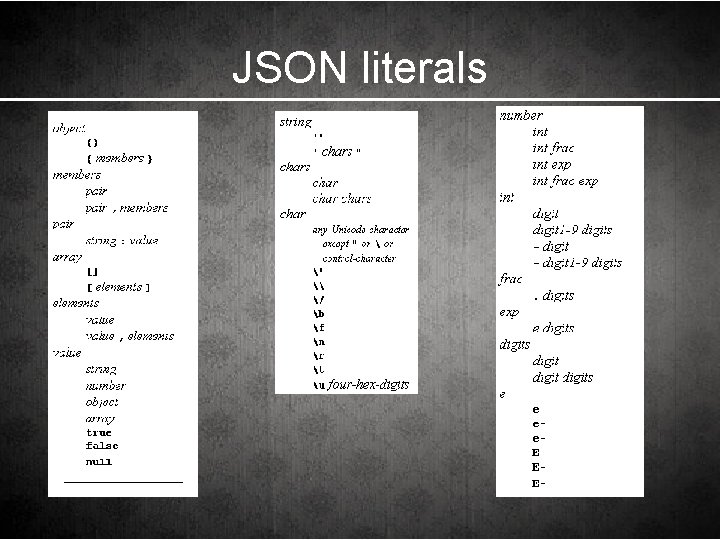
JSON literals
JSON: the difference • JSON: much stricter rules. • name of an object member must be a valid JSON string. • string must be enclosed in quotation marks. • array and object elements are limited to a set. • No date/time literal (not in Java. Script either) • No comments
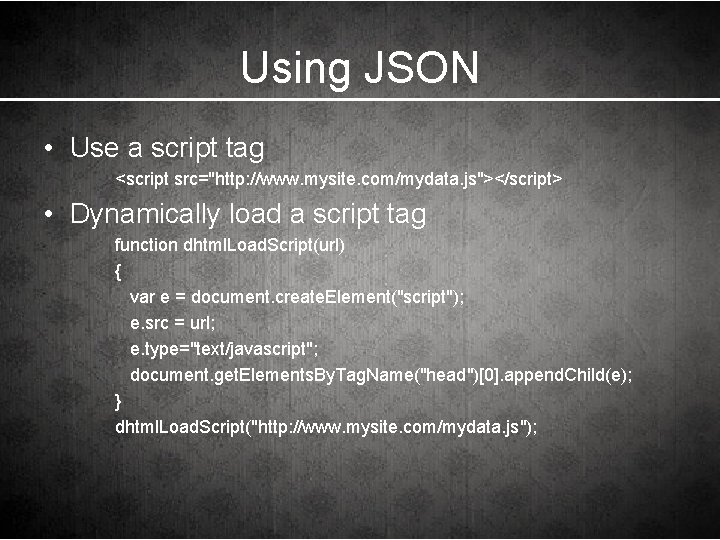
Using JSON • Use a script tag <script src="http: //www. mysite. com/mydata. js"></script> • Dynamically load a script tag function dhtml. Load. Script(url) { var e = document. create. Element("script"); e. src = url; e. type="text/javascript"; document. get. Elements. By. Tag. Name("head")[0]. append. Child(e); } dhtml. Load. Script("http: //www. mysite. com/mydata. js");
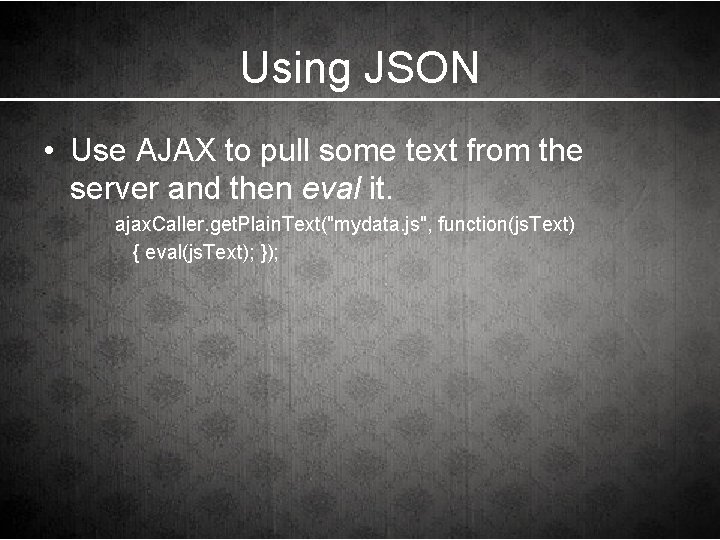
Using JSON • Use AJAX to pull some text from the server and then eval it. ajax. Caller. get. Plain. Text("mydata. js", function(js. Text) { eval(js. Text); });
Server vs Client Side Scripting
Client-side Scripting • Easy way to provide additional functionality and flexibility • Downloaded, interpreted and executed by the browser • Dependant on the client's capabilities (memory, CPU speed, video card) • Lightweight, less full-featured language • Examples: Java. Script, JScript, VBScript
Server-side Scripting • Also enhances functionality, but usually less visible • Used for content management (database) • Runs on the server and depends on memory and CPU speed of the server • Must be supported by the server • Examples: PHP, ASP, Perl