
Jon Galloway Development Platform Evangelist Christopher Harrison Microsoft
- Slides: 18
Jon Galloway | Development Platform Evangelist Christopher Harrison | Microsoft Certified Trainer
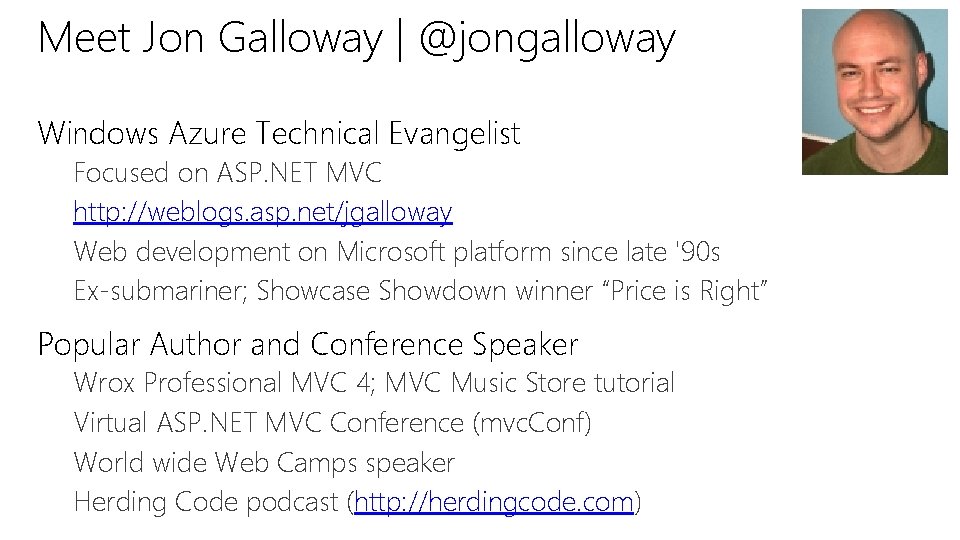
Meet Jon Galloway | @jongalloway Windows Azure Technical Evangelist Focused on ASP. NET MVC http: //weblogs. asp. net/jgalloway Web development on Microsoft platform since late '90 s Ex-submariner; Showcase Showdown winner “Price is Right” Popular Author and Conference Speaker Wrox Professional MVC 4; MVC Music Store tutorial Virtual ASP. NET MVC Conference (mvc. Conf) World wide Web Camps speaker Herding Code podcast (http: //herdingcode. com)
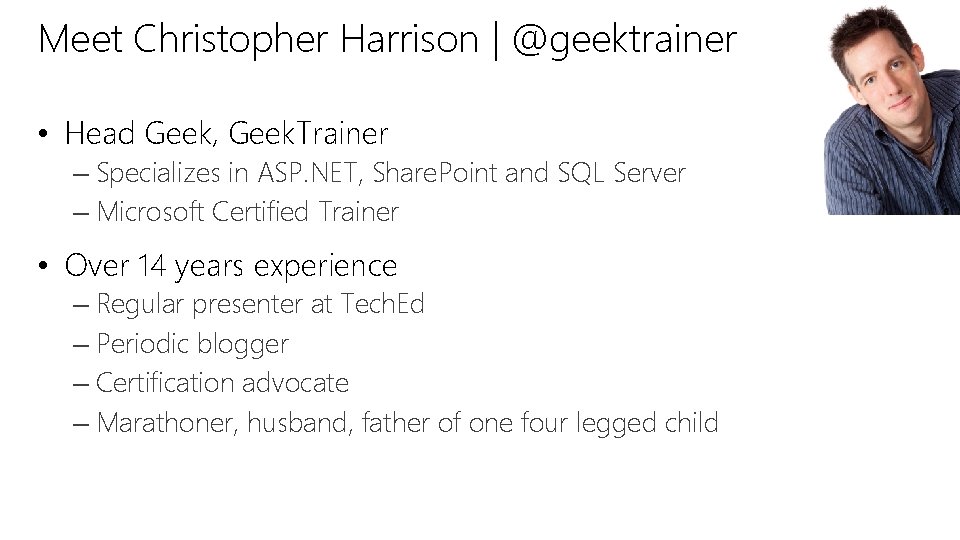
Meet Christopher Harrison | @geektrainer • Head Geek, Geek. Trainer – Specializes in ASP. NET, Share. Point and SQL Server – Microsoft Certified Trainer • Over 14 years experience – Regular presenter at Tech. Ed – Periodic blogger – Certification advocate – Marathoner, husband, father of one four legged child
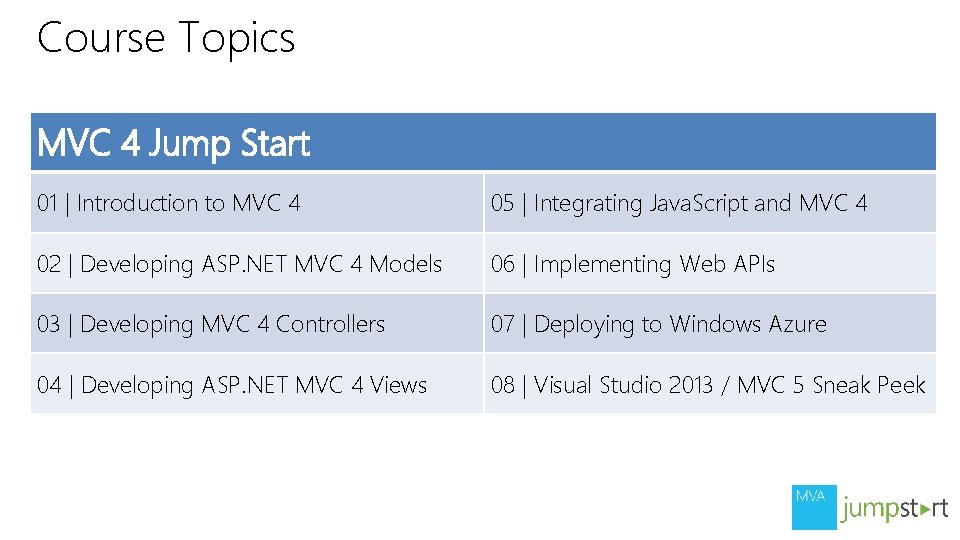
Course Topics MVC 4 Jump Start 01 | Introduction to MVC 4 05 | Integrating Java. Script and MVC 4 02 | Developing ASP. NET MVC 4 Models 06 | Implementing Web APIs 03 | Developing MVC 4 Controllers 07 | Deploying to Windows Azure 04 | Developing ASP. NET MVC 4 Views 08 | Visual Studio 2013 / MVC 5 Sneak Peek
Setting Expectations • Target Audience – New to MVC 4 – Considering taking the 70 -486 Exam • Suggested Prerequisites/Supporting Material – Microsoft Official Course 20486 • Developing ASP. NET MVC 4 Web Applications
Join the MVA Community! • Microsoft Virtual Academy – Free online learning tailored for IT Pros and Developers – Over 1 M registered users – Up-to-date, relevant training on variety of Microsoft products • “Earn while you learn!” – Get 50 MVA Points for this event! – Visit http: //aka. ms/MVA-Voucher – Enter this code: ASPNET-MVC 4 (expires 10/18/2013)
01 | Introduction to MVC Jon Galloway | Development Platform Evangelist Christopher Harrison | Microsoft Certified Trainer
Module Overview • Overview of ASP. NET 4. 0 • Topic Two • Topic Three
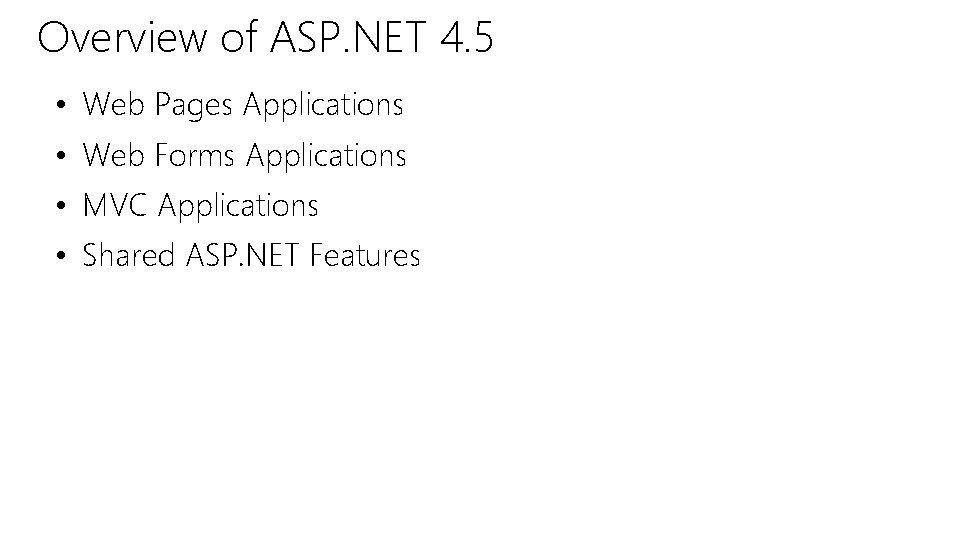
Overview of ASP. NET 4. 5 • Web Pages Applications • Web Forms Applications • MVC Applications • Shared ASP. NET Features
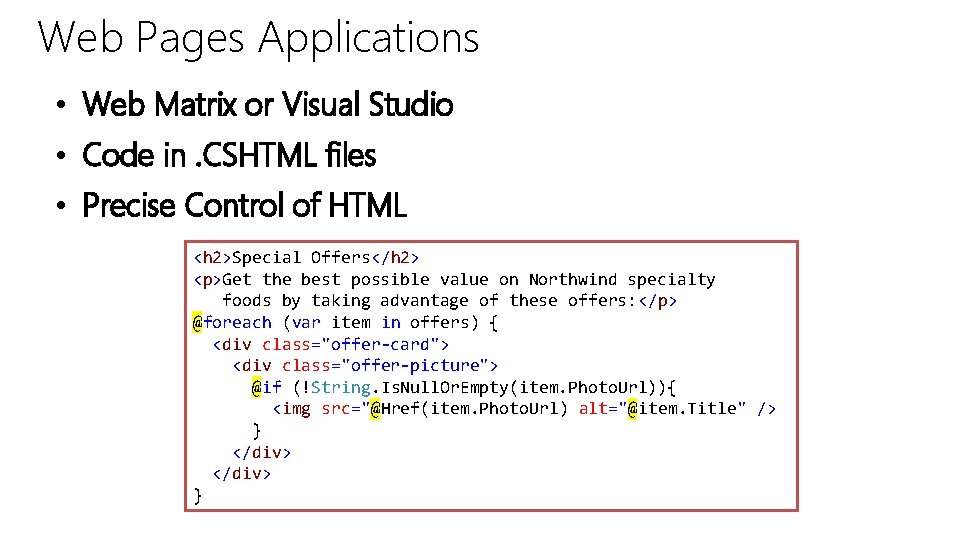
Web Pages Applications • Web Matrix or Visual Studio • Code in. CSHTML files • Precise Control of HTML <h 2>Special Offers</h 2> <p>Get the best possible value on Northwind specialty foods by taking advantage of these offers: </p> @foreach (var item in offers) { <div class="offer-card"> <div class="offer-picture"> @if (!String. Is. Null. Or. Empty(item. Photo. Url)){ <img src="@Href(item. Photo. Url) alt="@item. Title" /> } </div> }
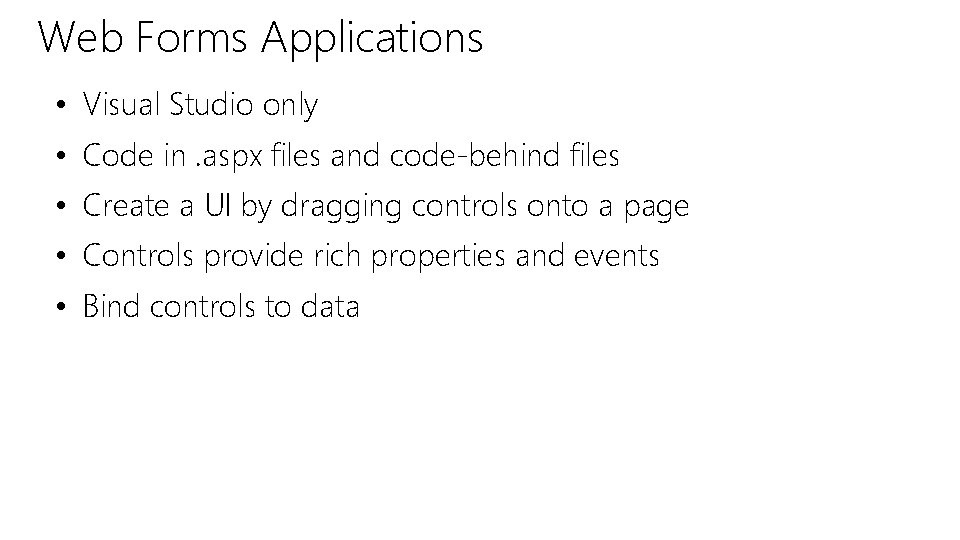
Web Forms Applications • Visual Studio only • Code in. aspx files and code-behind files • Create a UI by dragging controls onto a page • Controls provide rich properties and events • Bind controls to data
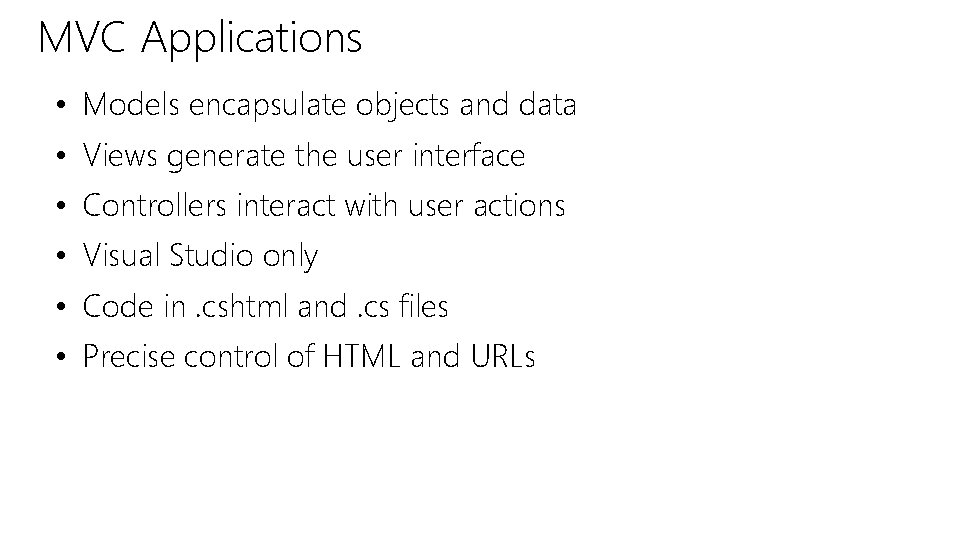
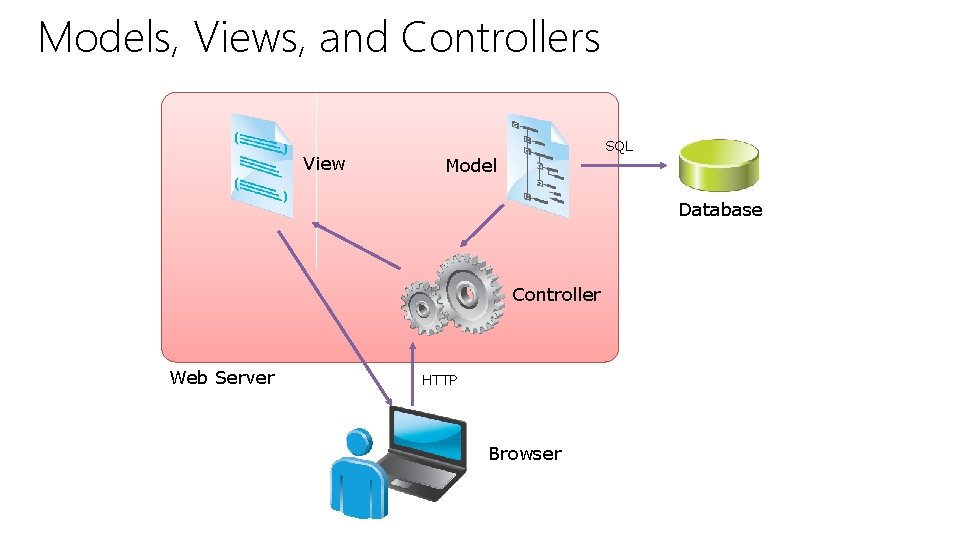
MVC Applications • Models encapsulate objects and data • Views generate the user interface • Controllers interact with user actions • Visual Studio only • Code in. cshtml and. cs files • Precise control of HTML and URLs
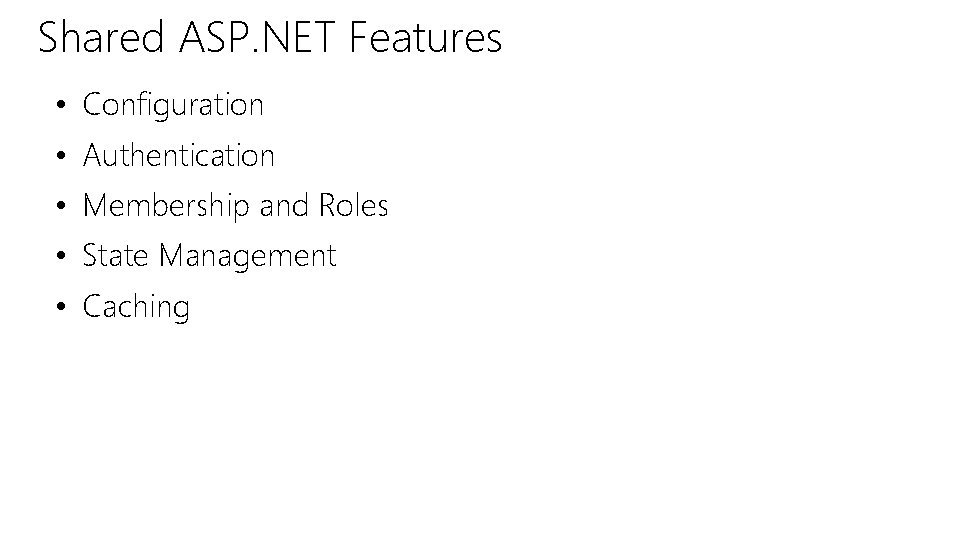
Shared ASP. NET Features • Configuration • Authentication • Membership and Roles • State Management • Caching
Lesson 3: Introduction to ASP. NET MVC 4 • Models, Views, and Controllers • Demonstration: How to Explore an MVC Application • New Features of ASP. NET MVC 4
Models, Views, and Controllers View SQL Model Database Controller Web Server HTTP Browser
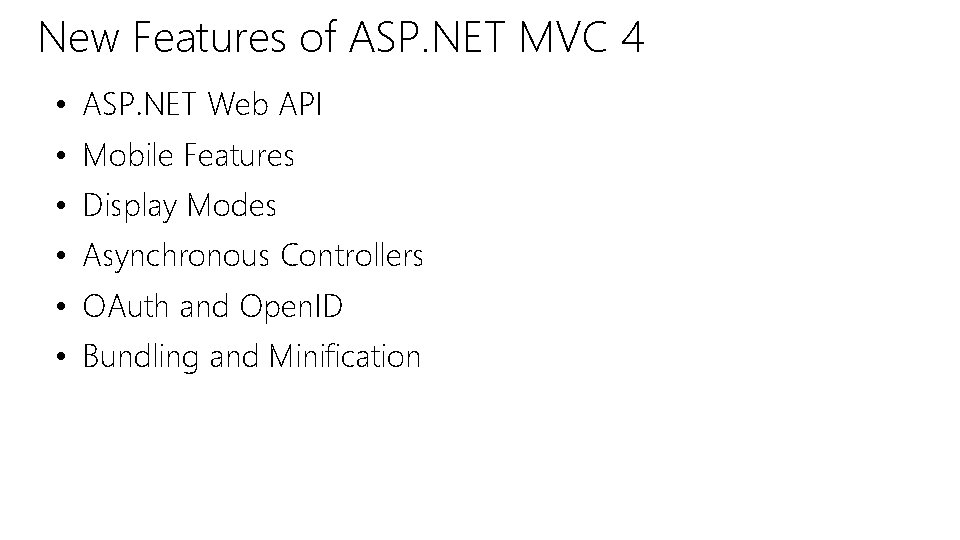
New Features of ASP. NET MVC 4 • ASP. NET Web API • Mobile Features • Display Modes • Asynchronous Controllers • OAuth and Open. ID • Bundling and Minification
Demonstration: Hello, MVC In this demonstration, you will see how to: 1. Create a new project 2. Discuss the basics of the moving parts 3. Introduce MVC conventions 4. “See the Actors”
© 2013 Microsoft Corporation. All rights reserved. Microsoft, Windows, Office, Azure, System Center, Dynamics and other product names are or may be registered trademarks and/or trademarks in the U. S. and/or other countries. The information herein is for informational purposes only and represents the current view of Microsoft Corporation as of the date of this presentation. Because Microsoft must respond to changing market conditions, it should not be interpreted to be a commitment on the part of Microsoft, and Microsoft cannot guarantee the accuracy of any information provided after the date of this presentation. MICROSOFT MAKES NO WARRANTIES, EXPRESS, IMPLIED OR STATUTORY, AS TO THE INFORMATION IN THIS PRESENTATION.