
JMRI 101 Part 0 Overview Mark Underwood Jan
- Slides: 11
JMRI 101 Part 0 : Overview Mark Underwood, Jan 6 2019
JMRI Features and Components JMRI is a Toolbox Multiple independent but related tools in one package Use what you want, leave the rest Grow or change your JMRI usage as needed
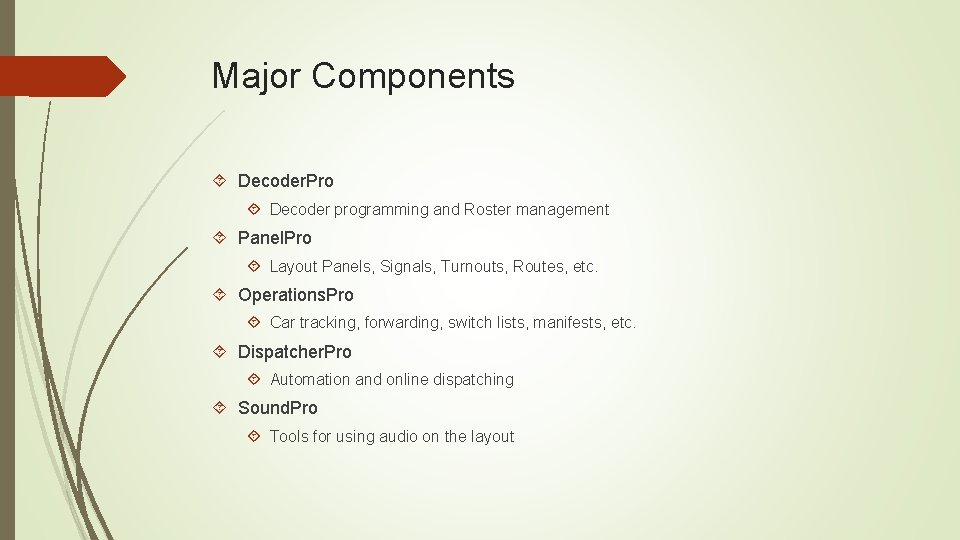
Major Components Decoder. Pro Decoder programming and Roster management Panel. Pro Layout Panels, Signals, Turnouts, Routes, etc. Operations. Pro Car tracking, forwarding, switch lists, manifests, etc. Dispatcher. Pro Automation and online dispatching Sound. Pro Tools for using audio on the layout
Hardware Support Runs on all major platforms (Windows, Mac. OS X, Linux) Windows 7 -10 and Vista SP 2, Mac. OS X “Lion” through “Mojave”, Linux with Java 1. 8 or newer Older versions of JMRI are available to run on older PCs JMRI supports almost any hardware system that has a computer interface All major (and most minor) DCC systems Many other systems (C/MRI, CTI Train. Brain, LCC, Rail. Driver, etc. ) Specialty hardware (RFID, location systems, Xbee, etc. ) Hardware Support Documentation: http: //jmri. org/help/en/html/hardware/index. shtml
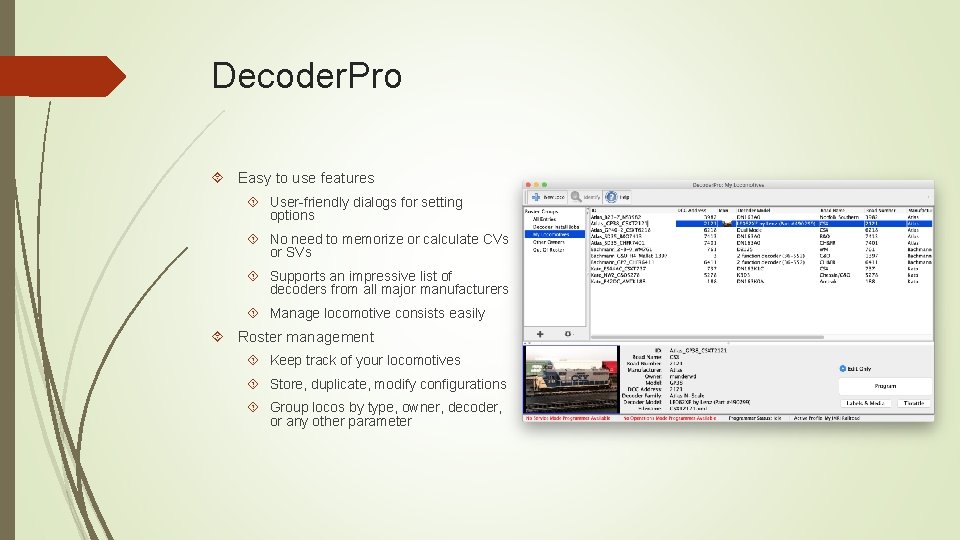
Decoder. Pro Easy to use features User-friendly dialogs for setting options No need to memorize or calculate CVs or SVs Supports an impressive list of decoders from all major manufacturers Manage locomotive consists easily Roster management Keep track of your locomotives Store, duplicate, modify configurations Group locos by type, owner, decoder, or any other parameter
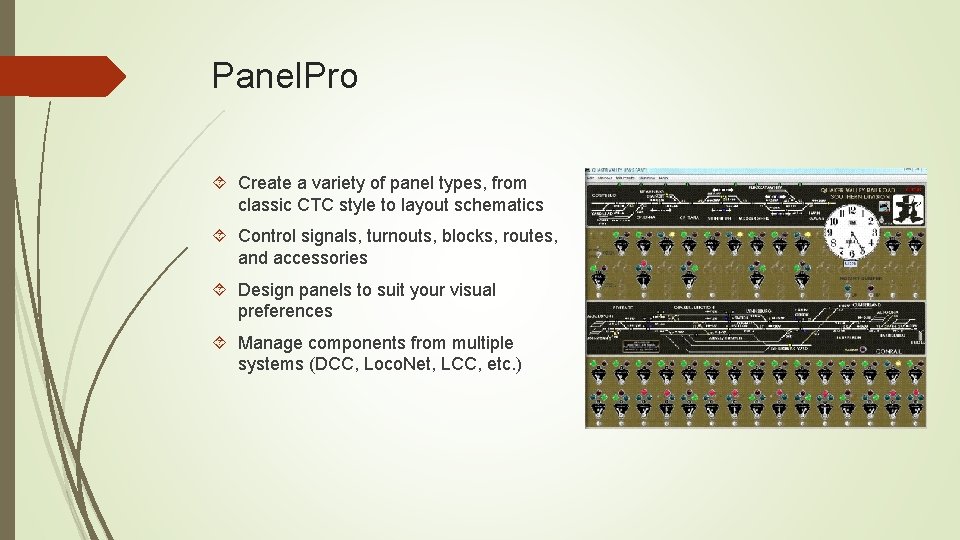
Panel. Pro Create a variety of panel types, from classic CTC style to layout schematics Control signals, turnouts, blocks, routes, and accessories Design panels to suit your visual preferences Manage components from multiple systems (DCC, Loco. Net, LCC, etc. )
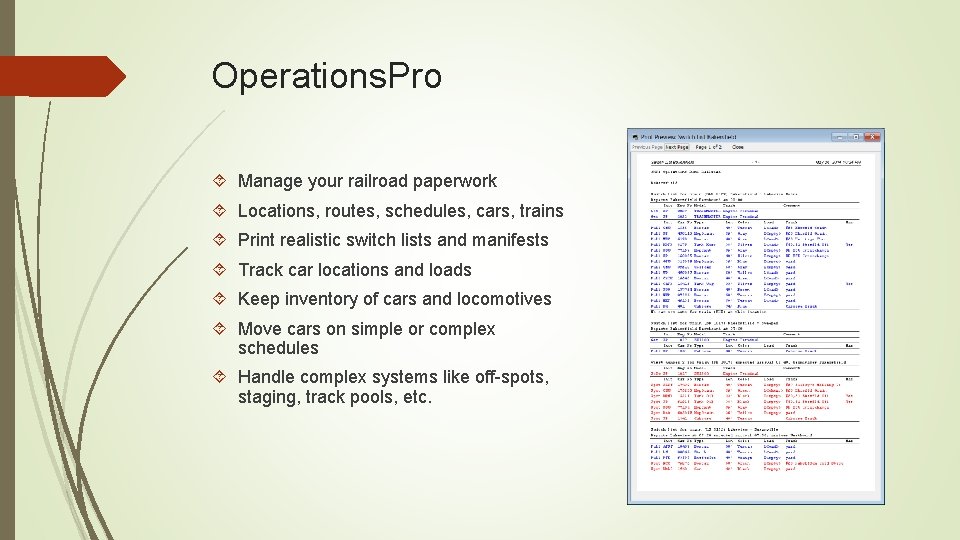
Operations. Pro Manage your railroad paperwork Locations, routes, schedules, cars, trains Print realistic switch lists and manifests Track car locations and loads Keep inventory of cars and locomotives Move cars on simple or complex schedules Handle complex systems like off-spots, staging, track pools, etc.
Dispatcher Pro and Sound Pro Dispatcher. Pro Automated train operations Can schedule trains to stop, start, route, and move on their own Requires suitable sensors, turnout control and train control hardware Sound. Pro Control sound effects for the layout Played through the computer’s audio system Sounds can be triggered by any events (sensors, turnouts, clocks, etc. ) in JMRI
Other Tools Logix Monitor layout state and take action on certain conditions Intuitive, but powerful interface for specifying decision making Signaling Built-in support for realistic, prototypical signal systems Simple Signal Logic (SSL) makes setup easy for most common systems Routes Set up paths through the layout (e. g. Staging to Smith Junction) Automatically trigger turnouts, signals, sound effects, etc. Fast Clocks Speedometers
Connectivity / Remote Ops Built-in Web Server Can access most JMRI windows (panels, etc) through a browser Web-optimized version of roster Web-based throttles Loco. Net. Over. TCP Can run a remote instance of JMRI as though connected directly to layout Wi. Throttle Server Support an (effectively) unlimited number of smart phone throttles
Thank You For more information: JMRI Website: https: //jmri. org JMRI User’s Group: https: //groups. io/g/jmriusers Me (msunderwd@gmail. com)