
Jeopardy v 4 0 This version features an
- Slides: 35
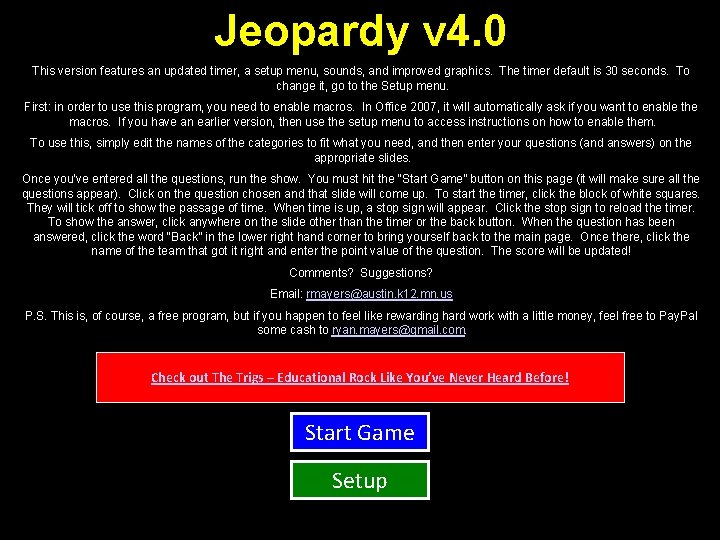
Jeopardy v 4. 0 This version features an updated timer, a setup menu, sounds, and improved graphics. The timer default is 30 seconds. To change it, go to the Setup menu. First: in order to use this program, you need to enable macros. In Office 2007, it will automatically ask if you want to enable the macros. If you have an earlier version, then use the setup menu to access instructions on how to enable them. To use this, simply edit the names of the categories to fit what you need, and then enter your questions (and answers) on the appropriate slides. Once you’ve entered all the questions, run the show. You must hit the “Start Game” button on this page (it will make sure all the questions appear). Click on the question chosen and that slide will come up. To start the timer, click the block of white squares. They will tick off to show the passage of time. When time is up, a stop sign will appear. Click the stop sign to reload the timer. To show the answer, click anywhere on the slide other than the timer or the back button. When the question has been answered, click the word “Back” in the lower right hand corner to bring yourself back to the main page. Once there, click the name of the team that got it right and enter the point value of the question. The score will be updated! Comments? Suggestions? Email: rmayers@austin. k 12. mn. us P. S. This is, of course, a free program, but if you happen to feel like rewarding hard work with a little money, feel free to Pay. Pal some cash to ryan. mayers@gmail. com. Check out The Trigs – Educational Rock Like You’ve Never Heard Before! Start Game Setup
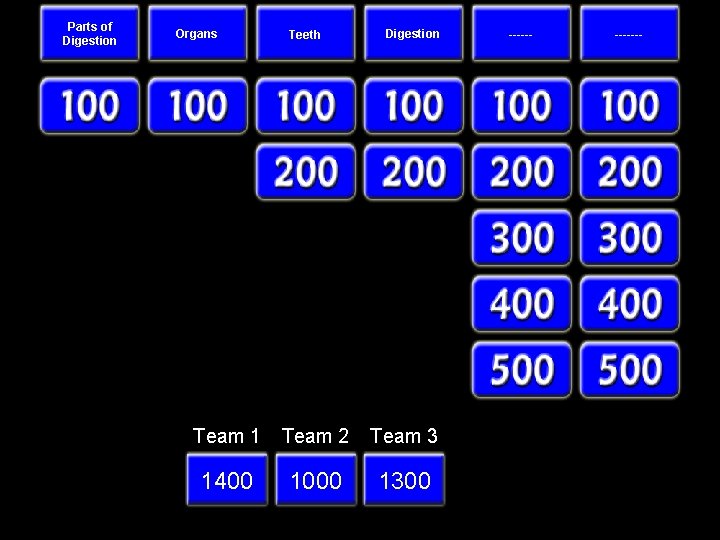
Parts of Digestion Organs Teeth Digestion Team 1 Team 2 Team 3 1400 1000 1300 © 2008 by Mr. Mayers -------
Define the term nutrition. Put the answer here. Back
BONUS Put the answer here. Back
What is the main objective of teeths? Put the answer here. Back
What is the name of the process used in digestion to break down food molecules? Put the answer here. Back
Category 5, 100 Put the answer here. Back
Category 6, 100 Put the answer here. Back
BONUS Put the answer here. Back
List the organs, in correct sequence, in the alimentary canal. Put the answer here. Back
List the types of teeth. Put the answer here. Back
Where does the carbonhydrate digestion begin? Put the answer here. Back
Category 5, 200 Put the answer here. Back
Category 6, 200 Put the answer here. Back
What is the alimentary canal? Put the answer here. Back
What is the first part of the small intestine? Put the answer here. Back
BONUS Put the answer here. Back
Give three examples of enzymes which is used to break down glucose(or different types of glucose). Put the answer here. Back
Category 5, 300 Put the answer here. Back
Category 6, 300 Put the answer here. Back
What is the difference between egestion and excretion? Put the answer here. Back
Define the term bolus of food. Put the answer here. Back
What does pulp cavity contains? Put the answer here. Back
BONUS Put the answer here. Back
Category 5, 400 Put the answer here. Back
Category 6, 400 Put the answer here. Back
Name three glands that add juices to the alimentary canal. Put the answer here. Back
Which organ contains enzymes and mucus which neutralizes acidic chyme? Put the answer here. Back
What is dental caries? Put the answer here. Back
Describe in a correct sequence how the protein and starch in a ham sandwich are broken down ready for absorbtion. Put the answer here. Back
Category 5, 500 Put the answer here. Back
Category 6, 500 Put the answer here. Back
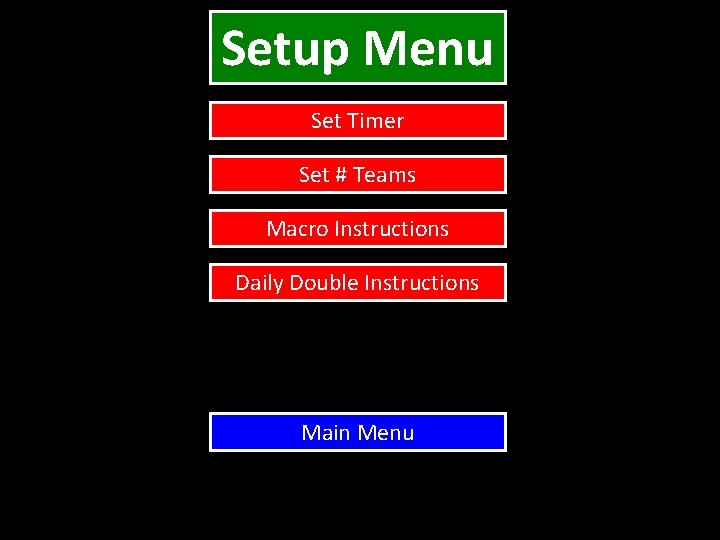
Setup Menu Set Timer Set # Teams Macro Instructions Daily Double Instructions Main Menu
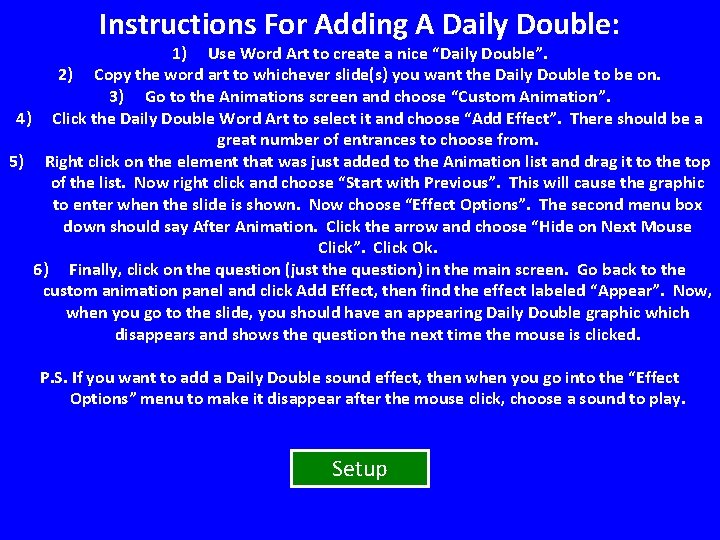
Instructions For Adding A Daily Double: 1) Use Word Art to create a nice “Daily Double”. 2) Copy the word art to whichever slide(s) you want the Daily Double to be on. 3) Go to the Animations screen and choose “Custom Animation”. 4) Click the Daily Double Word Art to select it and choose “Add Effect”. There should be a great number of entrances to choose from. 5) Right click on the element that was just added to the Animation list and drag it to the top of the list. Now right click and choose “Start with Previous”. This will cause the graphic to enter when the slide is shown. Now choose “Effect Options”. The second menu box down should say After Animation. Click the arrow and choose “Hide on Next Mouse Click”. Click Ok. 6) Finally, click on the question (just the question) in the main screen. Go back to the custom animation panel and click Add Effect, then find the effect labeled “Appear”. Now, when you go to the slide, you should have an appearing Daily Double graphic which disappears and shows the question the next time the mouse is clicked. P. S. If you want to add a Daily Double sound effect, then when you go into the “Effect Options” menu to make it disappear after the mouse click, choose a sound to play. Setup
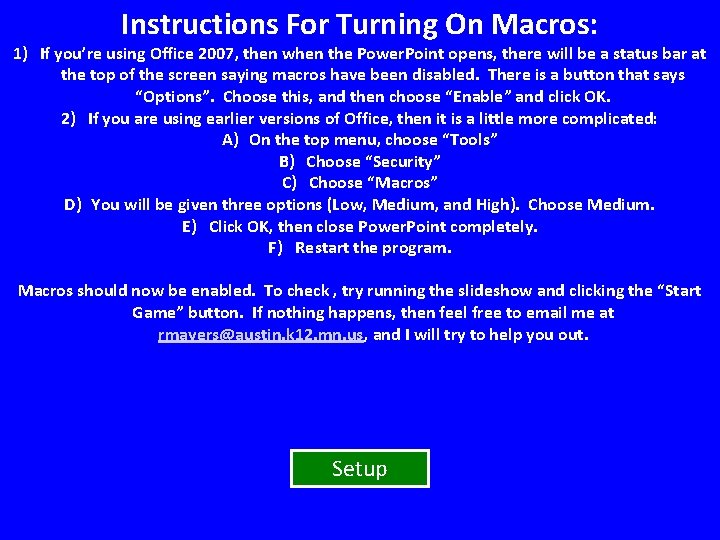
Instructions For Turning On Macros: 1) If you’re using Office 2007, then when the Power. Point opens, there will be a status bar at the top of the screen saying macros have been disabled. There is a button that says “Options”. Choose this, and then choose “Enable” and click OK. 2) If you are using earlier versions of Office, then it is a little more complicated: A) On the top menu, choose “Tools” B) Choose “Security” C) Choose “Macros” D) You will be given three options (Low, Medium, and High). Choose Medium. E) Click OK, then close Power. Point completely. F) Restart the program. Macros should now be enabled. To check , try running the slideshow and clicking the “Start Game” button. If nothing happens, then feel free to email me at rmayers@austin. k 12. mn. us, and I will try to help you out. Setup