
JDBC Part II CS 124 More about JDBC
JDBC Part II CS 124
More about JDBC l l l l l Types Statement versus Prepared. Statement Timeout NULL values Meta-data close() methods Exceptions Transactions JDBC and ORM

Mapping Java Types to SQL Types SQL type Java Type CHAR, VARCHAR, LONGVARCHAR NUMERIC, DECIMAL BIT boolean TINYINT byte java. math. Big. Decimal SMALLINT short INTEGER int BIGINT long REAL float FLOAT, DOUBLE String double BINARY, VARBINARY, LONGVARBINARY DATE java. sql. Date TIME java. sql. Time TIMESTAMP java. sql. Timestamp byte[]
Date and time types l Times in SQL are notoriously non-standard l Java defines three classes to help l java. sql. Date l l java. sql. Time l l year, month, day hours, minutes, seconds java. sql. Timestamp l year, month, day, hours, minutes, seconds, nanoseconds l usually use this one
Dealing with types l l l When processing a query (via execute. Query and Result. Set), you need to establish the correspondence between JDBC types and SQL types Basis for get. XXX() methods for a Result. Set Good idea to also use set. XXX() methods on a Prepared. Statement l Versus building the query string manually
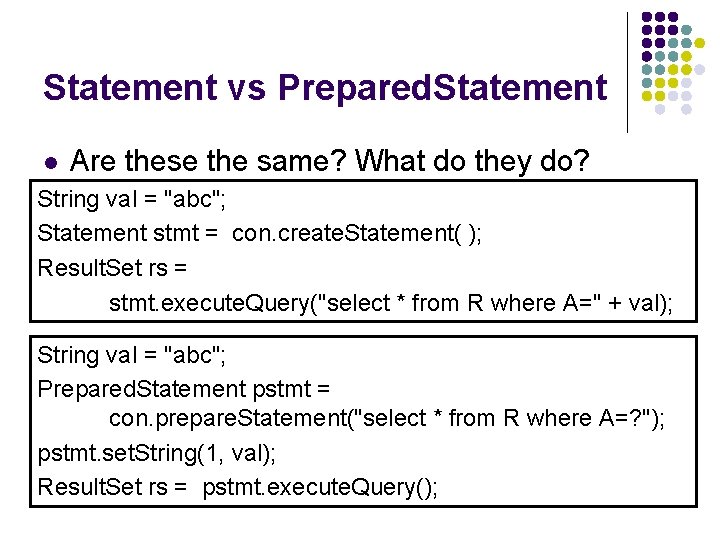
Statement vs Prepared. Statement l Are these the same? What do they do? String val = "abc"; Statement stmt = con. create. Statement( ); Result. Set rs = stmt. execute. Query("select * from R where A=" + val); String val = "abc"; Prepared. Statement pstmt = con. prepare. Statement("select * from R where A=? "); pstmt. set. String(1, val); Result. Set rs = pstmt. execute. Query();
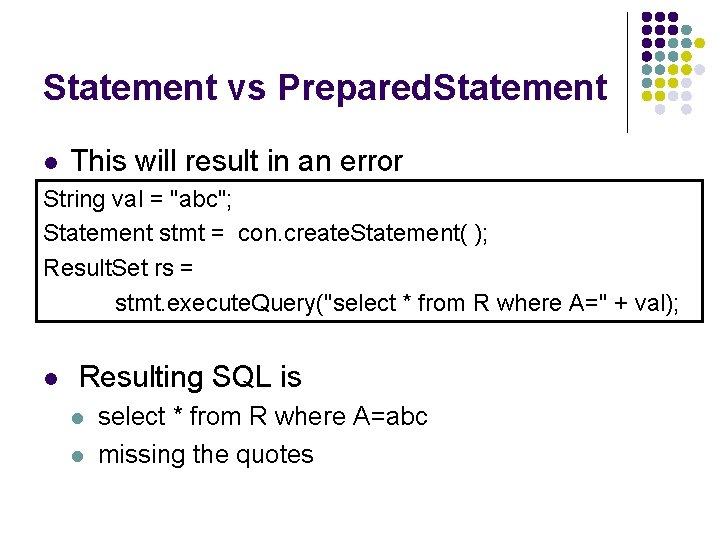
Statement vs Prepared. Statement l This will result in an error String val = "abc"; Statement stmt = con. create. Statement( ); Result. Set rs = stmt. execute. Query("select * from R where A=" + val); l Resulting SQL is l l select * from R where A=abc missing the quotes
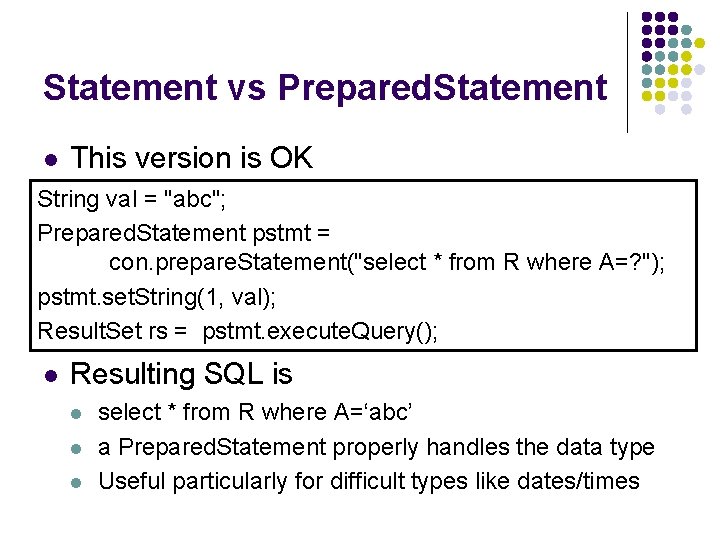
Statement vs Prepared. Statement l This version is OK String val = "abc"; Prepared. Statement pstmt = con. prepare. Statement("select * from R where A=? "); pstmt. set. String(1, val); Result. Set rs = pstmt. execute. Query(); l Resulting SQL is l l l select * from R where A=‘abc’ a Prepared. Statement properly handles the data type Useful particularly for difficult types like dates/times
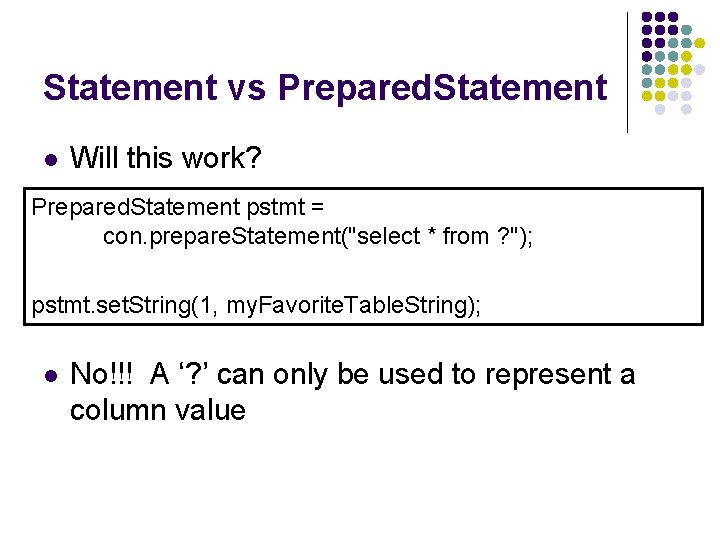
Statement vs Prepared. Statement l Will this work? Prepared. Statement pstmt = con. prepare. Statement("select * from ? "); pstmt. set. String(1, my. Favorite. Table. String); l No!!! A ‘? ’ can only be used to represent a column value
Timeout l l l Use set. Query. Time. Out(int seconds) of Statement to set a timeout for the driver to wait for a statement to be completed If the operation is not completed in the given time, an SQLException is thrown What is it good for? l testing query performance
NULL values l l l In SQL, NULL means the field is empty Not the same as 0 or "" In JDBC, you must explicitly ask if the lastread field was null l l Result. Set. was. Null(column) For example, get. Int(column) will return 0 if the value is either 0 or NULL!
NULL values l When inserting null values into placeholders of Prepared Statements: l l Use the method set. Null(index, Types. sql. Type) for primitive types (e. g. INTEGER, REAL); You may also use the set<Type>(index, null) for object types (e. g. STRING, DATE).
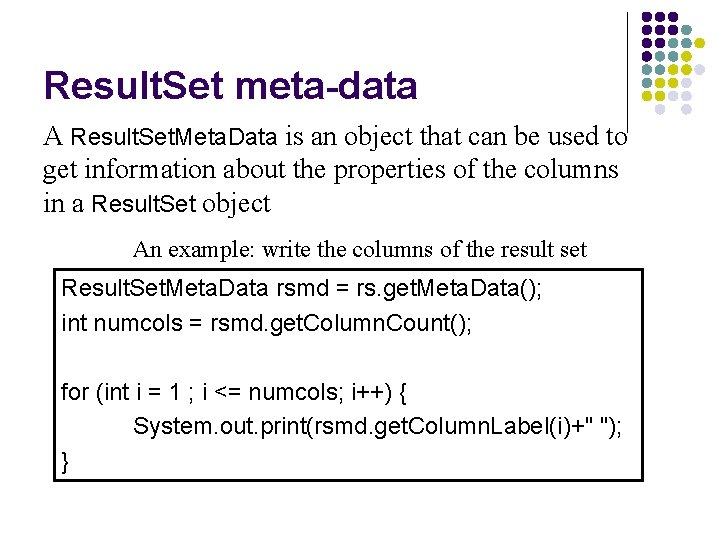
Result. Set meta-data A Result. Set. Meta. Data is an object that can be used to get information about the properties of the columns in a Result. Set object An example: write the columns of the result set Result. Set. Meta. Data rsmd = rs. get. Meta. Data(); int numcols = rsmd. get. Column. Count(); for (int i = 1 ; i <= numcols; i++) { System. out. print(rsmd. get. Column. Label(i)+" "); }
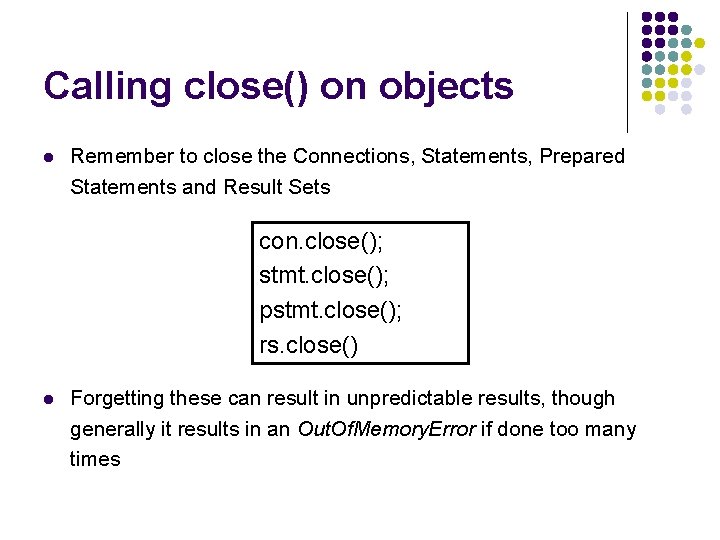
Calling close() on objects l Remember to close the Connections, Statements, Prepared Statements and Result Sets con. close(); stmt. close(); pstmt. close(); rs. close() l Forgetting these can result in unpredictable results, though generally it results in an Out. Of. Memory. Error if done too many times
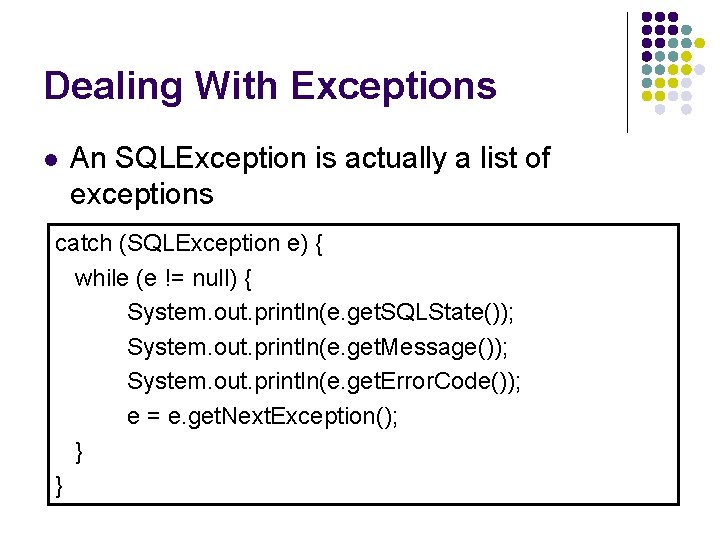
Dealing With Exceptions l An SQLException is actually a list of exceptions catch (SQLException e) { while (e != null) { System. out. println(e. get. SQLState()); System. out. println(e. get. Message()); System. out. println(e. get. Error. Code()); e = e. get. Next. Exception(); } }
Transactions and JDBC l Transaction: more than one statement that must all succeed (or all fail) together l l l e. g. , updating several tables due to customer purchase If one fails, the system must reverse all previous actions Also can’t leave DB in inconsistent state halfway through a transaction l l COMMIT = complete transaction ROLLBACK = cancel all actions
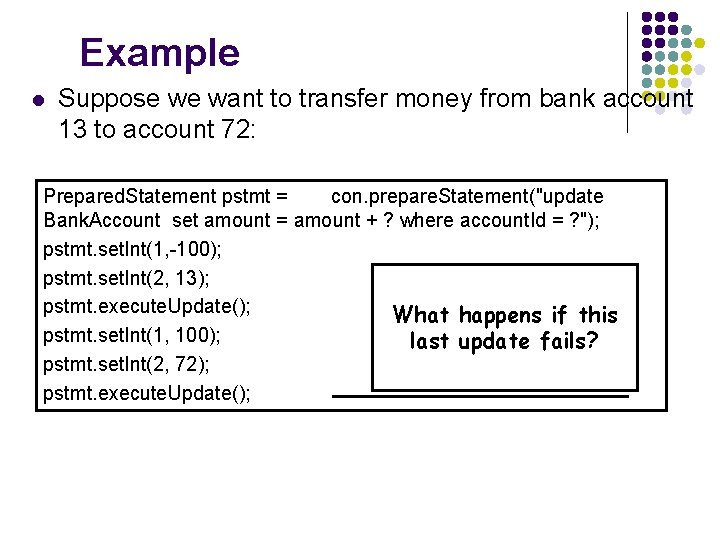
Example l Suppose we want to transfer money from bank account 13 to account 72: Prepared. Statement pstmt = con. prepare. Statement("update Bank. Account set amount = amount + ? where account. Id = ? "); pstmt. set. Int(1, -100); pstmt. set. Int(2, 13); pstmt. execute. Update(); What happens if this pstmt. set. Int(1, 100); last update fails? pstmt. set. Int(2, 72); pstmt. execute. Update();
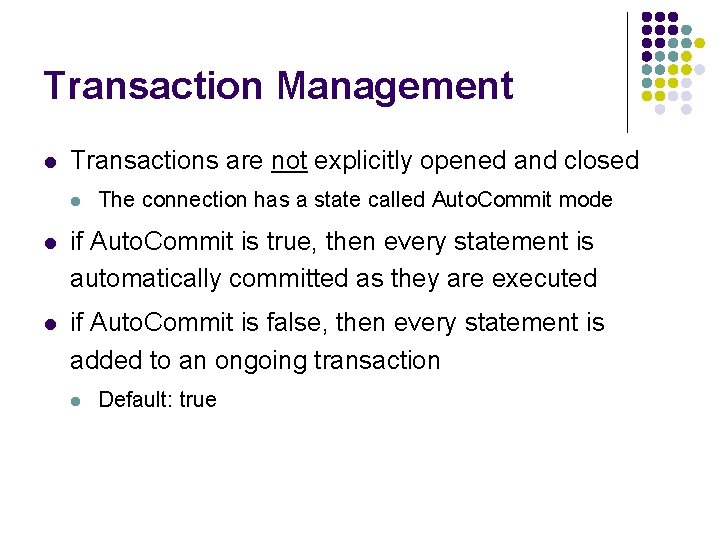
Transaction Management l Transactions are not explicitly opened and closed l The connection has a state called Auto. Commit mode l if Auto. Commit is true, then every statement is automatically committed as they are executed l if Auto. Commit is false, then every statement is added to an ongoing transaction l Default: true
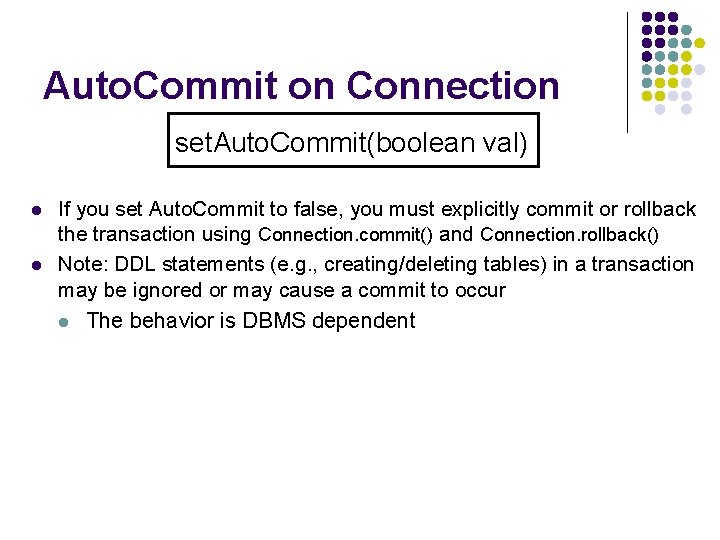
Auto. Commit on Connection set. Auto. Commit(boolean val) l l If you set Auto. Commit to false, you must explicitly commit or rollback the transaction using Connection. commit() and Connection. rollback() Note: DDL statements (e. g. , creating/deleting tables) in a transaction may be ignored or may cause a commit to occur l The behavior is DBMS dependent
JDBC usage in industry l JDBC as you can see is very cumbersome coding wise especially for systems with many queries and many tables l Over the years, Object Relational Mapping (ORM) software have been created to simplify the use of JDBC l l generally, most externalize the mappings of JDBC table columns to java objects and provide simpler API for common CRUD operations Some ORM software: l l Apache i. Batis (http: //ibatis. apache. org/) Hibernate (http: //www. hibernate. org/)
- Slides: 20