
JDBC JDBC is an alternative to ODBC and
JDBC • JDBC is an alternative to ODBC and ADO that provides database access to programs written in Java. • JDBC is not an acronym — it doesn’t stand for anything! – Do you believe that!? ; -) • JDBC drivers are available for most DBMS products: – http: //java. sun. com/products/jdbc DAVID M. KROENKE’S DATABASE PROCESSING, 10 th Edition © 2006 Pearson Prentice Hall 1
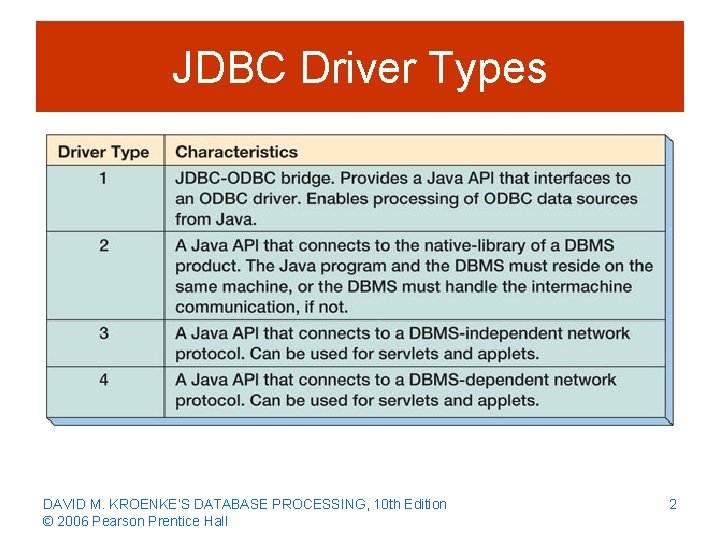
JDBC Driver Types DAVID M. KROENKE’S DATABASE PROCESSING, 10 th Edition © 2006 Pearson Prentice Hall 2
Java Servlets and Applets • Java programs are complied into an operating system independent bytecode. • Various operating systems use their own bytecode interpreters aka Java virtual machines. • An applet is transmitted to a browser via HTTP and is invoked on the client workstation using the HTTP protocol. • A servlet is a Java program that is invoked on the server to respond to HTTP requests. • Type 3 and Type 4 drivers can be used for both applets and servlets. • Type 2 drivers can be used only in servlets. DAVID M. KROENKE’S DATABASE PROCESSING, 10 th Edition © 2006 Pearson Prentice Hall 3
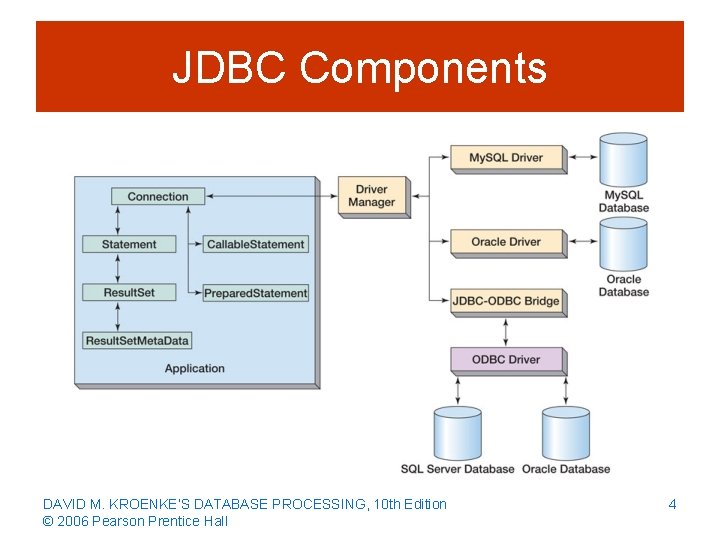
JDBC Components DAVID M. KROENKE’S DATABASE PROCESSING, 10 th Edition © 2006 Pearson Prentice Hall 4
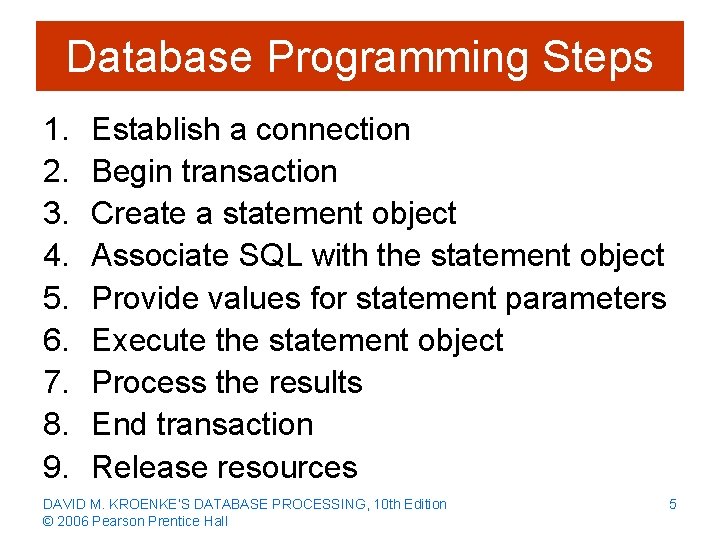
Database Programming Steps 1. 2. 3. 4. 5. 6. 7. 8. 9. Establish a connection Begin transaction Create a statement object Associate SQL with the statement object Provide values for statement parameters Execute the statement object Process the results End transaction Release resources DAVID M. KROENKE’S DATABASE PROCESSING, 10 th Edition © 2006 Pearson Prentice Hall 5
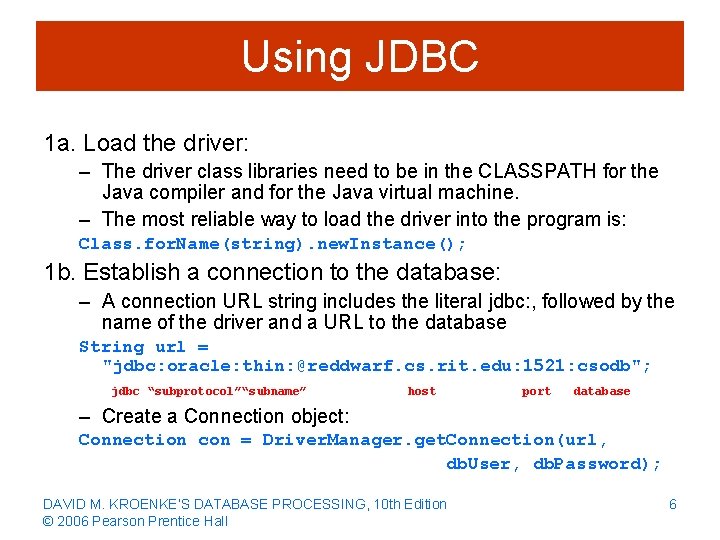
Using JDBC 1 a. Load the driver: – The driver class libraries need to be in the CLASSPATH for the Java compiler and for the Java virtual machine. – The most reliable way to load the driver into the program is: Class. for. Name(string). new. Instance(); 1 b. Establish a connection to the database: – A connection URL string includes the literal jdbc: , followed by the name of the driver and a URL to the database String url = "jdbc: oracle: thin: @reddwarf. cs. rit. edu: 1521: csodb"; jdbc “subprotocol”“subname” host port database – Create a Connection object: Connection con = Driver. Manager. get. Connection(url, db. User, db. Password); DAVID M. KROENKE’S DATABASE PROCESSING, 10 th Edition © 2006 Pearson Prentice Hall 6
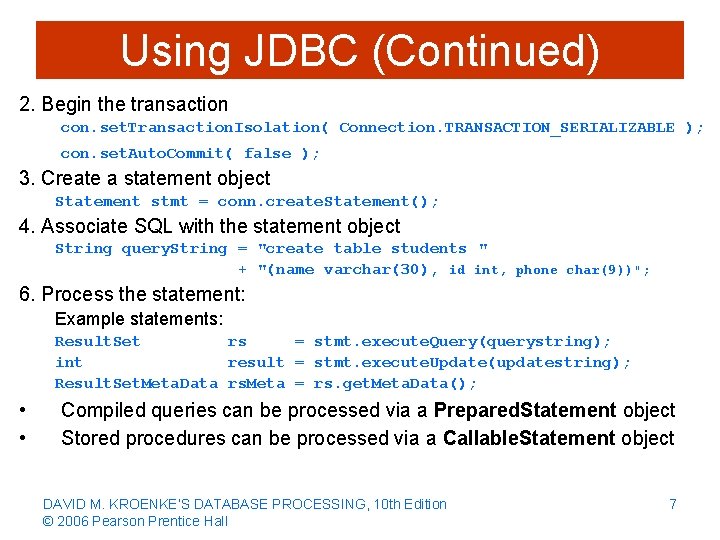
Using JDBC (Continued) 2. Begin the transaction con. set. Transaction. Isolation( Connection. TRANSACTION_SERIALIZABLE ); con. set. Auto. Commit( false ); 3. Create a statement object Statement stmt = conn. create. Statement(); 4. Associate SQL with the statement object String query. String = "create table students " + "(name varchar(30), id int, phone char(9))"; 6. Process the statement: Example statements: Result. Set rs = stmt. execute. Query(querystring); int result = stmt. execute. Update(updatestring); Result. Set. Meta. Data rs. Meta = rs. get. Meta. Data(); • • Compiled queries can be processed via a Prepared. Statement object Stored procedures can be processed via a Callable. Statement object DAVID M. KROENKE’S DATABASE PROCESSING, 10 th Edition © 2006 Pearson Prentice Hall 7
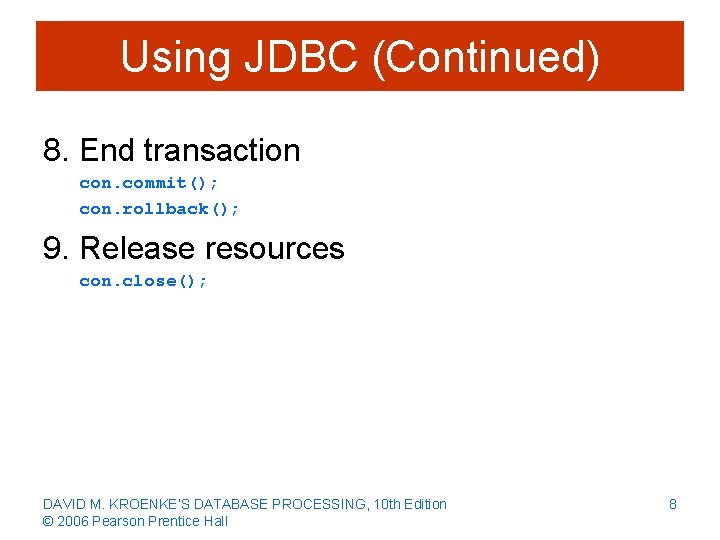
Using JDBC (Continued) 8. End transaction con. commit(); con. rollback(); 9. Release resources con. close(); DAVID M. KROENKE’S DATABASE PROCESSING, 10 th Edition © 2006 Pearson Prentice Hall 8
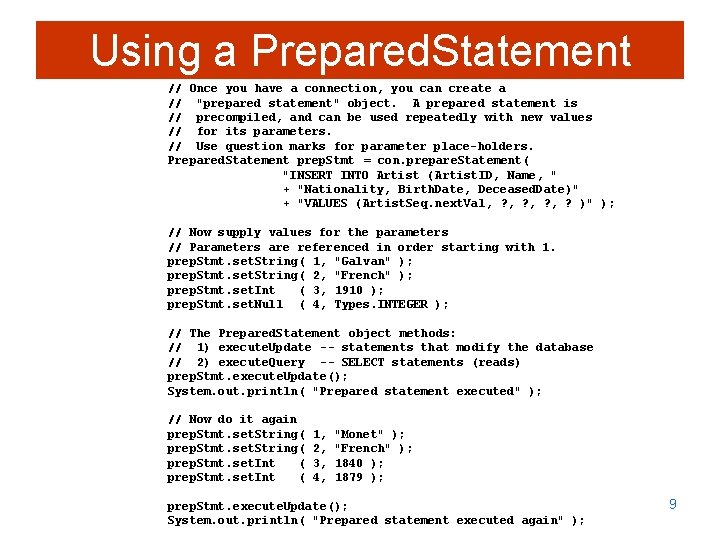
Using a Prepared. Statement // Once you have a connection, you can create a // "prepared statement" object. A prepared statement is // precompiled, and can be used repeatedly with new values // for its parameters. // Use question marks for parameter place-holders. Prepared. Statement prep. Stmt = con. prepare. Statement( "INSERT INTO Artist (Artist. ID, Name, " + "Nationality, Birth. Date, Deceased. Date)" + "VALUES (Artist. Seq. next. Val, ? , ? )" ); // Now supply values for the parameters // Parameters are referenced in order starting with 1. prep. Stmt. set. String( 1, "Galvan" ); prep. Stmt. set. String( 2, "French" ); prep. Stmt. set. Int ( 3, 1910 ); prep. Stmt. set. Null ( 4, Types. INTEGER ); // The Prepared. Statement object methods: // 1) execute. Update -- statements that modify the database // 2) execute. Query -- SELECT statements (reads) prep. Stmt. execute. Update(); System. out. println( "Prepared statement executed" ); // Now do it again prep. Stmt. set. String( prep. Stmt. set. Int ( 1, 2, 3, 4, "Monet" ); "French" ); 1840 ); 1879 ); prep. Stmt. execute. Update(); System. out. println( "Prepared statement executed again" ); 9
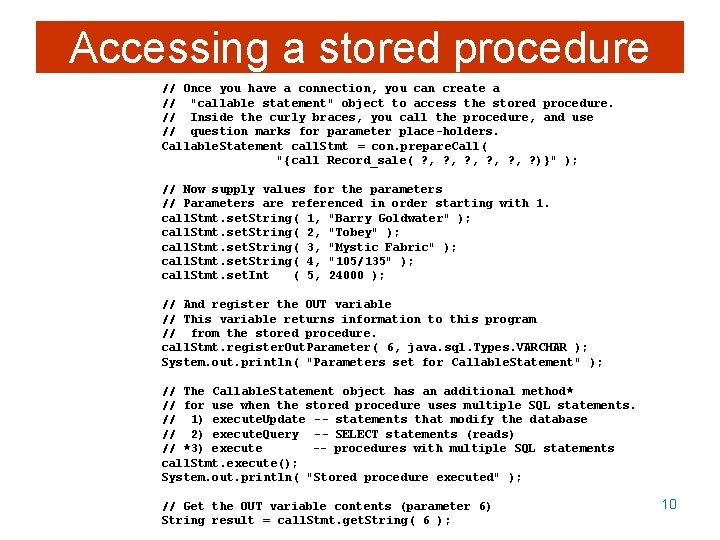
Accessing a stored procedure // Once you have a connection, you can create a // "callable statement" object to access the stored procedure. // Inside the curly braces, you call the procedure, and use // question marks for parameter place-holders. Callable. Statement call. Stmt = con. prepare. Call( "{call Record_sale( ? , ? , ? , ? )}" ); // Now supply values for the parameters // Parameters are referenced in order starting with 1. call. Stmt. set. String( 1, "Barry Goldwater" ); call. Stmt. set. String( 2, "Tobey" ); call. Stmt. set. String( 3, "Mystic Fabric" ); call. Stmt. set. String( 4, "105/135" ); call. Stmt. set. Int ( 5, 24000 ); // And register the OUT variable // This variable returns information to this program // from the stored procedure. call. Stmt. register. Out. Parameter( 6, java. sql. Types. VARCHAR ); System. out. println( "Parameters set for Callable. Statement" ); // The Callable. Statement object has an additional method* // for use when the stored procedure uses multiple SQL statements. // 1) execute. Update -- statements that modify the database // 2) execute. Query -- SELECT statements (reads) // *3) execute -- procedures with multiple SQL statements call. Stmt. execute(); System. out. println( "Stored procedure executed" ); // Get the OUT variable contents (parameter 6) String result = call. Stmt. get. String( 6 ); 10
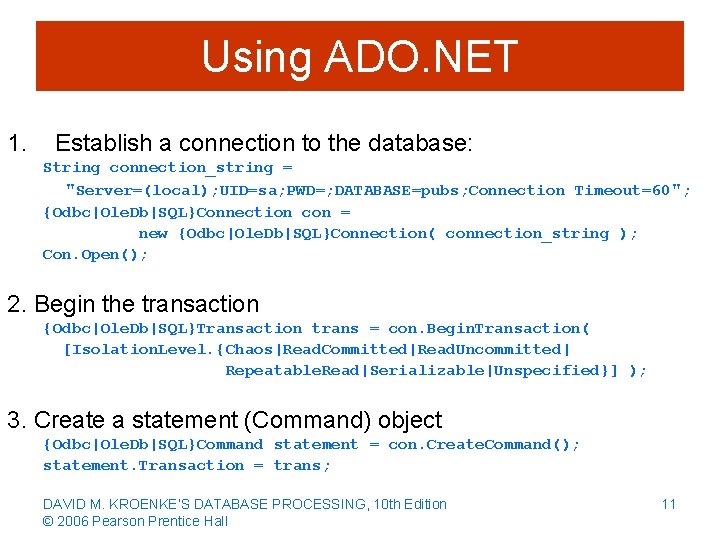
Using ADO. NET 1. Establish a connection to the database: String connection_string = "Server=(local); UID=sa; PWD=; DATABASE=pubs; Connection Timeout=60"; {Odbc|Ole. Db|SQL}Connection con = new {Odbc|Ole. Db|SQL}Connection( connection_string ); Con. Open(); 2. Begin the transaction {Odbc|Ole. Db|SQL}Transaction trans = con. Begin. Transaction( [Isolation. Level. {Chaos|Read. Committed|Read. Uncommitted| Repeatable. Read|Serializable|Unspecified}] ); 3. Create a statement (Command) object {Odbc|Ole. Db|SQL}Command statement = con. Create. Command(); statement. Transaction = trans; DAVID M. KROENKE’S DATABASE PROCESSING, 10 th Edition © 2006 Pearson Prentice Hall 11
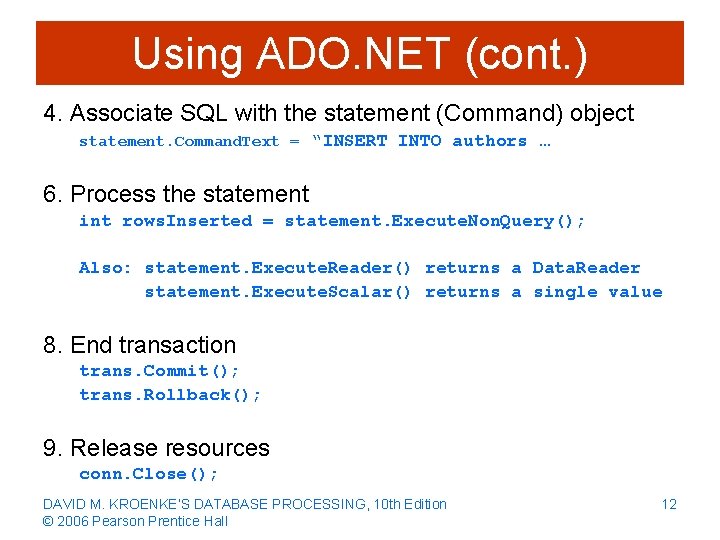
Using ADO. NET (cont. ) 4. Associate SQL with the statement (Command) object statement. Command. Text = “INSERT INTO authors … 6. Process the statement int rows. Inserted = statement. Execute. Non. Query(); Also: statement. Execute. Reader() returns a Data. Reader statement. Execute. Scalar() returns a single value 8. End transaction trans. Commit(); trans. Rollback(); 9. Release resources conn. Close(); DAVID M. KROENKE’S DATABASE PROCESSING, 10 th Edition © 2006 Pearson Prentice Hall 12
- Slides: 12