
JAVASCRIPT TIPS REMEMBER JAVASCRIPT IS VERY VERY CASE
JAVASCRIPT TIPS
REMEMBER JAVASCRIPT IS VERY, VERY CASE SENSITIVE
RESERVED WORDS • List by category • Alphabetical list under resources
JAVASCRIPT CONSOLE • Shows errors • Lets you write messages and intermediate results console. log ( whatever helps);
USING JSFIDDLE • Validation • Testing • Cut and paste • Add HTML and CSS if you are having problems

KEY CONCEPTS: VARIABLES AND FUNCTIONS
VARIABLES • A place to hold a value • Mailbox: know where to pick up my mail; don’t know what’s in it • How to define? var name; var name = initial-value;
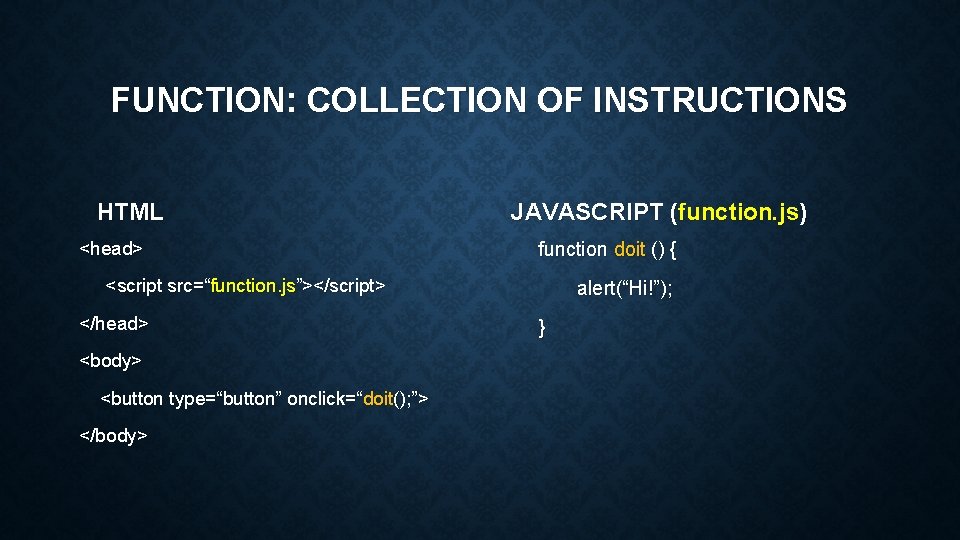
FUNCTION: COLLECTION OF INSTRUCTIONS HTML <head> JAVASCRIPT (function. js) function doit () { <script src=“function. js”></script> </head> <body> <button type=“button” onclick=“doit(); ”> </body> alert(“Hi!”); }

WHAT WE WANT TO DO
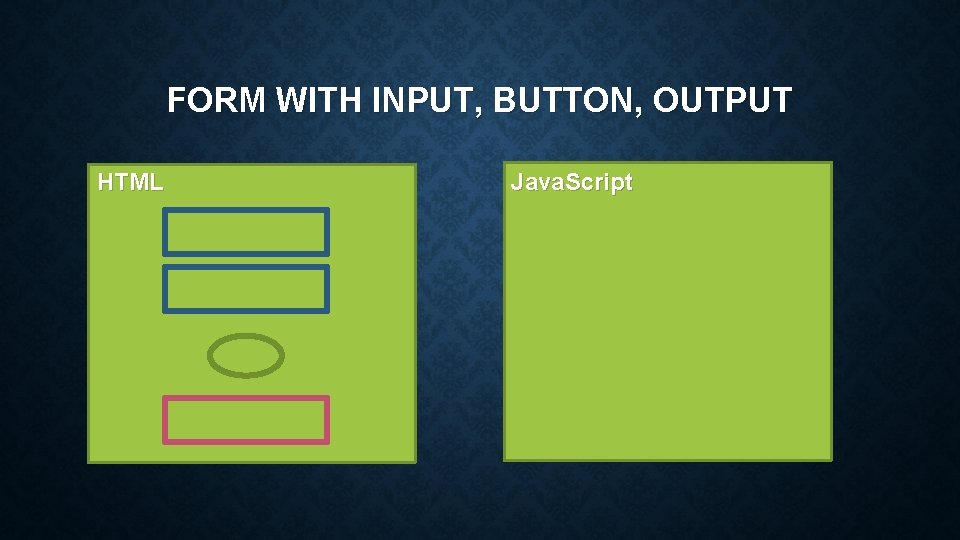
FORM WITH INPUT, BUTTON, OUTPUT HTML Java. Script
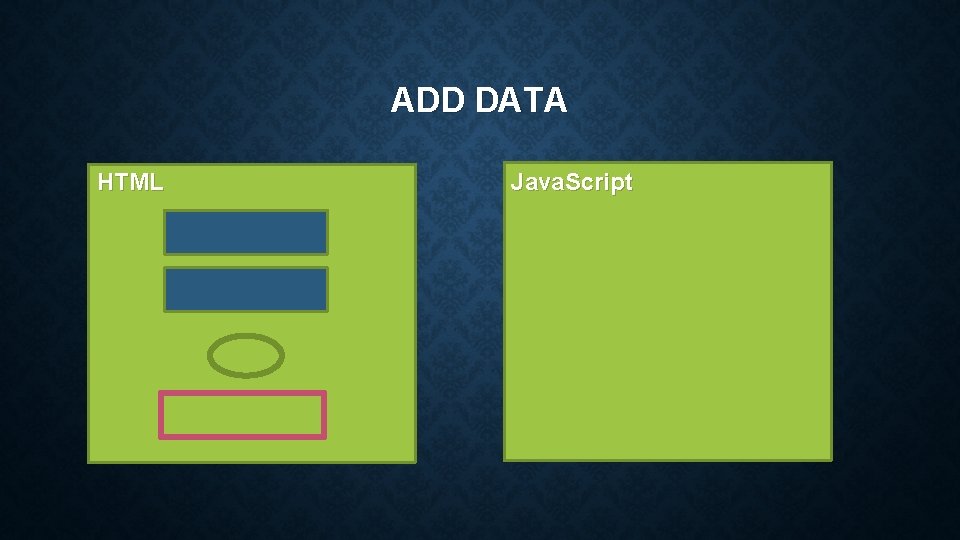
ADD DATA HTML Java. Script
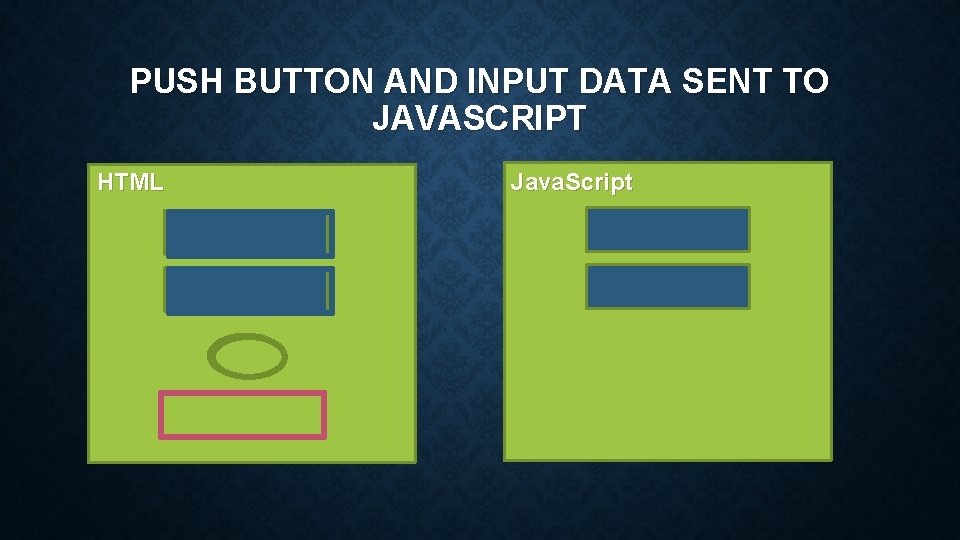
PUSH BUTTON AND INPUT DATA SENT TO JAVASCRIPT HTML Java. Script
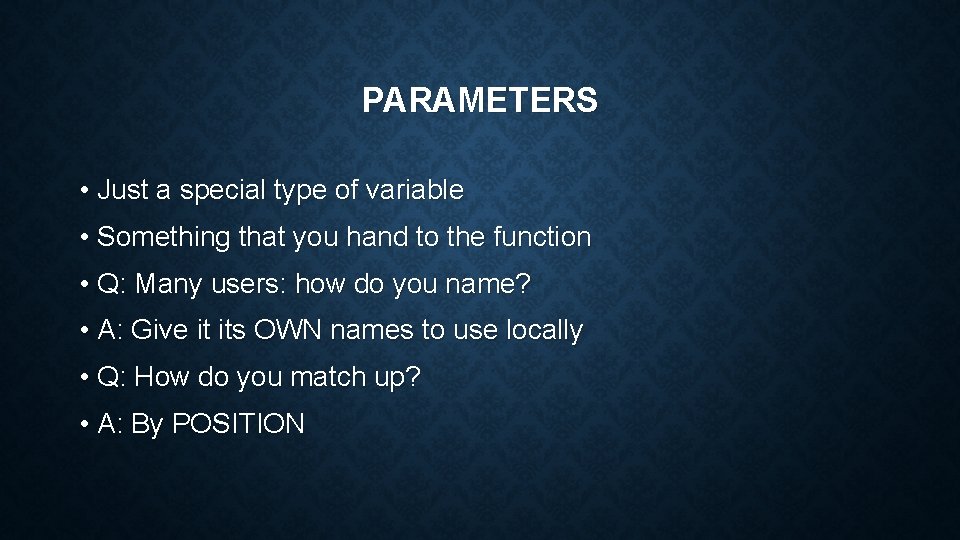
PARAMETERS • Just a special type of variable • Something that you hand to the function • Q: Many users: how do you name? • A: Give it its OWN names to use locally • Q: How do you match up? • A: By POSITION
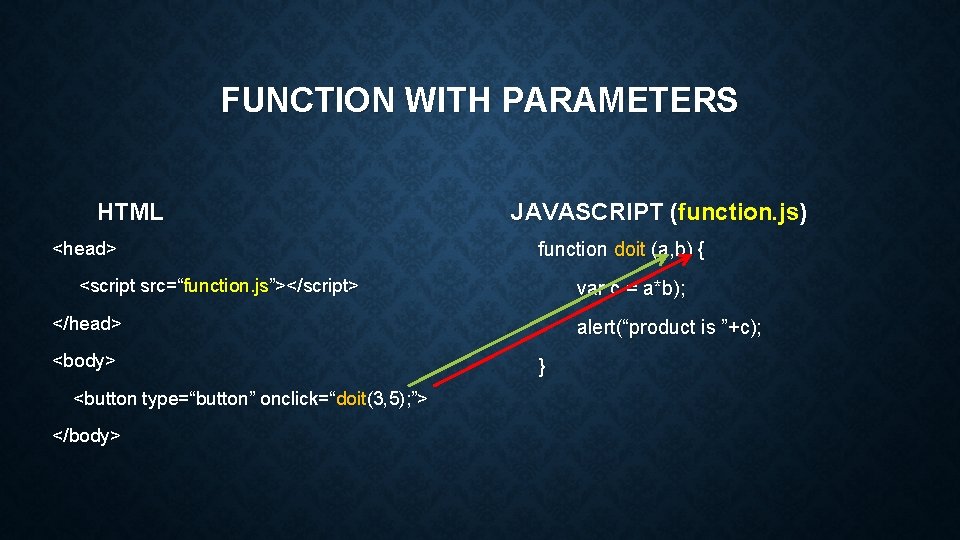
FUNCTION WITH PARAMETERS HTML <head> JAVASCRIPT (function. js) function doit (a, b) { <script src=“function. js”></script> var c = a*b); </head> <body> <button type=“button” onclick=“doit(3, 5); ”> </body> alert(“product is ”+c); }
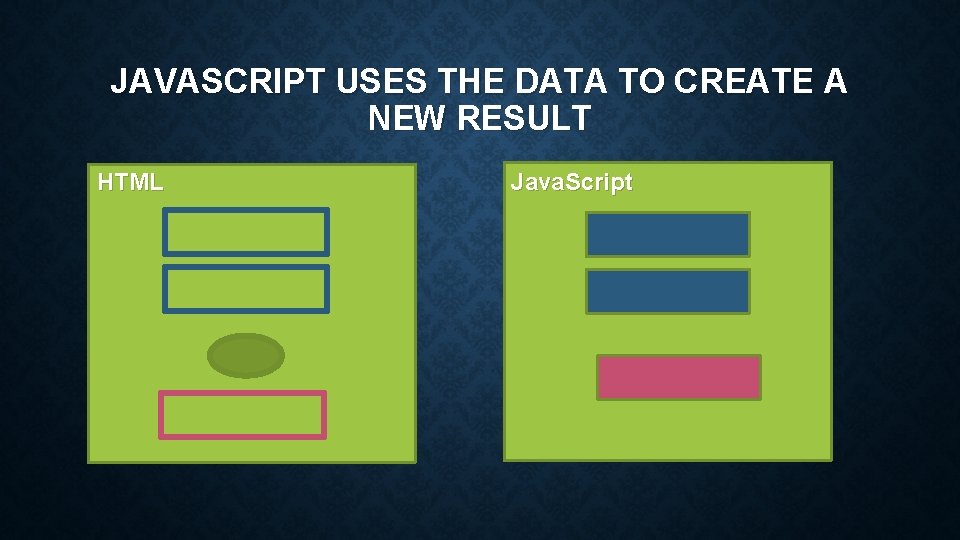
JAVASCRIPT USES THE DATA TO CREATE A NEW RESULT HTML Java. Script
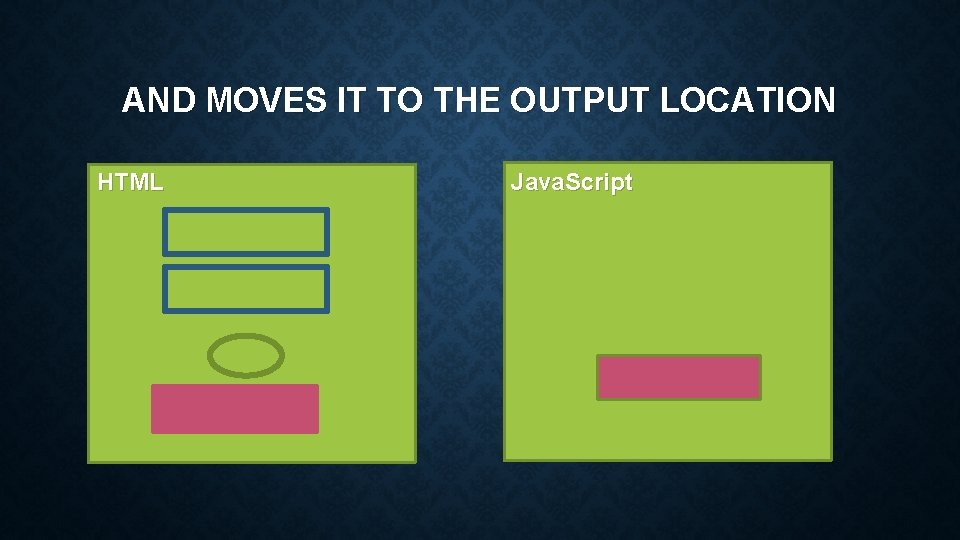
AND MOVES IT TO THE OUTPUT LOCATION HTML Java. Script
RETURN VALUE return (value); • Want to get information BACK to HTML • With a return, the function has a VALUE • Can be used anywhere you can use a constant or variable • Alert • Assignment statement • Can only change one thing with a return
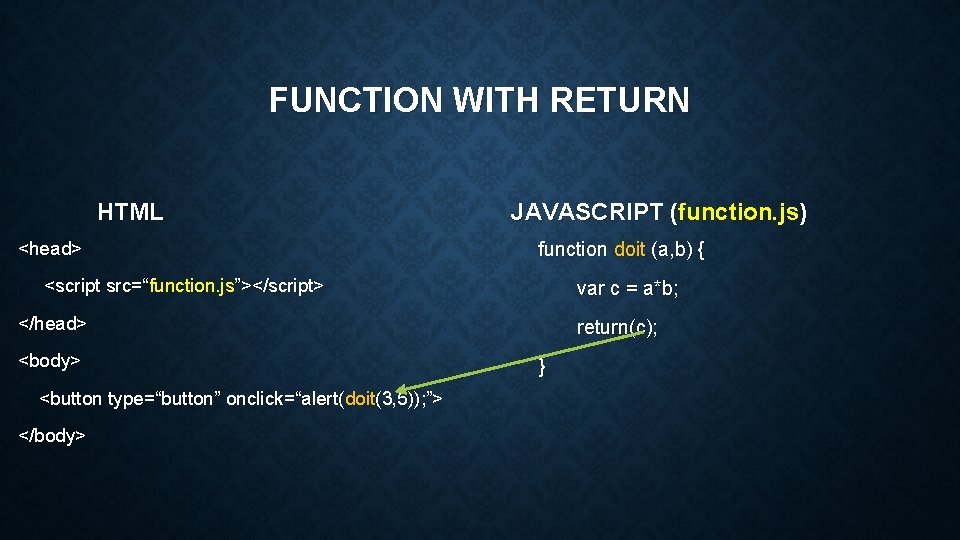
FUNCTION WITH RETURN HTML <head> JAVASCRIPT (function. js) function doit (a, b) { <script src=“function. js”></script> var c = a*b; </head> <body> <button type=“button” onclick=“alert(doit(3, 5)); ”> </body> return(c); }
CHANGING MORE THAN ONE THING If you have two things that you want to change Can change them in the function Usually do NOT return value Can only use such a function in one place
DOING INTERESTING THINGS WITH JAVASCRIPT
ASSIGNMENT STATEMENTS target = new-value; • CHANGE the value of the target variable TO the new-value • new-value can be a constant, a variable, or an expression x = 3; x = y; x = x+ 5;
ARRAYS • Collection of related information • Easy way to choose between items • var array = [ “A", "B", “F", "G" ]; • array[index] • Example: user enters number, you return that month
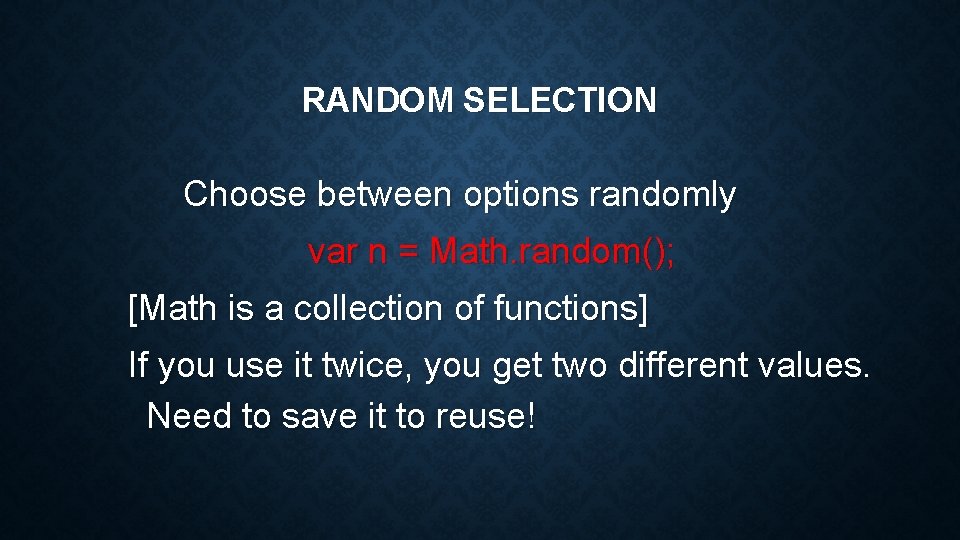
RANDOM SELECTION Choose between options randomly var n = Math. random(); [Math is a collection of functions] If you use it twice, you get two different values. Need to save it to reuse!
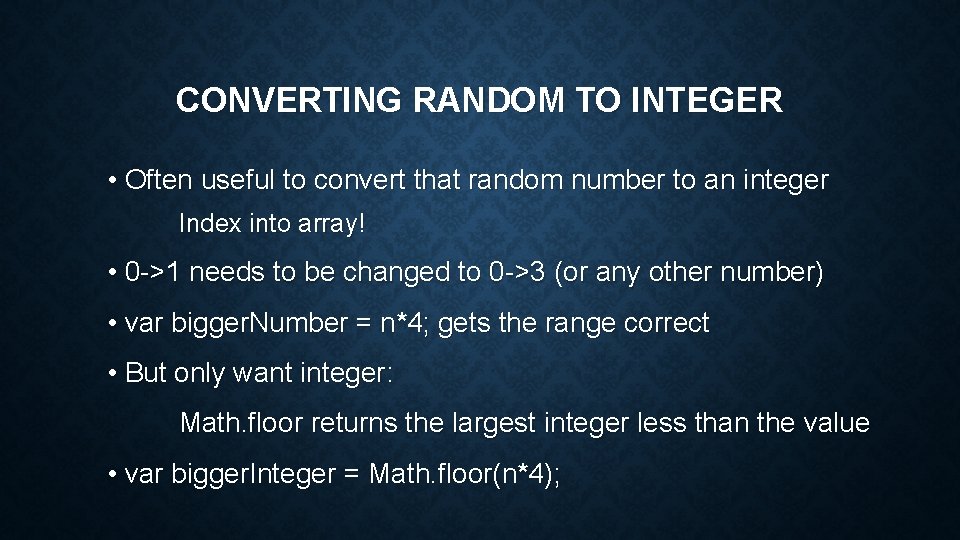
CONVERTING RANDOM TO INTEGER • Often useful to convert that random number to an integer Index into array! • 0 ->1 needs to be changed to 0 ->3 (or any other number) • var bigger. Number = n*4; gets the range correct • But only want integer: Math. floor returns the largest integer less than the value • var bigger. Integer = Math. floor(n*4);
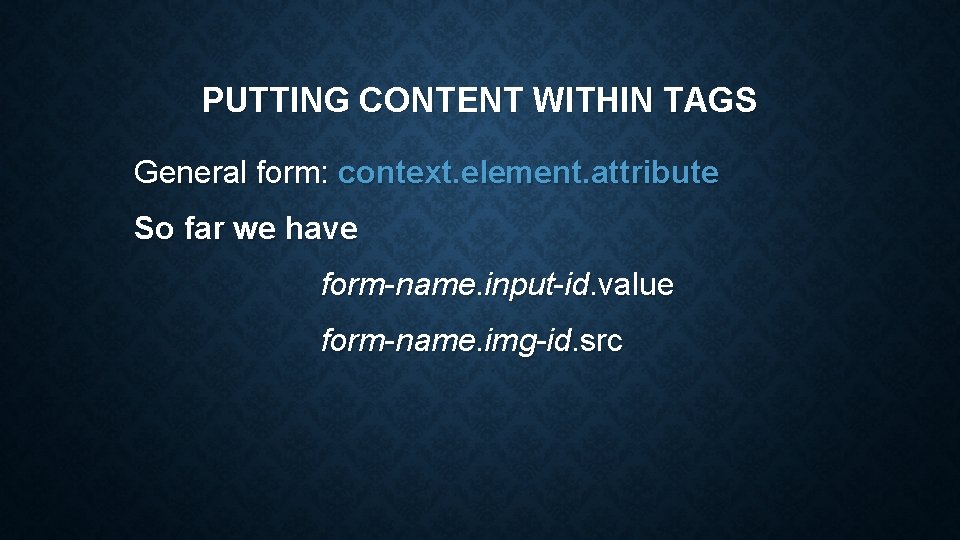
PUTTING CONTENT WITHIN TAGS General form: context. element. attribute So far we have form-name. input-id. value form-name. img-id. src
- Slides: 25