
JAVASCRIPT Session 1 Suggested Text Learning Java Script
- Slides: 62
JAVASCRIPT Session 1
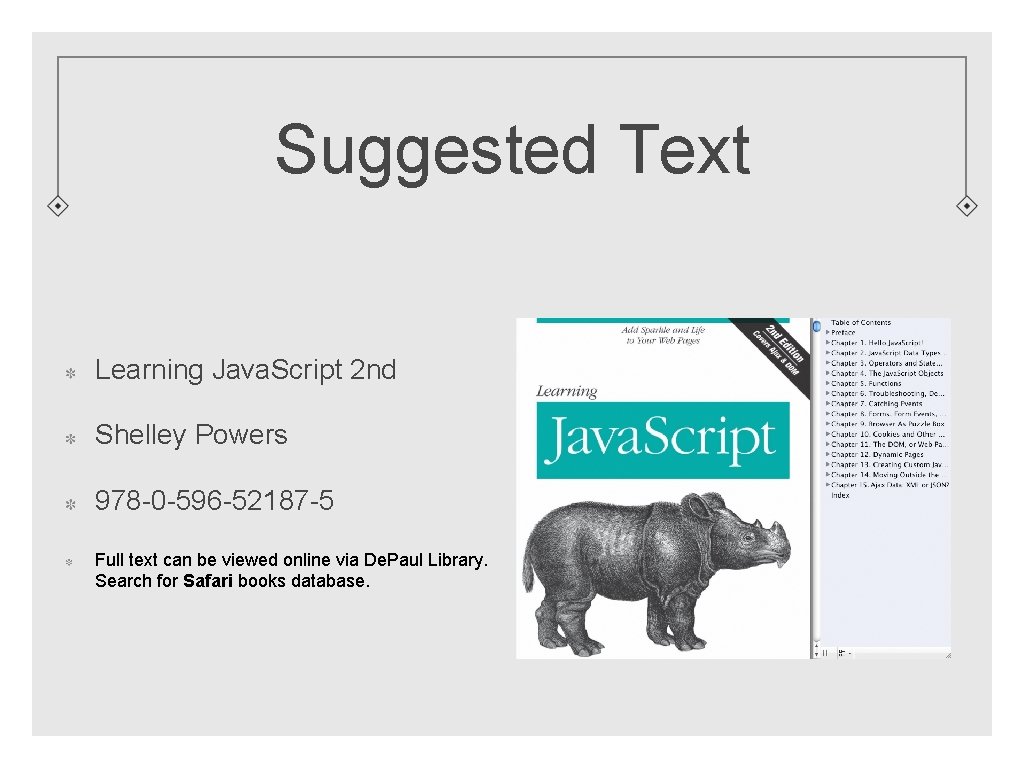
Suggested Text Learning Java. Script 2 nd Shelley Powers 978 -0 -596 -52187 -5 Full text can be viewed online via De. Paul Library. Search for Safari books database.
Skillset Familiar with Web Technology CSS, HTML, Client, Server Programming Concepts
Overview Lecture #1: Introduction, Data Types, Operators and Statements Lecture #2: Java. Script Objects, Functions Lecture #3: The Browser, The DOM, Dynamic pages, Debugging Lecture #4: Java. Script and Custom Object creation, Storage Lecture #5: XML - JSON, Introduction to Ajax
Popularity of Java. Script Relatively easy to learn No special applications to install Easy to implement (e. g. embedding in web pages)
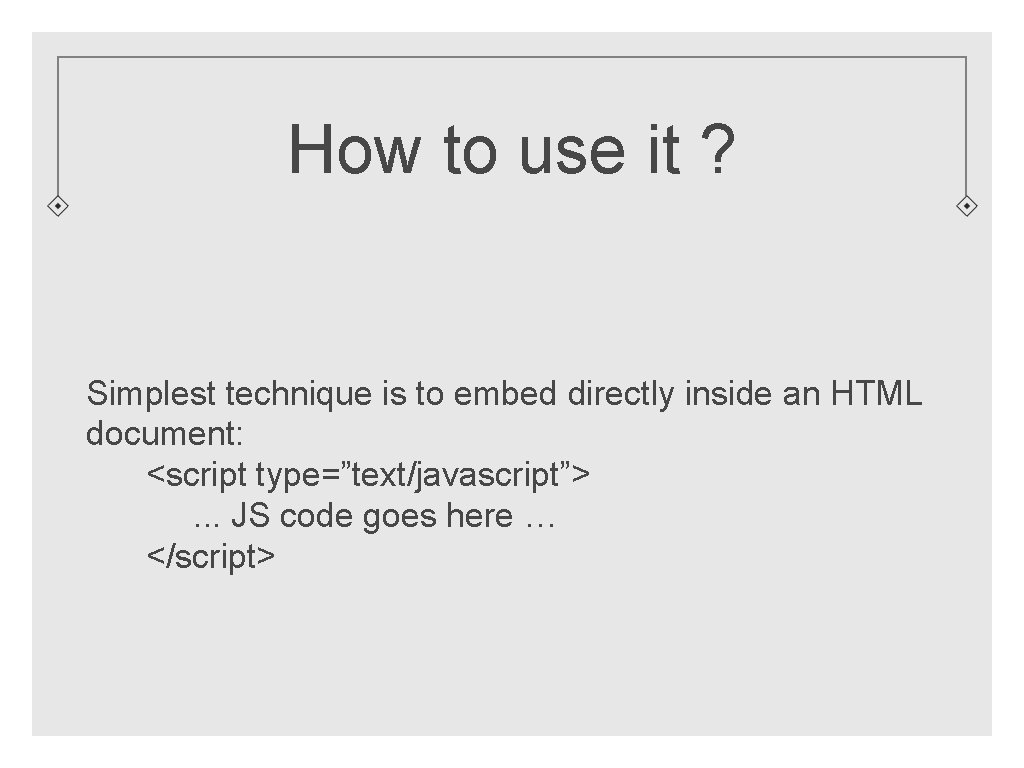
How to use it ? Simplest technique is to embed directly inside an HTML document: <script type=”text/javascript”>. . . JS code goes here … </script>
Where to put it ? Traditionally. . . in the HTML head element in the body element in a separate document Sometimes all of the above. . .
Where to put it: Best Practices One suggested ‘best practice’ recommends placing your scripts just before the closing </body> tag. Main reasons: Speeds up downloading Allows for direct manipulation of the DOM while page is loading For purposes of teaching / clarity, we will typically keep scripts at the top (<head> section) or inline.
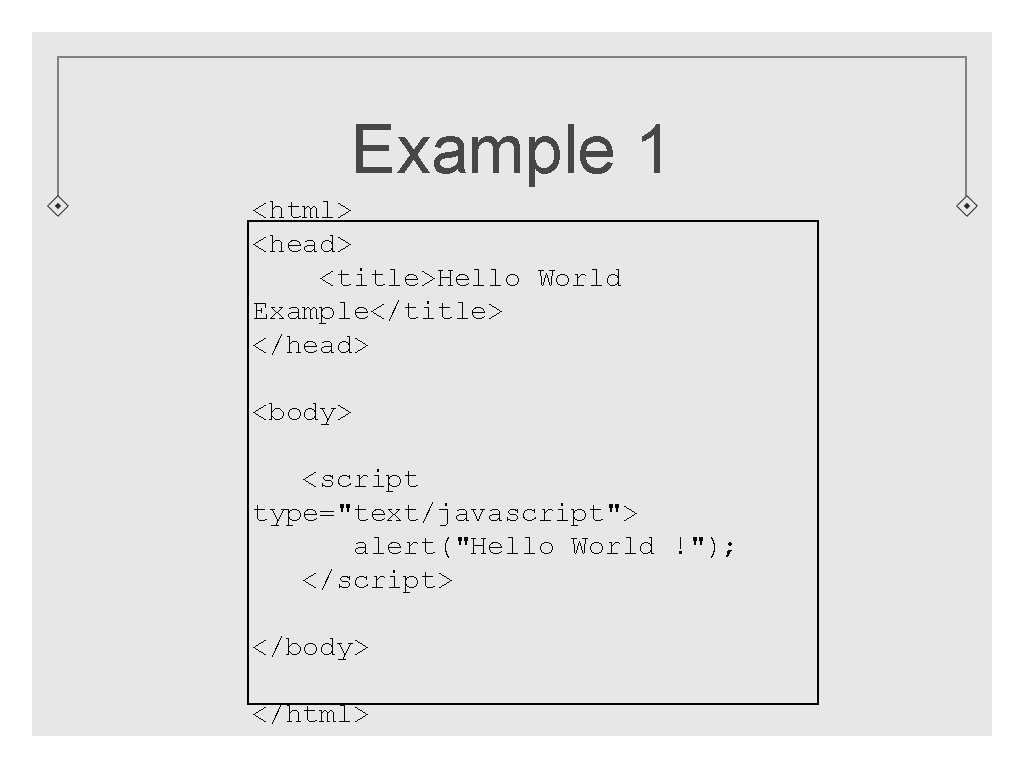
Example 1 <html> <head> <title>Hello World Example</title> </head> <body> <script type="text/javascript"> alert("Hello World !"); </script> </body> </html>
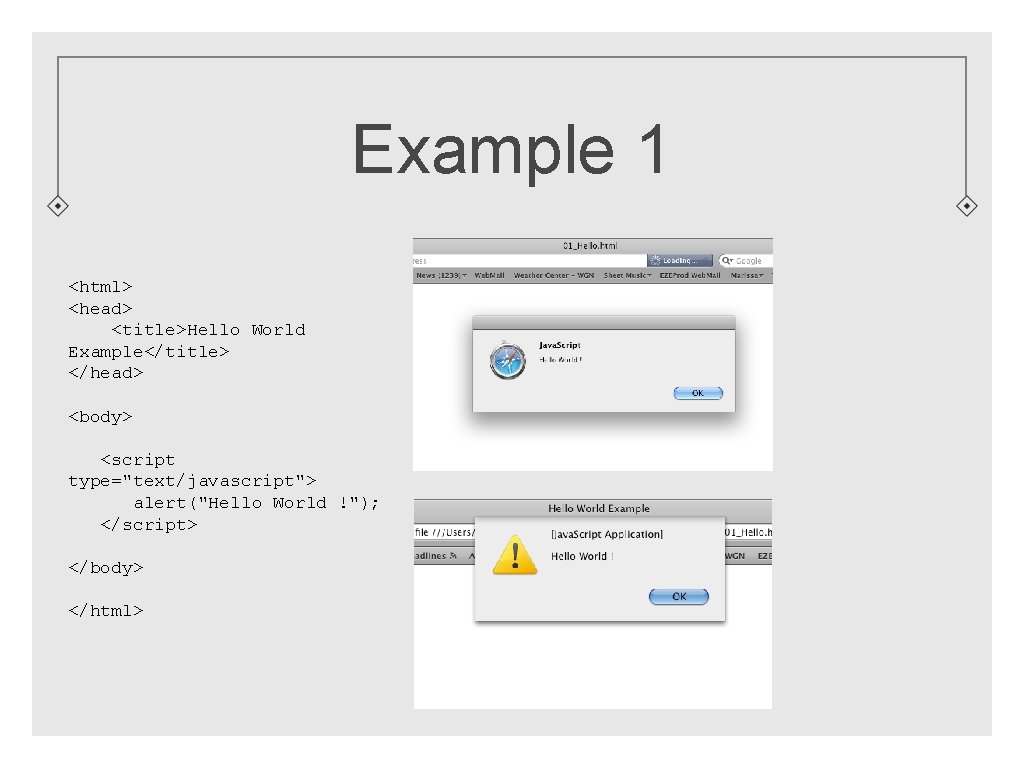
Example 1 <html> <head> <title>Hello World Example</title> </head> <body> <script type="text/javascript"> alert("Hello World !"); </script> </body> </html>
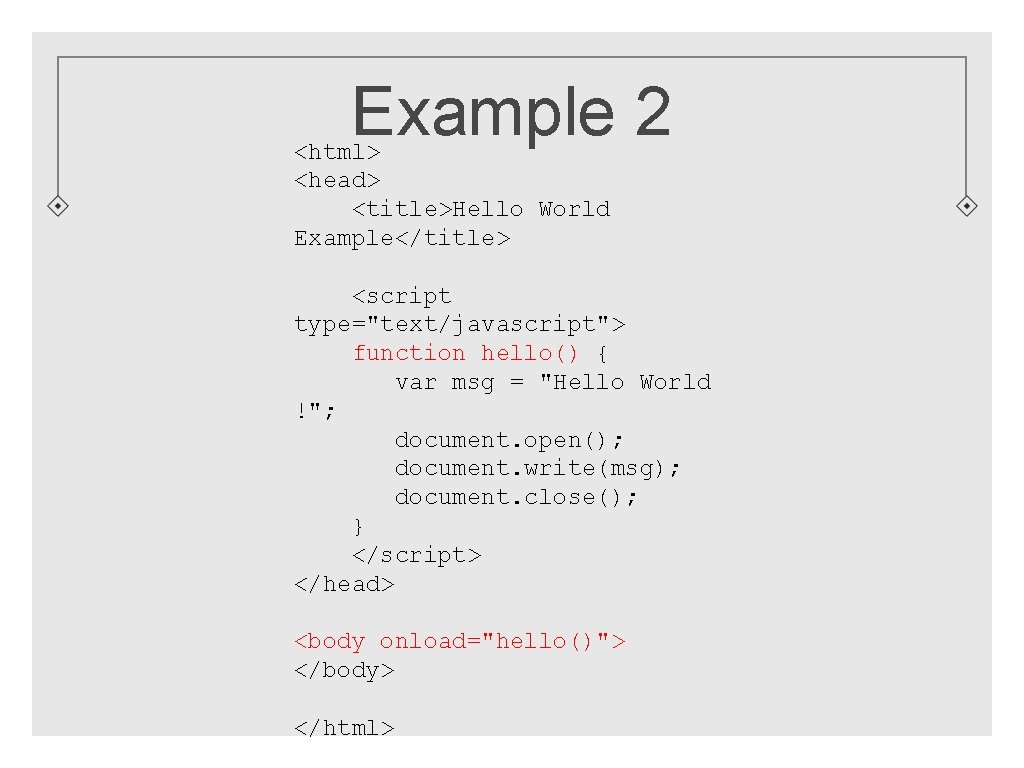
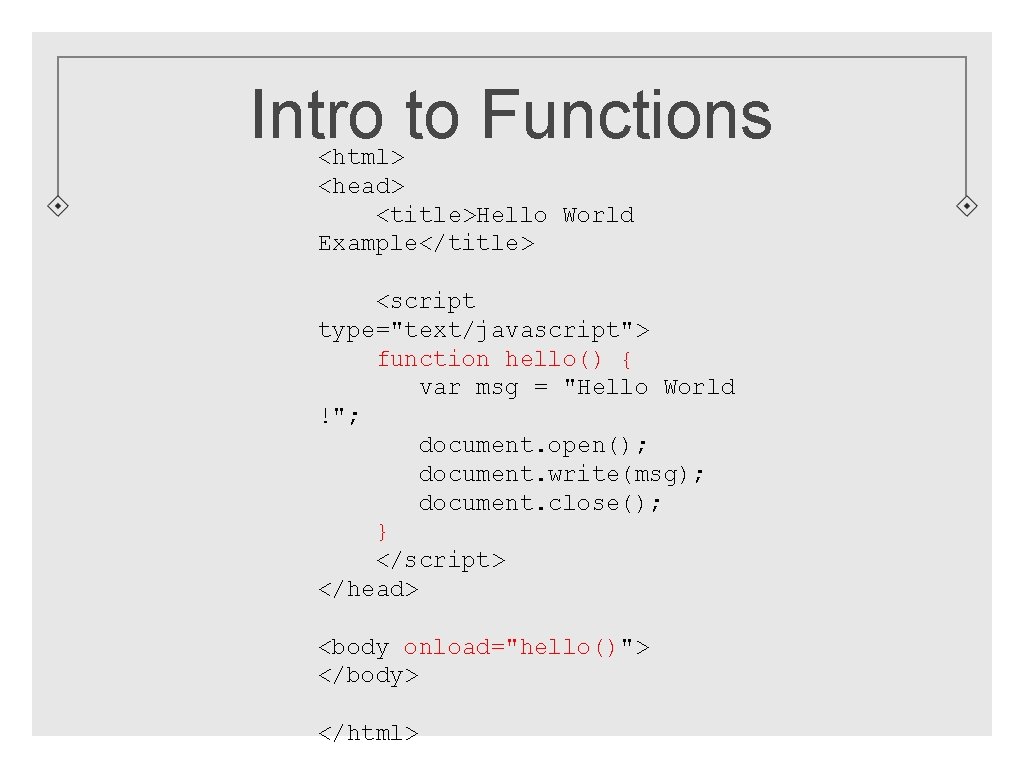
Example 2 <html> <head> <title>Hello World Example</title> <script type="text/javascript"> function hello() { var msg = "Hello World !"; document. open(); document. write(msg); document. close(); } </script> </head> <body onload="hello()"> </body> </html>
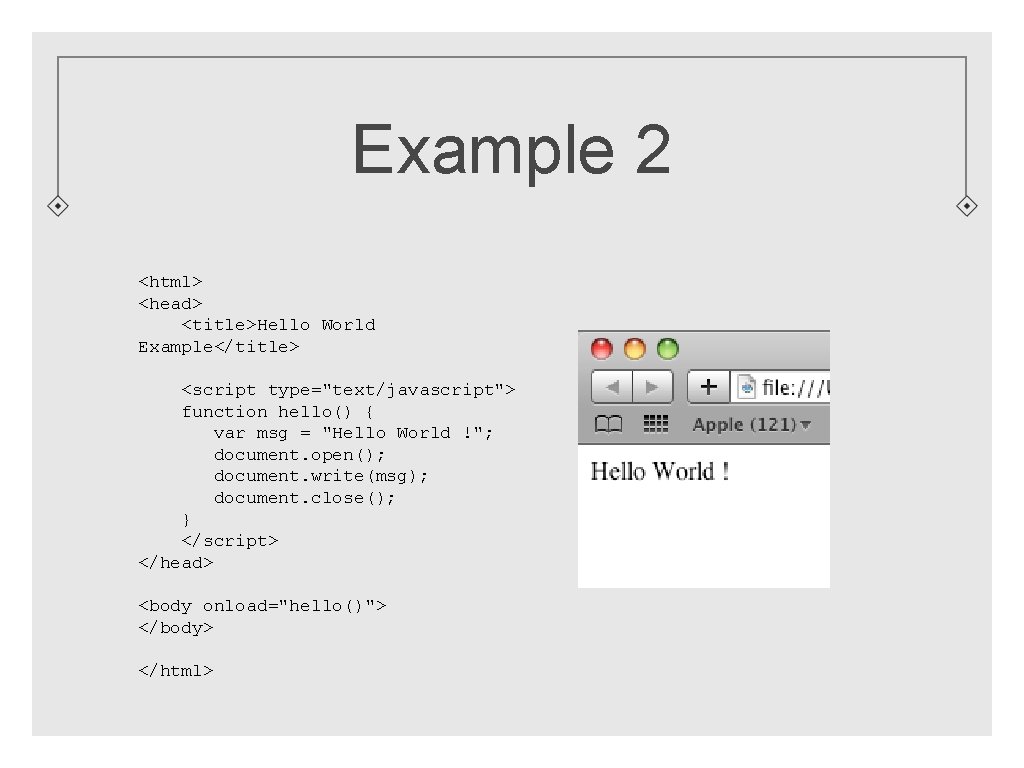
Example 2 <html> <head> <title>Hello World Example</title> <script type="text/javascript"> function hello() { var msg = "Hello World !"; document. open(); document. write(msg); document. close(); } </script> </head> <body onload="hello()"> </body> </html>
script Element Java. Script lives within the context of another language. (HTML, XHTML) When browser sees the <script> tag, it turns the process over to its scripting engine.
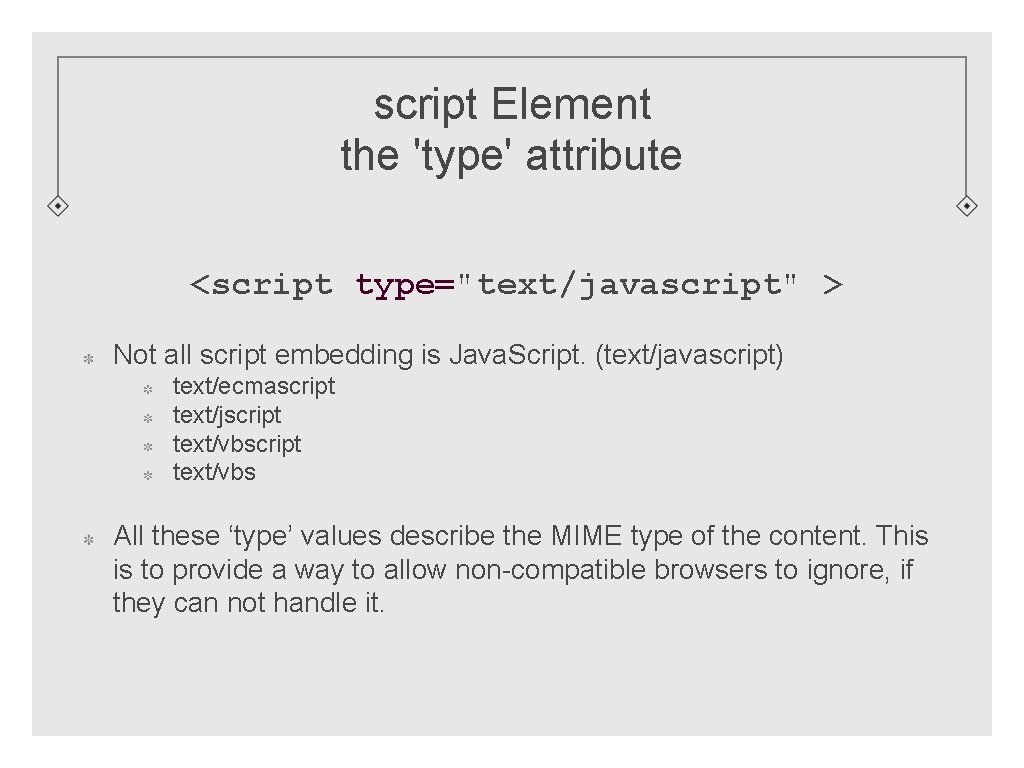
script Element the 'type' attribute <script type="text/javascript" > Not all script embedding is Java. Script. (text/javascript) text/ecmascript text/jscript text/vbs All these ‘type’ values describe the MIME type of the content. This is to provide a way to allow non-compatible browsers to ignore, if they can not handle it.
Browser Compatibility Current popular bowsers Firefox Internet Explorer Chrome Opera Safari All interpret Java. Script in their own way. Dealing with cross-browser incompatibilities and behavioral nuances can be a major issue in JS coding.
script Location <head></head> It is most common to add the ‘script’ tag in the head section. Easier to maintain, as the scripts are located in one common area. <body></body> Performance. When a script is added in the ‘head’ section, the rest of the document can be held back from downloading until the script is loaded. Some have suggested placing scripts at the bottom of the ‘body’ section. External File Discussed later.
Intro to Functions <html> <head> <title>Hello World Example</title> <script type="text/javascript"> function hello() { var msg = "Hello World !"; document. open(); document. write(msg); document. close(); } </script> </head> <body onload="hello()"> </body> </html>
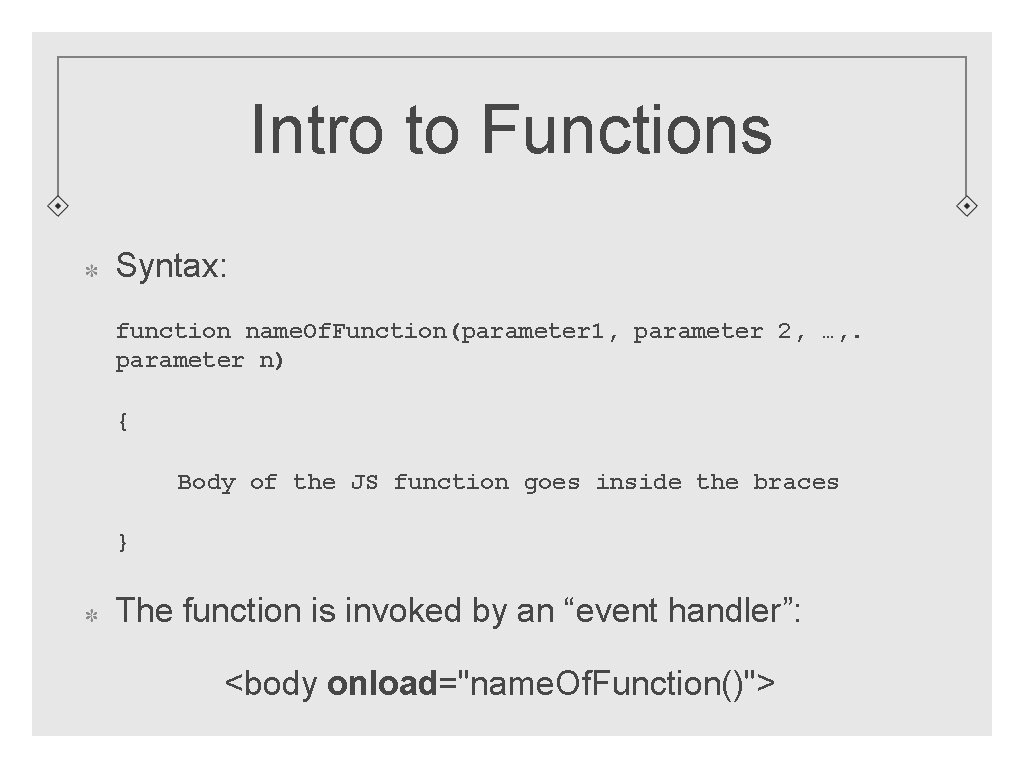
Intro to Functions Syntax: function name. Of. Function(parameter 1, parameter 2, …, . parameter n) { Body of the JS function goes inside the braces } The function is invoked by an “event handler”: <body onload="name. Of. Function()">
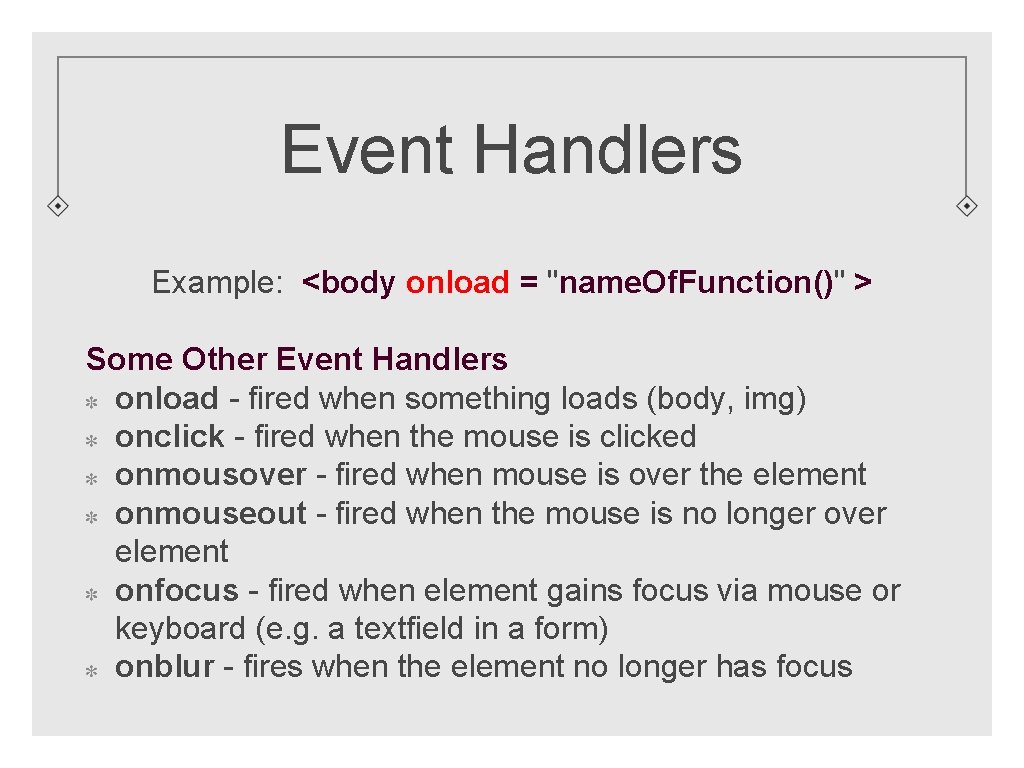
Event Handlers Example: <body onload = "name. Of. Function()" > Some Other Event Handlers onload - fired when something loads (body, img) onclick - fired when the mouse is clicked onmousover - fired when mouse is over the element onmouseout - fired when the mouse is no longer over element onfocus - fired when element gains focus via mouse or keyboard (e. g. a textfield in a form) onblur - fires when the element no longer has focus
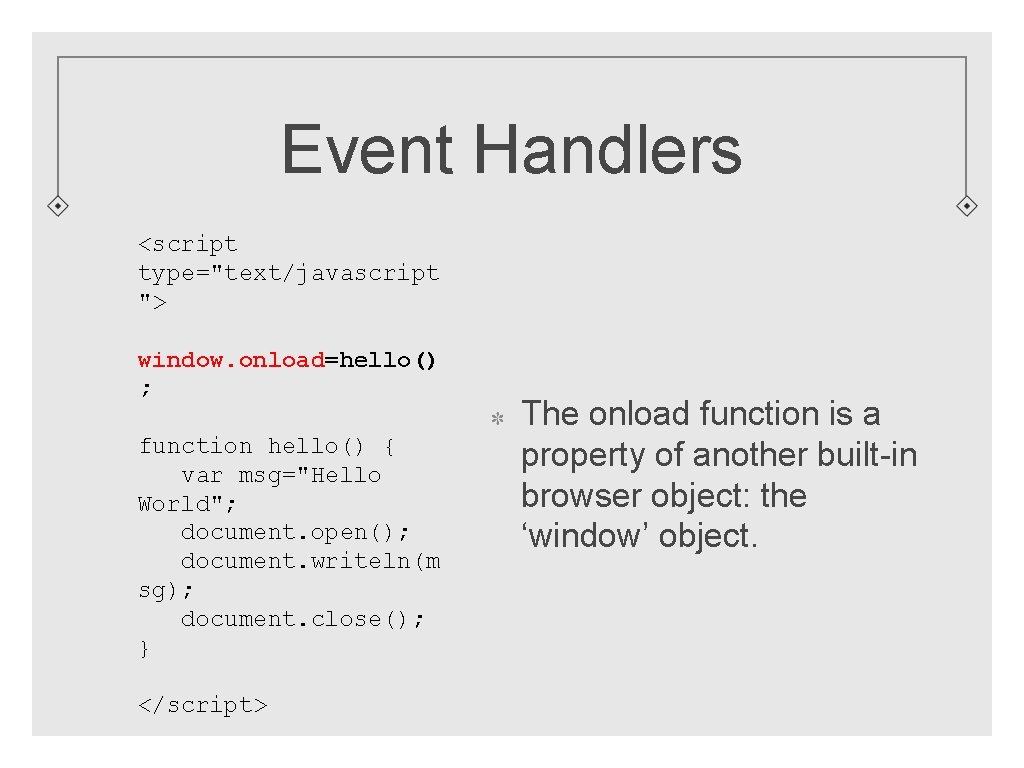
Event Handlers <script type="text/javascript "> window. onload=hello() ; function hello() { var msg="Hello World"; document. open(); document. writeln(m sg); document. close(); } </script> The onload function is a property of another built-in browser object: the ‘window’ object.
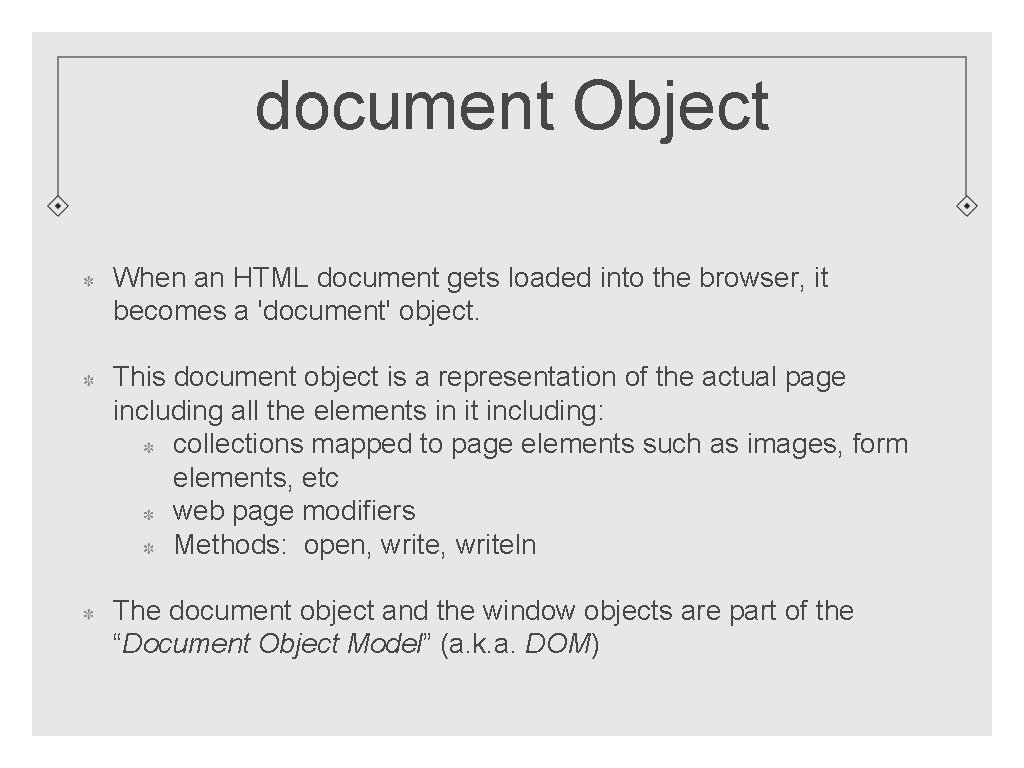
document Object When an HTML document gets loaded into the browser, it becomes a 'document' object. This document object is a representation of the actual page including all the elements in it including: collections mapped to page elements such as images, form elements, etc web page modifiers Methods: open, writeln The document object and the window objects are part of the “Document Object Model” (a. k. a. DOM)
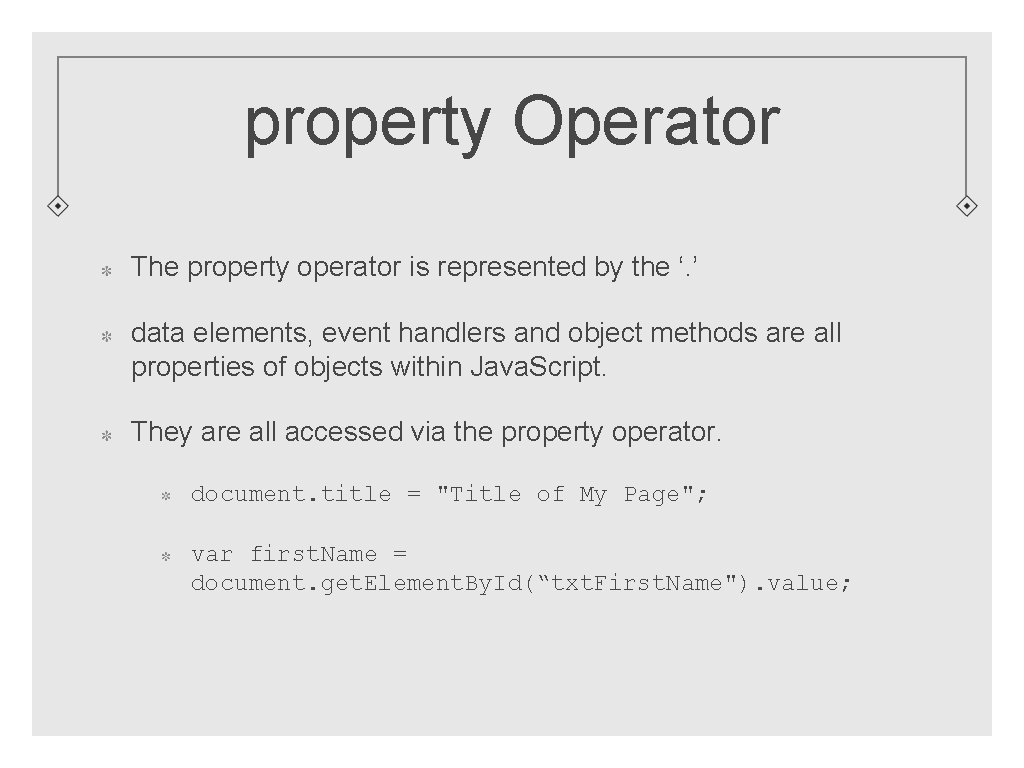
property Operator The property operator is represented by the ‘. ’ data elements, event handlers and object methods are all properties of objects within Java. Script. They are all accessed via the property operator. document. title = "Title of My Page"; var first. Name = document. get. Element. By. Id(“txt. First. Name"). value;
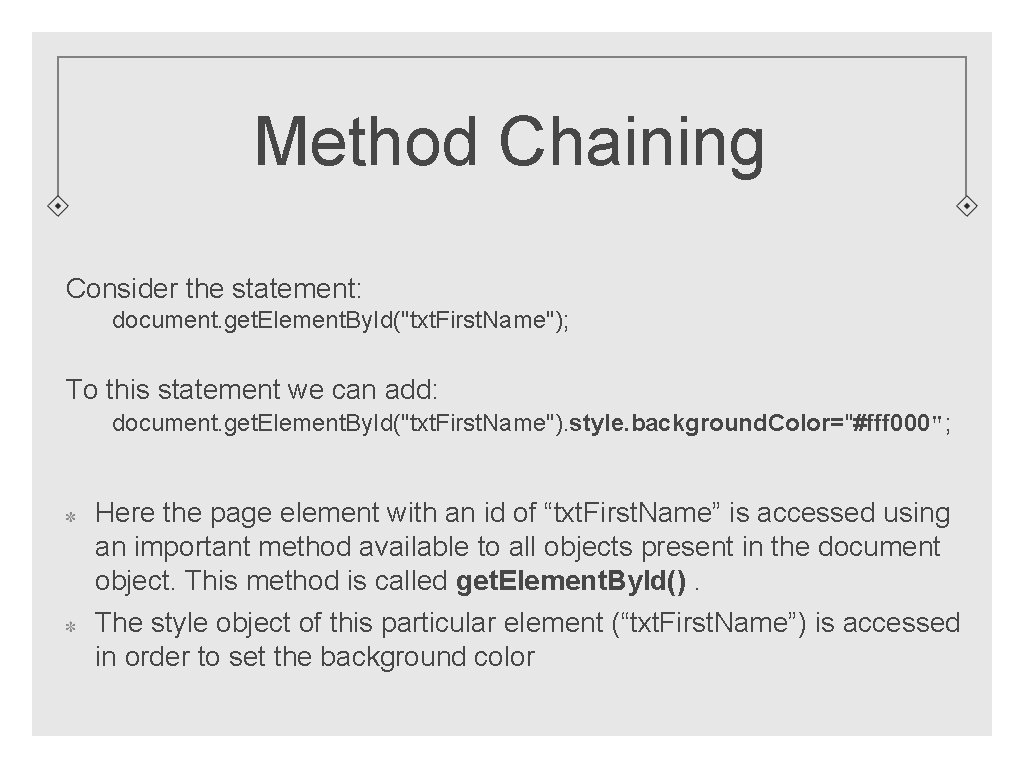
Method Chaining Consider the statement: document. get. Element. By. Id("txt. First. Name"); To this statement we can add: document. get. Element. By. Id("txt. First. Name"). style. background. Color="#fff 000"; Here the page element with an id of “txt. First. Name” is accessed using an important method available to all objects present in the document object. This method is called get. Element. By. Id(). The style object of this particular element (“txt. First. Name”) is accessed in order to set the background color
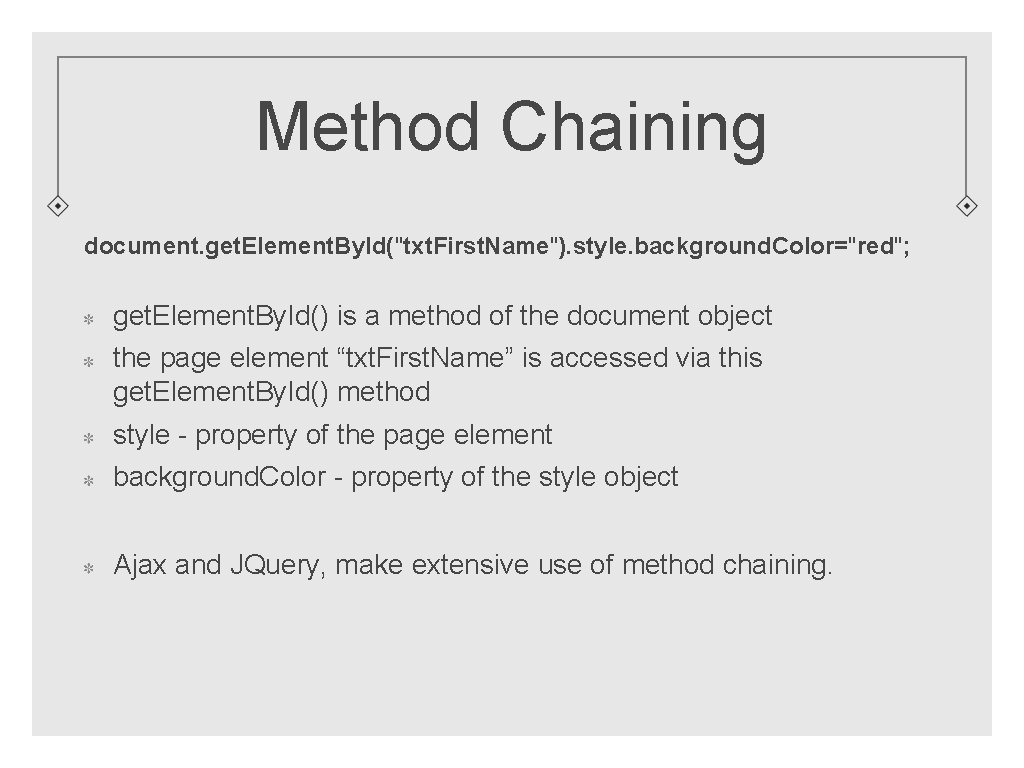
Method Chaining document. get. Element. By. Id("txt. First. Name"). style. background. Color="red"; get. Element. By. Id() is a method of the document object the page element “txt. First. Name” is accessed via this get. Element. By. Id() method style - property of the page element background. Color - property of the style object Ajax and JQuery, make extensive use of method chaining.
var Keyword to declare a variable: var msg =. . . Variables are versatile. They can store: string number boolean function reference array another object
Scope Local Variables: When you declare a variable inside of a function, its scope is local to that function. Global Variables: A global variable is one that is declared outside of any function. In general, avoid using global variables! If you need to have a value outside the current function, pass it as a parameter.
Scope When you declare a variable with the ‘var’ keyword in a function, the variable is local to that area. If you declare a variable locally without using ‘var’, it automatically becomes a global variable! If you use a variable without declaring it via the var keyword, and a global variable with the same name exists, the local variable is assumed to be the global variable.
Lifetime of a Variable The variable comes into existence when it is first delcared. If a variable is declared inside a function, the variable is deleted when the function ends. If a variable is global, the variable is deleted when the page is closed.
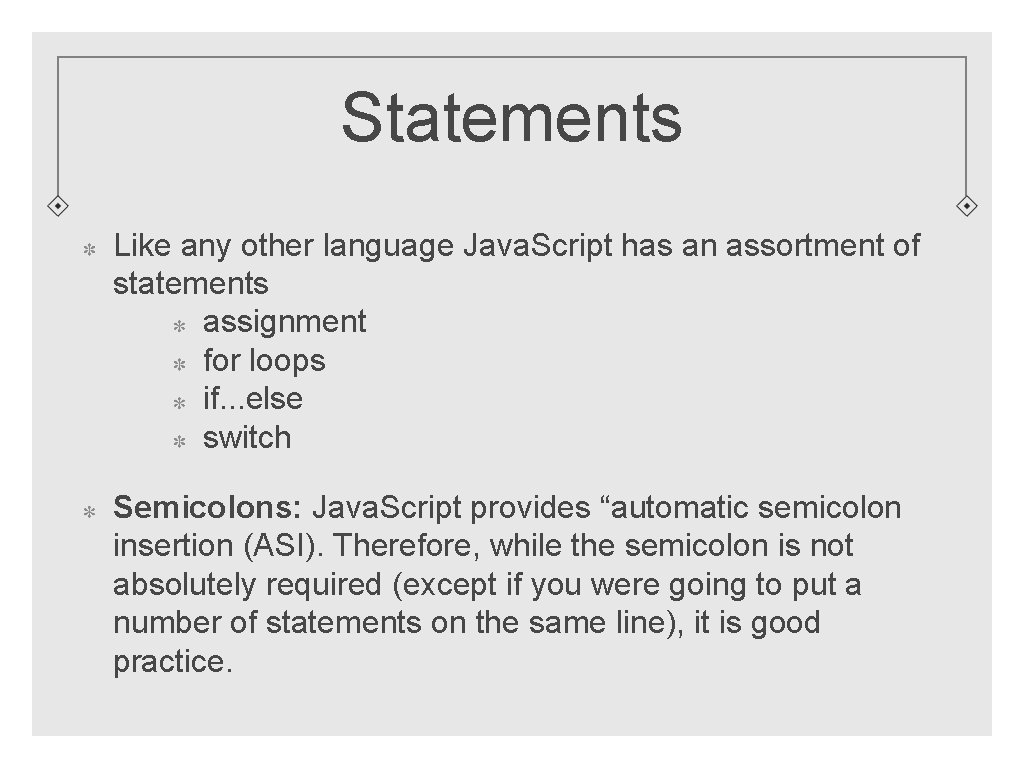
Statements Like any other language Java. Script has an assortment of statements assignment for loops if. . . else switch Semicolons: Java. Script provides “automatic semicolon insertion (ASI). Therefore, while the semicolon is not absolutely required (except if you were going to put a number of statements on the same line), it is good practice.
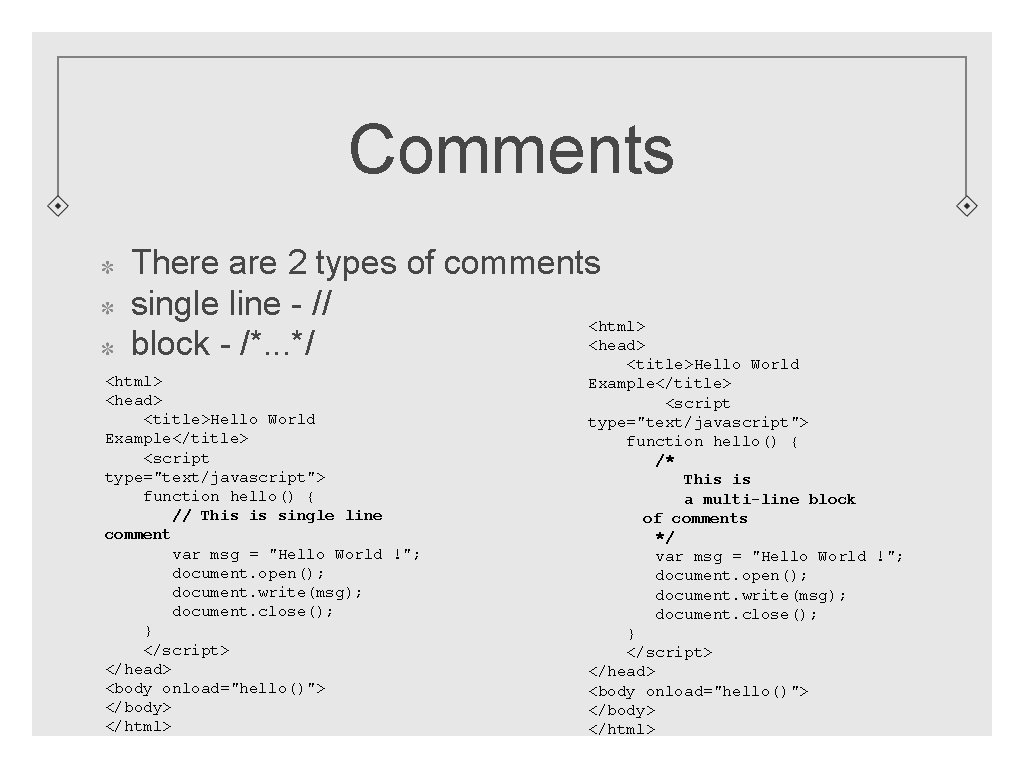
Comments There are 2 types of comments single line - // <html> <head> block - /*. . . */ <title>Hello World <html> <head> <title>Hello World Example</title> <script type="text/javascript"> function hello() { // This is single line comment var msg = "Hello World !"; document. open(); document. write(msg); document. close(); } </script> </head> <body onload="hello()"> </body> </html> Example</title> <script type="text/javascript"> function hello() { /* This is a multi-line block of comments */ var msg = "Hello World !"; document. open(); document. write(msg); document. close(); } </script> </head> <body onload="hello()"> </body> </html>
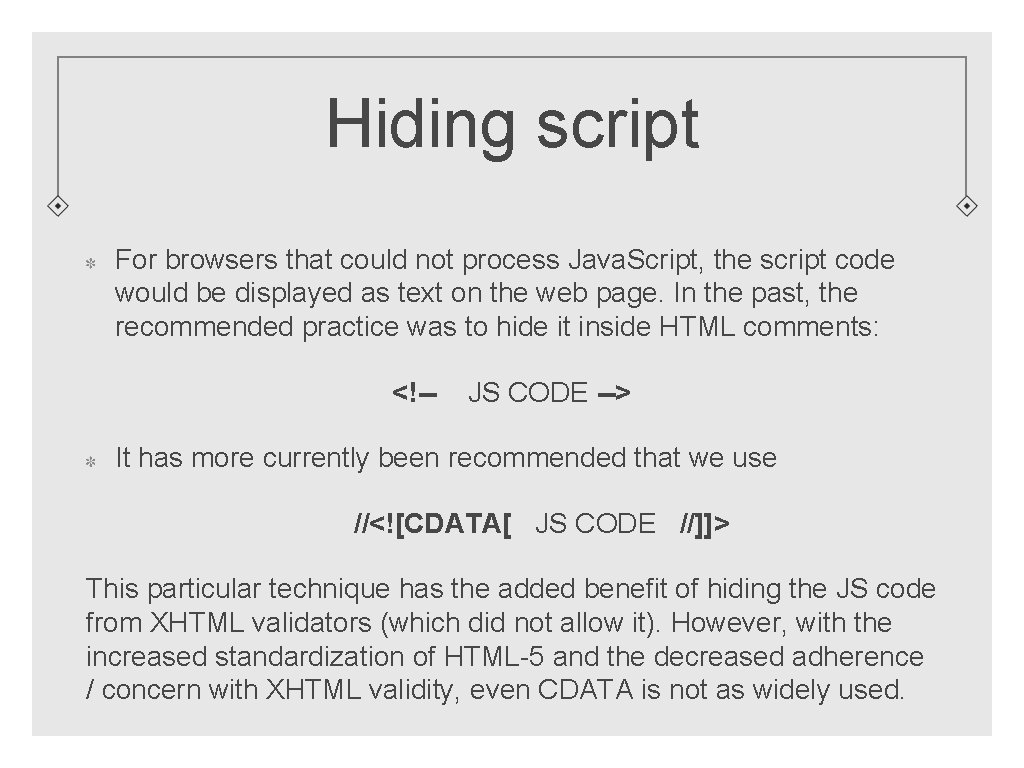
Hiding script For browsers that could not process Java. Script, the script code would be displayed as text on the web page. In the past, the recommended practice was to hide it inside HTML comments: <!-- JS CODE --> It has more currently been recommended that we use //<![CDATA[ JS CODE //]]> This particular technique has the added benefit of hiding the JS code from XHTML validators (which did not allow it). However, with the increased standardization of HTML-5 and the decreased adherence / concern with XHTML validity, even CDATA is not as widely used.
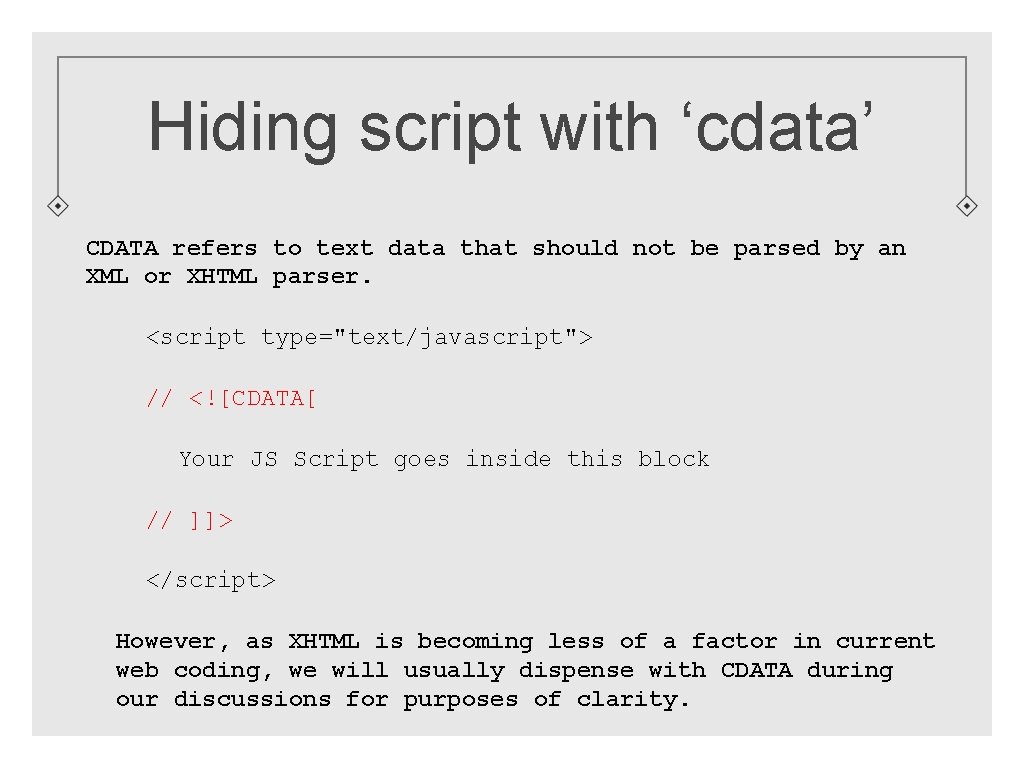
Hiding script with ‘cdata’ CDATA refers to text data that should not be parsed by an XML or XHTML parser. <script type="text/javascript"> // <![CDATA[ Your JS Script goes inside this block // ]]> </script> However, as XHTML is becoming less of a factor in current web coding, we will usually dispense with CDATA during our discussions for purposes of clarity.
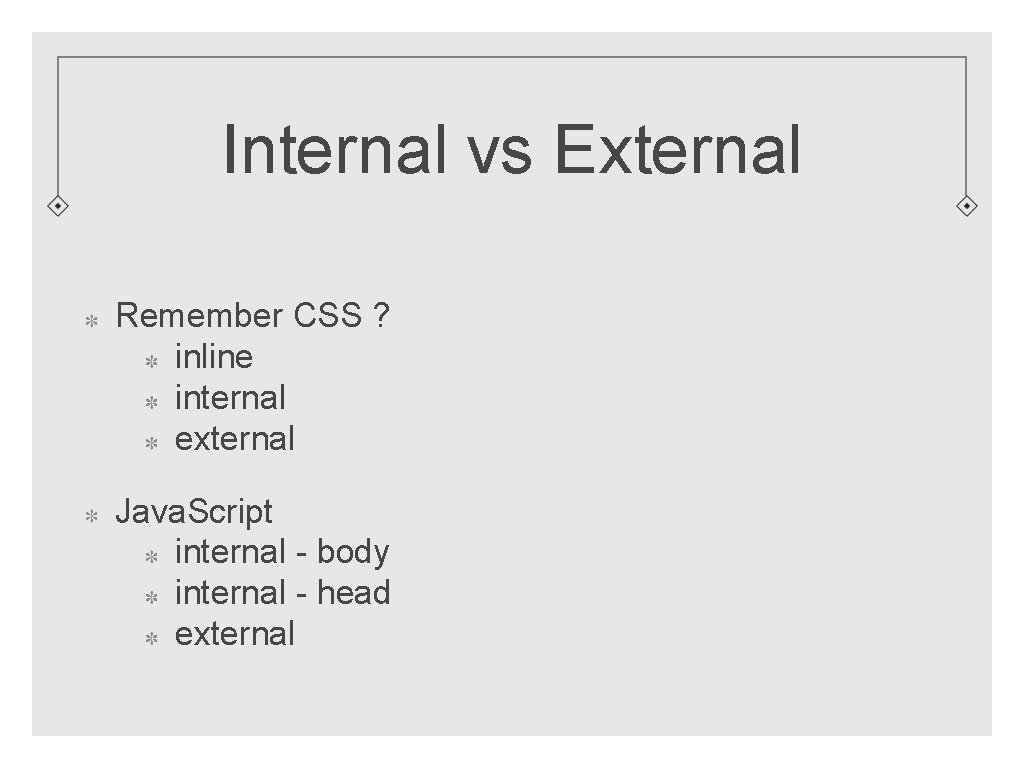
Internal vs External Remember CSS ? inline internal external Java. Script internal - body internal - head external
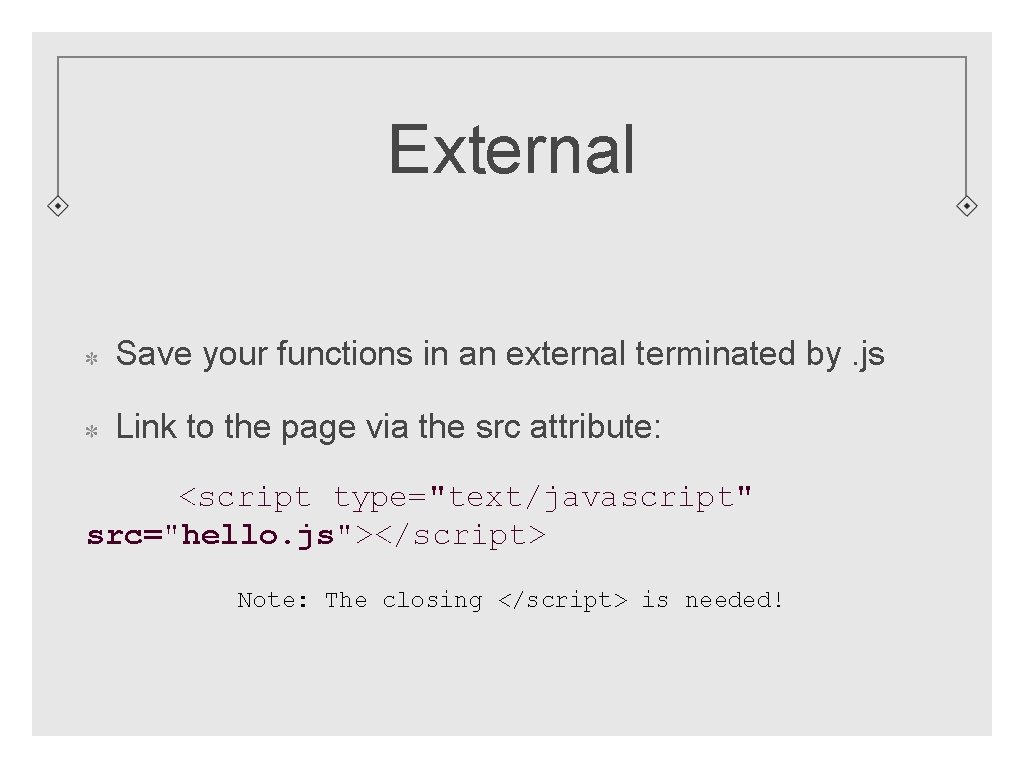
External Save your functions in an external terminated by. js Link to the page via the src attribute: <script type="text/javascript" src="hello. js"></script> Note: The closing </script> is needed!
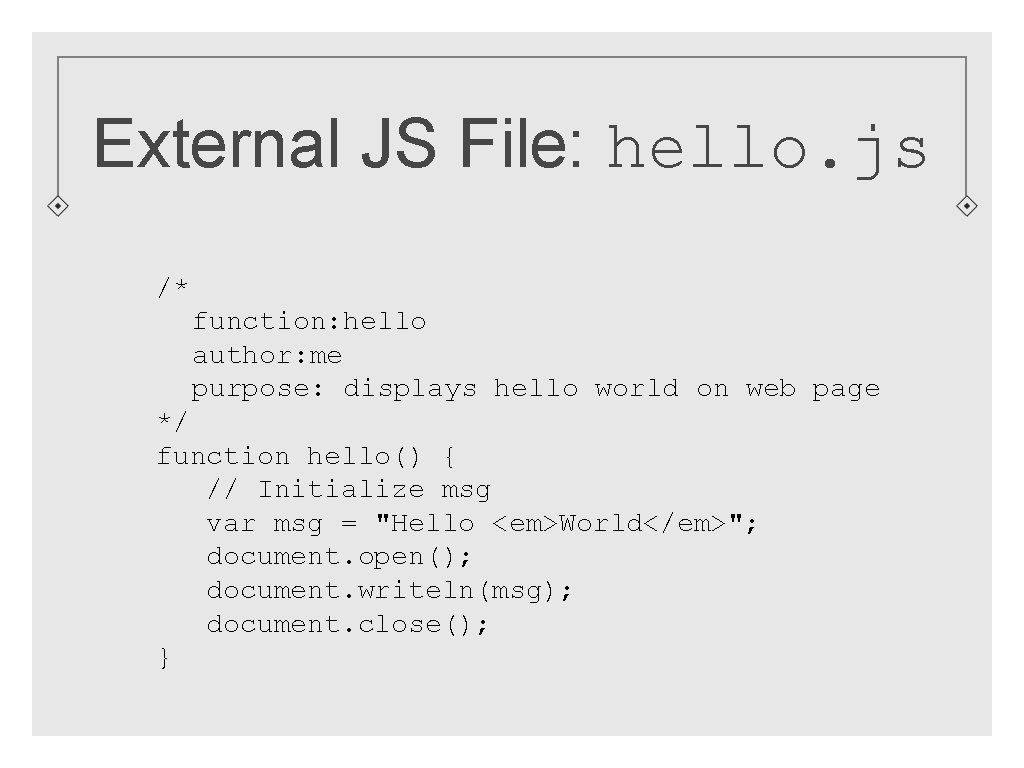
External JS File: hello. js /* function: hello author: me purpose: displays hello world on web page */ function hello() { // Initialize msg var msg = "Hello <em>World</em>"; document. open(); document. writeln(msg); document. close(); }
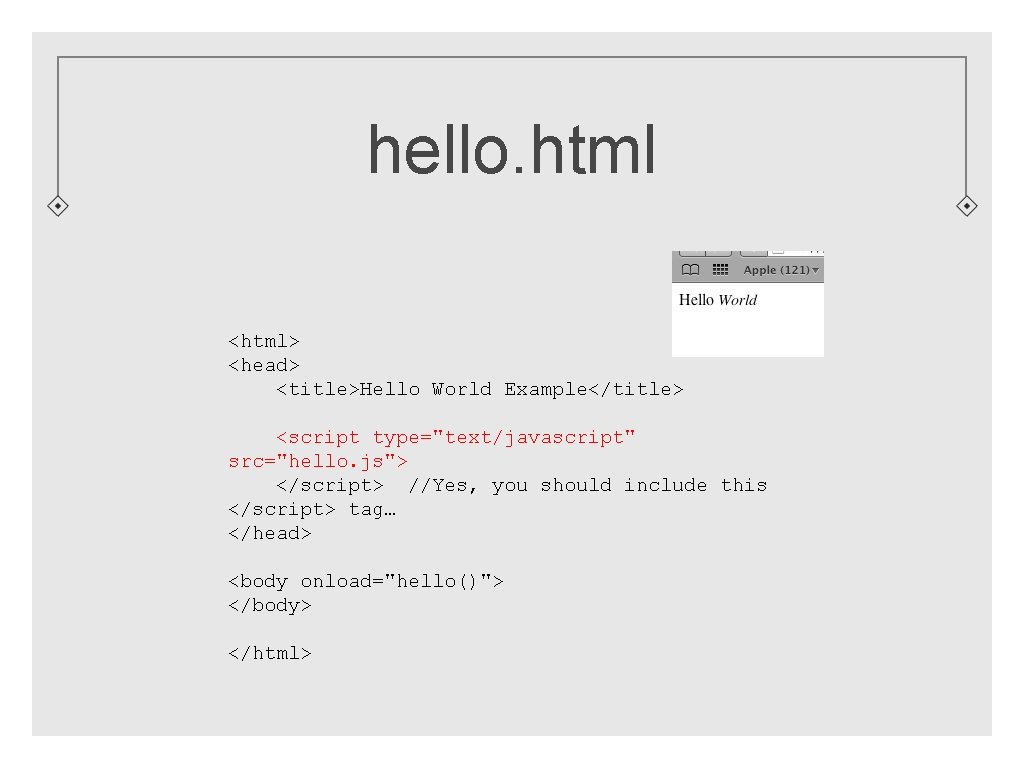
hello. html <html> <head> <title>Hello World Example</title> <script type="text/javascript" src="hello. js"> </script> //Yes, you should include this </script> tag… </head> <body onload="hello()"> </body> </html>
Guidlines Remember, not everyone has Java. Script enabled Design your pages accordingly
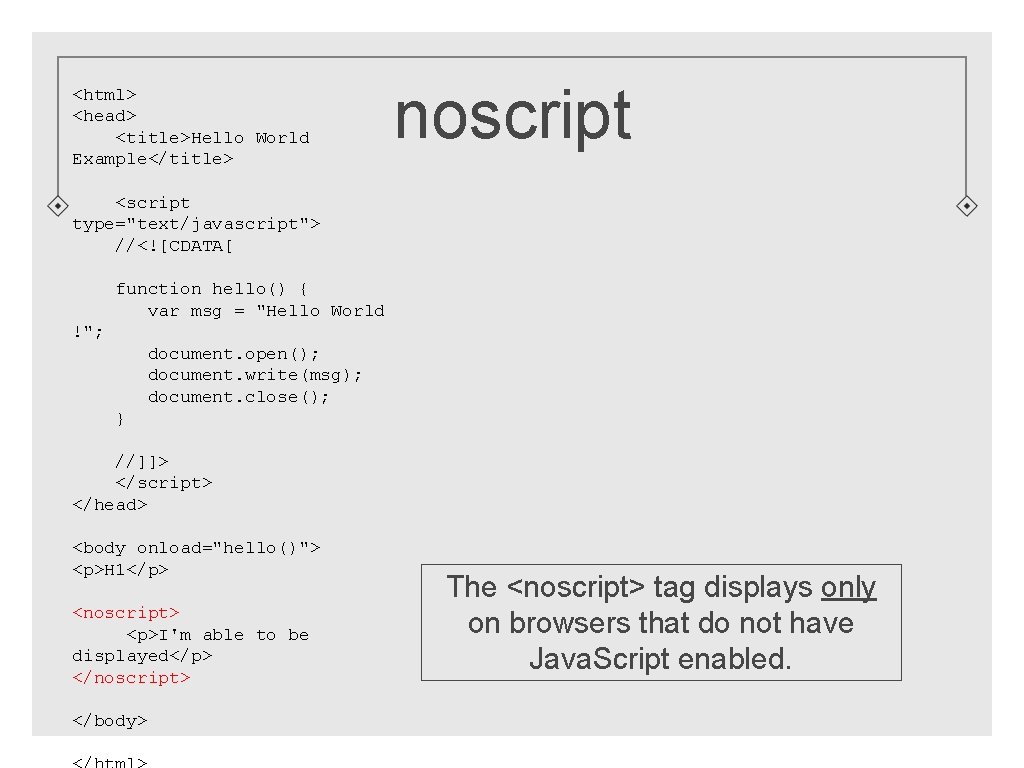
<html> <head> <title>Hello World Example</title> noscript <script type="text/javascript"> //<![CDATA[ function hello() { var msg = "Hello World !"; document. open(); document. write(msg); document. close(); } //]]> </script> </head> <body onload="hello()"> <p>H 1</p> <noscript> <p>I'm able to be displayed</p> </noscript> </body> The <noscript> tag displays only on browsers that do not have Java. Script enabled.
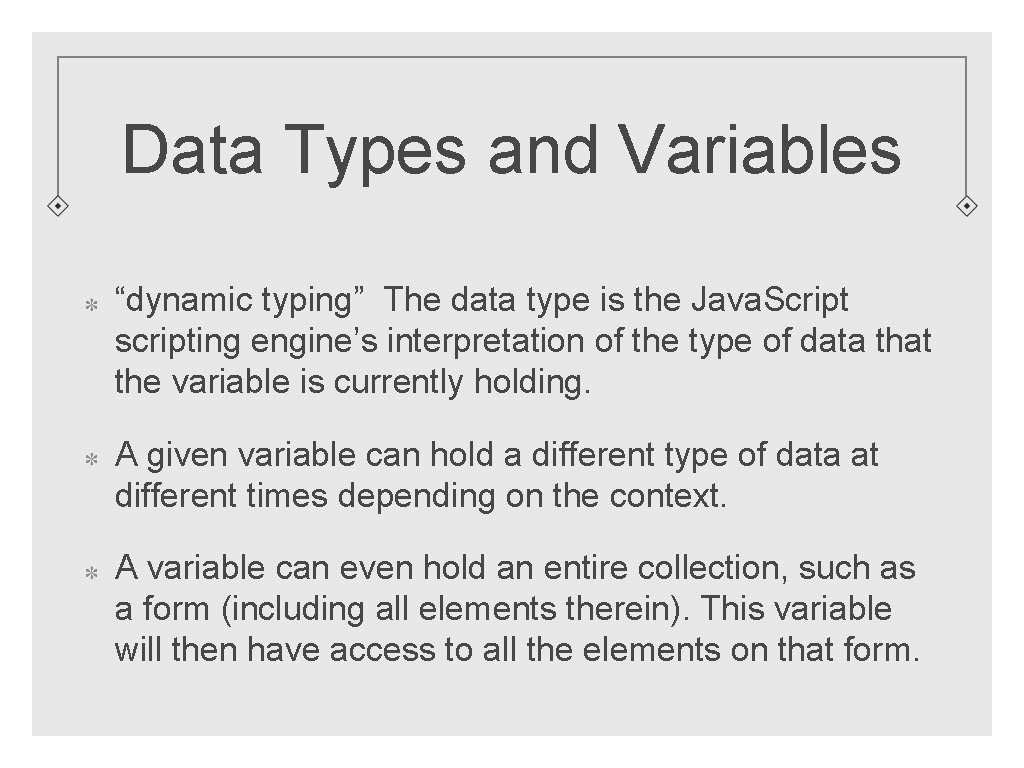
Data Types and Variables “dynamic typing” The data type is the Java. Script scripting engine’s interpretation of the type of data that the variable is currently holding. A given variable can hold a different type of data at different times depending on the context. A variable can even hold an entire collection, such as a form (including all elements therein). This variable will then have access to all the elements on that form.
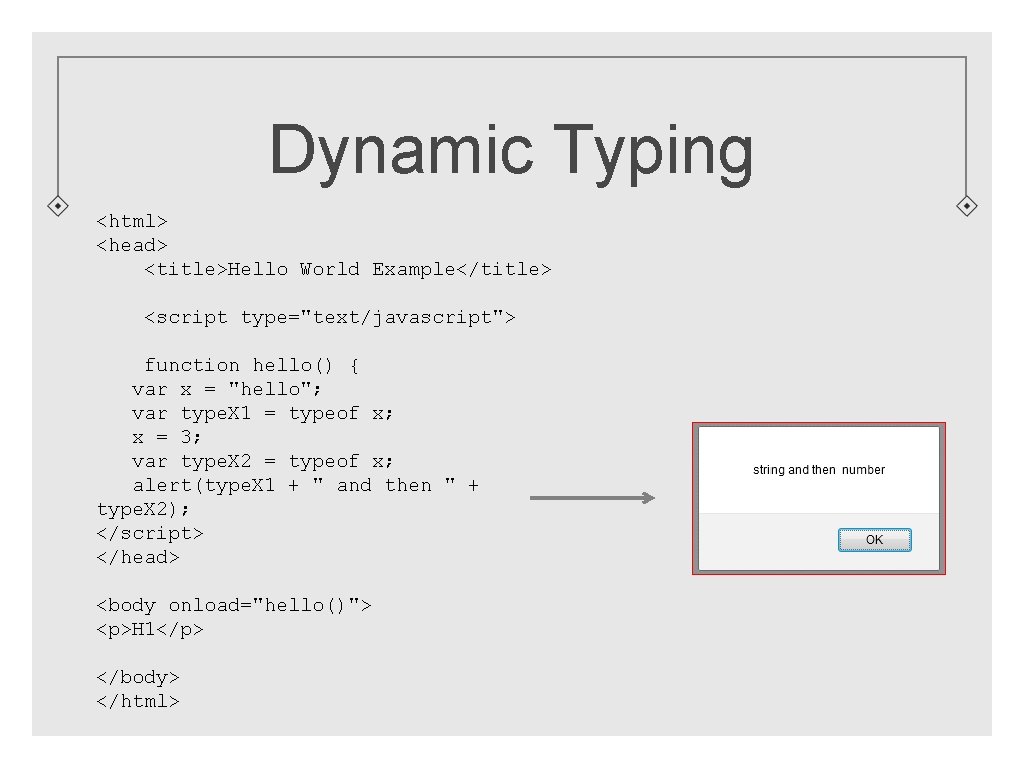
Dynamic Typing <html> <head> <title>Hello World Example</title> <script type="text/javascript"> function hello() { var x = "hello"; var type. X 1 = typeof x; x = 3; var type. X 2 = typeof x; alert(type. X 1 + " and then " + type. X 2); </script> </head> <body onload="hello()"> <p>H 1</p> </body> </html>
Choosing Identifiers for Your Variables “Identifier” refers to the name we assign to a variable or a function name or a class or an object, etc. It is extremely important that you choose your identifiers with some thought. Identifiers should give a pretty good idea of what the variable holds, or what the function is supposed to do, of the type of object being created, etc. Rules for choosing variable identifiers: Must begin with a character, or dollar sign, or underscore Are case sensitive Cannot be Java. Script keywords (new, else, var, void, etc) By convention, variables should begin with a lower-case letter
Naming Guidelines for Your Identifiers Many of these guidelines are inherited from Java and other languages Make your identifiers meaningful: ‘interest. Rate’ vs ‘ir’ If naming an array, make your identifier plural: customer. Names If naming a variable, begin with lowercase letter: var first. Name = “Joe”; Use “Camel. Case”: first. Name, bank. Account, total. Daily. Sales
“Primitive” Data Types Primitive does not mean “old fashioned”. It typically means that it is the simplest form of variable that can hold only one value and can not “do” anything. Programmers use primitive data types all the time. Three primitive types string numeric boolean These primitive types have “Object wrappers” (discussed later) String Number Boolean
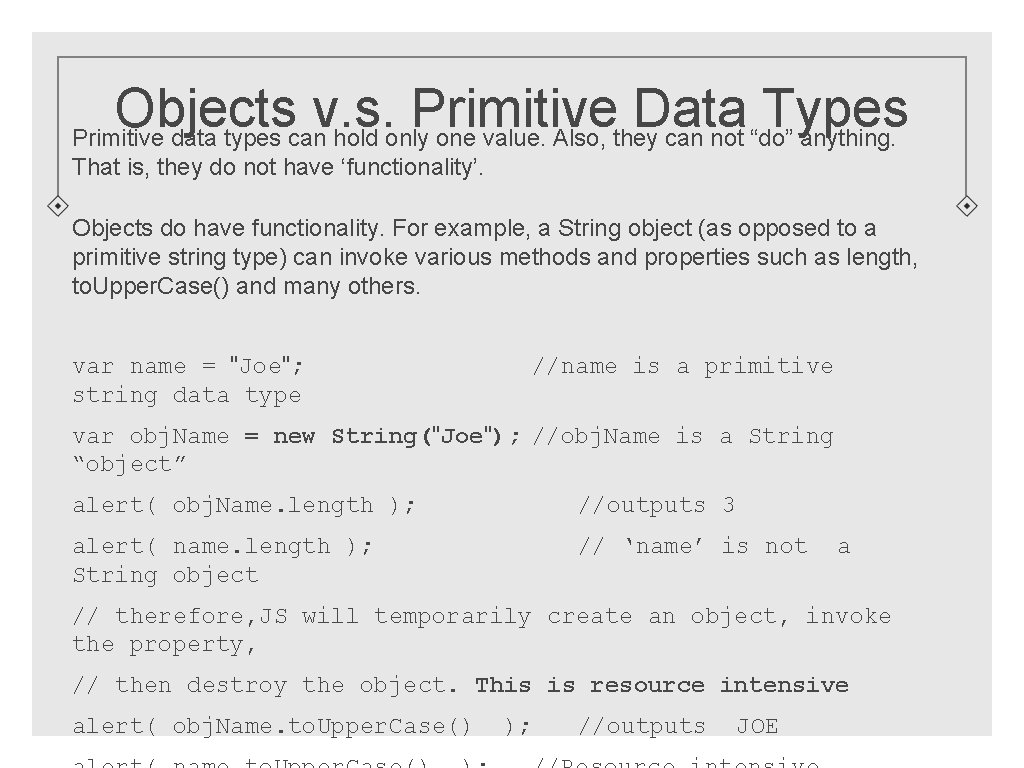
Objects v. s. Primitive Data Types Primitive data types can hold only one value. Also, they can not “do” anything. That is, they do not have ‘functionality’. Objects do have functionality. For example, a String object (as opposed to a primitive string type) can invoke various methods and properties such as length, to. Upper. Case() and many others. var name = "Joe"; string data type //name is a primitive var obj. Name = new String("Joe"); //obj. Name is a String “object” alert( obj. Name. length ); //outputs 3 alert( name. length ); String object // ‘name’ is not a // therefore, JS will temporarily create an object, invoke the property, // then destroy the object. This is resource intensive alert( obj. Name. to. Upper. Case() ); //outputs JOE
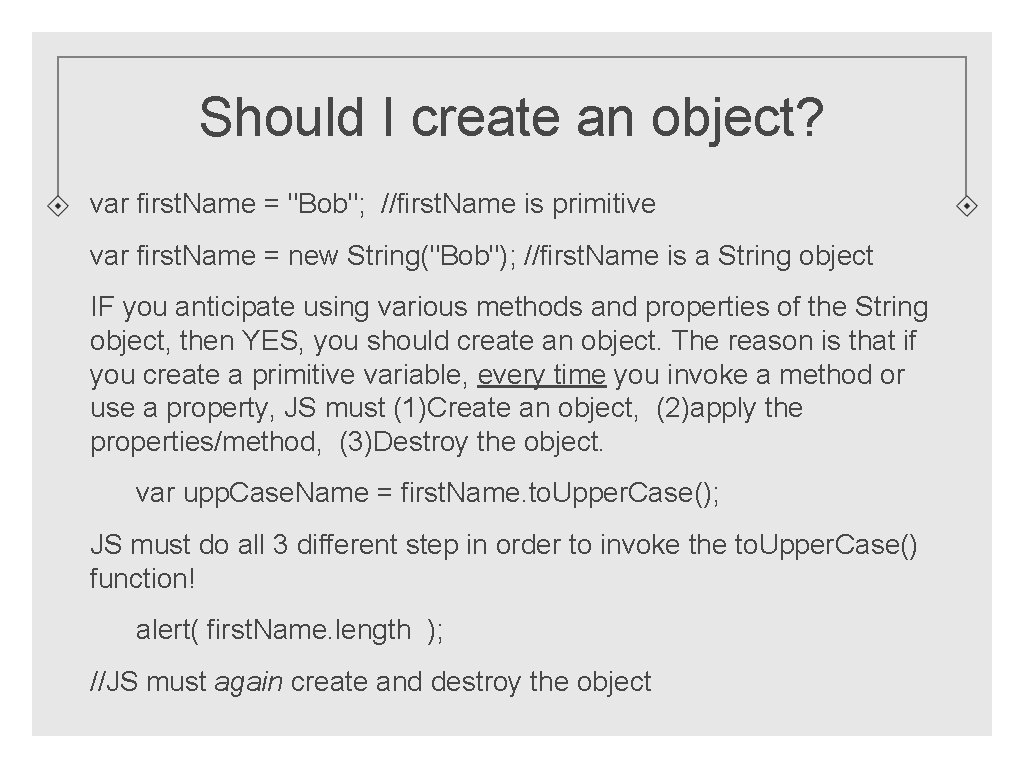
Should I create an object? var first. Name = "Bob"; //first. Name is primitive var first. Name = new String("Bob"); //first. Name is a String object IF you anticipate using various methods and properties of the String object, then YES, you should create an object. The reason is that if you create a primitive variable, every time you invoke a method or use a property, JS must (1)Create an object, (2)apply the properties/method, (3)Destroy the object. var upp. Case. Name = first. Name. to. Upper. Case(); JS must do all 3 different step in order to invoke the to. Upper. Case() function! alert( first. Name. length ); //JS must again create and destroy the object
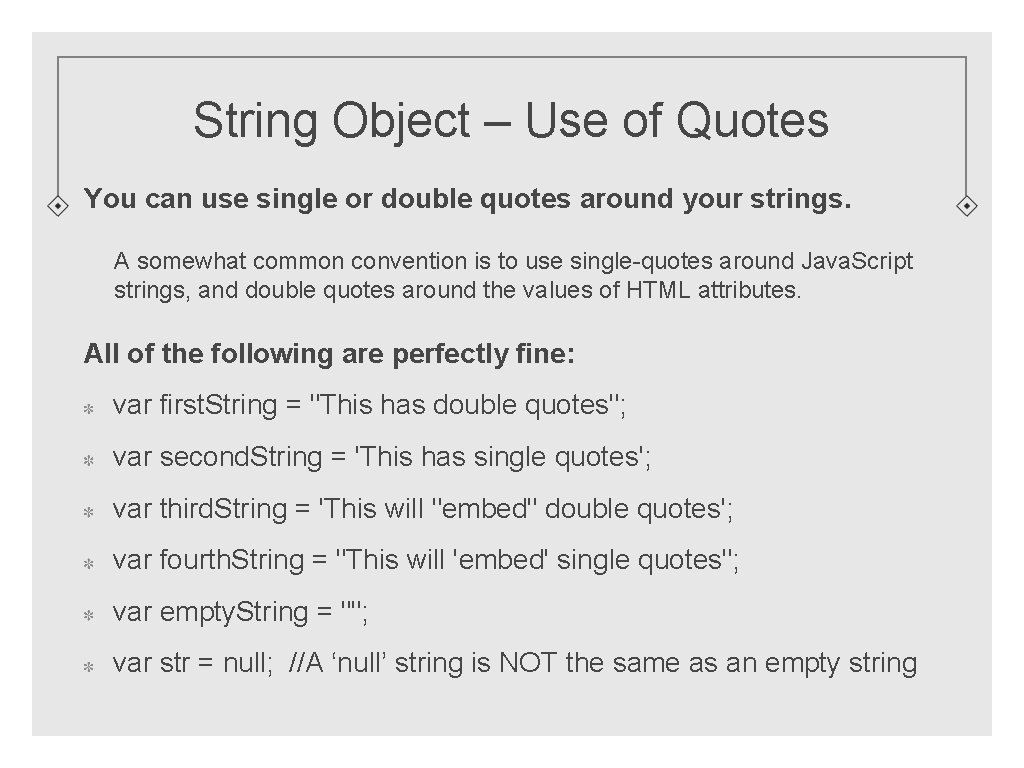
String Object – Use of Quotes You can use single or double quotes around your strings. A somewhat common convention is to use single-quotes around Java. Script strings, and double quotes around the values of HTML attributes. All of the following are perfectly fine: var first. String = "This has double quotes"; var second. String = 'This has single quotes'; var third. String = 'This will "embed" double quotes'; var fourth. String = "This will 'embed' single quotes"; var empty. String = ""; var str = null; //A ‘null’ string is NOT the same as an empty string
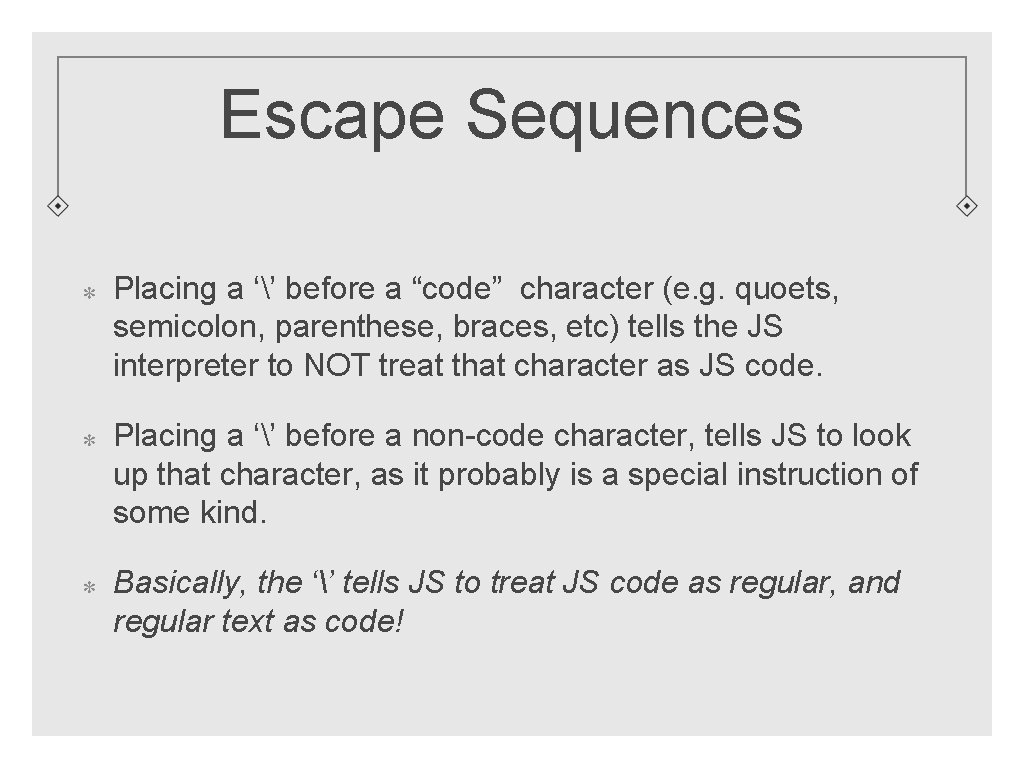
Escape Sequences Placing a ‘’ before a “code” character (e. g. quoets, semicolon, parenthese, braces, etc) tells the JS interpreter to NOT treat that character as JS code. Placing a ‘’ before a non-code character, tells JS to look up that character, as it probably is a special instruction of some kind. Basically, the ‘’ tells JS to treat JS code as regular, and regular text as code!
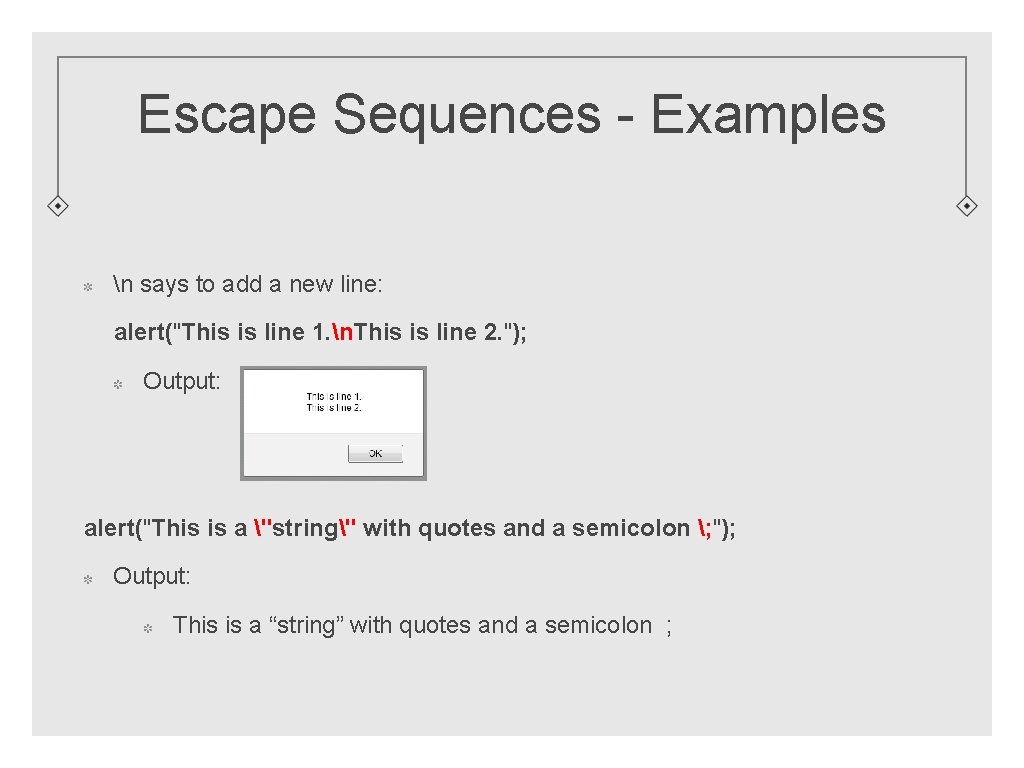
Escape Sequences - Examples n says to add a new line: alert("This is line 1. n. This is line 2. "); Output: alert("This is a "string" with quotes and a semicolon ; "); Output: This is a “string” with quotes and a semicolon ;
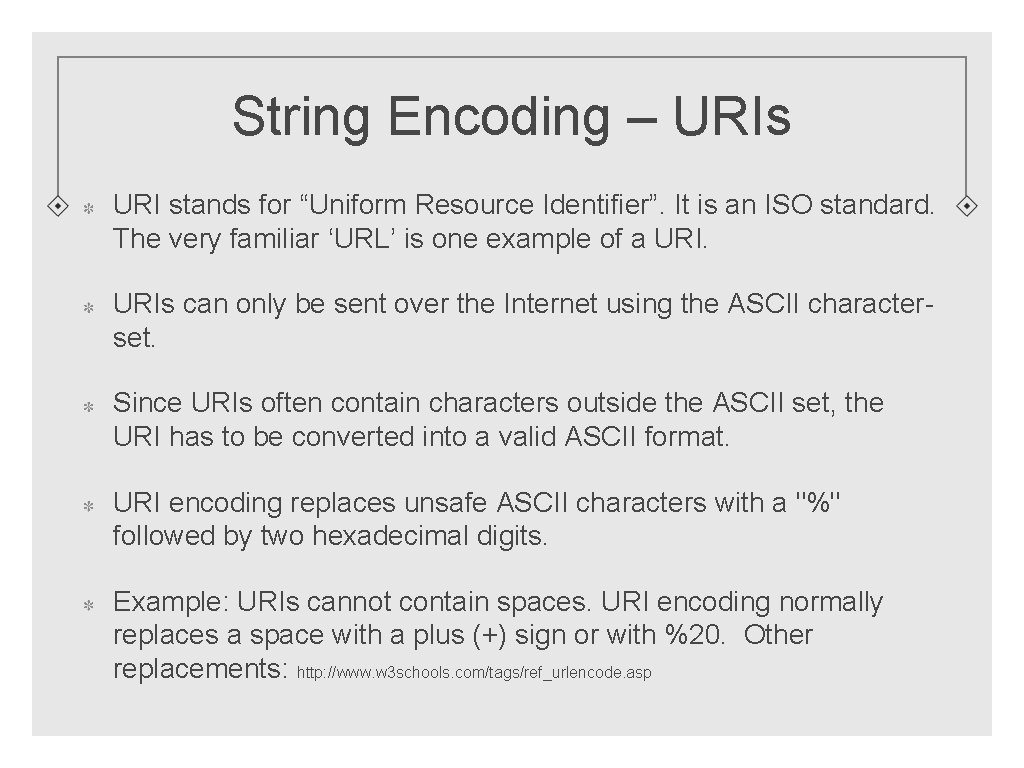
String Encoding – URIs URI stands for “Uniform Resource Identifier”. It is an ISO standard. The very familiar ‘URL’ is one example of a URIs can only be sent over the Internet using the ASCII characterset. Since URIs often contain characters outside the ASCII set, the URI has to be converted into a valid ASCII format. URI encoding replaces unsafe ASCII characters with a "%" followed by two hexadecimal digits. Example: URIs cannot contain spaces. URI encoding normally replaces a space with a plus (+) sign or with %20. Other replacements: http: //www. w 3 schools. com/tags/ref_urlencode. asp
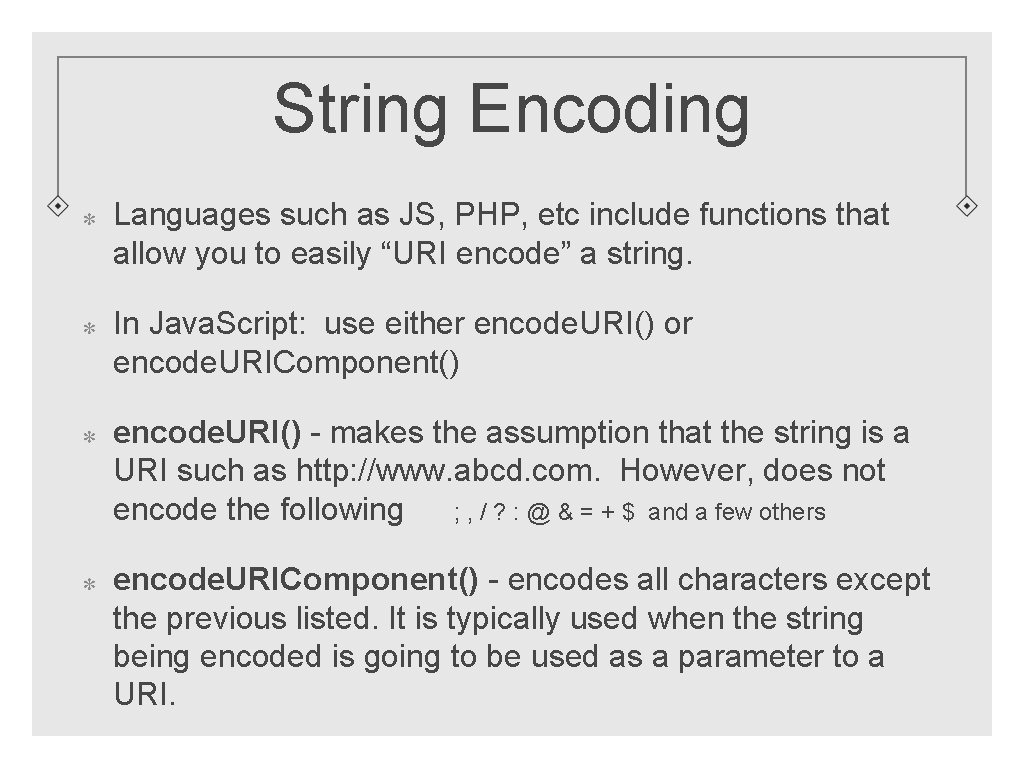
String Encoding Languages such as JS, PHP, etc include functions that allow you to easily “URI encode” a string. In Java. Script: use either encode. URI() or encode. URIComponent() encode. URI() - makes the assumption that the string is a URI such as http: //www. abcd. com. However, does not encode the following ; , / ? : @ & = + $ and a few others encode. URIComponent() - encodes all characters except the previous listed. It is typically used when the string being encoded is going to be used as a parameter to a URI.
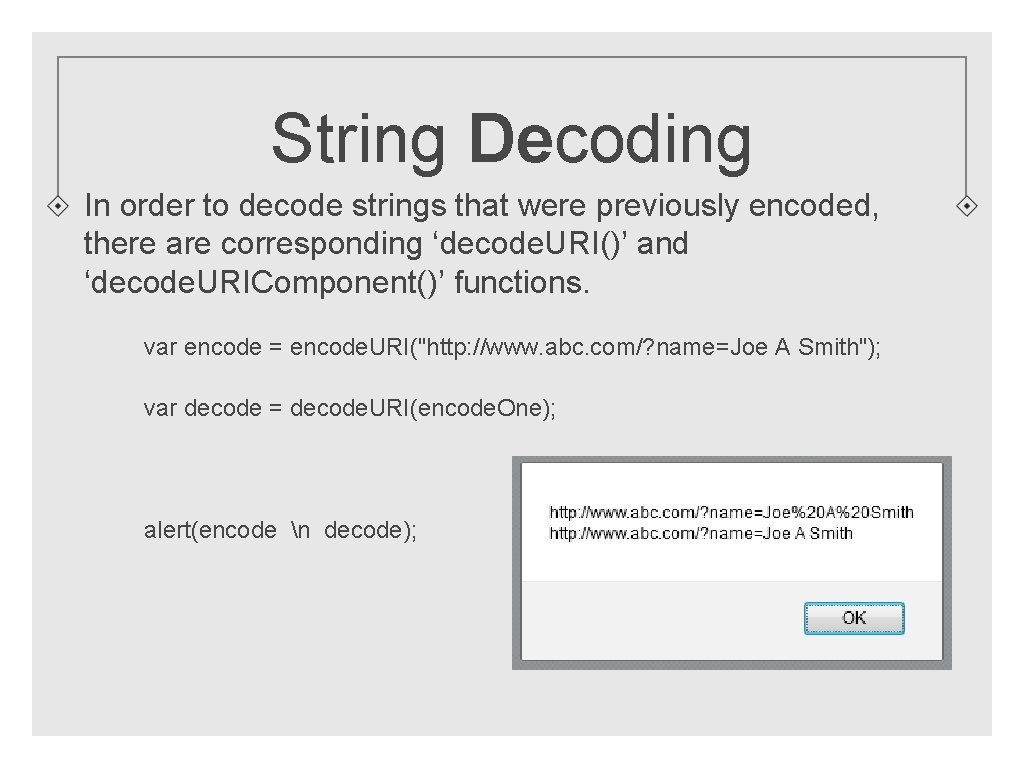
String Decoding In order to decode strings that were previously encoded, there are corresponding ‘decode. URI()’ and ‘decode. URIComponent()’ functions. var encode = encode. URI("http: //www. abc. com/? name=Joe A Smith"); var decode = decode. URI(encode. One); alert(encode n decode);
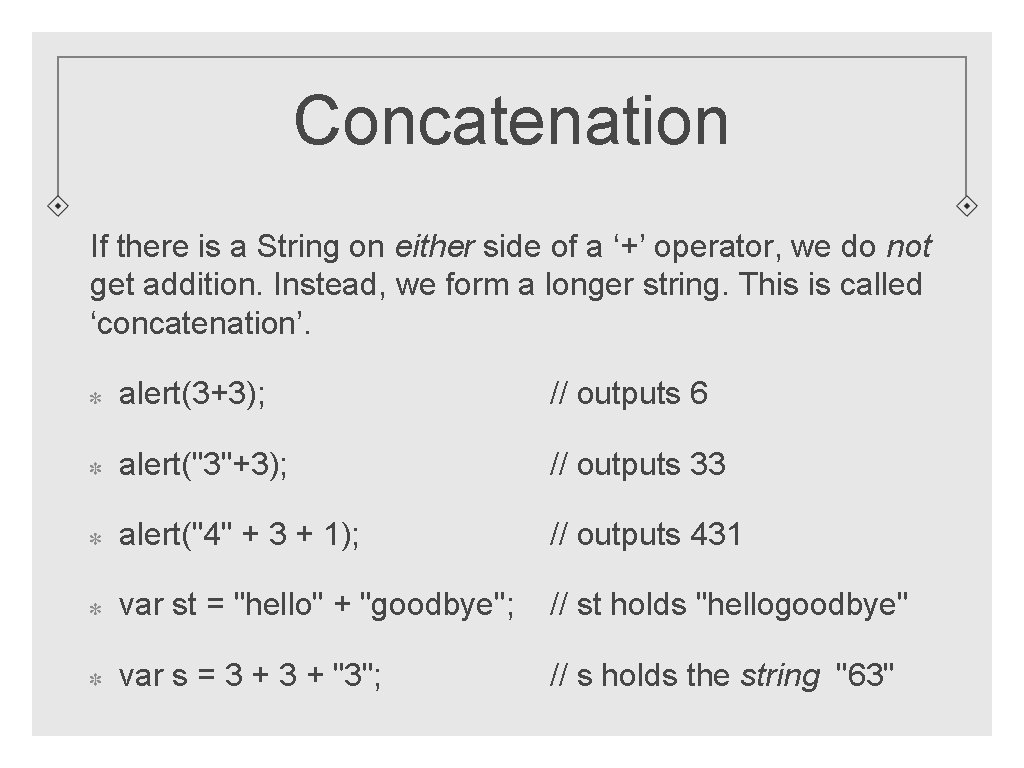
Concatenation If there is a String on either side of a ‘+’ operator, we do not get addition. Instead, we form a longer string. This is called ‘concatenation’. alert(3+3); // outputs 6 alert("3"+3); // outputs 33 alert("4" + 3 + 1); // outputs 431 var st = "hello" + "goodbye"; // st holds "hellogoodbye" var s = 3 + "3"; // s holds the string "63"
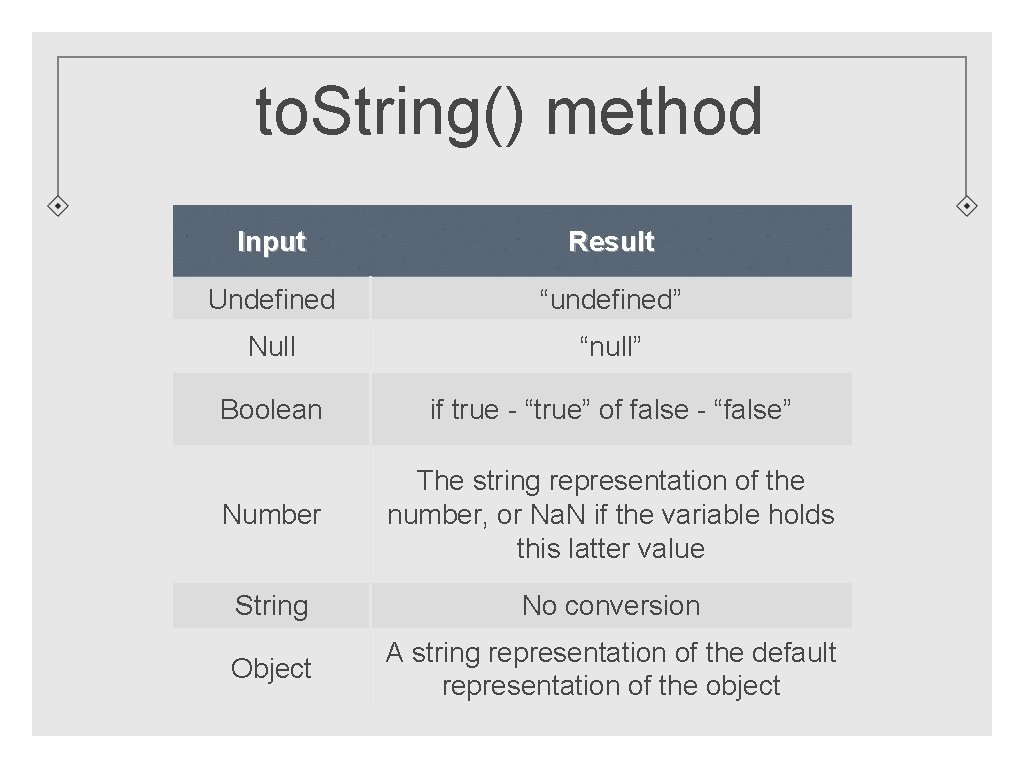
to. String() method Input Result Undefined “undefined” Null “null” Boolean if true - “true” of false - “false” Number The string representation of the number, or Na. N if the variable holds this latter value String No conversion Object A string representation of the default representation of the object
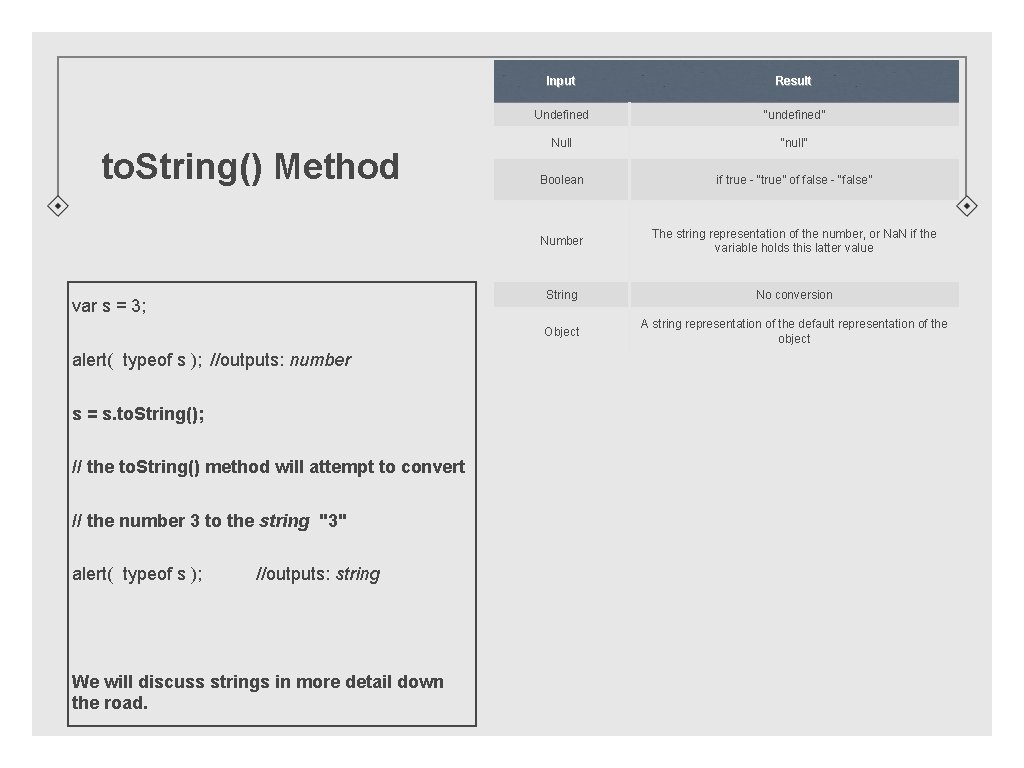
to. String() Method var s = 3; alert( typeof s ); //outputs: number s = s. to. String(); // the to. String() method will attempt to convert // the number 3 to the string "3" alert( typeof s ); //outputs: string We will discuss strings in more detail down the road. Input Result Undefined “undefined” Null “null” Boolean if true - “true” of false - “false” Number The string representation of the number, or Na. N if the variable holds this latter value String No conversion Object A string representation of the default representation of the object
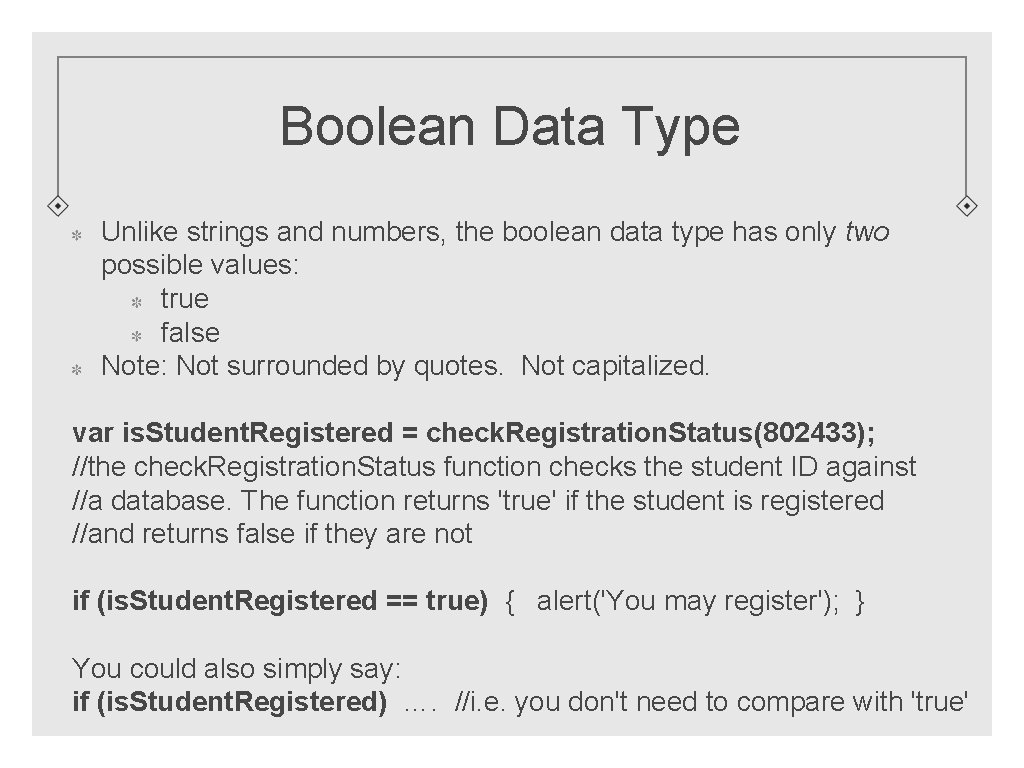
Boolean Data Type Unlike strings and numbers, the boolean data type has only two possible values: true false Note: Not surrounded by quotes. Not capitalized. var is. Student. Registered = check. Registration. Status(802433); //the check. Registration. Status function checks the student ID against //a database. The function returns 'true' if the student is registered //and returns false if they are not if (is. Student. Registered == true) { alert('You may register'); } You could also simply say: if (is. Student. Registered) …. //i. e. you don't need to compare with 'true'
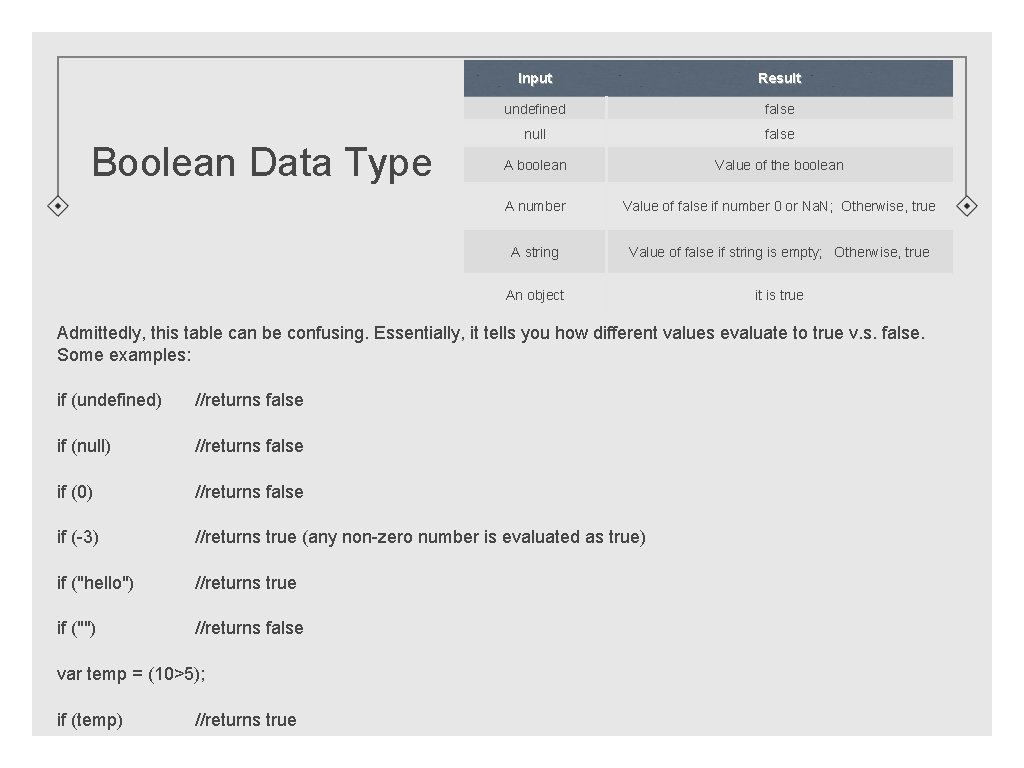
Boolean Data Type Input Result undefined false null false A boolean Value of the boolean A number Value of false if number 0 or Na. N; Otherwise, true A string Value of false if string is empty; Otherwise, true An object it is true Admittedly, this table can be confusing. Essentially, it tells you how different values evaluate to true v. s. false. Some examples: if (undefined) //returns false if (null) //returns false if (0) //returns false if (-3) //returns true (any non-zero number is evaluated as true) if ("hello") //returns true if ("") //returns false var temp = (10>5); if (temp) //returns true
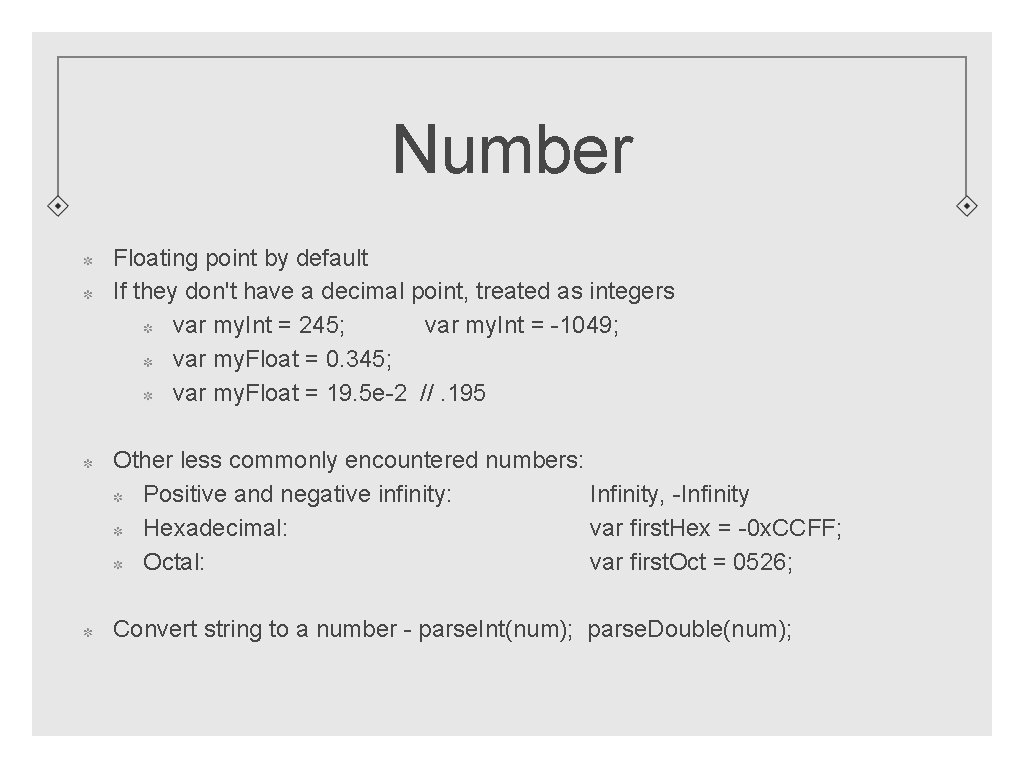
Number Floating point by default If they don't have a decimal point, treated as integers var my. Int = 245; var my. Int = -1049; var my. Float = 0. 345; var my. Float = 19. 5 e-2 //. 195 Other less commonly encountered numbers: Positive and negative infinity: Infinity, -Infinity Hexadecimal: var first. Hex = -0 x. CCFF; Octal: var first. Oct = 0526; Convert string to a number - parse. Int(num); parse. Double(num);
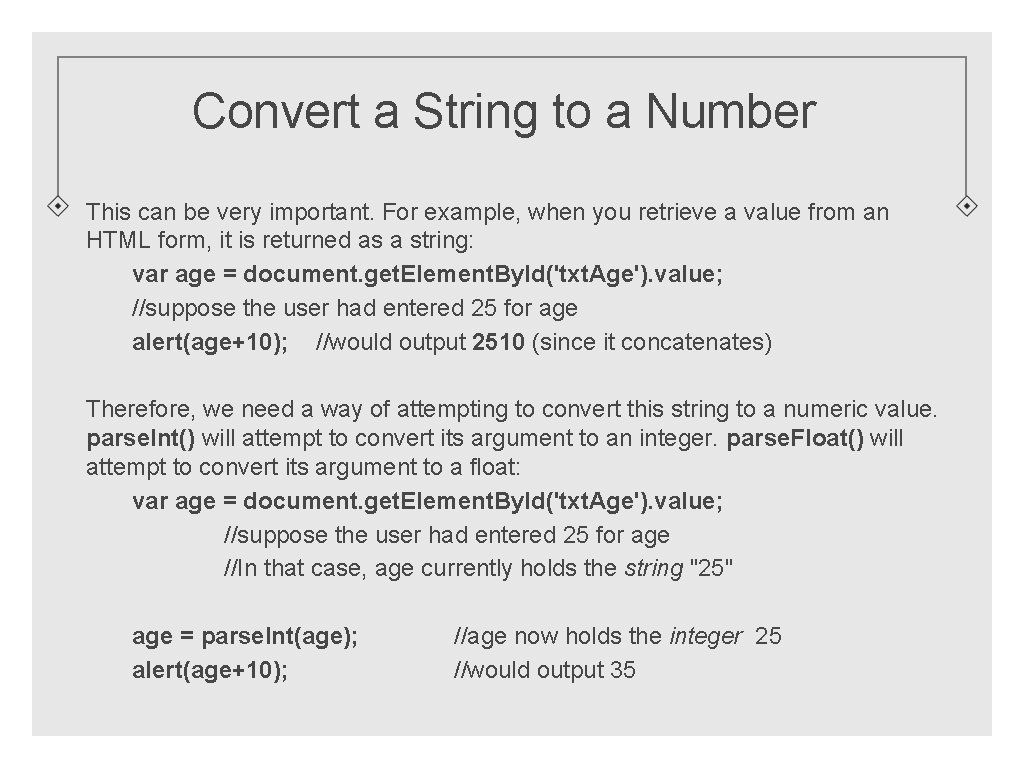
Convert a String to a Number This can be very important. For example, when you retrieve a value from an HTML form, it is returned as a string: var age = document. get. Element. By. Id('txt. Age'). value; //suppose the user had entered 25 for age alert(age+10); //would output 2510 (since it concatenates) Therefore, we need a way of attempting to convert this string to a numeric value. parse. Int() will attempt to convert its argument to an integer. parse. Float() will attempt to convert its argument to a float: var age = document. get. Element. By. Id('txt. Age'). value; //suppose the user had entered 25 for age //In that case, age currently holds the string "25" age = parse. Int(age); alert(age+10); //age now holds the integer 25 //would output 35
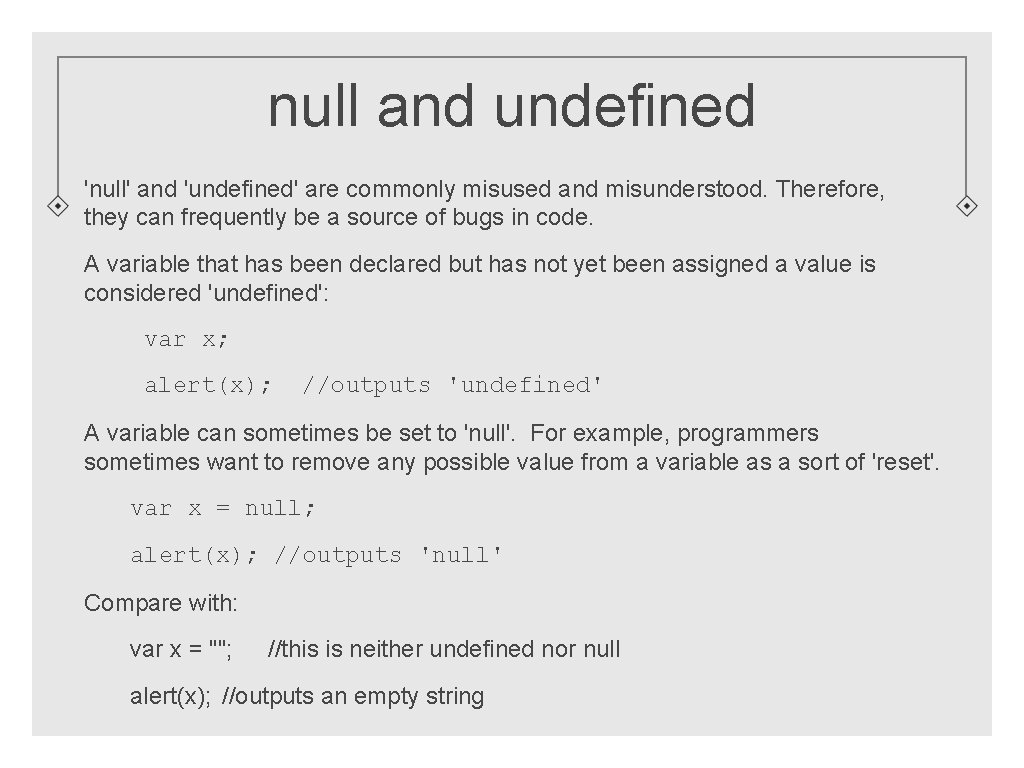
null and undefined 'null' and 'undefined' are commonly misused and misunderstood. Therefore, they can frequently be a source of bugs in code. A variable that has been declared but has not yet been assigned a value is considered 'undefined': var x; alert(x); //outputs 'undefined' A variable can sometimes be set to 'null'. For example, programmers sometimes want to remove any possible value from a variable as a sort of 'reset'. var x = null; alert(x); //outputs 'null' Compare with: var x = ""; //this is neither undefined nor null alert(x); //outputs an empty string
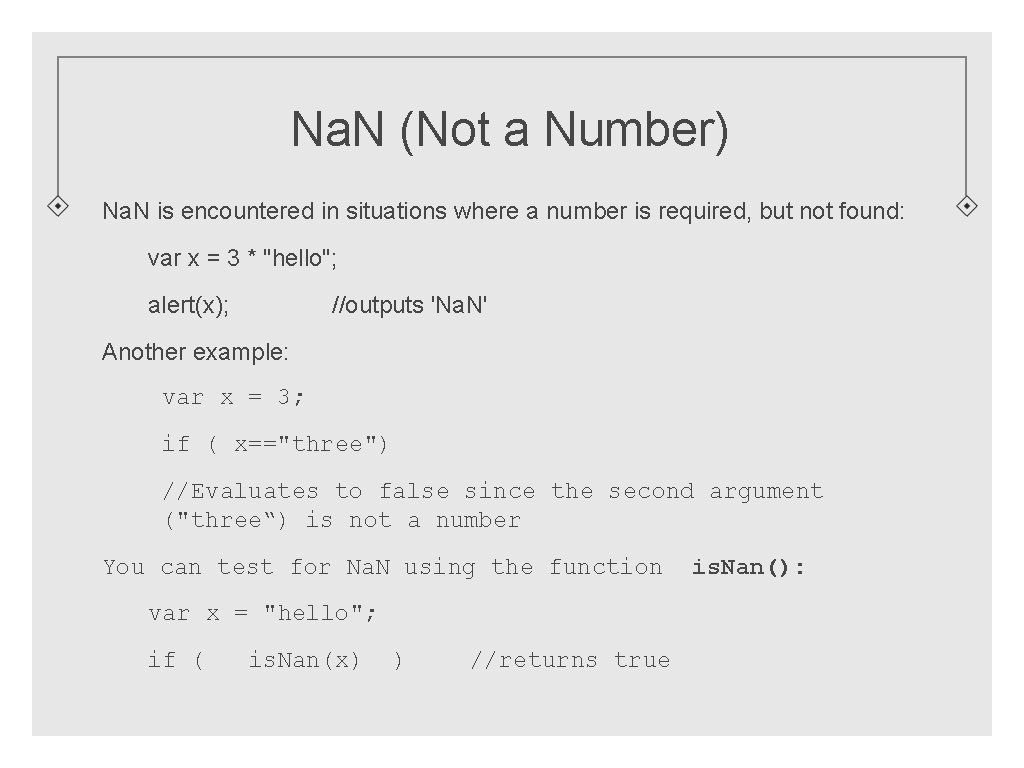
Na. N (Not a Number) Na. N is encountered in situations where a number is required, but not found: var x = 3 * "hello"; alert(x); //outputs 'Na. N' Another example: var x = 3; if ( x=="three") //Evaluates to false since the second argument ("three“) is not a number You can test for Na. N using the function var x = "hello"; if ( is. Nan(x) ) //returns true is. Nan():
Constants Sometimes you want to name a value, but you don't intend it to change. In that case, rather than declare using 'var', we declare using 'const'. This way the interpreter will prevent us from accidentally ever changing the value. By convention, we name constants in upper case: const PI = 3. 1415; const FORTY_FOURTH_PRES = "Obama"; const CURRENT_BOOLEAN_VALUE = true; The Math object defines several constants: • alert( Math. PI ); //outputs 3. 14159… • alert( Math. E ); //outputs 2. 718… • See a reference such as W 3 Schools for a more complete list Constants are one of the very few times when it is permissible (even advisable) to use global scope.
End of Session 1 Next Session: Java. Script Objects, Functions