
Javascript Languages By Rapee kamoltalapisek ID 49541188 History
Javascript Languages By Rapee kamoltalapisek ID: 49541188
History 1996 Netscape 2 was released in early and offered completely new technologies created by the Netscape group, the most important of which were frames and Java. Script was a programming language written by Brendan Eich that was able to be embedded in Web pages and could process numbers and modify the contents of forms. While in development, Java. Script had been known as Live. Wire then Live. Script. Its core script syntax closely resembled Java, so it was renamed Java. Script when it was released. The way it referenced forms, links and anchors as children of the document object, and inputs as children of their parent form became known as the DOM level 0.
Description The same year, Netscape passed their Java. Script language to the European Computer Manufacturers Association (ECMA) for standardisation. The ECMA produced the ECMAscript standard, which embodied the Java. Script core syntax, but did not specify all aspects of the DOM level 0. With the release of Netscape 3 later in the same year, Netscape had produced Java. Script 1. 1, which could also change the location of images, bringing on a wave of Web sites that used this most popular of Web page effects, making images change when the mouse passed over them. The images were also referenced as children of the document object and thus the DOM level 0 was completed.

Example code Syntax <script type="text/javascript"> <!-document. write("Java. Script is not Java"); --> </script>
This results is : Java. Script is not Java The above example is how you write text to a web page using Java. Script.
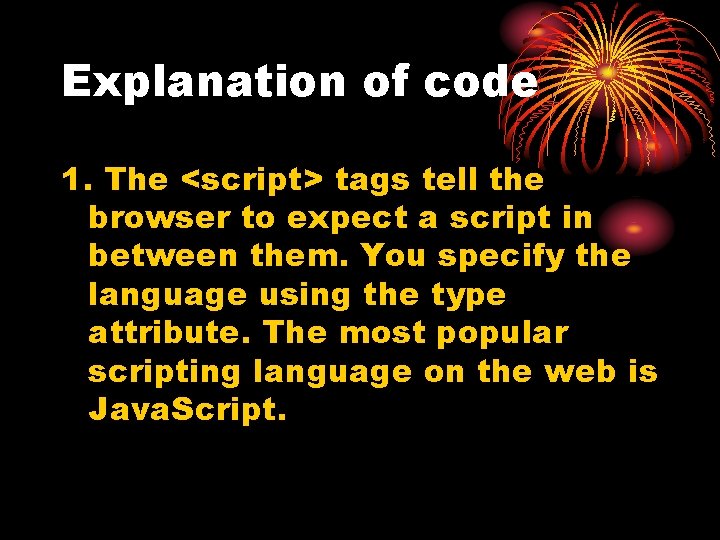
Explanation of code 1. The <script> tags tell the browser to expect a script in between them. You specify the language using the type attribute. The most popular scripting language on the web is Java. Script.
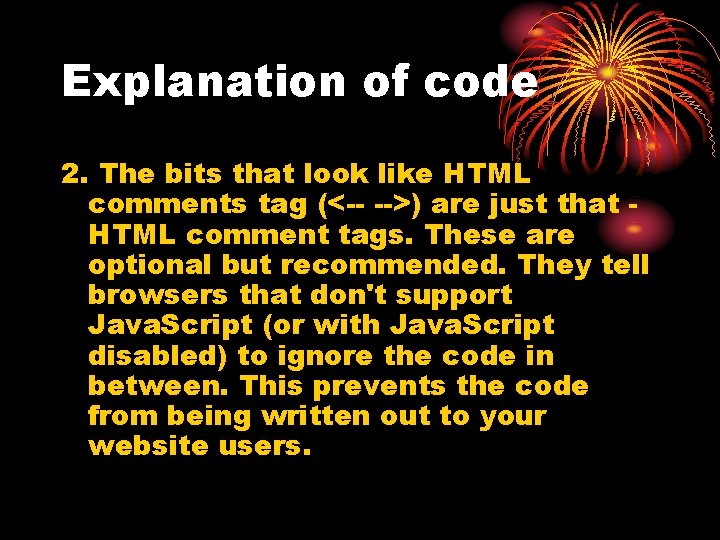
Explanation of code 2. The bits that look like HTML comments tag (<-- -->) are just that HTML comment tags. These are optional but recommended. They tell browsers that don't support Java. Script (or with Java. Script disabled) to ignore the code in between. This prevents the code from being written out to your website users.
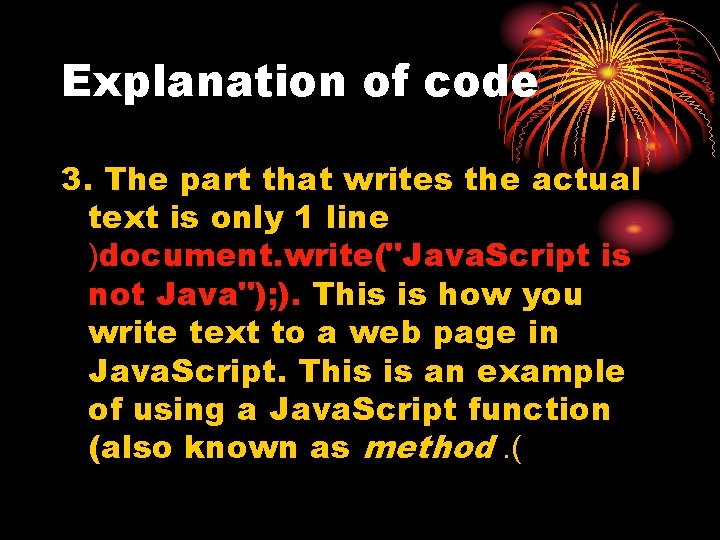
Explanation of code 3. The part that writes the actual text is only 1 line )document. write("Java. Script is not Java"); ). This is how you write text to a web page in Java. Script. This is an example of using a Java. Script function (also known as method. (

Date Example var current. Date = new Date() var day = current. Date. get. Date() var month = current. Date. get. Month() var year = current. Date. get. Full. Year() document. write("<b>" + day + "/" + month + "/" + year + "</b>") Results in this. . . 8/10/2007
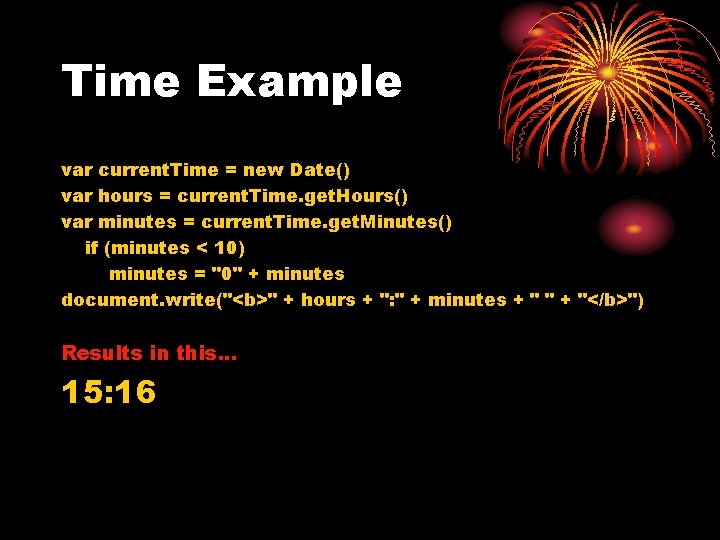
Time Example var current. Time = new Date() var hours = current. Time. get. Hours() var minutes = current. Time. get. Minutes() if (minutes < 10) minutes = "0" + minutes document. write("<b>" + hours + ": " + minutes + " " + "</b>") Results in this. . . 15: 16
References http: //www. quackit. com/javascript/tutorial/javascript_s yntax. cfm http: //javascript. about. com/od/reference/a/history. htm
- Slides: 11