
Java Variables Types and Math Getting Started Complete
Java Variables, Types, and Math Getting Started Complete and Turn in Address/Poem
Learning Objectives • Understand how to declare and use primitives variables. • Be able to read a simple Java program. • Be able to incorporate math expressions into a Java program • Be able to find and use Java. Docs
Primitive Types (Not objects) • • • byte short int (4 bytes) -2, 147, 483, 648 to 2, 1147, 483, 647 long +/-9, 223, 372, 036, 854, 775, 808 float double (8 bytes) 10 e +/-308 with 15 significant digits • char • boolean true or false
Sort of primitive type, but it’s an object • String A sequence of characters. – The type declarations does start with an uppercase letter.
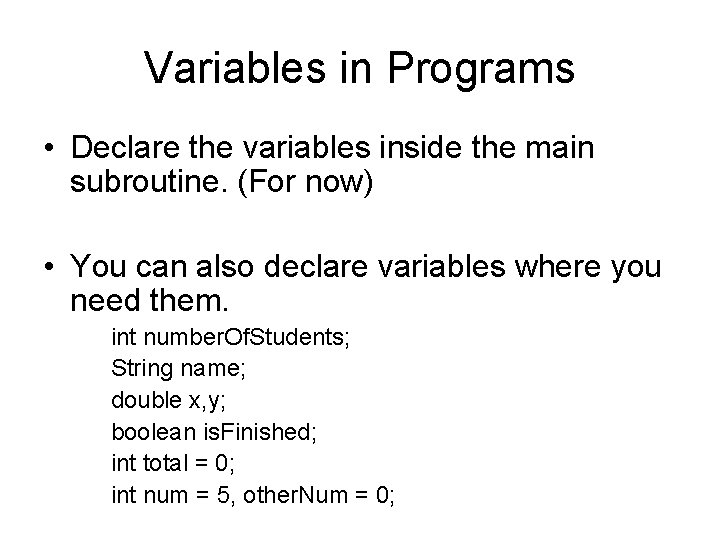
Variables in Programs • Declare the variables inside the main subroutine. (For now) • You can also declare variables where you need them. int number. Of. Students; String name; double x, y; boolean is. Finished; int total = 0; int num = 5, other. Num = 0;
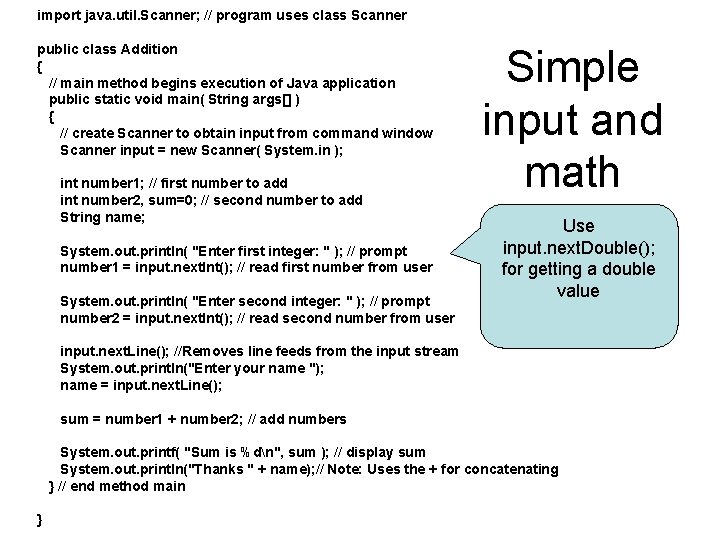
import java. util. Scanner; // program uses class Scanner public class Addition { // main method begins execution of Java application public static void main( String args[] ) { // create Scanner to obtain input from command window Scanner input = new Scanner( System. in ); int number 1; // first number to add int number 2, sum=0; // second number to add String name; System. out. println( "Enter first integer: " ); // prompt number 1 = input. next. Int(); // read first number from user System. out. println( "Enter second integer: " ); // prompt number 2 = input. next. Int(); // read second number from user Simple input and math Use input. next. Double(); for getting a double value input. next. Line(); //Removes line feeds from the input stream System. out. println("Enter your name "); name = input. next. Line(); sum = number 1 + number 2; // add numbers System. out. printf( "Sum is %dn", sum ); // display sum System. out. println("Thanks " + name); // Note: Uses the + for concatenating } // end method main }
// Addition. java // Addition program that displays the sum of two numbers. • Displays the file name and a brief description of the program
![import java. util. Scanner; • Goes before public static void main(String [] args) •](http://slidetodoc.com/presentation_image_h2/9c5adfd01eff28e6c5e5f70823728f42/image-8.jpg "import java. util. Scanner; • Goes before public static void main(String [] args) •")
import java. util. Scanner; • Goes before public static void main(String [] args) • Needed to get input from the user.
Scanner input = new Scanner( System. in ); • Variable declaration for a Scanner type variable. • One of the first lines inside the public static void main (String [] args) • Creates a Scanner object you can use to get information from the user
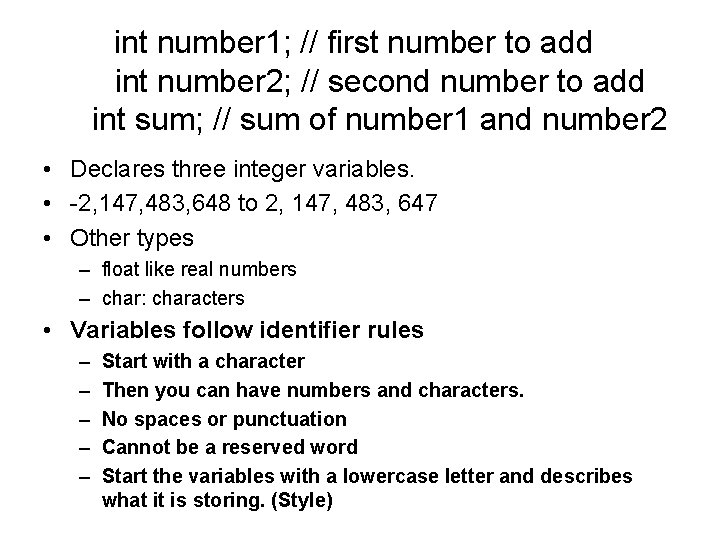
int number 1; // first number to add int number 2; // second number to add int sum; // sum of number 1 and number 2 • Declares three integer variables. • -2, 147, 483, 648 to 2, 147, 483, 647 • Other types – float like real numbers – char: characters • Variables follow identifier rules – – – Start with a character Then you can have numbers and characters. No spaces or punctuation Cannot be a reserved word Start the variables with a lowercase letter and describes what it is storing. (Style)
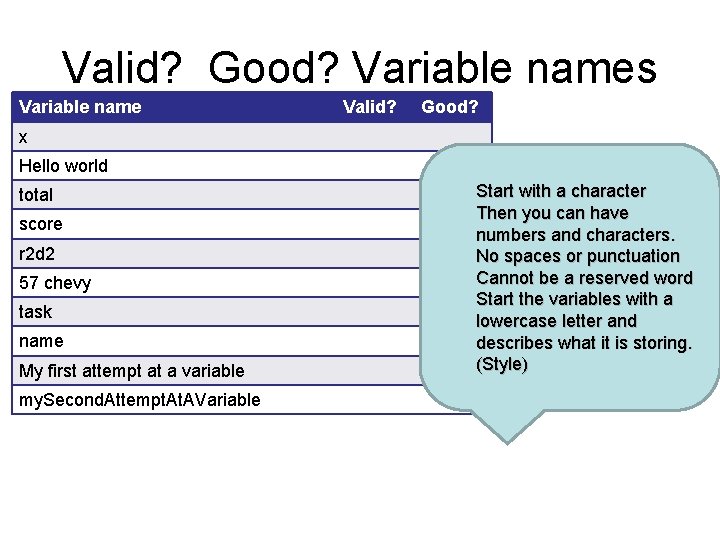
Valid? Good? Variable names Variable name Valid? Good? x Hello world total score r 2 d 2 57 chevy task name My first attempt at a variable my. Second. Attempt. AVariable Start with a character Then you can have numbers and characters. No spaces or punctuation Cannot be a reserved word Start the variables with a lowercase letter and describes what it is storing. (Style)
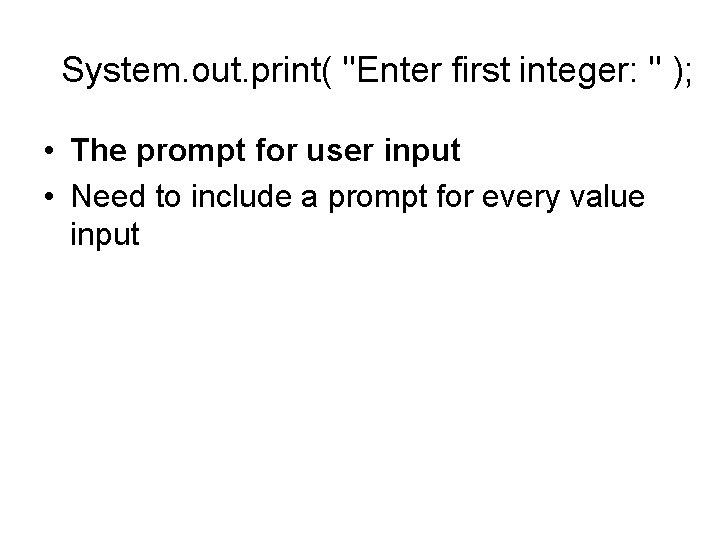
System. out. print( "Enter first integer: " ); • The prompt for user input • Need to include a prompt for every value input
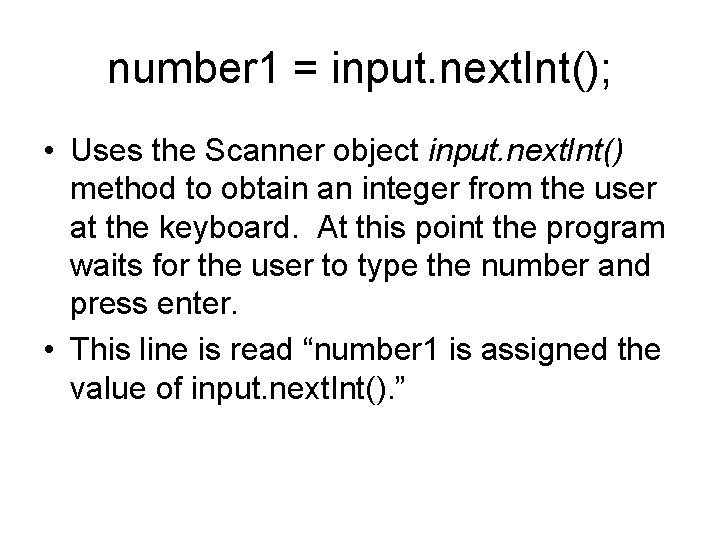
number 1 = input. next. Int(); • Uses the Scanner object input. next. Int() method to obtain an integer from the user at the keyboard. At this point the program waits for the user to type the number and press enter. • This line is read “number 1 is assigned the value of input. next. Int(). ”
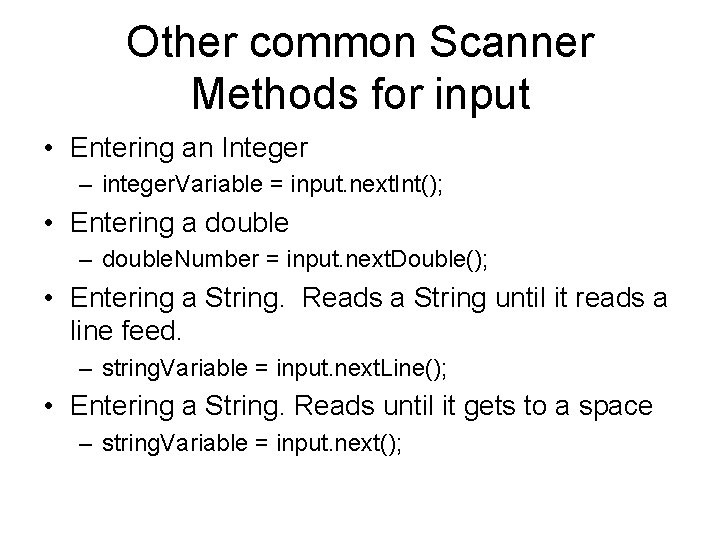
Other common Scanner Methods for input • Entering an Integer – integer. Variable = input. next. Int(); • Entering a double – double. Number = input. next. Double(); • Entering a String. Reads a String until it reads a line feed. – string. Variable = input. next. Line(); • Entering a String. Reads until it gets to a space – string. Variable = input. next();
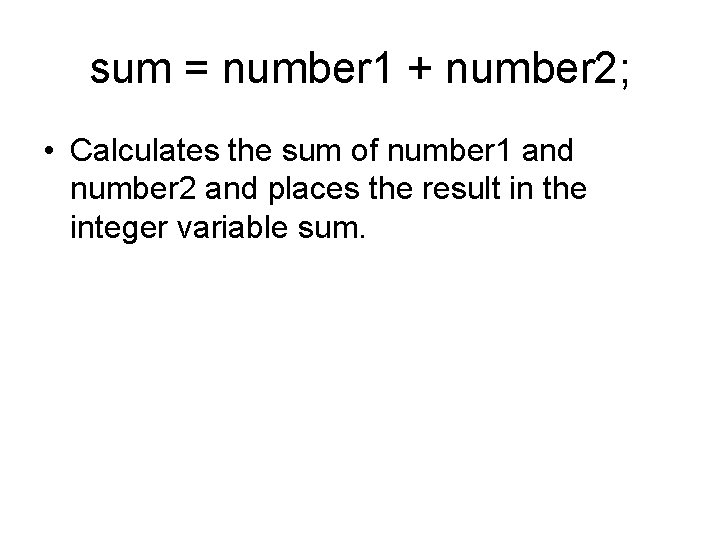
sum = number 1 + number 2; • Calculates the sum of number 1 and number 2 and places the result in the integer variable sum.
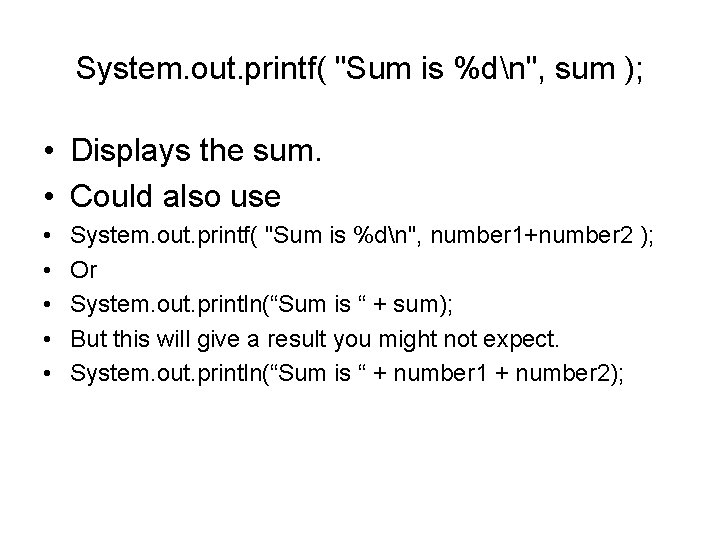
System. out. printf( "Sum is %dn", sum ); • Displays the sum. • Could also use • • • System. out. printf( "Sum is %dn", number 1+number 2 ); Or System. out. println(“Sum is “ + sum); But this will give a result you might not expect. System. out. println(“Sum is “ + number 1 + number 2);
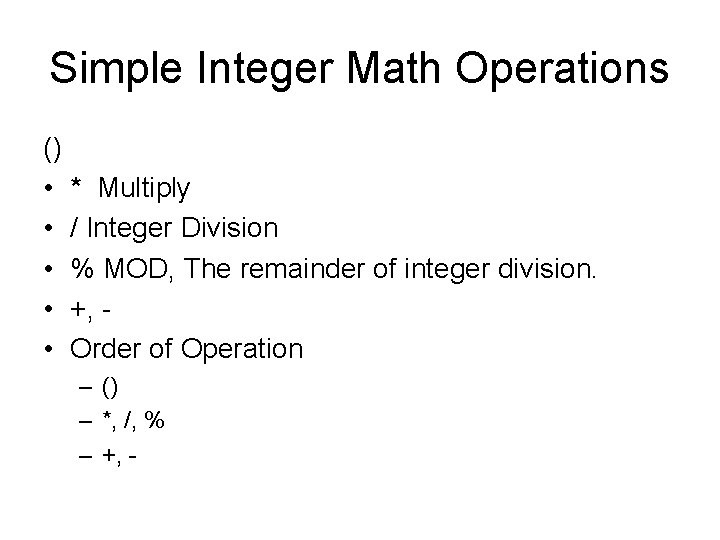
Simple Integer Math Operations () • * Multiply • / Integer Division • % MOD, The remainder of integer division. • +, • Order of Operation – () – *, /, % – +, -
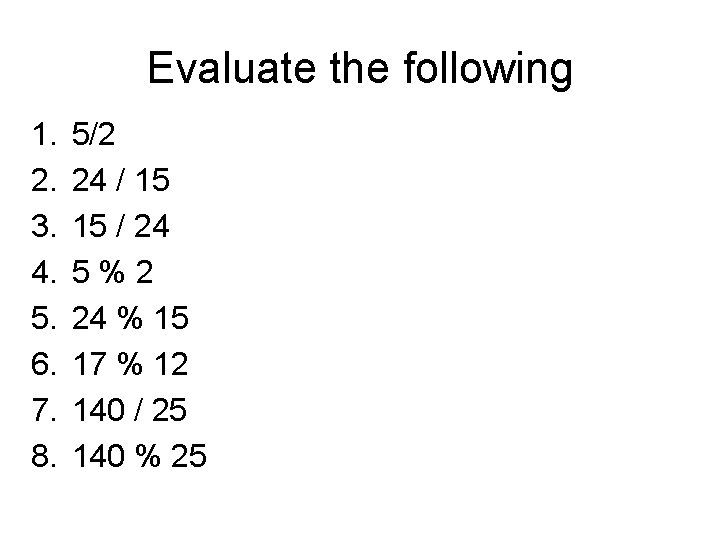
Evaluate the following 1. 2. 3. 4. 5. 6. 7. 8. 5/2 24 / 15 15 / 24 5%2 24 % 15 17 % 12 140 / 25 140 % 25
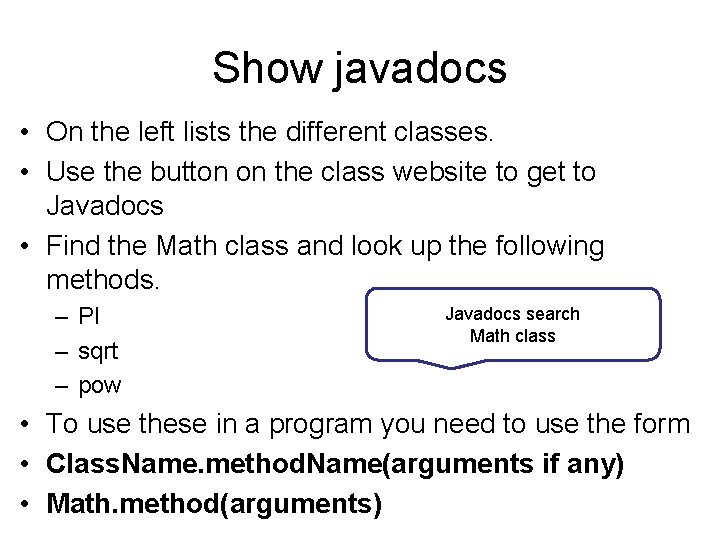
Show javadocs • On the left lists the different classes. • Use the button on the class website to get to Javadocs • Find the Math class and look up the following methods. – PI – sqrt – pow Javadocs search Math class • To use these in a program you need to use the form • Class. Name. method. Name(arguments if any) • Math. method(arguments)
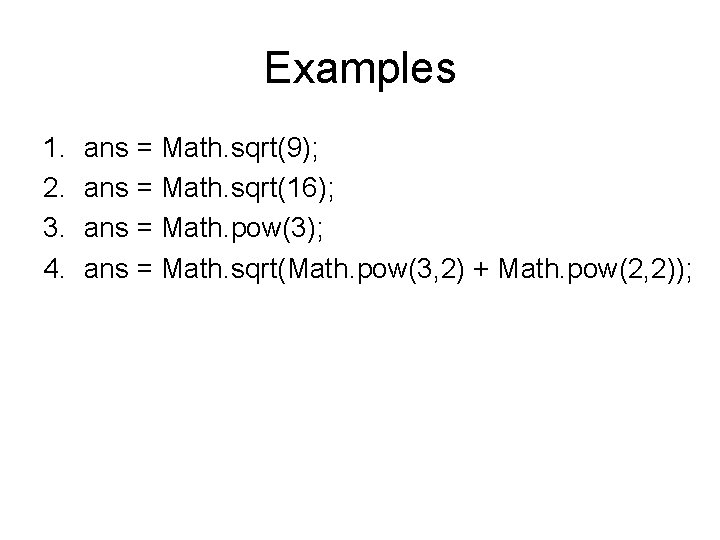
Examples 1. 2. 3. 4. ans = Math. sqrt(9); ans = Math. sqrt(16); ans = Math. pow(3); ans = Math. sqrt(Math. pow(3, 2) + Math. pow(2, 2));
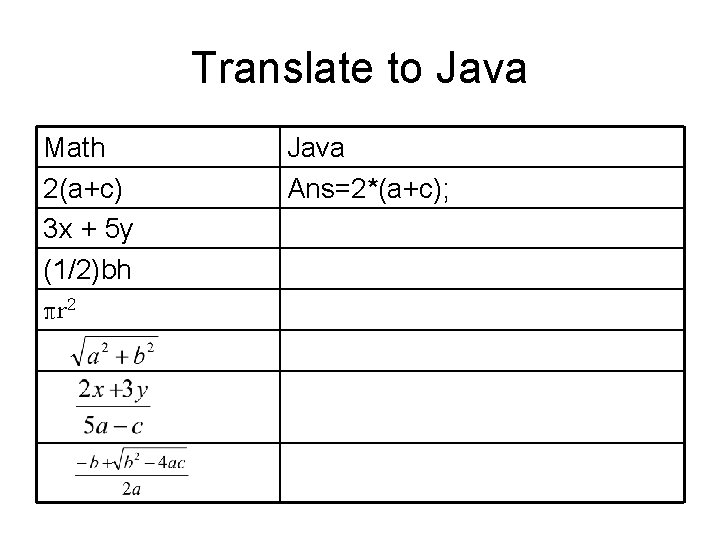
Translate to Java Math 2(a+c) 3 x + 5 y (1/2)bh πr 2 Java Ans=2*(a+c);
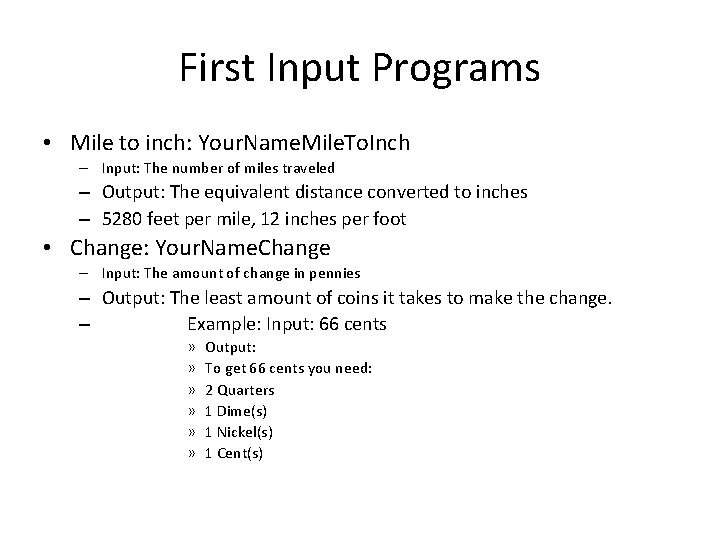
First Input Programs • Mile to inch: Your. Name. Mile. To. Inch – Input: The number of miles traveled – Output: The equivalent distance converted to inches – 5280 feet per mile, 12 inches per foot • Change: Your. Name. Change – Input: The amount of change in pennies – Output: The least amount of coins it takes to make the change. – Example: Input: 66 cents » » » Output: To get 66 cents you need: 2 Quarters 1 Dime(s) 1 Nickel(s) 1 Cent(s)
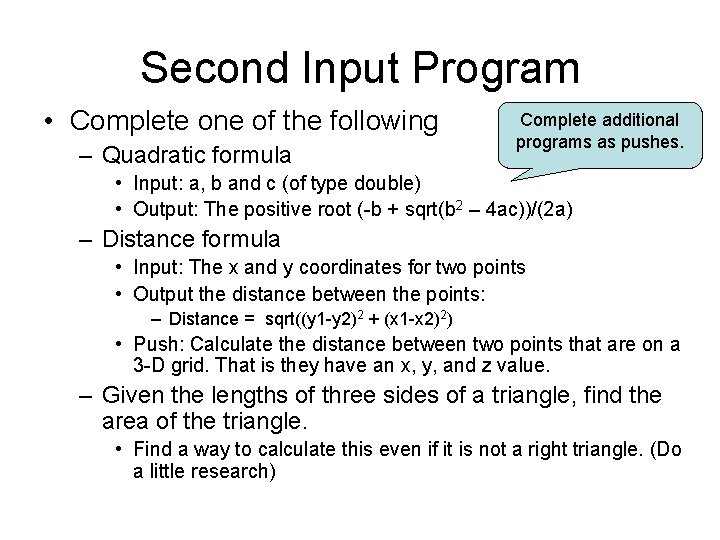
Second Input Program • Complete one of the following – Quadratic formula Complete additional programs as pushes. • Input: a, b and c (of type double) • Output: The positive root (-b + sqrt(b 2 – 4 ac))/(2 a) – Distance formula • Input: The x and y coordinates for two points • Output the distance between the points: – Distance = sqrt((y 1 -y 2)2 + (x 1 -x 2)2) • Push: Calculate the distance between two points that are on a 3 -D grid. That is they have an x, y, and z value. – Given the lengths of three sides of a triangle, find the area of the triangle. • Find a way to calculate this even if it is not a right triangle. (Do a little research)
- Slides: 23