
Java Tutorial Zhe Li Topics Socket Programming GUI
- Slides: 25
Java Tutorial Zhe Li
Topics ● ● ● Socket Programming GUI Maven Project(Tomcat)
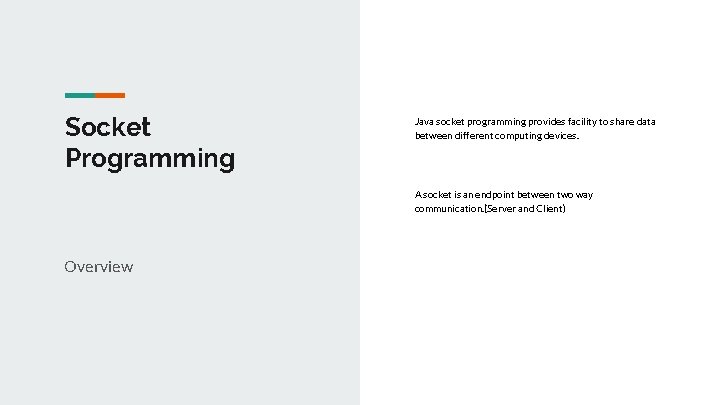
Socket Programming Java socket programming provides facility to share data between different computing devices. A socket is an endpoint between two way communication. (Server and Client) Overview
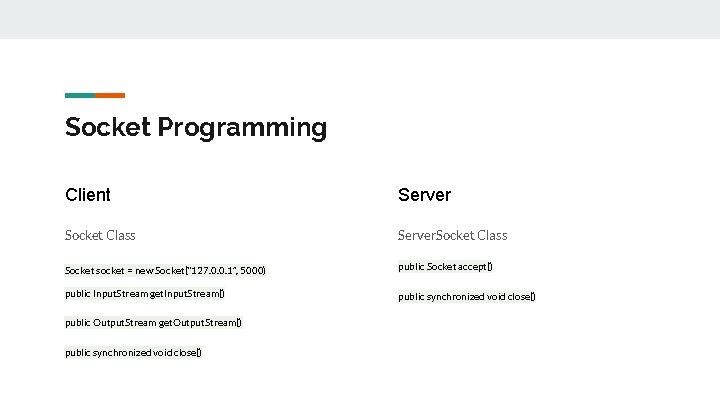
Socket Programming Client Server Socket Class Server. Socket Class Socket socket = new Socket(“ 127. 0. 0. 1”, 5000) public Socket accept() public Input. Stream get. Input. Stream() public synchronized void close() public Output. Stream get. Output. Stream() public synchronized void close()
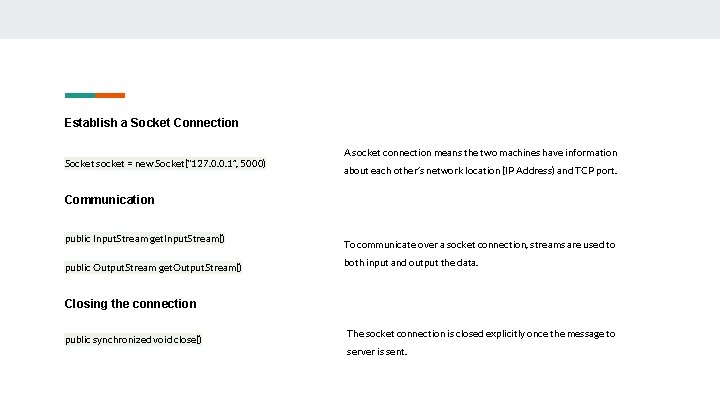
Establish a Socket Connection Socket socket = new Socket(“ 127. 0. 0. 1”, 5000) A socket connection means the two machines have information about each other’s network location (IP Address) and TCP port. Communication public Input. Stream get. Input. Stream() public Output. Stream get. Output. Stream() To communicate over a socket connection, streams are used to both input and output the data. Closing the connection public synchronized void close() The socket connection is closed explicitly once the message to server is sent.
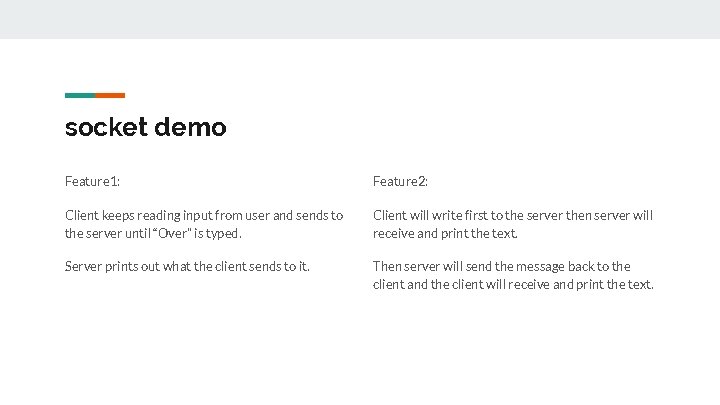
socket demo Feature 1: Feature 2: Client keeps reading input from user and sends to the server until “Over” is typed. Client will write first to the server then server will receive and print the text. Server prints out what the client sends to it. Then server will send the message back to the client and the client will receive and print the text.
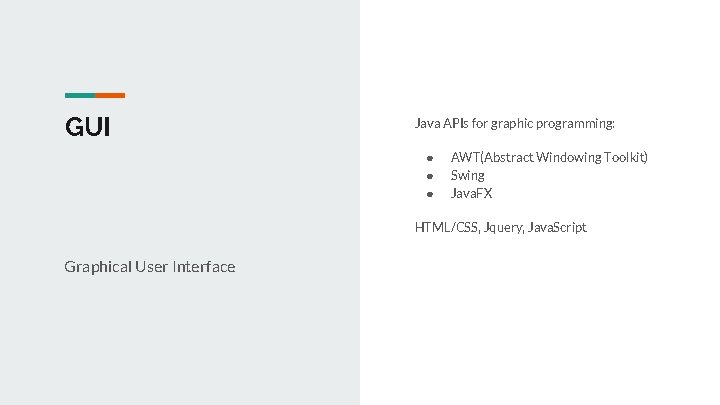
GUI Java APIs for graphic programming: ● ● ● AWT(Abstract Windowing Toolkit) Swing Java. FX HTML/CSS, Jquery, Java. Script Graphical User Interface
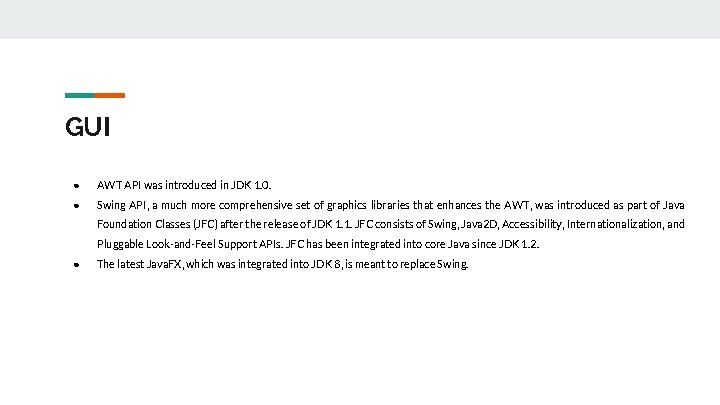
GUI ● AWT API was introduced in JDK 1. 0. ● Swing API, a much more comprehensive set of graphics libraries that enhances the AWT, was introduced as part of Java Foundation Classes (JFC) after the release of JDK 1. 1. JFC consists of Swing, Java 2 D, Accessibility, Internationalization, and Pluggable Look-and-Feel Support APIs. JFC has been integrated into core Java since JDK 1. 2. ● The latest Java. FX, which was integrated into JDK 8, is meant to replace Swing.
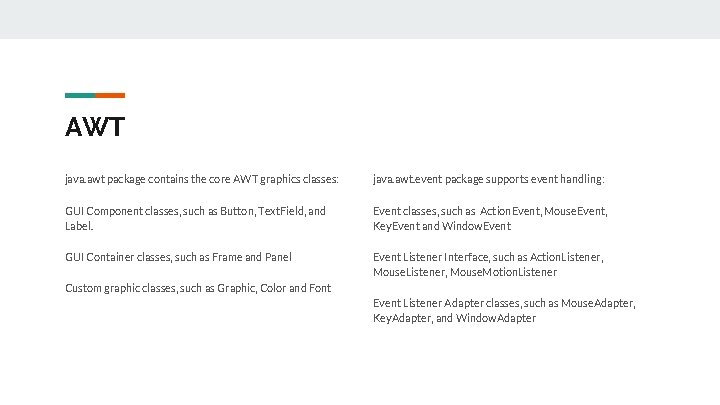
AWT java. awt package contains the core AWT graphics classes: java. awt. event package supports event handling: GUI Component classes, such as Button, Text. Field, and Label. Event classes, such as Action. Event, Mouse. Event, Key. Event and Window. Event GUI Container classes, such as Frame and Panel Event Listener Interface, such as Action. Listener, Mouse. Motion. Listener Custom graphic classes, such as Graphic, Color and Font Event Listener Adapter classes, such as Mouse. Adapter, Key. Adapter, and Window. Adapter
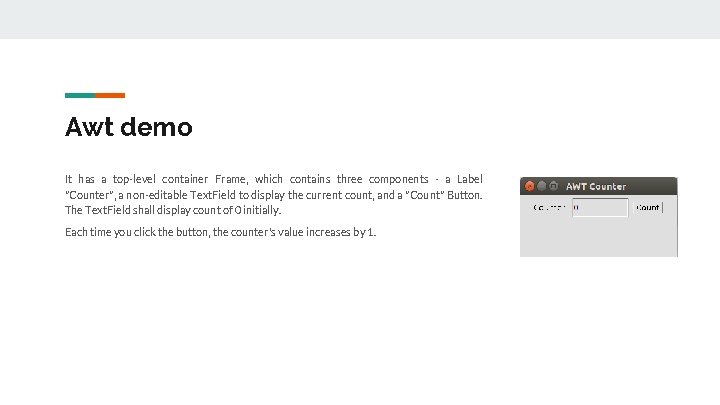
Awt demo It has a top-level container Frame, which contains three components - a Label "Counter", a non-editable Text. Field to display the current count, and a "Count" Button. The Text. Field shall display count of 0 initially. Each time you click the button, the counter's value increases by 1.
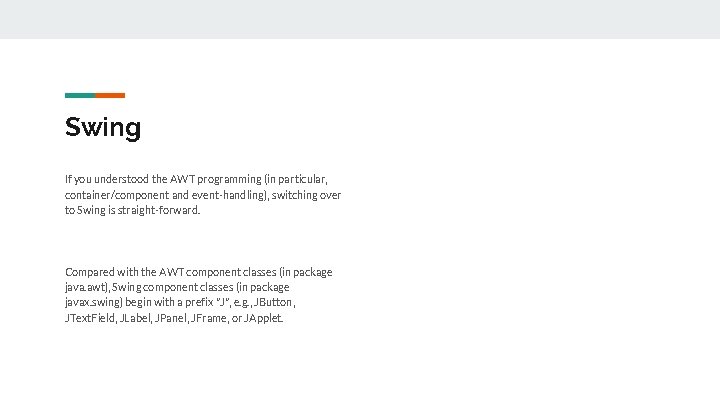
Swing If you understood the AWT programming (in particular, container/component and event-handling), switching over to Swing is straight-forward. Compared with the AWT component classes (in package java. awt), Swing component classes (in package javax. swing) begin with a prefix "J", e. g. , JButton, JText. Field, JLabel, JPanel, JFrame, or JApplet.
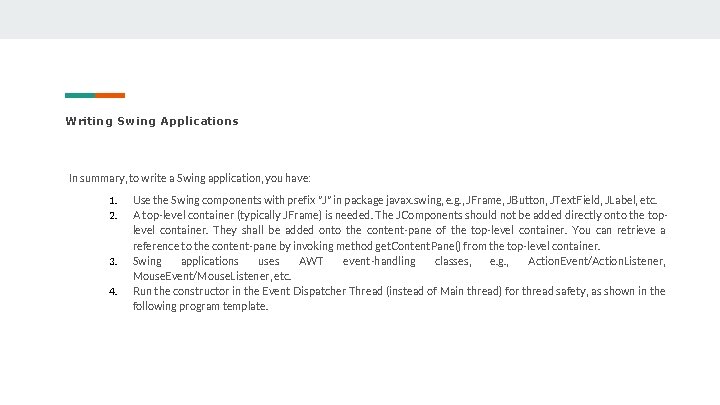
Writing Swing Applications In summary, to write a Swing application, you have: 1. 2. 3. 4. Use the Swing components with prefix "J" in package javax. swing, e. g. , JFrame, JButton, JText. Field, JLabel, etc. A top-level container (typically JFrame) is needed. The JComponents should not be added directly onto the toplevel container. They shall be added onto the content-pane of the top-level container. You can retrieve a reference to the content-pane by invoking method get. Content. Pane() from the top-level container. Swing applications uses AWT event-handling classes, e. g. , Action. Event/Action. Listener, Mouse. Event/Mouse. Listener, etc. Run the constructor in the Event Dispatcher Thread (instead of Main thread) for thread safety, as shown in the following program template.
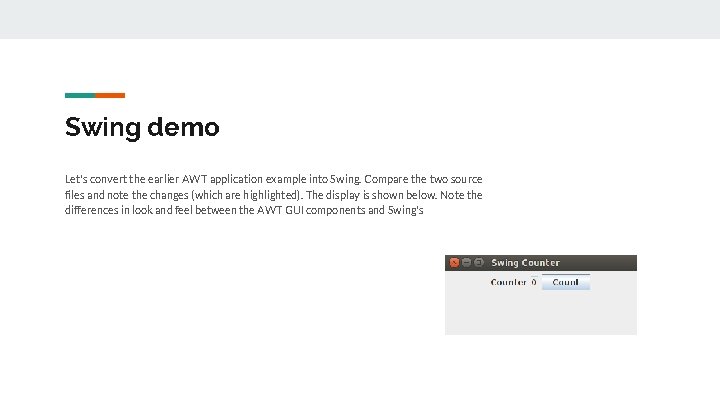
Swing demo Let's convert the earlier AWT application example into Swing. Compare the two source files and note the changes (which are highlighted). The display is shown below. Note the differences in look and feel between the AWT GUI components and Swing's
HTML+i. Query(Web-based) HTML j. Query Hyper. Text Markup Language Manipulation of html elements Purpose: How the website will look like(Layout)
j. Query(Library) j. Query is a library used primarily for Document Object Model (DOM) manipulation. The DOM is a tree-like structure that represents all elements on a webpage. j. Query can select DOM elements, create animations, handle events, and more. Its goal is to be extensible, simple, and clear to use. It takes care of all cross-browser incompatibilities, and it promotes the separation of HTML and Java. Script.
Bootstrap (framework) Bootstrap is an open-source front-end framework to help you with designing websites. It features a number of CSS styles, icons, components, and Java. Script plugins. These plugins include a lot of common things you might use when building a website. This includes modals, dropdowns, alerts, and buttons, to name a few.
Angular. JS HTML is great for declaring static documents, but it falters when we try to use it for declaring dynamic views in web-applications. Data-binding eliminates DOM manipulation. Controllers are the behavior behind the DOM elements.
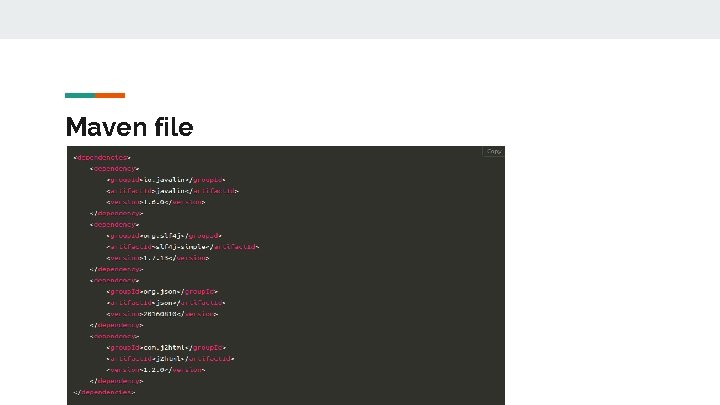
Maven Project Maven is a build automation tool used primarily for Java projects. It addresses two aspects of building software: First, it describes how software is built, and second, it describes its dependencies.
Maven file
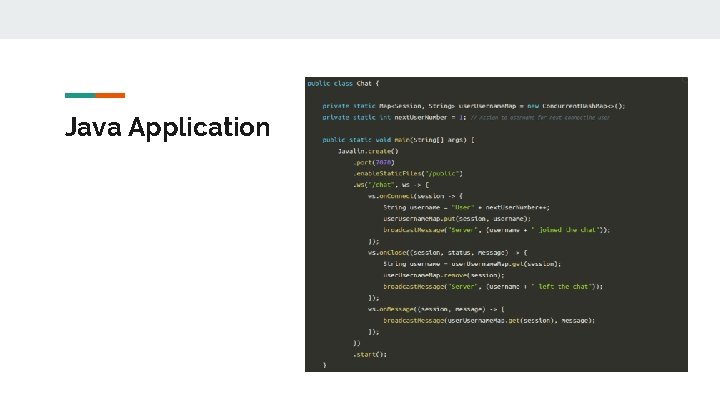
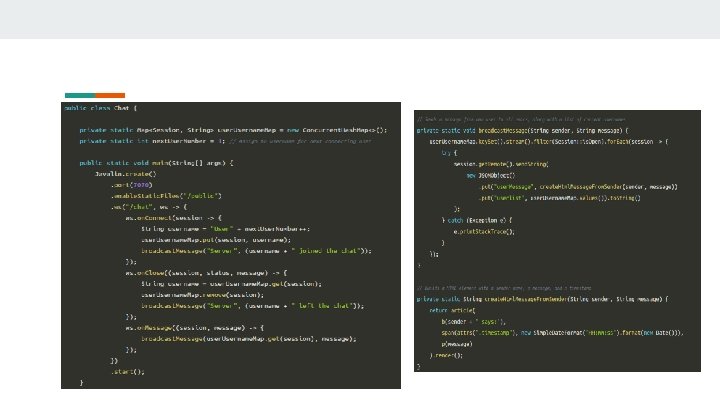
Java Application
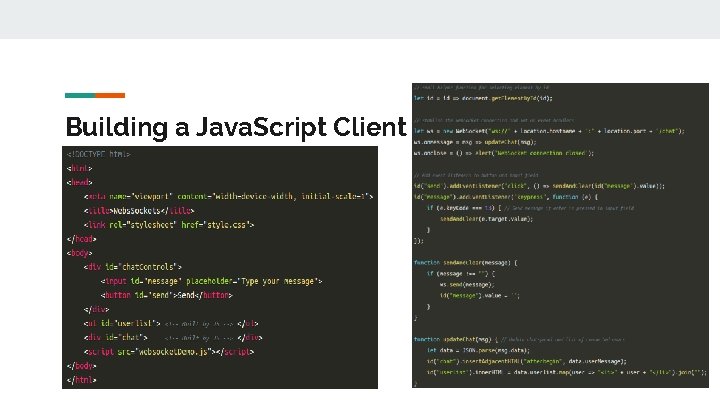
Building a Java. Script Client
Demo http: //javalin-websocket-example. herokuapp. com/
tips about tomcat Tomcat version Mvn clean install
Thank you