
Java Server Pages BY TEJASHRI UDAVANT Java Server
Java Server Pages BY: TEJASHRI UDAVANT.
Java Server Pages �Java Server Pages (JSPs) provide a way to separate the generation of dynamic content (java) from its presentation (html) �JSP specification builds on the functionality provided by the servlet specification.
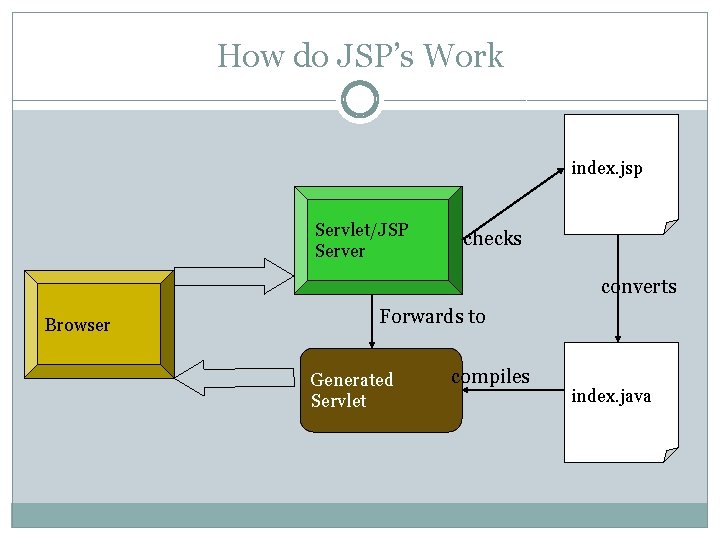
How do JSP’s Work index. jsp Servlet/JSP Server checks converts Browser Forwards to Generated Servlet compiles index. java
Basic JSP Syntax �Contains html code like static html pages with the JSP tags and scripting included in the page. �Three basic types of jsp tags Scripting Elements Directive Elements Action Elements
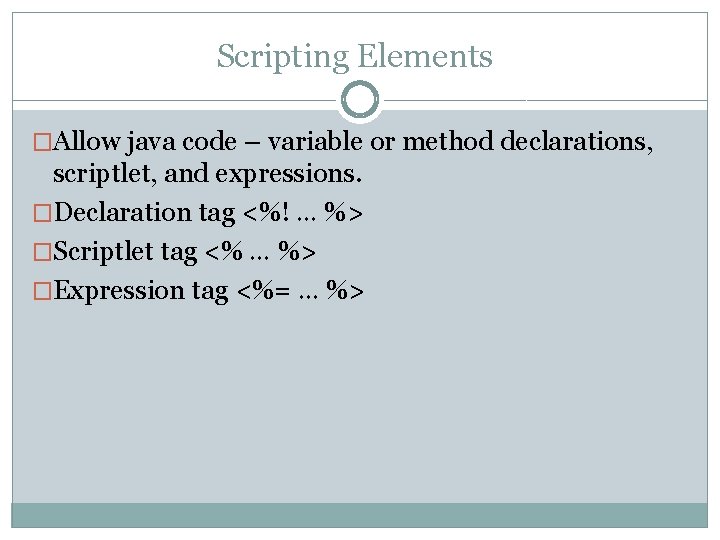
Scripting Elements �Allow java code – variable or method declarations, scriptlet, and expressions. �Declaration tag <%! … %> �Scriptlet tag <% … %> �Expression tag <%= … %>
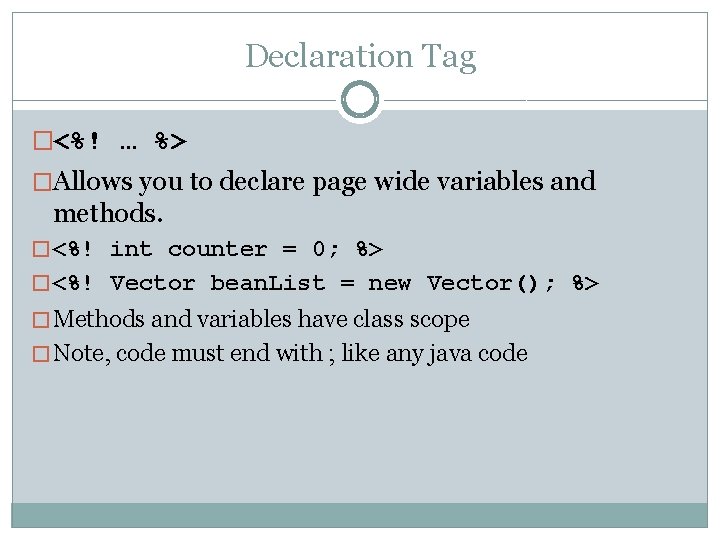
Declaration Tag �<%! … %> �Allows you to declare page wide variables and methods. � <%! int counter = 0; %> � <%! Vector bean. List = new Vector(); %> � Methods and variables have class scope � Note, code must end with ; like any java code
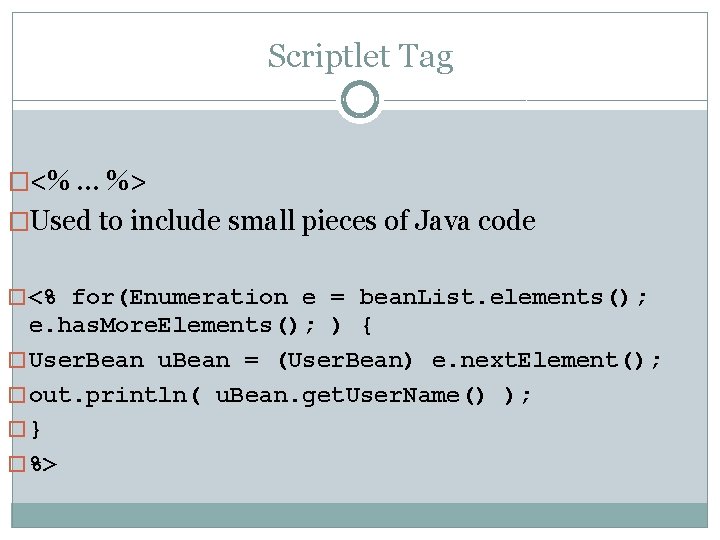
Scriptlet Tag �<% … %> �Used to include small pieces of Java code � <% for(Enumeration e = bean. List. elements(); e. has. More. Elements(); ) { � User. Bean u. Bean = (User. Bean) e. next. Element(); � out. println( u. Bean. get. User. Name() ); �} � %>
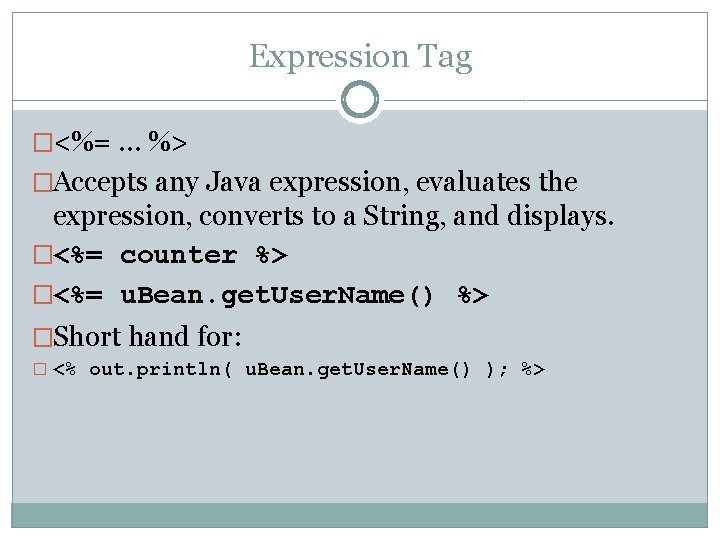
Expression Tag �<%= … %> �Accepts any Java expression, evaluates the expression, converts to a String, and displays. �<%= counter %> �<%= u. Bean. get. User. Name() %> �Short hand for: � <% out. println( u. Bean. get. User. Name() ); %>
JSP Directives �Directives provide global information to the JSP engine �For example, a directive can be used to import java classes. �Directive elements have a syntax of the form �<%@ directive … %>
Page Directives �The page directive defines a number of page dependent attributes <%@ page language=“Java” [ extends=“class. Name” ] [ import=“import. List” ] [ session= “true|false” ] [ buffer=“none|sizekb” ] [ auto. Flush=“true|false” ] [ is. Thread. Safe=“true|false” ] … %>
Page Directive �If language attribute is set, must be = “Java” �Default import list is java. lang. *, javax. servlet. *, javax. servlet. jsp. * and javax. servlet. http. *. �If session = “true” then default session variable of type javax. servlet. http. Http. Session references the current/new session for the page.
Include Directive �The include directive is used to inline text and/or code at JSP page translation-time. �<%@ page include file=“relative. URL” %> �<%@ page include=“/navbar. html”%>
JSP Actions �The syntax for action elements is based on XML(i. e. they have a start tag, a body, and an end tag). �The JSP specification includes some action types that are standard. �New action types are added using the taglib directive.
Standard Actions �Web container implements these actions �<jsp: use. Bean> �<jsp: set. Property> �<jsp: get. Property> �<jsp: include> �<jsp: forward> �<jsp: plugin> �<jsp: param>
Standard Actions �<jsp: use. Bean> �Associates an instance of a bean to a variable to use with in the jsp page �<jsp: use. Bean id=“name” scope=“page|request|session|application” class=“class. Name” type=“type. Name”> �… �</jsp: use. Bean>
Standard Actions - use. Bean �id – variable name to reference instance of class �scope page – javax. servlet. jsp. Page. Context � Objects request Servlet. Request � Objects accessible in pages processing request where bean is created session – Http. Session � Objects only accessible from within the page accessible from user session application – Servlet. Context � Objects accessible in pages belonging to same application
Standard Actions - use. Bean �Type (optional) Allows scripting variable to be cast to another type from implementation class, java casting rules apply. �Class Fully qualified class name that defines the implementation of the object
Standard Actions - set. Property �<jsp: set. Property> �Sets the value of properties in a bean �<jsp: set. Property name=“bean. Name” property=“property. Name”|(param=“parametername ”|value=“property. Value”)/> �Use property=“*” to set all properties from the request
Standard Actions - set. Property �Name Variable name as defined in use. Bean �Property Name of the bean property �Request Name of the request parameter (if omitted same name as bean property name) �Value assign property (Performs necessary conversions)
Standard Actions - get. Property �Gets the value of properties in a bean �<jsp: get. Property name=“bean. Name” property=“property. Name”/> �Name Variable name as defined in use. Bean �Property Name of the bean property to retrieve
Standard Actions – jsp: include �<jsp: include> �Allows you to include resources in the same context as the current page �<jsp: include page=“url” flush=“true”/> �page: Relative url �flush: If true, buffer is flushed
Standard Actions – jsp: forward �<jsp: forward> �Allows you to dispatch the request to a different page �<jsp: forward page=“url”/> �page: Relative url
Standard Actions - <jsp: plugin> �Creates HTML that contains OBJECT or EMBED constructs that result in Java Plugin download and execution of Applet �<jsp: plugin type=“applet” code=“applet. class” codebase=“/html”> �<jsp: fallback> �<p>Can’t display applet</p> �</jsp: fallback> �</jsp: plugin> �Fallback is used if the plugin cannot be started
Standard Actions - jsp: param �<jsp: param> �Used to provide key/value information for <jsp: include>, <jsp: forward>, and <jsp: plugin> �<jsp: param name=“name” value=“value”/> �Name and value are mandatory
Access Models �Two approaches to building application with JSPs �Model 1: JSP page processes all input �Model 2: Servlet acts as a controller and directs http traffic to appropriate responses
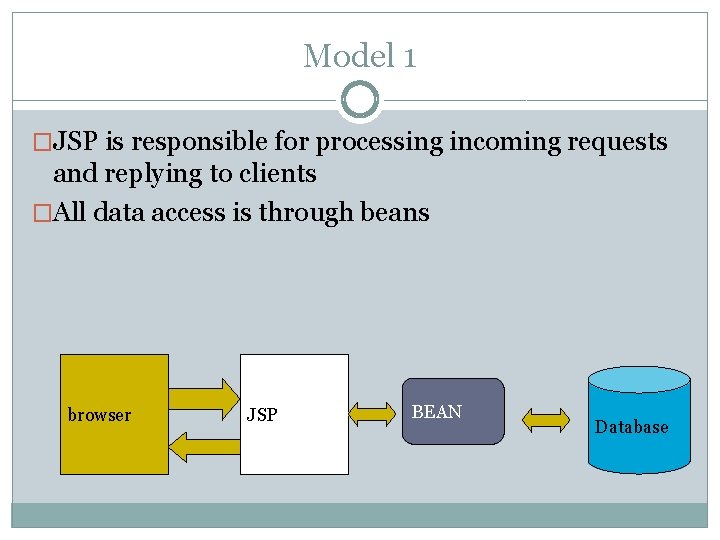
Model 1 �JSP is responsible for processing incoming requests and replying to clients �All data access is through beans browser JSP BEAN Database
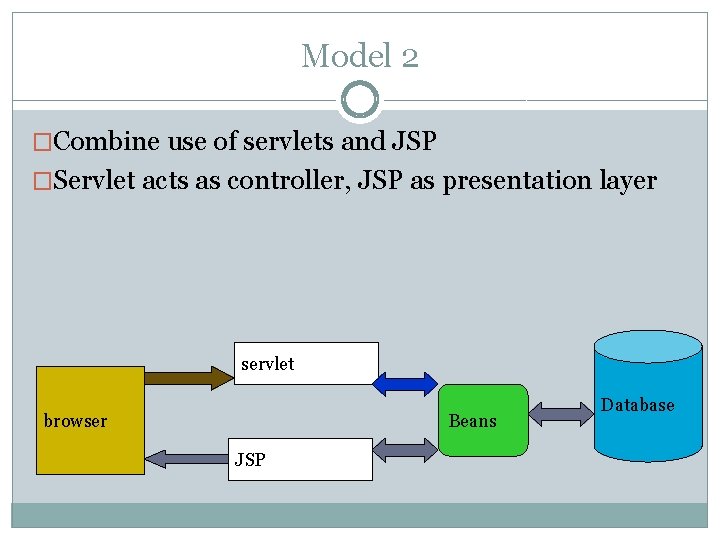
Model 2 �Combine use of servlets and JSP �Servlet acts as controller, JSP as presentation layer servlet Beans browser JSP Database
- Slides: 27