
Java Script Programming Labs 1 B RAMAMURTHY B
Java. Script Programming Labs 1 B. RAMAMURTHY B. Ramamurthy CSE 651 1/15/2022
Why Java. Script? (contd. ) 2 � JSON: Javascript Object notation � JSON based data exchange; JSON based webservices � From www. json. org � JSON is built on two structures: A collection of name/value pairs. In various languages, this is realized as an object, record, struct, dictionary, hash table, keyed list, or associative array. � An ordered list of values. In most languages, this is realized as an array, vector, list, or sequence. � � These are universal data structures. Virtually all modern programming languages support them in one form or another. It makes sense that a data format that is interchangeable with programming languages also be based on these structures. B. Ramamurthy CSE 651 1/15/2022
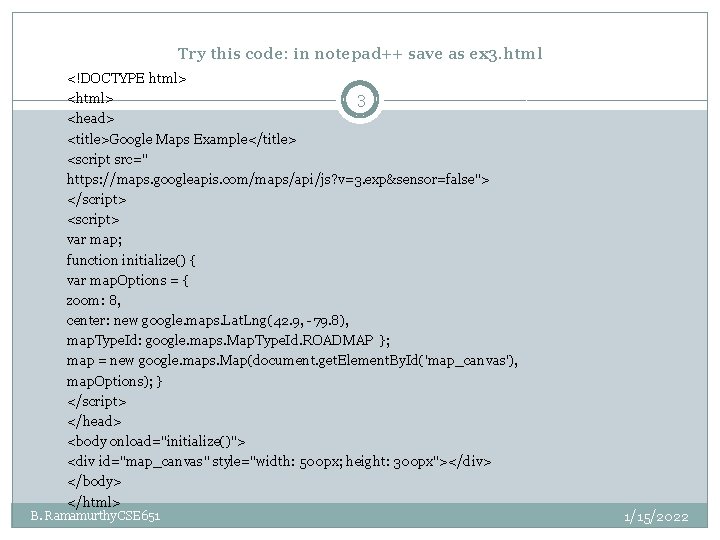
Try this code: in notepad++ save as ex 3. html <!DOCTYPE html> <html> 3 <head> <title>Google Maps Example</title> <script src=" https: //maps. googleapis. com/maps/api/js? v=3. exp&sensor=false"> </script> <script> var map; function initialize() { var map. Options = { zoom: 8, center: new google. maps. Lat. Lng(42. 9, -79. 8), map. Type. Id: google. maps. Map. Type. Id. ROADMAP }; map = new google. maps. Map(document. get. Element. By. Id('map_canvas'), map. Options); } </script> </head> <body onload="initialize()"> <div id="map_canvas" style="width: 500 px; height: 300 px"></div> </body> </html> B. Ramamurthy CSE 651 1/15/2022
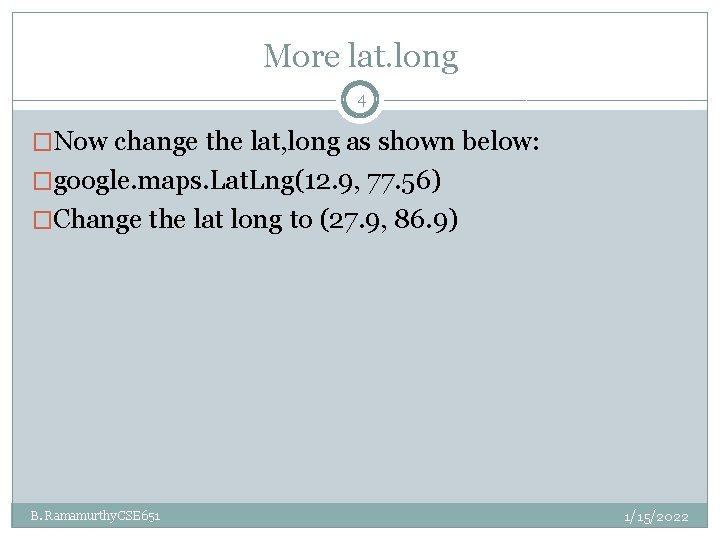
More lat. long 4 �Now change the lat, long as shown below: �google. maps. Lat. Lng(12. 9, 77. 56) �Change the lat long to (27. 9, 86. 9) B. Ramamurthy CSE 651 1/15/2022
On to Java. Script 5 �Lets learn some more features of JS and also how to power an application using JS functions. �Also we want to structure our applications in a modular fashion: no mix of HTML, CSS and JS: three separate files �Lets do that for this Google Map example B. Ramamurthy CSE 651 1/15/2022
HTML+JS 6 �Lets add some widgets like buttons and textboxes and power them using JS functions �Only that we will separate the widgets and function in html and js file separately B. Ramamurthy CSE 651 1/15/2022
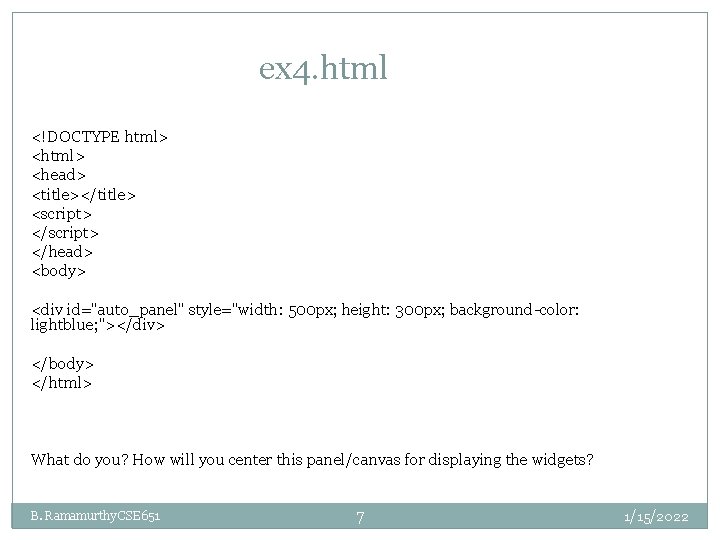
ex 4. html <!DOCTYPE html> <head> <title></title> <script> </head> <body> <div id="auto_panel" style="width: 500 px; height: 300 px; background-color: lightblue; "></div> </body> </html> What do you? How will you center this panel/canvas for displaying the widgets? B. Ramamurthy CSE 651 7 1/15/2022
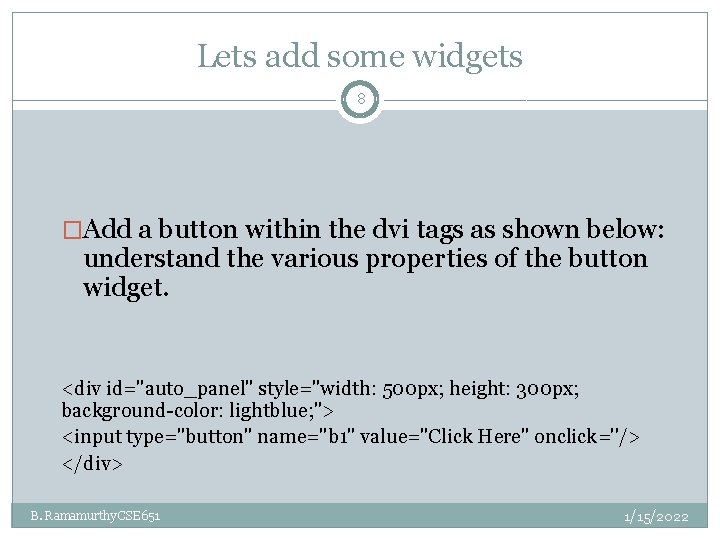
Lets add some widgets 8 �Add a button within the dvi tags as shown below: understand the various properties of the button widget. <div id="auto_panel" style="width: 500 px; height: 300 px; background-color: lightblue; "> <input type="button" name="b 1" value="Click Here" onclick=''/> </div> B. Ramamurthy CSE 651 1/15/2022
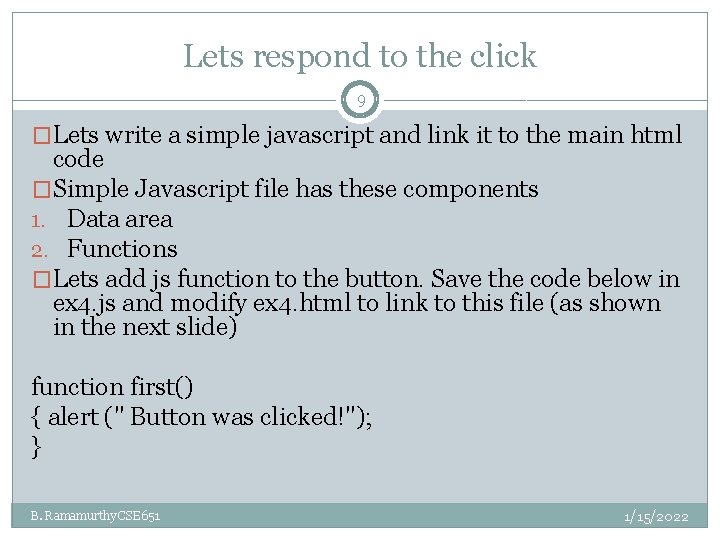
Lets respond to the click 9 �Lets write a simple javascript and link it to the main html code �Simple Javascript file has these components 1. Data area 2. Functions �Lets add js function to the button. Save the code below in ex 4. js and modify ex 4. html to link to this file (as shown in the next slide) function first() { alert (" Button was clicked!"); } B. Ramamurthy CSE 651 1/15/2022
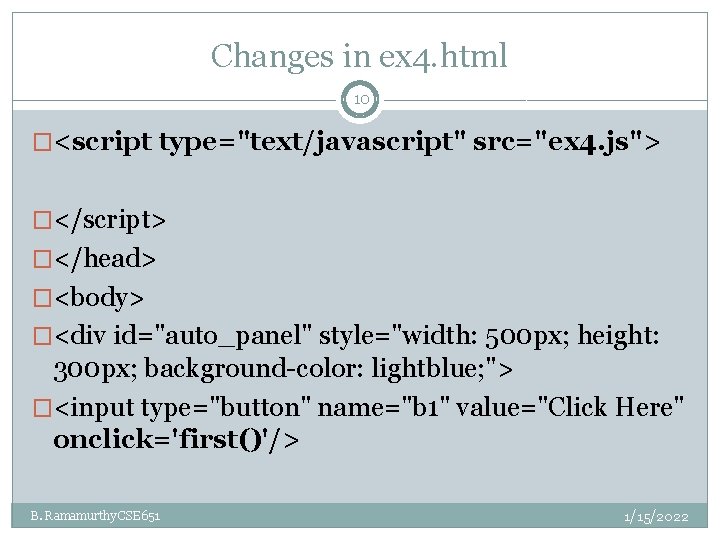
Changes in ex 4. html 10 �<script type="text/javascript" src="ex 4. js"> �</script> �</head> �<body> �<div id="auto_panel" style="width: 500 px; height: 300 px; background-color: lightblue; "> �<input type="button" name="b 1" value="Click Here" onclick='first()'/> B. Ramamurthy CSE 651 1/15/2022
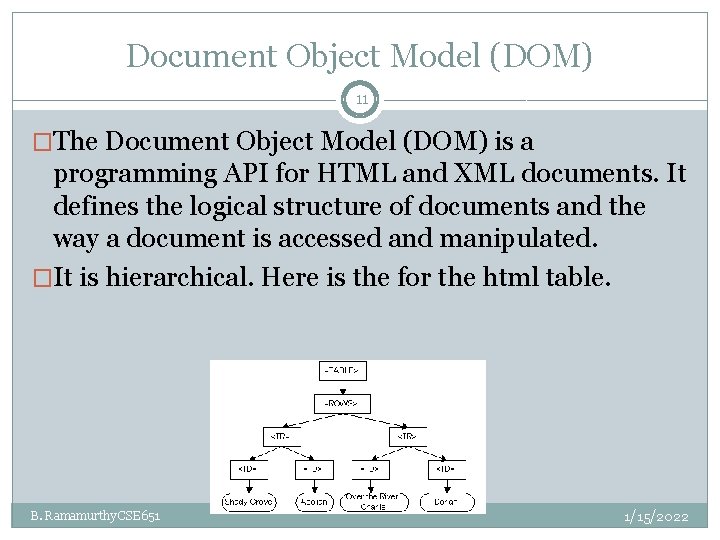
Document Object Model (DOM) 11 �The Document Object Model (DOM) is a programming API for HTML and XML documents. It defines the logical structure of documents and the way a document is accessed and manipulated. �It is hierarchical. Here is the for the html table. B. Ramamurthy CSE 651 1/15/2022
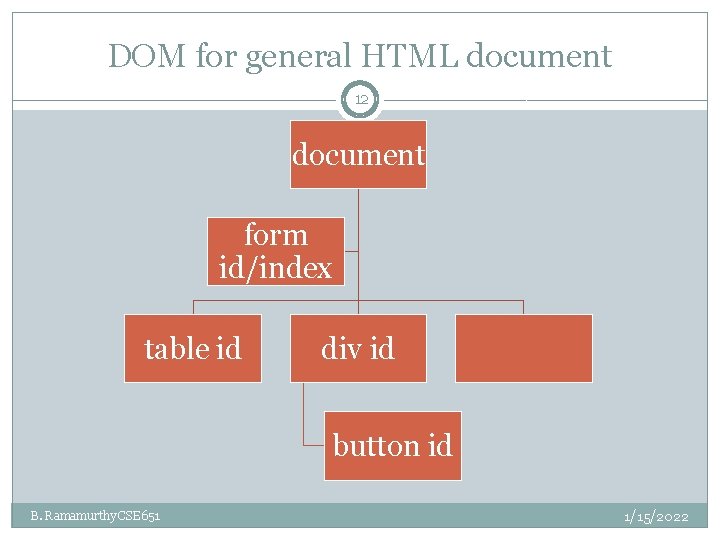
DOM for general HTML document 12 document form id/index table id div id button id B. Ramamurthy CSE 651 1/15/2022
DOM nodes 13 �In the HTML DOM (Document Object Model), everything is a node: �The document itself is a document node �All HTML elements are element nodes �All HTML attributes are attribute nodes �Text inside HTML elements are text nodes �Comments are comment nodes B. Ramamurthy CSE 651 1/15/2022
DOM usage 14 �Using the DOM structure we can refer to the various elements of the html document using “OO” dot notation �Example: add this line to first function in the ex 4. js file document. write (“Hello everyone!”); Save and run the e 4. html B. Ramamurthy CSE 651 1/15/2022
DOM objects 15 �Many useful DOM objects are available; One thats of use to us is the Math object �You can use most any math function: �var x = Math. PI; // Returns PI �var y = Math. sqrt(64); // Returns the square root of 64 B. Ramamurthy CSE 651 1/15/2022
Lets do some computation 16 �Lets add a text box, do some computation in the javascript and return to the document �Start a new exercise �Save ex 4. html as ex 5. html, ex 4, js as ex 5. js �Modify ex 4. html to have a textbox element �Change the button to Get Random Number �Make sure to change script file linked to ex 5. js �We have also introduced the “form” tag, that is a very useful tag �As shown in the code next B. Ramamurthy CSE 651 1/15/2022
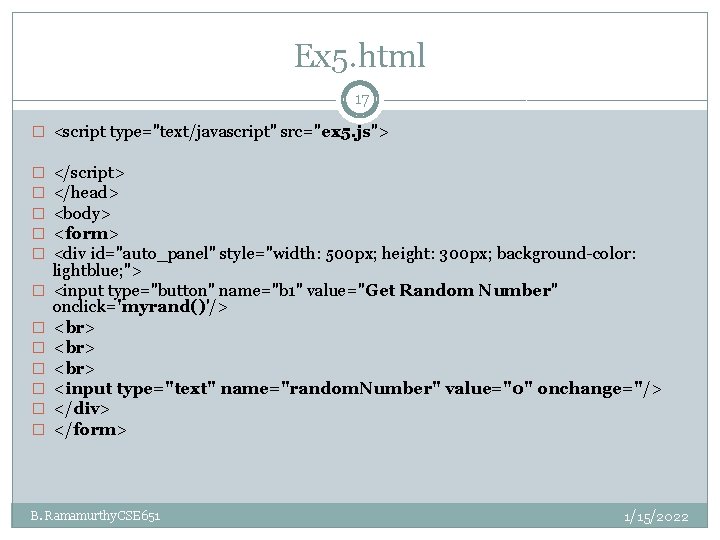
Ex 5. html 17 � <script type="text/javascript" src="ex 5. js"> � � � </script> </head> <body> <form> <div id="auto_panel" style="width: 500 px; height: 300 px; background-color: lightblue; "> <input type="button" name="b 1" value="Get Random Number" onclick='myrand()'/> <input type="text" name="random. Number" value="0" onchange=''/> </div> </form> B. Ramamurthy CSE 651 1/15/2022
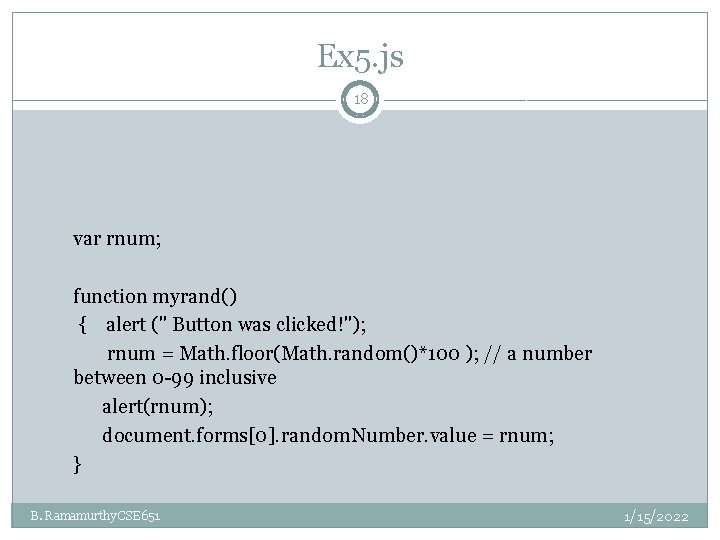
Ex 5. js 18 var rnum; function myrand() { alert (" Button was clicked!"); rnum = Math. floor(Math. random()*100 ); // a number between 0 -99 inclusive alert(rnum); document. forms[0]. random. Number. value = rnum; } B. Ramamurthy CSE 651 1/15/2022
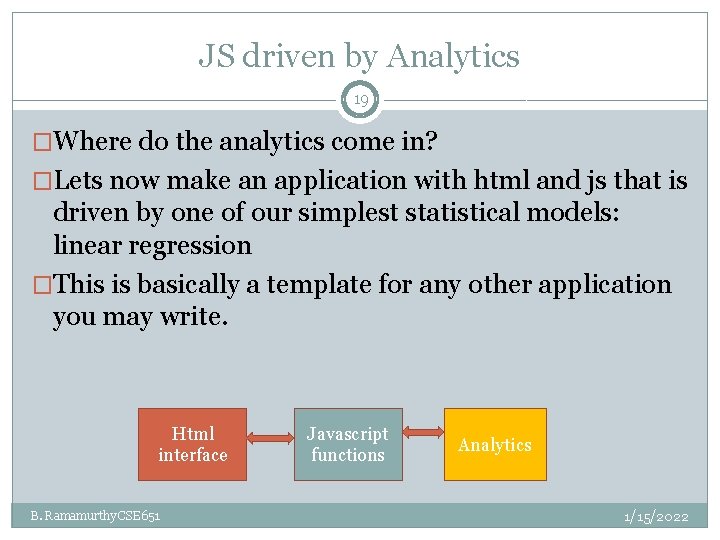
JS driven by Analytics 19 �Where do the analytics come in? �Lets now make an application with html and js that is driven by one of our simplest statistical models: linear regression �This is basically a template for any other application you may write. Html interface B. Ramamurthy CSE 651 Javascript functions Analytics 1/15/2022
Linear regression Application 20 �Lets plan the interface: y = a + bx �We need input boxes for a, b and x and an output box for displaying the result in y �A button to start the analytics (simple in this case) �Like mentioned before this example is simply a template, the analytics could me more complex than this. �This is an in-class exercise for you. B. Ramamurthy CSE 651 1/15/2022
Summary 21 �We looked basic features of Javascript working with html input interface �Any analytics module can be easily be made to power this workflow that we studied / practiced in this session �Study the material/paper given in the reference for more information on javascript. B. Ramamurthy CSE 651 1/15/2022
References 22 �Third Party Java. Script book �DOM standard: http: //www. w 3. org/TR/1998/WD- DOM-19980720/introduction. html �DOM: w 3 schools. com B. Ramamurthy CSE 651 1/15/2022
- Slides: 22