
Java RMI Distributed Systems IT 332 2 Outline
Java RMI Distributed Systems IT 332
2 Outline Introduction to RMI Architecture RMI Program Example
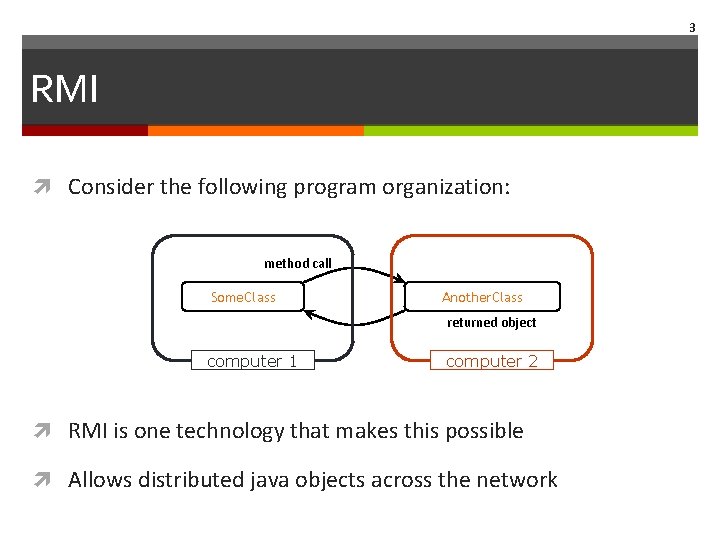
3 RMI Consider the following program organization: method call Some. Class Another. Class returned object computer 1 computer 2 RMI is one technology that makes this possible Allows distributed java objects across the network
4 RMI and other technologies CORBA (Common Object Request Broker Architecture) CORBA supports object transmission between virtually any languages Objects have to be described in IDL (Interface Definition Language) CORBA is complex and flaky RMI is purely Java-specific Java to Java communications only As a result, RMI is much simpler than CORBA
5 RMI Components The RMI application contains the THREE components: RMI Server: contains objects whose methods are to be called remotely. RMI Client: gets the reference of one or more remote objects from Registry with the help of object RMI Registry: is a naming service. Servers use registry to bind the remote java object with their names. Clients executing on local or remote machines retrieve the remote objects by their name registered.
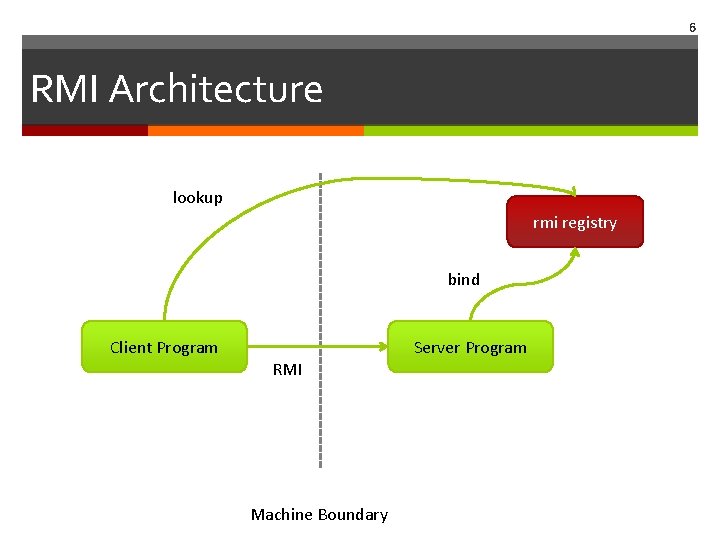
6 RMI Architecture lookup rmi registry bind Client Program Server Program RMI Machine Boundary
7 Steps for Developing an RMI System 1. Define the interface 2. Develop the server program 3. Develop the client program
Step 1: Defining the Interface To create an RMI application, first define a remote interface between the client and server objects. A remote interface must satisfy the following requirements: Must extend the interface java. rmi. Remote. Each method declaration in a remote interface must include the exception java. rmi. Remote. Exception (or one of its superclasses such as java. io. IOException or java. lang. Exception) in its throws clause. public interface Remote a remote interface is an interface that declares a set of methods that may be invoked from a remote Java virtual machine. Only those methods specified in a "remote interface” are available remotely.
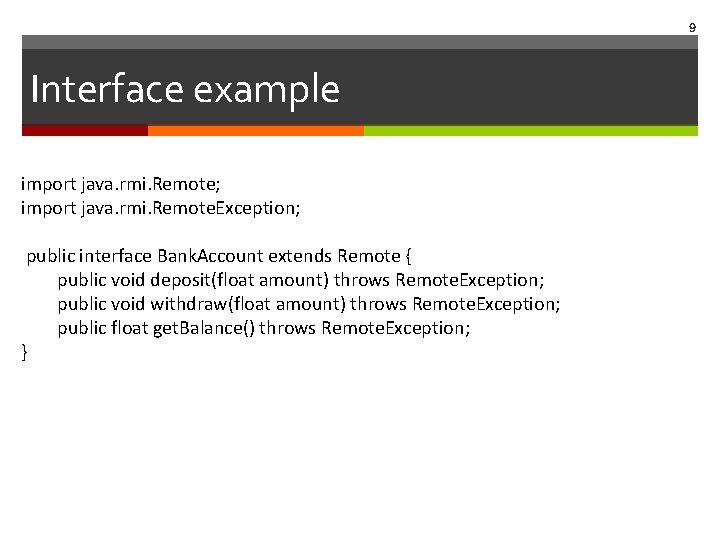
9 Interface example import java. rmi. Remote; import java. rmi. Remote. Exception; public interface Bank. Account extends Remote { public void deposit(float amount) throws Remote. Exception; public void withdraw(float amount) throws Remote. Exception; public float get. Balance() throws Remote. Exception; }
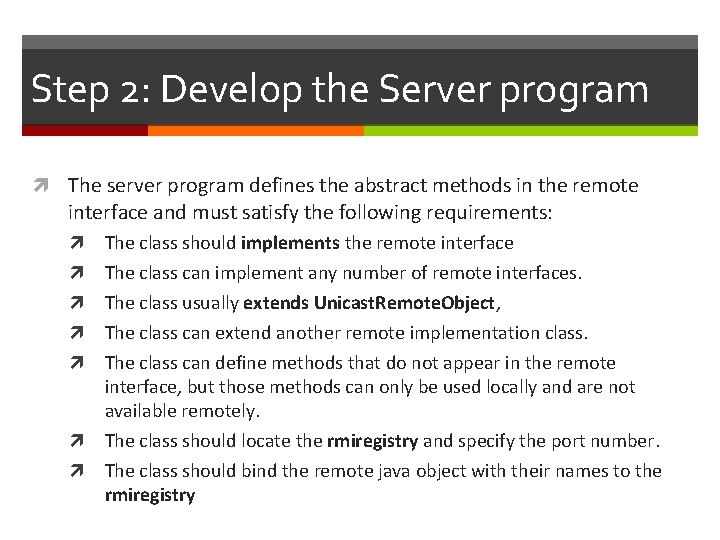
Step 2: Develop the Server program The server program defines the abstract methods in the remote interface and must satisfy the following requirements: The class should implements the remote interface The class can implement any number of remote interfaces. The class usually extends Unicast. Remote. Object, The class can extend another remote implementation class. The class can define methods that do not appear in the remote interface, but those methods can only be used locally and are not available remotely. The class should locate the rmiregistry and specify the port number. The class should bind the remote java object with their names to the rmiregistry
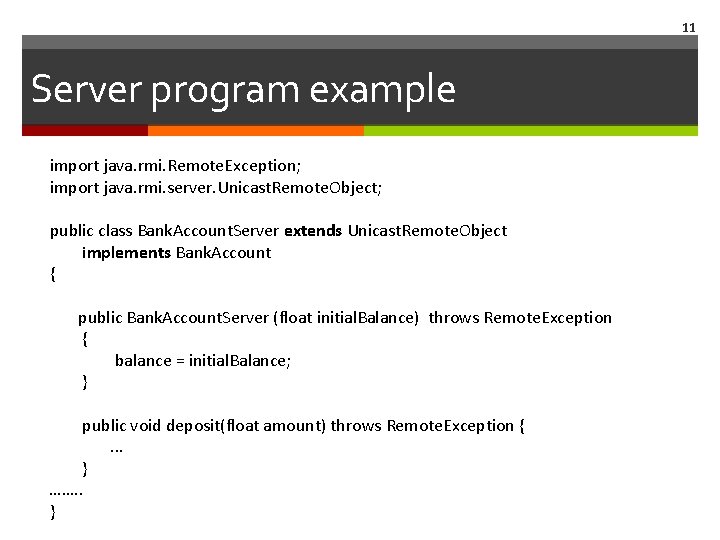
11 Server program example import java. rmi. Remote. Exception; import java. rmi. server. Unicast. Remote. Object; public class Bank. Account. Server extends Unicast. Remote. Object implements Bank. Account { public Bank. Account. Server (float initial. Balance) throws Remote. Exception { balance = initial. Balance; } public void deposit(float amount) throws Remote. Exception {. . . } ……. . }
![12 Server program example public static void main(String args []) { try { Registry](http://slidetodoc.com/presentation_image/247842d823416d8694098e043692578e/image-12.jpg "12 Server program example public static void main(String args []) { try { Registry")
12 Server program example public static void main(String args []) { try { Registry reg= Locate. Registry. create. Registry(1234); reg. rebind("server", new Bank. Account. Server ()); System. out. println("Server started"); }catch (Exception e) { System. out. print(e. to. String()); } }
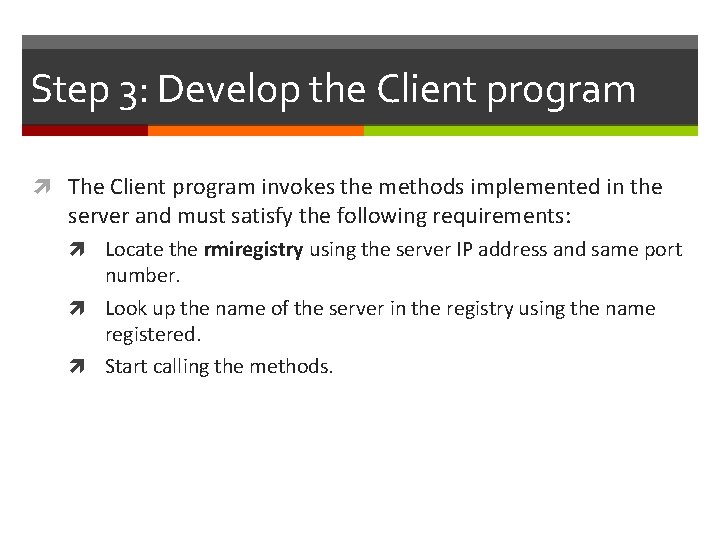
Step 3: Develop the Client program The Client program invokes the methods implemented in the server and must satisfy the following requirements: Locate the rmiregistry using the server IP address and same port number. Look up the name of the server in the registry using the name registered. Start calling the methods.
![14 Client example public static void main(String args[]) { try{ Registry reg= Locate. Registry.](http://slidetodoc.com/presentation_image/247842d823416d8694098e043692578e/image-14.jpg "14 Client example public static void main(String args[]) { try{ Registry reg= Locate. Registry.")
14 Client example public static void main(String args[]) { try{ Registry reg= Locate. Registry. get. Registry("127. 0. 0. 1", 1234); RMI rmi= (RMI) reg. lookup("server"); System. out. println("Connected to RMI server"); rmi. deposit(1000); } } catch(Exception e) { System. out. printf(e. to. String()); }
15 Practice!
- Slides: 15