
Java Programming Lecture 2 Input Output InputOutput Parsing
- Slides: 28
Java Programming Lecture 2 Input /Output
Input/Output • Parsing Numeric Strings • I/O System and GUI • Read From and Write to Files 2
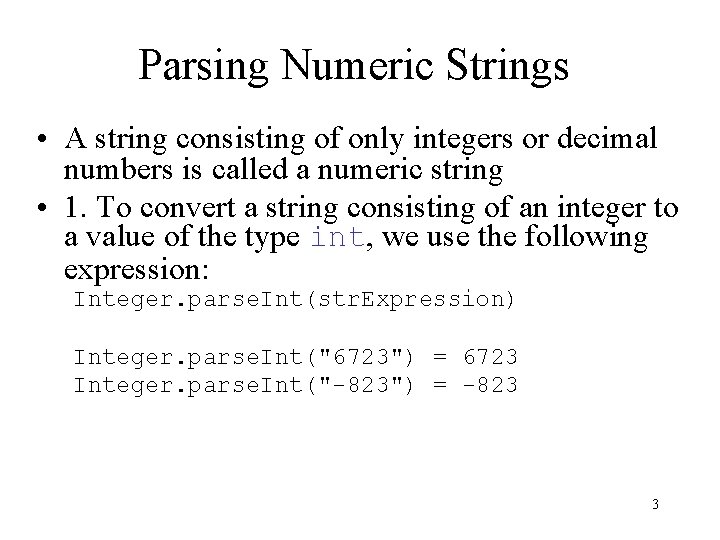
Parsing Numeric Strings • A string consisting of only integers or decimal numbers is called a numeric string • 1. To convert a string consisting of an integer to a value of the type int, we use the following expression: Integer. parse. Int(str. Expression) Integer. parse. Int("6723") = 6723 Integer. parse. Int("-823") = -823 3
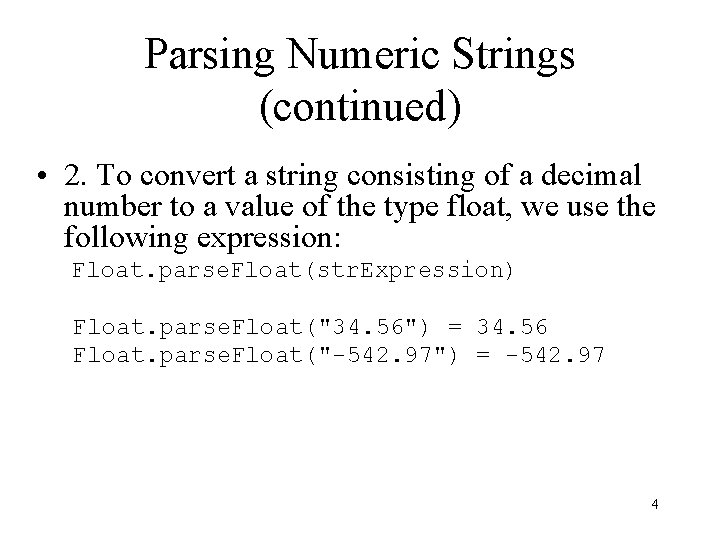
Parsing Numeric Strings (continued) • 2. To convert a string consisting of a decimal number to a value of the type float, we use the following expression: Float. parse. Float(str. Expression) Float. parse. Float("34. 56") = 34. 56 Float. parse. Float("-542. 97") = -542. 97 4
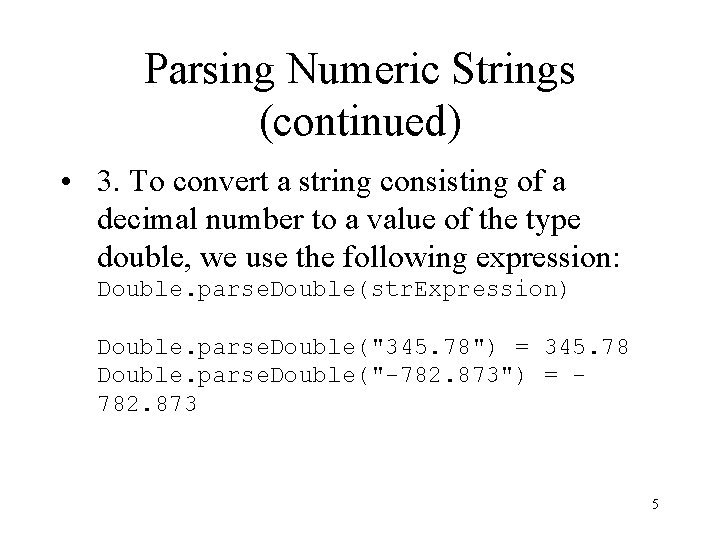
Parsing Numeric Strings (continued) • 3. To convert a string consisting of a decimal number to a value of the type double, we use the following expression: Double. parse. Double(str. Expression) Double. parse. Double("345. 78") = 345. 78 Double. parse. Double("-782. 873") = 782. 873 5
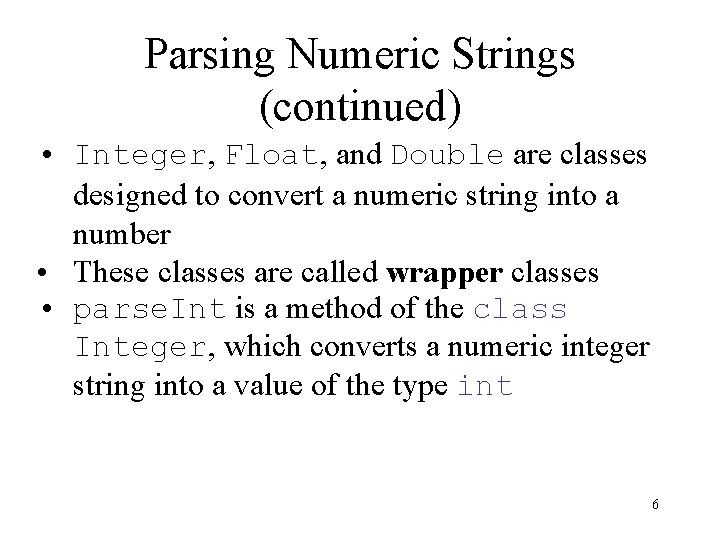
Parsing Numeric Strings (continued) • Integer, Float, and Double are classes designed to convert a numeric string into a number • These classes are called wrapper classes • parse. Int is a method of the class Integer, which converts a numeric integer string into a value of the type int 6
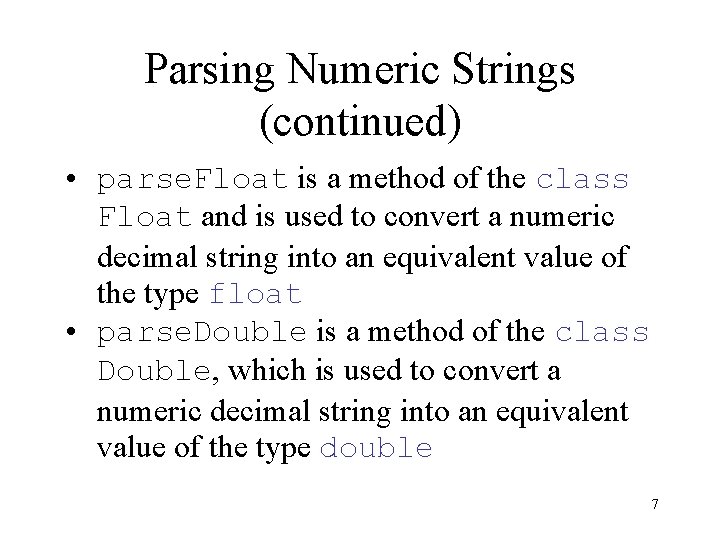
Parsing Numeric Strings (continued) • parse. Float is a method of the class Float and is used to convert a numeric decimal string into an equivalent value of the type float • parse. Double is a method of the class Double, which is used to convert a numeric decimal string into an equivalent value of the type double 7
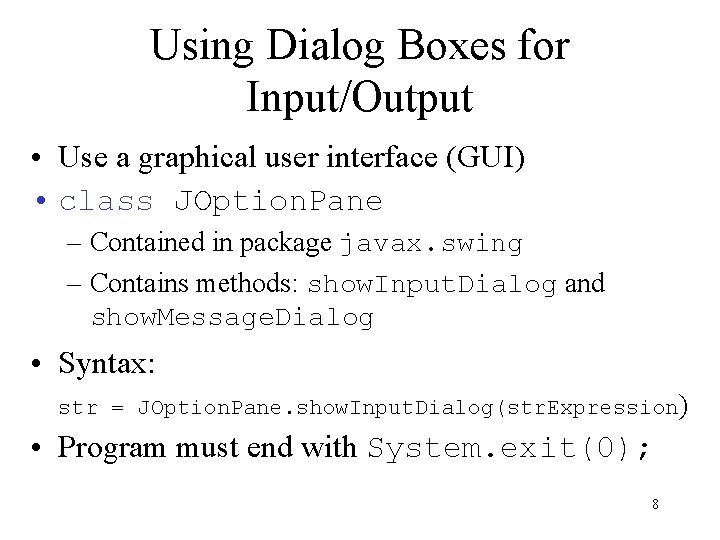
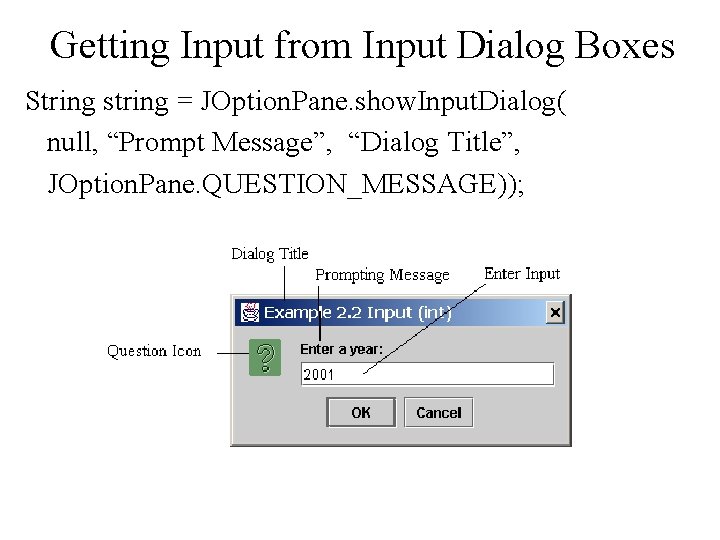
Using Dialog Boxes for Input/Output • Use a graphical user interface (GUI) • class JOption. Pane – Contained in package javax. swing – Contains methods: show. Input. Dialog and show. Message. Dialog • Syntax: str = JOption. Pane. show. Input. Dialog(str. Expression) • Program must end with System. exit(0); 8
Getting Input from Input Dialog Boxes String string = JOption. Pane. show. Input. Dialog( null, “Prompt Message”, “Dialog Title”, JOption. Pane. QUESTION_MESSAGE));
Convertting Strings to Integers The input returned from the input dialog box is a string. If you enter a numeric value such as 123, it returns “ 123”. To obtain the input as a number, you have to convert a string into a number. To convert a string into an int value, you can use the static parse. Int method in the Integer class as follows: int. Value = Integer. parse. Int(int. String); where int. String is a numeric string such as “ 123”.
Convertting Strings to Doubles To convert a string into a double value, you can use the static parse. Double method in the Double class as follows: double. Value =Double. parse. Double(double. String); where double. String is a numeric string such as “ 123. 45”.
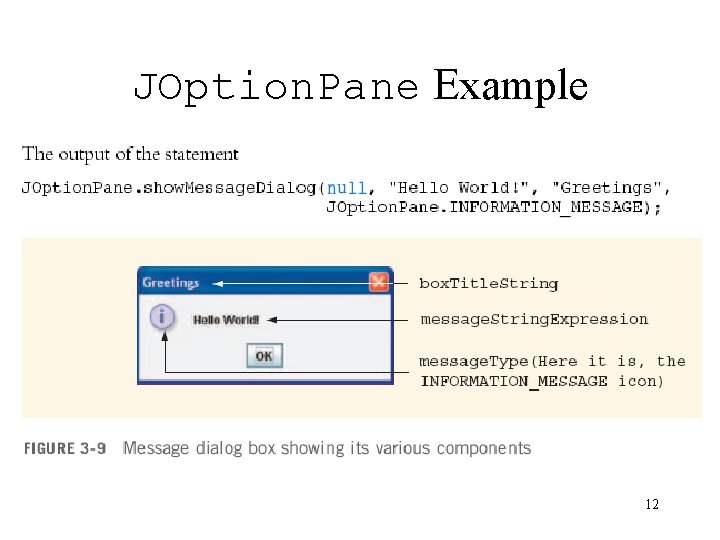
JOption. Pane Example 12
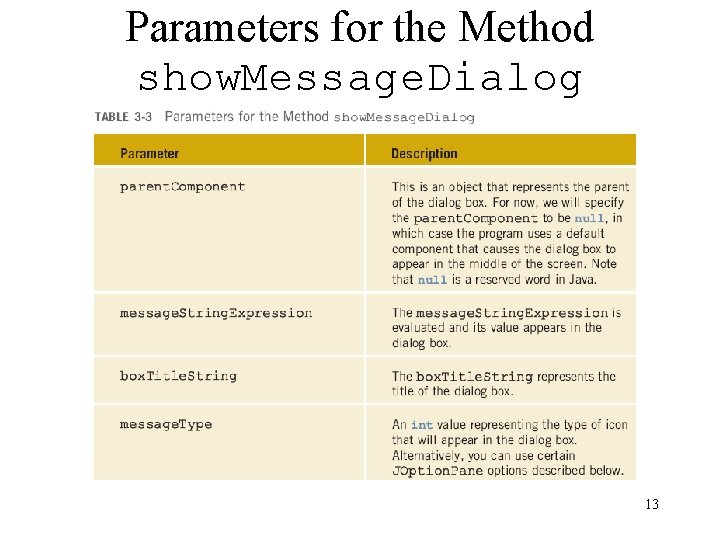
Parameters for the Method show. Message. Dialog 13
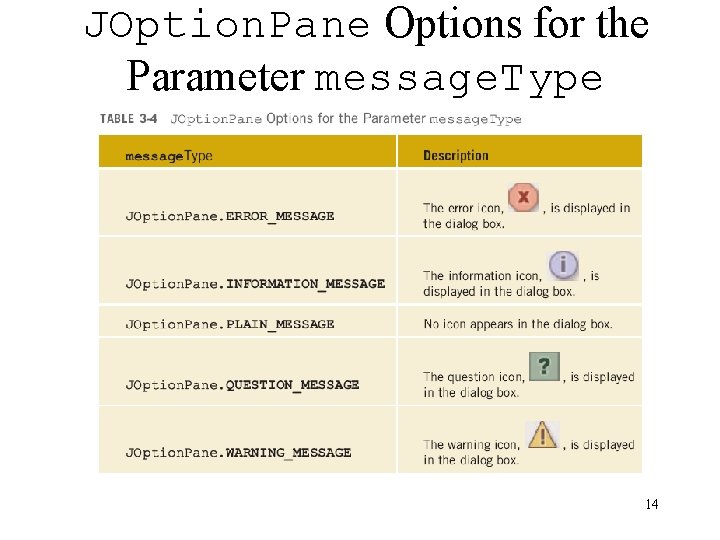
JOption. Pane Options for the Parameter message. Type 14
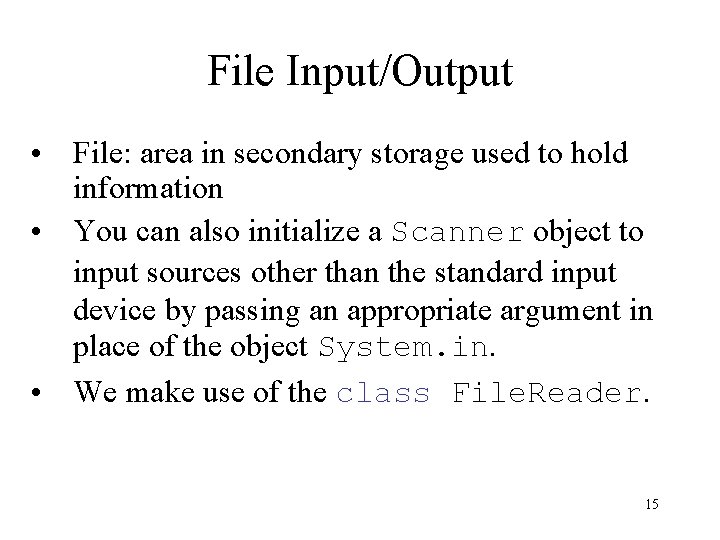
File Input/Output • File: area in secondary storage used to hold information • You can also initialize a Scanner object to input sources other than the standard input device by passing an appropriate argument in place of the object System. in. • We make use of the class File. Reader. 15
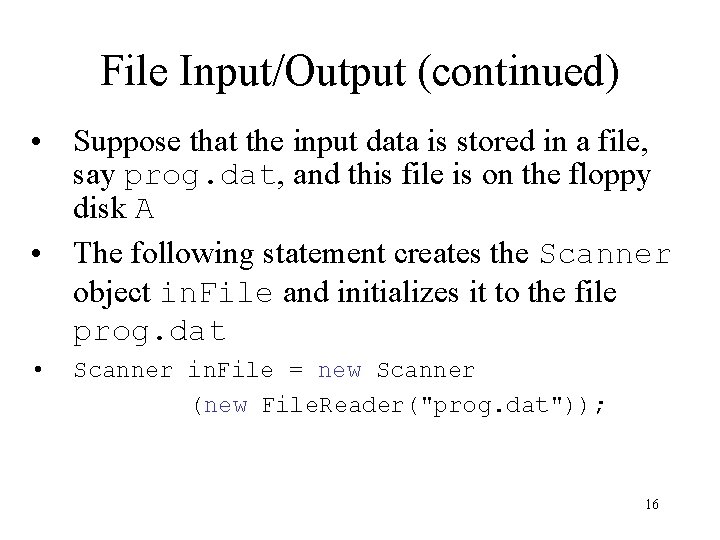
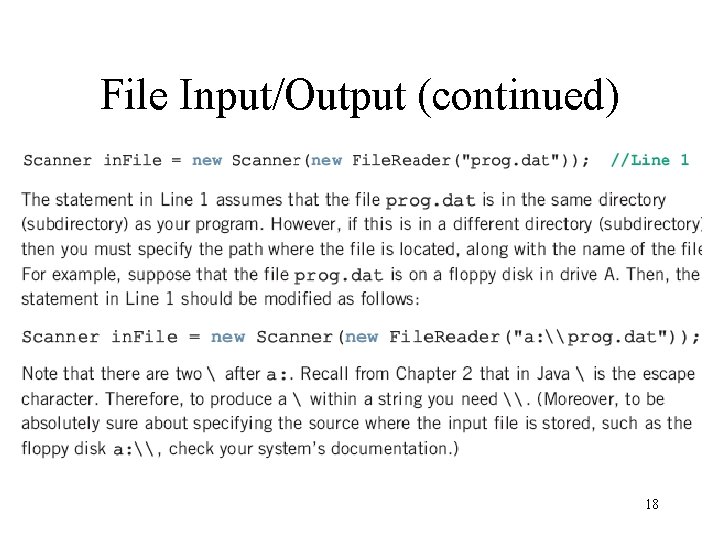
File Input/Output (continued) • Suppose that the input data is stored in a file, say prog. dat, and this file is on the floppy disk A • The following statement creates the Scanner object in. File and initializes it to the file prog. dat • Scanner in. File = new Scanner (new File. Reader("prog. dat")); 16
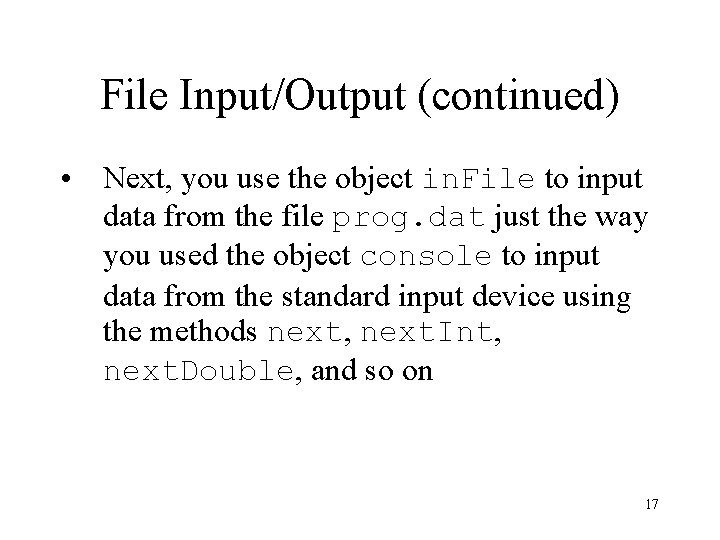
File Input/Output (continued) • Next, you use the object in. File to input data from the file prog. dat just the way you used the object console to input data from the standard input device using the methods next, next. Int, next. Double, and so on 17
File Input/Output (continued) 18
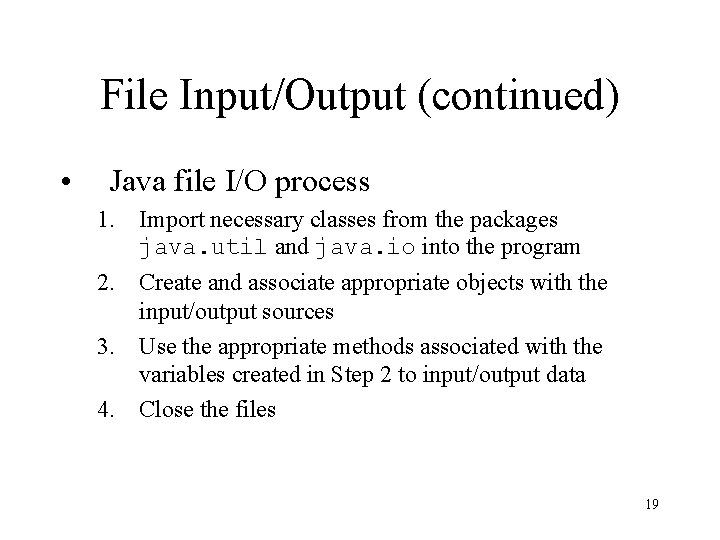
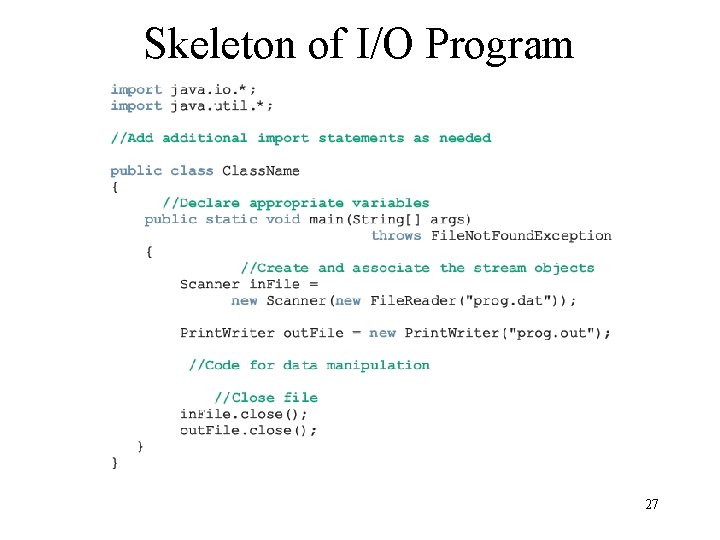
File Input/Output (continued) • Java file I/O process 1. Import necessary classes from the packages java. util and java. io into the program 2. Create and associate appropriate objects with the input/output sources Use the appropriate methods associated with the variables created in Step 2 to input/output data Close the files 3. 4. 19
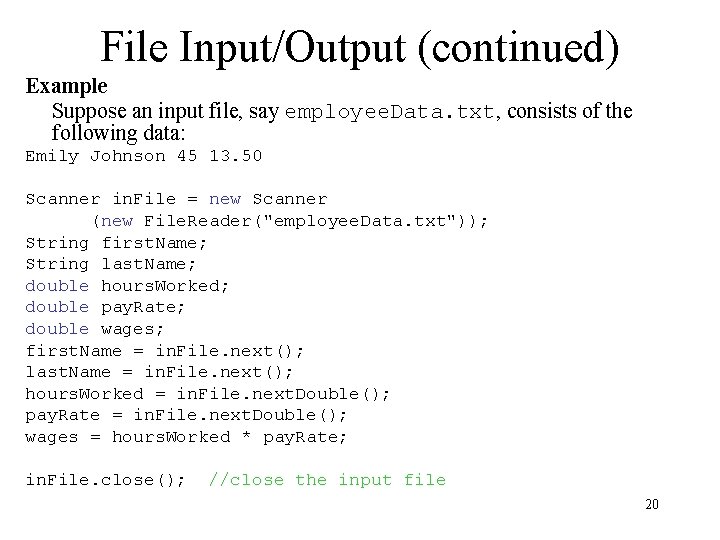
File Input/Output (continued) Example Suppose an input file, say employee. Data. txt, consists of the following data: Emily Johnson 45 13. 50 Scanner in. File = new Scanner (new File. Reader("employee. Data. txt")); String first. Name; String last. Name; double hours. Worked; double pay. Rate; double wages; first. Name = in. File. next(); last. Name = in. File. next(); hours. Worked = in. File. next. Double(); pay. Rate = in. File. next. Double(); wages = hours. Worked * pay. Rate; in. File. close(); //close the input file 20
Storing (Writing) Output to a File • To store the output of a program in a file, you use the class Print. Writer • Declare a Print. Writer variable and associate this variable with the destination • Suppose the output is to be stored in the file prog. out on floppy disk A 21
Storing (Writing) Output to a File (continued) • Consider the following statement: Print. Writer out. File = new Print. Writer("prog. out"); • This statement creates the Print. Writer object out. File and associates it with the file prog. out • You can now use the methods print, println, printf, and flush with out. File just the same way they have been used with the object System. out 22
Storing (Writing) Output to a File (continued) • The statement: out. File. println("The paycheck is: $" + pay); stores the output—The paycheck is: $565. 78—in the file prog. out -This statement assumes that the value of the variable pay is 565. 78 23
Storing (Writing) Output to a File (continued) • Step 4 requires closing the file; you close the input and output files by using the method close in. File. close(); out. File. close(); • Closing the output file ensures that the buffer holding the output will be emptied, that is, the entire output generated by the program will be sent to the output file 24
throws clause • During program execution, various things can happen; for example, division by zero or inputting a letter for a number • In such cases, we say that an exception has occurred. • If an exception occurs in a method, the method should either handle the exception or throw it for the calling environment to handle • If an input file does not exist, the program throws a File. Not. Found. Exception 25
throws clause (continued) • If an output file cannot be created or accessed, the program throws a File. Not. Found. Exception • For the next few chapters, we will simply throw the exceptions • Because we do not need the method main to handle the File. Not. Found. Exception exception, we will include a command in the heading of the method main to throw the File. Not. Found. Exception exception 26
Skeleton of I/O Program 27
Programming Example: • Give the number of cents to define how many dollars quarters cents and dimes are there. • Multiplication Tables 28