
Java Object Oriented Programming Boolean Expressions And ifelse
Java Object Oriented Programming Boolean Expressions And if…else Statements
Objectives: • Learn about the boolean data type • Learn the syntax for if-else statements • Learn about relational and logical operators, and short-circuit evaluation • Learn when to use nested if-else statements and if-else-if sequences Lab 06 -2
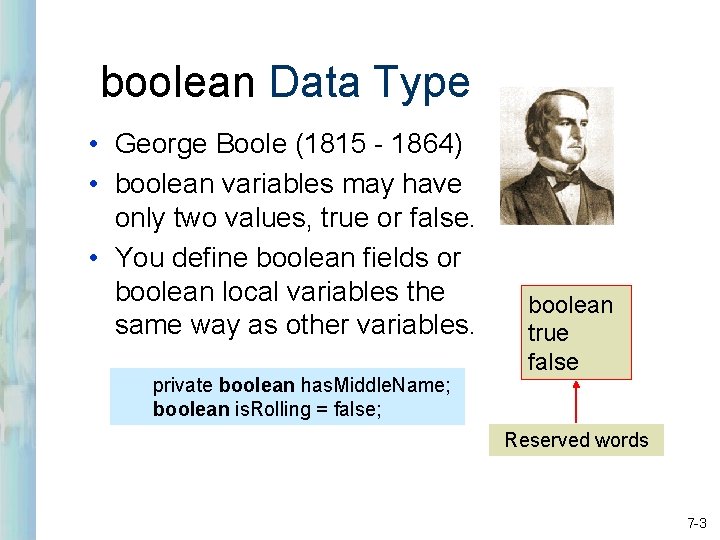
boolean Data Type • George Boole (1815 - 1864) • boolean variables may have only two values, true or false. • You define boolean fields or boolean local variables the same way as other variables. private boolean has. Middle. Name; boolean is. Rolling = false; boolean true false Reserved words 7 -3
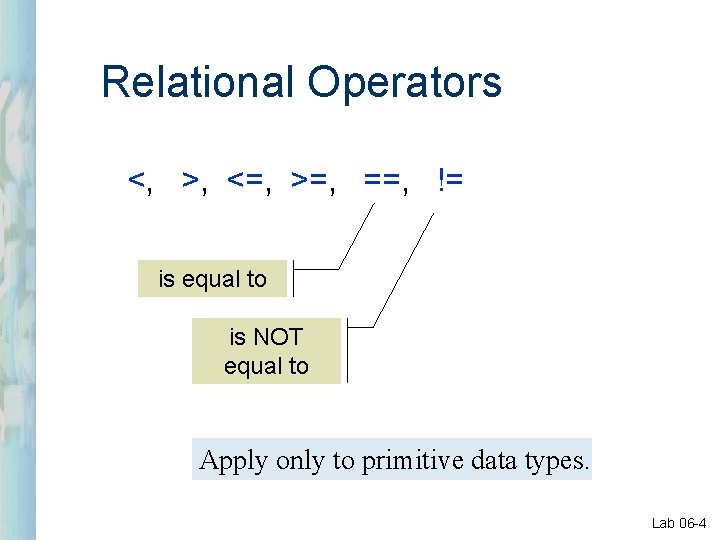
Relational Operators <, >, <=, >=, ==, != is equal to is NOT equal to Apply only to primitive data types. Lab 06 -4
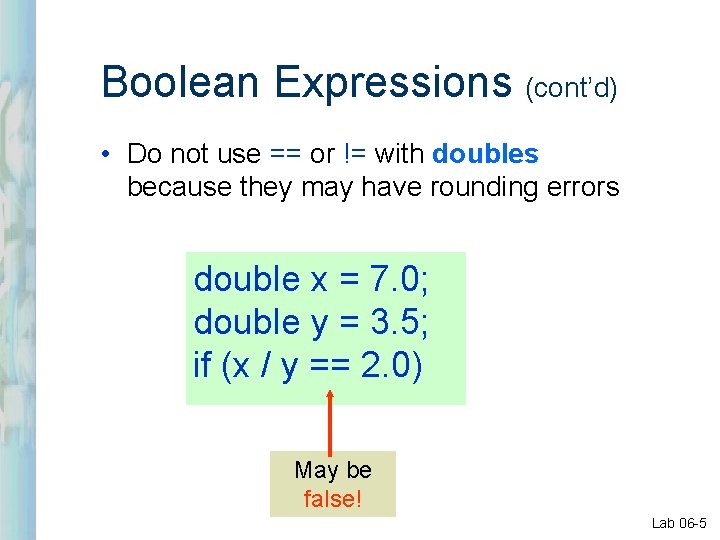
Boolean Expressions (cont’d) • Do not use == or != with doubles because they may have rounding errors double x = 7. 0; double y = 3. 5; if (x / y == 2. 0) May be false! Lab 06 -5
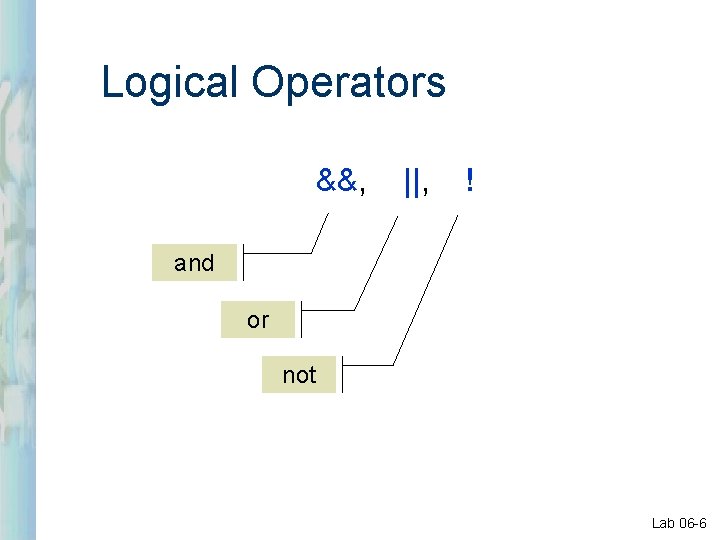
Logical Operators &&, ||, ! and or not Lab 06 -6
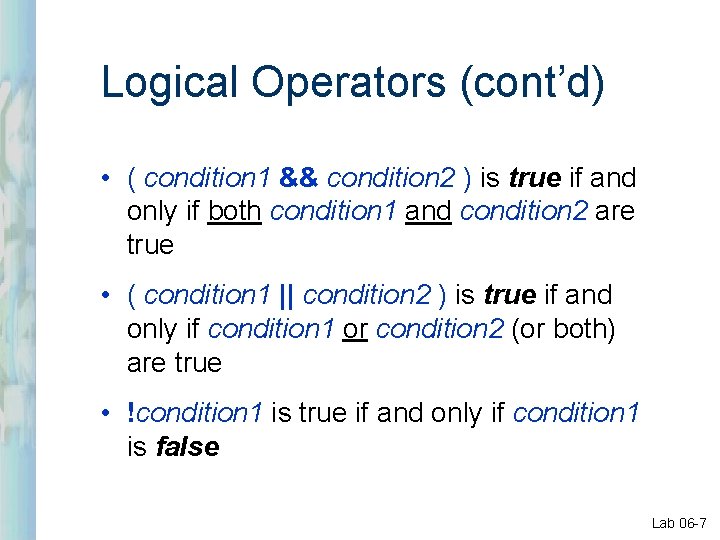
Logical Operators (cont’d) • ( condition 1 && condition 2 ) is true if and only if both condition 1 and condition 2 are true • ( condition 1 || condition 2 ) is true if and only if condition 1 or condition 2 (or both) are true • !condition 1 is true if and only if condition 1 is false Lab 06 -7
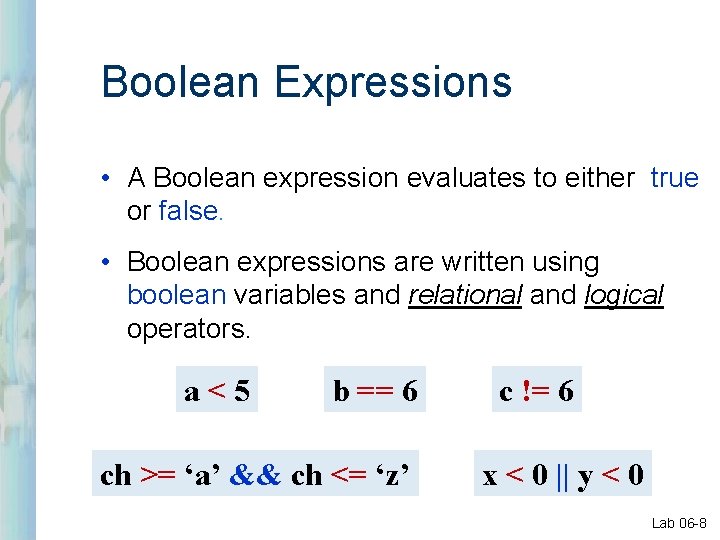
Boolean Expressions • A Boolean expression evaluates to either true or false. • Boolean expressions are written using boolean variables and relational and logical operators. a<5 b == 6 ch >= ‘a’ && ch <= ‘z’ c != 6 x < 0 || y < 0 Lab 06 -8
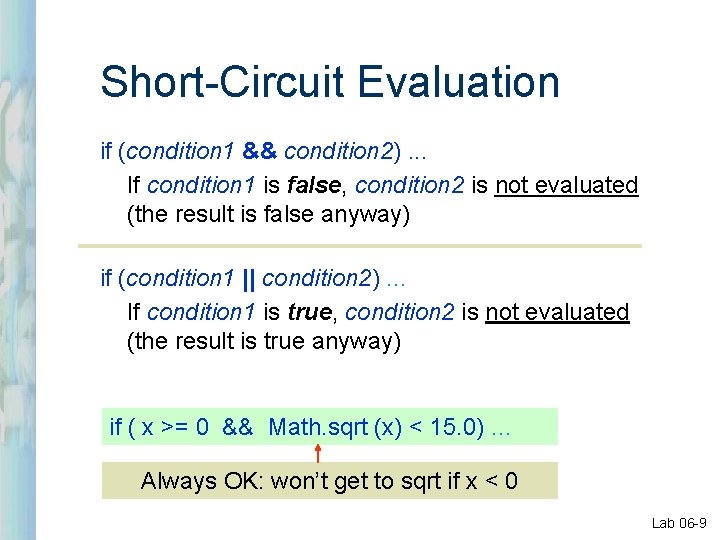
Short-Circuit Evaluation if (condition 1 && condition 2). . . If condition 1 is false, condition 2 is not evaluated (the result is false anyway) if (condition 1 || condition 2). . . If condition 1 is true, condition 2 is not evaluated (the result is true anyway) if ( x >= 0 && Math. sqrt (x) < 15. 0). . . Always OK: won’t get to sqrt if x < 0 Lab 06 -9
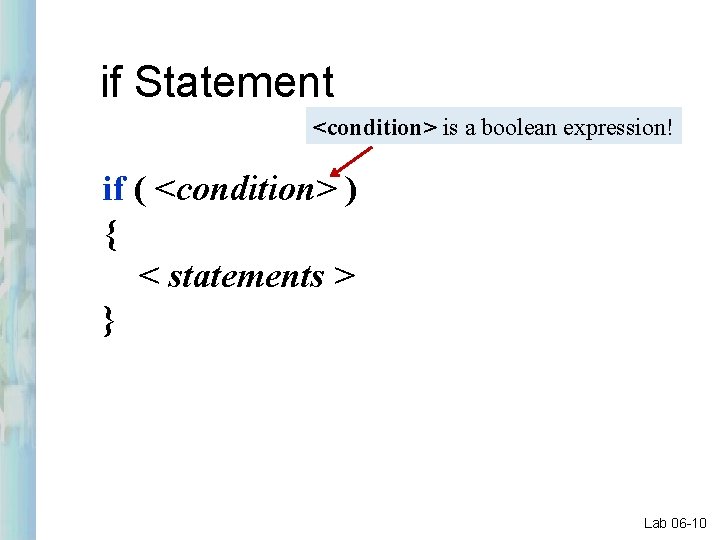
if Statement <condition> is a boolean expression! if ( <condition> ) { < statements > } Lab 06 -10
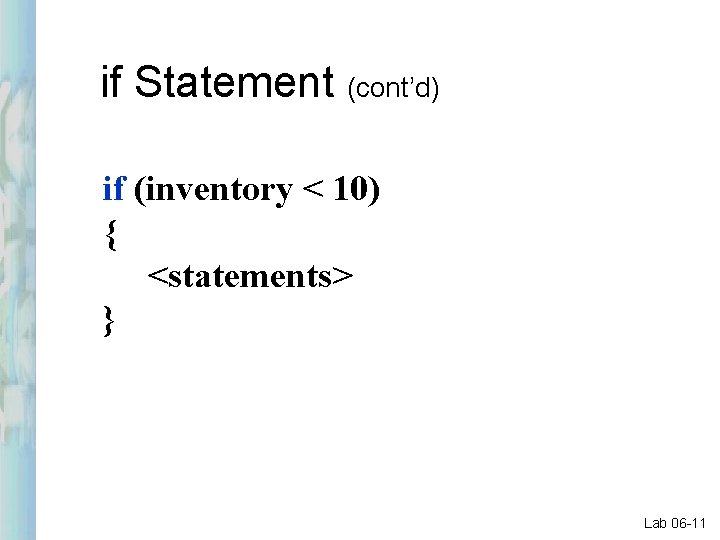
if Statement (cont’d) if (inventory < 10) { <statements> } Lab 06 -11
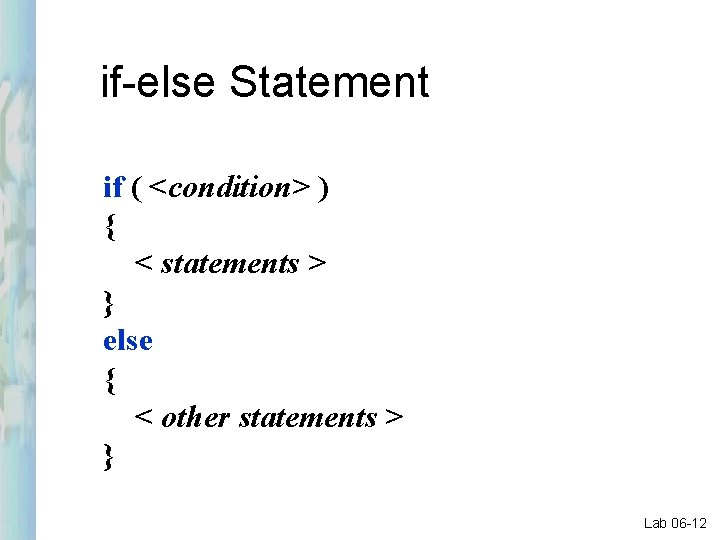
if-else Statement if ( <condition> ) { < statements > } else { < other statements > } Lab 06 -12
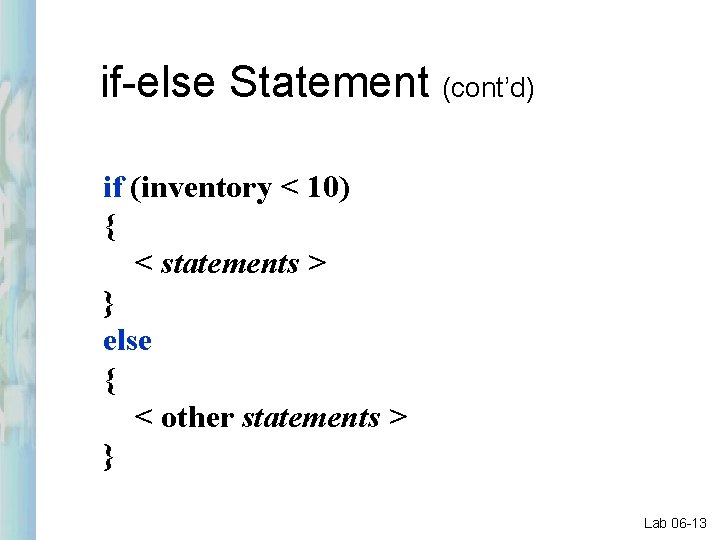
if-else Statement (cont’d) if (inventory < 10) { < statements > } else { < other statements > } Lab 06 -13
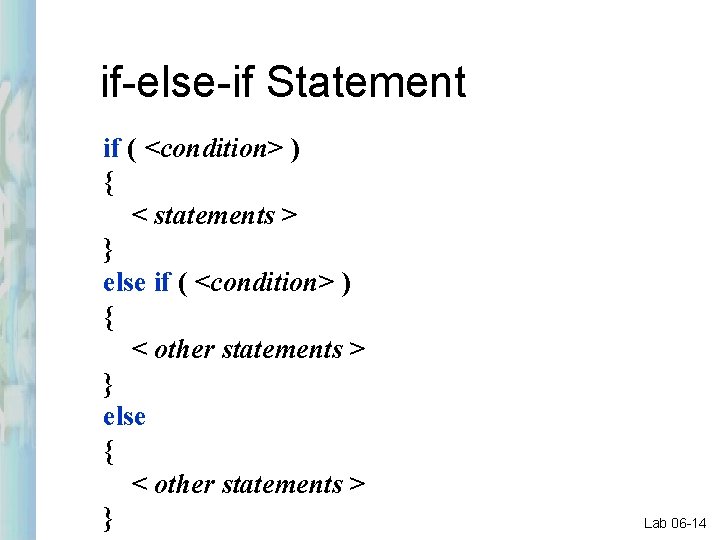
if-else-if Statement if ( <condition> ) { < statements > } else if ( <condition> ) { < other statements > } else { < other statements > } Lab 06 -14
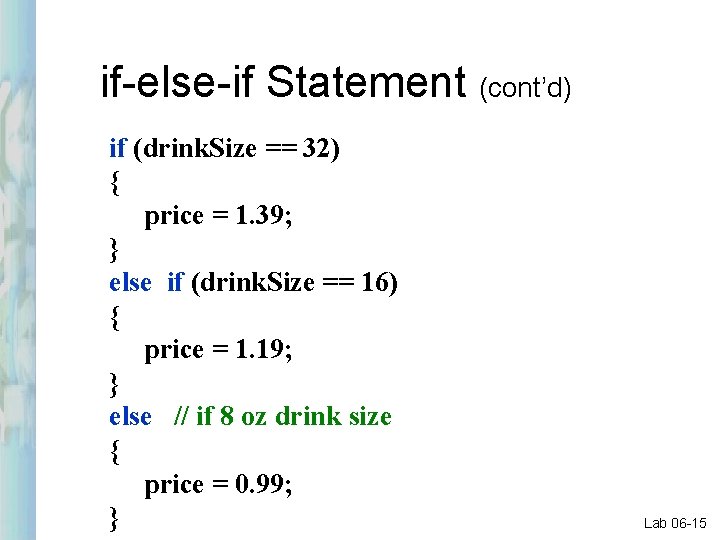
if-else-if Statement (cont’d) if (drink. Size == 32) { price = 1. 39; } else if (drink. Size == 16) { price = 1. 19; } else // if 8 oz drink size { price = 0. 99; } Lab 06 -15
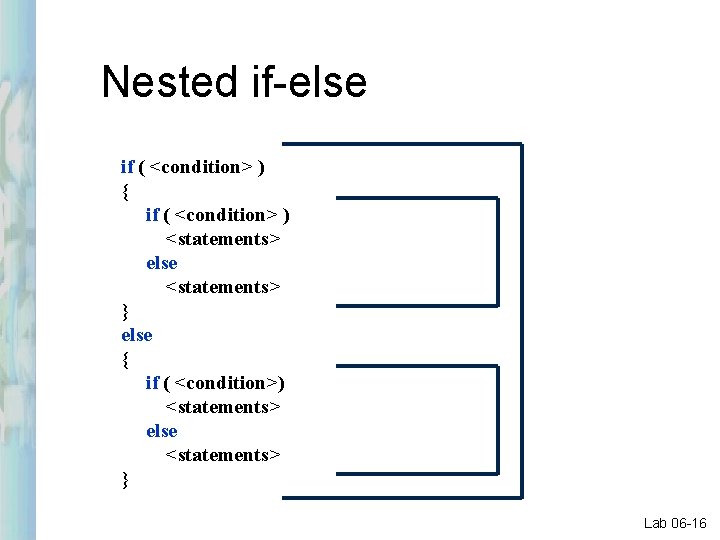
Nested if-else if ( <condition> ) { if ( <condition> ) <statements> else <statements> } else { if ( <condition>) <statements> else <statements> } Lab 06 -16
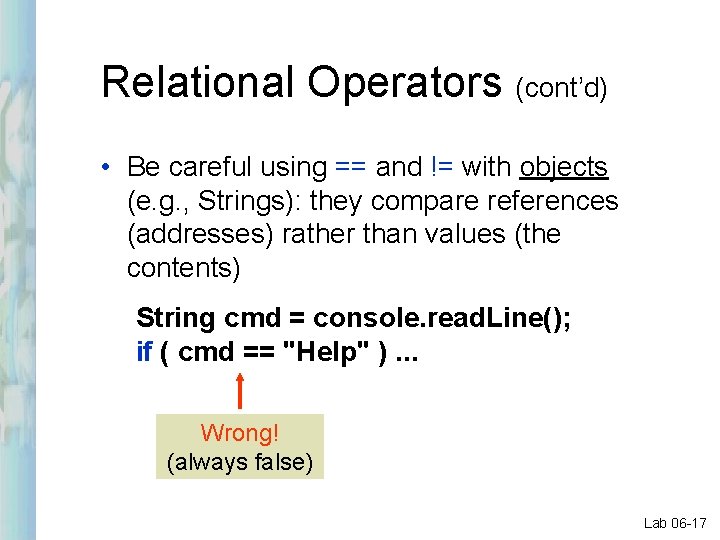
Relational Operators (cont’d) • Be careful using == and != with objects (e. g. , Strings): they compare references (addresses) rather than values (the contents) String cmd = console. read. Line(); if ( cmd == "Help" ). . . Wrong! (always false) Lab 06 -17
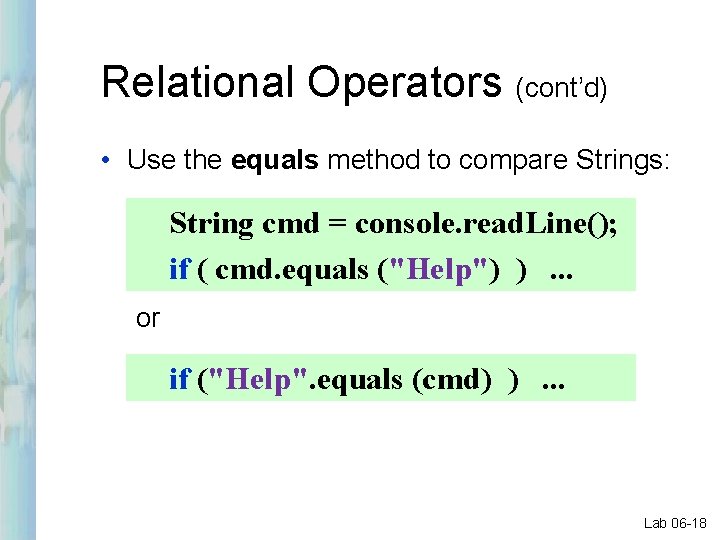
Relational Operators (cont’d) • Use the equals method to compare Strings: String cmd = console. read. Line(); if ( cmd. equals ("Help") ). . . or if ("Help". equals (cmd) ). . . Lab 06 -18
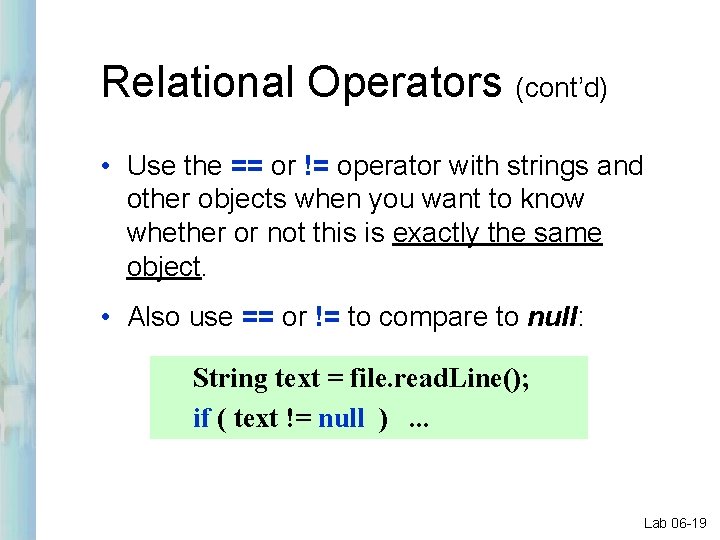
Relational Operators (cont’d) • Use the == or != operator with strings and other objects when you want to know whether or not this is exactly the same object. • Also use == or != to compare to null: String text = file. read. Line(); if ( text != null ). . . Lab 06 -19
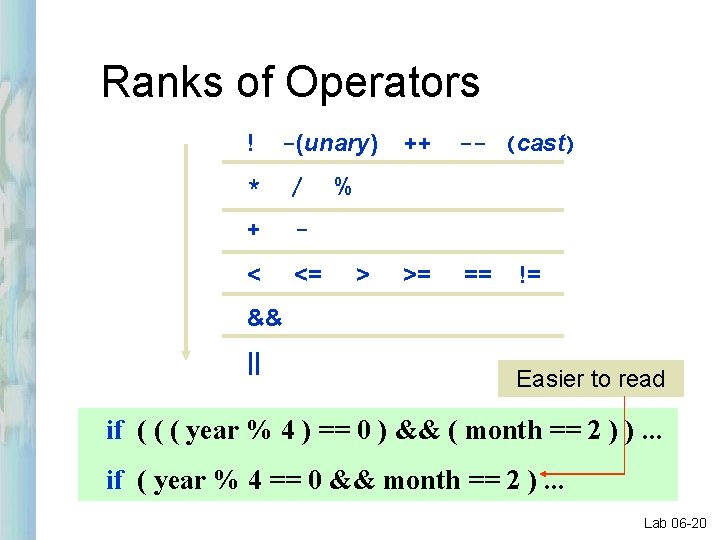
Ranks of Operators ! -(unary) * / + - < <= ++ -- (cast) >= == % > != && || Easier to read if ( ( ( year % 4 ) == 0 ) && ( month == 2 ) ). . . if ( year % 4 == 0 && month == 2 ). . . Lab 06 -20
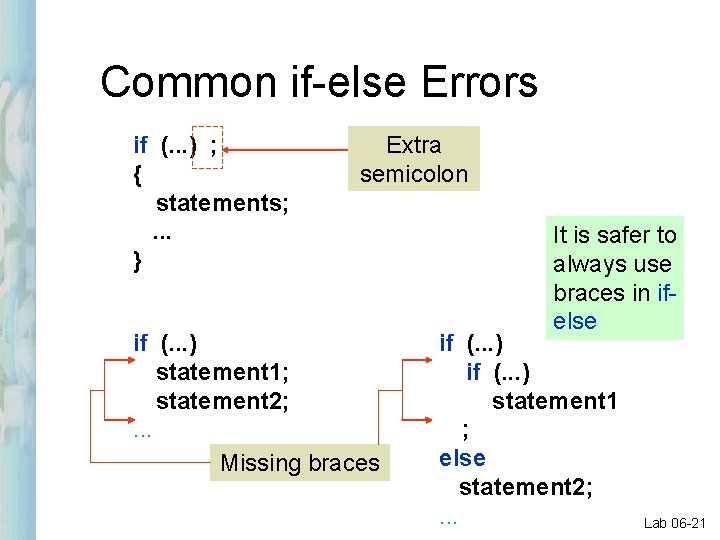
Common if-else Errors if (. . . ) ; { statements; . . . } Extra semicolon if (. . . ) statement 1; statement 2; . . . Missing braces It is safer to always use braces in ifelse if (. . . ) statement 1 ; else statement 2; . . . Lab 06 -21
Java Object Oriented Programming How Does An if Statement Work?
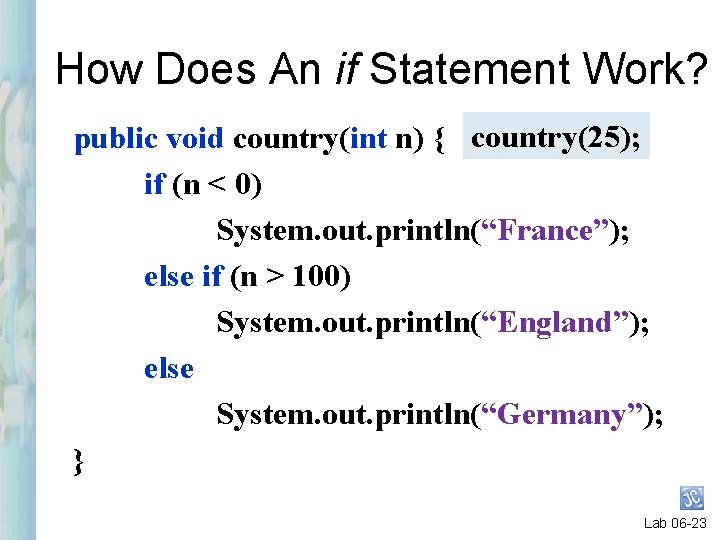
How Does An if Statement Work? public void country(int n) { country(25); if (n < 0) System. out. println(“France”); else if (n > 100) System. out. println(“England”); else System. out. println(“Germany”); } Lab 06 -23
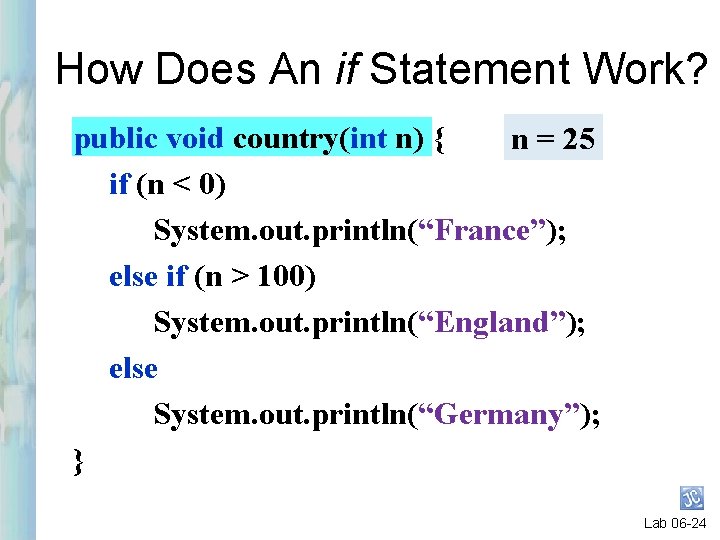
How Does An if Statement Work? public void country(int n) { n = 25 if (n < 0) System. out. println(“France”); else if (n > 100) System. out. println(“England”); else System. out. println(“Germany”); } Lab 06 -24
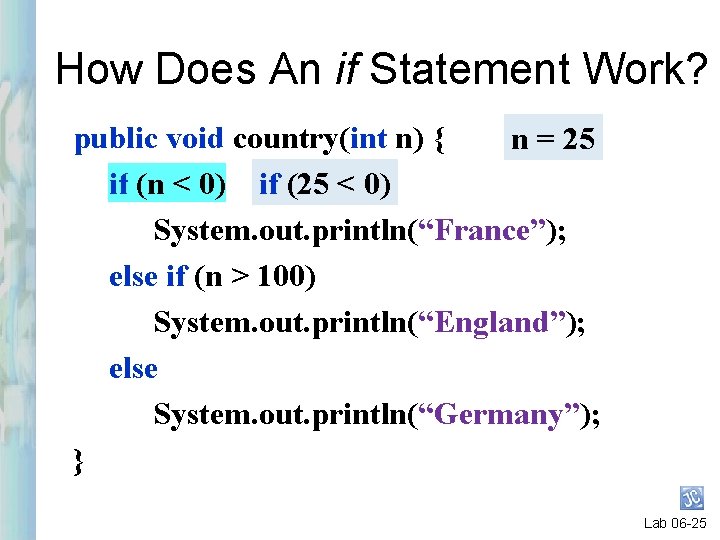
How Does An if Statement Work? public void country(int n) { n = 25 if (n < 0) if (25 < 0) System. out. println(“France”); else if (n > 100) System. out. println(“England”); else System. out. println(“Germany”); } Lab 06 -25
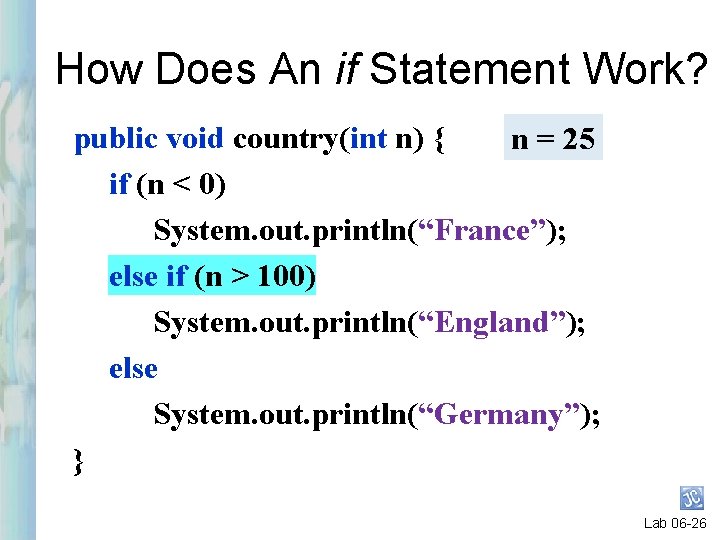
How Does An if Statement Work? public void country(int n) { n = 25 if (n < 0) System. out. println(“France”); else if (n > 100) System. out. println(“England”); else System. out. println(“Germany”); } Lab 06 -26
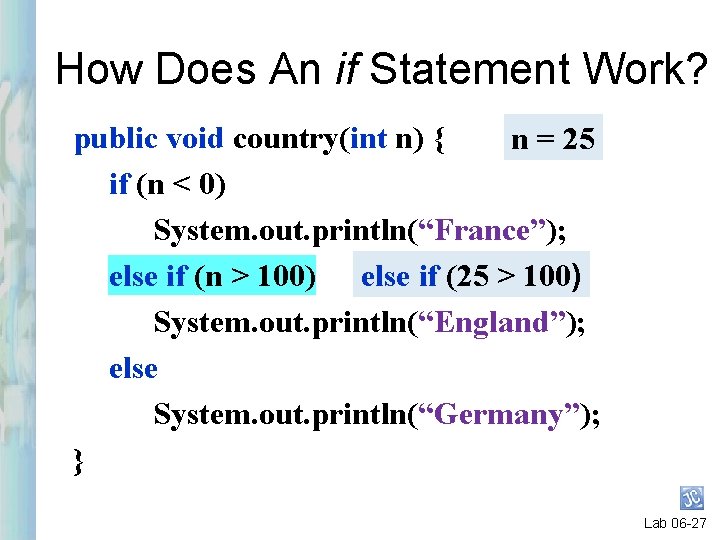
How Does An if Statement Work? public void country(int n) { n = 25 if (n < 0) System. out. println(“France”); else if (n > 100) else if (25 > 100) System. out. println(“England”); else System. out. println(“Germany”); } Lab 06 -27
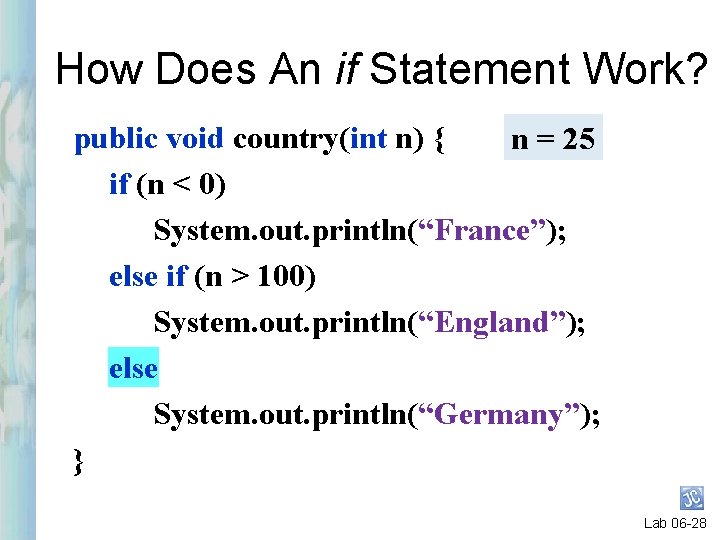
How Does An if Statement Work? public void country(int n) { n = 25 if (n < 0) System. out. println(“France”); else if (n > 100) System. out. println(“England”); else System. out. println(“Germany”); } Lab 06 -28
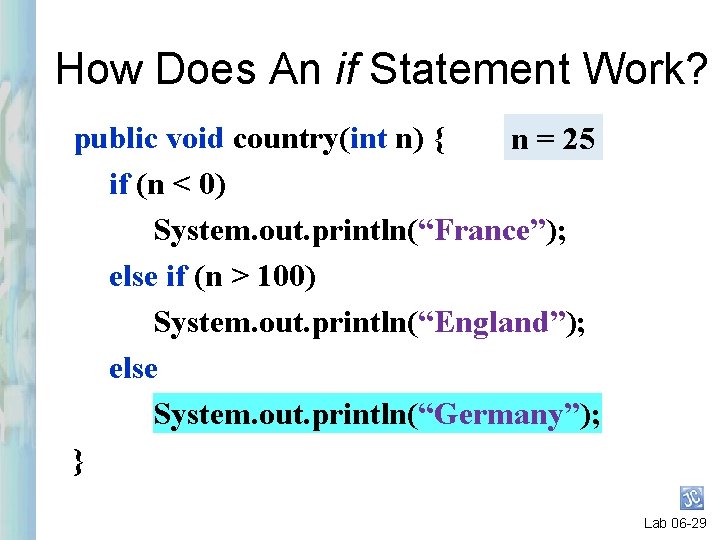
How Does An if Statement Work? public void country(int n) { n = 25 if (n < 0) System. out. println(“France”); else if (n > 100) System. out. println(“England”); else System. out. println(“Germany”); } Lab 06 -29
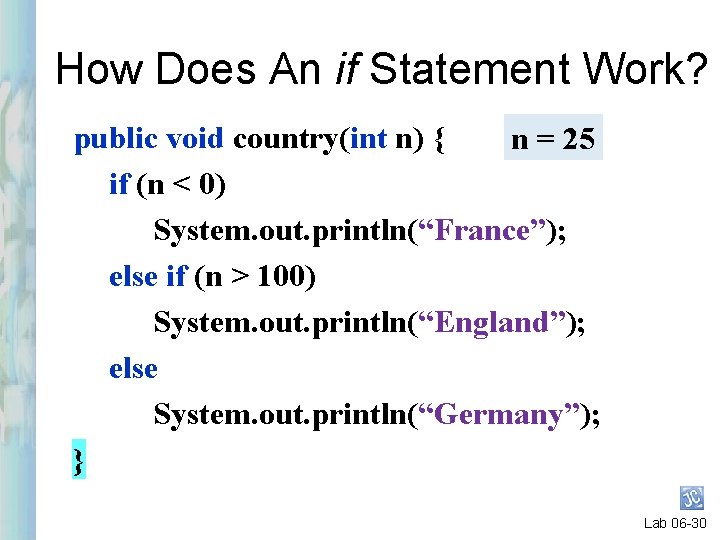
How Does An if Statement Work? public void country(int n) { n = 25 if (n < 0) System. out. println(“France”); else if (n > 100) System. out. println(“England”); else System. out. println(“Germany”); } Lab 06 -30
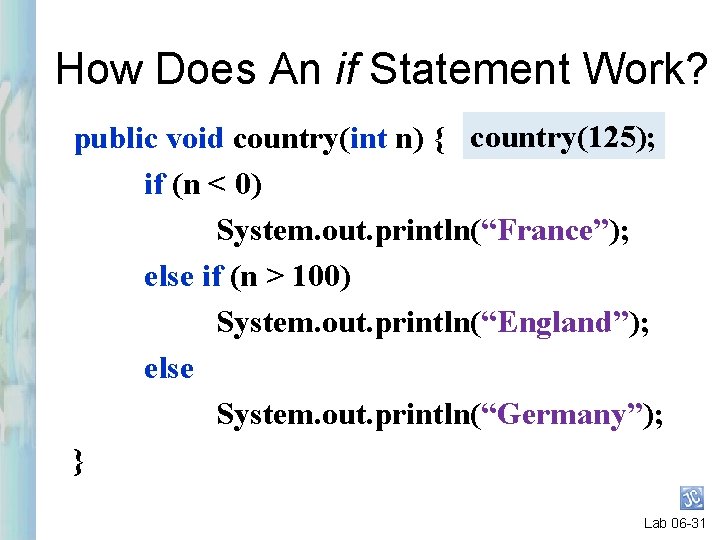
How Does An if Statement Work? public void country(int n) { country(125); if (n < 0) System. out. println(“France”); else if (n > 100) System. out. println(“England”); else System. out. println(“Germany”); } Lab 06 -31
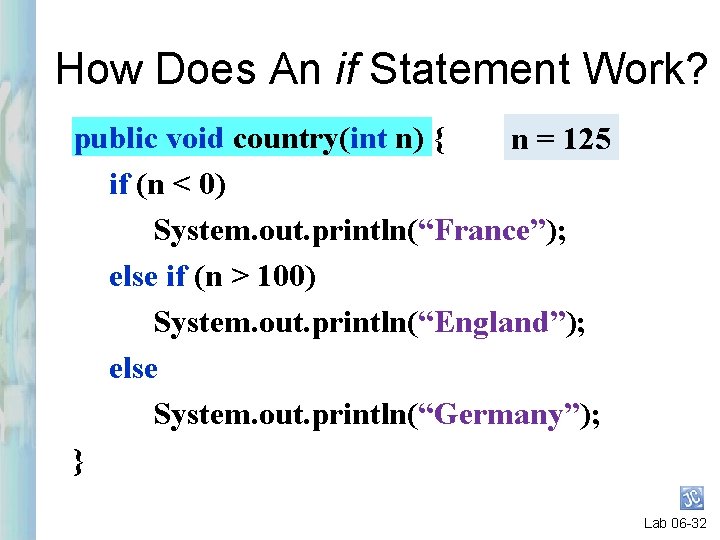
How Does An if Statement Work? public void country(int n) { n = 125 if (n < 0) System. out. println(“France”); else if (n > 100) System. out. println(“England”); else System. out. println(“Germany”); } Lab 06 -32
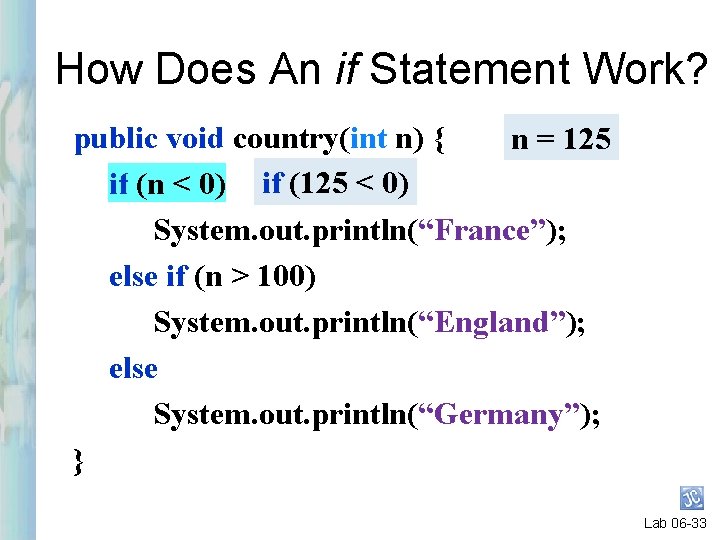
How Does An if Statement Work? public void country(int n) { n = 125 if (n < 0) if (125 < 0) System. out. println(“France”); else if (n > 100) System. out. println(“England”); else System. out. println(“Germany”); } Lab 06 -33
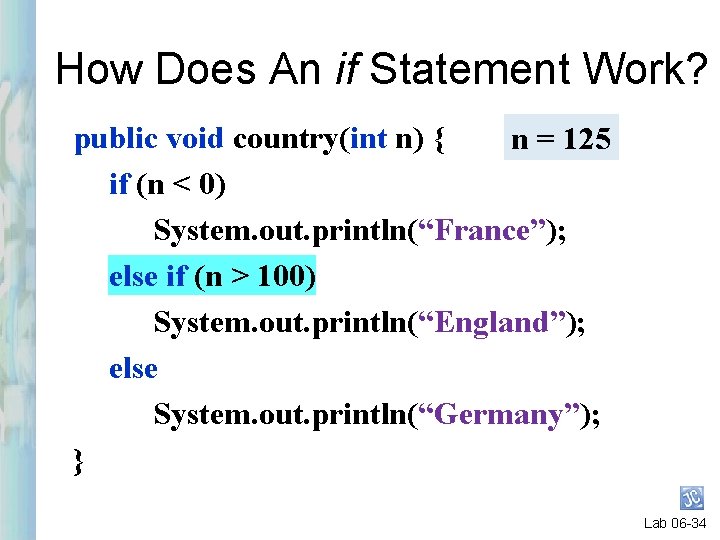
How Does An if Statement Work? public void country(int n) { n = 125 if (n < 0) System. out. println(“France”); else if (n > 100) System. out. println(“England”); else System. out. println(“Germany”); } Lab 06 -34
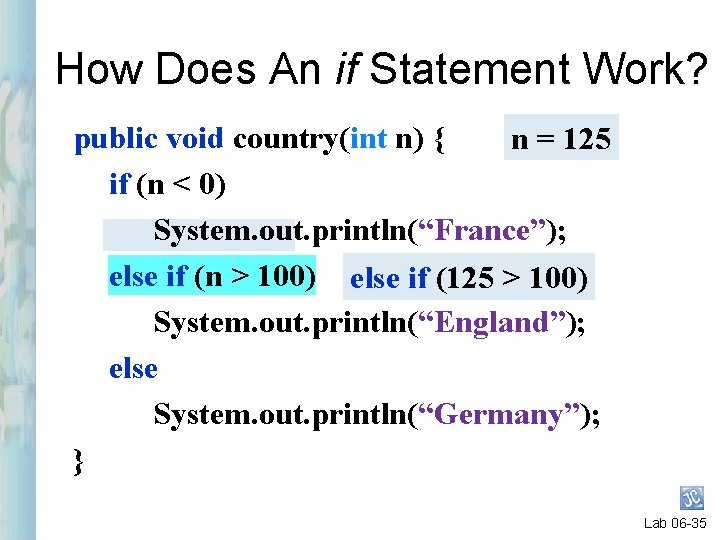
How Does An if Statement Work? public void country(int n) { n = 125 if (n < 0) System. out. println(“France”); else if (n > 100) else if (125 > 100) System. out. println(“England”); else System. out. println(“Germany”); } Lab 06 -35
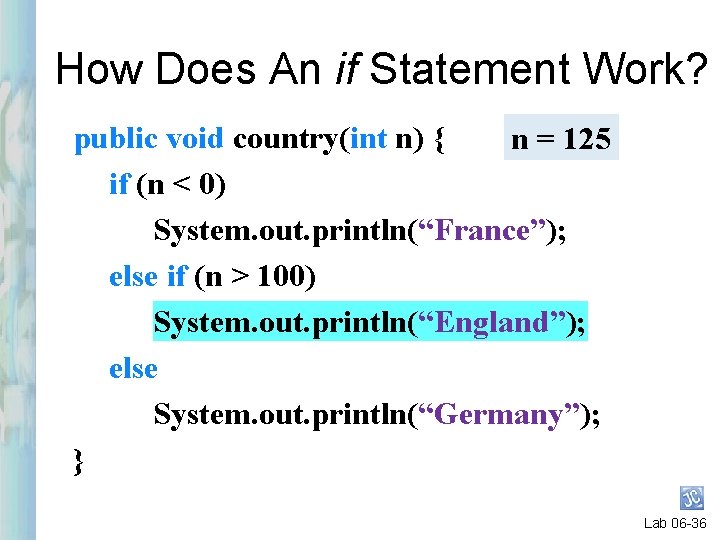
How Does An if Statement Work? public void country(int n) { n = 125 if (n < 0) System. out. println(“France”); else if (n > 100) System. out. println(“England”); else System. out. println(“Germany”); } Lab 06 -36
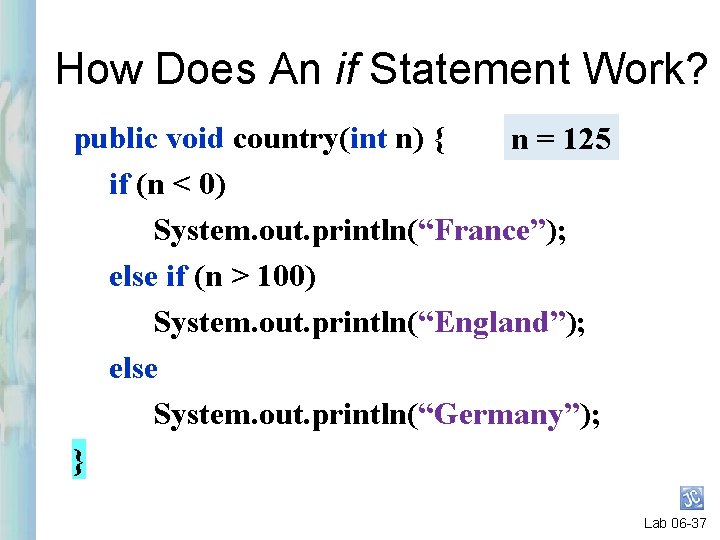
How Does An if Statement Work? public void country(int n) { n = 125 if (n < 0) System. out. println(“France”); else if (n > 100) System. out. println(“England”); else System. out. println(“Germany”); } Lab 06 -37
Java Object Oriented Programming Top-Down Design
Top-Down Design (cont’d) § Start JCreator. § Open the file “Lab 06. java”. § Lab 06. java is in your Lab 06 folder. Lab 06 -39
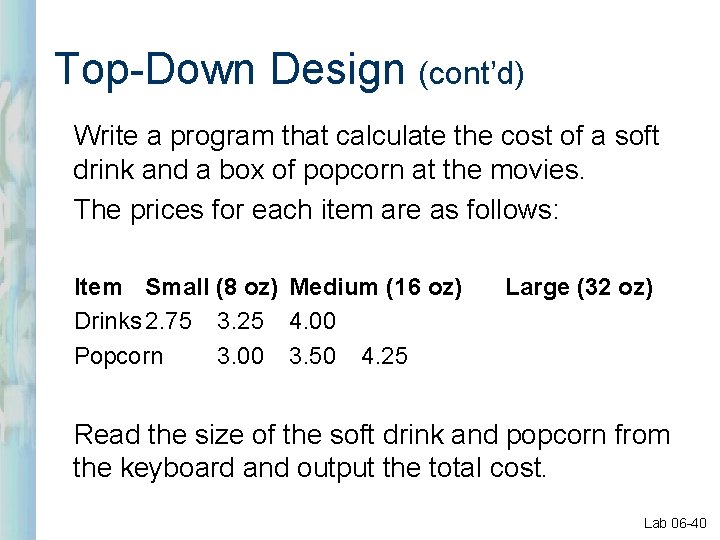
Top-Down Design (cont’d) Write a program that calculate the cost of a soft drink and a box of popcorn at the movies. The prices for each item are as follows: Item Small (8 oz) Medium (16 oz) Drinks 2. 75 3. 25 4. 00 Popcorn 3. 00 3. 50 4. 25 Large (32 oz) Read the size of the soft drink and popcorn from the keyboard and output the total cost. Lab 06 -40
Top-Down Design (cont’d) The “big problem” is defined in the main method. Lab 06 -41
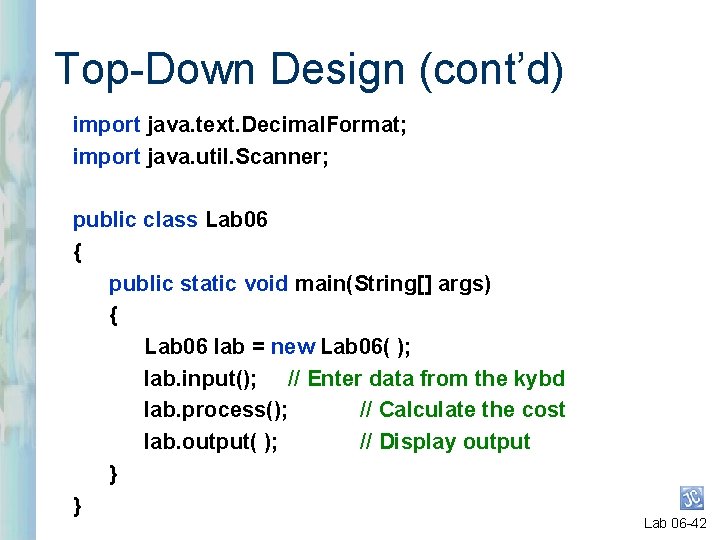
Top-Down Design (cont’d) import java. text. Decimal. Format; import java. util. Scanner; public class Lab 06 { public static void main(String[] args) { Lab 06 lab = new Lab 06( ); lab. input(); // Enter data from the kybd lab. process(); // Calculate the cost lab. output( ); // Display output } } Lab 06 -42
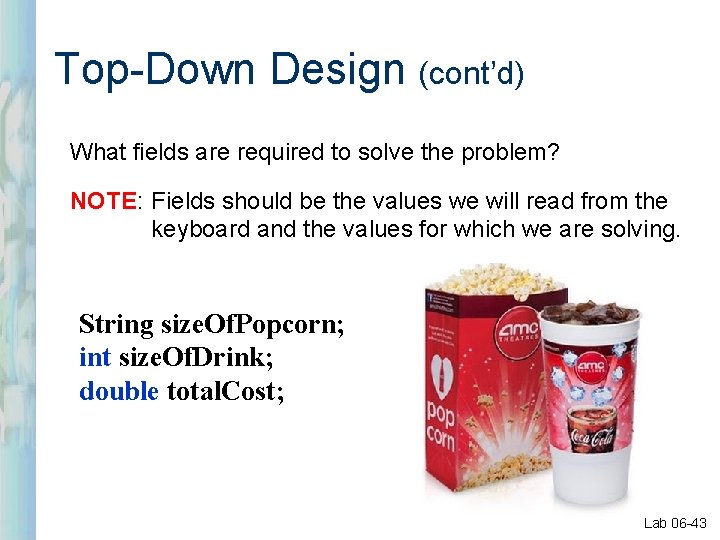
Top-Down Design (cont’d) What fields are required to solve the problem? NOTE: Fields should be the values we will read from the keyboard and the values for which we are solving. String size. Of. Popcorn; int size. Of. Drink; double total. Cost; Lab 06 -43
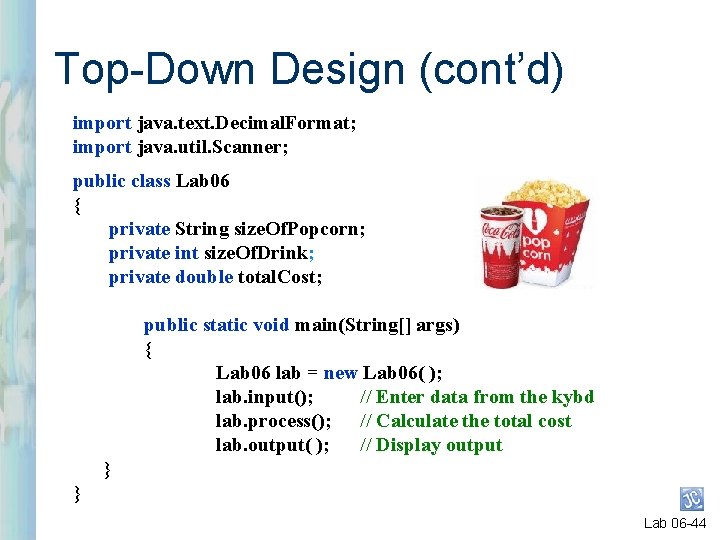
Top-Down Design (cont’d) import java. text. Decimal. Format; import java. util. Scanner; public class Lab 06 { private String size. Of. Popcorn; private int size. Of. Drink; private double total. Cost; public static void main(String[] args) { Lab 06 lab = new Lab 06( ); lab. input(); // Enter data from the kybd lab. process(); // Calculate the total cost lab. output( ); // Display output } } Lab 06 -44
Top-Down Design (cont’d) input(), process() and output( ) are the smaller parts of the problem. Lab 06 -45
Top-Down Design (cont’d) input( ) Lab 06 -46
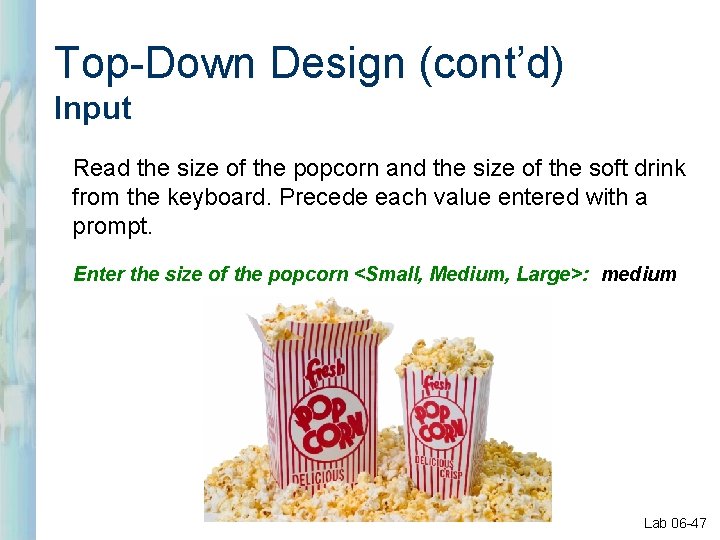
Top-Down Design (cont’d) Input Read the size of the popcorn and the size of the soft drink from the keyboard. Precede each value entered with a prompt. Enter the size of the popcorn <Small, Medium, Large>: medium Lab 06 -47
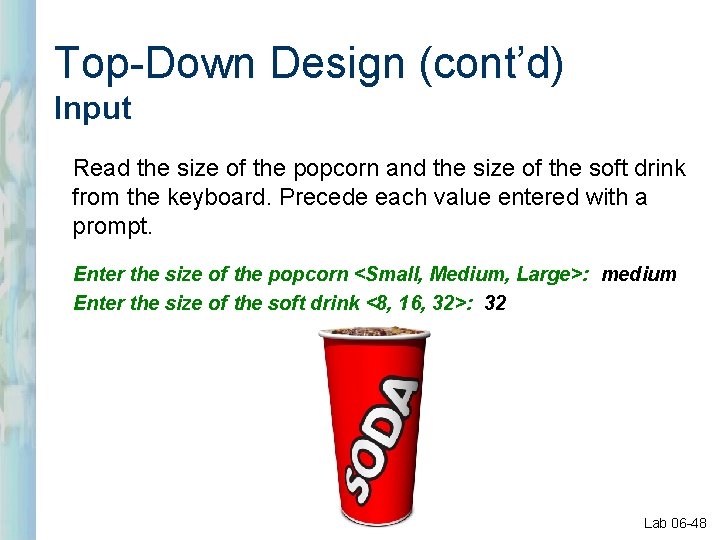
Top-Down Design (cont’d) Input Read the size of the popcorn and the size of the soft drink from the keyboard. Precede each value entered with a prompt. Enter the size of the popcorn <Small, Medium, Large>: medium Enter the size of the soft drink <8, 16, 32>: 32 Lab 06 -48
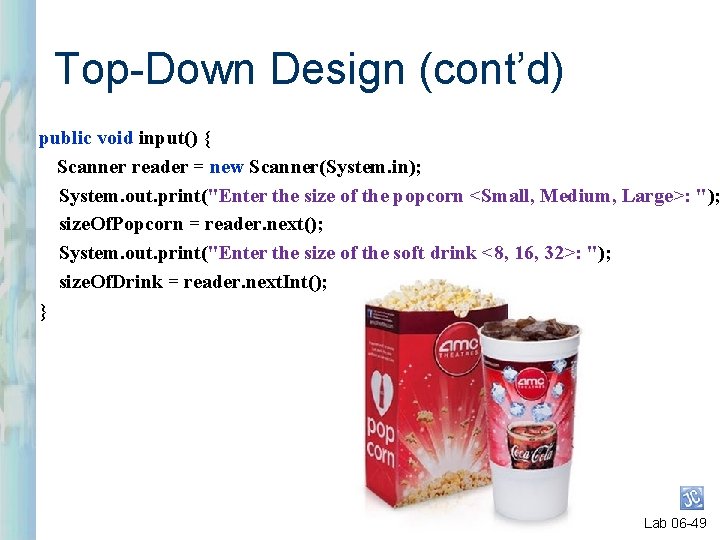
Top-Down Design (cont’d) public void input() { Scanner reader = new Scanner(System. in); System. out. print("Enter the size of the popcorn <Small, Medium, Large>: "); size. Of. Popcorn = reader. next(); System. out. print("Enter the size of the soft drink <8, 16, 32>: "); size. Of. Drink = reader. next. Int(); } Lab 06 -49
Top-Down Design (cont’d) output( ) Lab 06 -50
Top-Down Design (cont’d) Output Write a statement that displays the cost of the popcorn and softdrink. A <size. Of. Popcorn> box of popcorn and a <size. Of. Drink> oz soft drink costs <total. Cost>. Lab 06 -51
Top-Down Design (cont’d) public void output() { Decimal. Format df = new Decimal. Format("$#. 00"); System. out. println("A " + size. Of. Popcorn + " box of popcorn and a " + size. Of. Drink + " oz soft drink costs " + df. format(total. Cost)); } Lab 06 -52
Top-Down Design (cont’d) process( ) Lab 06 -53
Top-Down Design (cont’d) Process l Calculate the total cost of the popcorn and soft drink. Lab 06 -54
Top-Down Design (cont’d) public void process() { } Lab 06 -55
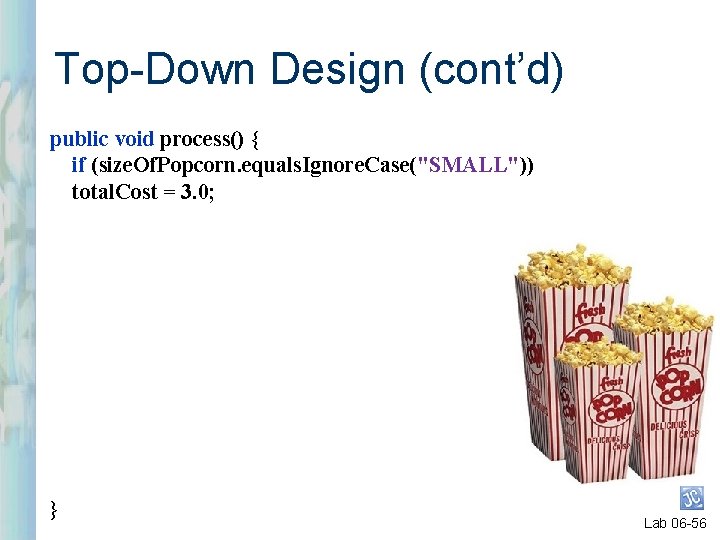
Top-Down Design (cont’d) public void process() { if (size. Of. Popcorn. equals. Ignore. Case("SMALL")) total. Cost = 3. 0; } Lab 06 -56
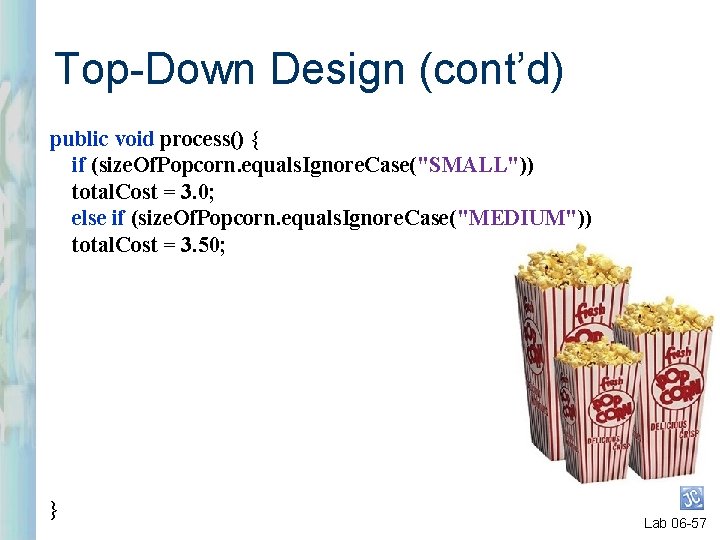
Top-Down Design (cont’d) public void process() { if (size. Of. Popcorn. equals. Ignore. Case("SMALL")) total. Cost = 3. 0; else if (size. Of. Popcorn. equals. Ignore. Case("MEDIUM")) total. Cost = 3. 50; } Lab 06 -57
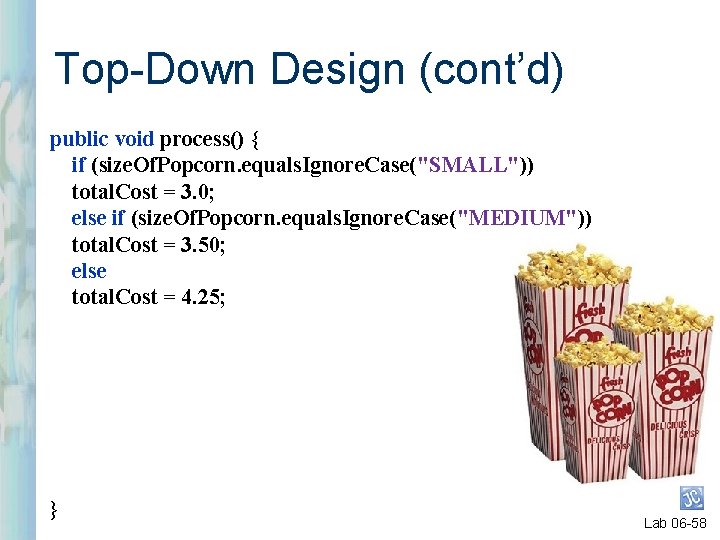
Top-Down Design (cont’d) public void process() { if (size. Of. Popcorn. equals. Ignore. Case("SMALL")) total. Cost = 3. 0; else if (size. Of. Popcorn. equals. Ignore. Case("MEDIUM")) total. Cost = 3. 50; else total. Cost = 4. 25; } Lab 06 -58
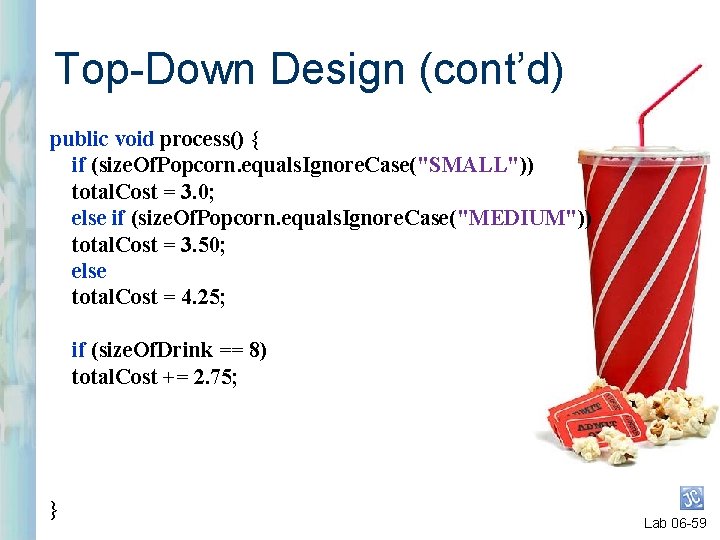
Top-Down Design (cont’d) public void process() { if (size. Of. Popcorn. equals. Ignore. Case("SMALL")) total. Cost = 3. 0; else if (size. Of. Popcorn. equals. Ignore. Case("MEDIUM")) total. Cost = 3. 50; else total. Cost = 4. 25; if (size. Of. Drink == 8) total. Cost += 2. 75; } Lab 06 -59
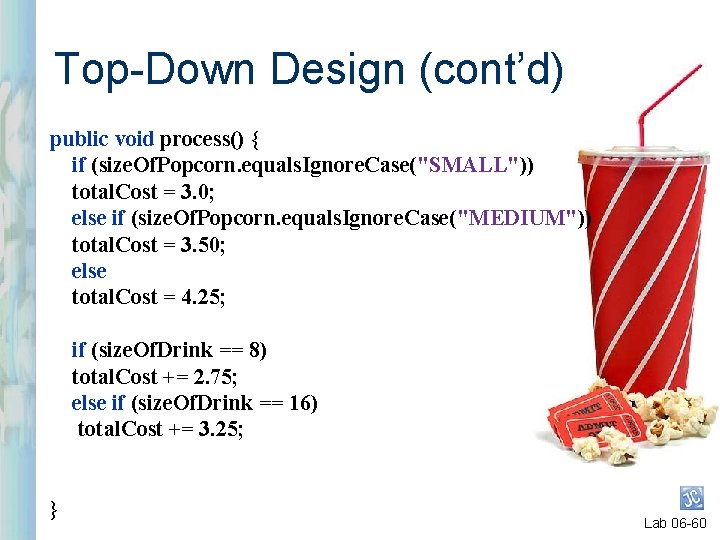
Top-Down Design (cont’d) public void process() { if (size. Of. Popcorn. equals. Ignore. Case("SMALL")) total. Cost = 3. 0; else if (size. Of. Popcorn. equals. Ignore. Case("MEDIUM")) total. Cost = 3. 50; else total. Cost = 4. 25; if (size. Of. Drink == 8) total. Cost += 2. 75; else if (size. Of. Drink == 16) total. Cost += 3. 25; } Lab 06 -60
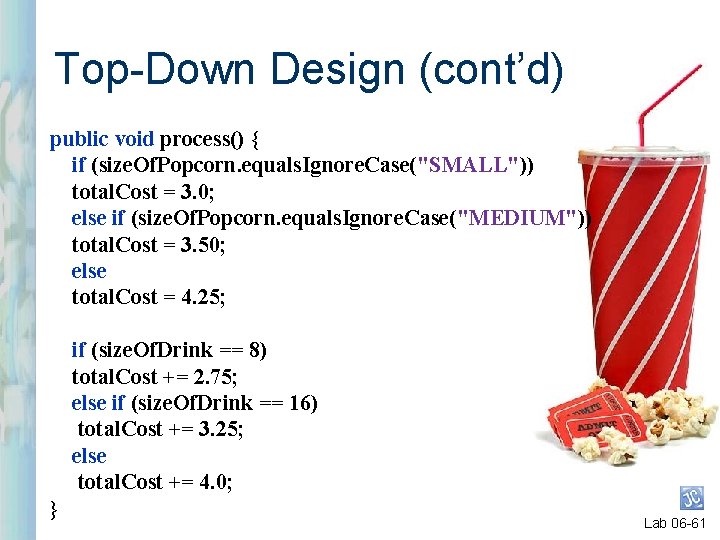
Top-Down Design (cont’d) public void process() { if (size. Of. Popcorn. equals. Ignore. Case("SMALL")) total. Cost = 3. 0; else if (size. Of. Popcorn. equals. Ignore. Case("MEDIUM")) total. Cost = 3. 50; else total. Cost = 4. 25; if (size. Of. Drink == 8) total. Cost += 2. 75; else if (size. Of. Drink == 16) total. Cost += 3. 25; else total. Cost += 4. 0; } Lab 06 -61
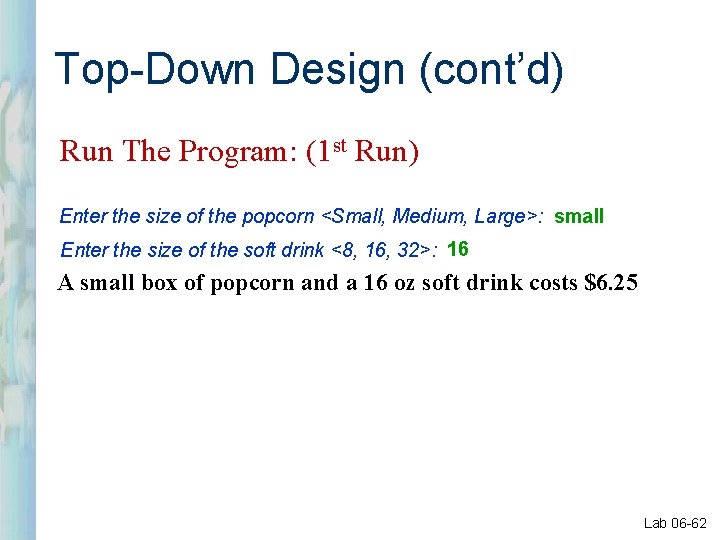
Top-Down Design (cont’d) Run The Program: (1 st Run) Enter the size of the popcorn <Small, Medium, Large>: small Enter the size of the soft drink <8, 16, 32>: 16 A small box of popcorn and a 16 oz soft drink costs $6. 25 Lab 06 -62
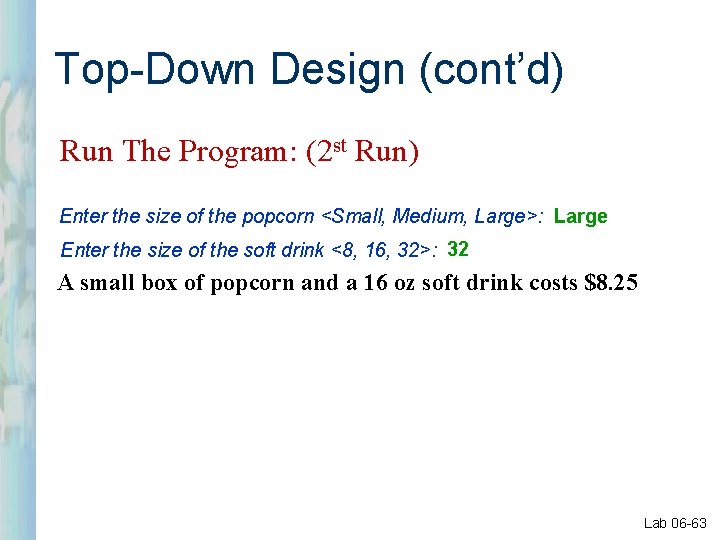
Top-Down Design (cont’d) Run The Program: (2 st Run) Enter the size of the popcorn <Small, Medium, Large>: Large Enter the size of the soft drink <8, 16, 32>: 32 A small box of popcorn and a 16 oz soft drink costs $8. 25 Lab 06 -63
Java Object Oriented Programming Questions?
Java Object Oriented Programming Begin Lab 06
- Slides: 65