
Java Methods TM Maria Litvin Gary Litvin An
- Slides: 31
Java Methods TM Maria Litvin Gary Litvin An Introduction to Object-Oriented Programming int chapter = 6; Data Types, Variables, and Arithmetic Copyright © 2003 by Maria Litvin, Gary Litvin, and Skylight Publishing. All rights reserved. 1
Objectives: l l Review primitive data types Learn how to declare fields and local variables Learn about arithmetic operators, compound assignment operators, and increment / decrement operators Learn how to avoid common mistakes in arithmetic 2
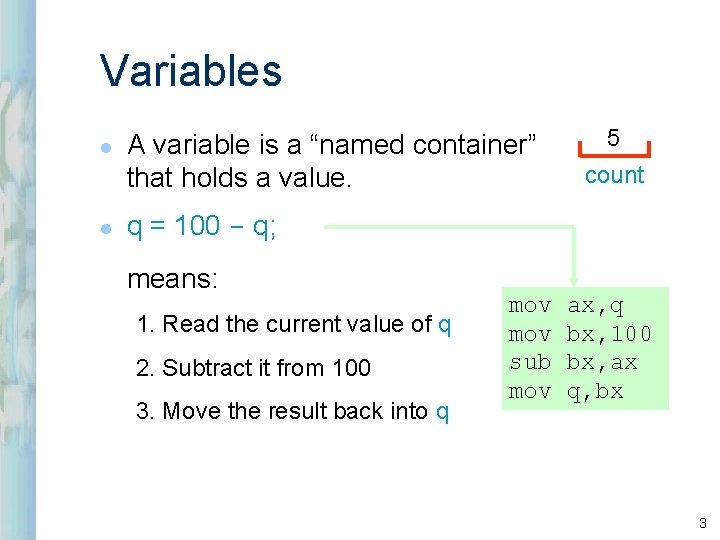
Variables l l A variable is a “named container” that holds a value. 5 count q = 100 - q; means: 1. Read the current value of q 2. Subtract it from 100 3. Move the result back into q mov sub mov ax, q bx, 100 bx, ax q, bx 3
Variables (cont’d) l l Variables can be of different data types: int, char, double, boolean, etc. Variables can hold objects; then the type is the class of the object. l The programmer gives names to variables. l Names usually start with a lowercase letter. 4
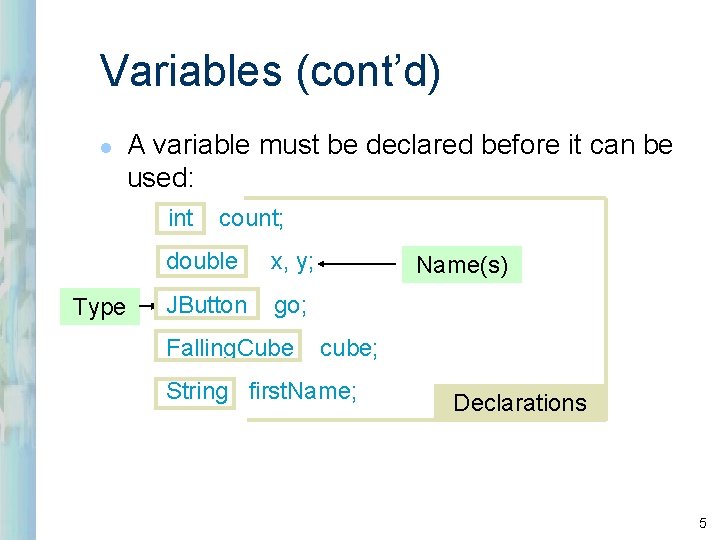
Variables (cont’d) l A variable must be declared before it can be used: int Type count; double x, y; JButton go; Falling. Cube Name(s) cube; String first. Name; Declarations 5
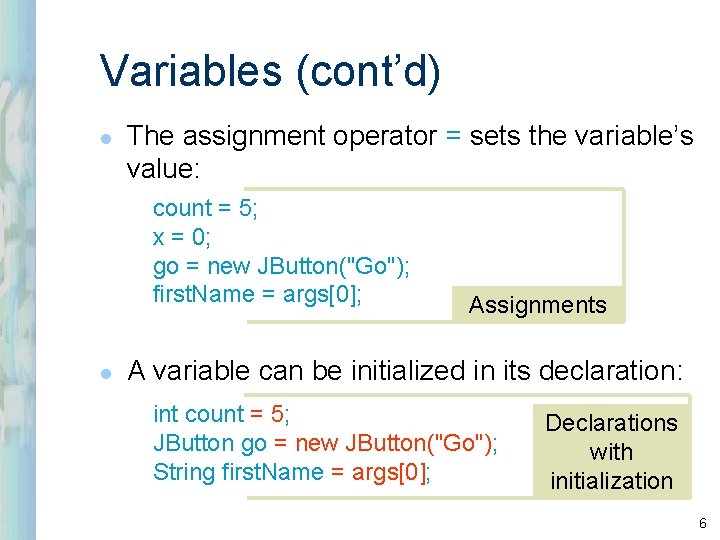
Variables (cont’d) l The assignment operator = sets the variable’s value: count = 5; x = 0; go = new JButton("Go"); first. Name = args[0]; l Assignments A variable can be initialized in its declaration: int count = 5; JButton go = new JButton("Go"); String first. Name = args[0]; Declarations with initialization 6
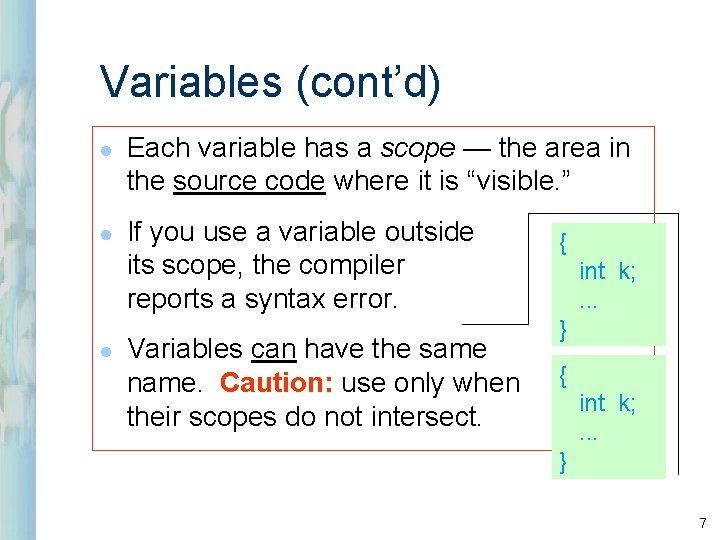
Variables (cont’d) l l l Each variable has a scope — the area in the source code where it is “visible. ” If you use a variable outside its scope, the compiler reports a syntax error. Variables can have the same name. Caution: use only when their scopes do not intersect. { int k; . . . } 7
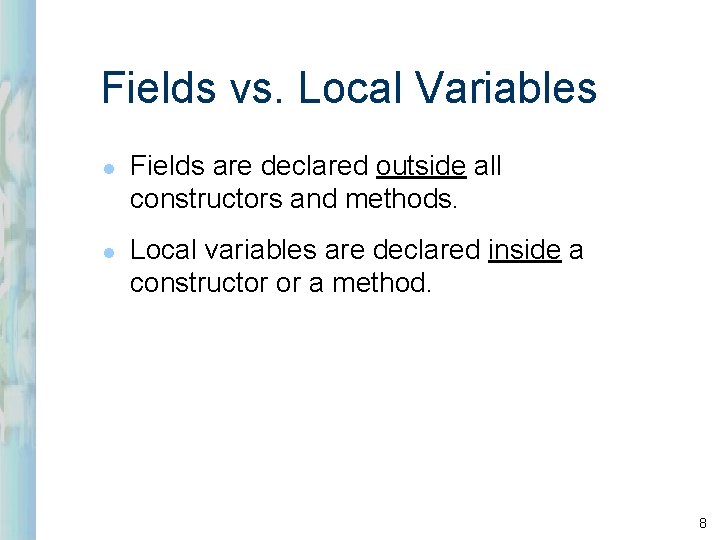
Fields vs. Local Variables l l Fields are declared outside all constructors and methods. Local variables are declared inside a constructor or a method. 8
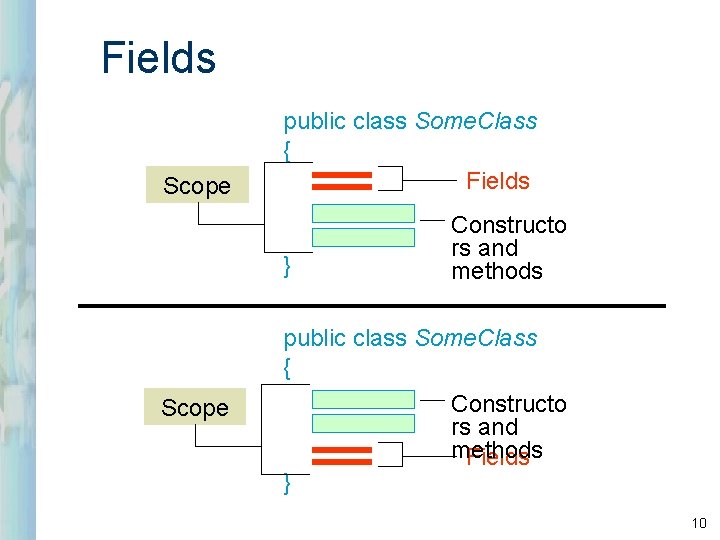
Fields vs. Local Variables (cont’d) l l Fields are usually grouped together, either at the top or at the bottom of the class. The scope of a field is the whole class. 9
Fields Scope public class Some. Class { Fields } Constructo rs and methods public class Some. Class { Scope } Constructo rs and methods Fields 10
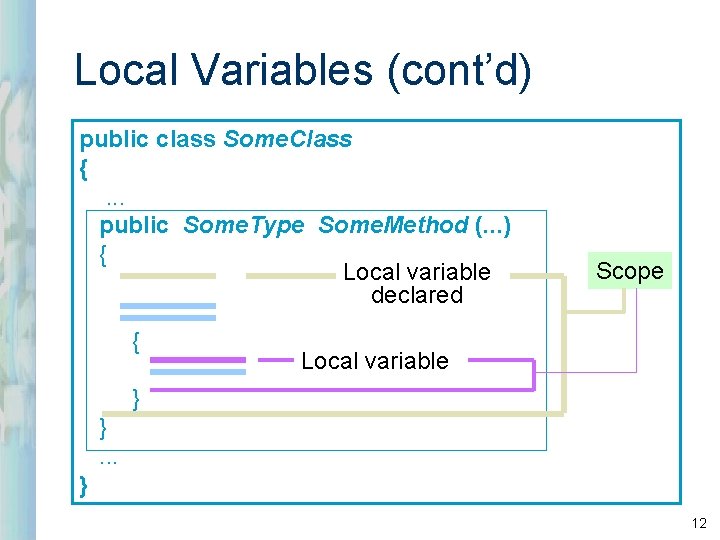
Local Variables l l l Local variables are declared inside a constructor or a method. Local variables lose their values and are destroyed once the constructor or the method is exited. The scope of a local variable is from its declaration down to the closing brace of the block in which it is declared. 11
Local Variables (cont’d) public class Some. Class {. . . public Some. Type Some. Method (. . . ) { Local variable declared { Scope Local variable } }. . . } 12
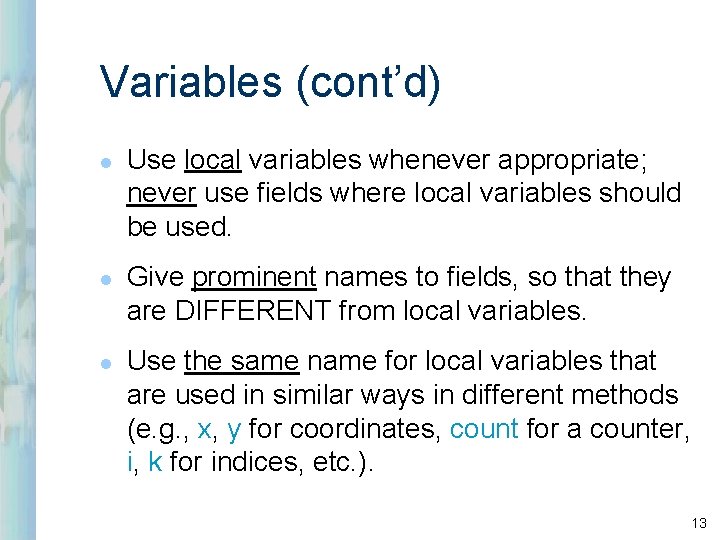
Variables (cont’d) l l l Use local variables whenever appropriate; never use fields where local variables should be used. Give prominent names to fields, so that they are DIFFERENT from local variables. Use the same name for local variables that are used in similar ways in different methods (e. g. , x, y for coordinates, count for a counter, i, k for indices, etc. ). 13
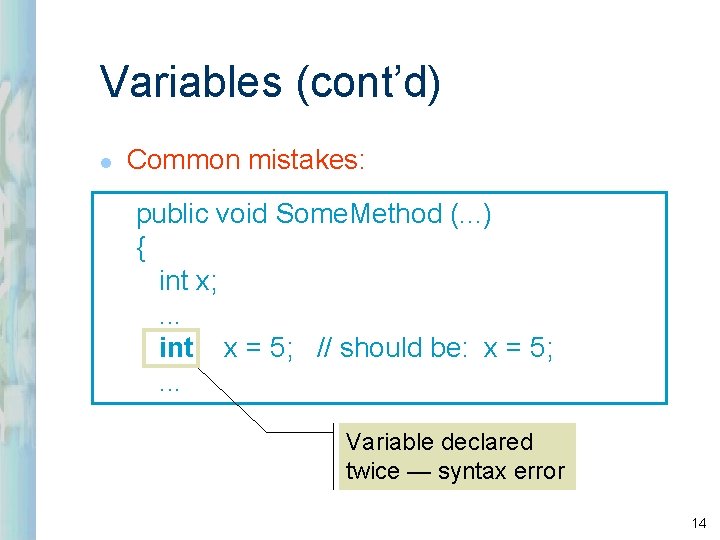
Variables (cont’d) l Common mistakes: public void Some. Method (. . . ) { int x; . . . int x = 5; // should be: x = 5; . . . Variable declared twice — syntax error 14
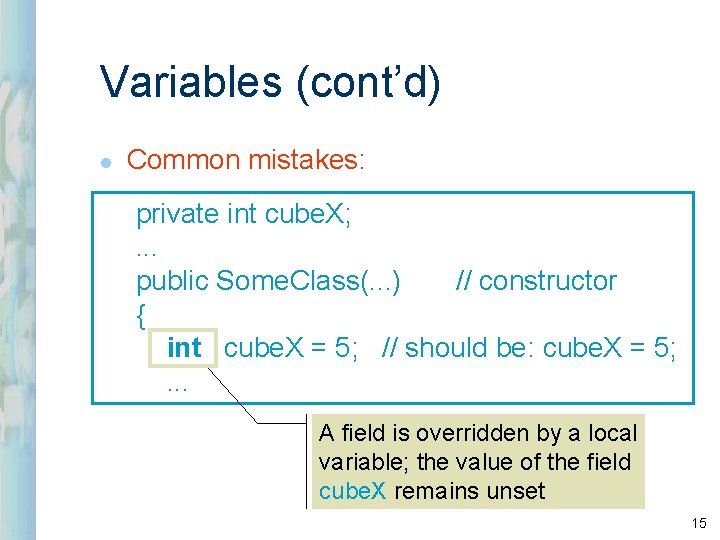
Variables (cont’d) l Common mistakes: private int cube. X; . . . public Some. Class(. . . ) // constructor { int cube. X = 5; // should be: cube. X = 5; . . . A field is overridden by a local variable; the value of the field cube. X remains unset 15
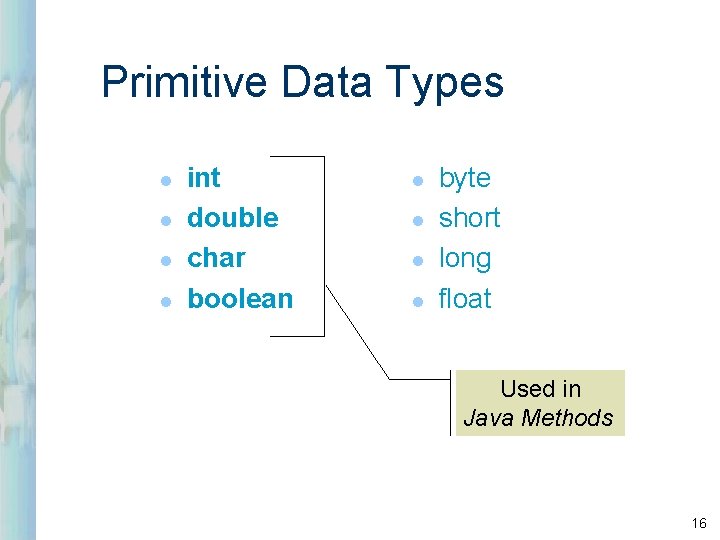
Primitive Data Types l l int double char boolean l l byte short long float Used in Java Methods 16
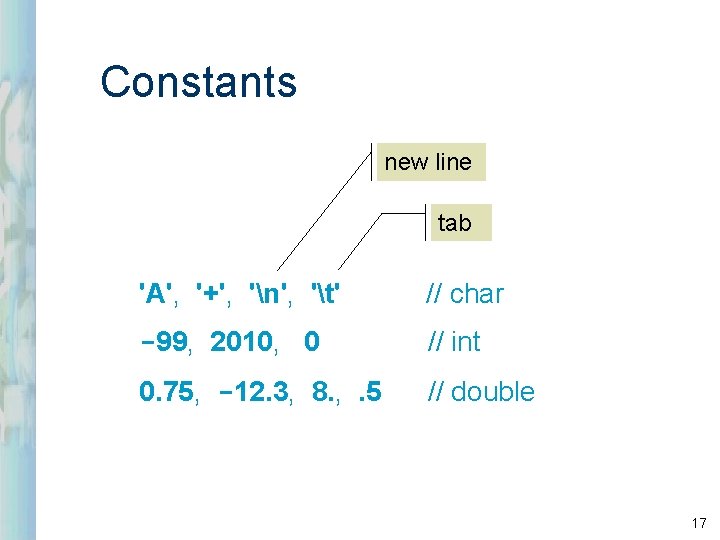
Constants new line tab 'A', '+', 'n', 't' // char -99, 2010, 0 // int 0. 75, -12. 3, 8. , . 5 // double 17
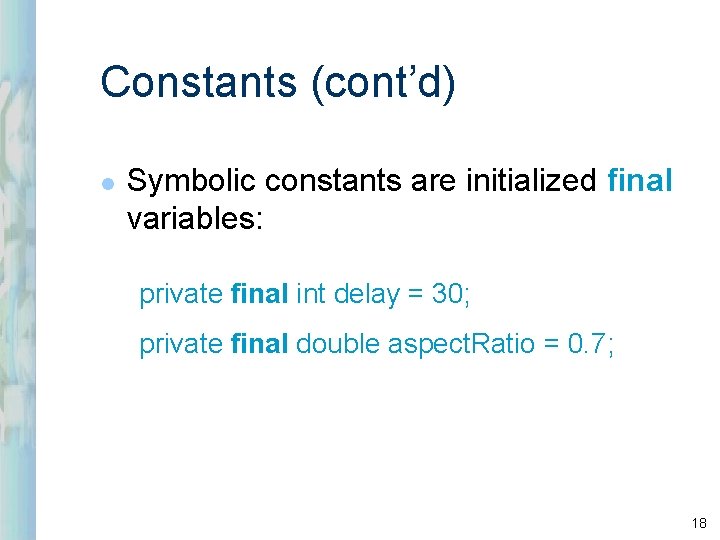
Constants (cont’d) l Symbolic constants are initialized final variables: private final int delay = 30; private final double aspect. Ratio = 0. 7; 18
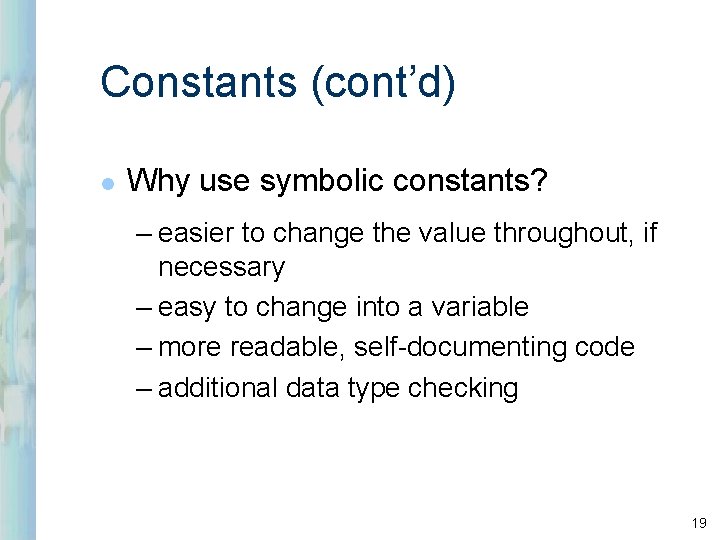
Constants (cont’d) l Why use symbolic constants? – easier to change the value throughout, if necessary – easy to change into a variable – more readable, self-documenting code – additional data type checking 19
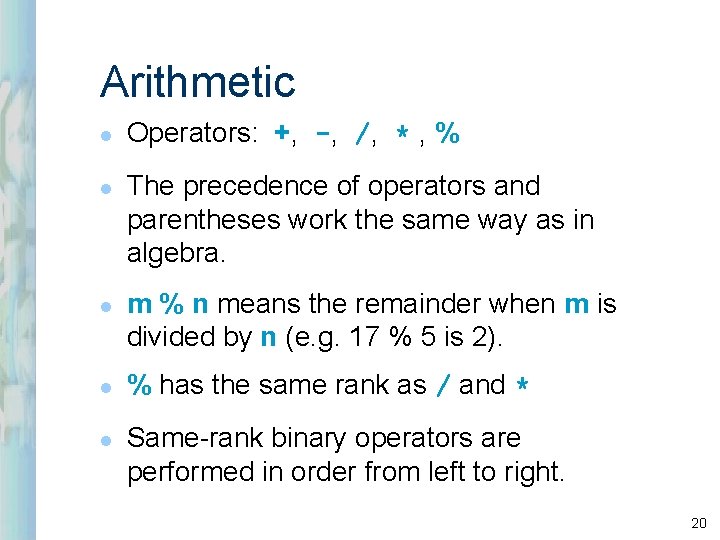
Arithmetic l l l Operators: +, -, /, * , % The precedence of operators and parentheses work the same way as in algebra. m % n means the remainder when m is divided by n (e. g. 17 % 5 is 2). % has the same rank as / and * Same-rank binary operators are performed in order from left to right. 20
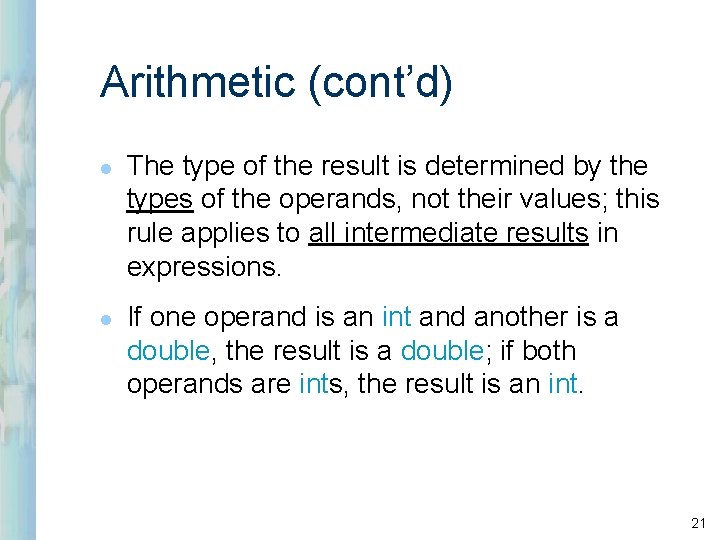
Arithmetic (cont’d) l l The type of the result is determined by the types of the operands, not their values; this rule applies to all intermediate results in expressions. If one operand is an int and another is a double, the result is a double; if both operands are ints, the result is an int. 21
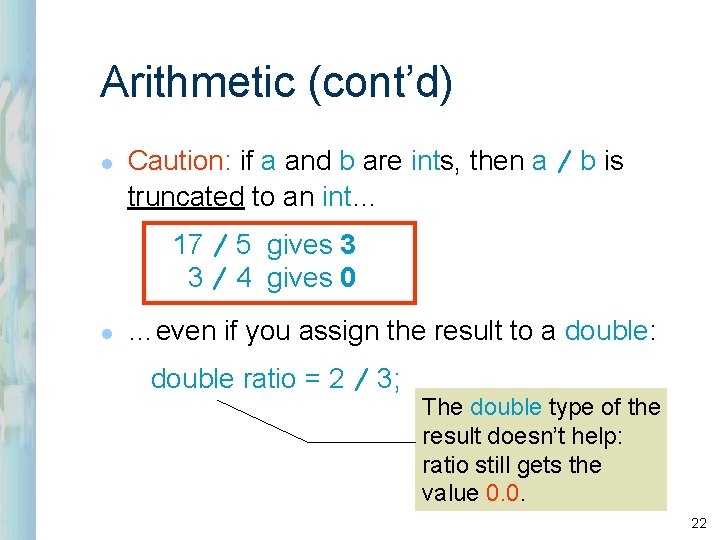
Arithmetic (cont’d) l Caution: if a and b are ints, then a / b is truncated to an int… 17 / 5 gives 3 3 / 4 gives 0 l …even if you assign the result to a double: double ratio = 2 / 3; The double type of the result doesn’t help: ratio still gets the value 0. 0. 22
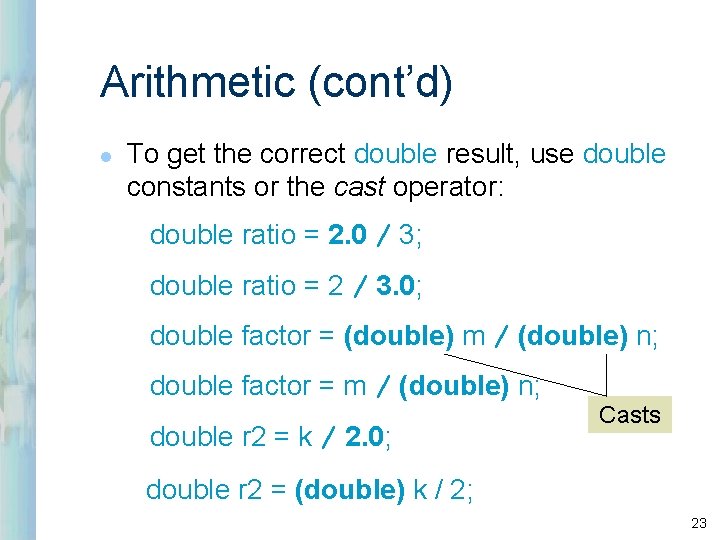
Arithmetic (cont’d) l To get the correct double result, use double constants or the cast operator: double ratio = 2. 0 / 3; double ratio = 2 / 3. 0; double factor = (double) m / (double) n; double factor = m / (double) n; double r 2 = k / 2. 0; Casts double r 2 = (double) k / 2; 23
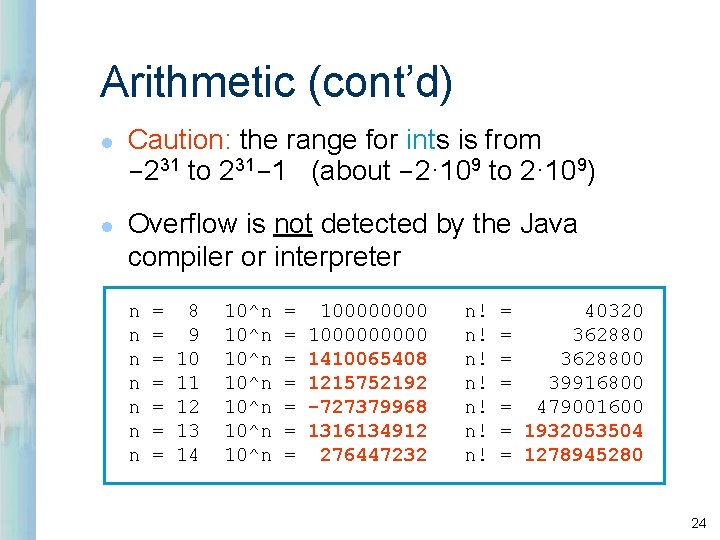
Arithmetic (cont’d) l l Caution: the range for ints is from -231 to 231 -1 (about -2· 109 to 2· 109) Overflow is not detected by the Java compiler or interpreter n n n n = = = = 8 9 10 11 12 13 14 10^n 10^n = = = = 1000000000 1410065408 1215752192 -727379968 1316134912 276447232 n! n! = 40320 = 3628800 = 39916800 = 479001600 = 1932053504 = 1278945280 24
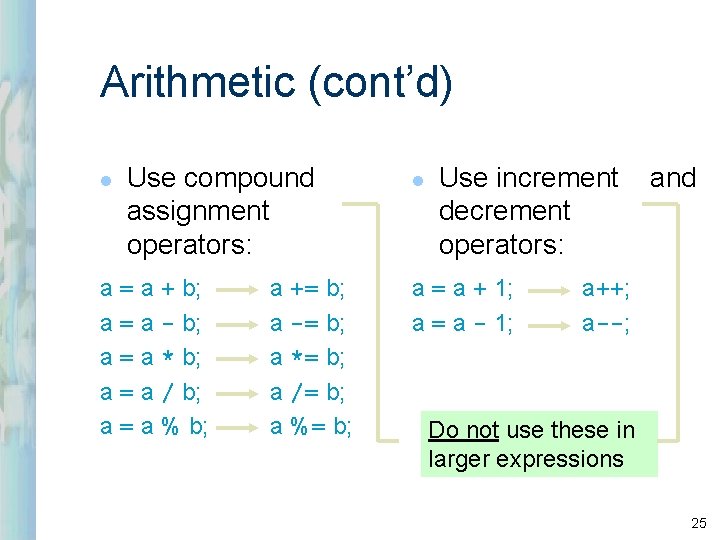
Arithmetic (cont’d) l Use compound assignment operators: a = a + b; a = a - b; a = a * b; a = a / b; a = a % b; a += b; a -= b; a *= b; a /= b; a %= b; l Use increment decrement operators: a = a + 1; a = a - 1; and a++; a--; Do not use these in larger expressions 25
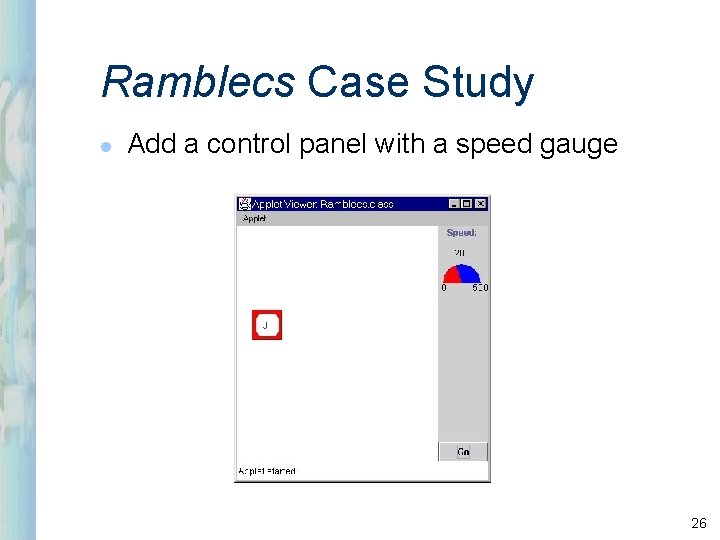
Ramblecs Case Study l Add a control panel with a speed gauge 26
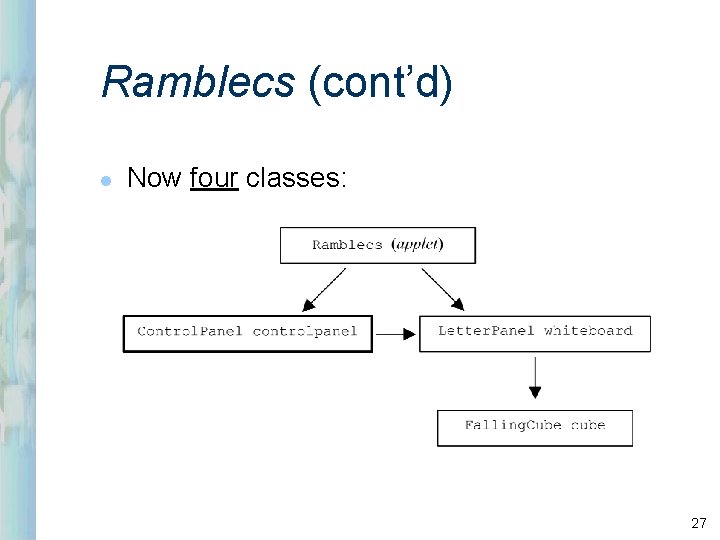
Ramblecs (cont’d) l Now four classes: 27
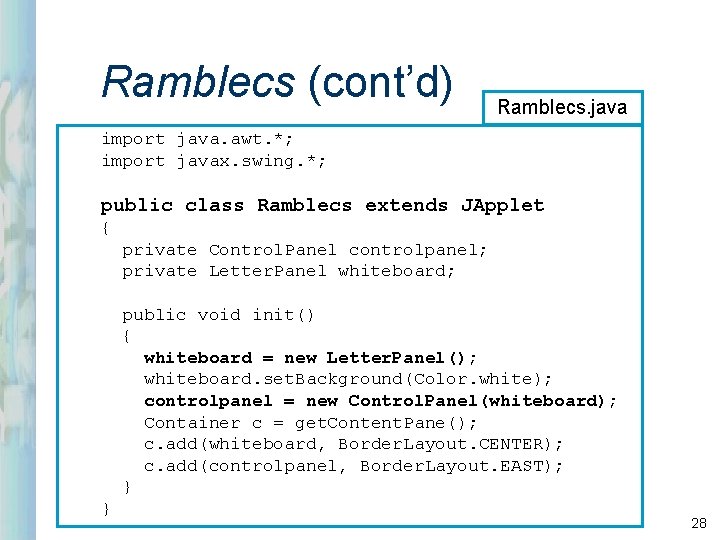
Ramblecs (cont’d) Ramblecs. java import java. awt. *; import javax. swing. *; public class Ramblecs extends JApplet { private Control. Panel controlpanel; private Letter. Panel whiteboard; public void init() { whiteboard = new Letter. Panel(); whiteboard. set. Background(Color. white); controlpanel = new Control. Panel(whiteboard); Container c = get. Content. Pane(); c. add(whiteboard, Border. Layout. CENTER); c. add(controlpanel, Border. Layout. EAST); } } 28
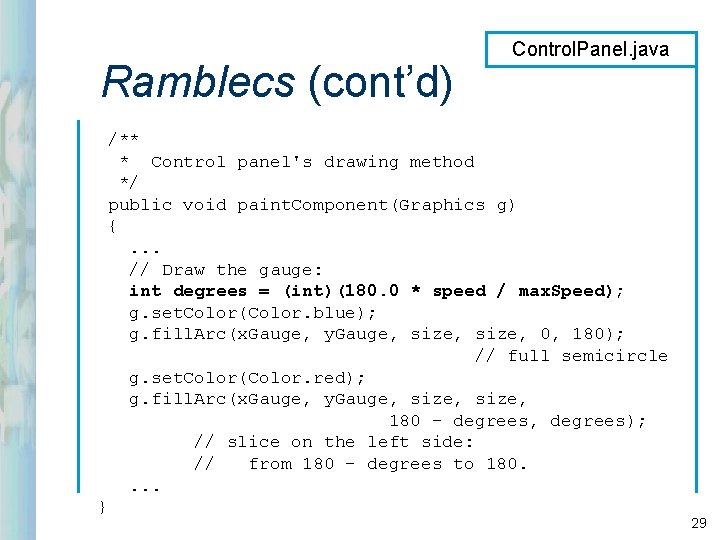
Ramblecs (cont’d) Control. Panel. java /** * Control panel's drawing method */ public void paint. Component(Graphics g) {. . . // Draw the gauge: int degrees = (int)(180. 0 * speed / max. Speed); g. set. Color(Color. blue); g. fill. Arc(x. Gauge, y. Gauge, size, 0, 180); // full semicircle g. set. Color(Color. red); g. fill. Arc(x. Gauge, y. Gauge, size, 180 - degrees, degrees); // slice on the left side: // from 180 - degrees to 180. . } 29
Review: l l l l What is a variable? What is the type of variable that holds an object? What is meant by the scope of a variable? What is the scope of a field? What is the scope of a local variable? Is it OK to give the same name to variables in different methods? Is it OK to give the same name to a field and to a local variable of the same class? 30
Review (cont’d): l l l What is the range for ints? When is a cast to double used? Given double d. F = 68. 0; double d. C = 5 / 9 * (d. F - 32); what is the value of d. C? When is a cast to int used? Should compound assignment operators be avoided? 31