
Java Methods TM An Introduction to ObjectOriented Programming
Java Methods TM An Introduction to Object-Oriented Programming GUI Components and Events 1
Περιεχόμενα: l l Πιο συστηματική εισαγωγή to basic swing components, their methods, and events they generate. Τα Components που θα συζητηθούν: – – – JLabel JButton JToggle. Button JCheck. Box JCombo. Box – – JSlider JText. Field JPassword. Field JText. Area 2
GUI Components l Τα Components δημιουργούνται από constructors: JLabel guest = new JLabel ("Guest”); l Για να γίνει χρήσιμο ένα component πρέπει να προστεθεί στο application’s “content pane” ή σε ένα άλλο component: JPanel score. Panel = new JPanel(); score. Panel. add (guest); 3
Interfaces (cont’d) l l ένα object ενός class που κάνει implements ένα interface έχει ένα secondary data type αυτό του interface (επιπρόσθετα στον primary data type of the class). Διάφοροι τύποι από “listeners” είναι interfaces. Το ίδιο object can serve as different types of listeners (as long as its class implements all the corresponding interfaces). 6
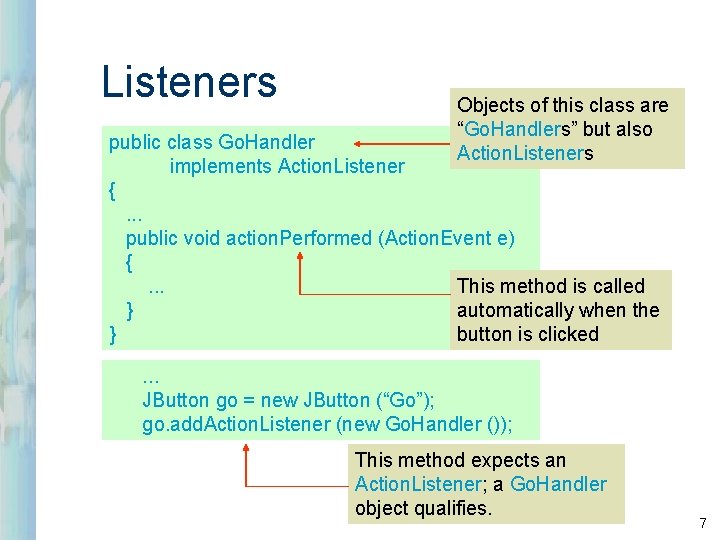
Listeners Objects of this class are “Go. Handlers” but also Action. Listeners public class Go. Handler implements Action. Listener {. . . public void action. Performed (Action. Event e) { This method is called. . . automatically when the } } button is clicked. . . JButton go = new JButton (“Go”); go. add. Action. Listener (new Go. Handler ()); This method expects an Action. Listener; a Go. Handler object qualifies. 7
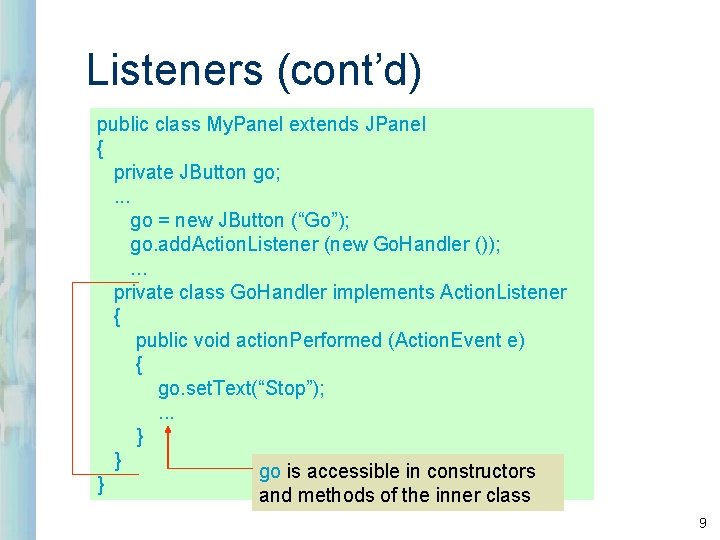
Listeners (cont’d) public class My. Panel extends JPanel { private JButton go; . . . go = new JButton (“Go”); go. add. Action. Listener (new Go. Handler ()); . . . private class Go. Handler implements Action. Listener { public void action. Performed (Action. Event e) { go. set. Text(“Stop”); . . . } } go is accessible in constructors } and methods of the inner class 9
Listeners (cont’d) l l l Listener methods παίρνουν αντίστοιχους type of event σαν argument. Event objects έχουν χρήσιμες methods. Για παράδειγμα, get. Source returns το object που παρήγαγε το event. A Mouse. Event έχει τις methods get. X, get. Y. 11
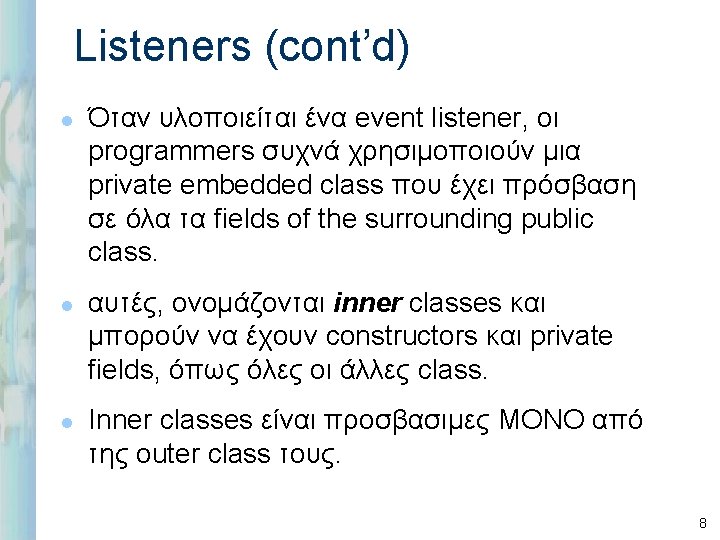
Menus l l l Μπορείς να προσθέσεις ένα JMenu. Bar object σε JFrame ή JApplet. Μπορείς να προσθέσεις JMenu objects σε JMenu. Bar. Μπορείς να προσθέσεις και άλλα JMenus, JMenu. Items, JCheck. Box. Menu. Items, JRadio. Button. Menu. Items, etc. to a JMenu. 12
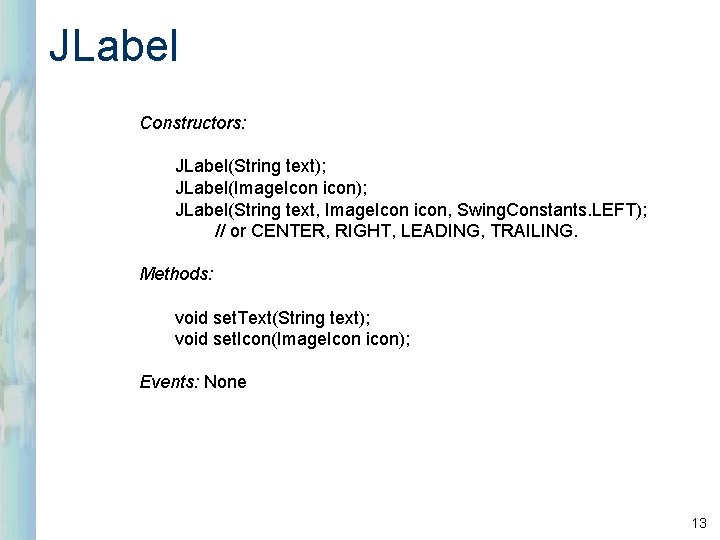
JLabel Constructors: JLabel(String text); JLabel(Image. Icon icon); JLabel(String text, Image. Icon icon, Swing. Constants. LEFT); // or CENTER, RIGHT, LEADING, TRAILING. Methods: void set. Text(String text); void set. Icon(Image. Icon icon); Events: None 13
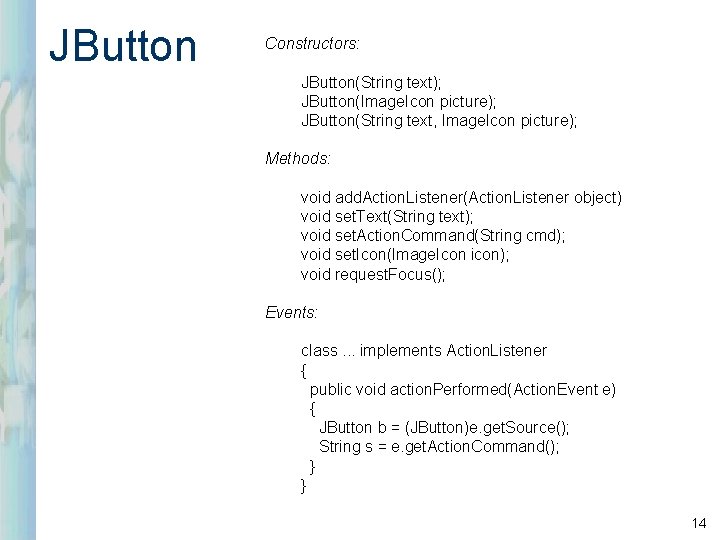
JButton Constructors: JButton(String text); JButton(Image. Icon picture); JButton(String text, Image. Icon picture); Methods: void add. Action. Listener(Action. Listener object) void set. Text(String text); void set. Action. Command(String cmd); void set. Icon(Image. Icon icon); void request. Focus(); Events: class. . . implements Action. Listener { public void action. Performed(Action. Event e) { JButton b = (JButton)e. get. Source(); String s = e. get. Action. Command(); } } 14
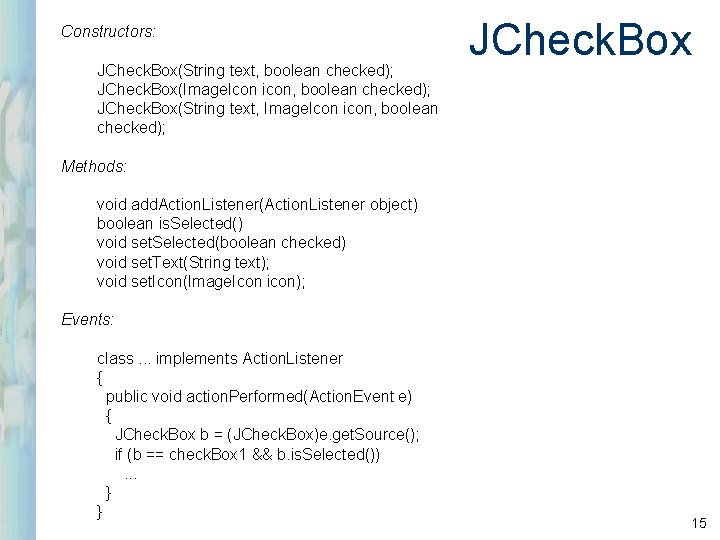
Constructors: JCheck. Box(String text, boolean checked); JCheck. Box(Image. Icon icon, boolean checked); JCheck. Box(String text, Image. Icon icon, boolean checked); JCheck. Box Methods: void add. Action. Listener(Action. Listener object) boolean is. Selected() void set. Selected(boolean checked) void set. Text(String text); void set. Icon(Image. Icon icon); Events: class. . . implements Action. Listener { public void action. Performed(Action. Event e) { JCheck. Box b = (JCheck. Box)e. get. Source(); if (b == check. Box 1 && b. is. Selected()). . . } } 15
Layouts l l l ένας layout manager είναι ένα είδος «στρατηγικής» (“strategy”) για τοποθέτηση components on the content pane or another component (usually a panel). In Java, the content pane and any GUI component is a Container. A layout is chosen by calling the container’s set. Layout method. 16
Layouts (cont’d) l l l Layouts are used to achieve some degree of platform independence and scalability. AWT/Swing support several layout managers. Here we consider four: Flow. Layout, Grid. Layout, Border. Layout, Box. Layout. These classes implement the java. awt. Layout. Manager interface. 17
Flow. Layout l l τοποθετεί components σε μια γραμμή όσο χωράνε, έπειτα ξεκινά νέα γραμμή. Χρησιμοποιεί “best judgement” για το spacing components. Centers by default. Lets each component assume its natural (preferred) size. Χρησιμοποιείται συχνά για τοποθέτηση buttons on panels. 18
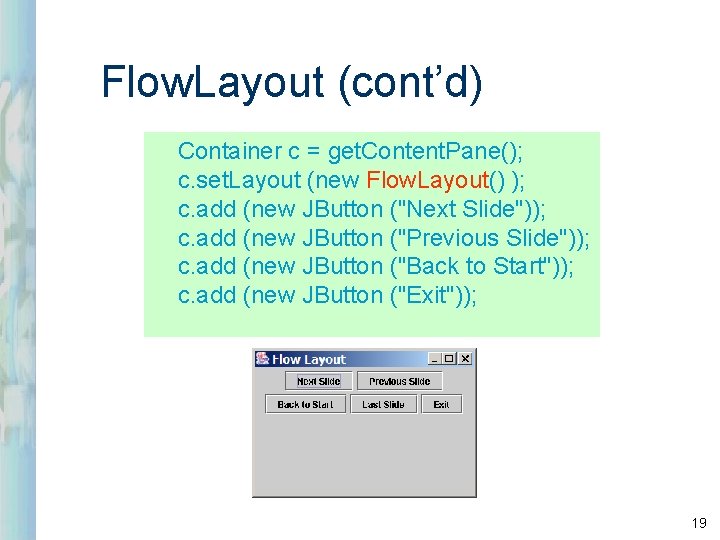
Flow. Layout (cont’d) Container c = get. Content. Pane(); c. set. Layout (new Flow. Layout() ); c. add (new JButton ("Next Slide")); c. add (new JButton ("Previous Slide")); c. add (new JButton ("Back to Start")); c. add (new JButton ("Exit")); 19
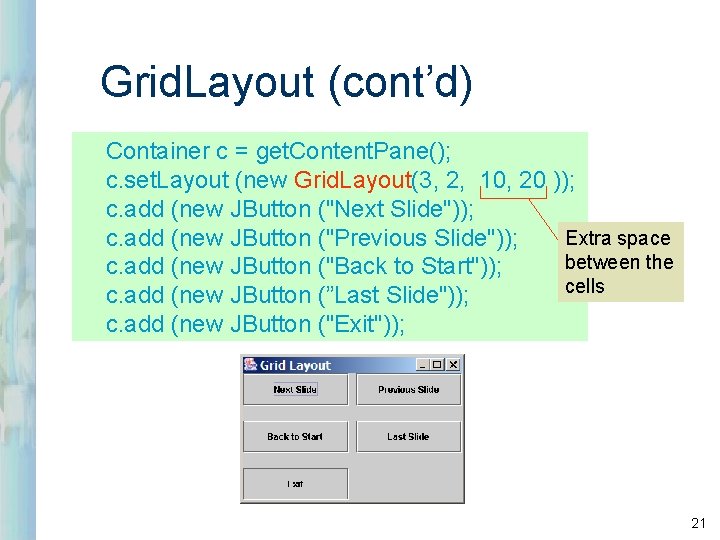
Grid. Layout (cont’d) Container c = get. Content. Pane(); c. set. Layout (new Grid. Layout(3, 2, 10, 20 )); c. add (new JButton ("Next Slide")); Extra space c. add (new JButton ("Previous Slide")); between the c. add (new JButton ("Back to Start")); cells c. add (new JButton (”Last Slide")); c. add (new JButton ("Exit")); 21
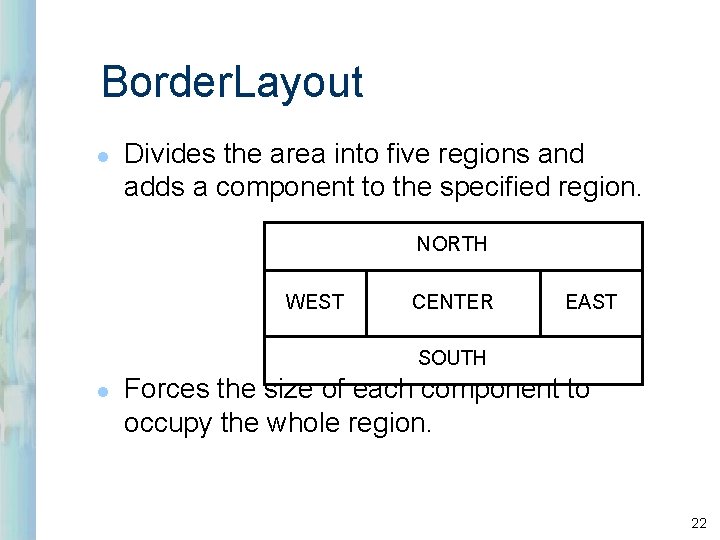
Border. Layout l Divides the area into five regions and adds a component to the specified region. NORTH WEST CENTER EAST SOUTH l Forces the size of each component to occupy the whole region. 22
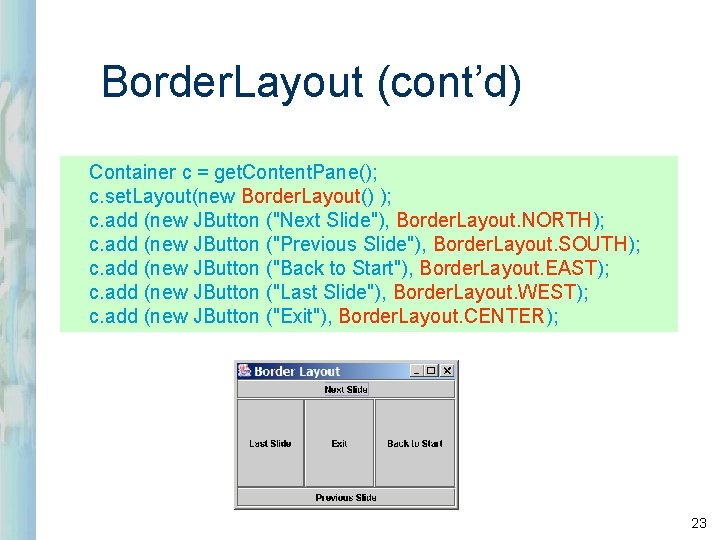
Border. Layout (cont’d) Container c = get. Content. Pane(); c. set. Layout(new Border. Layout() ); c. add (new JButton ("Next Slide"), Border. Layout. NORTH); c. add (new JButton ("Previous Slide"), Border. Layout. SOUTH); c. add (new JButton ("Back to Start"), Border. Layout. EAST); c. add (new JButton ("Last Slide"), Border. Layout. WEST); c. add (new JButton ("Exit"), Border. Layout. CENTER); 23
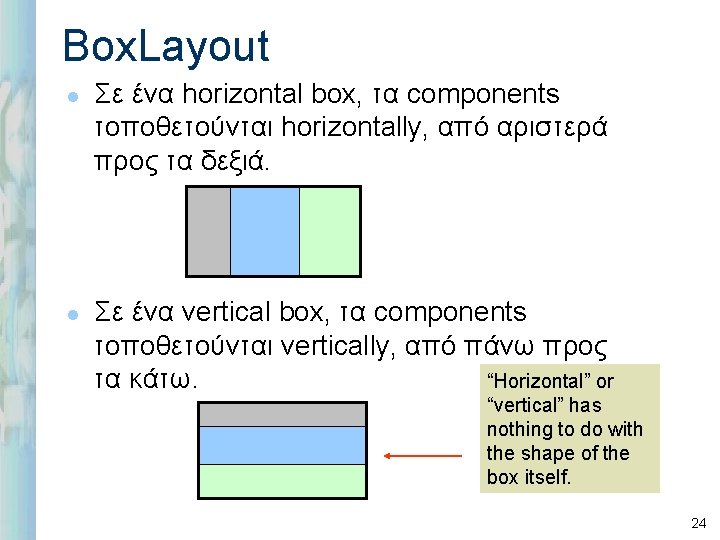
Box. Layout l l Σε ένα horizontal box, τα components τοποθετούνται horizontally, από αριστερά προς τα δεξιά. Σε ένα vertical box, τα components τοποθετούνται vertically, από πάνω προς “Horizontal” or τα κάτω. “vertical” has nothing to do with the shape of the box itself. 24
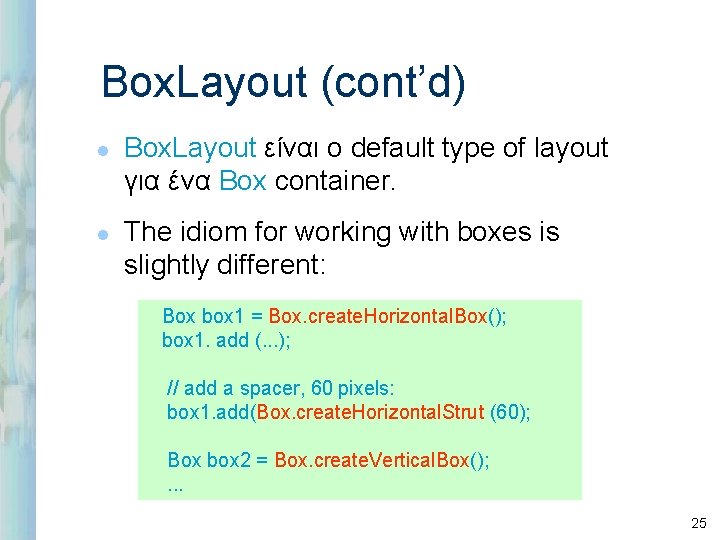
Box. Layout (cont’d) l l Box. Layout είναι ο default type of layout για ένα Box container. The idiom for working with boxes is slightly different: Box box 1 = Box. create. Horizontal. Box(); box 1. add (. . . ); // add a spacer, 60 pixels: box 1. add(Box. create. Horizontal. Strut (60); Box box 2 = Box. create. Vertical. Box(); . . . 25
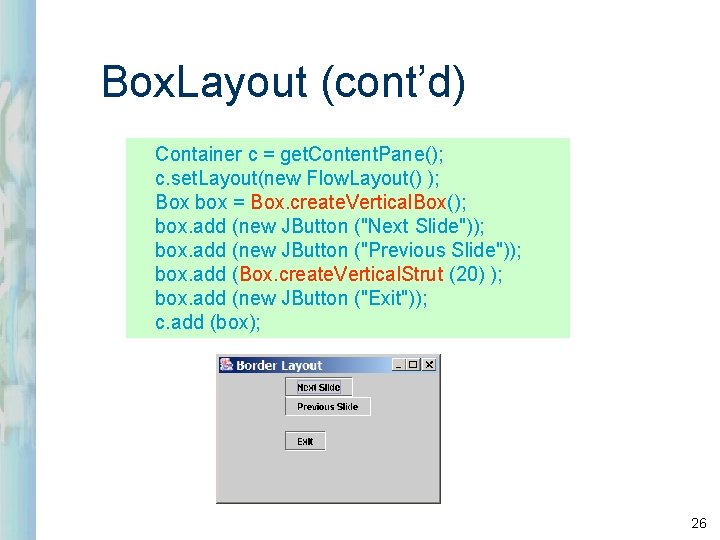
Box. Layout (cont’d) Container c = get. Content. Pane(); c. set. Layout(new Flow. Layout() ); Box box = Box. create. Vertical. Box(); box. add (new JButton ("Next Slide")); box. add (new JButton ("Previous Slide")); box. add (Box. create. Vertical. Strut (20) ); box. add (new JButton ("Exit")); c. add (box); 26
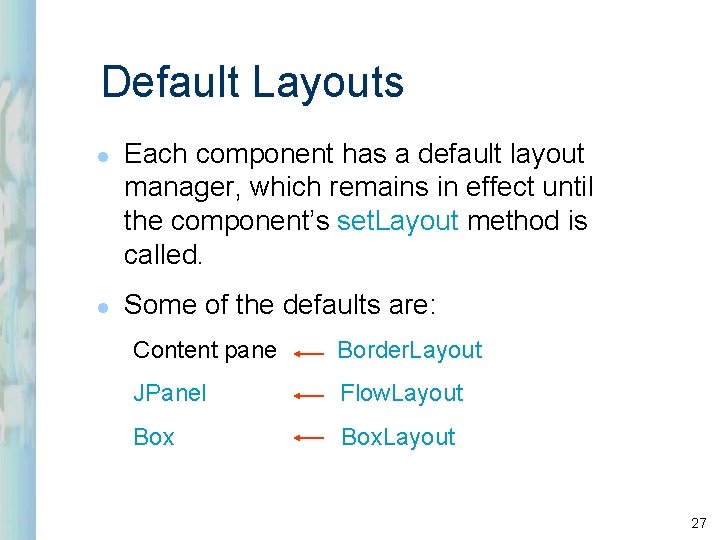
Default Layouts l l Each component has a default layout manager, which remains in effect until the component’s set. Layout method is called. Some of the defaults are: Content pane Border. Layout JPanel Flow. Layout Box. Layout 27
- Slides: 27