
Java IO Flexibility and Layering Copyright 1999 2012
Java I/O Flexibility and Layering Copyright © 1999 - 2012 Curt Hill
The Difficulty of File Design • There are very many different approaches to file design in programming languages • None have mastered it or all others would have copied them • C++ has two completely different approaches – IOStream use << and >> – Std. IO use printf and scanf • Random access files are particularly operating system sensitive Copyright © 1999 - 2012 Curt Hill
One example: end of file • Three or more approaches • Error exit routine – FORTRAN – COBOL • Pre-check – Pascal • Post-check – C++ Copyright © 1999 - 2012 Curt Hill
External Data • What does data come from? or Where does it go? – A file, such as on disk – Console – Network connection – Pipe – String – Array of bytes – Two or more of above collected together • The problem is making these look similar Copyright © 1999 - 2012 Curt Hill
Formatting • How is the data modified from source to destination? • No formatting – Raw bytes or characters • Collecting – An integer stored as 4 binary bytes • Formatting based on desired type – Digit characters transformed into an integer Copyright © 1999 - 2012 Curt Hill
Direction • Files may be processed in several directions –Input –Output • Append –Input and Output Copyright © 1999 - 2012 Curt Hill
Organization and Access • Organization – Sequential • May be buffered for efficiency – Random Access • Direct • Indexed • Access – How it is processed – Must be no stronger than organization • All are OS dependent Copyright © 1999 - 2012 Curt Hill
Classes • There are many classes that capture these capabilities • They are then cascaded to give the desired result • The beginnings are Input. Stream and Output. Stream which are abstract base classes • To be useful they are subclassed • These are in java. io. * Copyright © 1999 - 2012 Curt Hill
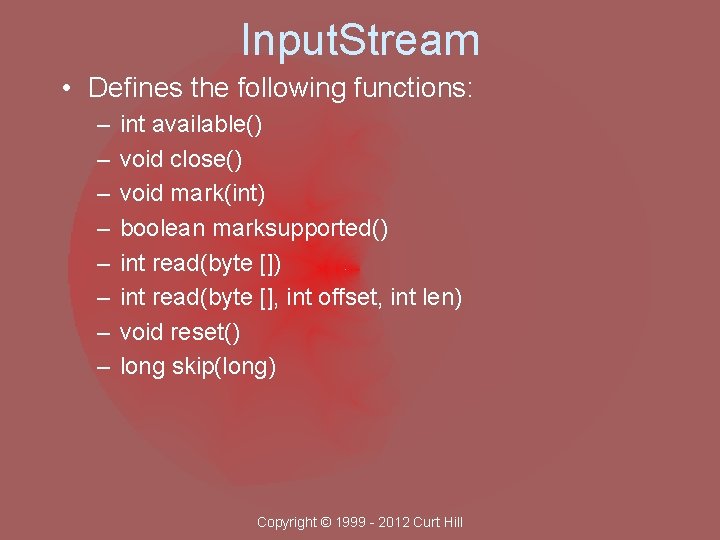
Input. Stream • Defines the following functions: – – – – int available() void close() void mark(int) boolean marksupported() int read(byte [], int offset, int len) void reset() long skip(long) Copyright © 1999 - 2012 Curt Hill
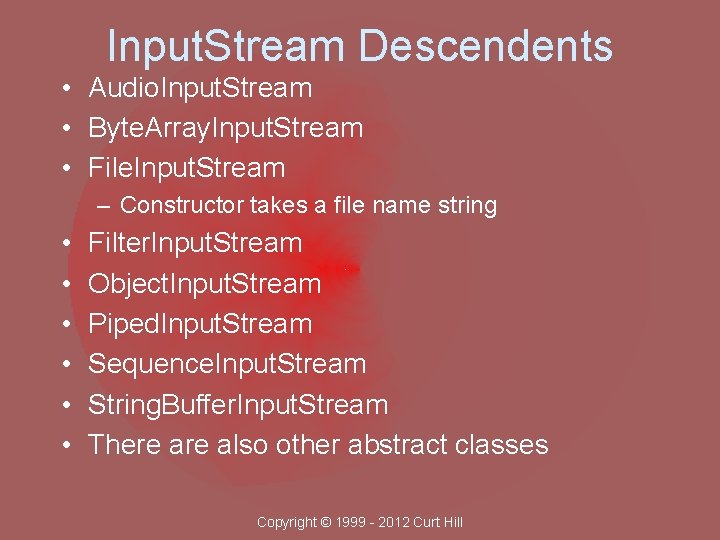
Input. Stream Descendents • Audio. Input. Stream • Byte. Array. Input. Stream • File. Input. Stream – Constructor takes a file name string • • • Filter. Input. Stream Object. Input. Stream Piped. Input. Stream Sequence. Input. Stream String. Buffer. Input. Stream There also other abstract classes Copyright © 1999 - 2012 Curt Hill
The Readers • The Input. Stream descendents do not have the convenient methods for processing input that is people readable • The read methods generally only reads a byte – This is one half of a character • There are several Reader objects that do have nicer methods Copyright © 1999 - 2012 Curt Hill
Reader • This is generally not used, but is the ancestor of several that are quite handy • The read method of this object (and descendents) reads a character, not a byte • It has several handy descendents: – Input. Stream. Reader – Buffered. Reader Copyright © 1999 - 2012 Curt Hill
Readers • Input. Stream. Reader adds the functionality of reading from an Input. Stream – Such as a disk file • Buffered. Reader adds two things: – Buffering – read. Line method that reads a whole line and returns a string Copyright © 1999 - 2012 Curt Hill
End of File • Each class has the option to handle EOF differently • The Data. Input. Stream does throw an EOFException • Input. Stream. Reader has a read which returns an int – If EOF it returns a -1 • It also has a ready method which returns true should there be somthing left to read Copyright © 1999 - 2012 Curt Hill
Output. Stream • Another abstract base class • Defines the following functions: – – void close() void flush() void write(byte [], int offset, int len) Copyright © 1999 - 2012 Curt Hill
Instantiable Output Streams • • Byte. Array. Output. Stream File. Output. Stream Pipe. Output. Stream Filter. Output. Stream Copyright © 1999 - 2012 Curt Hill
Exceptions • Input. Stream and Output. Stream objects throw various kinds of IOExceptions • Constructors using file names usually throw File. Not. Found. Exception • Others I/O throw IOException • Most operations need to be in try catch Copyright © 1999 - 2012 Curt Hill
Filters • Filter. Input. Stream and Filter. Output. Stream are also abstract classes • Designed to be the super classes of all formatting classes or any other added functionality • Subclasses include: Buffer. XXXStream, Data. XXXStream and others • Provide the same functionality as Input. Streams or Output. Streams Copyright © 1999 - 2012 Curt Hill
Buffering • Buffering separates logical reads or writes from physical reads or writes • Devised in the 1950 s to save space on tape • Today we do it to make access faster • Reading an entire track is only slightly slower than reading a single sector Copyright © 1999 - 2012 Curt Hill
Java Buffered Classes • Two buffering classes: – Buffered. Input. Stream which takes an Input. Stream in its constructor – Buffered. Output. Stream which takes an Output. Stream in its constructor • They provide all the same functionality as Stream but add buffering Copyright © 1999 - 2012 Curt Hill
Output formatting • Print. Stream is a subclass of Filter. Output. Stream • Constructor takes an Output. Stream • Offers the print and println functions with many overloads – All the primitives – Object (uses String. value. Of) – String • Handles its own exceptions so try catch is only needed for Opening Copyright © 1999 - 2012 Curt Hill
print and println • These are methods which are defined in Print. Stream • They format variables and output them • They are overloaded to take several different kinds of arguments • They will only take one argument each – println may have no arguments as well Copyright © 1999 - 2012 Curt Hill
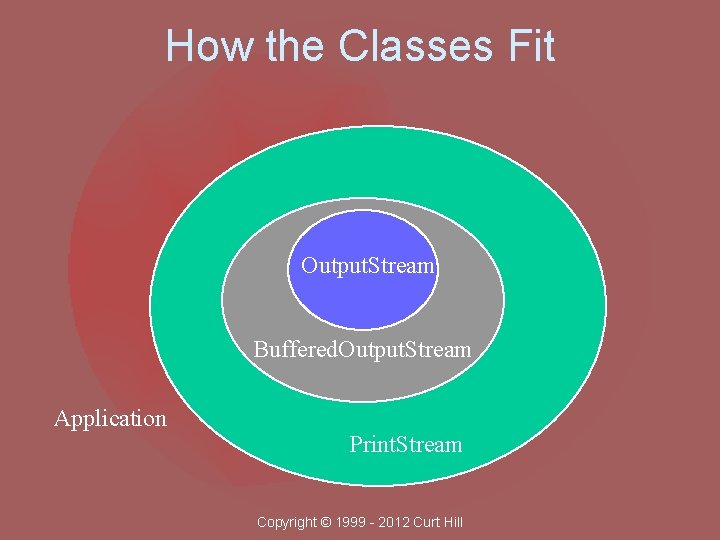
How the Classes Fit Output. Stream P Buffered. Output. Stream Application Print. Stream Copyright © 1999 - 2012 Curt Hill
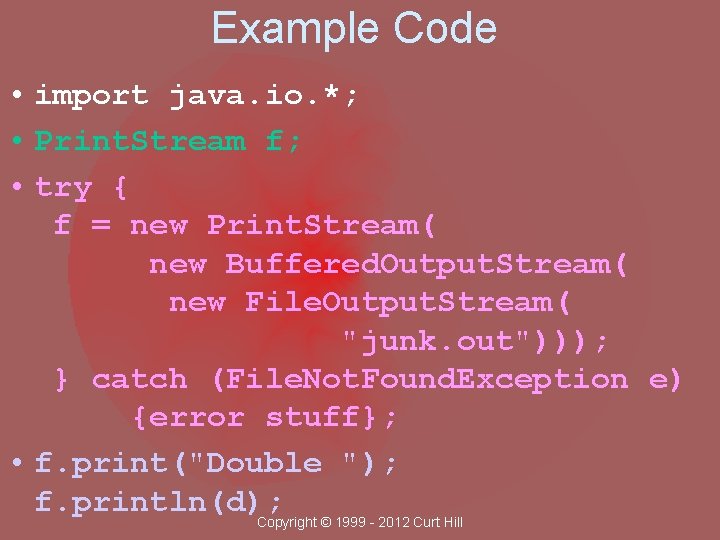
Example Code • import java. io. *; • Print. Stream f; • try { f = new Print. Stream( new Buffered. Output. Stream( new File. Output. Stream( "junk. out"))); } catch (File. Not. Found. Exception e) {error stuff}; • f. print("Double "); f. println(d); Copyright © 1999 - 2012 Curt Hill
Discussion • Only the creation needs to be protected by try catch • Print. Stream handles all the errors of writing itself • The print and println methods are similar to those used by System. out Copyright © 1999 - 2012 Curt Hill
Print. Writer • Similar to Print. Stream – Not derived from Print. Stream – All the same methods • Constructor takes an Output. Stream • check. Error returns whether an error occurred Copyright © 1999 - 2012 Curt Hill
Console Redirection • The JVM has three standard files like C – Standard output • System. out – Standard error • System. err – Standard input • System. in • Each of these may be redirected to a file or processed by a program Copyright © 1999 - 2012 Curt Hill
Redirection • Usually done for the execution of an existing program • Three steps – Start program – Redirect files – Process these files Copyright © 1999 - 2012 Curt Hill
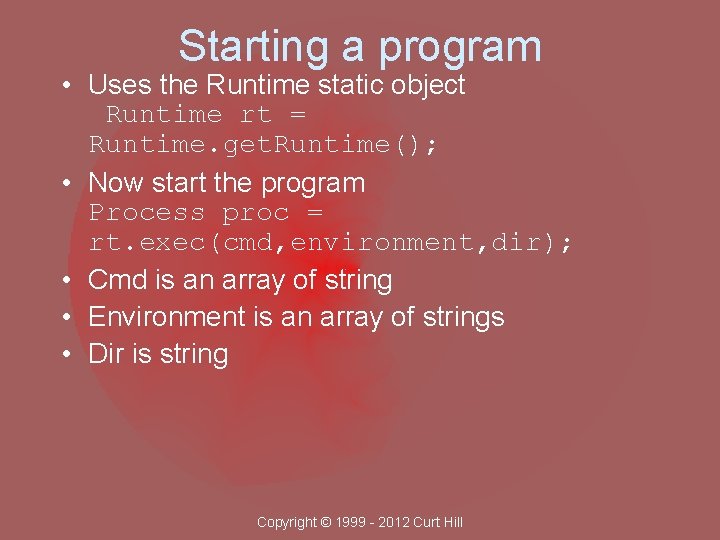
Starting a program • Uses the Runtime static object Runtime rt = Runtime. get. Runtime(); • Now start the program Process proc = rt. exec(cmd, environment, dir); • Cmd is an array of string • Environment is an array of strings • Dir is string Copyright © 1999 - 2012 Curt Hill
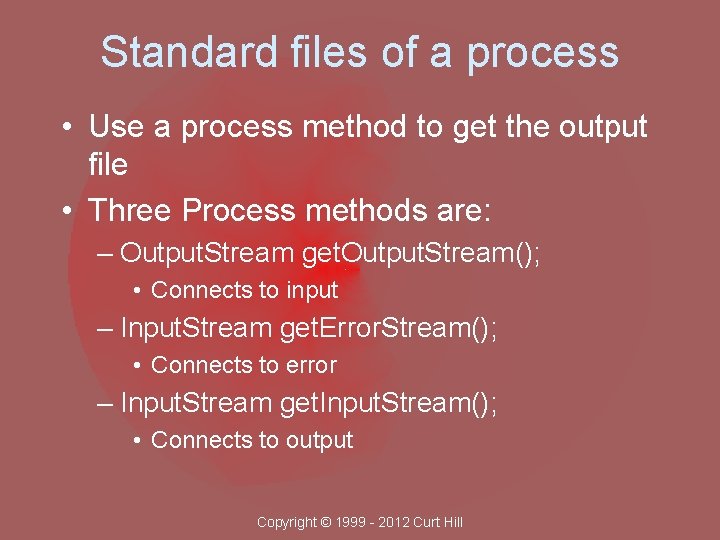
Standard files of a process • Use a process method to get the output file • Three Process methods are: – Output. Stream get. Output. Stream(); • Connects to input – Input. Stream get. Error. Stream(); • Connects to error – Input. Stream get. Input. Stream(); • Connects to output Copyright © 1999 - 2012 Curt Hill
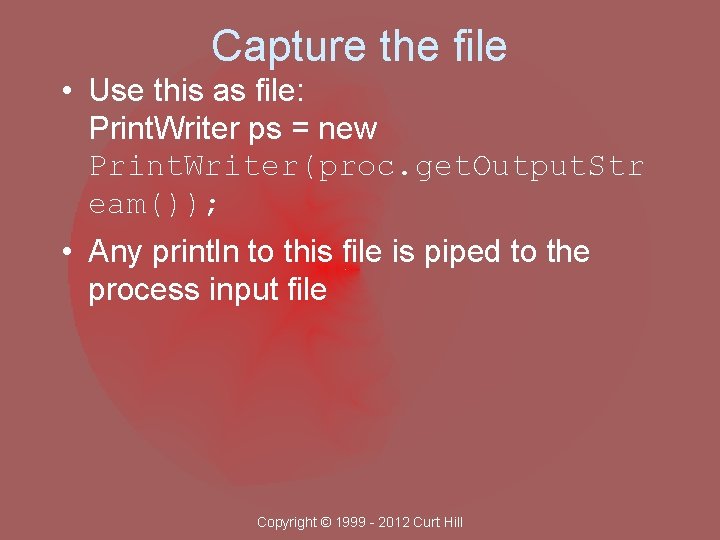
Capture the file • Use this as file: Print. Writer ps = new Print. Writer(proc. get. Output. Str eam()); • Any println to this file is piped to the process input file Copyright © 1999 - 2012 Curt Hill
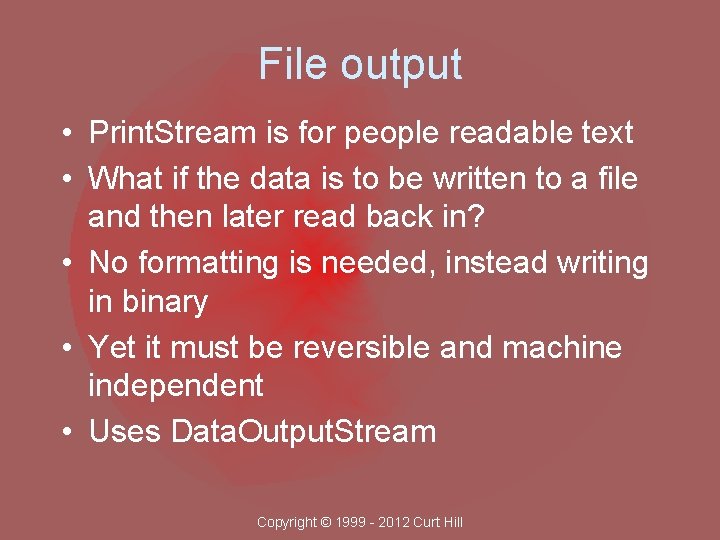
File output • Print. Stream is for people readable text • What if the data is to be written to a file and then later read back in? • No formatting is needed, instead writing in binary • Yet it must be reversible and machine independent • Uses Data. Output. Stream Copyright © 1999 - 2012 Curt Hill
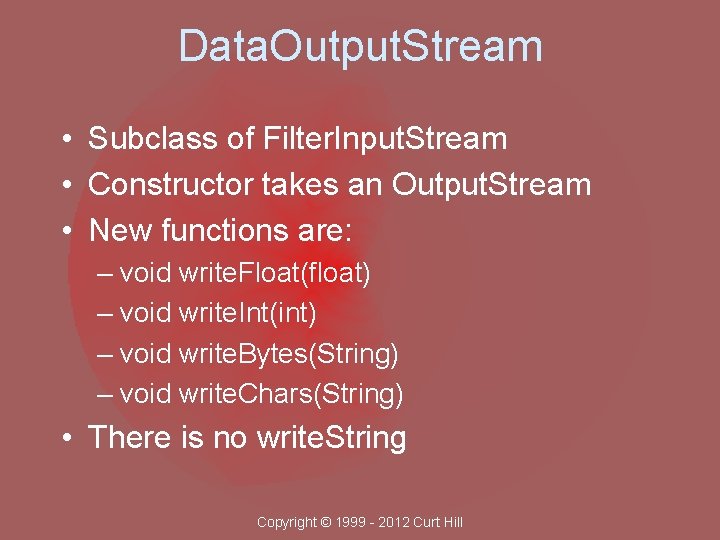
Data. Output. Stream • Subclass of Filter. Input. Stream • Constructor takes an Output. Stream • New functions are: – void write. Float(float) – void write. Int(int) – void write. Bytes(String) – void write. Chars(String) • There is no write. String Copyright © 1999 - 2012 Curt Hill
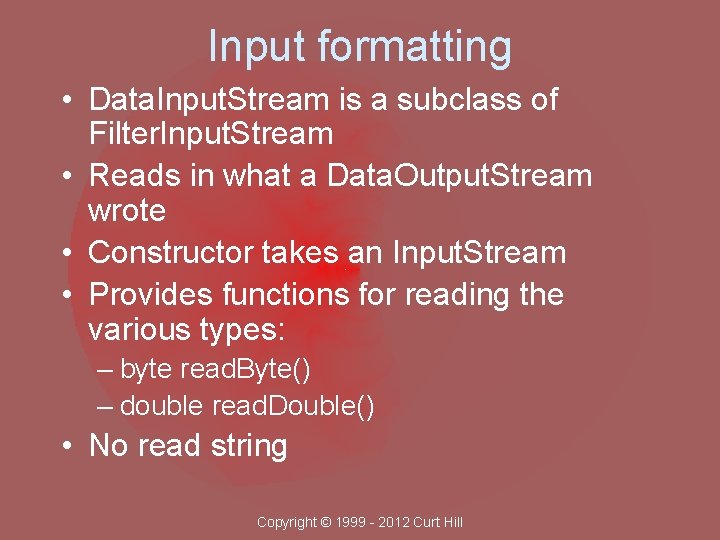
Input formatting • Data. Input. Stream is a subclass of Filter. Input. Stream • Reads in what a Data. Output. Stream wrote • Constructor takes an Input. Stream • Provides functions for reading the various types: – byte read. Byte() – double read. Double() • No read string Copyright © 1999 - 2012 Curt Hill
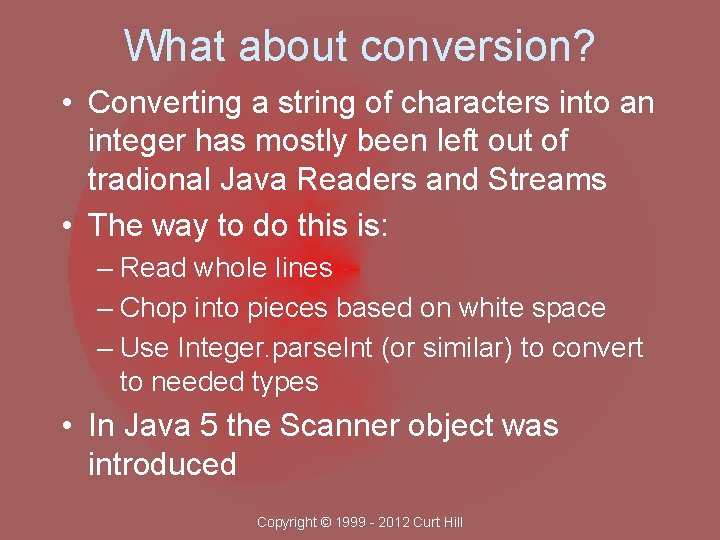
What about conversion? • Converting a string of characters into an integer has mostly been left out of tradional Java Readers and Streams • The way to do this is: – Read whole lines – Chop into pieces based on white space – Use Integer. parse. Int (or similar) to convert to needed types • In Java 5 the Scanner object was introduced Copyright © 1999 - 2012 Curt Hill
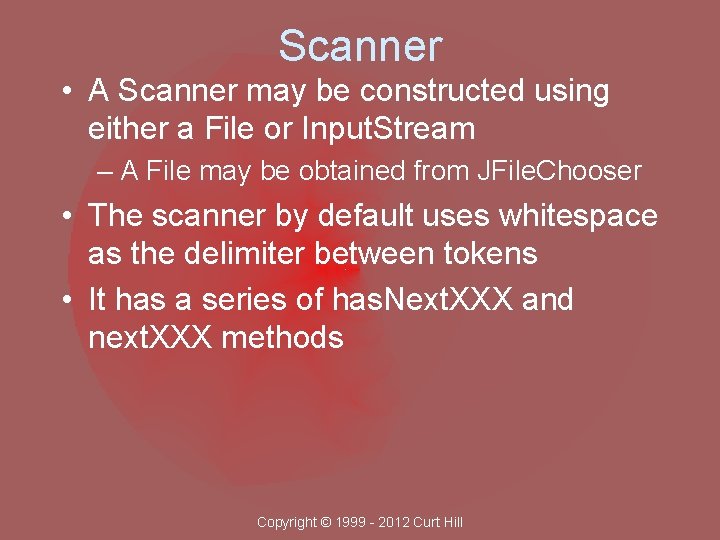
Scanner • A Scanner may be constructed using either a File or Input. Stream – A File may be obtained from JFile. Chooser • The scanner by default uses whitespace as the delimiter between tokens • It has a series of has. Next. XXX and next. XXX methods Copyright © 1999 - 2012 Curt Hill
has. Next methods • Returns a boolean • True if the item is the next token • So: has. Next. Int() is true if the next token can be interpreted as an integer • Most of the types have one: – has. Next. Double – has. Next. Float – has. Next. Line Copyright © 1999 - 2012 Curt Hill
next Methods • Reads and returns the next item • Example: int j = sc. next. Int(); • One for most types: – next. Boolean – next. Double – next. Line Copyright © 1999 - 2012 Curt Hill
Scanner Exceptions • The has. Next. XXX will throw the Illegal. State. Exception if the scanner is closed • The next. XXX will throw: – Input. Mismatch. Exception if the item does not conform to specifications – No. Such. Element. Exception if the Scanner has no input left – Illegal. State. Exception if the scanner is closed Copyright © 1999 - 2012 Curt Hill
Text files • Text files in any Microsoft Operating System always end a line with two characters – A carriage return followed by a line feed – Both are control characters • UNIX based systems use only a line feed • This may change how the file is processed on different systems Copyright © 1999 - 2012 Curt Hill
- Slides: 40