
Java I Refresher Jonathan F Gemmell Saturday January
![Arrays o Modifying elements int[] x = new int[10]; x[0] = 5; x[2] =](https://slidetodoc.com/presentation_image_h2/64da2151199adc19d674fe7aff4fb8e9/image-35.jpg "Arrays o Modifying elements int[] x = new int[10]; x[0] = 5; x[2] =")
- Slides: 65
Java I Refresher Jonathan F. Gemmell Saturday, January 7 th / Friday, January 13 th Room 819 CTI
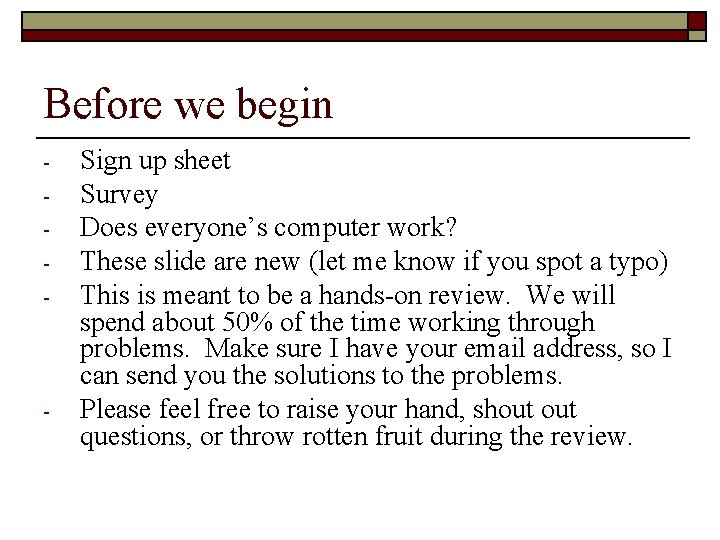
Before we begin - - Sign up sheet Survey Does everyone’s computer work? These slide are new (let me know if you spot a typo) This is meant to be a hands-on review. We will spend about 50% of the time working through problems. Make sure I have your email address, so I can send you the solutions to the problems. Please feel free to raise your hand, shout questions, or throw rotten fruit during the review.
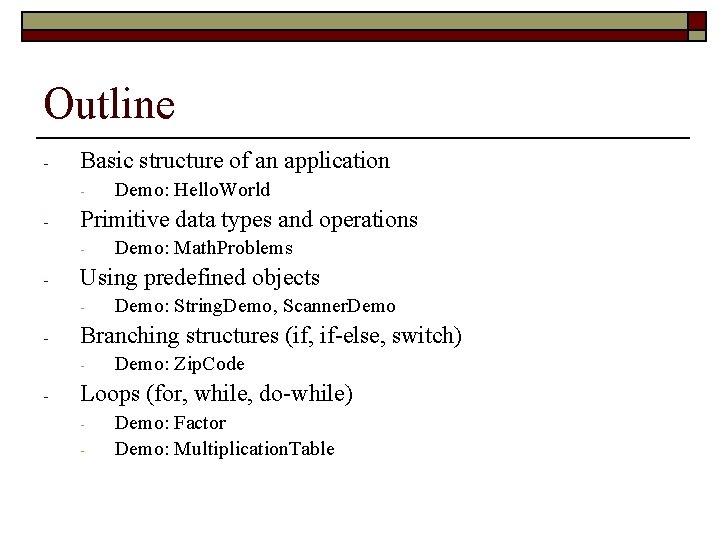
Outline - Basic structure of an application - - Primitive data types and operations - - Demo: String. Demo, Scanner. Demo Branching structures (if, if-else, switch) - - Demo: Math. Problems Using predefined objects - - Demo: Hello. World Demo: Zip. Code Loops (for, while, do-while) - Demo: Factor Demo: Multiplication. Table
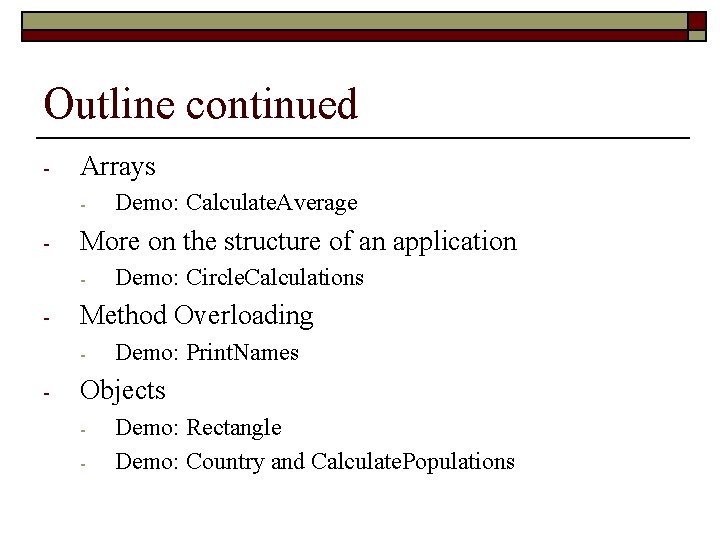
Outline continued - Arrays - - More on the structure of an application - - Demo: Circle. Calculations Method Overloading - - Demo: Calculate. Average Demo: Print. Names Objects - Demo: Rectangle Demo: Country and Calculate. Populations
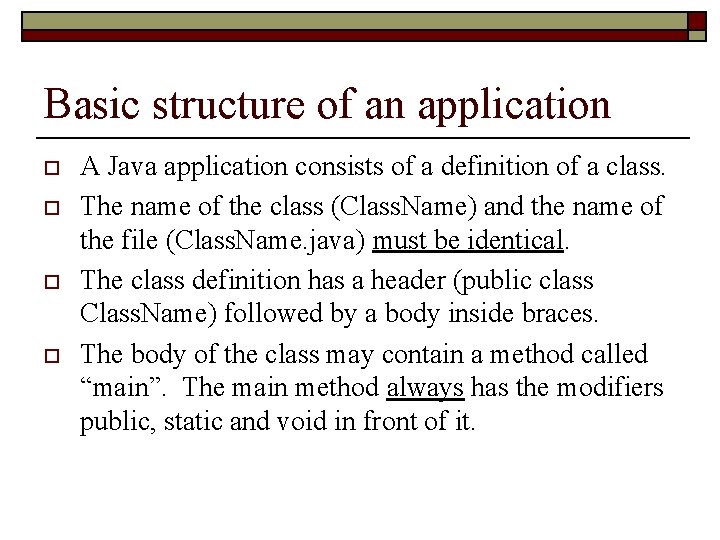
Basic structure of an application o o A Java application consists of a definition of a class. The name of the class (Class. Name) and the name of the file (Class. Name. java) must be identical. The class definition has a header (public class Class. Name) followed by a body inside braces. The body of the class may contain a method called “main”. The main method always has the modifiers public, static and void in front of it.
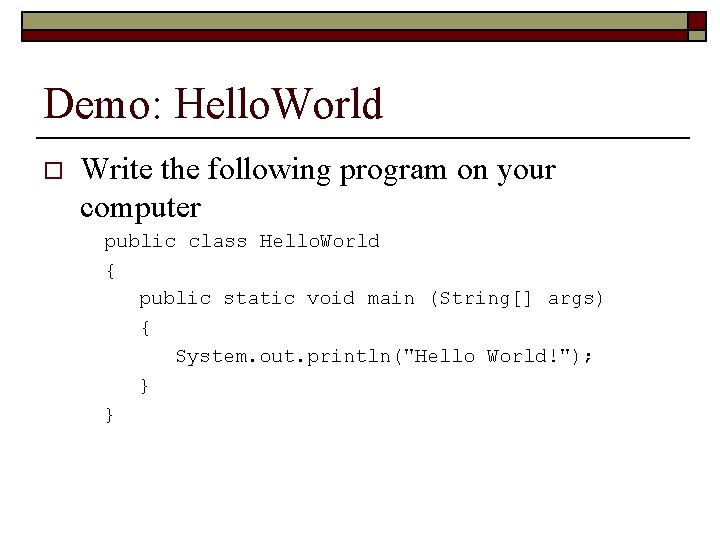
Demo: Hello. World o Write the following program on your computer public class Hello. World { public static void main (String[] args) { System. out. println("Hello World!"); } }
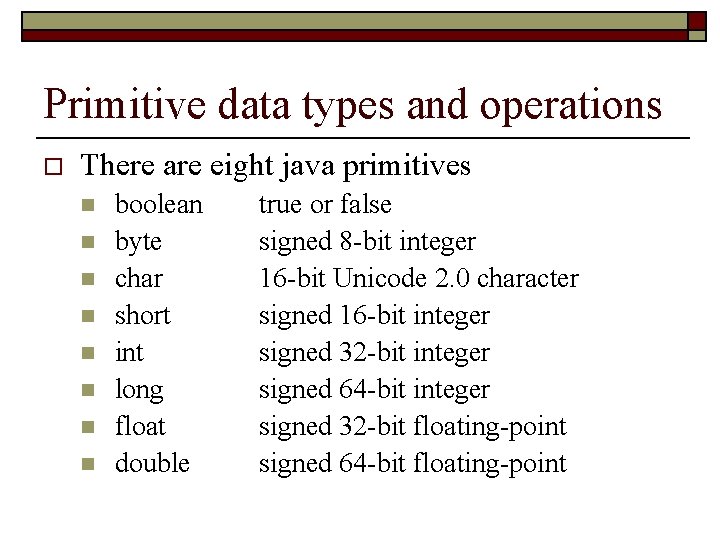
Primitive data types and operations o There are eight java primitives n n n n boolean byte char short int long float double true or false signed 8 -bit integer 16 -bit Unicode 2. 0 character signed 16 -bit integer signed 32 -bit integer signed 64 -bit integer signed 32 -bit floating-point signed 64 -bit floating-point
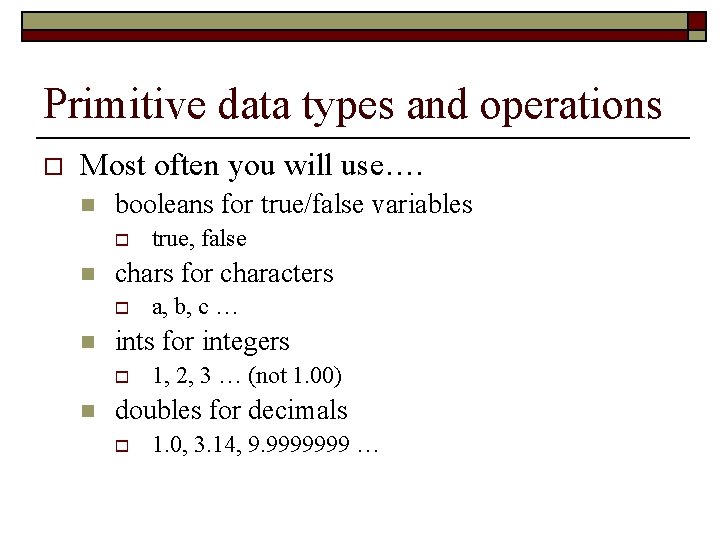
Primitive data types and operations o Most often you will use…. n booleans for true/false variables o n chars for characters o n a, b, c … ints for integers o n true, false 1, 2, 3 … (not 1. 00) doubles for decimals o 1. 0, 3. 14, 9. 9999999 …
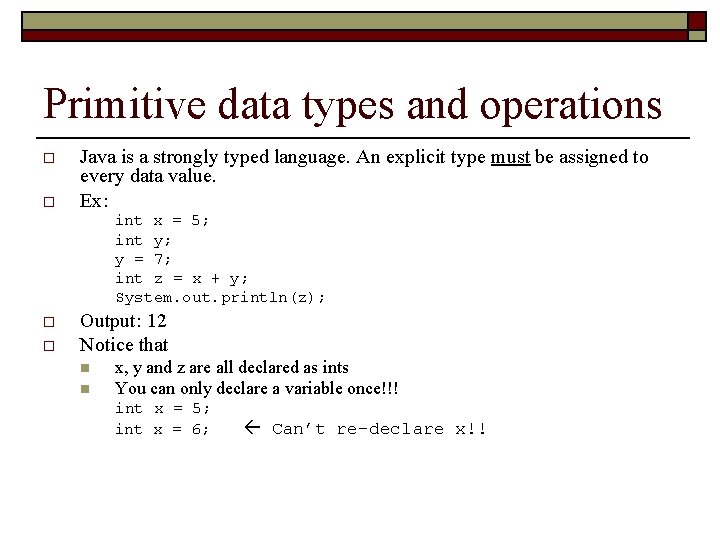
Primitive data types and operations o o Java is a strongly typed language. An explicit type must be assigned to every data value. Ex: int x = 5; int y; y = 7; int z = x + y; System. out. println(z); o o Output: 12 Notice that n n x, y and z are all declared as ints You can only declare a variable once!!! int x = 5; int x = 6; Can’t re-declare x!!
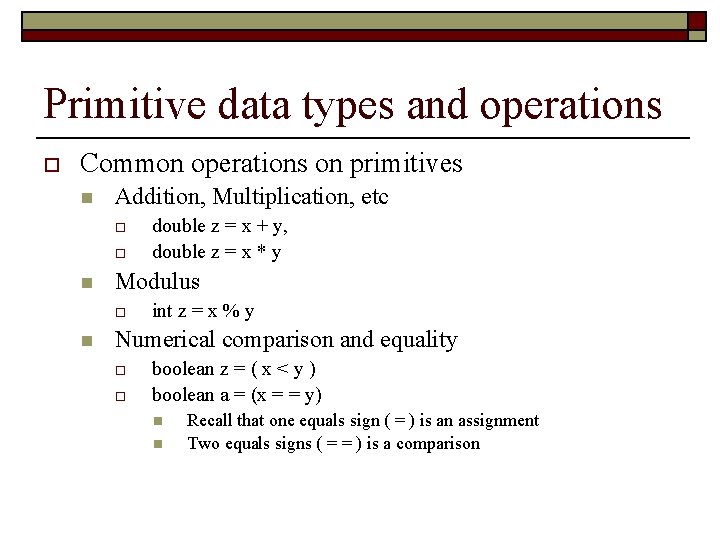
Primitive data types and operations o Common operations on primitives n Addition, Multiplication, etc o o n Modulus o n double z = x + y, double z = x * y int z = x % y Numerical comparison and equality o o boolean z = ( x < y ) boolean a = (x = = y) n n Recall that one equals sign ( = ) is an assignment Two equals signs ( = = ) is a comparison
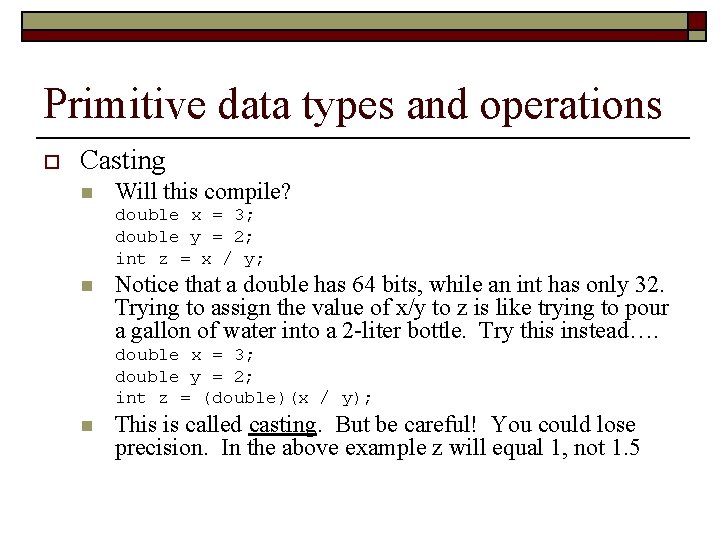
Primitive data types and operations o Casting n Will this compile? double x = 3; double y = 2; int z = x / y; n Notice that a double has 64 bits, while an int has only 32. Trying to assign the value of x/y to z is like trying to pour a gallon of water into a 2 -liter bottle. Try this instead…. double x = 3; double y = 2; int z = (double)(x / y); n This is called casting. But be careful! You could lose precision. In the above example z will equal 1, not 1. 5
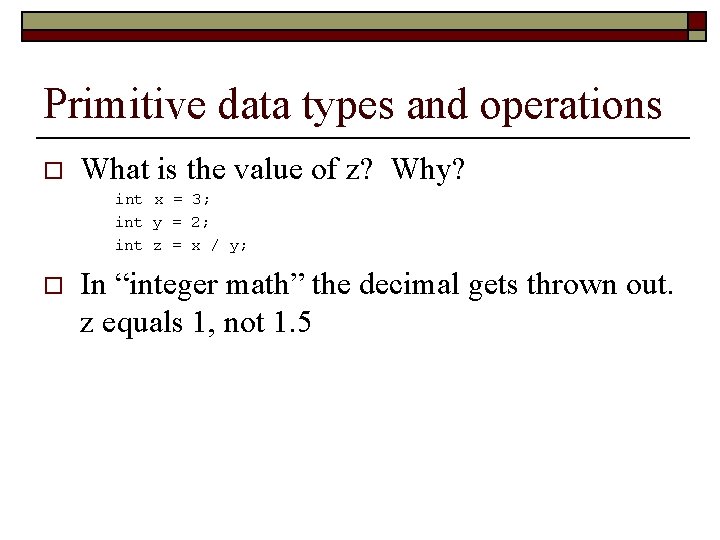
Primitive data types and operations o What is the value of z? Why? int x = 3; int y = 2; int z = x / y; o In “integer math” the decimal gets thrown out. z equals 1, not 1. 5
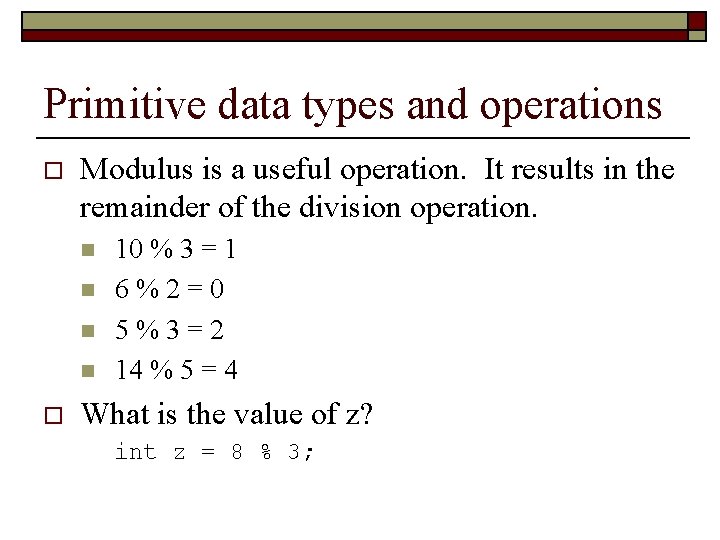
Primitive data types and operations o Modulus is a useful operation. It results in the remainder of the division operation. n n o 10 % 3 = 1 6%2=0 5%3=2 14 % 5 = 4 What is the value of z? int z = 8 % 3;
Demo: Math. Problems (5 minutes) o Write an application called Math. Problems. Declare variables where appropriate. Try some of the examples in the previous slides. Be sure to try at least one example of primitive operations, casting, “integer math”, and modulus.
Using predefined objects o o One of the strengths of Java is the ability to create objects in your program from a large variety of predefined classes. REMEMBER THIS WEBSITE!!!!! n o o http: //java. sun. com/j 2 se/1. 5. 0/docs/api/index. html Notice that primitive data types create a variable, whereas a class produces an object. Each pre-defined class has a collection of public methods defined for it.
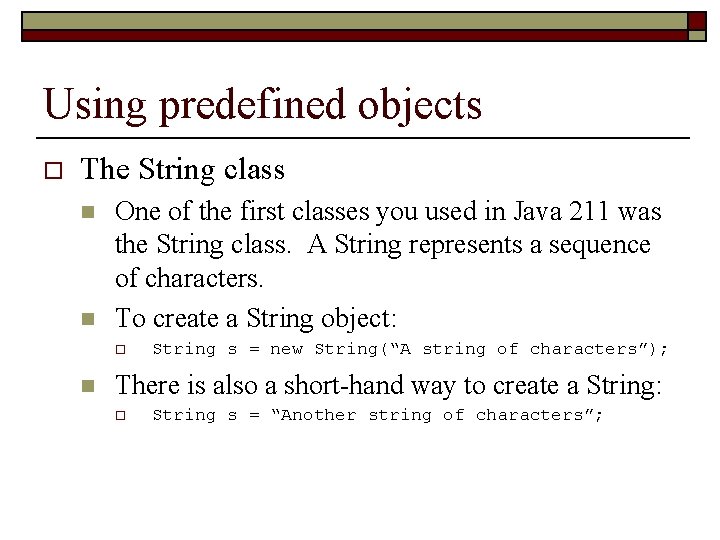
Using predefined objects o The String class n n One of the first classes you used in Java 211 was the String class. A String represents a sequence of characters. To create a String object: o n String s = new String(“A string of characters”); There is also a short-hand way to create a String: o String s = “Another string of characters”;
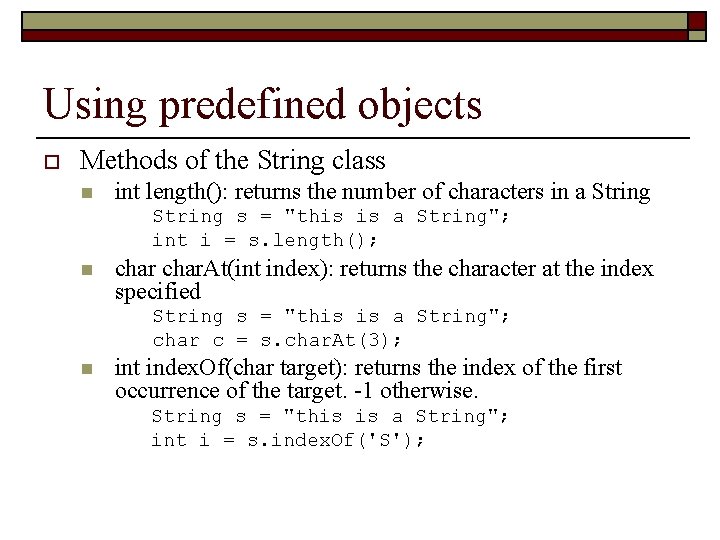
Using predefined objects o Methods of the String class n int length(): returns the number of characters in a String s = "this is a String"; int i = s. length(); n char. At(int index): returns the character at the index specified String s = "this is a String"; char c = s. char. At(3); n int index. Of(char target): returns the index of the first occurrence of the target. -1 otherwise. String s = "this is a String"; int i = s. index. Of('S');
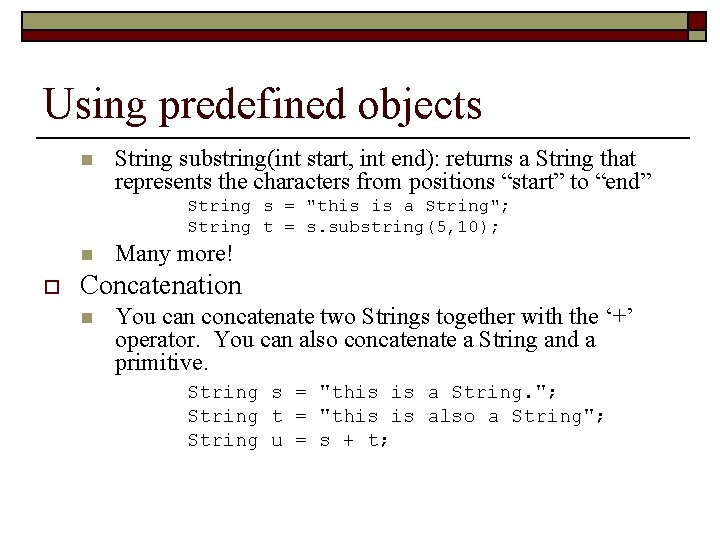
Using predefined objects n String substring(int start, int end): returns a String that represents the characters from positions “start” to “end” String s = "this is a String"; String t = s. substring(5, 10); n o Many more! Concatenation n You can concatenate two Strings together with the ‘+’ operator. You can also concatenate a String and a primitive. String s = "this is a String. "; String t = "this is also a String"; String u = s + t;
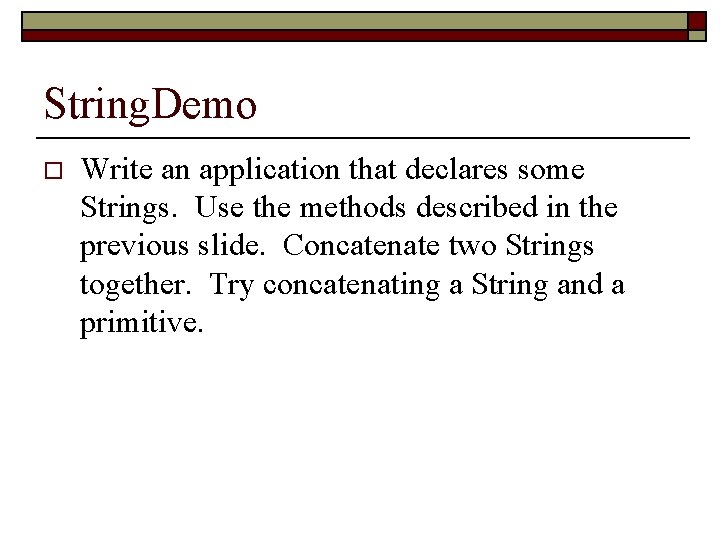
String. Demo o Write an application that declares some Strings. Use the methods described in the previous slide. Concatenate two Strings together. Try concatenating a String and a primitive.
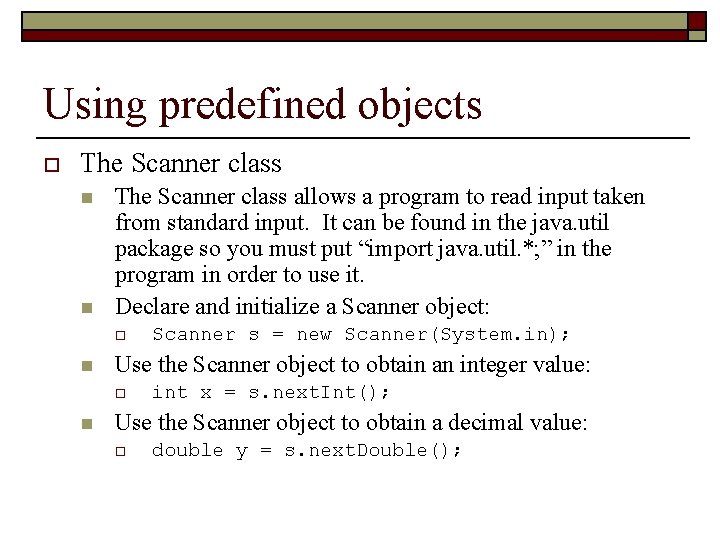
Using predefined objects o The Scanner class n n The Scanner class allows a program to read input taken from standard input. It can be found in the java. util package so you must put “import java. util. *; ” in the program in order to use it. Declare and initialize a Scanner object: o n Use the Scanner object to obtain an integer value: o n Scanner s = new Scanner(System. in); int x = s. next. Int(); Use the Scanner object to obtain a decimal value: o double y = s. next. Double();
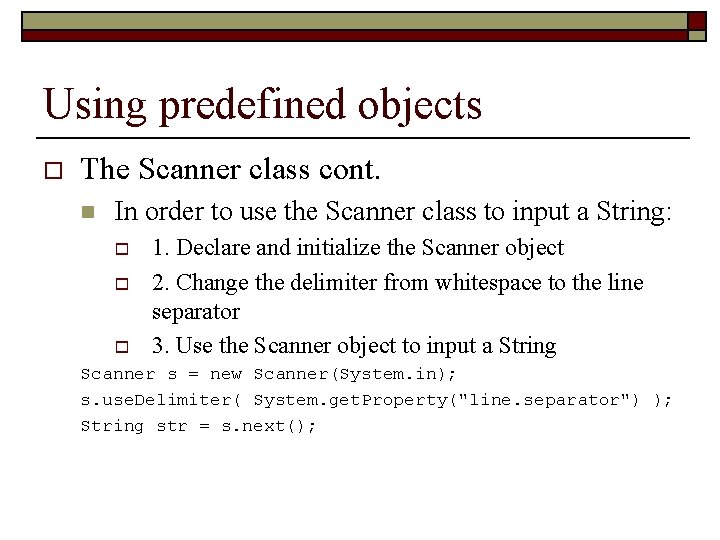
Using predefined objects o The Scanner class cont. n In order to use the Scanner class to input a String: o o o 1. Declare and initialize the Scanner object 2. Change the delimiter from whitespace to the line separator 3. Use the Scanner object to input a String Scanner s = new Scanner(System. in); s. use. Delimiter( System. get. Property("line. separator") ); String str = s. next();
Scanner. Demo o Write an application that declares and initializes a Scanner object. Use it to input integer values, decimal values, and Strings. Print the input values to the screen.
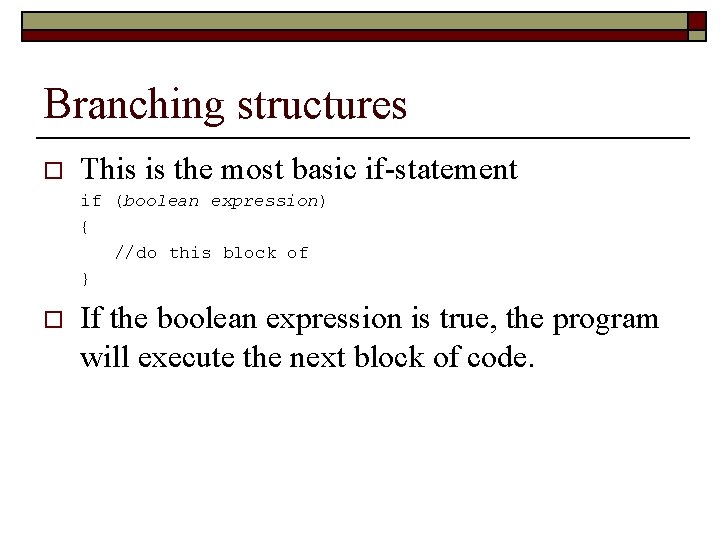
Branching structures o This is the most basic if-statement if (boolean expression) { //do this block of } o If the boolean expression is true, the program will execute the next block of code.
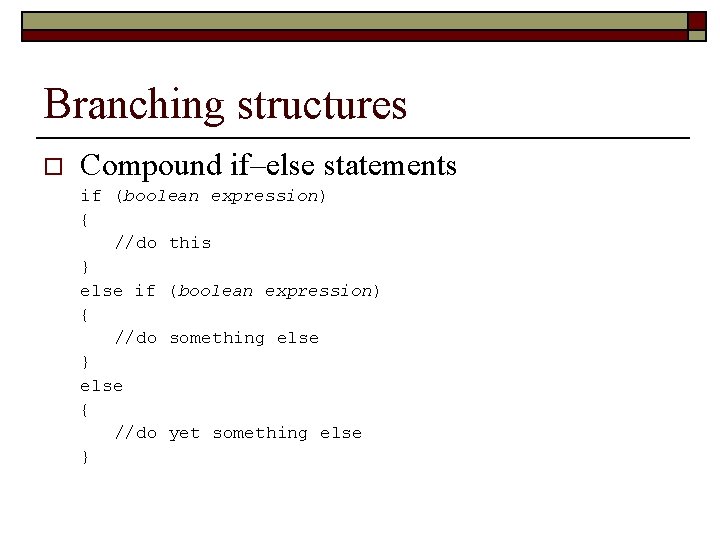
Branching structures o Compound if–else statements if (boolean expression) { //do this } else if (boolean expression) { //do something else } else { //do yet something else }
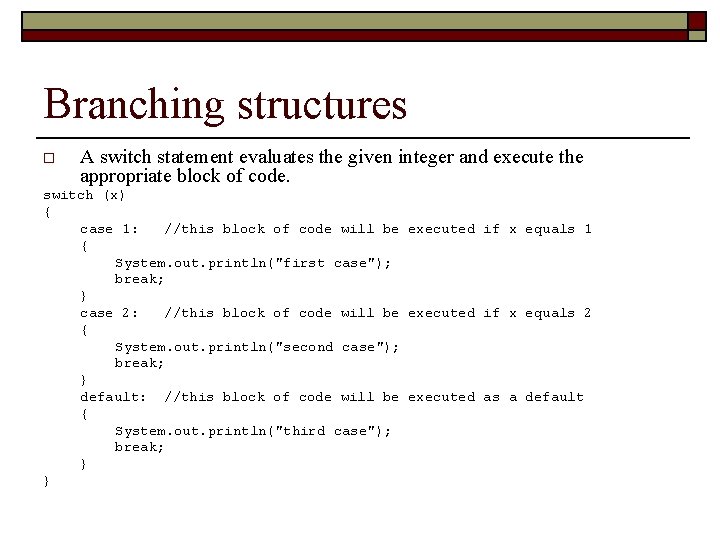
Branching structures o A switch statement evaluates the given integer and execute the appropriate block of code. switch (x) { case 1: //this block of code will be executed if x equals 1 { System. out. println("first case"); break; } case 2: //this block of code will be executed if x equals 2 { System. out. println("second case"); break; } default: //this block of code will be executed as a default { System. out. println("third case"); break; } }
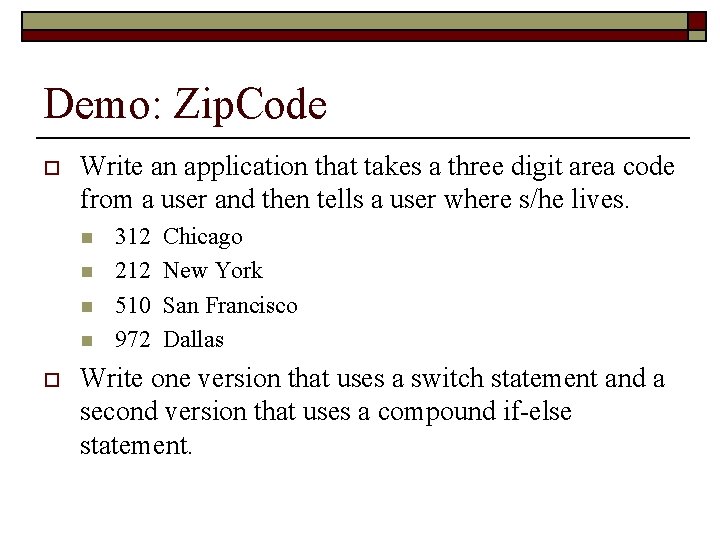
Demo: Zip. Code o Write an application that takes a three digit area code from a user and then tells a user where s/he lives. n n o 312 212 510 972 Chicago New York San Francisco Dallas Write one version that uses a switch statement and a second version that uses a compound if-else statement.
Loops o The purpose of a loops is to repeat a block of code many times. n n n for loop while loop do- while loop
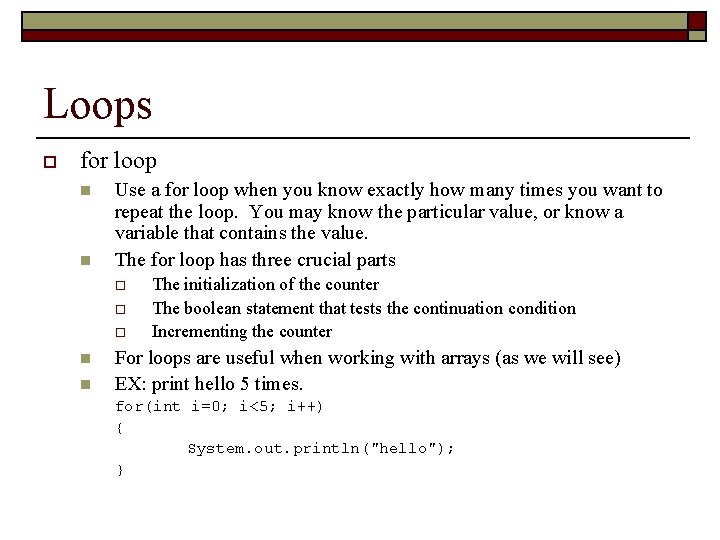
Loops o for loop n n Use a for loop when you know exactly how many times you want to repeat the loop. You may know the particular value, or know a variable that contains the value. The for loop has three crucial parts o o o n n The initialization of the counter The boolean statement that tests the continuation condition Incrementing the counter For loops are useful when working with arrays (as we will see) EX: print hello 5 times. for(int i=0; i<5; i++) { System. out. println("hello"); }
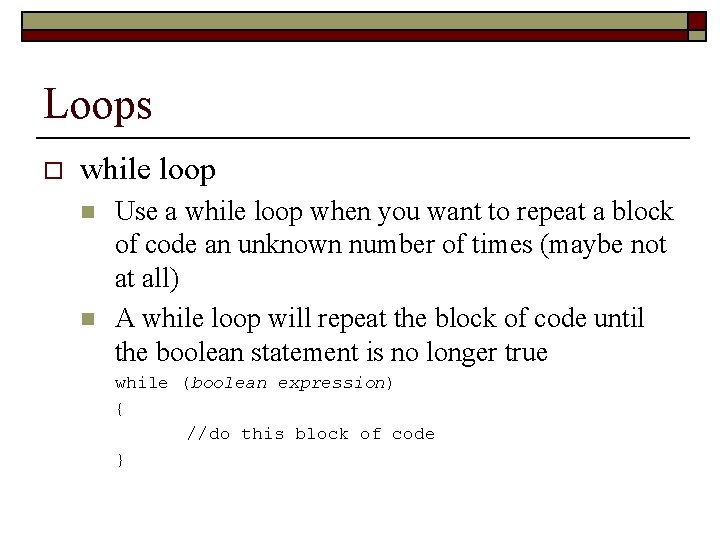
Loops o while loop n n Use a while loop when you want to repeat a block of code an unknown number of times (maybe not at all) A while loop will repeat the block of code until the boolean statement is no longer true while (boolean expression) { //do this block of code }
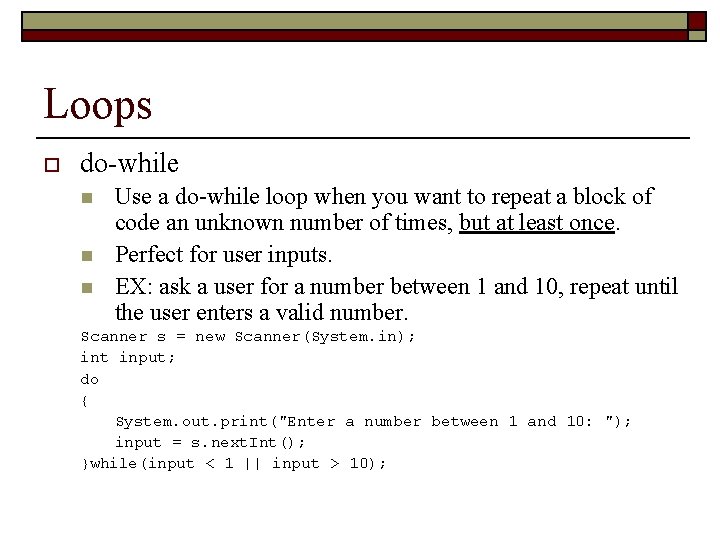
Loops o do-while n n n Use a do-while loop when you want to repeat a block of code an unknown number of times, but at least once. Perfect for user inputs. EX: ask a user for a number between 1 and 10, repeat until the user enters a valid number. Scanner s = new Scanner(System. in); int input; do { System. out. print("Enter a number between 1 and 10: "); input = s. next. Int(); }while(input < 1 || input > 10);
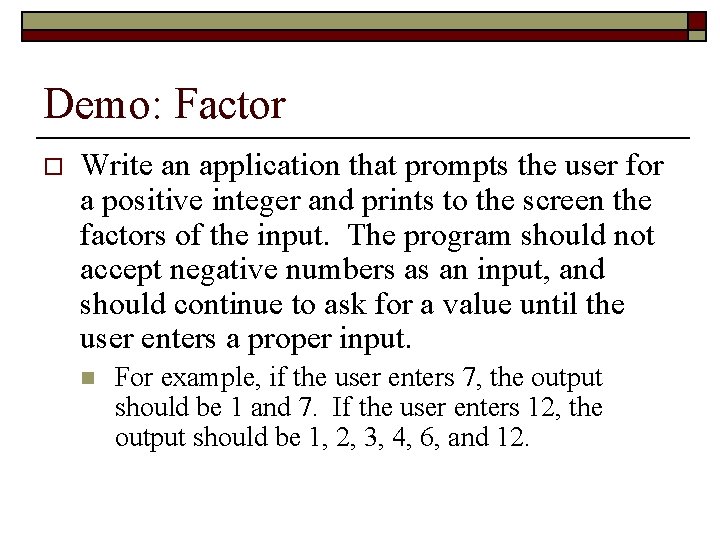
Demo: Factor o Write an application that prompts the user for a positive integer and prints to the screen the factors of the input. The program should not accept negative numbers as an input, and should continue to ask for a value until the user enters a proper input. n For example, if the user enters 7, the output should be 1 and 7. If the user enters 12, the output should be 1, 2, 3, 4, 6, and 12.
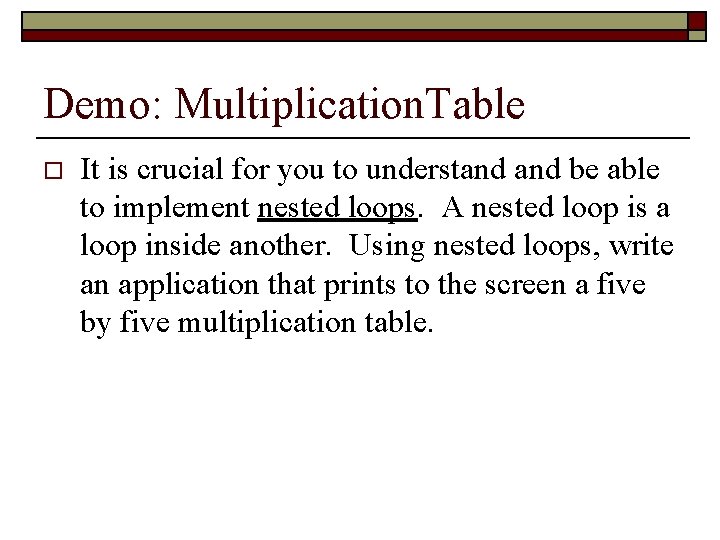
Demo: Multiplication. Table o It is crucial for you to understand be able to implement nested loops. A nested loop is a loop inside another. Using nested loops, write an application that prints to the screen a five by five multiplication table.
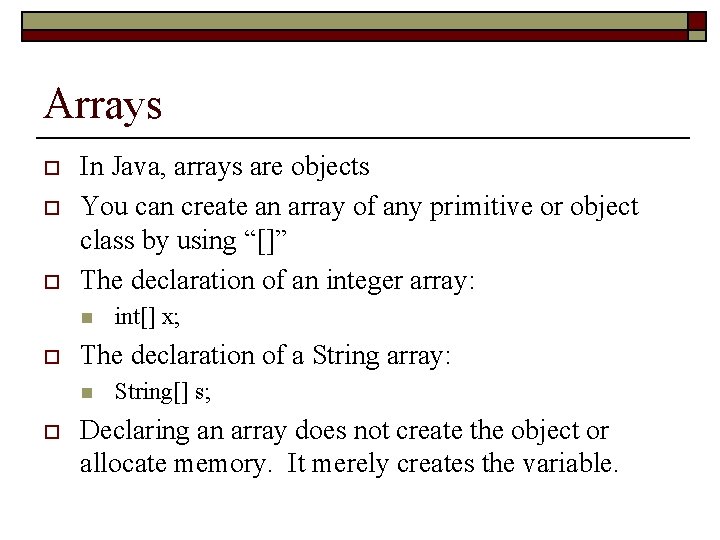
Arrays o o o In Java, arrays are objects You can create an array of any primitive or object class by using “[]” The declaration of an integer array: n o The declaration of a String array: n o int[] x; String[] s; Declaring an array does not create the object or allocate memory. It merely creates the variable.
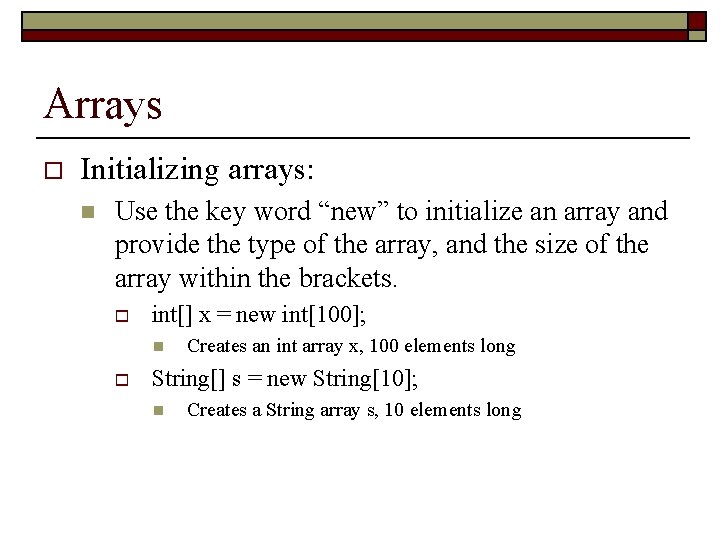
Arrays o Initializing arrays: n Use the key word “new” to initialize an array and provide the type of the array, and the size of the array within the brackets. o int[] x = new int[100]; n o Creates an int array x, 100 elements long String[] s = new String[10]; n Creates a String array s, 10 elements long
Arrays o Modifying elements int[] x = new int[10]; x[0] = 5; x[2] = 8; n o Accessing elements n o In the above example, a new array is declared and initialized. The 0 th element is set to 5, while the 2 nd element is set to 8. Recall that a 10 element array is numbered 0 through 9. int i = x[2]; In the above example, the program will access the 2 nd element of the array and assign its value to the integer variable i. Array Length n In Java, an array knows how long it is. int[] x = new int[20]; int l = x. length;
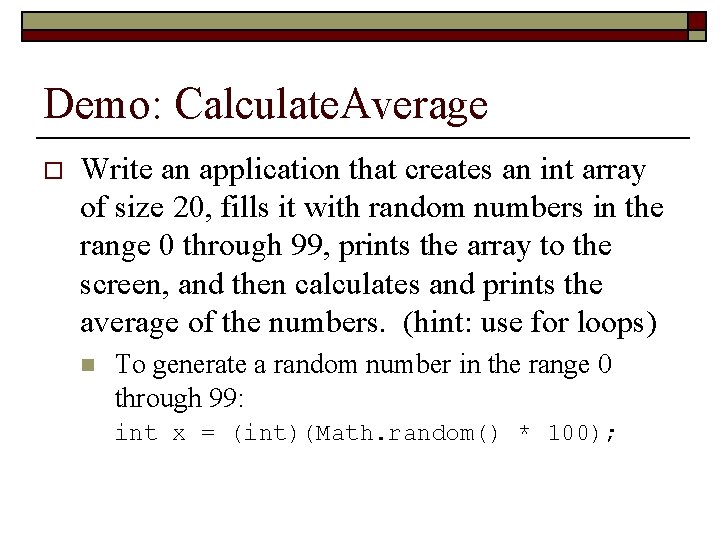
Demo: Calculate. Average o Write an application that creates an int array of size 20, fills it with random numbers in the range 0 through 99, prints the array to the screen, and then calculates and prints the average of the numbers. (hint: use for loops) n To generate a random number in the range 0 through 99: int x = (int)(Math. random() * 100);
More on the structure of an application o So far the example programs have had only one method (the main method) and none of the examples have had any class variables. In practice, most programs will have many class variables and many methods.
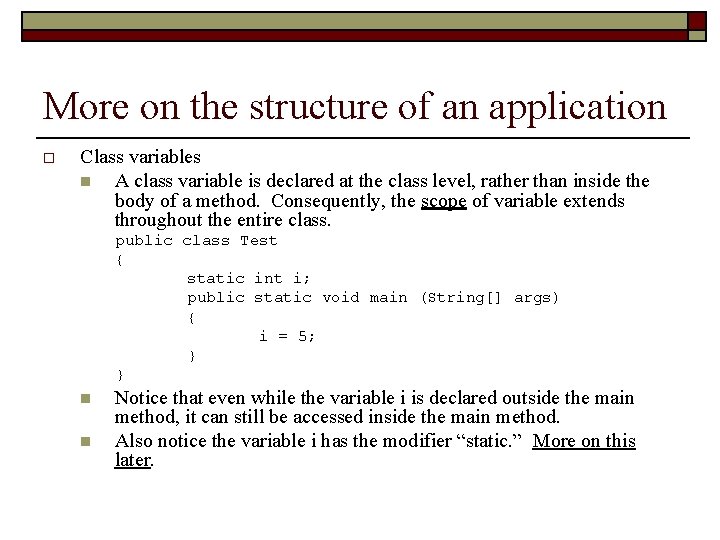
More on the structure of an application o Class variables n A class variable is declared at the class level, rather than inside the body of a method. Consequently, the scope of variable extends throughout the entire class. public class Test { static int i; public static void main (String[] args) { i = 5; } } n n Notice that even while the variable i is declared outside the main method, it can still be accessed inside the main method. Also notice the variable i has the modifier “static. ” More on this later.
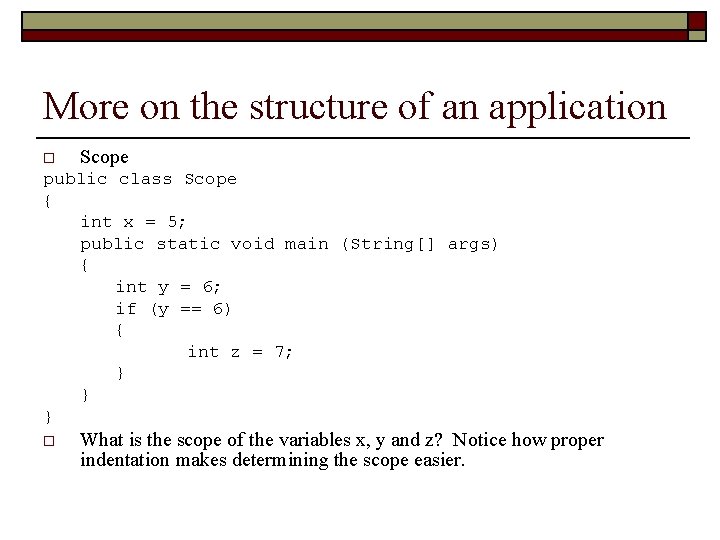
More on the structure of an application o Scope public class Scope { int x = 5; public static void main (String[] args) { int y = 6; if (y == 6) { int z = 7; } } } o What is the scope of the variables x, y and z? Notice how proper indentation makes determining the scope easier.
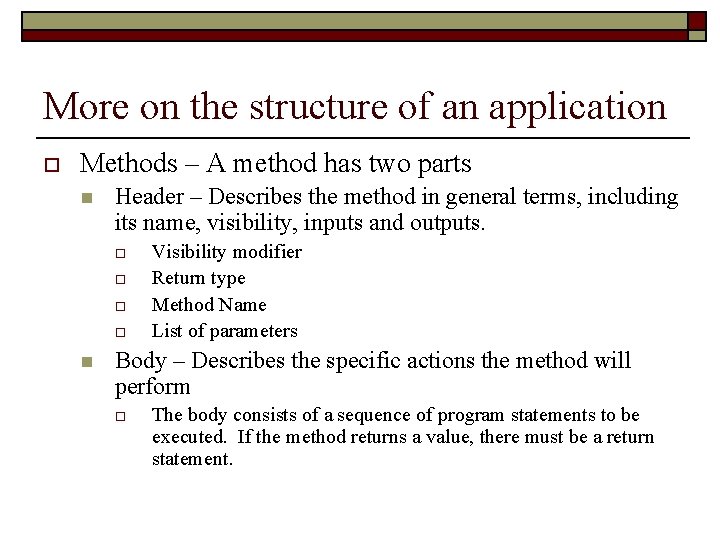
More on the structure of an application o Methods – A method has two parts n Header – Describes the method in general terms, including its name, visibility, inputs and outputs. o o n Visibility modifier Return type Method Name List of parameters Body – Describes the specific actions the method will perform o The body consists of a sequence of program statements to be executed. If the method returns a value, there must be a return statement.
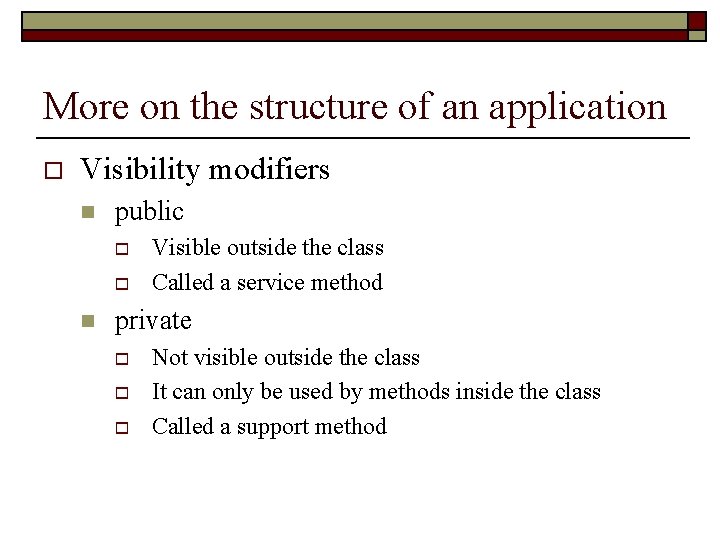
More on the structure of an application o Visibility modifiers n public o o n Visible outside the class Called a service method private o o o Not visible outside the class It can only be used by methods inside the class Called a support method
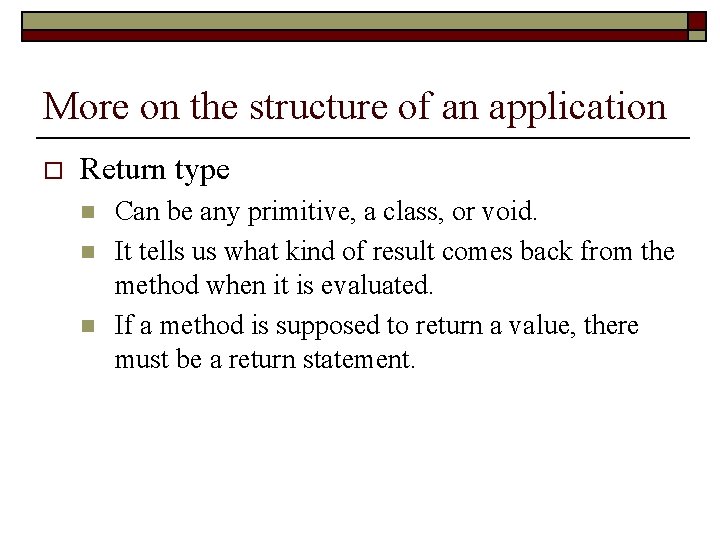
More on the structure of an application o Return type n n n Can be any primitive, a class, or void. It tells us what kind of result comes back from the method when it is evaluated. If a method is supposed to return a value, there must be a return statement.
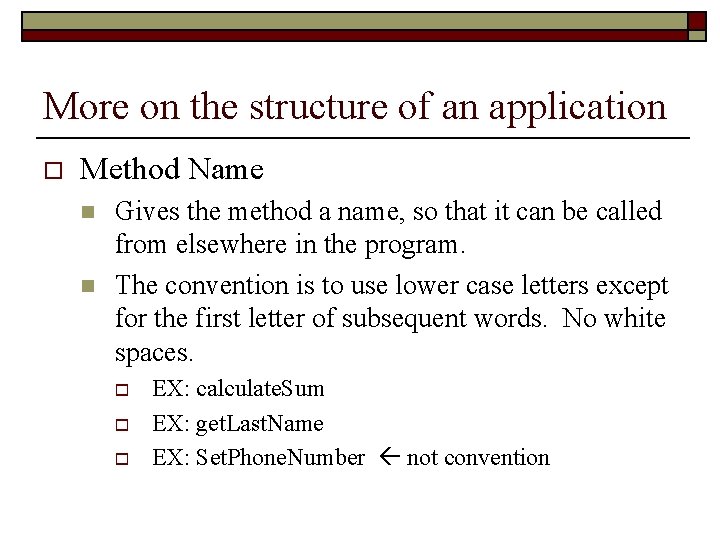
More on the structure of an application o Method Name n n Gives the method a name, so that it can be called from elsewhere in the program. The convention is to use lower case letters except for the first letter of subsequent words. No white spaces. o o o EX: calculate. Sum EX: get. Last. Name EX: Set. Phone. Number not convention
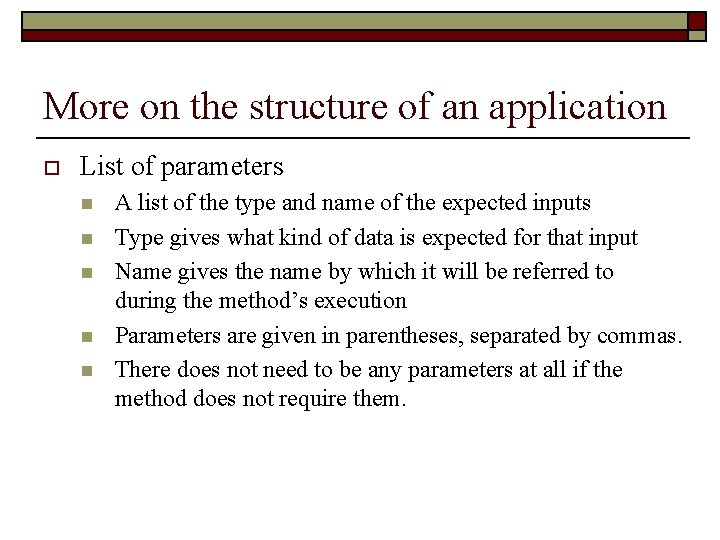
More on the structure of an application o List of parameters n n n A list of the type and name of the expected inputs Type gives what kind of data is expected for that input Name gives the name by which it will be referred to during the method’s execution Parameters are given in parentheses, separated by commas. There does not need to be any parameters at all if the method does not require them.
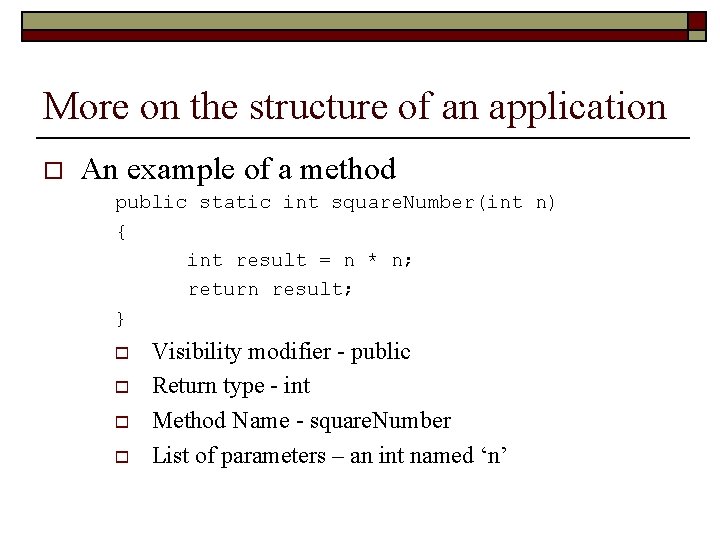
More on the structure of an application o An example of a method public static int square. Number(int n) { int result = n * n; return result; } o o Visibility modifier - public Return type - int Method Name - square. Number List of parameters – an int named ‘n’
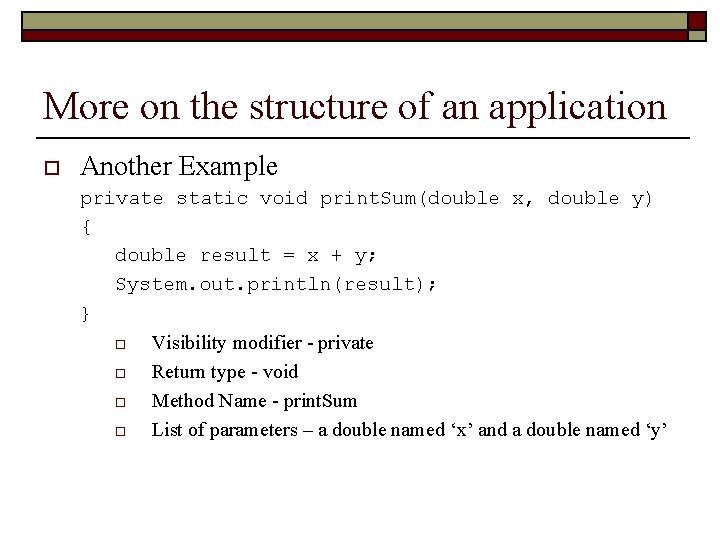
More on the structure of an application o Another Example private static void print. Sum(double x, double y) { double result = x + y; System. out. println(result); } o o Visibility modifier - private Return type - void Method Name - print. Sum List of parameters – a double named ‘x’ and a double named ‘y’
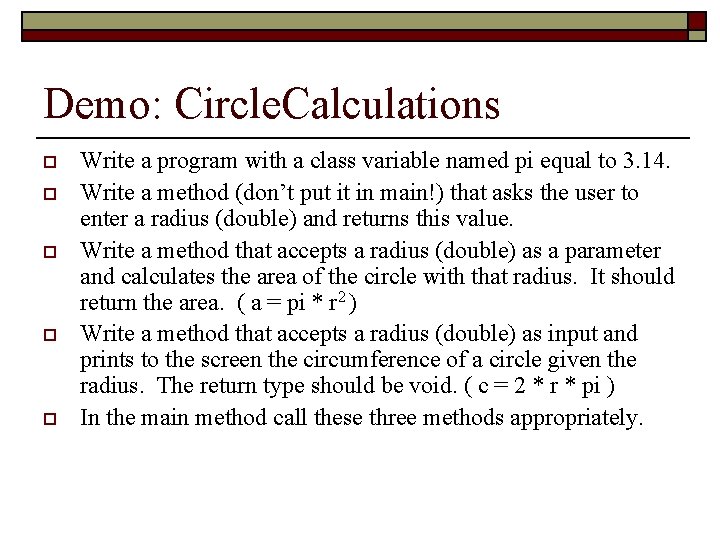
Demo: Circle. Calculations o o o Write a program with a class variable named pi equal to 3. 14. Write a method (don’t put it in main!) that asks the user to enter a radius (double) and returns this value. Write a method that accepts a radius (double) as a parameter and calculates the area of the circle with that radius. It should return the area. ( a = pi * r 2 ) Write a method that accepts a radius (double) as input and prints to the screen the circumference of a circle given the radius. The return type should be void. ( c = 2 * r * pi ) In the main method call these three methods appropriately.
Method Overloading o o Methods expect the proper input. The compiler will object if the wrong type or number of variables are supplied as arguments. An overloaded method has several different definitions, all with the same method name, but different types and/or number of inputs.
Method Overloading o Signature n n The ordered list of types of parameters in the header of a method is called a signature. As long as they have different signatures, we can define as many methods as we want with the same name. The compiler will choose the correct method based on the method’s signature.
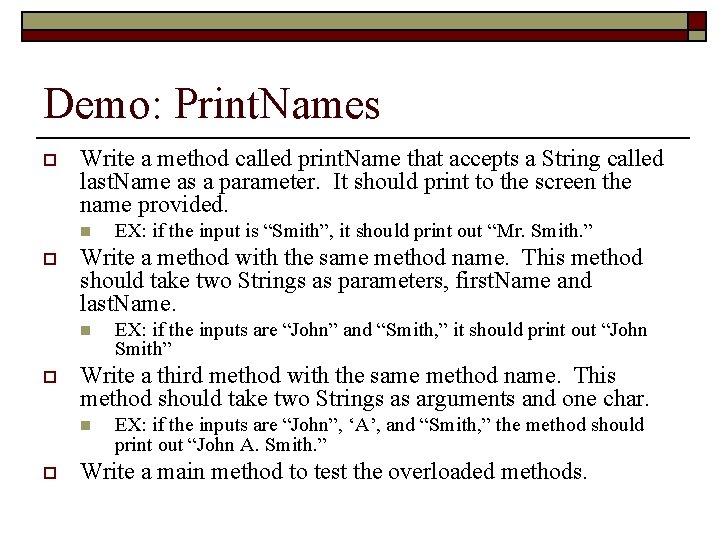
Demo: Print. Names o Write a method called print. Name that accepts a String called last. Name as a parameter. It should print to the screen the name provided. n o Write a method with the same method name. This method should take two Strings as parameters, first. Name and last. Name. n o EX: if the inputs are “John” and “Smith, ” it should print out “John Smith” Write a third method with the same method name. This method should take two Strings as arguments and one char. n o EX: if the input is “Smith”, it should print out “Mr. Smith. ” EX: if the inputs are “John”, ‘A’, and “Smith, ” the method should print out “John A. Smith. ” Write a main method to test the overloaded methods.
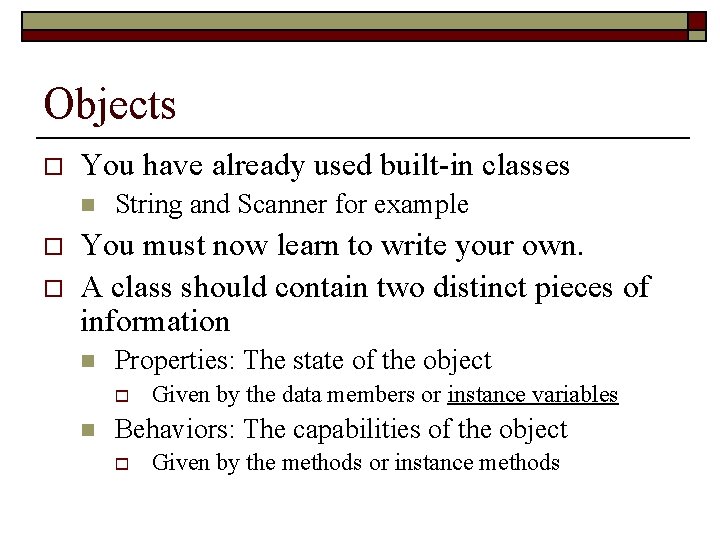
Objects o You have already used built-in classes n o o String and Scanner for example You must now learn to write your own. A class should contain two distinct pieces of information n Properties: The state of the object o n Given by the data members or instance variables Behaviors: The capabilities of the object o Given by the methods or instance methods
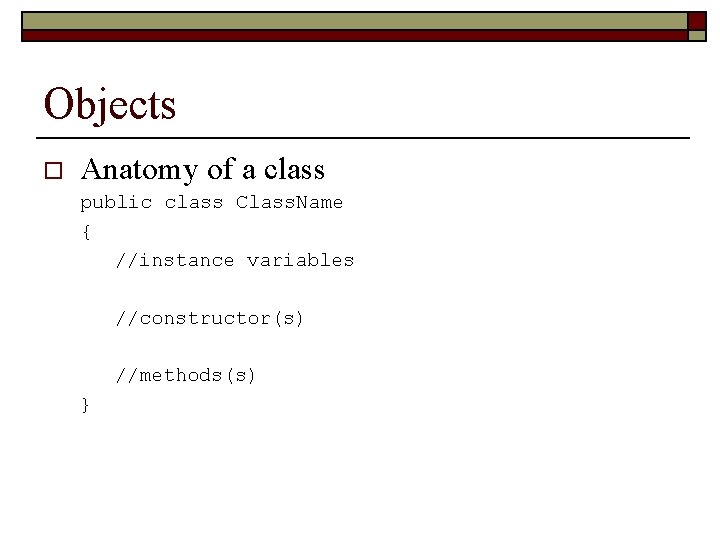
Objects o Anatomy of a class public class Class. Name { //instance variables //constructor(s) //methods(s) }
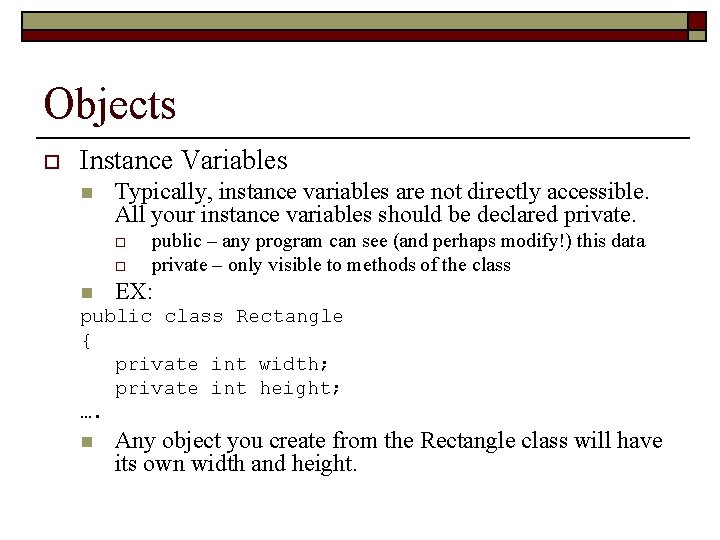
Objects o Instance Variables n Typically, instance variables are not directly accessible. All your instance variables should be declared private. o o n public – any program can see (and perhaps modify!) this data private – only visible to methods of the class EX: public class Rectangle { private int width; private int height; …. n Any object you create from the Rectangle class will have its own width and height.
Objects o Constructor n Constructors are a special type of method. They are often used to initialize the data members of a class when you create objects. They are automatically called upon declaration of an object. o o o They should be declared public They should have exactly the same name of the class Like any other method, they may or may not have parameters
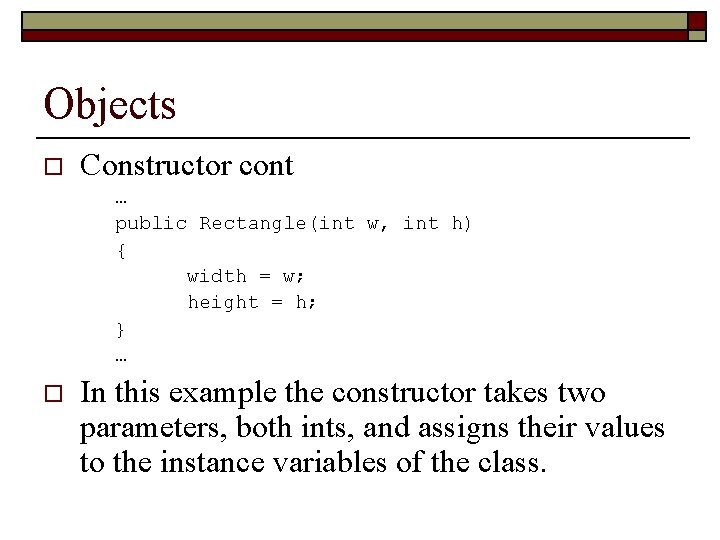
Objects o Constructor cont … public Rectangle(int w, int h) { width = w; height = h; } … o In this example the constructor takes two parameters, both ints, and assigns their values to the instance variables of the class.
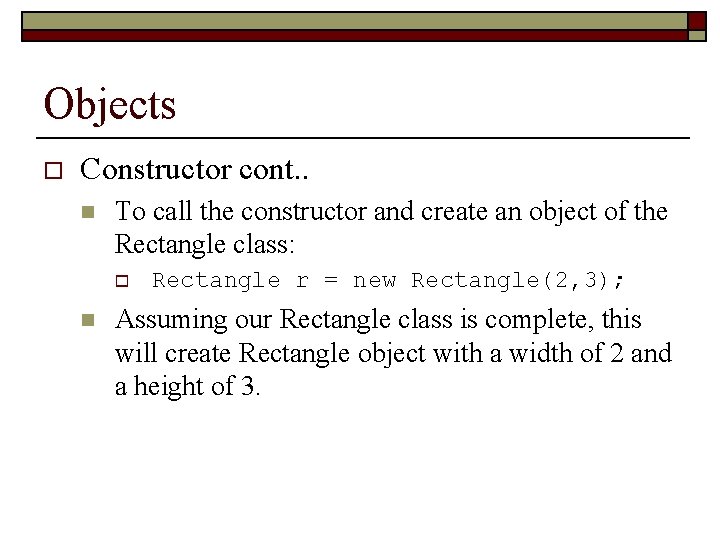
Objects o Constructor cont. . n To call the constructor and create an object of the Rectangle class: o n Rectangle r = new Rectangle(2, 3); Assuming our Rectangle class is complete, this will create Rectangle object with a width of 2 and a height of 3.
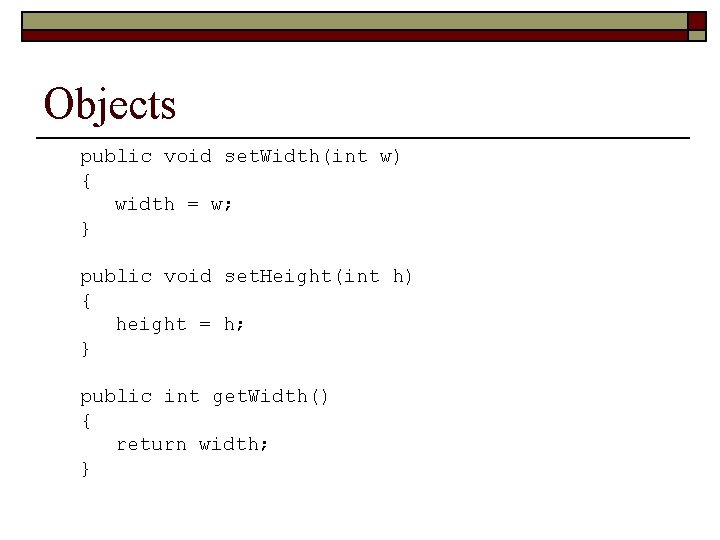
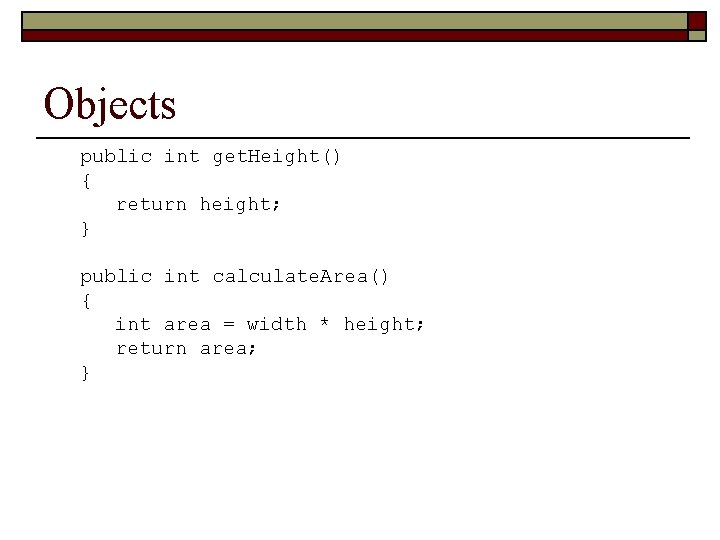
Objects o Instance methods represent the operations that can be performed by objects in the class n n o The methods can also be public or private When deciding which to use, consider whether or not you want the operation available outside the class. Consider the methods on the following slides n n Notice the getter and setter methods Notice that the calculate. Area method will be called on a specific Rectangle object and will return the area of a that specific Rectangle object.
Objects public void set. Width(int w) { width = w; } public void set. Height(int h) { height = h; } public int get. Width() { return width; }
Objects public int get. Height() { return height; } public int calculate. Area() { int area = width * height; return area; }
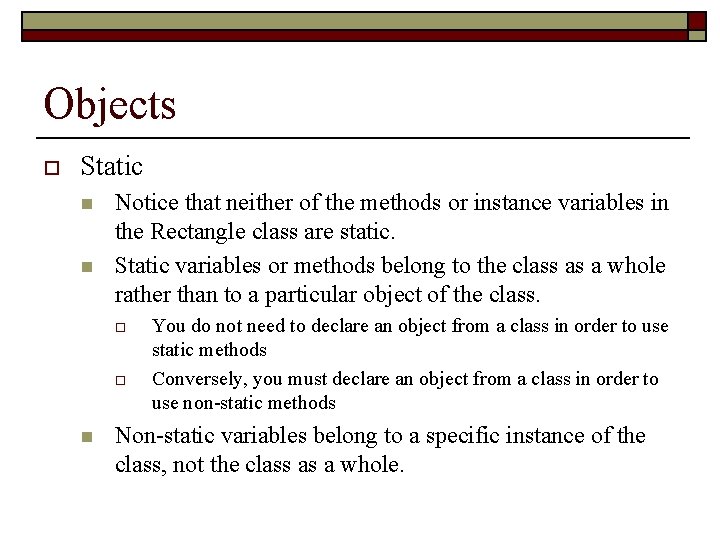
Objects o Static n n Notice that neither of the methods or instance variables in the Rectangle class are static. Static variables or methods belong to the class as a whole rather than to a particular object of the class. o o n You do not need to declare an object from a class in order to use static methods Conversely, you must declare an object from a class in order to use non-static methods Non-static variables belong to a specific instance of the class, not the class as a whole.
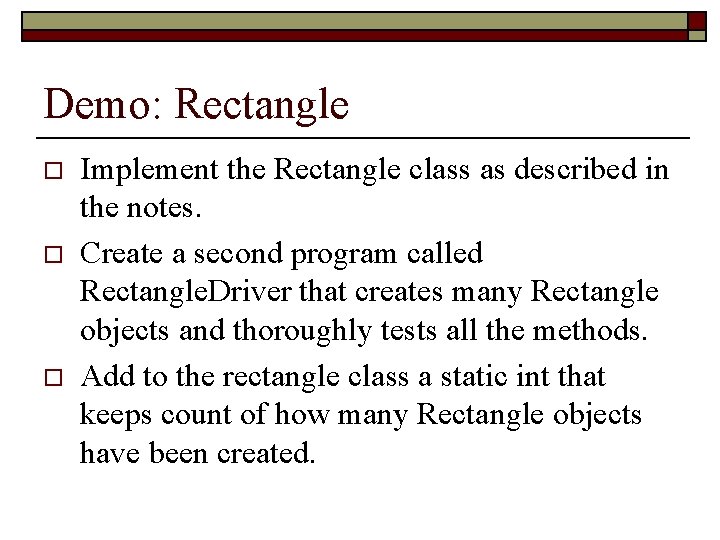
Demo: Rectangle o o o Implement the Rectangle class as described in the notes. Create a second program called Rectangle. Driver that creates many Rectangle objects and thoroughly tests all the methods. Add to the rectangle class a static int that keeps count of how many Rectangle objects have been created.
Country and Calculate. Populations o o o We have gone over many small examples together. Now I would like you to go over a larger example on your own. I will be happy to speak with you individually if you require help. Don’t forget that tutors are available at CTI seven days a week and are happy to help you with your studies.
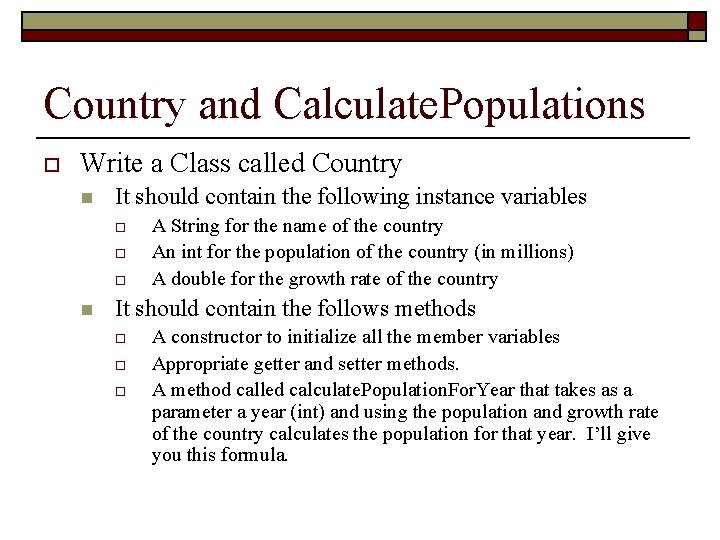
Country and Calculate. Populations o Write a Class called Country n It should contain the following instance variables o o o n A String for the name of the country An int for the population of the country (in millions) A double for the growth rate of the country It should contain the follows methods o o o A constructor to initialize all the member variables Appropriate getter and setter methods. A method called calculate. Population. For. Year that takes as a parameter a year (int) and using the population and growth rate of the country calculates the population for that year. I’ll give you this formula.
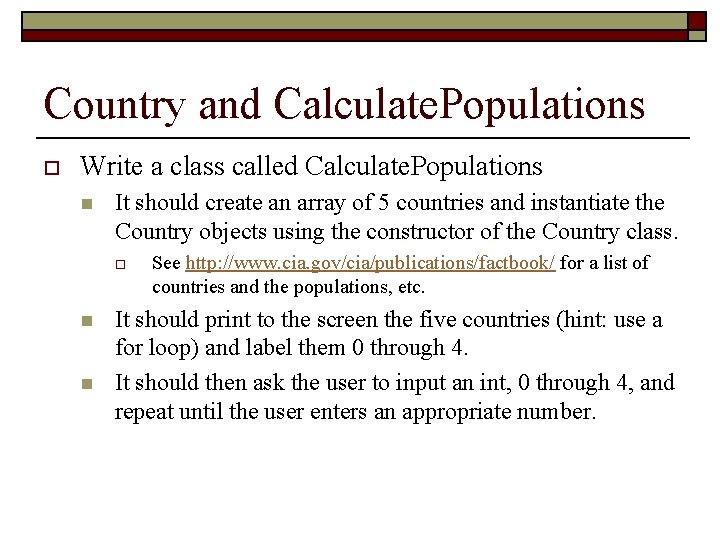
Country and Calculate. Populations o Write a class called Calculate. Populations n It should create an array of 5 countries and instantiate the Country objects using the constructor of the Country class. o n n See http: //www. cia. gov/cia/publications/factbook/ for a list of countries and the populations, etc. It should print to the screen the five countries (hint: use a for loop) and label them 0 through 4. It should then ask the user to input an int, 0 through 4, and repeat until the user enters an appropriate number.
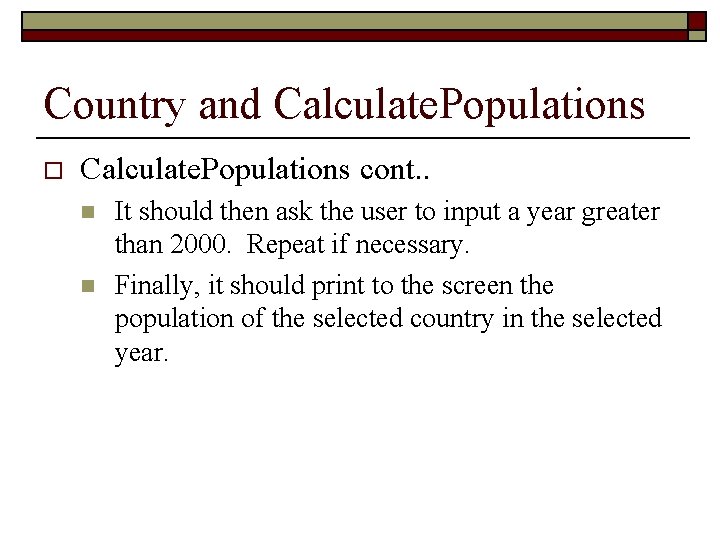
Country and Calculate. Populations o Calculate. Populations cont. . n n It should then ask the user to input a year greater than 2000. Repeat if necessary. Finally, it should print to the screen the population of the selected country in the selected year.