
Java Graphics The basic rendering mechanism is the
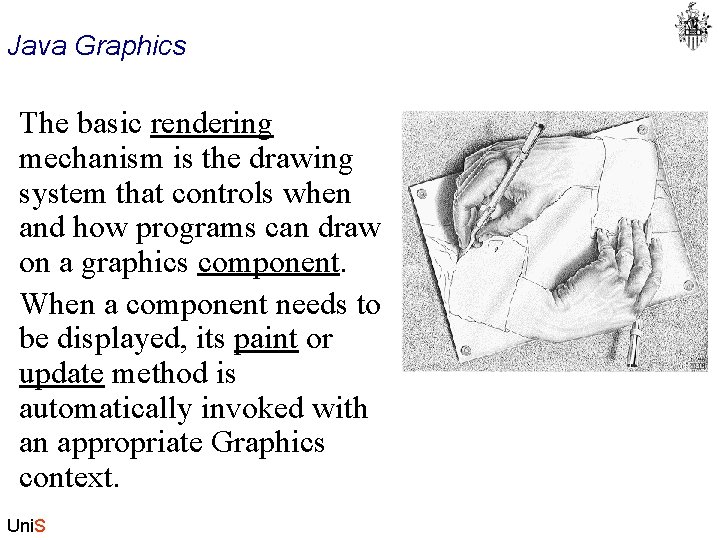
Java Graphics The basic rendering mechanism is the drawing system that controls when and how programs can draw on a graphics component. When a component needs to be displayed, its paint or update method is automatically invoked with an appropriate Graphics context. Uni. S
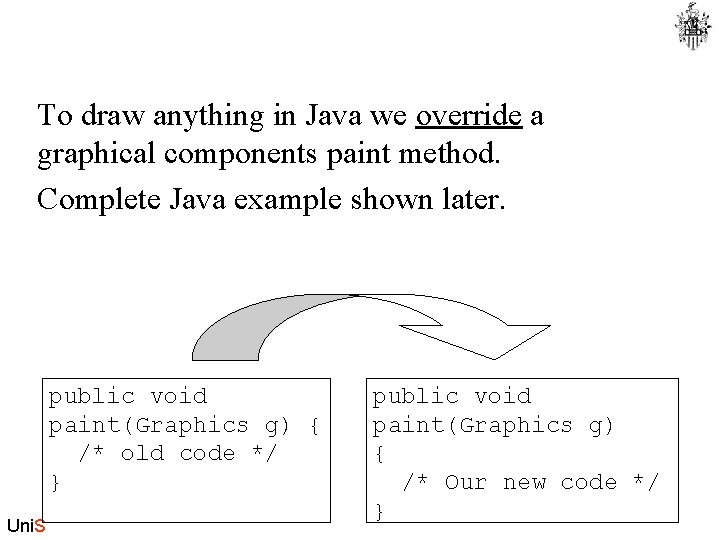
To draw anything in Java we override a graphical components paint method. Complete Java example shown later. public void paint(Graphics g) { /* old code */ } Uni. S public void paint(Graphics g) { /* Our new code */ }
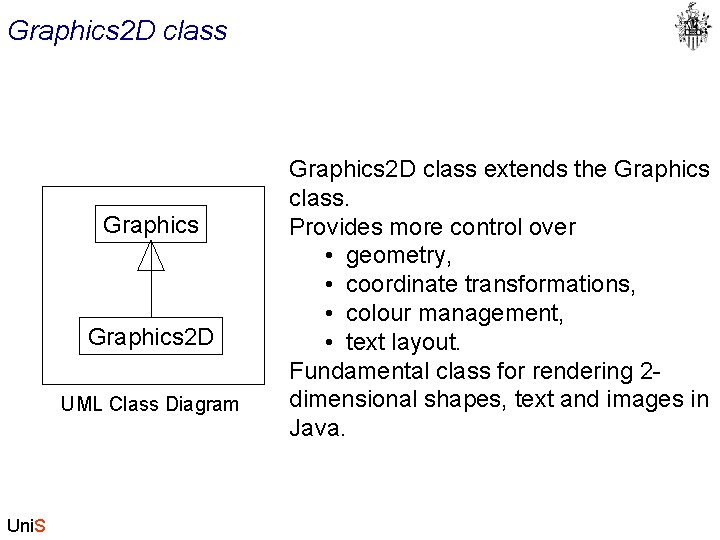
Graphics 2 D class Graphics 2 D UML Class Diagram Uni. S Graphics 2 D class extends the Graphics class. Provides more control over • geometry, • coordinate transformations, • colour management, • text layout. Fundamental class for rendering 2 dimensional shapes, text and images in Java.
Overview of the Java 2 D API The Java 2 D API provides • A uniform rendering model for display devices and printers • A wide range of geometric primitives, such as curves, rectangles, and ellipses and a mechanism for rendering virtually any geometric shape • Mechanisms for performing hit detection on shapes, text, and images • A compositing model that provides control over how overlapping objects are rendered • Enhanced colour support that facilitates colour management • Support for printing complex documents Uni. S
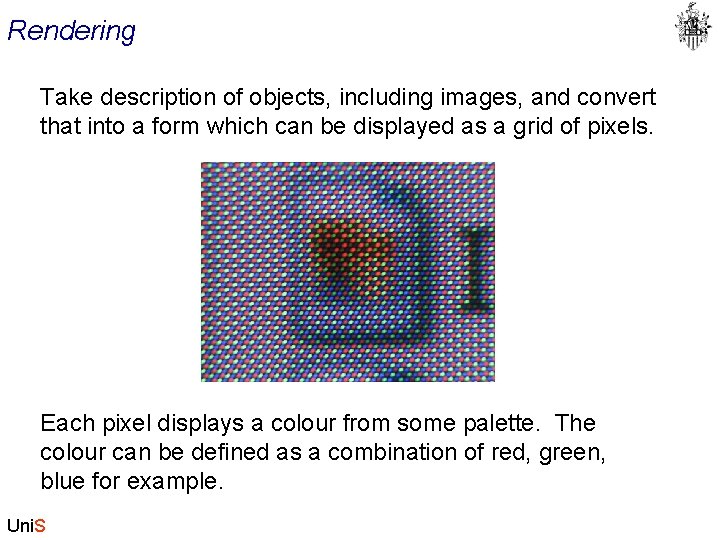
Rendering Take description of objects, including images, and convert that into a form which can be displayed as a grid of pixels. Each pixel displays a colour from some palette. The colour can be defined as a combination of red, green, blue for example. Uni. S
Graphics Rendering Context Graphics 2 D rendering context : the collection of state attributes associated with a Graphics 2 D object. Used to display • text, • shapes, • images, To render: • set up the Graphics 2 D rendering context • call one of the Graphics 2 D rendering methods, such as draw or fill. Uni. S
Rendering context: Attributes Attribute methods: • set. Stroke • set. Paint • set. Composite • set. Transform • set. Clip • set. Font • set. Rendering. Hints Uni. S
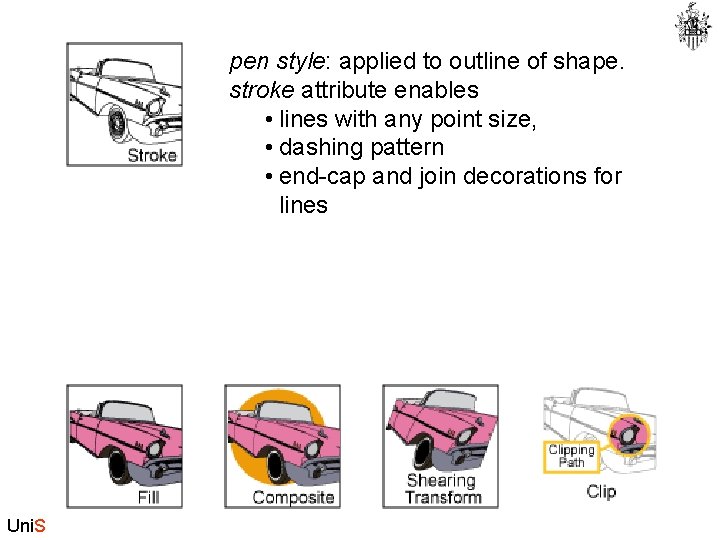
pen style: applied to outline of shape. stroke attribute enables • lines with any point size, • dashing pattern • end-cap and join decorations for lines Uni. S
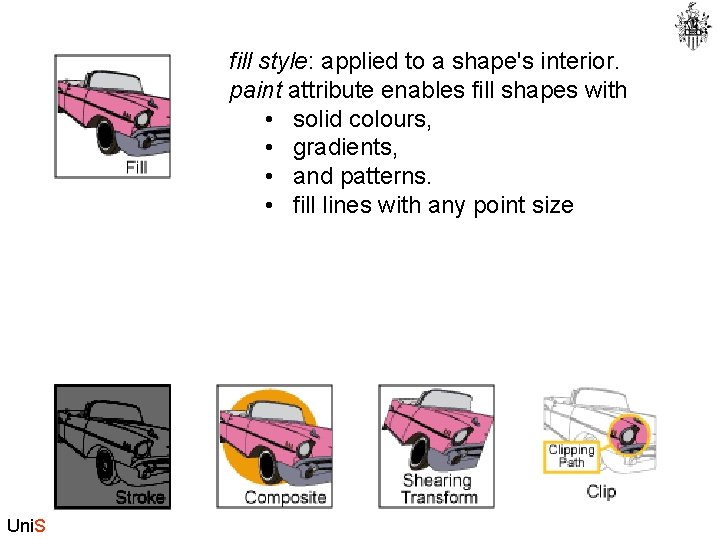
fill style: applied to a shape's interior. paint attribute enables fill shapes with • solid colours, • gradients, • and patterns. • fill lines with any point size Uni. S
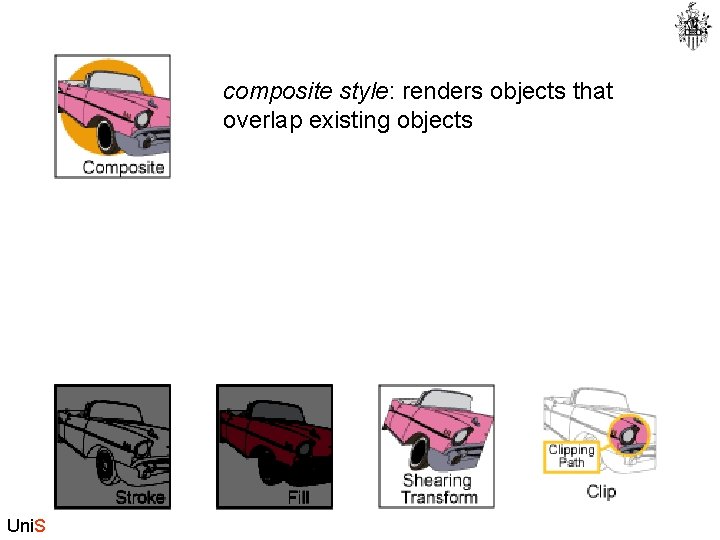
composite style: renders objects that overlap existing objects Uni. S
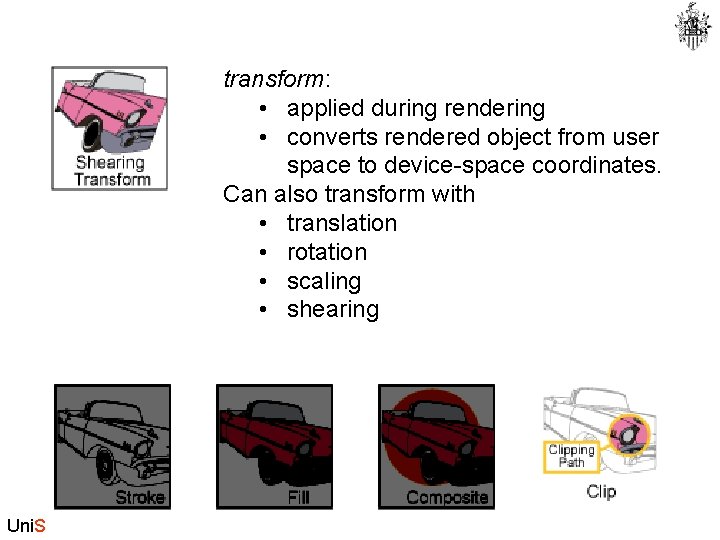
transform: • applied during rendering • converts rendered object from user space to device-space coordinates. Can also transform with • translation • rotation • scaling • shearing Uni. S
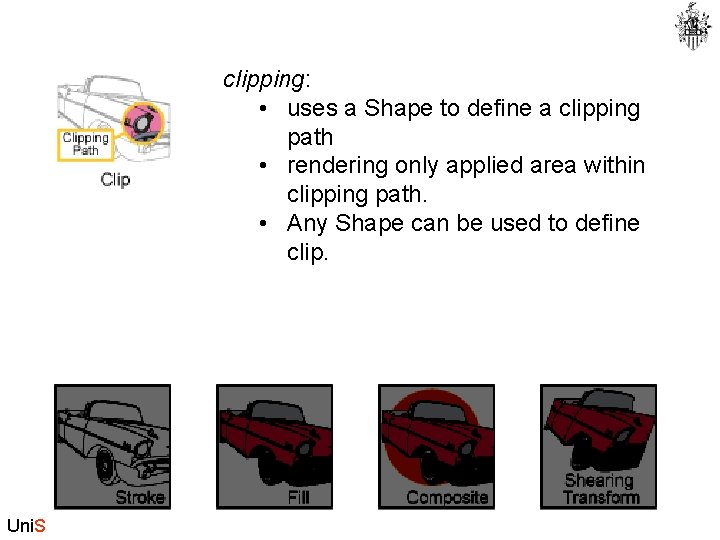
clipping: • uses a Shape to define a clipping path • rendering only applied area within clipping path. • Any Shape can be used to define clip. Uni. S

Setting Attributes To set an attribute, pass the appropriate attribute object to graphics object: E. g to change paint attribute of g 2 to a red-yellow fill, • construct a Gradient. Paint object gp = new Gradient. Paint (0, 0, Color. red, 175, Color. yellow, true); • call set. Paint. g 2. set. Paint(gp); Uni. S
Attributes are referenced • A Graphics 2 D context object holds references to its attribute objects. • After attribute object modified, call a ‘set’ method to notify the Graphics 2 D context. Uni. S
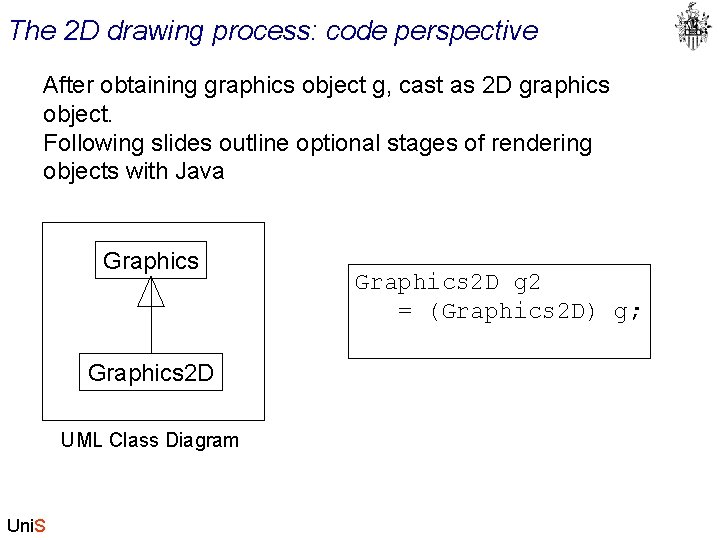
The 2 D drawing process: code perspective After obtaining graphics object g, cast as 2 D graphics object. Following slides outline optional stages of rendering objects with Java Graphics 2 D UML Class Diagram Uni. S Graphics 2 D g 2 = (Graphics 2 D) g;
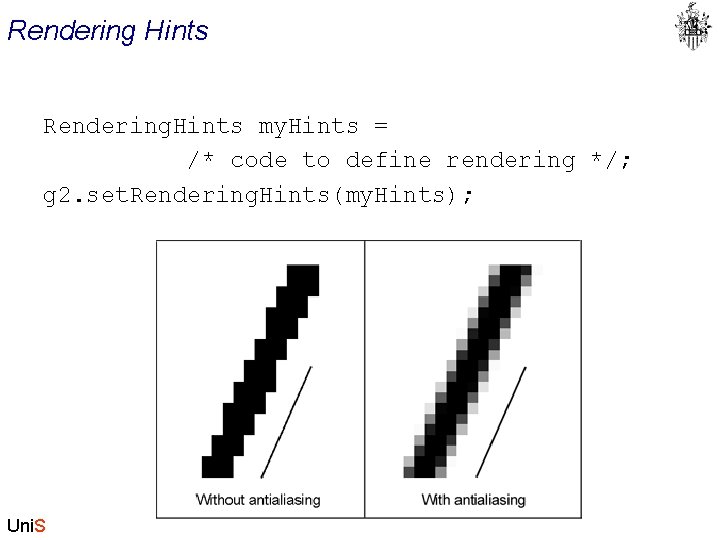
Rendering Hints Rendering. Hints my. Hints = /* code to define rendering */; g 2. set. Rendering. Hints(my. Hints); Uni. S
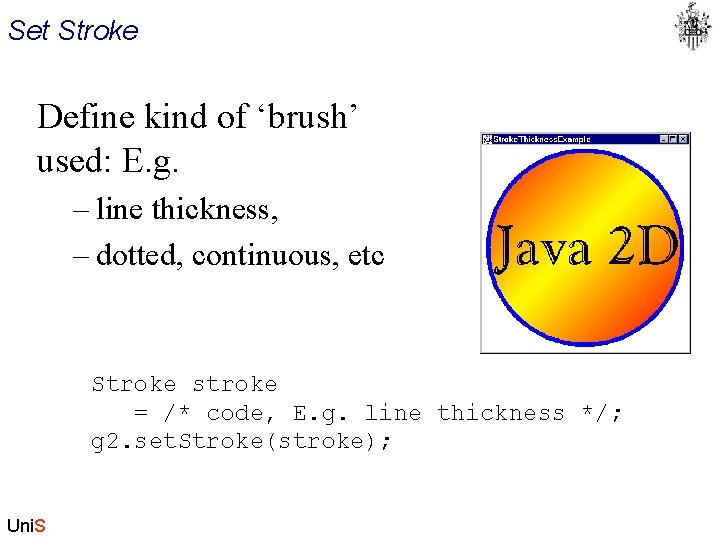
Set Stroke Define kind of ‘brush’ used: E. g. – line thickness, – dotted, continuous, etc Stroke stroke = /* code, E. g. line thickness */; g 2. set. Stroke(stroke); Uni. S
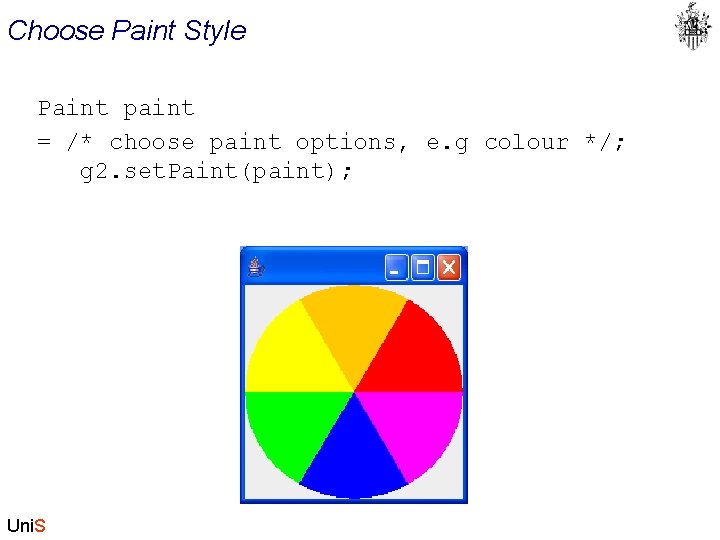
Choose Paint Style Paint paint = /* choose paint options, e. g colour */; g 2. set. Paint(paint); Uni. S
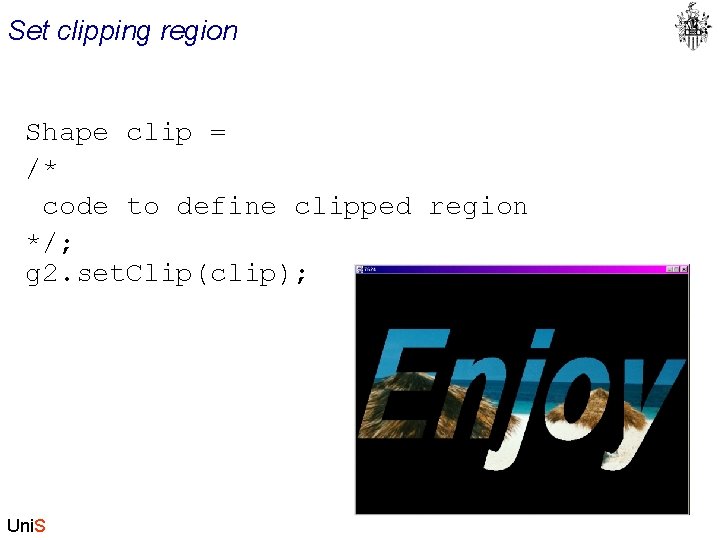
Set clipping region Shape clip = /* code to define clipped region */; g 2. set. Clip(clip); Uni. S
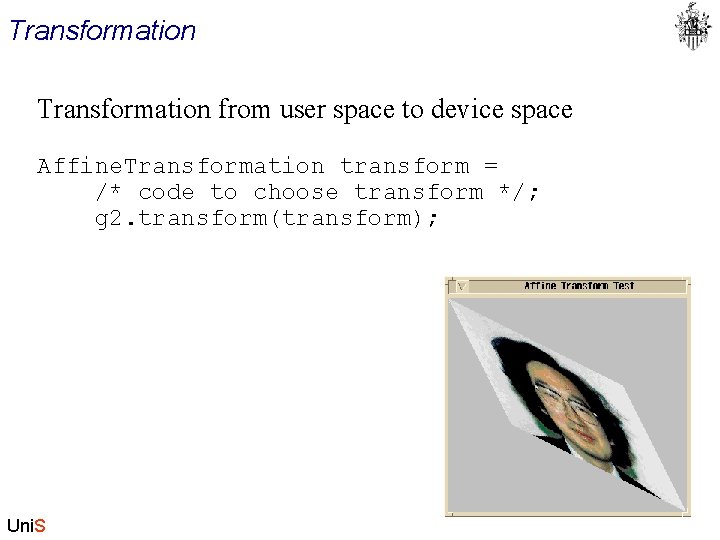
Transformation from user space to device space Affine. Transformation transform = /* code to choose transform */; g 2. transform(transform); Uni. S
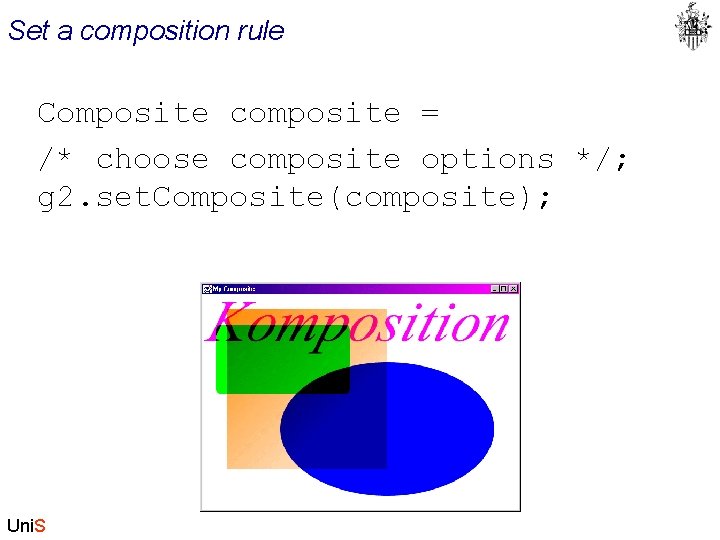
Set a composition rule Composite composite = /* choose composite options */; g 2. set. Composite(composite); Uni. S
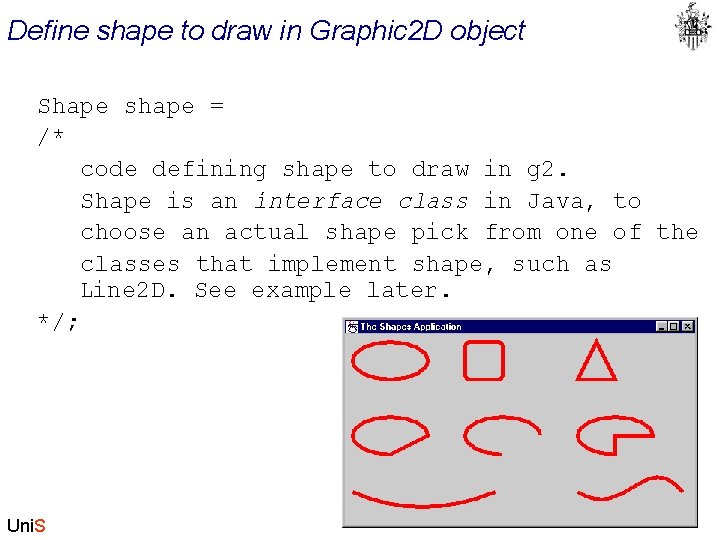
Define shape to draw in Graphic 2 D object Shape shape = /* code defining shape to draw in g 2. Shape is an interface class in Java, to choose an actual shape pick from one of the classes that implement shape, such as Line 2 D. See example later. */; Uni. S
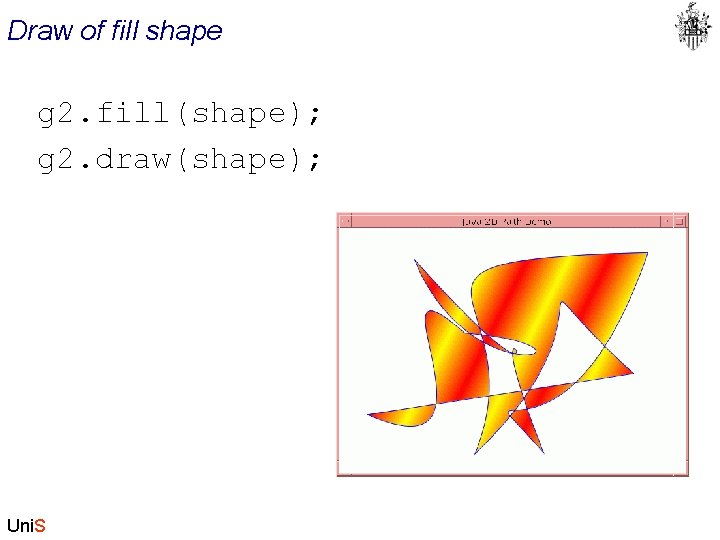
Draw of fill shape g 2. fill(shape); g 2. draw(shape); Uni. S
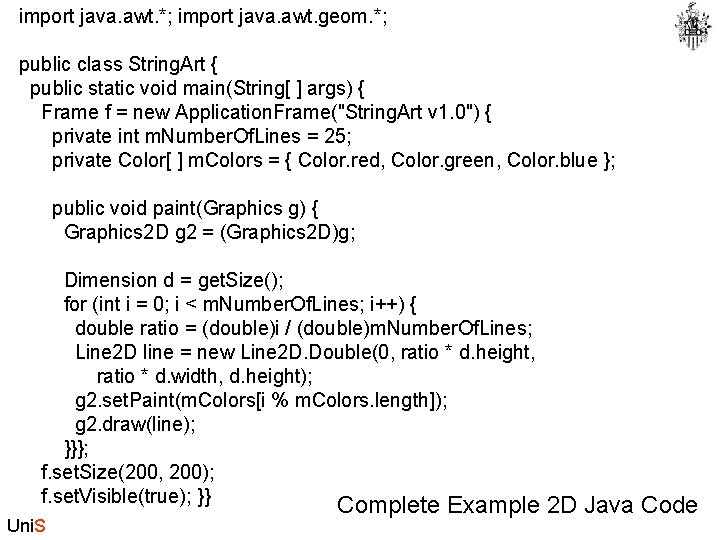
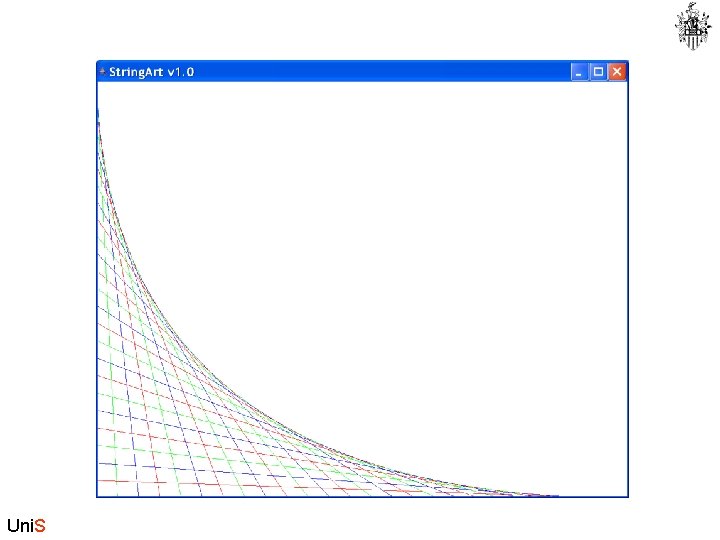
import java. awt. *; import java. awt. geom. *; public class String. Art { public static void main(String[ ] args) { Frame f = new Application. Frame("String. Art v 1. 0") { private int m. Number. Of. Lines = 25; private Color[ ] m. Colors = { Color. red, Color. green, Color. blue }; public void paint(Graphics g) { Graphics 2 D g 2 = (Graphics 2 D)g; Dimension d = get. Size(); for (int i = 0; i < m. Number. Of. Lines; i++) { double ratio = (double)i / (double)m. Number. Of. Lines; Line 2 D line = new Line 2 D. Double(0, ratio * d. height, ratio * d. width, d. height); g 2. set. Paint(m. Colors[i % m. Colors. length]); g 2. draw(line); }}}; f. set. Size(200, 200); f. set. Visible(true); }} Complete Example Uni. S 2 D Java Code
Uni. S
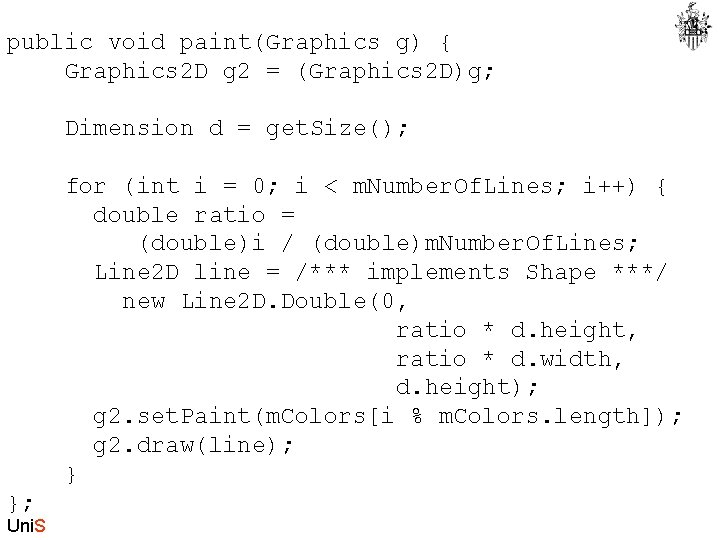
public void paint(Graphics g) { Graphics 2 D g 2 = (Graphics 2 D)g; Dimension d = get. Size(); for (int i = 0; i < m. Number. Of. Lines; i++) { double ratio = (double)i / (double)m. Number. Of. Lines; Line 2 D line = /*** implements Shape ***/ new Line 2 D. Double(0, ratio * d. height, ratio * d. width, d. height); g 2. set. Paint(m. Colors[i % m. Colors. length]); g 2. draw(line); } }; Uni. S
- Slides: 26