
Java Exceptions Dan Fleck CS 211 What is
- Slides: 14
Java Exceptions Dan Fleck CS 211
What is an Exception n An exception is an event that occurs during the execution of a program that disrupts the normal flow of instructions. n Intuition: It’s something you didn’t expect
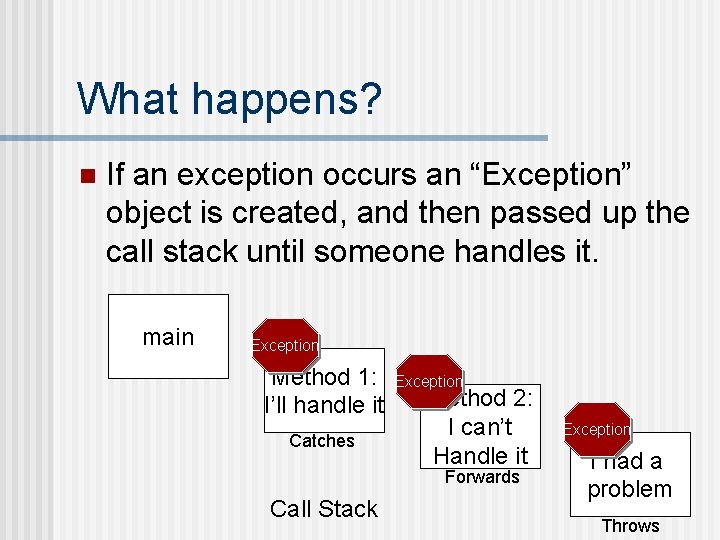
What happens? n If an exception occurs an “Exception” object is created, and then passed up the call stack until someone handles it. main Exception Method 1: I’ll handle it Catches Exception Method 2: I can’t Handle it Forwards Call Stack Exception I had a problem Throws
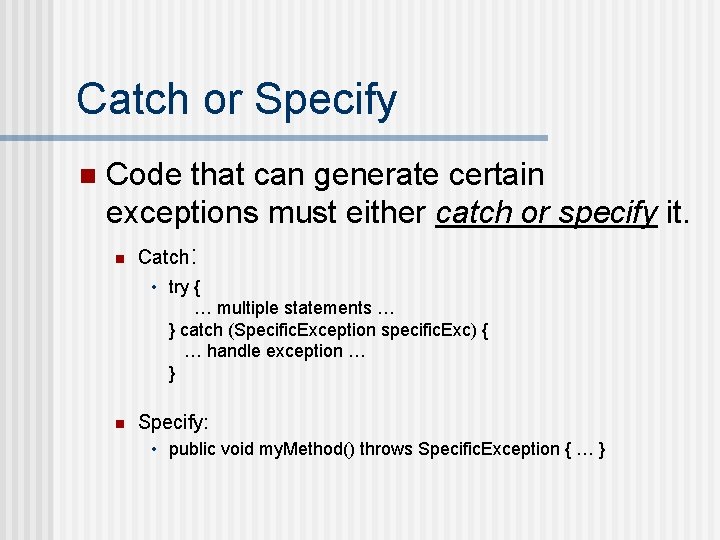
Catch or Specify n Code that can generate certain exceptions must either catch or specify it. n Catch: • try { … multiple statements … } catch (Specific. Exception specific. Exc) { … handle exception … } n Specify: • public void my. Method() throws Specific. Exception { … }
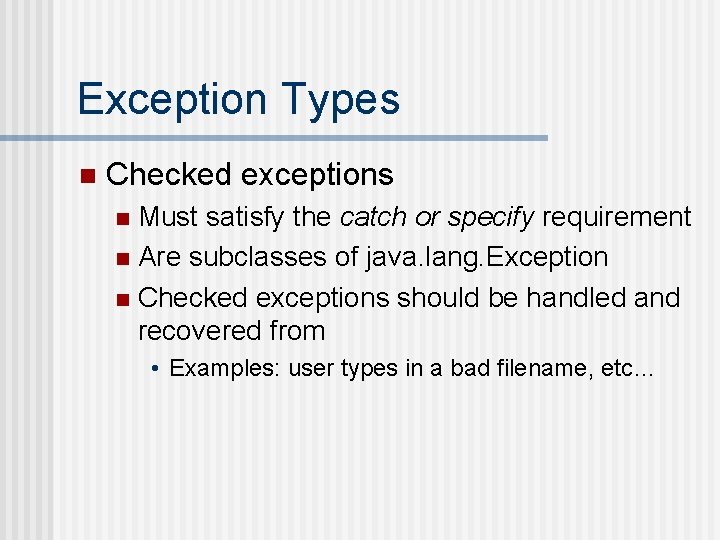
Exception Types n Checked exceptions Must satisfy the catch or specify requirement n Are subclasses of java. lang. Exception n Checked exceptions should be handled and recovered from n • Examples: user types in a bad filename, etc…
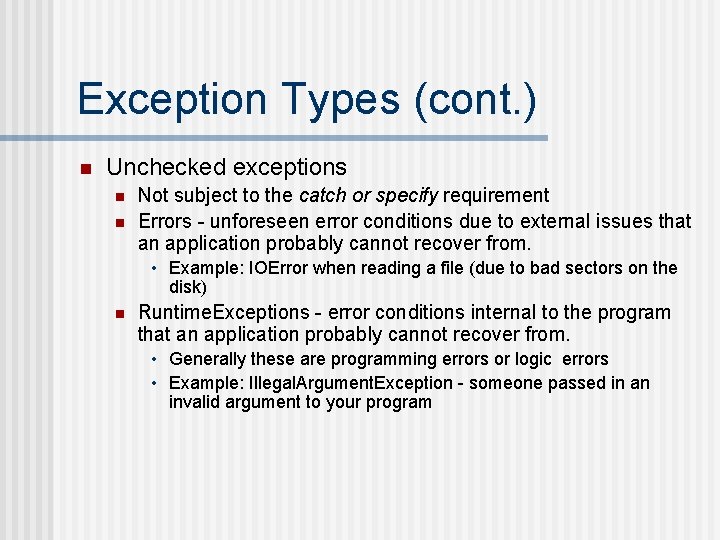
Exception Types (cont. ) n Unchecked exceptions n n Not subject to the catch or specify requirement Errors - unforeseen error conditions due to external issues that an application probably cannot recover from. • Example: IOError when reading a file (due to bad sectors on the disk) n Runtime. Exceptions - error conditions internal to the program that an application probably cannot recover from. • Generally these are programming errors or logic errors • Example: Illegal. Argument. Exception - someone passed in an invalid argument to your program
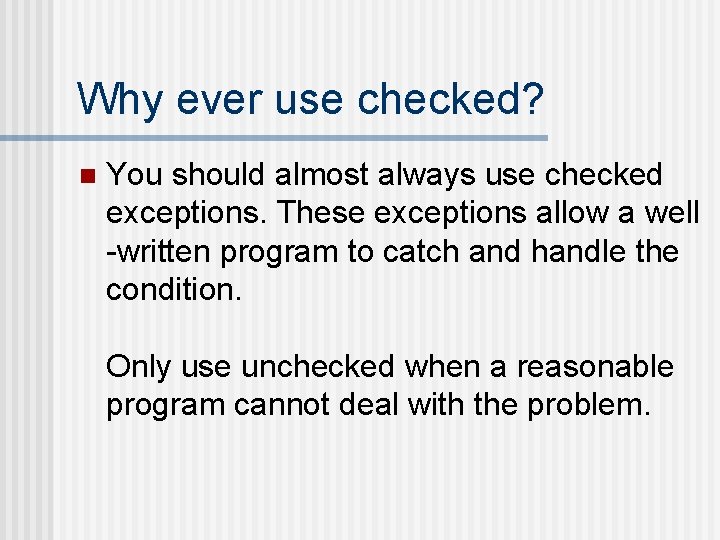
Why ever use checked? n You should almost always use checked exceptions. These exceptions allow a well -written program to catch and handle the condition. Only use unchecked when a reasonable program cannot deal with the problem.
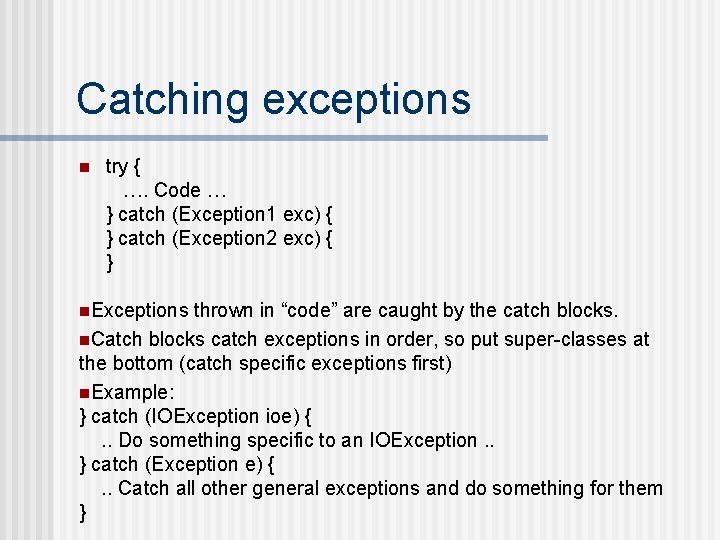
Catching exceptions n try { …. Code … } catch (Exception 1 exc) { } catch (Exception 2 exc) { } n. Exceptions thrown in “code” are caught by the catch blocks. n. Catch blocks catch exceptions in order, so put super-classes at the bottom (catch specific exceptions first) n. Example: } catch (IOException ioe) {. . Do something specific to an IOException. . } catch (Exception e) {. . Catch all other general exceptions and do something for them }
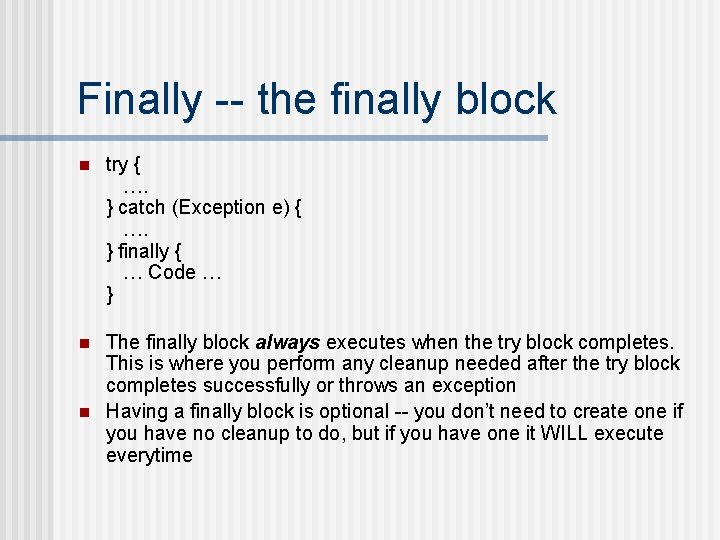
Finally -- the finally block n try { …. } catch (Exception e) { …. } finally { … Code … } n The finally block always executes when the try block completes. This is where you perform any cleanup needed after the try block completes successfully or throws an exception Having a finally block is optional -- you don’t need to create one if you have no cleanup to do, but if you have one it WILL execute everytime n
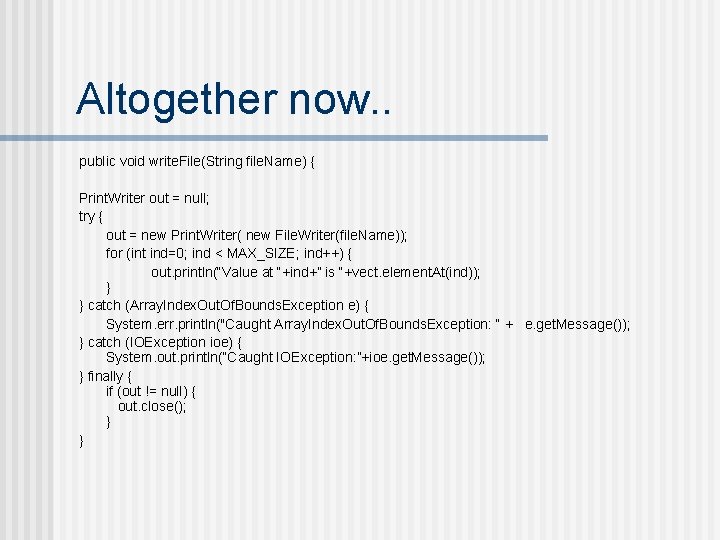
Altogether now. . public void write. File(String file. Name) { Print. Writer out = null; try { out = new Print. Writer( new File. Writer(file. Name)); for (int ind=0; ind < MAX_SIZE; ind++) { out. println(“Value at “+ind+” is “+vect. element. At(ind)); } } catch (Array. Index. Out. Of. Bounds. Exception e) { System. err. println("Caught Array. Index. Out. Of. Bounds. Exception: “ + e. get. Message()); } catch (IOException ioe) { System. out. println(“Caught IOException: ”+ioe. get. Message()); } finally { if (out != null) { out. close(); } }
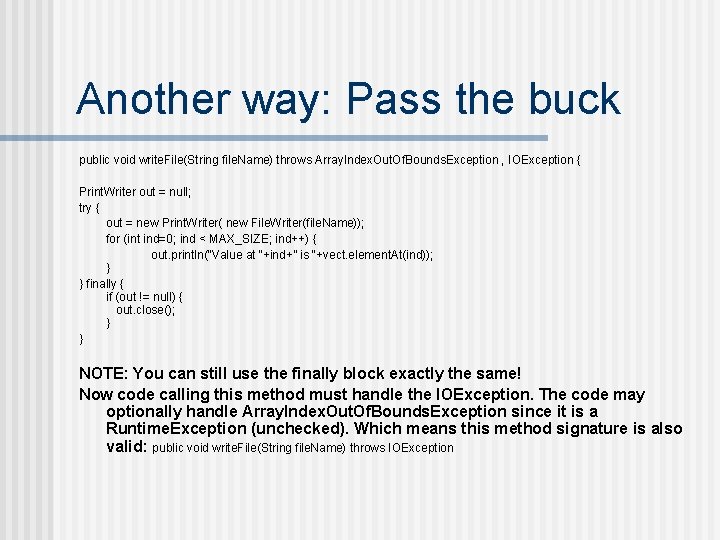
Another way: Pass the buck public void write. File(String file. Name) throws Array. Index. Out. Of. Bounds. Exception , IOException { Print. Writer out = null; try { out = new Print. Writer( new File. Writer(file. Name)); for (int ind=0; ind < MAX_SIZE; ind++) { out. println(“Value at “+ind+” is “+vect. element. At(ind)); } } finally { if (out != null) { out. close(); } } NOTE: You can still use the finally block exactly the same! Now code calling this method must handle the IOException. The code may optionally handle Array. Index. Out. Of. Bounds. Exception since it is a Runtime. Exception (unchecked). Which means this method signature is also valid: public void write. File(String file. Name) throws IOException
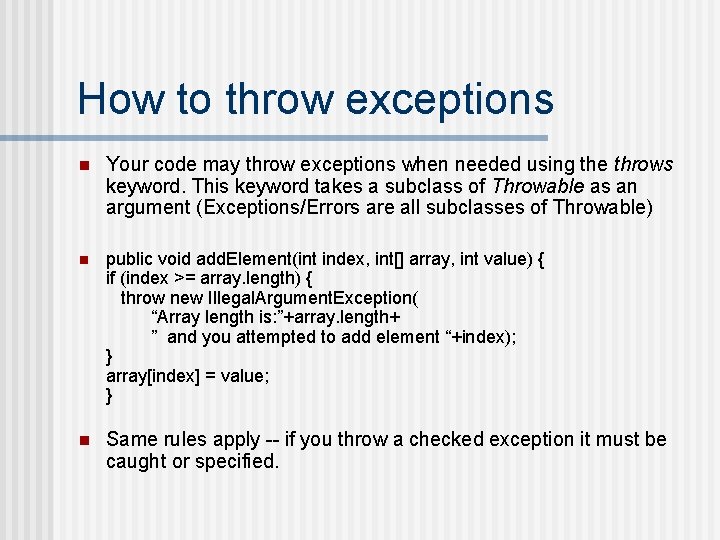
How to throw exceptions n Your code may throw exceptions when needed using the throws keyword. This keyword takes a subclass of Throwable as an argument (Exceptions/Errors are all subclasses of Throwable) n public void add. Element(int index, int[] array, int value) { if (index >= array. length) { throw new Illegal. Argument. Exception( “Array length is: ”+array. length+ ” and you attempted to add element “+index); } array[index] = value; } n Same rules apply -- if you throw a checked exception it must be caught or specified.
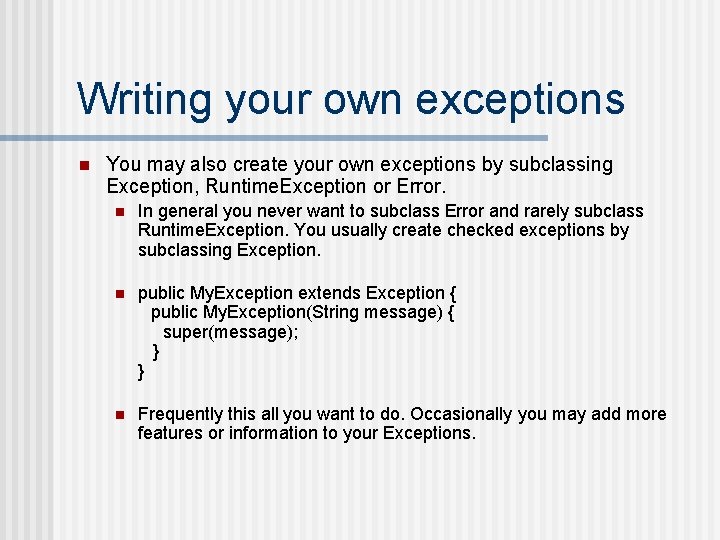
Writing your own exceptions n You may also create your own exceptions by subclassing Exception, Runtime. Exception or Error. n In general you never want to subclass Error and rarely subclass Runtime. Exception. You usually create checked exceptions by subclassing Exception. n public My. Exception extends Exception { public My. Exception(String message) { super(message); } } n Frequently this all you want to do. Occasionally you may add more features or information to your Exceptions.
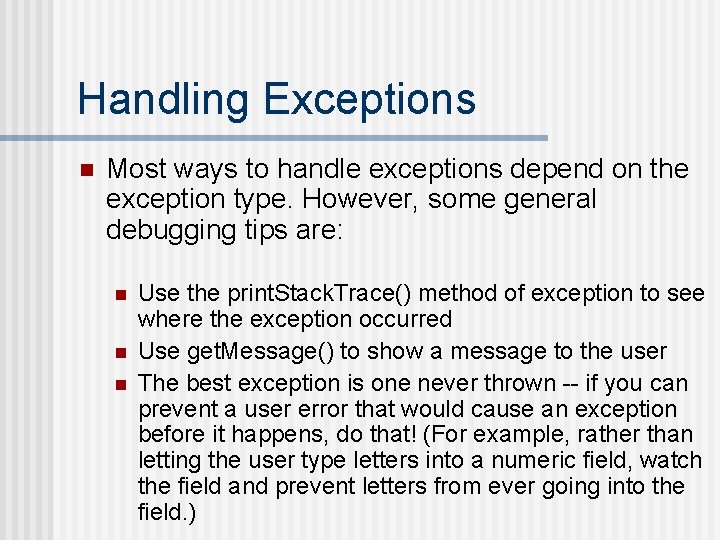
Handling Exceptions n Most ways to handle exceptions depend on the exception type. However, some general debugging tips are: n n n Use the print. Stack. Trace() method of exception to see where the exception occurred Use get. Message() to show a message to the user The best exception is one never thrown -- if you can prevent a user error that would cause an exception before it happens, do that! (For example, rather than letting the user type letters into a numeric field, watch the field and prevent letters from ever going into the field. )