
Java Exception Yangjun Chen Dept Business Computing University
Java Exception Yangjun Chen Dept. Business Computing University of Winnipeg Jan. 2004 1
Outline: Exceptions • • Exceptions Managing Exceptions try and catch blocks finally clause Exception propagation Throwing Exceptions Creating your own Exceptions Jan. 2004 2
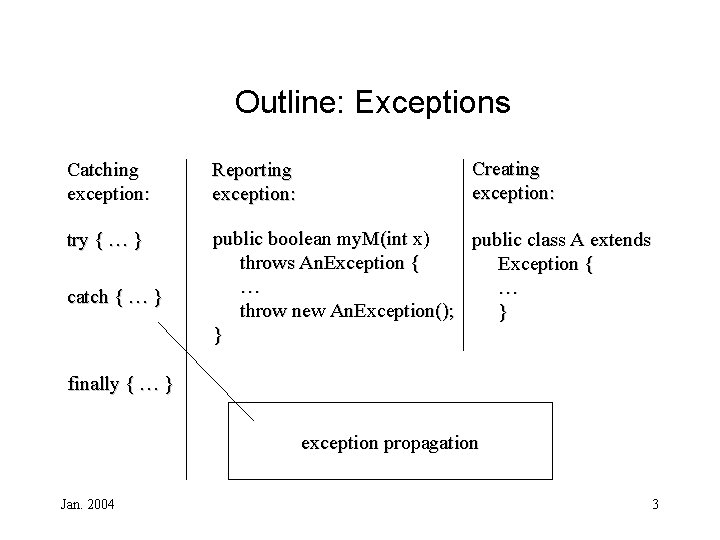
Outline: Exceptions Creating exception: Catching exception: Reporting exception: try { … } public boolean my. M(int x) public class A extends throws An. Exception { … … throw new An. Exception(); } } catch { … } finally { … } exception propagation Jan. 2004 3
Exceptions • Exceptions are unusual things that happen within your Java program that are different from the desired behavior of the program. • They could be fatal errors or could be in the event of exceptional circumstances. • Exception handling is the management of these exceptions or errors. • When an exception is encountered, Java will report this problem by throwing an exception. Jan. 2004 4
Exceptions • At this point, the system will halt normal operation and look for a solution to the problem. It looks in your code, to see if there is anything that will catch the exception. • After the exception is caught, normal operation is resumed after the offending block of code. • In traditional error handling, some code is usually written to head off the error before it occurs. • Exception handling in Java allows the error or unusual situation to occur and then takes steps to deal with it. • Exceptions don’t occur in Java. They are thrown. Exceptions can be thrown by either the system or by the Jan. programmer. 2004 5
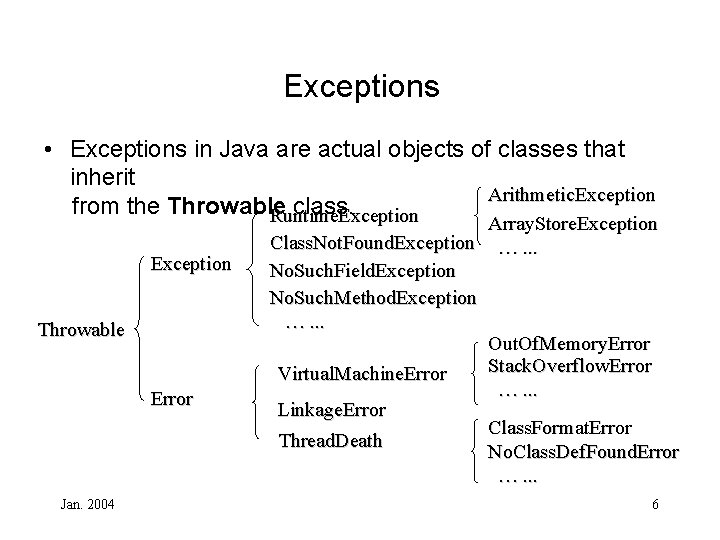
Exceptions • Exceptions in Java are actual objects of classes that inherit Arithmetic. Exception from the Throwable class. Runtime. Exception Throwable Error Jan. 2004 Array. Store. Exception Class. Not. Found. Exception …. . . No. Such. Field. Exception No. Such. Method. Exception …. . . Out. Of. Memory. Error Stack. Overflow. Error Virtual. Machine. Error …. . . Linkage. Error Class. Format. Error Thread. Death No. Class. Def. Found. Error …. . . 6
Throwable Class • The Throwable class has two subclasses: Error and Exception. • Instances of the Error class represent internal errors that are usually fatal. You can neither catch them nor throw them yourself. • The Exception subclass will contain most of the exception classes that are used, but there are other packages that define their own exception classes. - For example, the java. io package has its own exception class called IOException. • So how do we handle exceptions? Jan. 2004 7
Managing Exceptions • The Java compiler will enforce exception management when you try to use methods that declare exceptions. Your program will not compile unless there is code that will handle the exception. • Handling or catching an exception requires two things: - protecting the code that contains the method that throws an exception by putting it inside a try block Testing and dealing with the exception in a catch block • What these two keywords mean is to “try this code that might cause an exception. If all works well, then continue on. If it doesn’t, then catch the problem and deal with it. ” • For example, let’s look at the following code. Jan. 2004 8
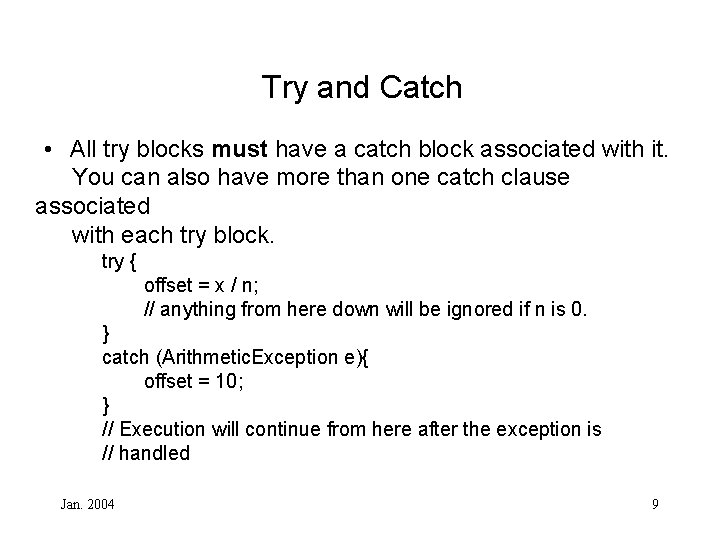
Try and Catch • All try blocks must have a catch block associated with it. You can also have more than one catch clause associated with each try block. try { offset = x / n; // anything from here down will be ignored if n is 0. } catch (Arithmetic. Exception e){ offset = 10; } // Execution will continue from here after the exception is // handled Jan. 2004 9
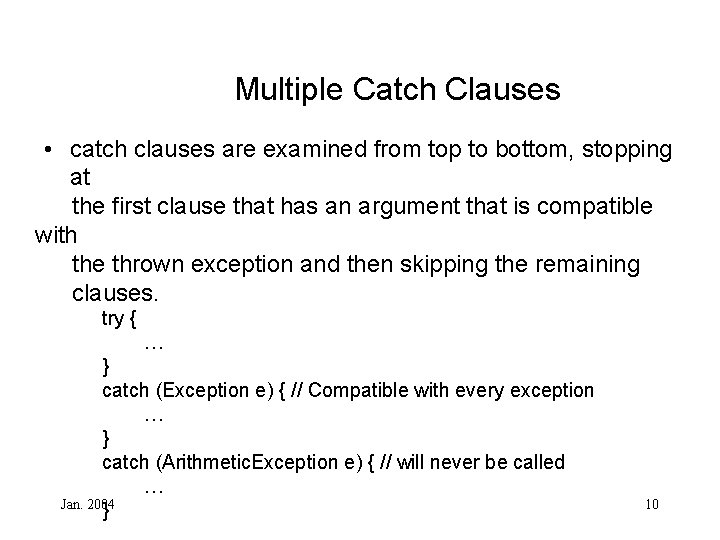
Multiple Catch Clauses • catch clauses are examined from top to bottom, stopping at the first clause that has an argument that is compatible with the thrown exception and then skipping the remaining clauses. try { … } catch (Exception e) { // Compatible with every exception … } catch (Arithmetic. Exception e) { // will never be called … Jan. 2004 } 10
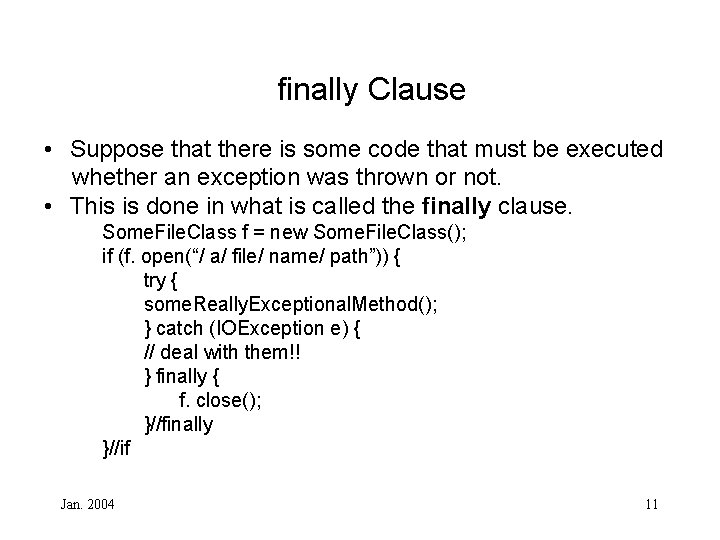
finally Clause • Suppose that there is some code that must be executed whether an exception was thrown or not. • This is done in what is called the finally clause. Some. File. Class f = new Some. File. Class(); if (f. open(“/ a/ file/ name/ path”)) { try { some. Really. Exceptional. Method(); } catch (IOException e) { // deal with them!! } finally { f. close(); }//finally }//if Jan. 2004 11
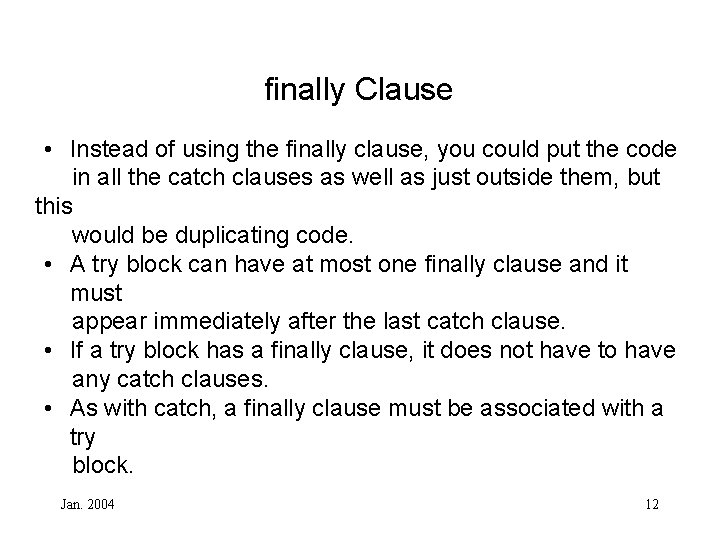
finally Clause • Instead of using the finally clause, you could put the code in all the catch clauses as well as just outside them, but this would be duplicating code. • A try block can have at most one finally clause and it must appear immediately after the last catch clause. • If a try block has a finally clause, it does not have to have any catch clauses. • As with catch, a finally clause must be associated with a try block. Jan. 2004 12
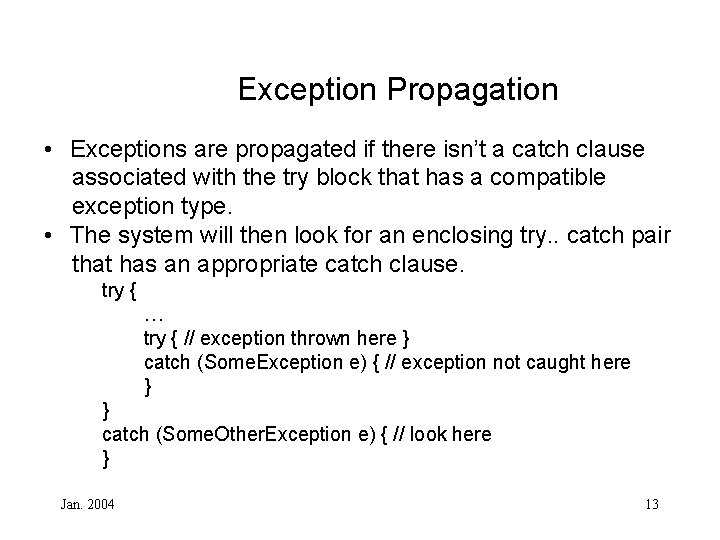
Exception Propagation • Exceptions are propagated if there isn’t a catch clause associated with the try block that has a compatible exception type. • The system will then look for an enclosing try. . catch pair that has an appropriate catch clause. try { … try { // exception thrown here } catch (Some. Exception e) { // exception not caught here } } catch (Some. Other. Exception e) { // look here } Jan. 2004 13
Exception Propagation • If an appropriate catch clause is not found, the search continues until it reaches the block which encloses the entire method body. • If there is still no compatible catch clause, the search is widened to include the block containing the method call. • This search continues on outward, until eventually the exception is handled. If there doesn’t exist any handling for the exception, the Java environment will handle it for you. Java will terminate you program! • This isn’t always a bad idea. There are situations that terminating the program will be better or is the only alternative. Jan. 2004 14
The throws Clause • To indicate that some code in the body of your method may throw an exception, use throws keyword after the signature of the method. - public boolean my. Method( int x) throws An. Exception { … } • For multiple exception types, put them all in the throws clause separated by commas. • You can also throw a superclass of a group of exceptions to indicate that your method may throw any subclass of that exception. - public void my. Method 2( int x) throws IOException { … } • Exceptions of either class Error or Runtime. Exception do Jan. 2004 15 not have to be included in the throws clause. Java gives
The throws Clause • Declaring that your method throws an exception doesn’t actually make your method throw the exception if occurred. This has to be done within the body of the method itself. • To throw an exception, an instance of some exception class is needed. Once an instance is created or obtained, use throw statement to throw it. Jan. 2004 16
The throws Clause • The simplest way is to create the instance and throw the exception in the same statement. - throw new Service. Not. Available. Exception(); • You can only throw objects that are instances of subclasses of Throwable unlike in C++ where an object of any type may be thrown. • Depending on the exception class that you are using, the exception’s constructor may require some arguments. The most common argument is a string that describes the exception in more detail. - throw new Service. Not. Available. Exception(“ Exception: Jan. 2004 service not available, database is offline. ”); 17
The throws Clause • Once an exception is thrown, the method exits after executing the finally clause (if one exists) without returning a value. • The exception is then passed on to the surrounding try. . catch block and propagated further until it is handled. Jan. 2004 18
Creating Exceptions • Although Java provides a wealth of exception classes, there may be times where we would like to create our own exceptions that are not covered by the predefined exception classes. • To create a exception, you must inherit from one of the other exception classes. Try to find an exception that’s close to the one you are creating. • If none of the exceptions match closely, then inherit from Exception itself which is the top of the hierarchy for explicit exceptions or Runtime. Exception. • Jan. Exception classes typically have two constructors, one 19 2004 with
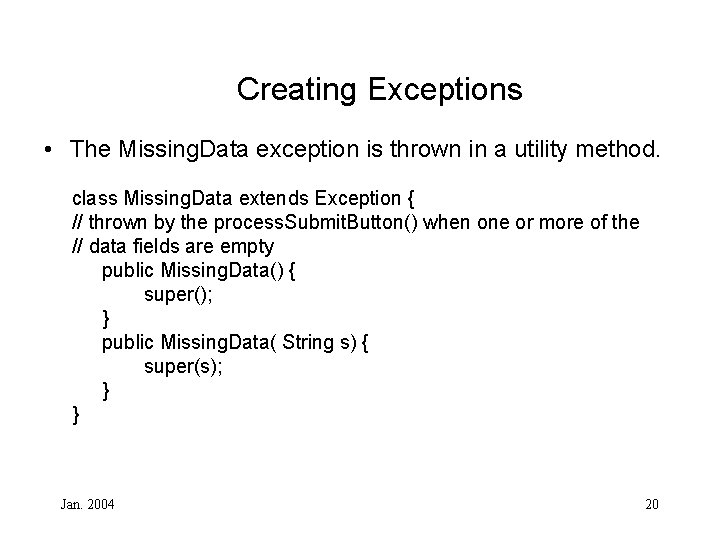
Creating Exceptions • The Missing. Data exception is thrown in a utility method. class Missing. Data extends Exception { // thrown by the process. Submit. Button() when one or more of the // data fields are empty public Missing. Data() { super(); } public Missing. Data( String s) { super(s); } } Jan. 2004 20
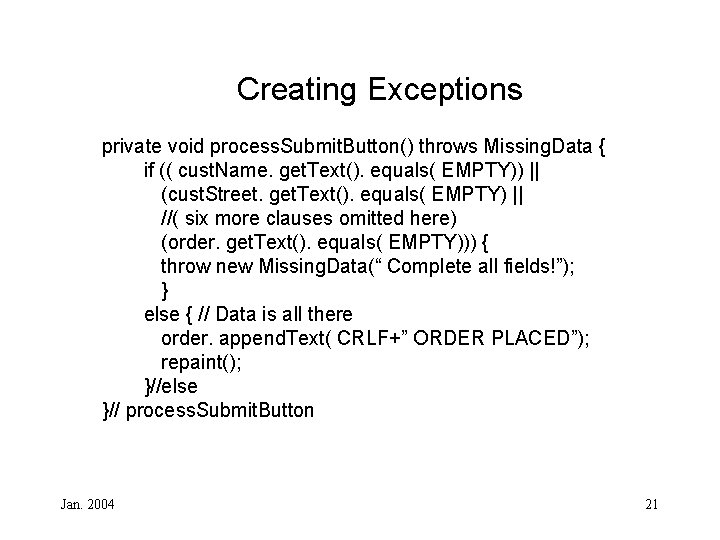
Creating Exceptions private void process. Submit. Button() throws Missing. Data { if (( cust. Name. get. Text(). equals( EMPTY)) || (cust. Street. get. Text(). equals( EMPTY) || //( six more clauses omitted here) (order. get. Text(). equals( EMPTY))) { throw new Missing. Data(“ Complete all fields!”); } else { // Data is all there order. append. Text( CRLF+” ORDER PLACED”); repaint(); }//else }// process. Submit. Button Jan. 2004 21
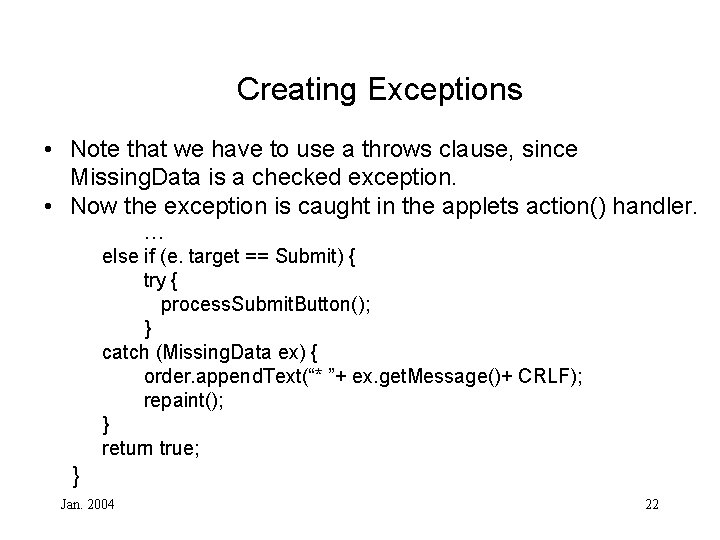
Creating Exceptions • Note that we have to use a throws clause, since Missing. Data is a checked exception. • Now the exception is caught in the applets action() handler. … else if (e. target == Submit) { try { process. Submit. Button(); } catch (Missing. Data ex) { order. append. Text(“* ”+ ex. get. Message()+ CRLF); repaint(); } return true; } Jan. 2004 22
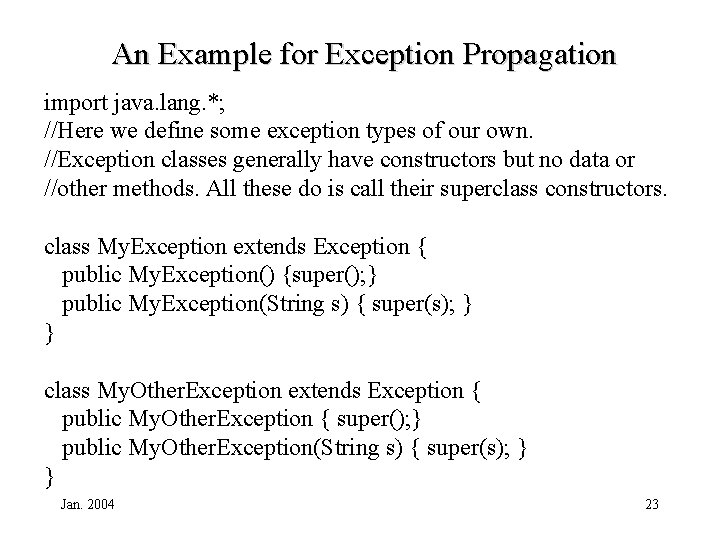
An Example for Exception Propagation import java. lang. *; //Here we define some exception types of our own. //Exception classes generally have constructors but no data or //other methods. All these do is call their superclass constructors. class My. Exception extends Exception { public My. Exception() {super(); } public My. Exception(String s) { super(s); } } class My. Other. Exception extends Exception { public My. Other. Exception { super(); } public My. Other. Exception(String s) { super(s); } } Jan. 2004 23
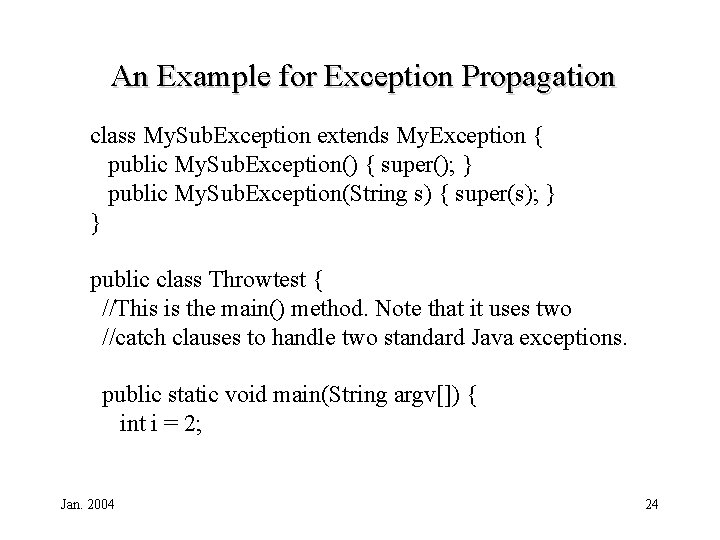
An Example for Exception Propagation class My. Sub. Exception extends My. Exception { public My. Sub. Exception() { super(); } public My. Sub. Exception(String s) { super(s); } } public class Throwtest { //This is the main() method. Note that it uses two //catch clauses to handle two standard Java exceptions. public static void main(String argv[]) { int i = 2; Jan. 2004 24
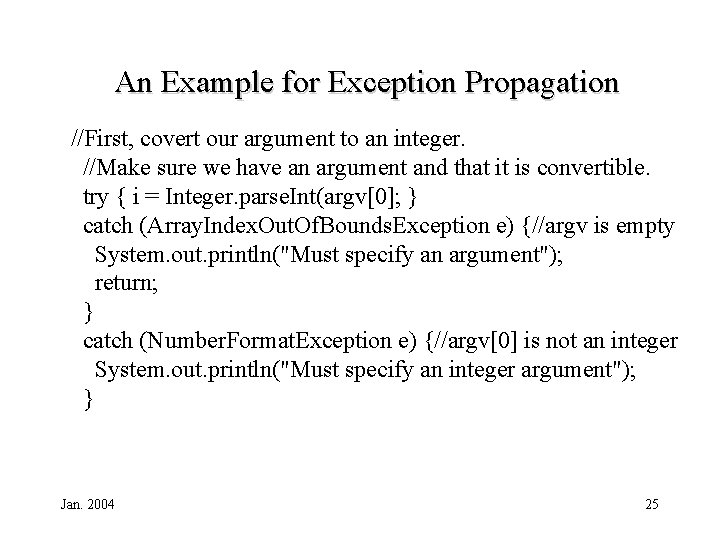
An Example for Exception Propagation //First, covert our argument to an integer. //Make sure we have an argument and that it is convertible. try { i = Integer. parse. Int(argv[0]; } catch (Array. Index. Out. Of. Bounds. Exception e) {//argv is empty System. out. println("Must specify an argument"); return; } catch (Number. Format. Exception e) {//argv[0] is not an integer System. out. println("Must specify an integer argument"); } Jan. 2004 25
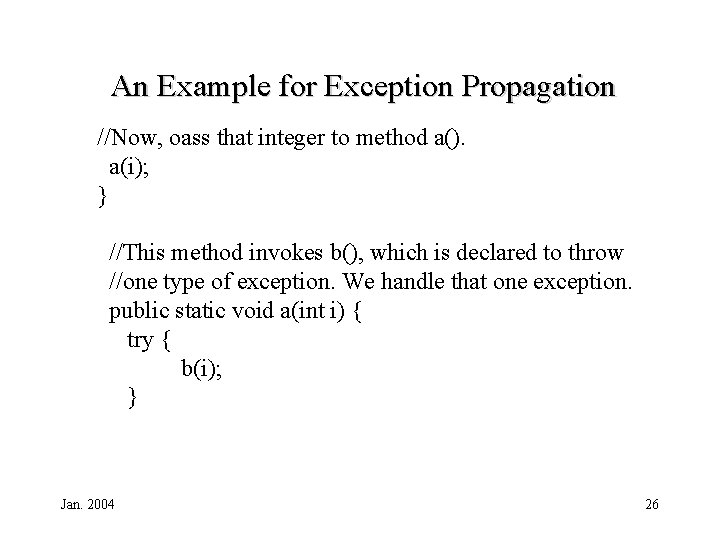
An Example for Exception Propagation //Now, oass that integer to method a(). a(i); } //This method invokes b(), which is declared to throw //one type of exception. We handle that one exception. public static void a(int i) { try { b(i); } Jan. 2004 26
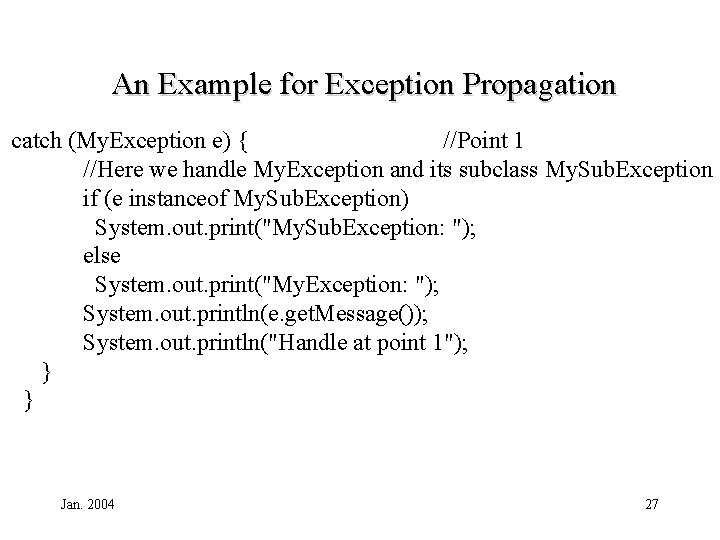
An Example for Exception Propagation catch (My. Exception e) { //Point 1 //Here we handle My. Exception and its subclass My. Sub. Exception if (e instanceof My. Sub. Exception) System. out. print("My. Sub. Exception: "); else System. out. print("My. Exception: "); System. out. println(e. get. Message()); System. out. println("Handle at point 1"); } } Jan. 2004 27
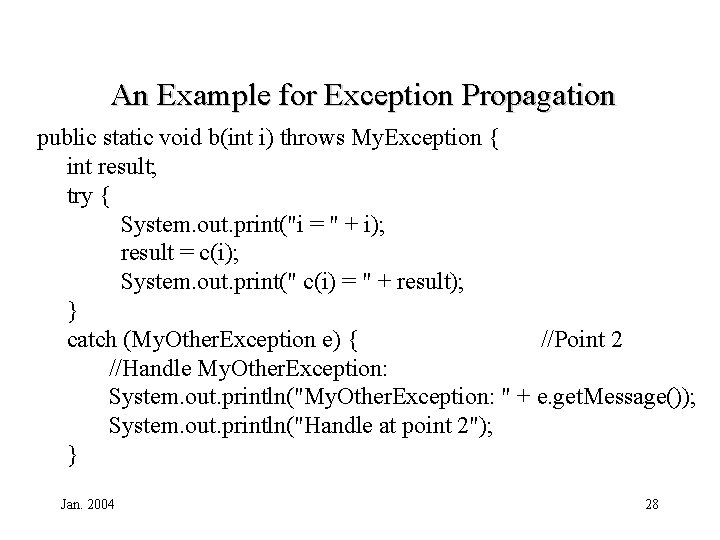
An Example for Exception Propagation public static void b(int i) throws My. Exception { int result; try { System. out. print("i = " + i); result = c(i); System. out. print(" c(i) = " + result); } catch (My. Other. Exception e) { //Point 2 //Handle My. Other. Exception: System. out. println("My. Other. Exception: " + e. get. Message()); System. out. println("Handle at point 2"); } Jan. 2004 28
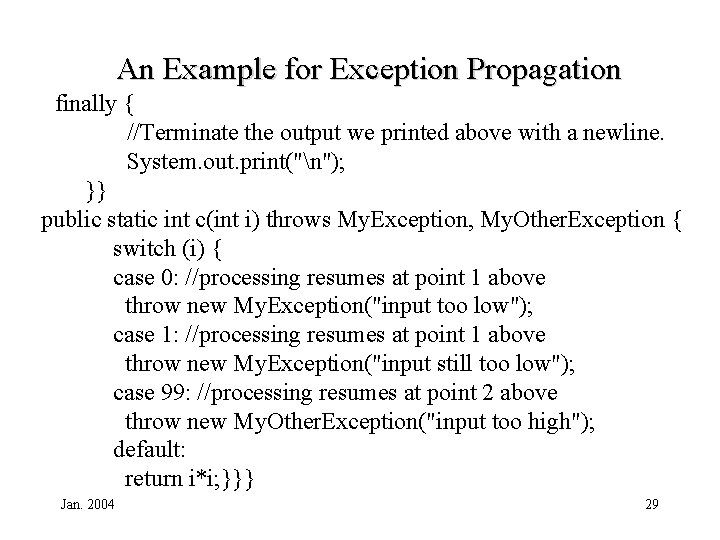
An Example for Exception Propagation finally { //Terminate the output we printed above with a newline. System. out. print("n"); }} public static int c(int i) throws My. Exception, My. Other. Exception { switch (i) { case 0: //processing resumes at point 1 above throw new My. Exception("input too low"); case 1: //processing resumes at point 1 above throw new My. Exception("input still too low"); case 99: //processing resumes at point 2 above throw new My. Other. Exception("input too high"); default: return i*i; }}} Jan. 2004 29
- Slides: 29