
Java Applets for Experiments NSF Workshop UCFullerton Gary
![Arrays int x[] = new int[3]; Note: arrays start at 0 Above creates x[0],](https://slidetodoc.com/presentation_image_h2/cdf370525d8f6de3641b53ce0f6d1d5b/image-40.jpg "Arrays int x[] = new int[3]; Note: arrays start at 0 Above creates x[0],")
- Slides: 49
Java Applets for Experiments NSF Workshop, UC-Fullerton Gary Mc. Clelland 17 -20 January 2002
Java Workshop Outline Java, what it is and isn’t Object-Oriented Programming (OOP) First applet: Hello. World Graphics drawing Listening for events mouse, keys, Buttons, Scrollbars
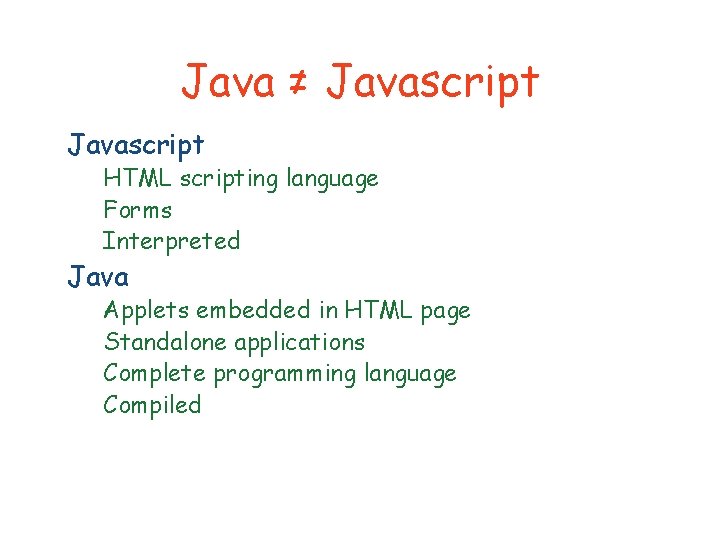
Java ≠ Javascript HTML scripting language Forms Interpreted Java Applets embedded in HTML page Standalone applications Complete programming language Compiled
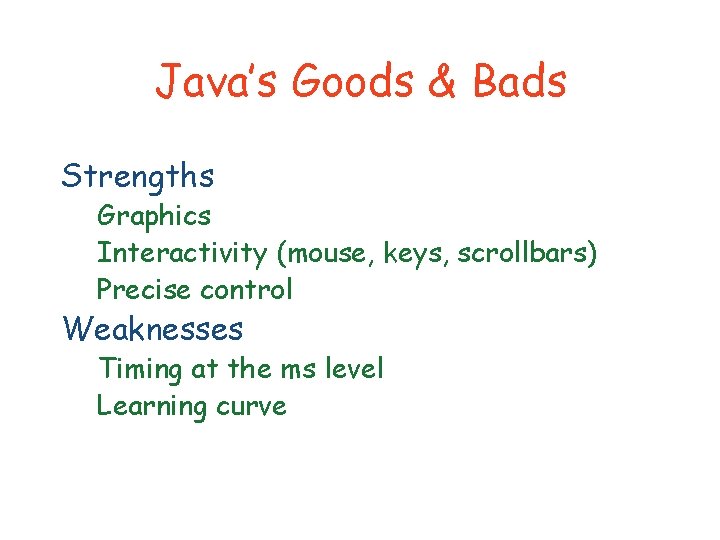
Java’s Goods & Bads Strengths Graphics Interactivity (mouse, keys, scrollbars) Precise control Weaknesses Timing at the ms level Learning curve
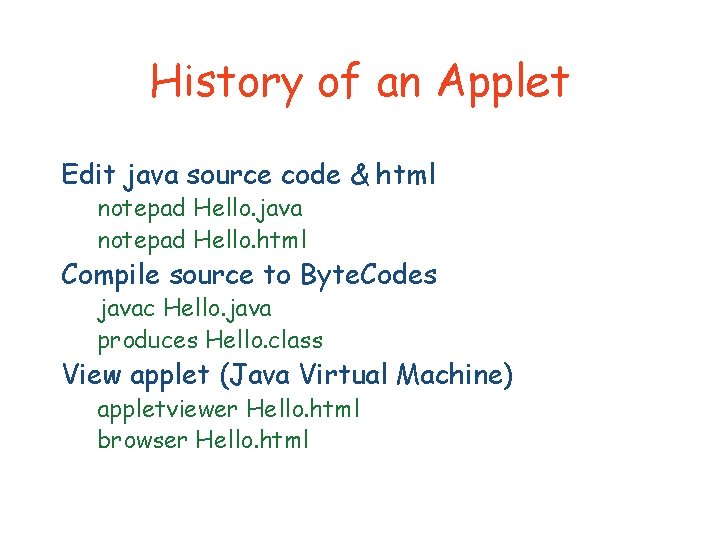
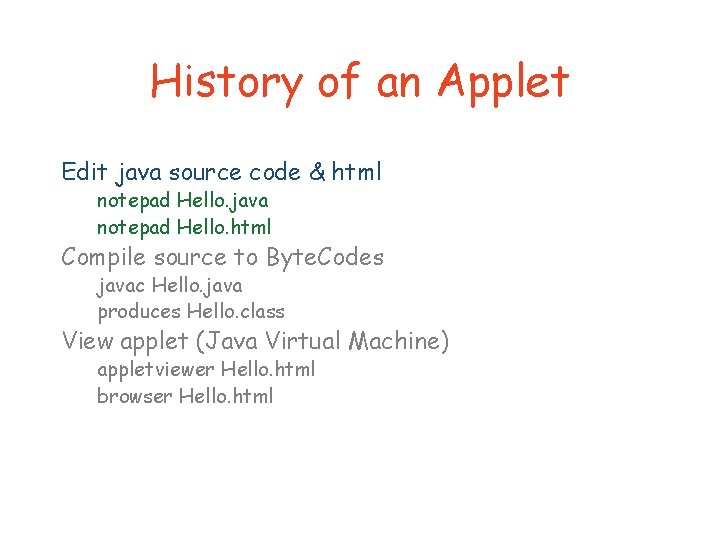
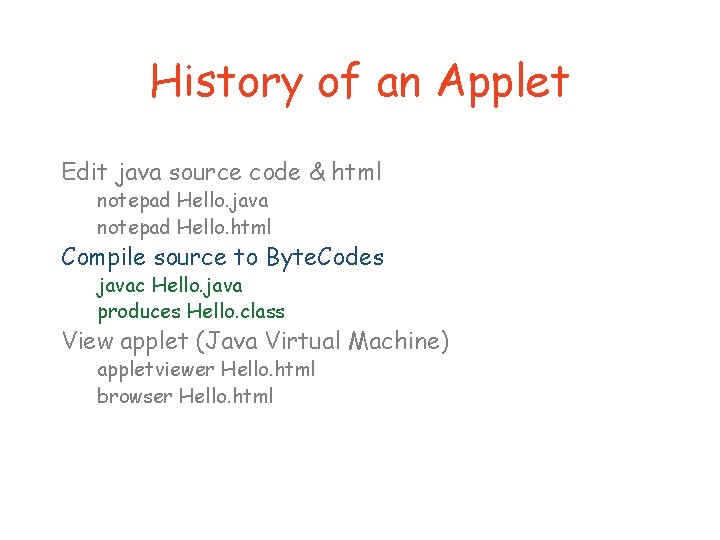
History of an Applet Edit java source code & html notepad Hello. java notepad Hello. html Compile source to Byte. Codes javac Hello. java produces Hello. class View applet (Java Virtual Machine) appletviewer Hello. html browser Hello. html
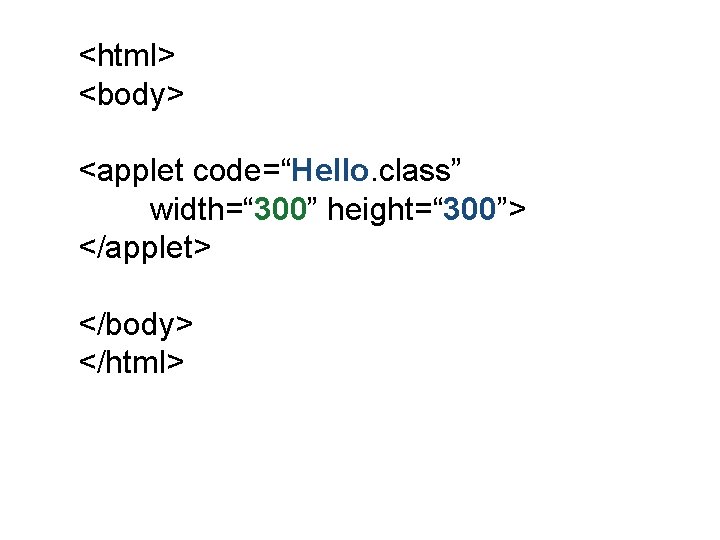
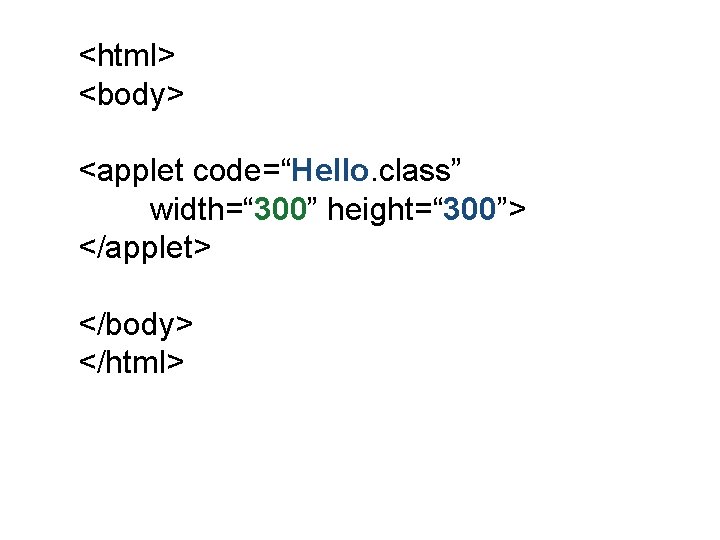
<html> <body> <applet code=“Hello. class” width=“ 300” height=“ 300”> </applet> </body> </html>
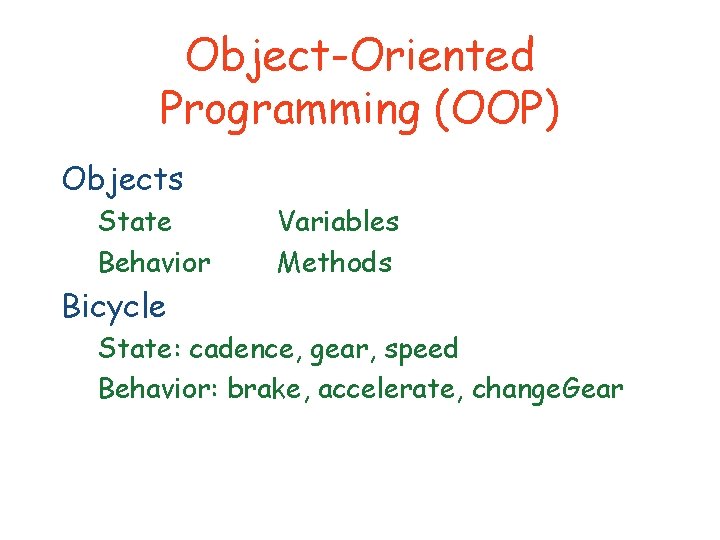
Object-Oriented Programming (OOP) Objects State Behavior Variables Methods Bicycle State: cadence, gear, speed Behavior: brake, accelerate, change. Gear
Java class: object blueprint Class variables Constructor (object “factory”) Methods (subroutine definitions)
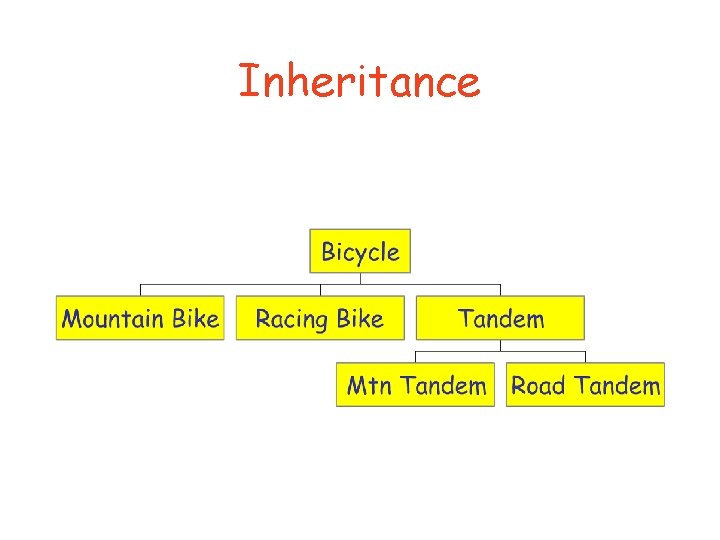
Inheritance
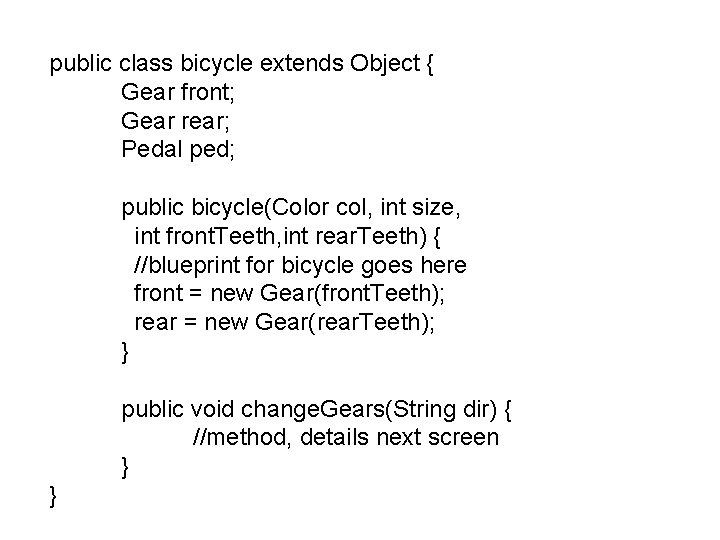
public class bicycle extends Object { Gear front; Gear rear; Pedal ped; public bicycle(Color col, int size, int front. Teeth, int rear. Teeth) { //blueprint for bicycle goes here front = new Gear(front. Teeth); rear = new Gear(rear. Teeth); } public void change. Gears(String dir) { //method, details next screen } }
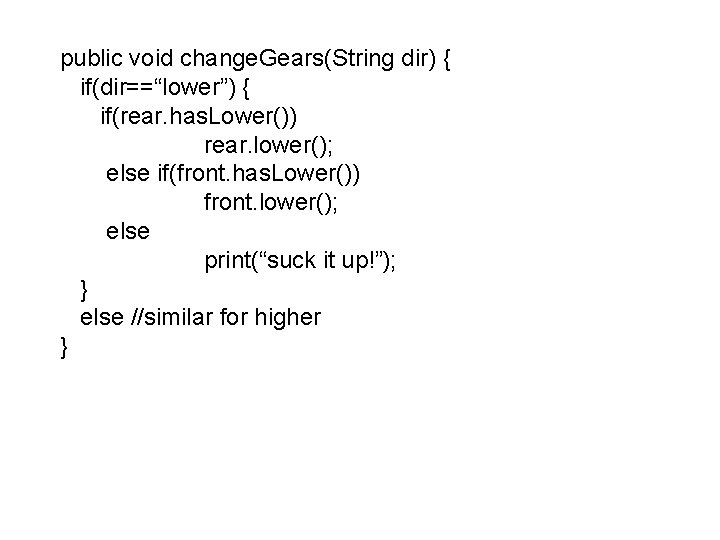
public void change. Gears(String dir) { if(dir==“lower”) { if(rear. has. Lower()) rear. lower(); else if(front. has. Lower()) front. lower(); else print(“suck it up!”); } else //similar for higher }
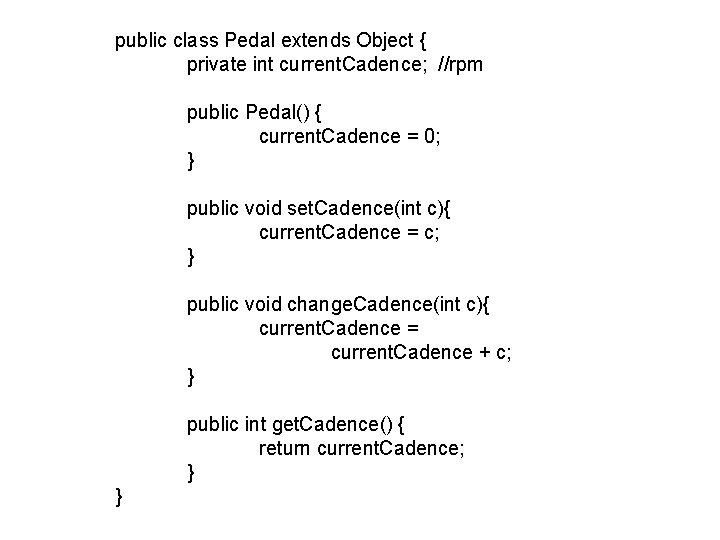
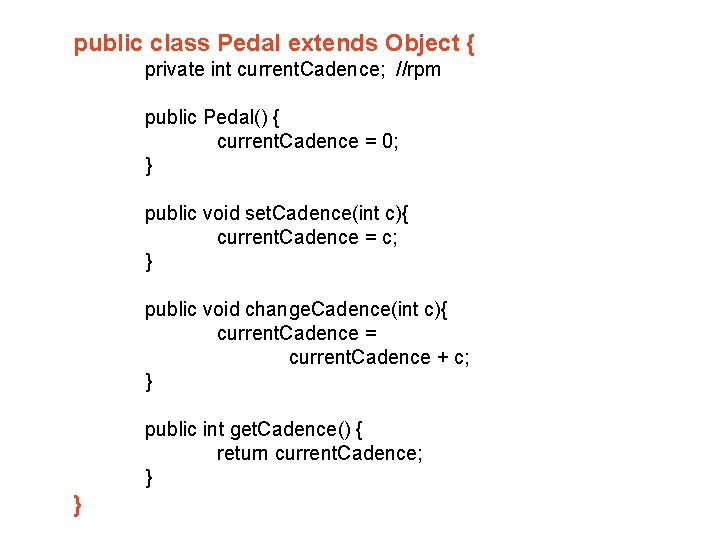
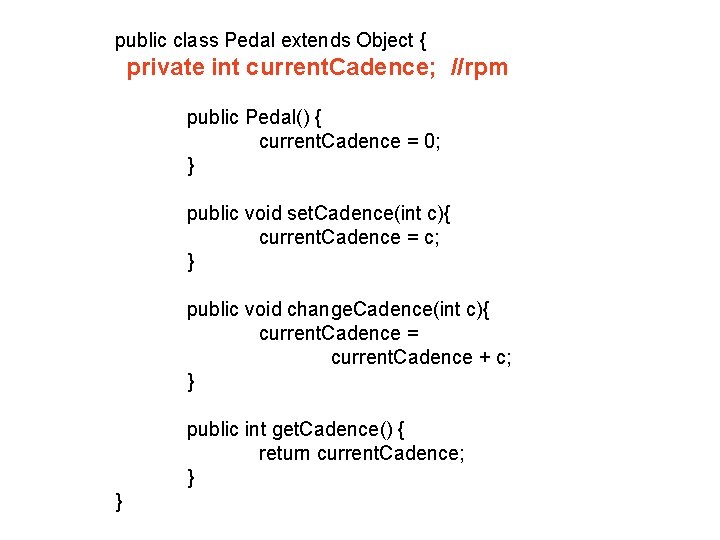
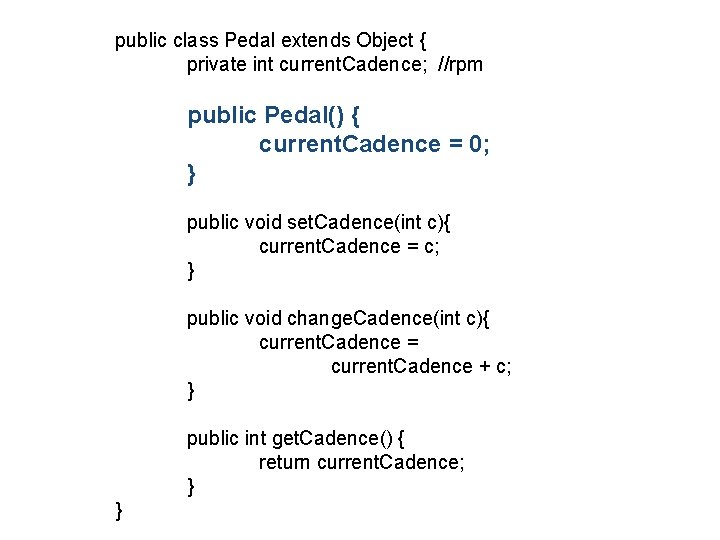
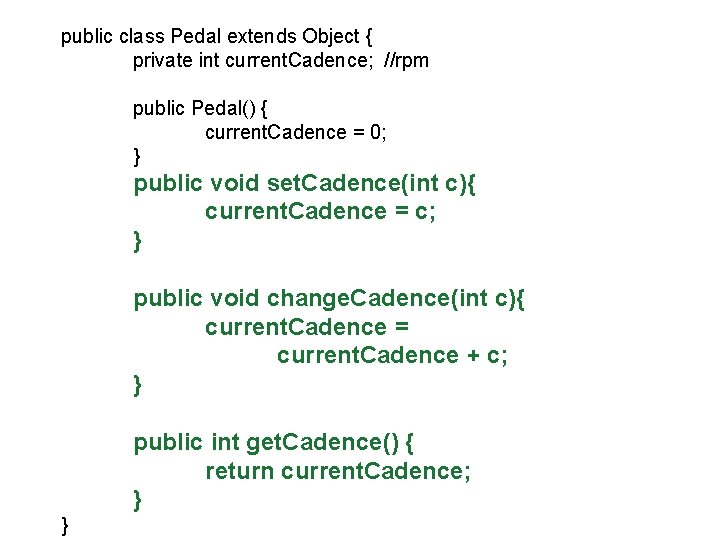
public class Pedal extends Object { private int current. Cadence; //rpm public Pedal() { current. Cadence = 0; } public void set. Cadence(int c){ current. Cadence = c; } public void change. Cadence(int c){ current. Cadence = current. Cadence + c; } public int get. Cadence() { return current. Cadence; } }
public class Pedal extends Object { private int current. Cadence; //rpm public Pedal() { current. Cadence = 0; } public void set. Cadence(int c){ current. Cadence = c; } public void change. Cadence(int c){ current. Cadence = current. Cadence + c; } public int get. Cadence() { return current. Cadence; } }
public class Pedal extends Object { private int current. Cadence; //rpm public Pedal() { current. Cadence = 0; } public void set. Cadence(int c){ current. Cadence = c; } public void change. Cadence(int c){ current. Cadence = current. Cadence + c; } public int get. Cadence() { return current. Cadence; } }
public class Pedal extends Object { private int current. Cadence; //rpm public Pedal() { current. Cadence = 0; } public void set. Cadence(int c){ current. Cadence = c; } public void change. Cadence(int c){ current. Cadence = current. Cadence + c; } public int get. Cadence() { return current. Cadence; } }
public class Pedal extends Object { private int current. Cadence; //rpm public Pedal() { current. Cadence = 0; } public void set. Cadence(int c){ current. Cadence = c; } public void change. Cadence(int c){ current. Cadence = current. Cadence + c; } public int get. Cadence() { return current. Cadence; } }
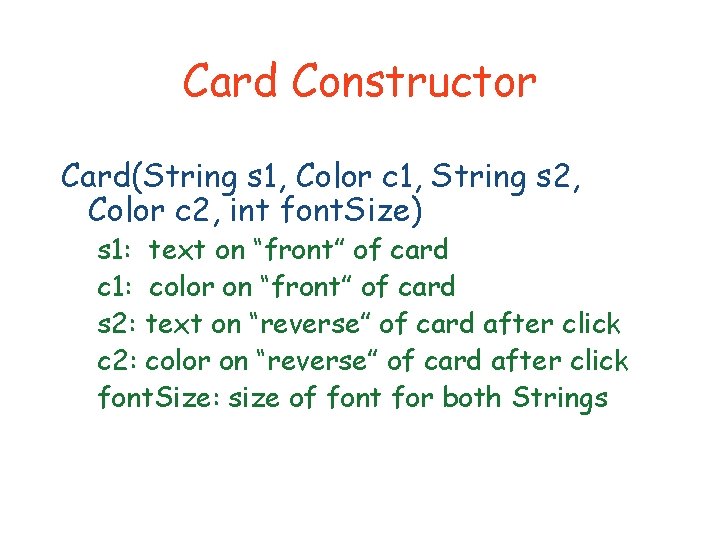
Card Constructor Card(String s 1, Color c 1, String s 2, Color c 2, int font. Size) s 1: text on “front” of card c 1: color on “front” of card s 2: text on “reverse” of card after click c 2: color on “reverse” of card after click font. Size: size of font for both Strings
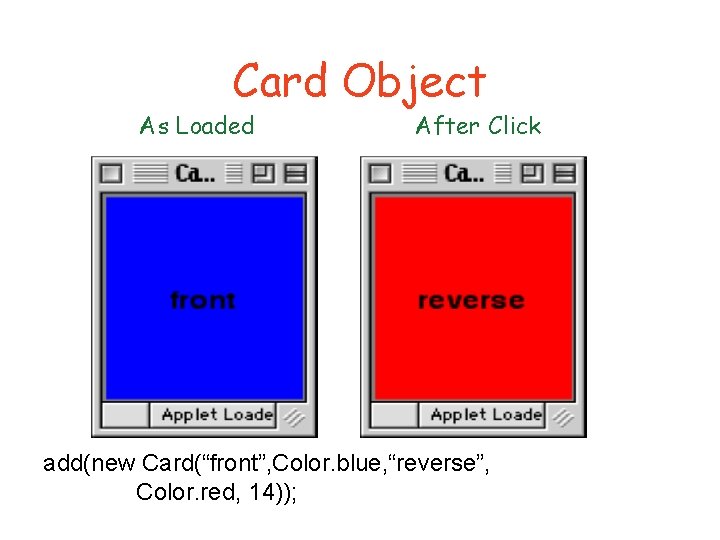
Card Object As Loaded After Click add(new Card(“front”, Color. blue, “reverse”, Color. red, 14));
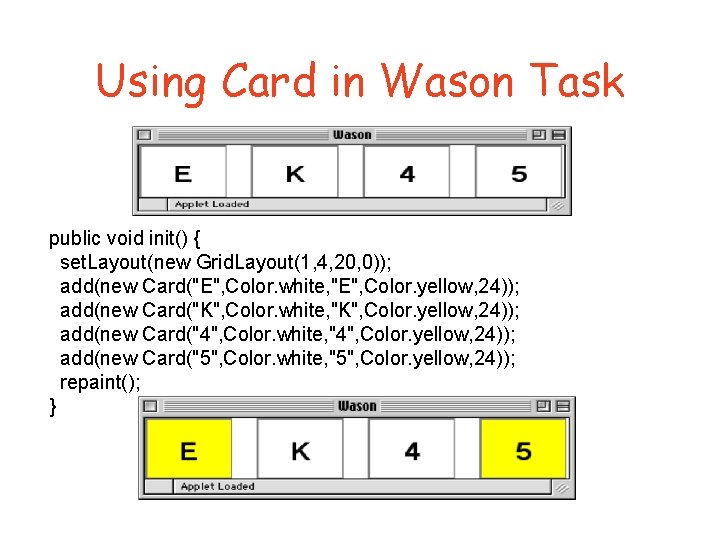
Using Card in Wason Task public void init() { set. Layout(new Grid. Layout(1, 4, 20, 0)); add(new Card("E", Color. white, "E", Color. yellow, 24)); add(new Card("K", Color. white, "K", Color. yellow, 24)); add(new Card("4", Color. white, "4", Color. yellow, 24)); add(new Card("5", Color. white, "5", Color. yellow, 24)); repaint(); }
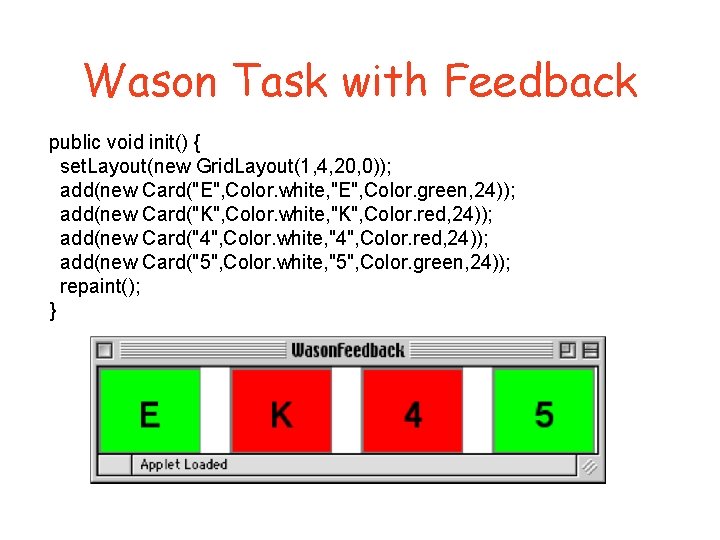
Wason Task with Feedback public void init() { set. Layout(new Grid. Layout(1, 4, 20, 0)); add(new Card("E", Color. white, "E", Color. green, 24)); add(new Card("K", Color. white, "K", Color. red, 24)); add(new Card("4", Color. white, "4", Color. red, 24)); add(new Card("5", Color. white, "5", Color. green, 24)); repaint(); }
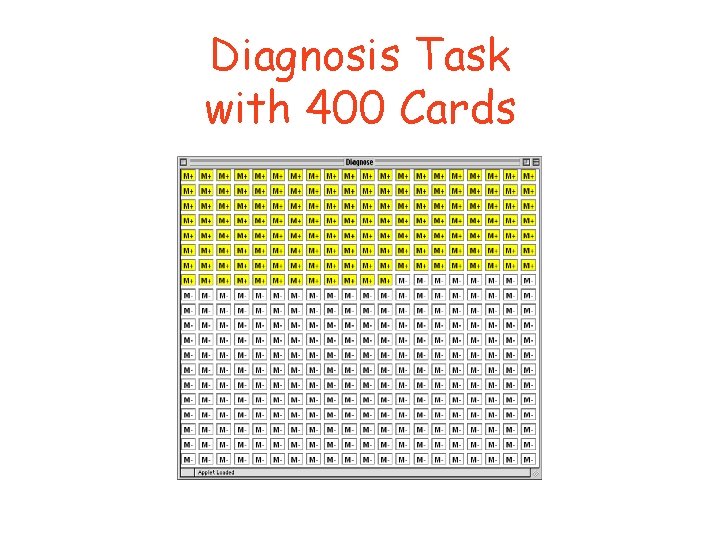
Diagnosis Task with 400 Cards
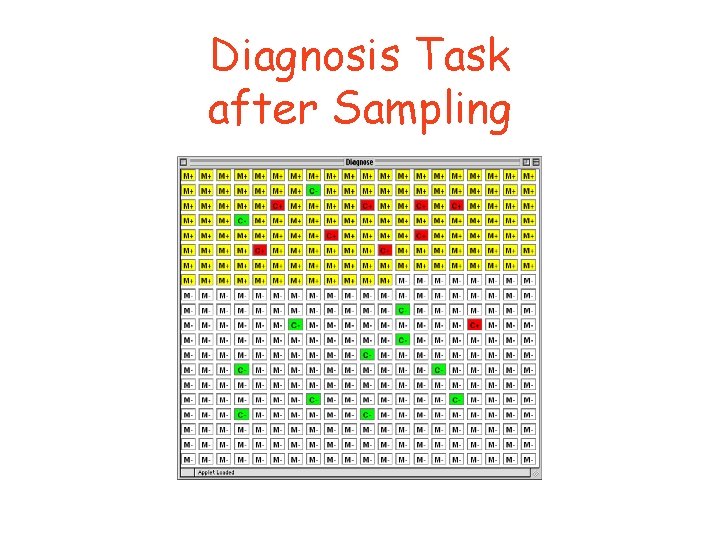
Diagnosis Task after Sampling
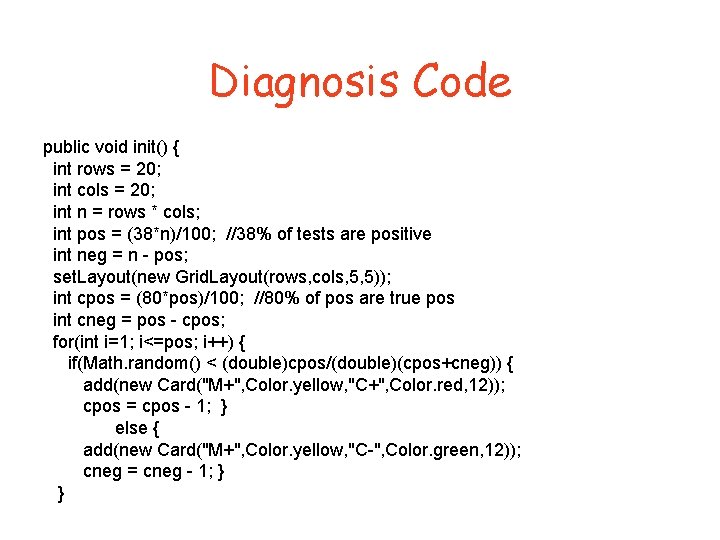
Diagnosis Code public void init() { int rows = 20; int cols = 20; int n = rows * cols; int pos = (38*n)/100; //38% of tests are positive int neg = n - pos; set. Layout(new Grid. Layout(rows, cols, 5, 5)); int cpos = (80*pos)/100; //80% of pos are true pos int cneg = pos - cpos; for(int i=1; i<=pos; i++) { if(Math. random() < (double)cpos/(double)(cpos+cneg)) { add(new Card("M+", Color. yellow, "C+", Color. red, 12)); cpos = cpos - 1; } else { add(new Card("M+", Color. yellow, "C-", Color. green, 12)); cneg = cneg - 1; } }
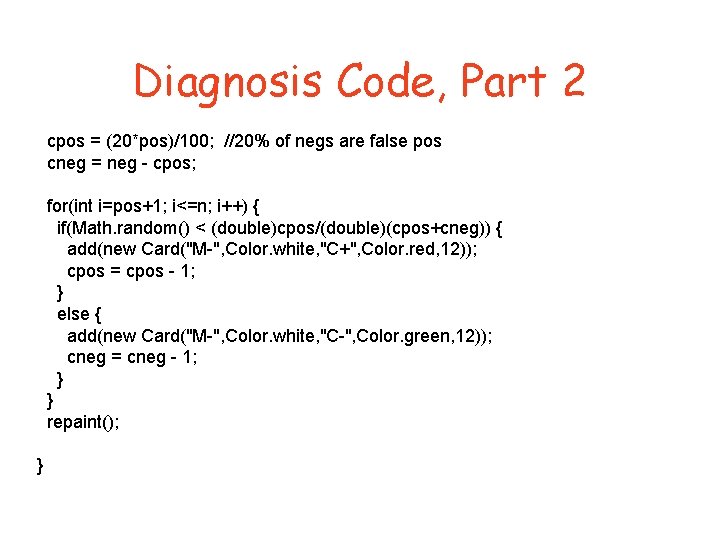
Diagnosis Code, Part 2 cpos = (20*pos)/100; //20% of negs are false pos cneg = neg - cpos; for(int i=pos+1; i<=n; i++) { if(Math. random() < (double)cpos/(double)(cpos+cneg)) { add(new Card("M-", Color. white, "C+", Color. red, 12)); cpos = cpos - 1; } else { add(new Card("M-", Color. white, "C-", Color. green, 12)); cneg = cneg - 1; } } repaint(); }
Your Turn! You first applet “Hello World”
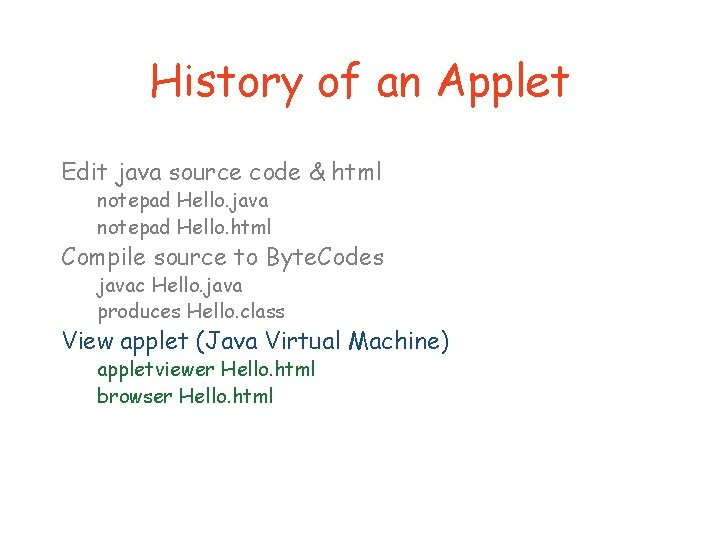
History of an Applet Edit java source code & html notepad Hello. java notepad Hello. html Compile source to Byte. Codes javac Hello. java produces Hello. class View applet (Java Virtual Machine) appletviewer Hello. html browser Hello. html
<html> <body> <applet code=“Hello. class” width=“ 300” height=“ 300”> </applet> </body> </html>
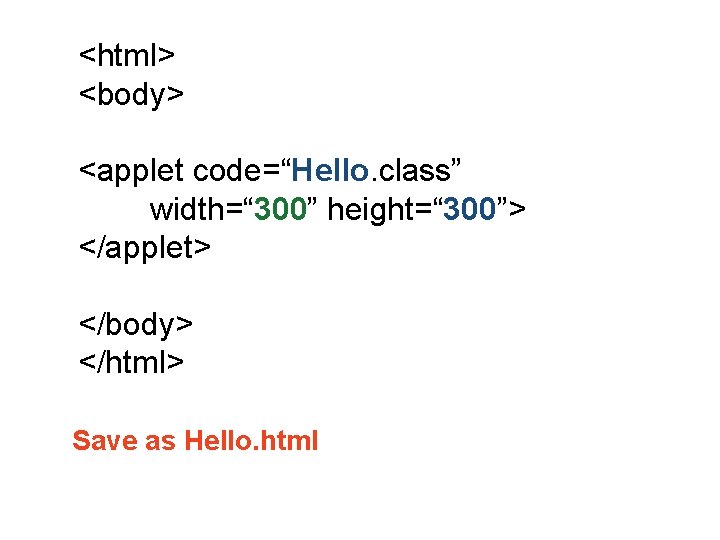
<html> <body> <applet code=“Hello. class” width=“ 300” height=“ 300”> </applet> </body> </html> Save as Hello. html
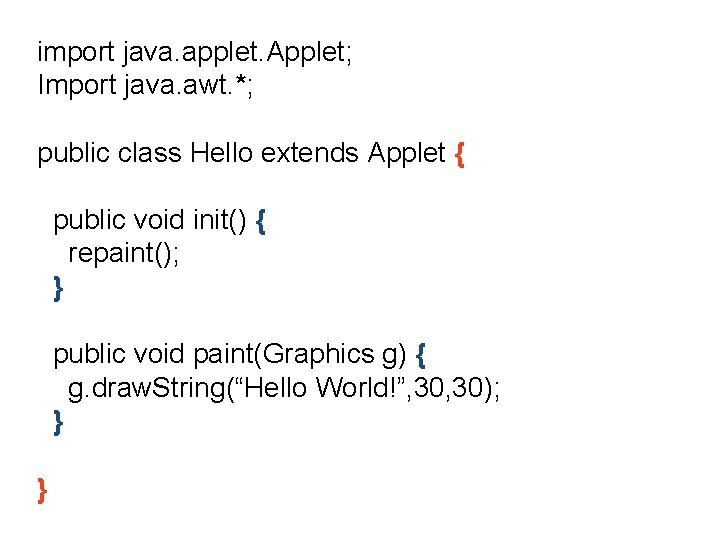
import java. applet. Applet; Import java. awt. *; public class Hello extends Applet { public void init() { repaint(); } public void paint(Graphics g) { g. draw. String(“Hello World!”, 30); } }
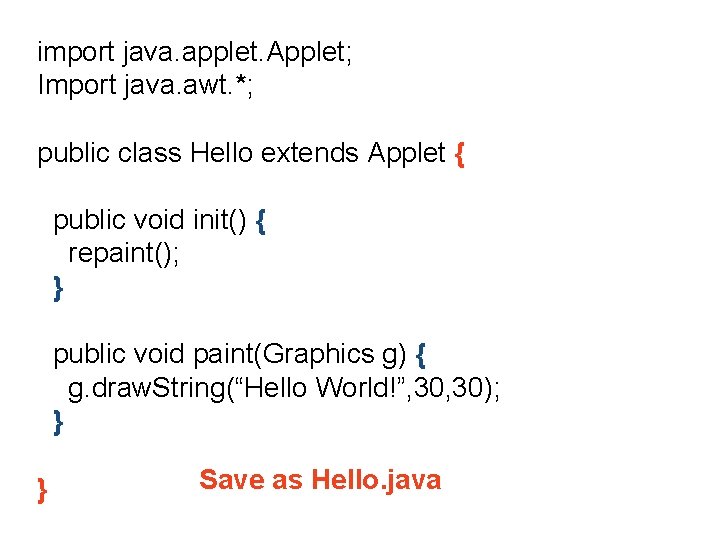
import java. applet. Applet; Import java. awt. *; public class Hello extends Applet { public void init() { repaint(); } public void paint(Graphics g) { g. draw. String(“Hello World!”, 30); } } Save as Hello. java
History of an Applet Edit java source code & html notepad Hello. java notepad Hello. html Compile source to Byte. Codes javac Hello. java produces Hello. class View applet (Java Virtual Machine) appletviewer Hello. html browser Hello. html
History of an Applet Edit java source code & html notepad Hello. java notepad Hello. html Compile source to Byte. Codes javac Hello. java produces Hello. class View applet (Java Virtual Machine) appletviewer Hello. html browser Hello. html
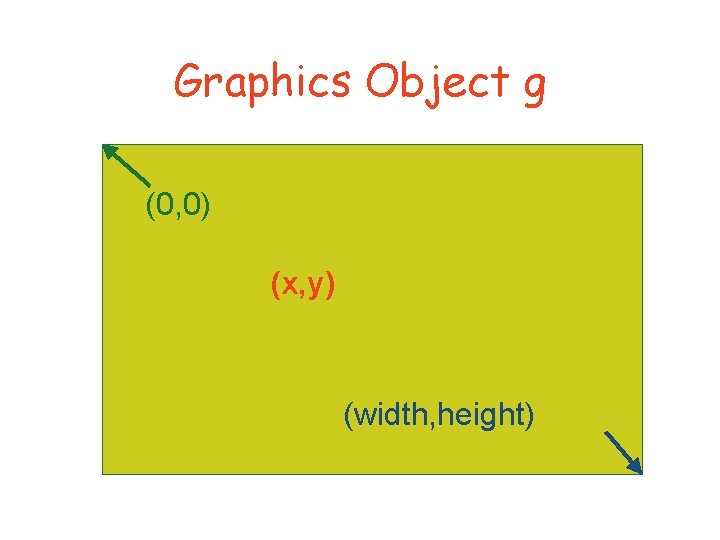
Graphics Object g (0, 0) (x, y) (width, height)
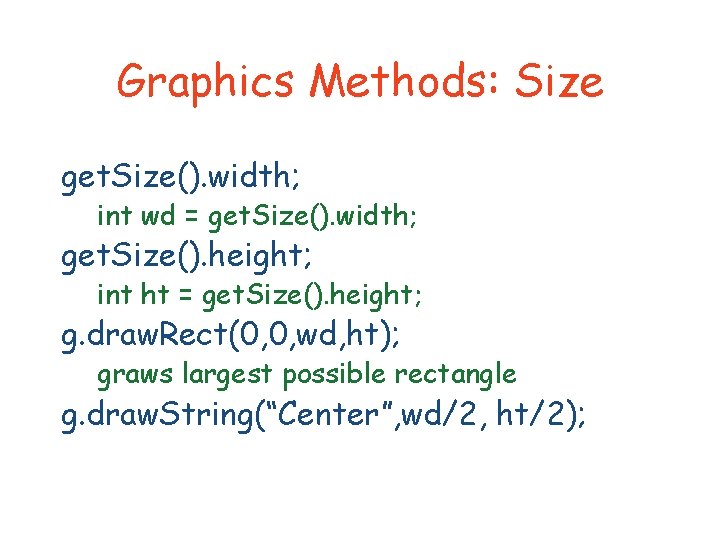
Graphics Methods: Size get. Size(). width; int wd = get. Size(). width; get. Size(). height; int ht = get. Size(). height; g. draw. Rect(0, 0, wd, ht); graws largest possible rectangle g. draw. String(“Center”, wd/2, ht/2);
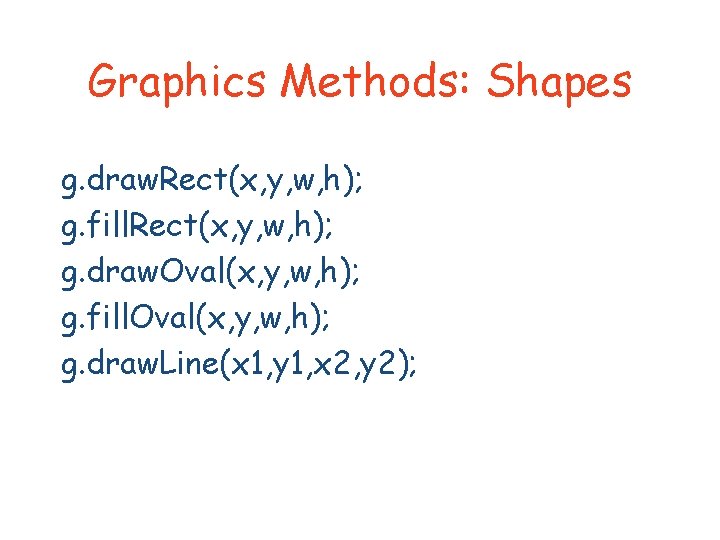
Graphics Methods: Shapes g. draw. Rect(x, y, w, h); g. fill. Rect(x, y, w, h); g. draw. Oval(x, y, w, h); g. fill. Oval(x, y, w, h); g. draw. Line(x 1, y 1, x 2, y 2);
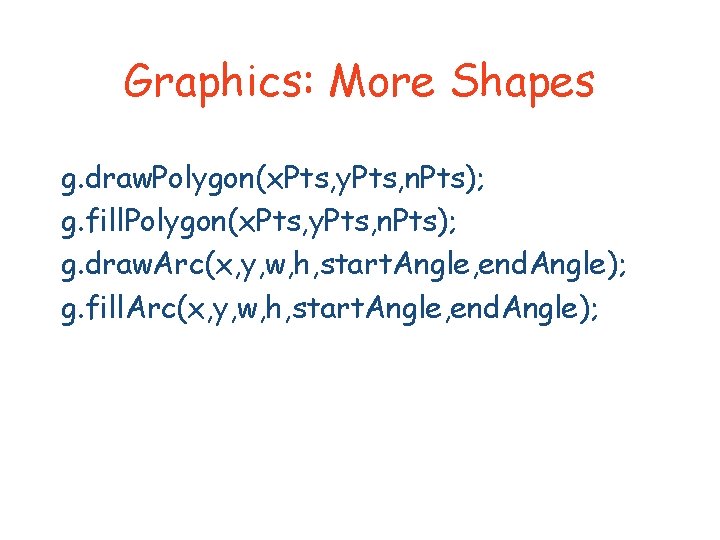
Graphics: More Shapes g. draw. Polygon(x. Pts, y. Pts, n. Pts); g. fill. Polygon(x. Pts, y. Pts, n. Pts); g. draw. Arc(x, y, w, h, start. Angle, end. Angle); g. fill. Arc(x, y, w, h, start. Angle, end. Angle);
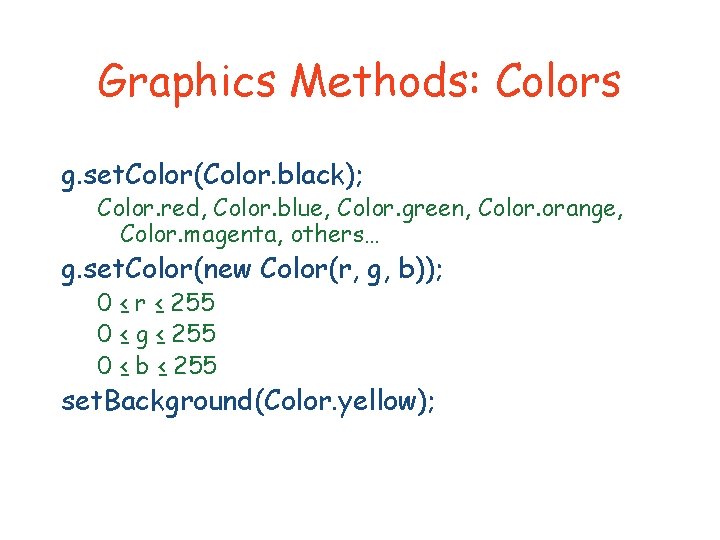
Graphics Methods: Colors g. set. Color(Color. black); Color. red, Color. blue, Color. green, Color. orange, Color. magenta, others… g. set. Color(new Color(r, g, b)); 0 ≤ r ≤ 255 0 ≤ g ≤ 255 0 ≤ b ≤ 255 set. Background(Color. yellow);
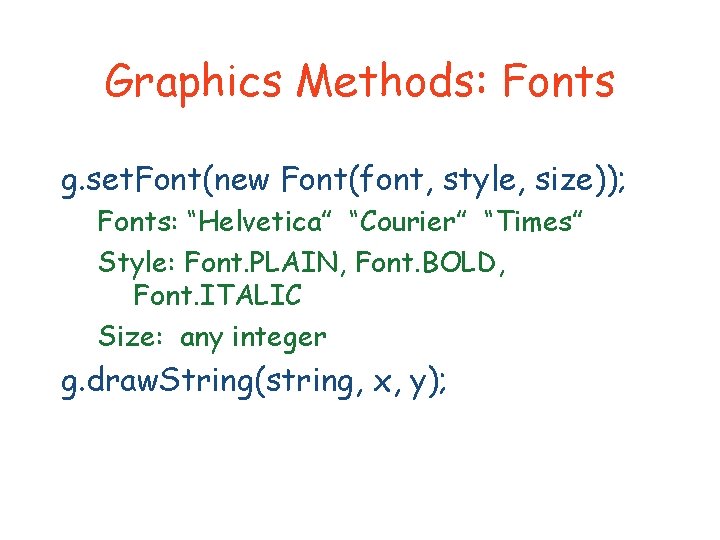
Graphics Methods: Fonts g. set. Font(new Font(font, style, size)); Fonts: “Helvetica” “Courier” “Times” Style: Font. PLAIN, Font. BOLD, Font. ITALIC Size: any integer g. draw. String(string, x, y);
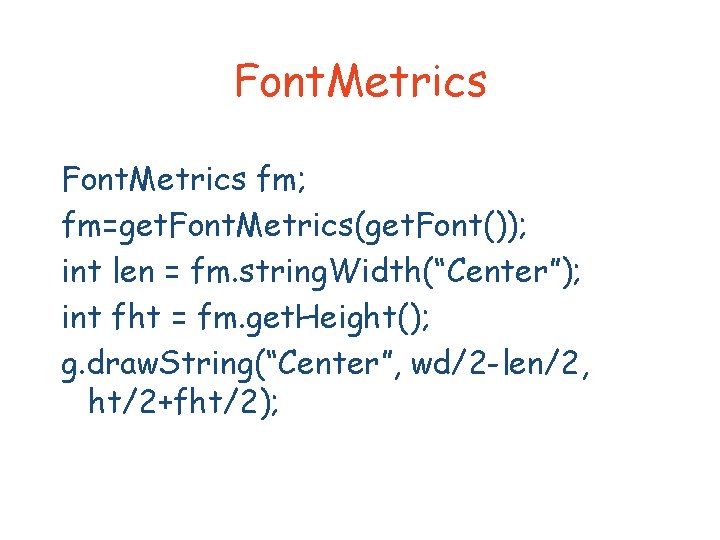
Font. Metrics fm; fm=get. Font. Metrics(get. Font()); int len = fm. string. Width(“Center”); int fht = fm. get. Height(); g. draw. String(“Center”, wd/2 -len/2, ht/2+fht/2);
Arrays int x[] = new int[3]; Note: arrays start at 0 Above creates x[0], x[1], x[2] double y[] = new double[5]; Card cards[][]; cards = new Card[20][10]; cards[2][3] = new Card();
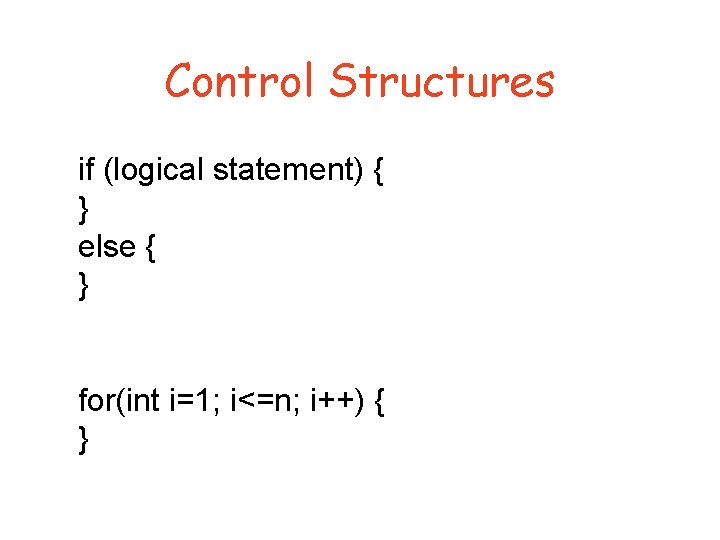
Control Structures if (logical statement) { } else { } for(int i=1; i<=n; i++) { }
Widgets Button Scrollbar Text. Field Choice. List Menu Checkbox
Mouse. Listener Object implements an interface public class Mouse. Demo extends Applet implements Mouse. Listener { Object registers to listen for events add. Mouse. Listener(this);
Mouse. Listener Methods Object must have these methods public void me) public void mouse. Clicked(Mouse. Event me) mouse. Pressed(Mouse. Event me) mouse. Released(Mouse. Event mouse. Entered(Mouse. Event me) mouse. Exited(Mouse. Event me)
Mouse. Event methods get. X() get. Y() get. Point() get. When()
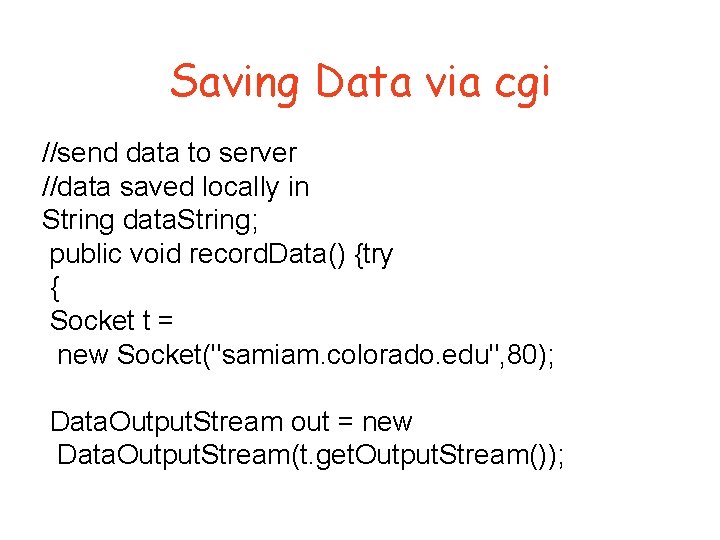
Saving Data via cgi //send data to server //data saved locally in String data. String; public void record. Data() {try { Socket t = new Socket("samiam. colorado. edu", 80); Data. Output. Stream out = new Data. Output. Stream(t. get. Output. Stream());
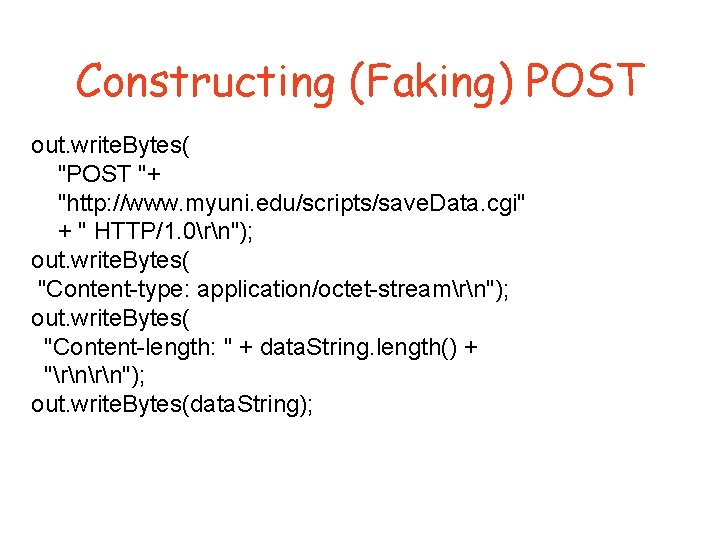
Constructing (Faking) POST out. write. Bytes( "POST "+ "http: //www. myuni. edu/scripts/save. Data. cgi" + " HTTP/1. 0rn"); out. write. Bytes( "Content-type: application/octet-streamrn"); out. write. Bytes( "Content-length: " + data. String. length() + "rn"); out. write. Bytes(data. String);
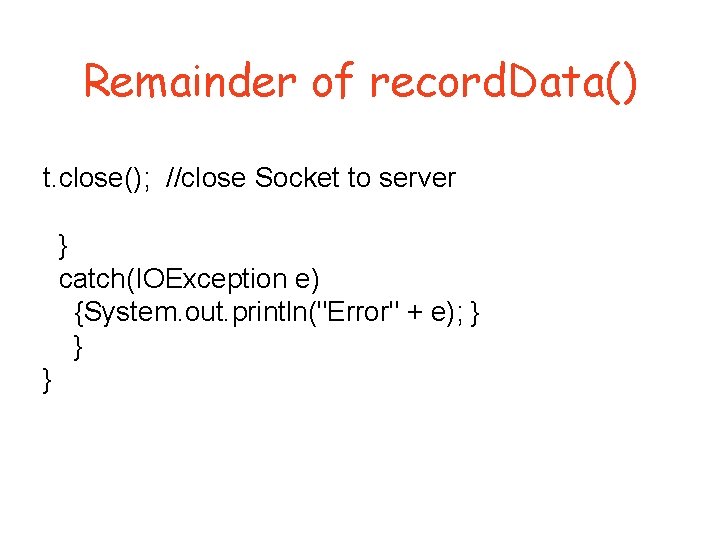
Remainder of record. Data() t. close(); //close Socket to server } catch(IOException e) {System. out. println("Error" + e); } } }
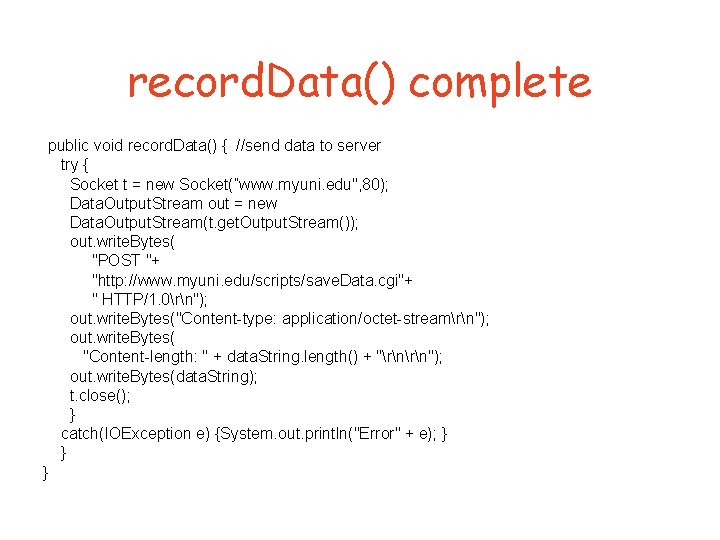
record. Data() complete public void record. Data() { //send data to server try { Socket t = new Socket(”www. myuni. edu", 80); Data. Output. Stream out = new Data. Output. Stream(t. get. Output. Stream()); out. write. Bytes( "POST "+ "http: //www. myuni. edu/scripts/save. Data. cgi"+ " HTTP/1. 0rn"); out. write. Bytes("Content-type: application/octet-streamrn"); out. write. Bytes( "Content-length: " + data. String. length() + "rn"); out. write. Bytes(data. String); t. close(); } catch(IOException e) {System. out. println("Error" + e); } } }