
Java Applets Basic intro Based on slides from
Java Applets - Basic intro -Based on slides from Deitel & Associates, Inc. - Revised by T. A. Yang 1
2

23. 1 What are applets? • Applets are Java programs that are typically embedded in HTML (Hyper. Text Markup Language) or XHTML (Extensible HTML) documents. • Pre-installed on a web server are various web pages (HTML), Java applets, Java servlets, and/or other server-side applications (Ph. P, JSP, etc. ) • When a Java-enabled web browser loads a web page containing an applet, the applet is downloaded into the browser and executed by the JVM on the browser’s computer. 3

4
• The applet container: • The application in which an applet executes • The applet container loads the applet’s class(es), creates an instance of the applet and manages its life cycle. • The applet container 1. provides support for the applet programming model, and 2. restricts the applet’s capabilities (for security reasons). • Example applet containers: – The web browser is a typical container for running applets embedded in a HTML file. – The Java Development Kit (JDK) includes one applet container called the appletviewer for testing applets as you develop them and before you embed them in web pages. 5

• Running the Hello. World applet: http: //sce. uhcl. edu/yang/teaching/Applet. Hello. World. ht m Several methods: a) Using the Applet. Viewer application (part of JDK) b) Using a web browser to open the local Hello. World. htm c) Using a web browser to open the Hello. World. htm from a web server 6
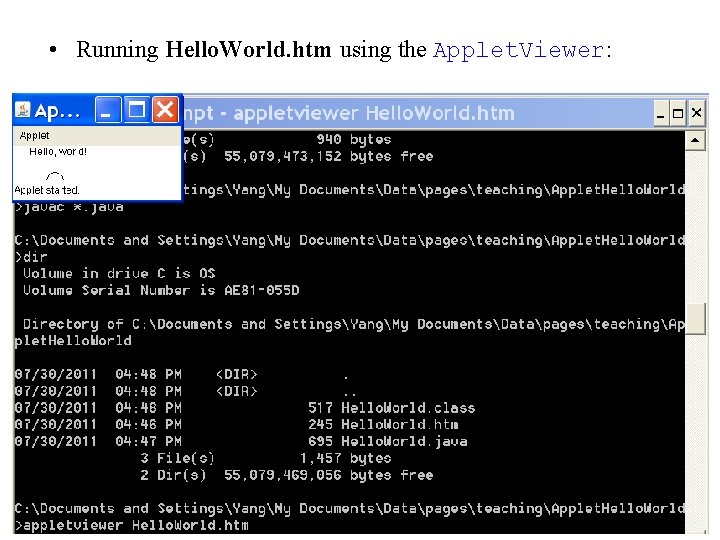
• Running Hello. World. htm using the Applet. Viewer: 7
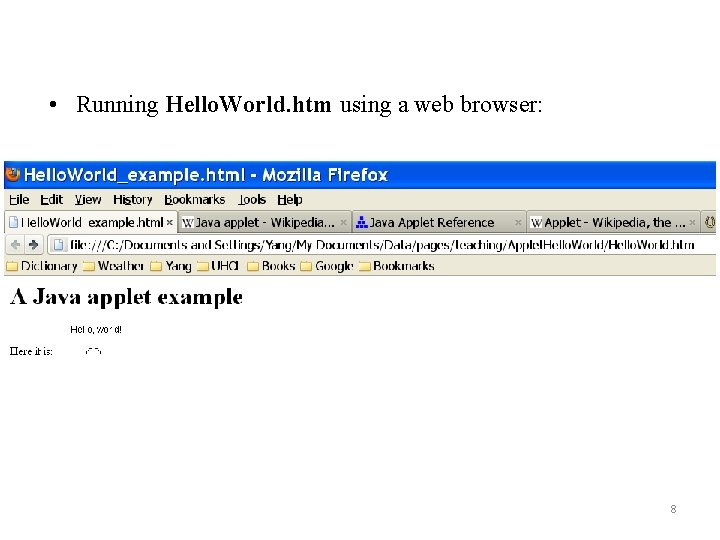
• Running Hello. World. htm using a web browser: 8
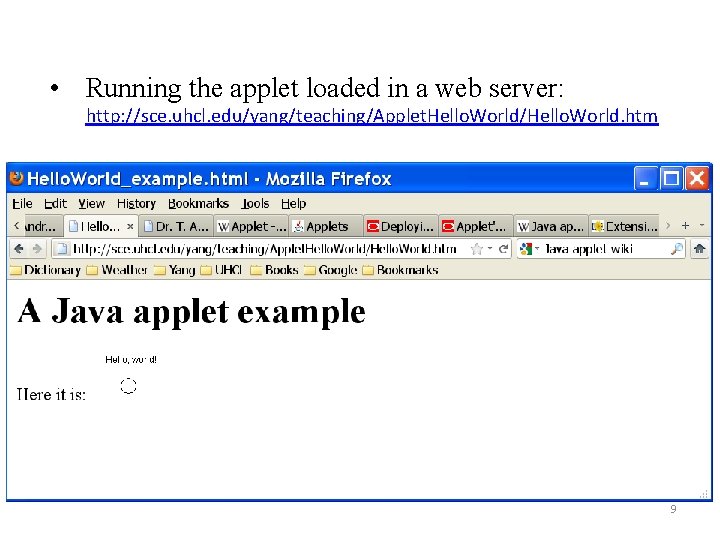
• Running the applet loaded in a web server: http: //sce. uhcl. edu/yang/teaching/Applet. Hello. World/Hello. World. htm 9
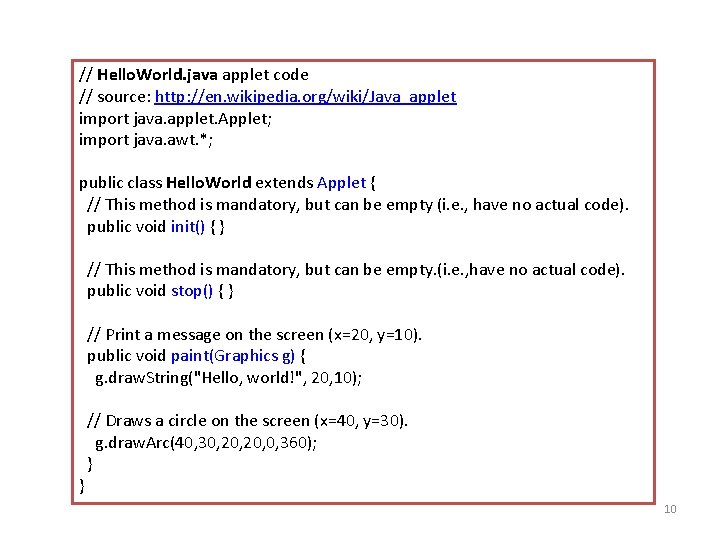
// Hello. World. java applet code // source: http: //en. wikipedia. org/wiki/Java_applet import java. applet. Applet; import java. awt. *; public class Hello. World extends Applet { // This method is mandatory, but can be empty (i. e. , have no actual code). public void init() { } // This method is mandatory, but can be empty. (i. e. , have no actual code). public void stop() { } // Print a message on the screen (x=20, y=10). public void paint(Graphics g) { g. draw. String("Hello, world!", 20, 10); } // Draws a circle on the screen (x=40, y=30). g. draw. Arc(40, 30, 20, 0, 360); } 10
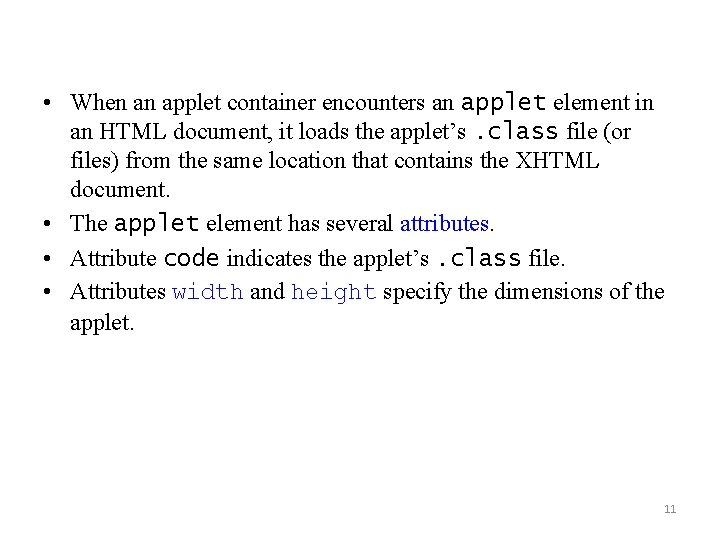
• When an applet container encounters an applet element in an HTML document, it loads the applet’s. class file (or files) from the same location that contains the XHTML document. • The applet element has several attributes. • Attribute code indicates the applet’s. class file. • Attributes width and height specify the dimensions of the applet. 11
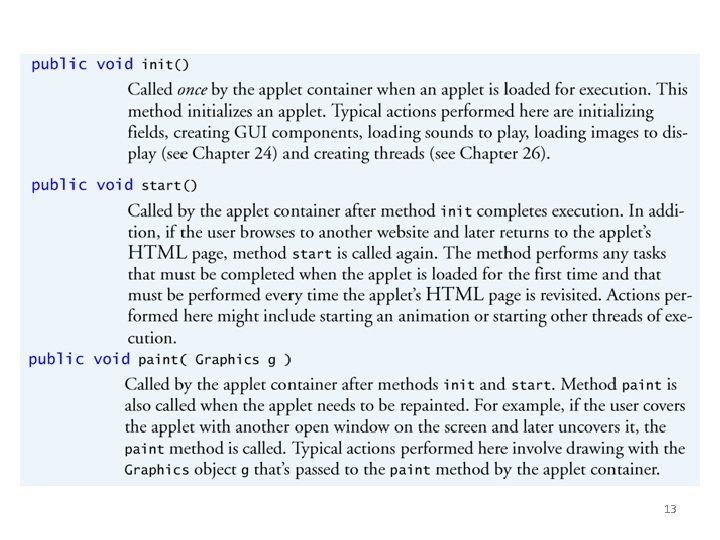
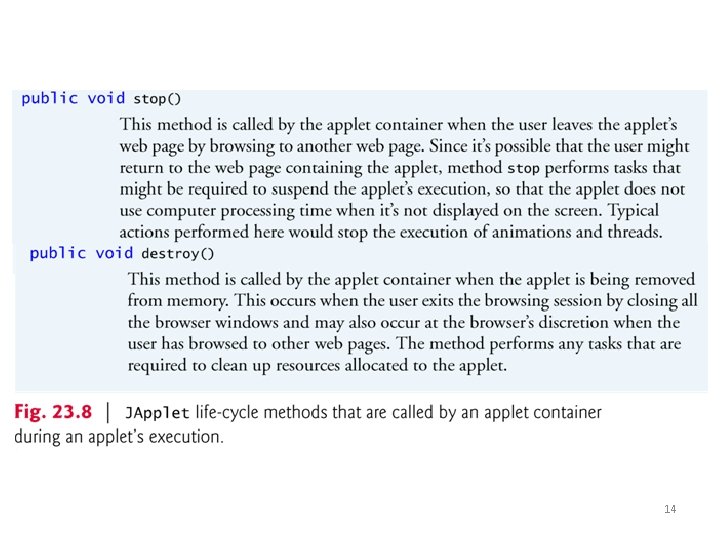
Applet Life-Cycle Methods • Five applet methods are called by the applet container from the time the applet is loaded into the browser to the time it’s terminated by the browser. • These methods correspond to various aspects of an applet’s life cycle. • Figure 23. 8 lists these methods, which are inherited into your applet classes from class JApplet. 12
13
14
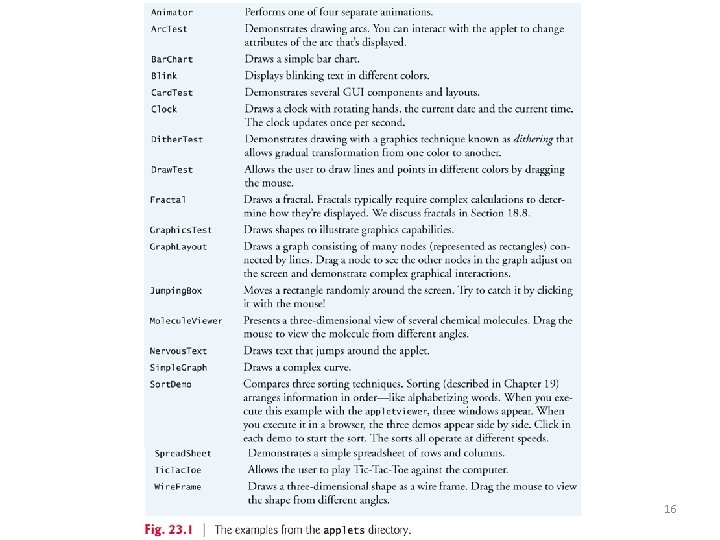
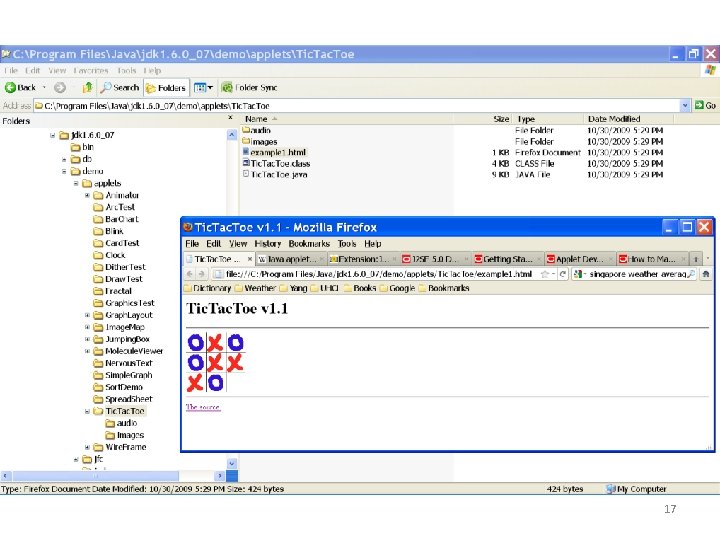
Sample Applets Provided with the JDK • Demonstration applets provided with the JDK. – Each sample applet comes with its source code. • The demo directory contains several subdirectories. • The applets directory contains demonstration applets. • The jfc (Java Foundation Classes) directory contains applets and applications that demonstrate Java’s powerful graphics and GUI capabilities. • Figure 23. 1 provides a brief description of each demo applet. 15
16
17
- Slides: 17