
JAVA APPLETS 2 By Ms Humaira Siddiqui Converting
JAVA APPLETS - 2 By: Ms. Humaira Siddiqui
Converting Java Applications to java Applets.
Introduction • It is fairly straightforward to convert a graphical Java application into an applet. • Why so? ØBoth the Applet and the Frame classes descend from Container. ØThus the same methods may be used to add the user interface components.
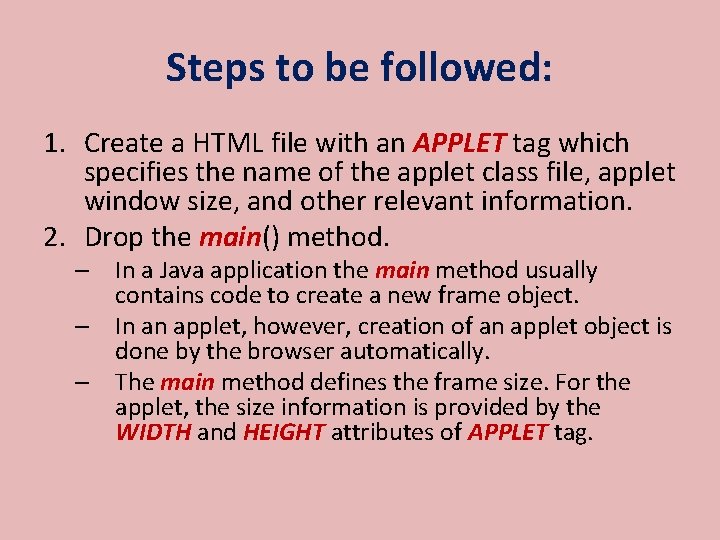
Steps to be followed: 1. Create a HTML file with an APPLET tag which specifies the name of the applet class file, applet window size, and other relevant information. 2. Drop the main() method. – In a Java application the main method usually contains code to create a new frame object. – In an applet, however, creation of an applet object is done by the browser automatically. – The main method defines the frame size. For the applet, the size information is provided by the WIDTH and HEIGHT attributes of APPLET tag.
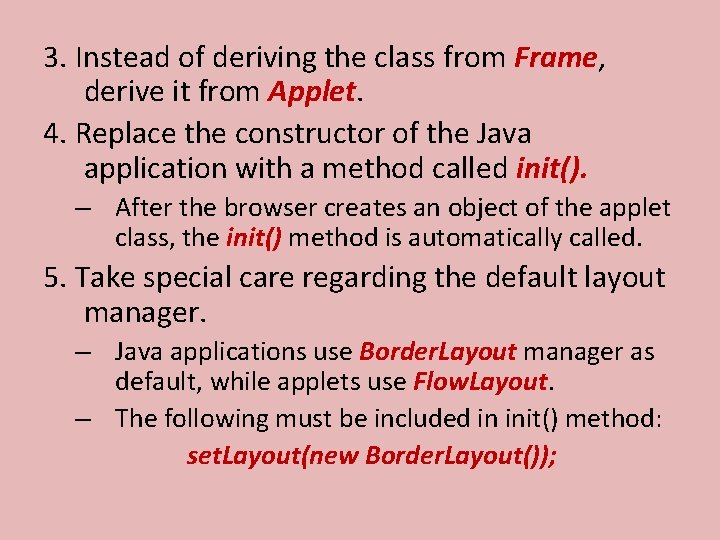
3. Instead of deriving the class from Frame, derive it from Applet. 4. Replace the constructor of the Java application with a method called init(). – After the browser creates an object of the applet class, the init() method is automatically called. 5. Take special care regarding the default layout manager. – Java applications use Border. Layout manager as default, while applets use Flow. Layout. – The following must be included in init() method: set. Layout(new Border. Layout());
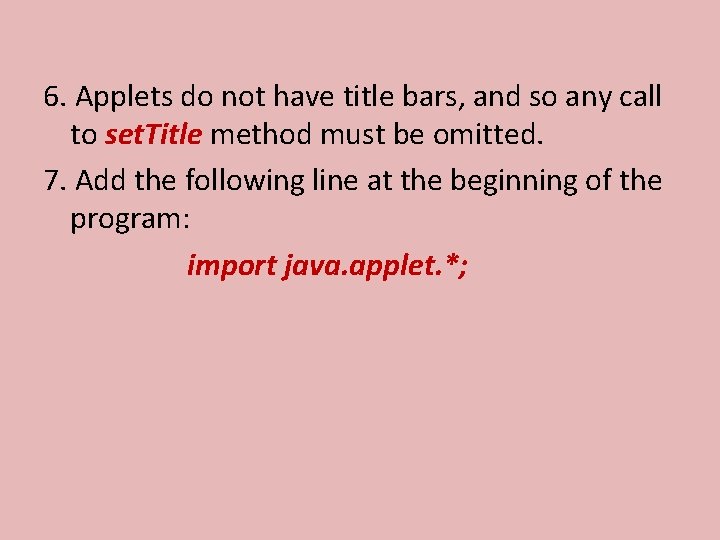
6. Applets do not have title bars, and so any call to set. Title method must be omitted. 7. Add the following line at the beginning of the program: import java. applet. *;
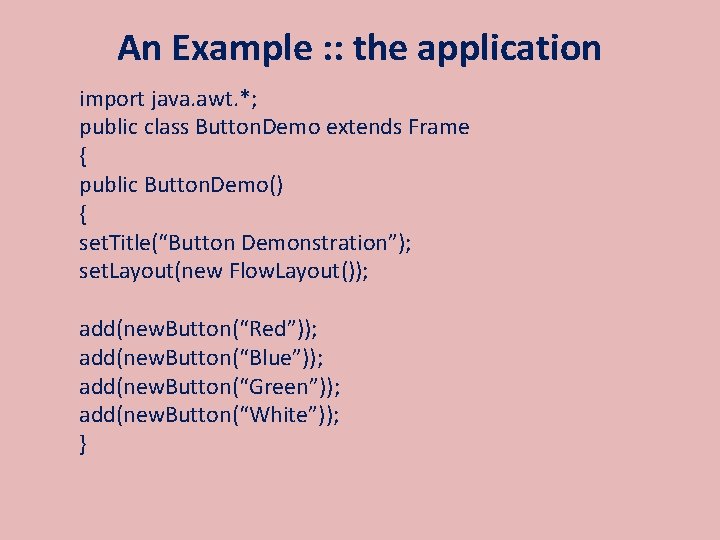
An Example : : the application import java. awt. *; public class Button. Demo extends Frame { public Button. Demo() { set. Title(“Button Demonstration”); set. Layout(new Flow. Layout()); add(new. Button(“Red”)); add(new. Button(“Blue”)); add(new. Button(“Green”)); add(new. Button(“White”)); }
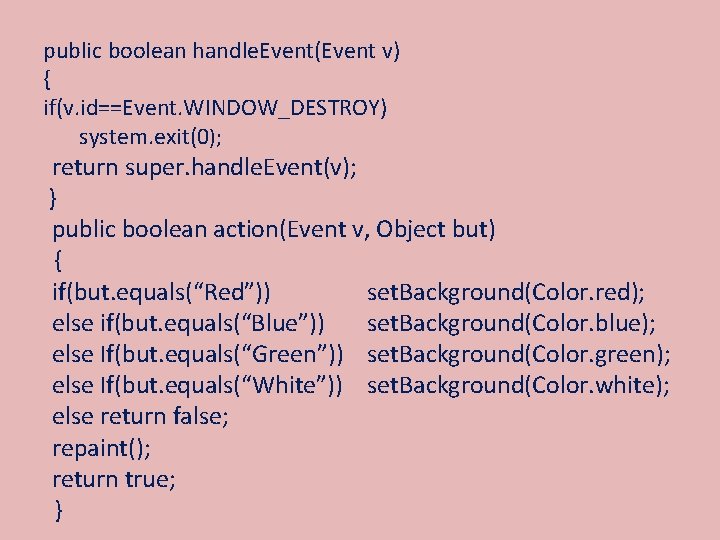
public boolean handle. Event(Event v) { if(v. id==Event. WINDOW_DESTROY) system. exit(0); return super. handle. Event(v); } public boolean action(Event v, Object but) { if(but. equals(“Red”)) set. Background(Color. red); else if(but. equals(“Blue”)) set. Background(Color. blue); else If(but. equals(“Green”)) set. Background(Color. green); else If(but. equals(“White”)) set. Background(Color. white); else return false; repaint(); return true; }
![public static void main(String args []) { Frame f = new. Button. Demo(); f.](http://slidetodoc.com/presentation_image_h2/3fc6afc32a5bb659c5a37bf737bd1a6b/image-9.jpg "public static void main(String args []) { Frame f = new. Button. Demo(); f.")
public static void main(String args []) { Frame f = new. Button. Demo(); f. resize(300, 300); f. show(); }
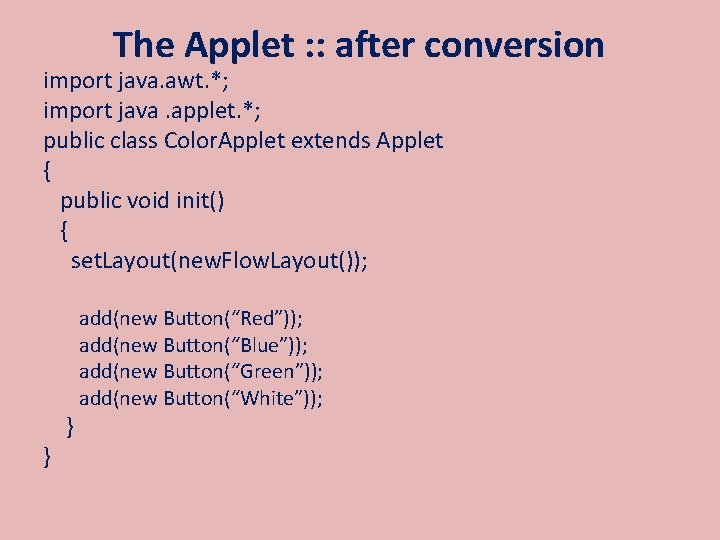
The Applet : : after conversion import java. awt. *; import java. applet. *; public class Color. Applet extends Applet { public void init() { set. Layout(new. Flow. Layout()); } } add(new Button(“Red”)); add(new Button(“Blue”)); add(new Button(“Green”)); add(new Button(“White”));

Applet Life Cycle
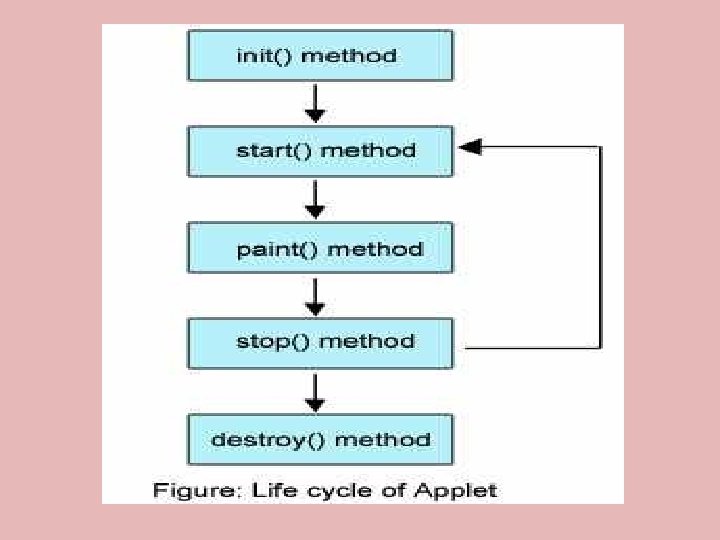
Introduction • When writing an applet, it maybe necessary to override methods in the Applet class. • What do we need to know? : Ø The possible side effects of overriding Ø When the methods are called Ø What code should be placed inside the methods
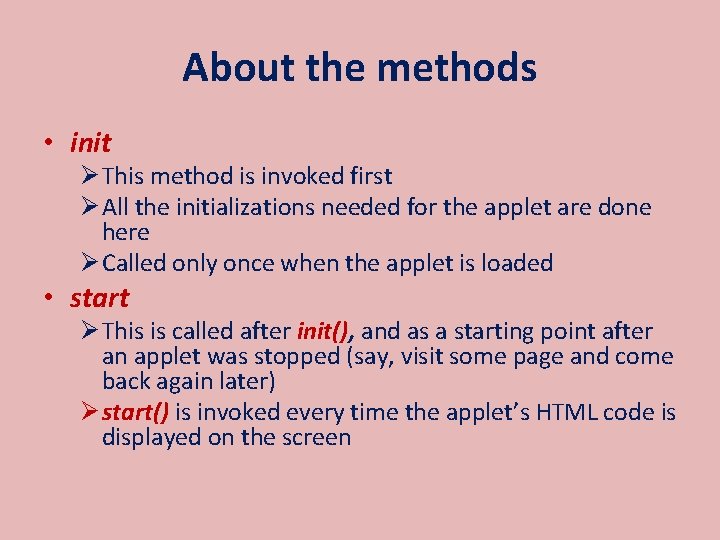
About the methods • init Ø This method is invoked first Ø All the initializations needed for the applet are done here Ø Called only once when the applet is loaded • start Ø This is called after init(), and as a starting point after an applet was stopped (say, visit some page and come back again later) Ø start() is invoked every time the applet’s HTML code is displayed on the screen
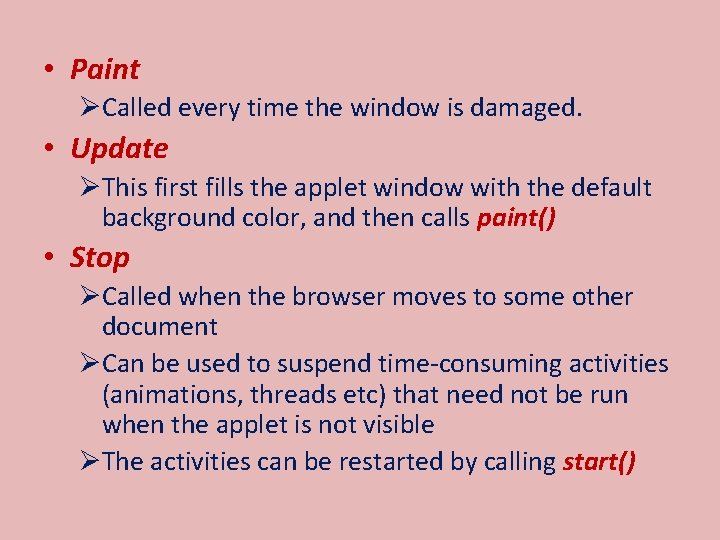
• Paint ØCalled every time the window is damaged. • Update ØThis first fills the applet window with the default background color, and then calls paint() • Stop ØCalled when the browser moves to some other document ØCan be used to suspend time-consuming activities (animations, threads etc) that need not be run when the applet is not visible ØThe activities can be restarted by calling start()
• destroy ØCalled when the browser determines that the applet needs to be removed completely from the memory ØCan be used to release any resource which the applet may be using.
Multiple Applets on the same page
Inter-applet communication • It is possible for a HTML page to have more than one applet. ØThese applets may interact with each other ØOne applet may access the public variables and methods of other applets ØHow? – by calling the get. Applet. Context() method to communicate with the browser, which returns an object of type Applet. Context
• By giving NAME tags to each applet in the HTML document, we can use the get. Applet() method of the Applet. Context class in order to refer to the applet. • An applet cannot communicate with another applet on a different web page.
- Slides: 19