
Java Applet o What is a Java Applet
- Slides: 18
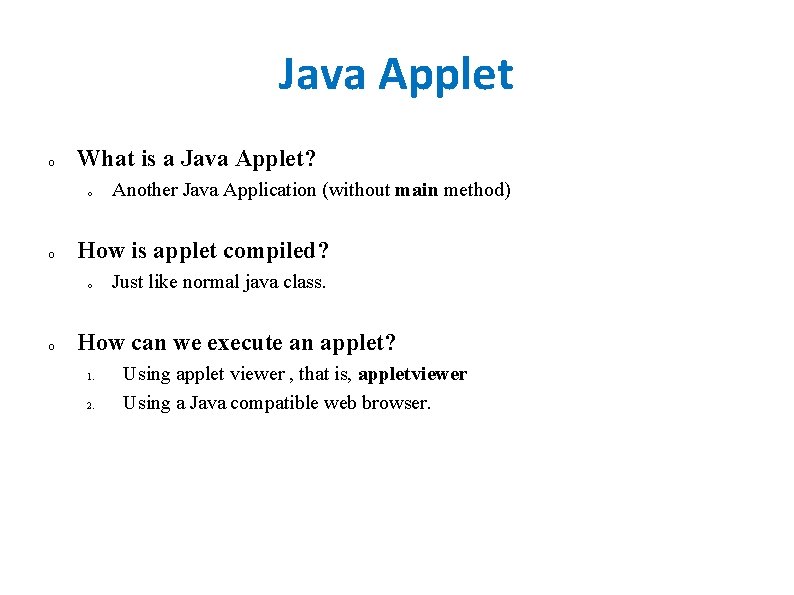
Java Applet o What is a Java Applet? o o How is applet compiled? o o Another Java Application (without main method) Just like normal java class. How can we execute an applet? 1. 2. Using applet viewer , that is, appletviewer Using a Java compatible web browser.
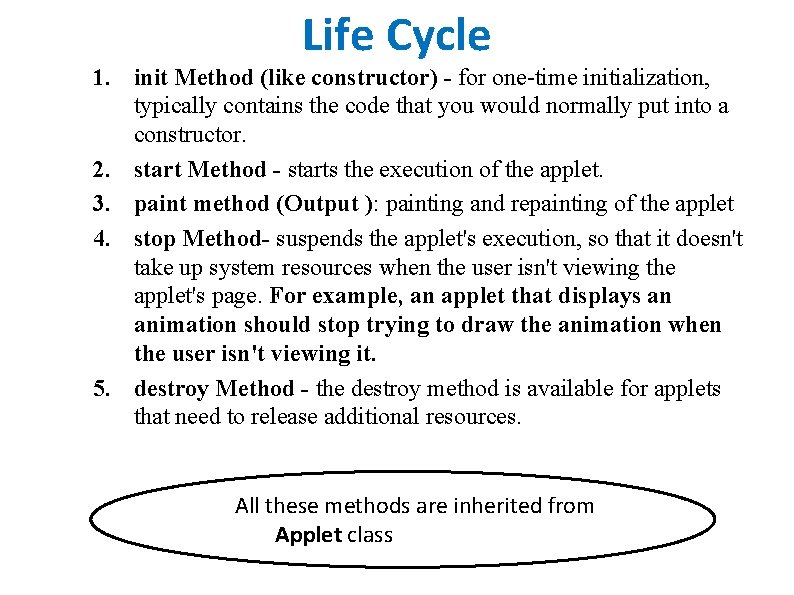
Life Cycle 1. init Method (like constructor) - for one-time initialization, typically contains the code that you would normally put into a constructor. 2. start Method - starts the execution of the applet. 3. paint method (Output ): painting and repainting of the applet 4. stop Method- suspends the applet's execution, so that it doesn't take up system resources when the user isn't viewing the applet's page. For example, an applet that displays an animation should stop trying to draw the animation when the user isn't viewing it. 5. destroy Method - the destroy method is available for applets that need to release additional resources. All these methods are inherited from Applet class
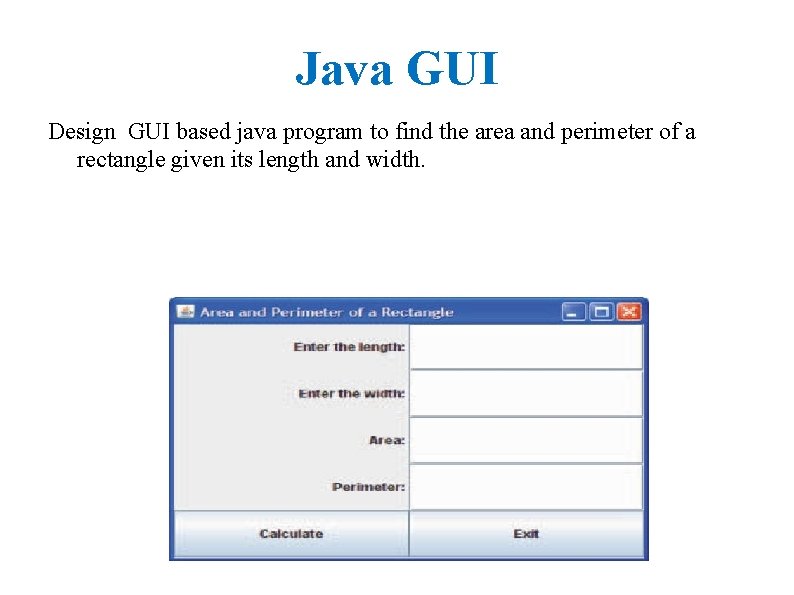
Java GUI Design GUI based java program to find the area and perimeter of a rectangle given its length and width.
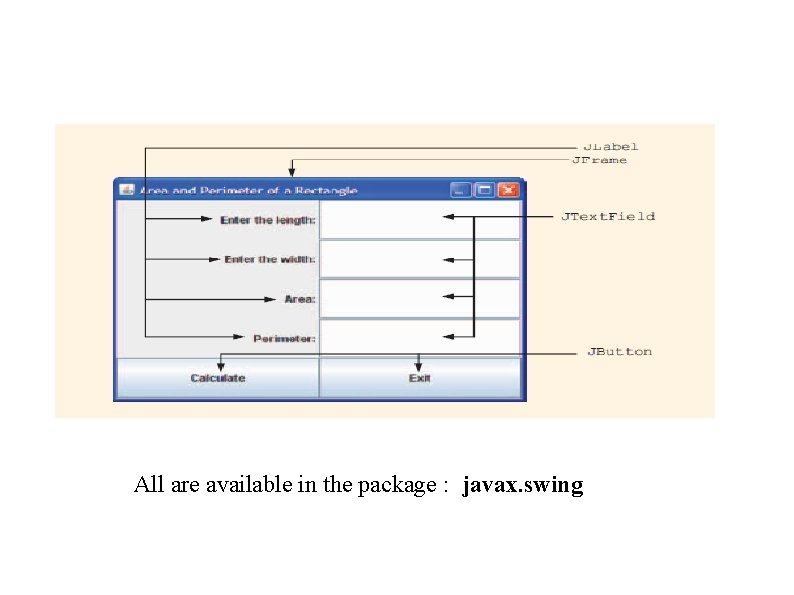
All are available in the package : javax. swing
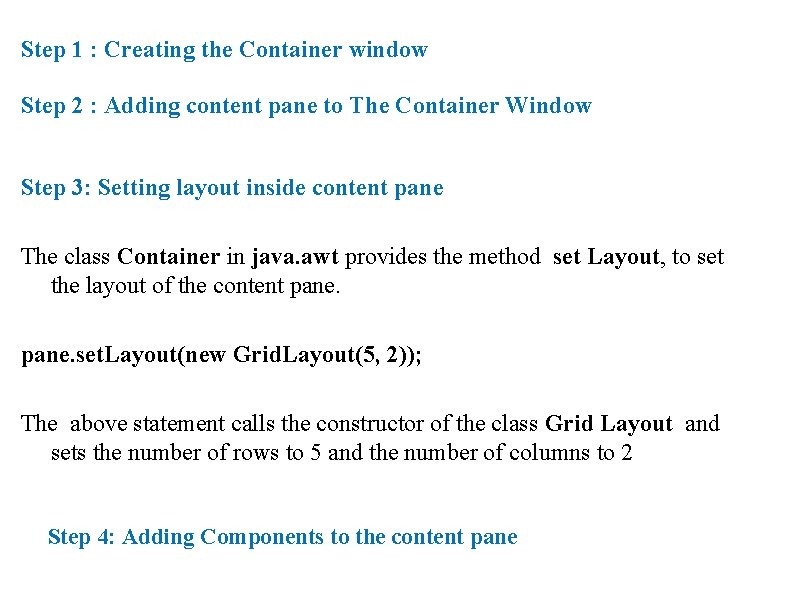
Step 1 : Creating the Container window Step 2 : Adding content pane to The Container Window Step 3: Setting layout inside content pane The class Container in java. awt provides the method set Layout, to set the layout of the content pane. set. Layout(new Grid. Layout(5, 2)); The above statement calls the constructor of the class Grid Layout and sets the number of rows to 5 and the number of columns to 2 Step 4: Adding Components to the content pane
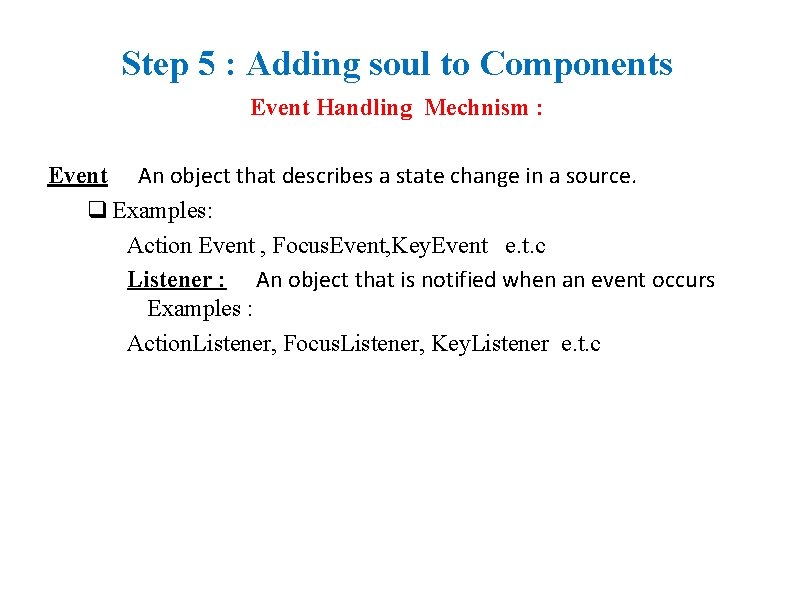
Step 5 : Adding soul to Components Event Handling Mechnism : Event An object that describes a state change in a source. q Examples: Action Event , Focus. Event, Key. Event e. t. c Listener : An object that is notified when an event occurs Examples : Action. Listener, Focus. Listener, Key. Listener e. t. c
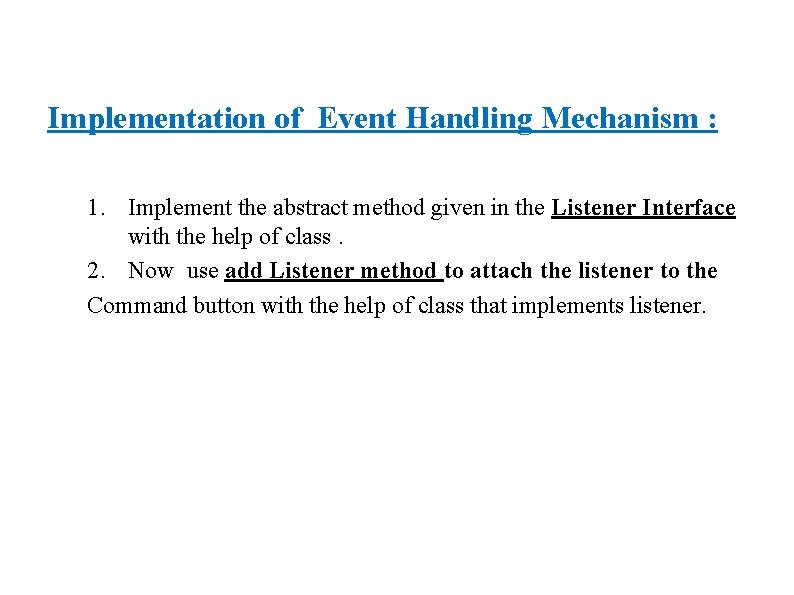
Implementation of Event Handling Mechanism : 1. Implement the abstract method given in the Listener Interface with the help of class. 2. Now use add Listener method to attach the listener to the Command button with the help of class that implements listener.
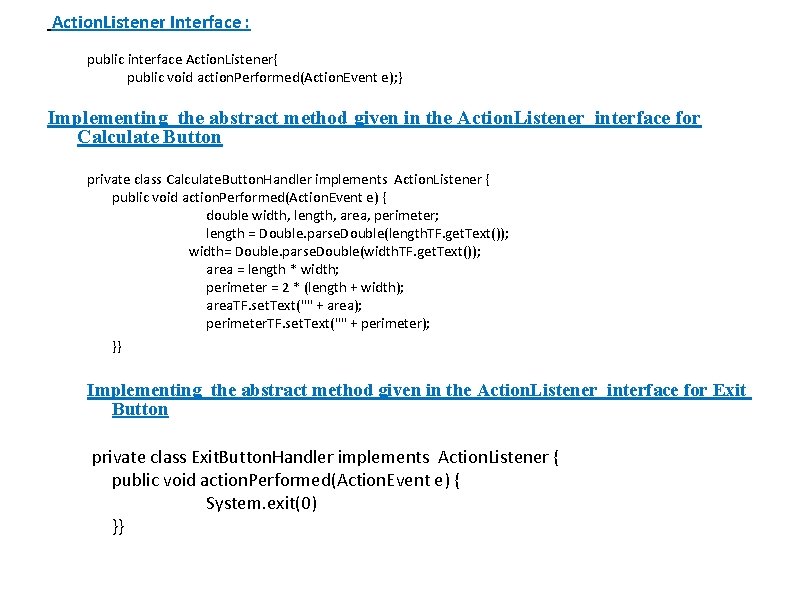
Action. Listener Interface : public interface Action. Listener{ public void action. Performed(Action. Event e); } Implementing the abstract method given in the Action. Listener interface for Calculate Button private class Calculate. Button. Handler implements Action. Listener { public void action. Performed(Action. Event e) { double width, length, area, perimeter; length = Double. parse. Double(length. TF. get. Text()); width= Double. parse. Double(width. TF. get. Text()); area = length * width; perimeter = 2 * (length + width); area. TF. set. Text("" + area); perimeter. TF. set. Text("" + perimeter); }} Implementing the abstract method given in the Action. Listener interface for Exit Button private class Exit. Button. Handler implements Action. Listener { public void action. Performed(Action. Event e) { System. exit(0) }}
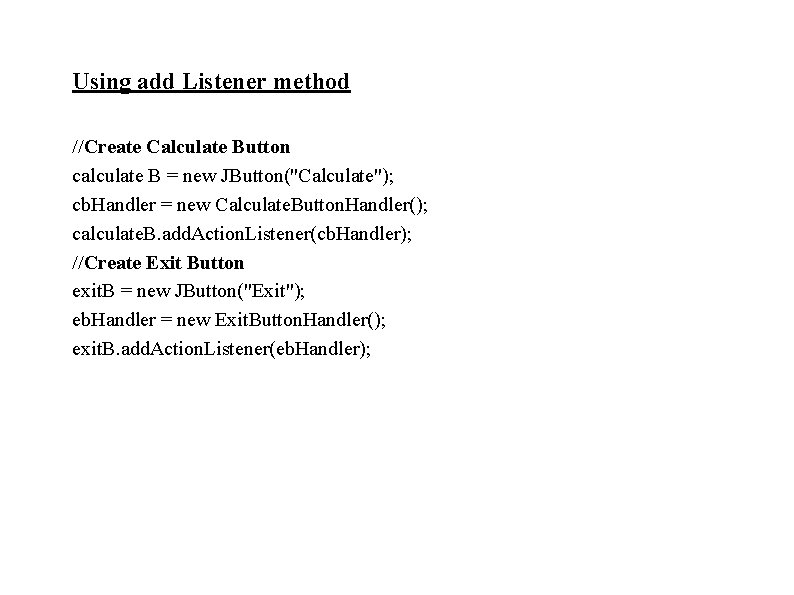
Using add Listener method //Create Calculate Button calculate B = new JButton("Calculate"); cb. Handler = new Calculate. Button. Handler(); calculate. B. add. Action. Listener(cb. Handler); //Create Exit Button exit. B = new JButton("Exit"); eb. Handler = new Exit. Button. Handler(); exit. B. add. Action. Listener(eb. Handler);
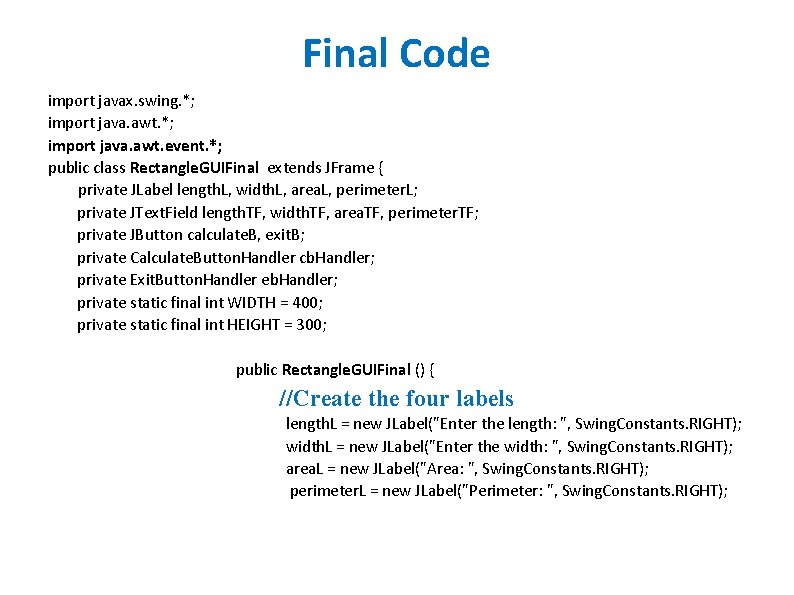
Final Code import javax. swing. *; import java. awt. event. *; public class Rectangle. GUIFinal extends JFrame { private JLabel length. L, width. L, area. L, perimeter. L; private JText. Field length. TF, width. TF, area. TF, perimeter. TF; private JButton calculate. B, exit. B; private Calculate. Button. Handler cb. Handler; private Exit. Button. Handler eb. Handler; private static final int WIDTH = 400; private static final int HEIGHT = 300; public Rectangle. GUIFinal () { //Create the four labels length. L = new JLabel("Enter the length: ", Swing. Constants. RIGHT); width. L = new JLabel("Enter the width: ", Swing. Constants. RIGHT); area. L = new JLabel("Area: ", Swing. Constants. RIGHT); perimeter. L = new JLabel("Perimeter: ", Swing. Constants. RIGHT);
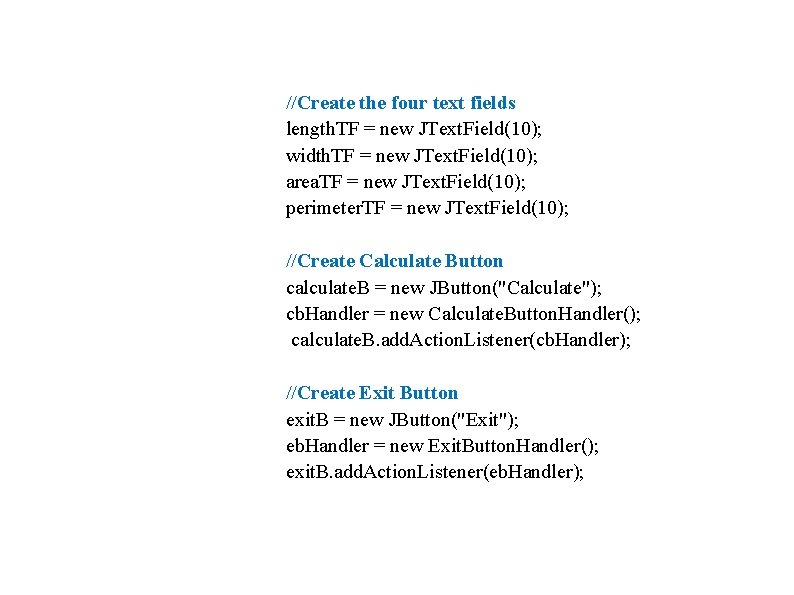
//Create the four text fields length. TF = new JText. Field(10); width. TF = new JText. Field(10); area. TF = new JText. Field(10); perimeter. TF = new JText. Field(10); //Create Calculate Button calculate. B = new JButton("Calculate"); cb. Handler = new Calculate. Button. Handler(); calculate. B. add. Action. Listener(cb. Handler); //Create Exit Button exit. B = new JButton("Exit"); eb. Handler = new Exit. Button. Handler(); exit. B. add. Action. Listener(eb. Handler);
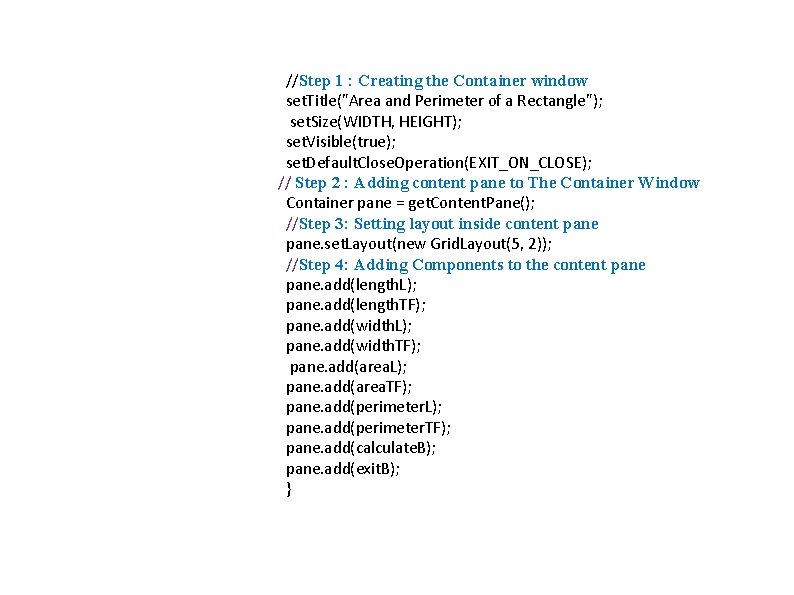
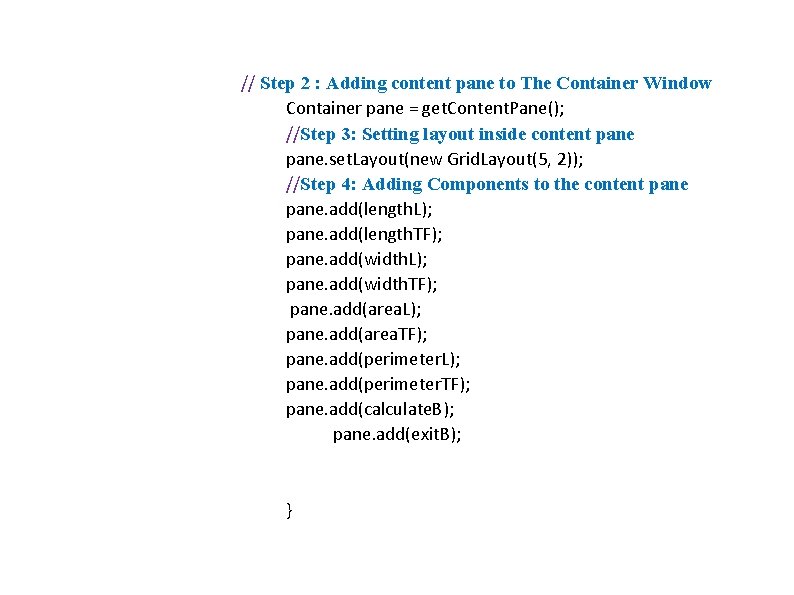
//Step 1 : Creating the Container window set. Title("Area and Perimeter of a Rectangle"); set. Size(WIDTH, HEIGHT); set. Visible(true); set. Default. Close. Operation(EXIT_ON_CLOSE); // Step 2 : Adding content pane to The Container Window Container pane = get. Content. Pane(); //Step 3: Setting layout inside content pane. set. Layout(new Grid. Layout(5, 2)); //Step 4: Adding Components to the content pane. add(length. L); pane. add(length. TF); pane. add(width. L); pane. add(width. TF); pane. add(area. L); pane. add(area. TF); pane. add(perimeter. L); pane. add(perimeter. TF); pane. add(calculate. B); pane. add(exit. B); }
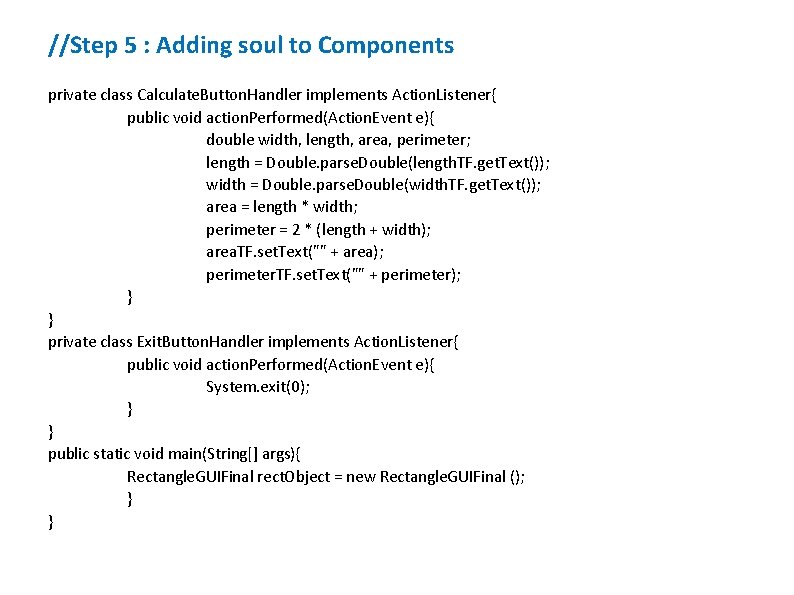
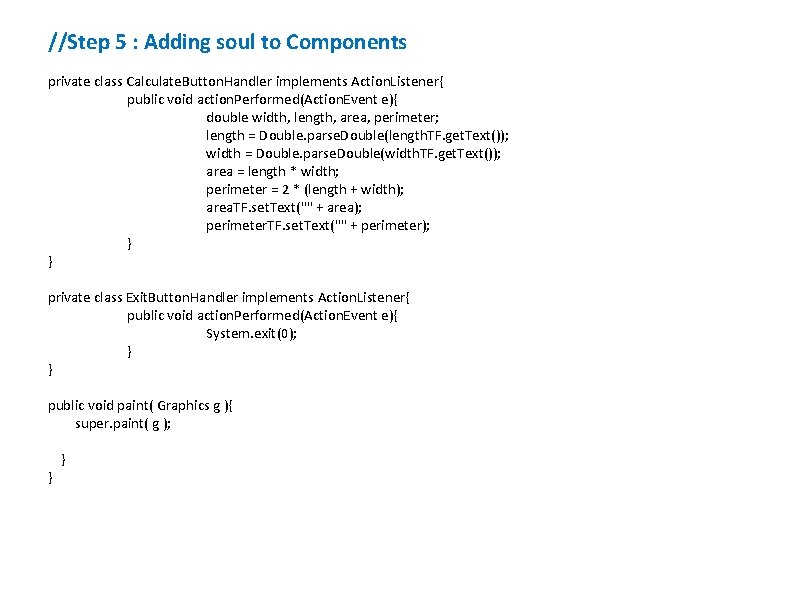
//Step 5 : Adding soul to Components private class Calculate. Button. Handler implements Action. Listener{ public void action. Performed(Action. Event e){ double width, length, area, perimeter; length = Double. parse. Double(length. TF. get. Text()); width = Double. parse. Double(width. TF. get. Text()); area = length * width; perimeter = 2 * (length + width); area. TF. set. Text("" + area); perimeter. TF. set. Text("" + perimeter); } } private class Exit. Button. Handler implements Action. Listener{ public void action. Performed(Action. Event e){ System. exit(0); } } public static void main(String[] args){ Rectangle. GUIFinal rect. Object = new Rectangle. GUIFinal (); } }
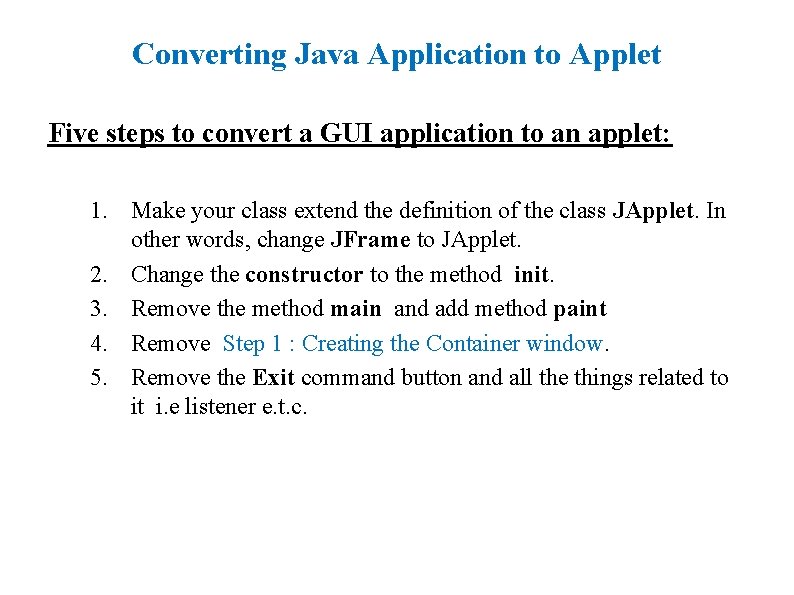
Converting Java Application to Applet Five steps to convert a GUI application to an applet: 1. Make your class extend the definition of the class JApplet. In other words, change JFrame to JApplet. 2. Change the constructor to the method init. 3. Remove the method main and add method paint 4. Remove Step 1 : Creating the Container window. 5. Remove the Exit command button and all the things related to it i. e listener e. t. c.
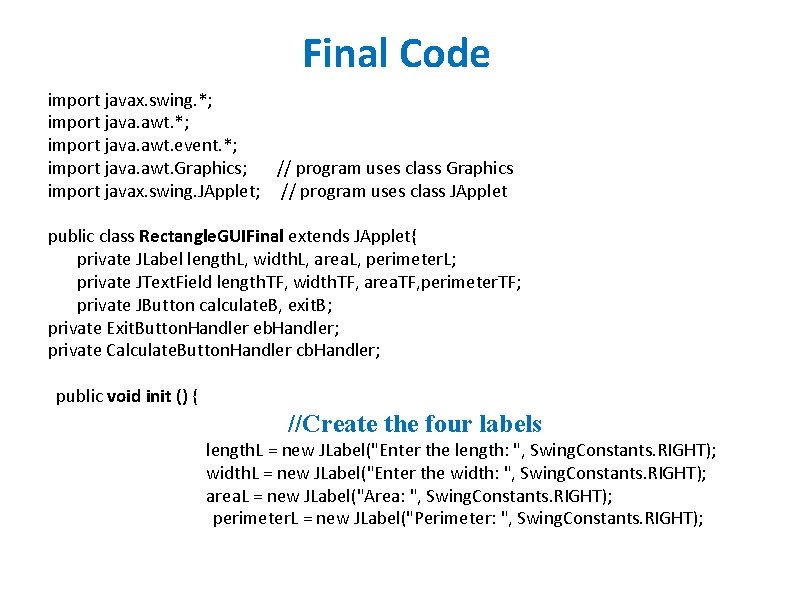
Final Code import javax. swing. *; import java. awt. event. *; import java. awt. Graphics; // program uses class Graphics import javax. swing. JApplet; // program uses class JApplet public class Rectangle. GUIFinal extends JApplet{ private JLabel length. L, width. L, area. L, perimeter. L; private JText. Field length. TF, width. TF, area. TF, perimeter. TF; private JButton calculate. B, exit. B; private Exit. Button. Handler eb. Handler; private Calculate. Button. Handler cb. Handler; public void init () { //Create the four labels length. L = new JLabel("Enter the length: ", Swing. Constants. RIGHT); width. L = new JLabel("Enter the width: ", Swing. Constants. RIGHT); area. L = new JLabel("Area: ", Swing. Constants. RIGHT); perimeter. L = new JLabel("Perimeter: ", Swing. Constants. RIGHT);
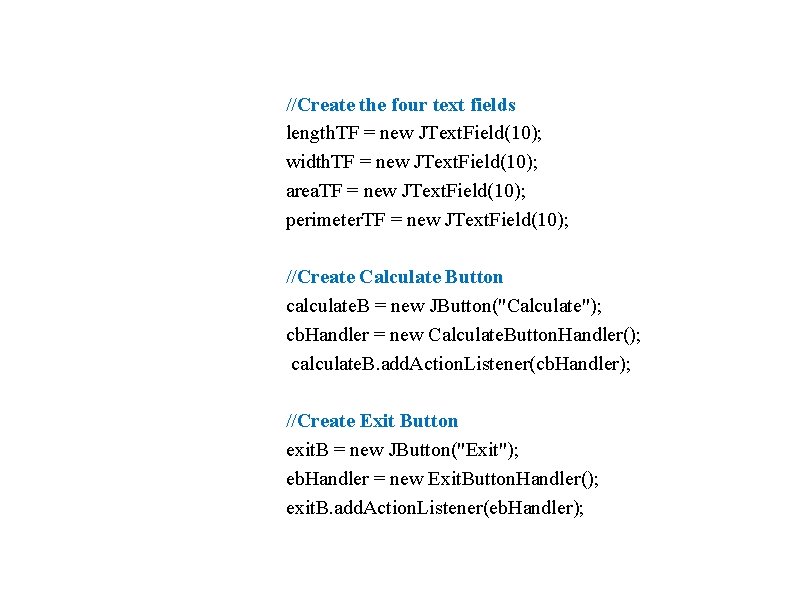
//Create the four text fields length. TF = new JText. Field(10); width. TF = new JText. Field(10); area. TF = new JText. Field(10); perimeter. TF = new JText. Field(10); //Create Calculate Button calculate. B = new JButton("Calculate"); cb. Handler = new Calculate. Button. Handler(); calculate. B. add. Action. Listener(cb. Handler); //Create Exit Button exit. B = new JButton("Exit"); eb. Handler = new Exit. Button. Handler(); exit. B. add. Action. Listener(eb. Handler);
// Step 2 : Adding content pane to The Container Window Container pane = get. Content. Pane(); //Step 3: Setting layout inside content pane. set. Layout(new Grid. Layout(5, 2)); //Step 4: Adding Components to the content pane. add(length. L); pane. add(length. TF); pane. add(width. L); pane. add(width. TF); pane. add(area. L); pane. add(area. TF); pane. add(perimeter. L); pane. add(perimeter. TF); pane. add(calculate. B); pane. add(exit. B); }
//Step 5 : Adding soul to Components private class Calculate. Button. Handler implements Action. Listener{ public void action. Performed(Action. Event e){ double width, length, area, perimeter; length = Double. parse. Double(length. TF. get. Text()); width = Double. parse. Double(width. TF. get. Text()); area = length * width; perimeter = 2 * (length + width); area. TF. set. Text("" + area); perimeter. TF. set. Text("" + perimeter); } } private class Exit. Button. Handler implements Action. Listener{ public void action. Performed(Action. Event e){ System. exit(0); } } public void paint( Graphics g ){ super. paint( g ); } }