
Java Annotation Processing APT in the Eclipse JDT
- Slides: 36
Java Annotation Processing (APT) in the Eclipse JDT Gary Horen Jess Garms Walter Harley BEA Systems © 2006 by BEA Systems Inc; made available under the EPL v 1. 0 | March 2006 |
Agenda § § § 2 Background Demo of annotation editing tools Mirror API and APT Design Principles Futures Using Java Annotations in Eclipse | © 2006 by BEA Systems Inc; made available under the EPL v 1. 0
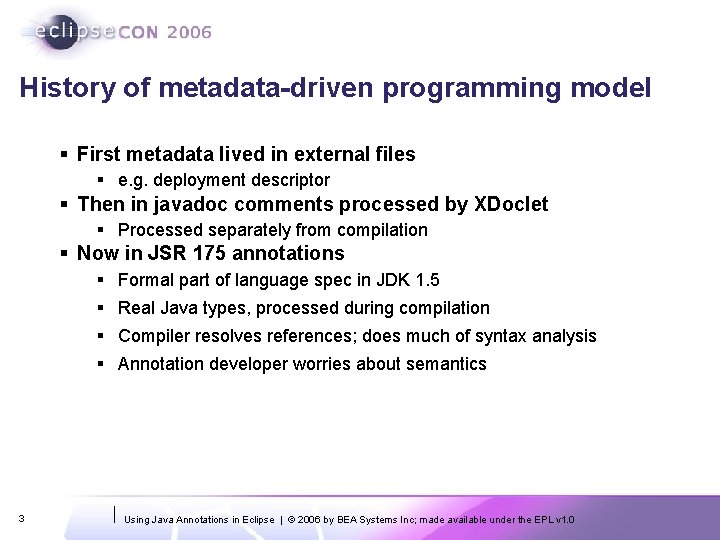
History of metadata-driven programming model § First metadata lived in external files § e. g. deployment descriptor § Then in javadoc comments processed by XDoclet § Processed separately from compilation § Now in JSR 175 annotations § Formal part of language spec in JDK 1. 5 § Real Java types, processed during compilation § Compiler resolves references; does much of syntax analysis § Annotation developer worries about semantics 3 Using Java Annotations in Eclipse | © 2006 by BEA Systems Inc; made available under the EPL v 1. 0
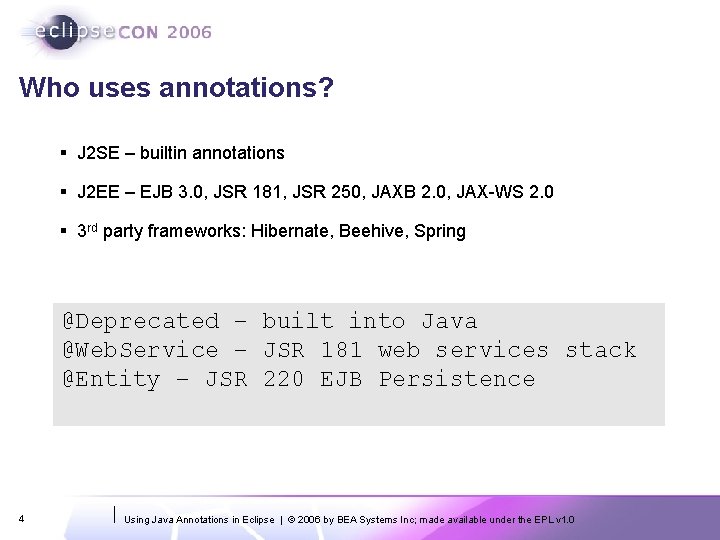
Who uses annotations? § J 2 SE – builtin annotations § J 2 EE – EJB 3. 0, JSR 181, JSR 250, JAXB 2. 0, JAX-WS 2. 0 § 3 rd party frameworks: Hibernate, Beehive, Spring @Deprecated – built into Java @Web. Service – JSR 181 web services stack @Entity – JSR 220 EJB Persistence 4 Using Java Annotations in Eclipse | © 2006 by BEA Systems Inc; made available under the EPL v 1. 0
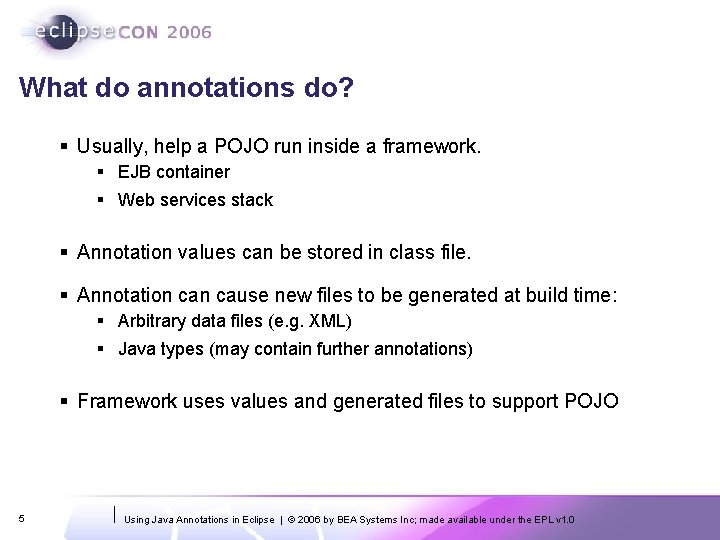
What do annotations do? § Usually, help a POJO run inside a framework. § EJB container § Web services stack § Annotation values can be stored in class file. § Annotation cause new files to be generated at build time: § Arbitrary data files (e. g. XML) § Java types (may contain further annotations) § Framework uses values and generated files to support POJO 5 Using Java Annotations in Eclipse | © 2006 by BEA Systems Inc; made available under the EPL v 1. 0
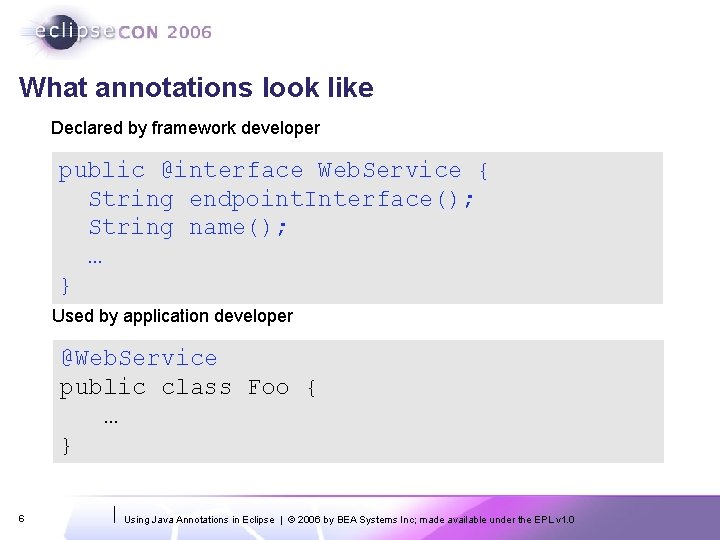
What annotations look like Declared by framework developer public @interface Web. Service { String endpoint. Interface(); String name(); … } Used by application developer @Web. Service public class Foo { … } 6 Using Java Annotations in Eclipse | © 2006 by BEA Systems Inc; made available under the EPL v 1. 0
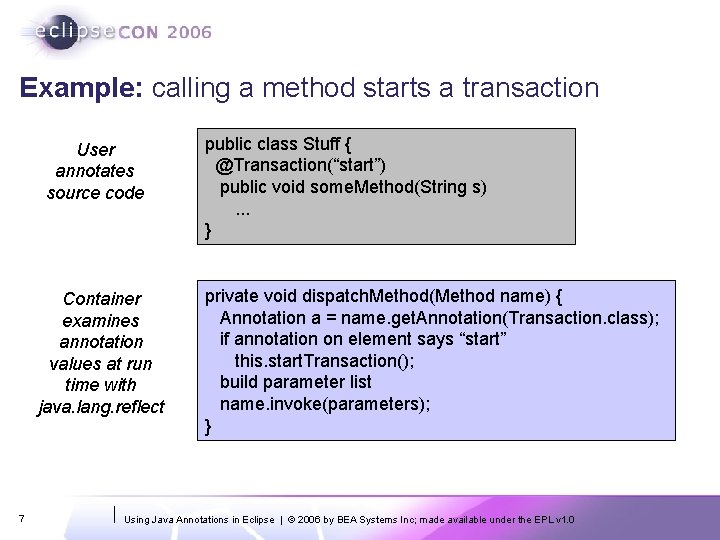
Example: calling a method starts a transaction User annotates source code Container examines annotation values at run time with java. lang. reflect 7 public class Stuff { @Transaction(“start”) public void some. Method(String s). . . } private void dispatch. Method(Method name) { Annotation a = name. get. Annotation(Transaction. class); if annotation on element says “start” this. start. Transaction(); build parameter list name. invoke(parameters); } Using Java Annotations in Eclipse | © 2006 by BEA Systems Inc; made available under the EPL v 1. 0
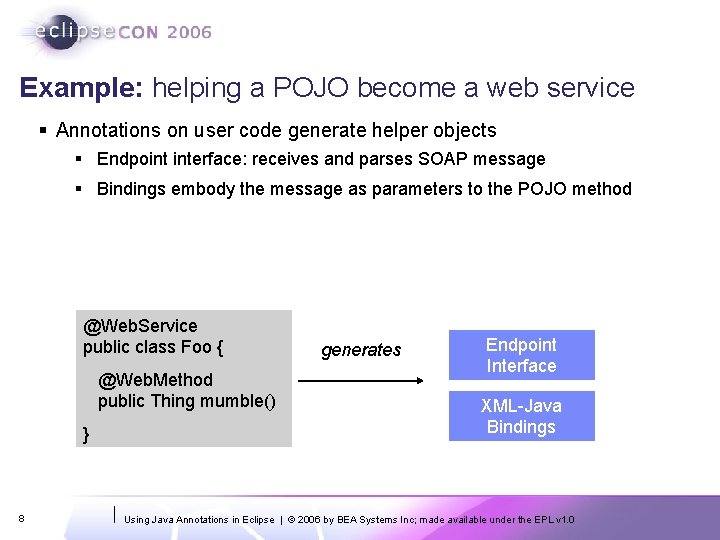
Example: helping a POJO become a web service § Annotations on user code generate helper objects § Endpoint interface: receives and parses SOAP message § Bindings embody the message as parameters to the POJO method @Web. Service public class Foo { @Web. Method public Thing mumble() } 8 generates Endpoint Interface XML-Java Bindings Using Java Annotations in Eclipse | © 2006 by BEA Systems Inc; made available under the EPL v 1. 0
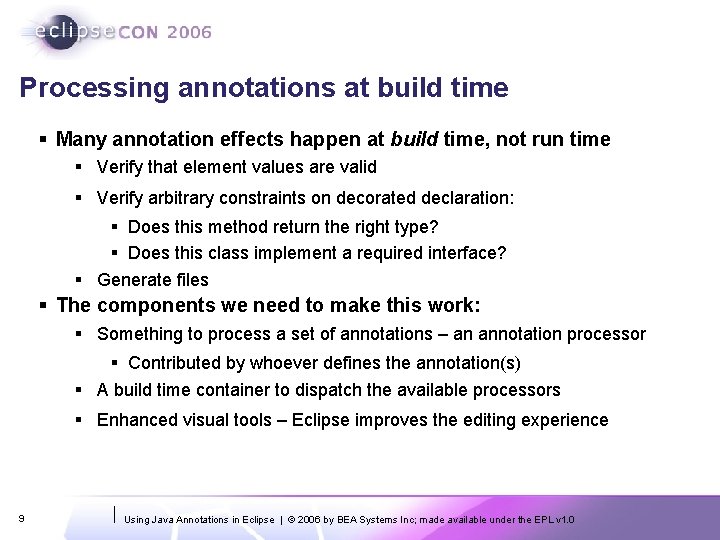
Processing annotations at build time § Many annotation effects happen at build time, not run time § Verify that element values are valid § Verify arbitrary constraints on decorated declaration: § Does this method return the right type? § Does this class implement a required interface? § Generate files § The components we need to make this work: § Something to process a set of annotations – an annotation processor § Contributed by whoever defines the annotation(s) § A build time container to dispatch the available processors § Enhanced visual tools – Eclipse improves the editing experience 9 Using Java Annotations in Eclipse | © 2006 by BEA Systems Inc; made available under the EPL v 1. 0
Agenda § § § 10 Background Demo of annotation editing tools Mirror API and APT Design Principles Futures Using Java Annotations in Eclipse | © 2006 by BEA Systems Inc; made available under the EPL v 1. 0
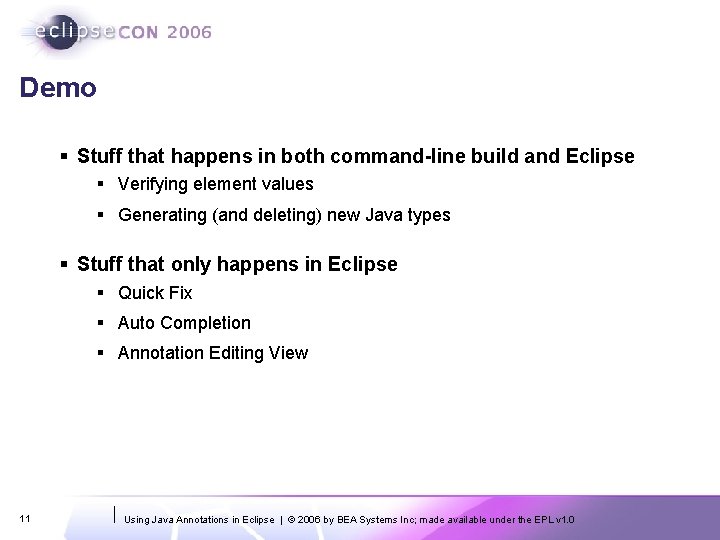
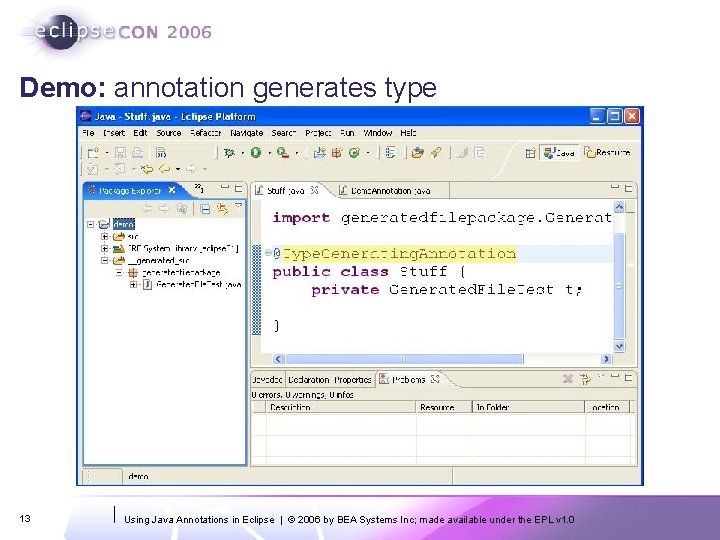
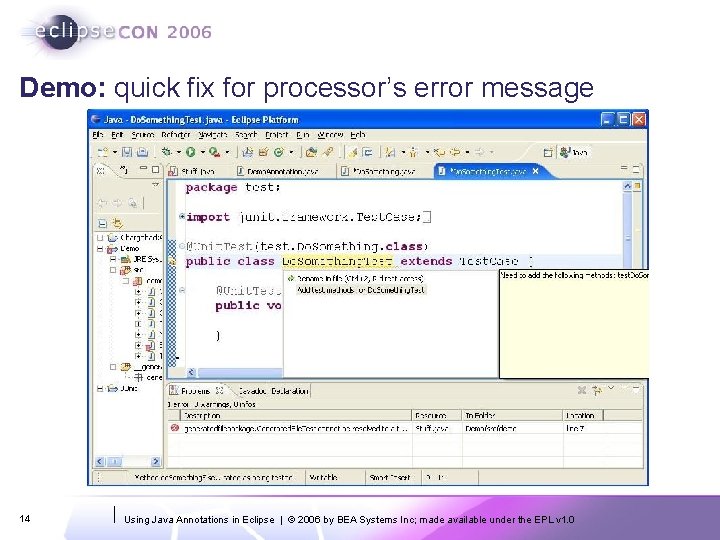
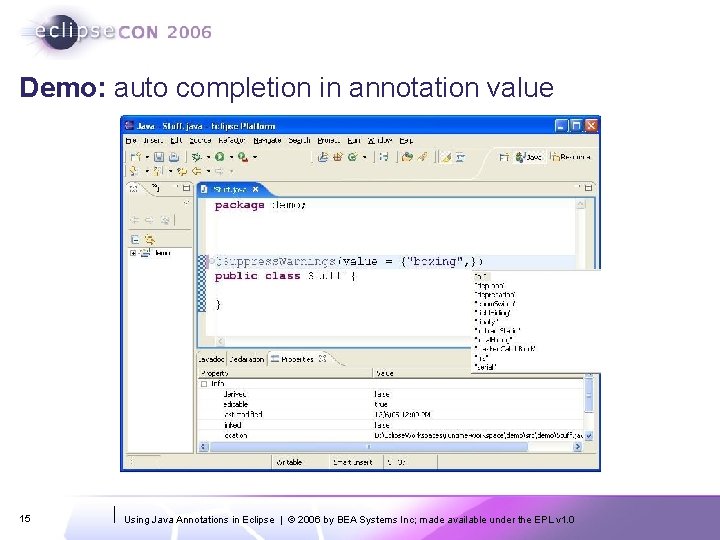
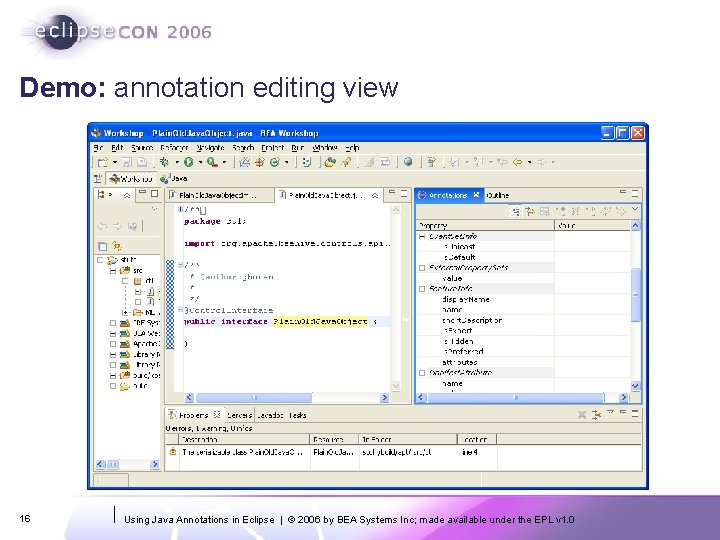
Demo § Stuff that happens in both command-line build and Eclipse § Verifying element values § Generating (and deleting) new Java types § Stuff that only happens in Eclipse § Quick Fix § Auto Completion § Annotation Editing View 11 Using Java Annotations in Eclipse | © 2006 by BEA Systems Inc; made available under the EPL v 1. 0
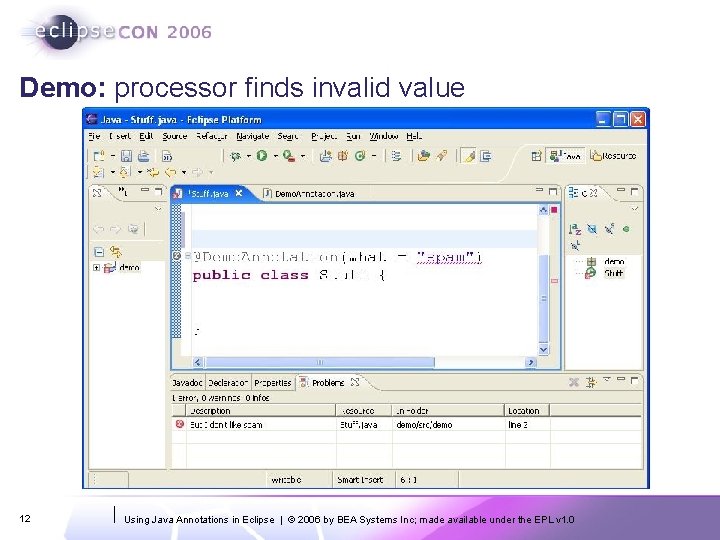
Demo: processor finds invalid value 12 Using Java Annotations in Eclipse | © 2006 by BEA Systems Inc; made available under the EPL v 1. 0
Demo: annotation generates type 13 Using Java Annotations in Eclipse | © 2006 by BEA Systems Inc; made available under the EPL v 1. 0
Demo: quick fix for processor’s error message 14 Using Java Annotations in Eclipse | © 2006 by BEA Systems Inc; made available under the EPL v 1. 0
Demo: auto completion in annotation value 15 Using Java Annotations in Eclipse | © 2006 by BEA Systems Inc; made available under the EPL v 1. 0
Demo: annotation editing view 16 Using Java Annotations in Eclipse | © 2006 by BEA Systems Inc; made available under the EPL v 1. 0
Agenda § § § 17 Background Demo of annotation editing tools Mirror API and APT Design Principles Futures Using Java Annotations in Eclipse | © 2006 by BEA Systems Inc; made available under the EPL v 1. 0
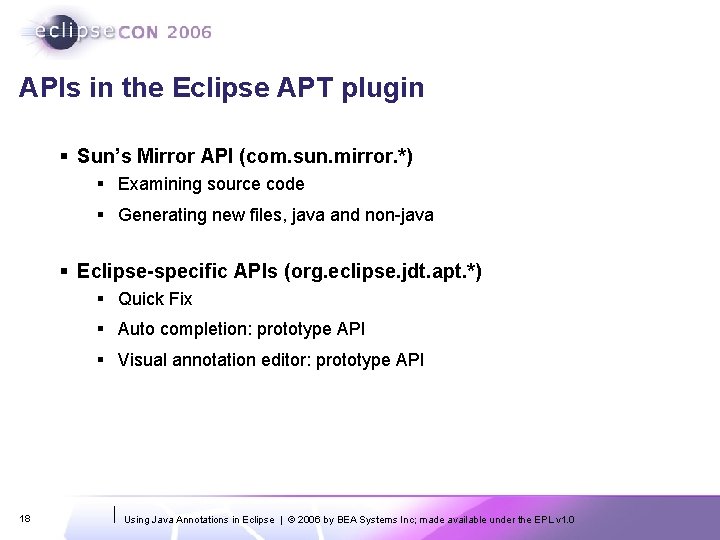
APIs in the Eclipse APT plugin § Sun’s Mirror API (com. sun. mirror. *) § Examining source code § Generating new files, java and non-java § Eclipse-specific APIs (org. eclipse. jdt. apt. *) § Quick Fix § Auto completion: prototype API § Visual annotation editor: prototype API 18 Using Java Annotations in Eclipse | © 2006 by BEA Systems Inc; made available under the EPL v 1. 0
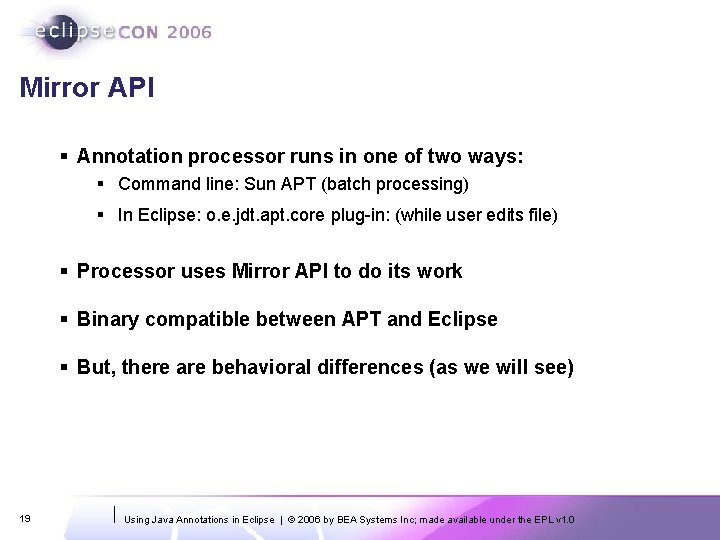
Mirror API § Annotation processor runs in one of two ways: § Command line: Sun APT (batch processing) § In Eclipse: o. e. jdt. apt. core plug-in: (while user edits file) § Processor uses Mirror API to do its work § Binary compatible between APT and Eclipse § But, there are behavioral differences (as we will see) 19 Using Java Annotations in Eclipse | © 2006 by BEA Systems Inc; made available under the EPL v 1. 0
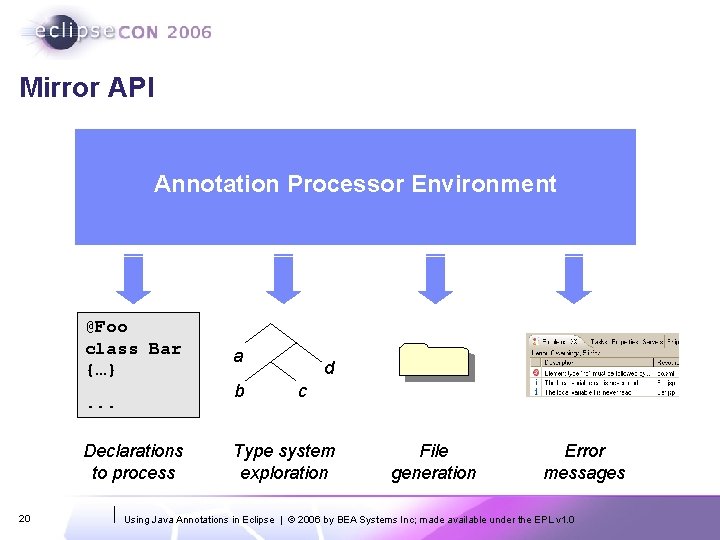
Mirror API Annotation Processor Environment @Foo class Bar {…} b . . . Declarations to process 20 a d c Type system exploration File generation Error messages Using Java Annotations in Eclipse | © 2006 by BEA Systems Inc; made available under the EPL v 1. 0
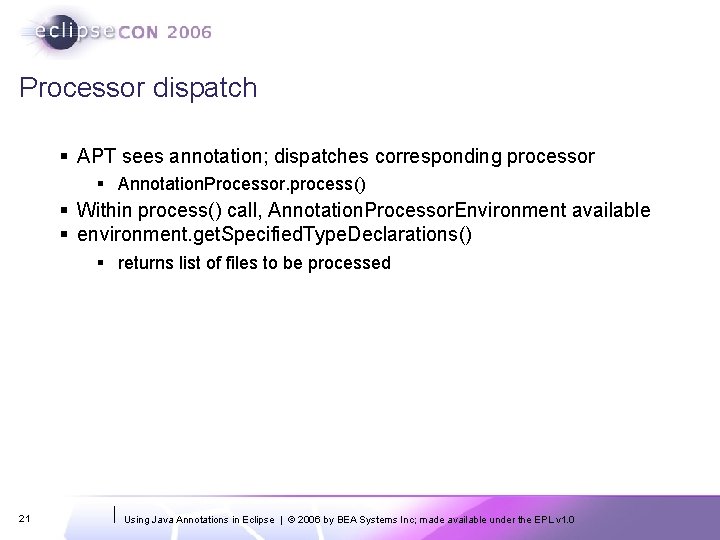
Processor dispatch § APT sees annotation; dispatches corresponding processor § Annotation. Processor. process() § Within process() call, Annotation. Processor. Environment available § environment. get. Specified. Type. Declarations() § returns list of files to be processed 21 Using Java Annotations in Eclipse | © 2006 by BEA Systems Inc; made available under the EPL v 1. 0
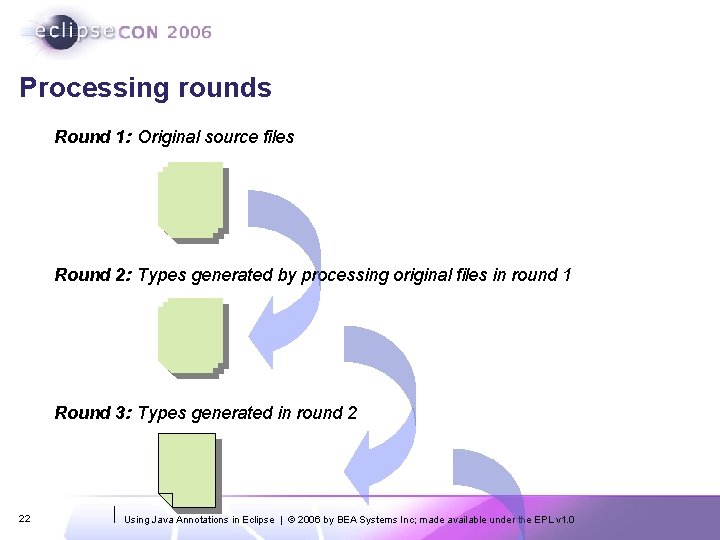
Processing rounds Round 1: Original source files Round 2: Types generated by processing original files in round 1 Round 3: Types generated in round 2 22 Using Java Annotations in Eclipse | © 2006 by BEA Systems Inc; made available under the EPL v 1. 0
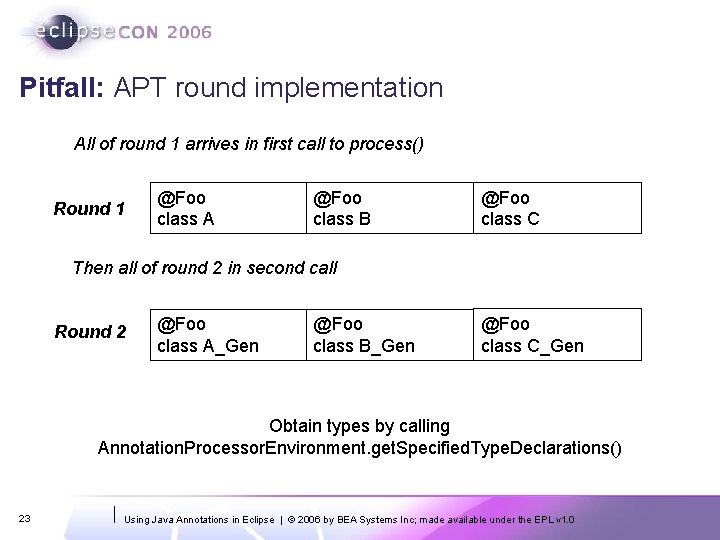
Pitfall: APT round implementation All of round 1 arrives in first call to process() Round 1 @Foo class A @Foo class B @Foo class C Then all of round 2 in second call Round 2 @Foo class A_Gen @Foo class B_Gen @Foo class C_Gen Obtain types by calling Annotation. Processor. Environment. get. Specified. Type. Declarations() 23 Using Java Annotations in Eclipse | © 2006 by BEA Systems Inc; made available under the EPL v 1. 0
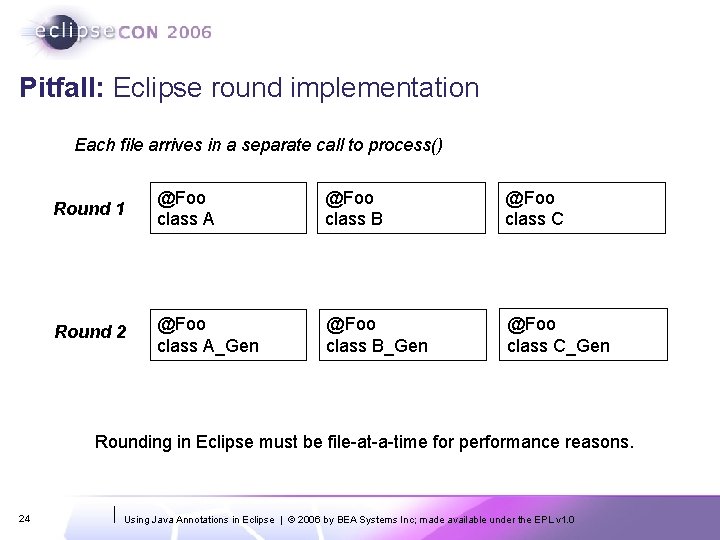
Pitfall: Eclipse round implementation Each file arrives in a separate call to process() Round 1 @Foo class A @Foo class B @Foo class C Round 2 @Foo class A_Gen @Foo class B_Gen @Foo class C_Gen Rounding in Eclipse must be file-at-a-time for performance reasons. 24 Using Java Annotations in Eclipse | © 2006 by BEA Systems Inc; made available under the EPL v 1. 0
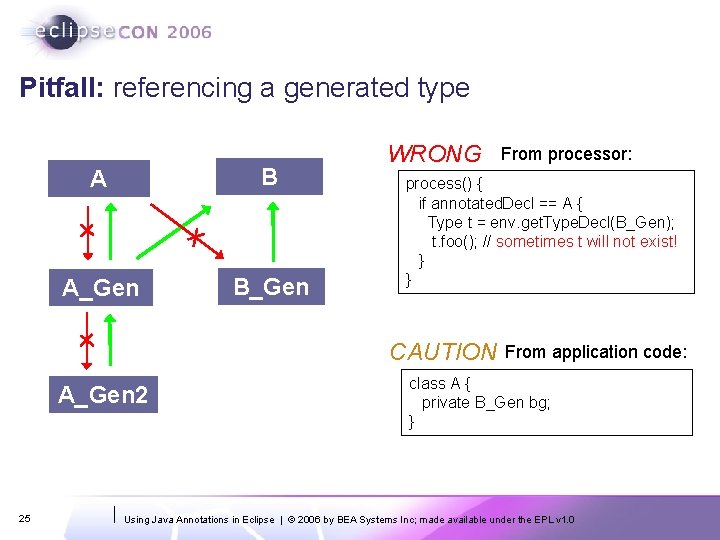
Pitfall: referencing a generated type A B A_Gen B_Gen WRONG process() { if annotated. Decl == A { Type t = env. get. Type. Decl(B_Gen); t. foo(); // sometimes t will not exist! } } CAUTION A_Gen 2 25 From processor: From application code: class A { private B_Gen bg; } Using Java Annotations in Eclipse | © 2006 by BEA Systems Inc; made available under the EPL v 1. 0
Agenda § § § 26 Background Demo of annotation editing tools Mirror API and APT Design Principles Futures Using Java Annotations in Eclipse | © 2006 by BEA Systems Inc; made available under the EPL v 1. 0
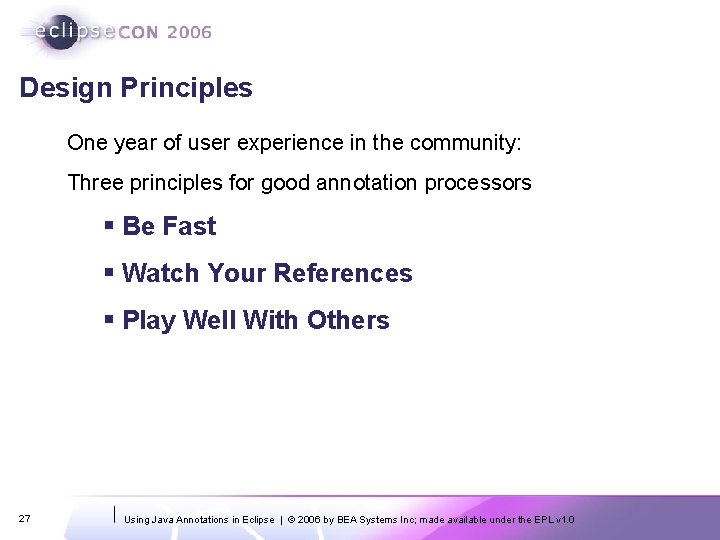
Design Principles One year of user experience in the community: Three principles for good annotation processors § Be Fast § Watch Your References § Play Well With Others 27 Using Java Annotations in Eclipse | © 2006 by BEA Systems Inc; made available under the EPL v 1. 0
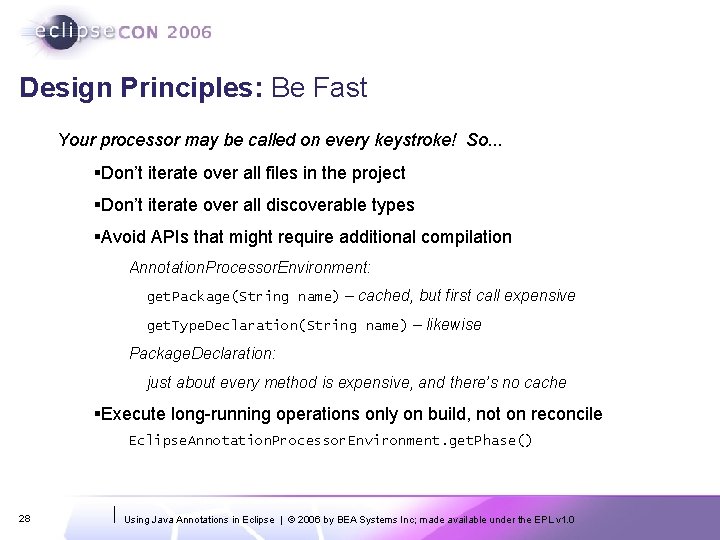
Design Principles: Be Fast Your processor may be called on every keystroke! So. . . §Don’t iterate over all files in the project §Don’t iterate over all discoverable types §Avoid APIs that might require additional compilation Annotation. Processor. Environment: get. Package(String name) – cached, but first call expensive get. Type. Declaration(String name) – likewise Package. Declaration: just about every method is expensive, and there’s no cache §Execute long-running operations only on build, not on reconcile Eclipse. Annotation. Processor. Environment. get. Phase() 28 Using Java Annotations in Eclipse | © 2006 by BEA Systems Inc; made available under the EPL v 1. 0
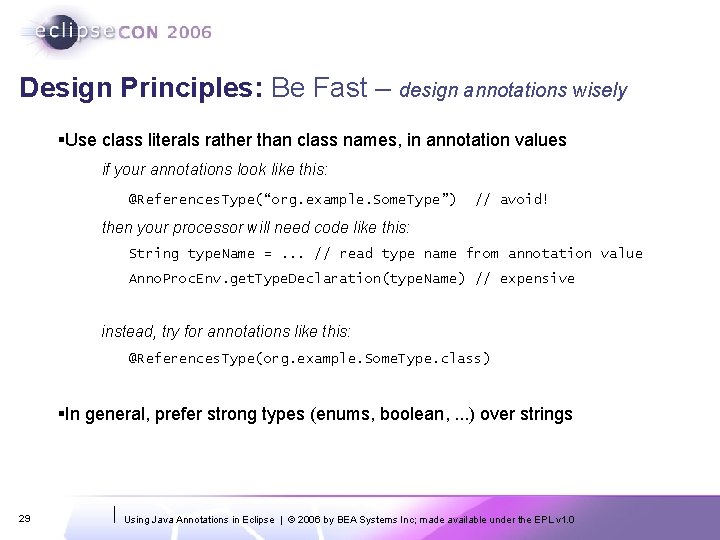
Design Principles: Be Fast – design annotations wisely §Use class literals rather than class names, in annotation values if your annotations look like this: @References. Type(“org. example. Some. Type”) // avoid! then your processor will need code like this: String type. Name =. . . // read type name from annotation value Anno. Proc. Env. get. Type. Declaration(type. Name) // expensive instead, try for annotations like this: @References. Type(org. example. Some. Type. class) §In general, prefer strong types (enums, boolean, . . . ) over strings 29 Using Java Annotations in Eclipse | © 2006 by BEA Systems Inc; made available under the EPL v 1. 0
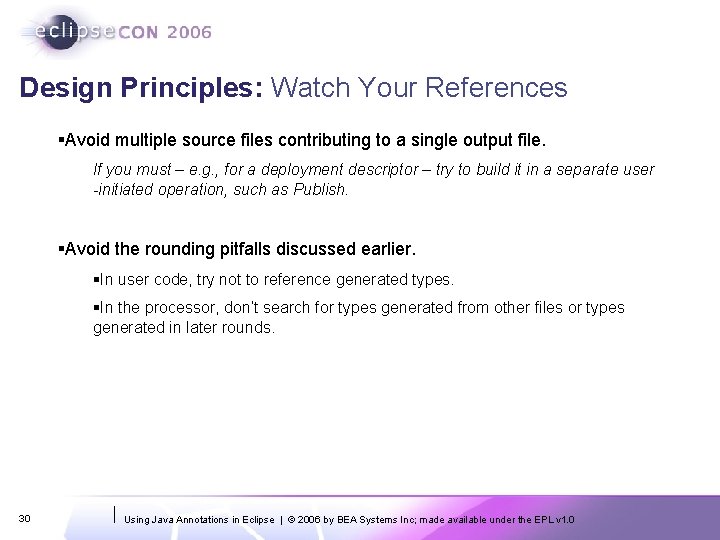
Design Principles: Watch Your References §Avoid multiple source files contributing to a single output file. If you must – e. g. , for a deployment descriptor – try to build it in a separate user -initiated operation, such as Publish. §Avoid the rounding pitfalls discussed earlier. §In user code, try not to reference generated types. §In the processor, don’t search for types generated from other files or types generated in later rounds. 30 Using Java Annotations in Eclipse | © 2006 by BEA Systems Inc; made available under the EPL v 1. 0
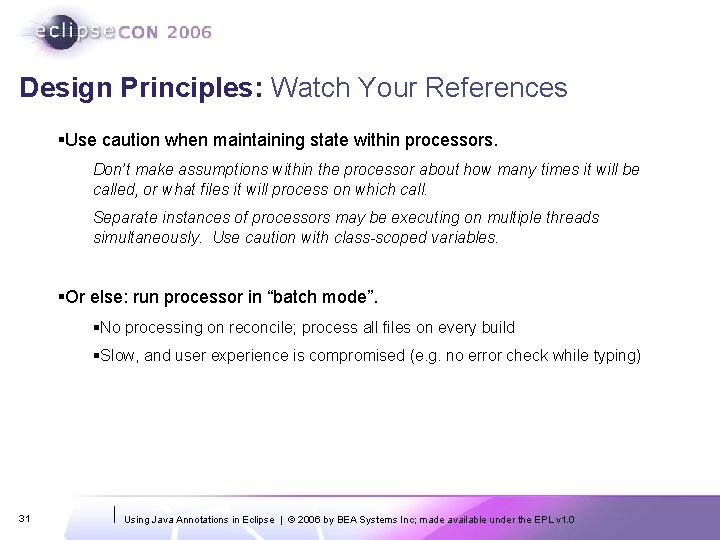
Design Principles: Watch Your References §Use caution when maintaining state within processors. Don’t make assumptions within the processor about how many times it will be called, or what files it will process on which call. Separate instances of processors may be executing on multiple threads simultaneously. Use caution with class-scoped variables. §Or else: run processor in “batch mode”. §No processing on reconcile; process all files on every build §Slow, and user experience is compromised (e. g. no error check while typing) 31 Using Java Annotations in Eclipse | © 2006 by BEA Systems Inc; made available under the EPL v 1. 0
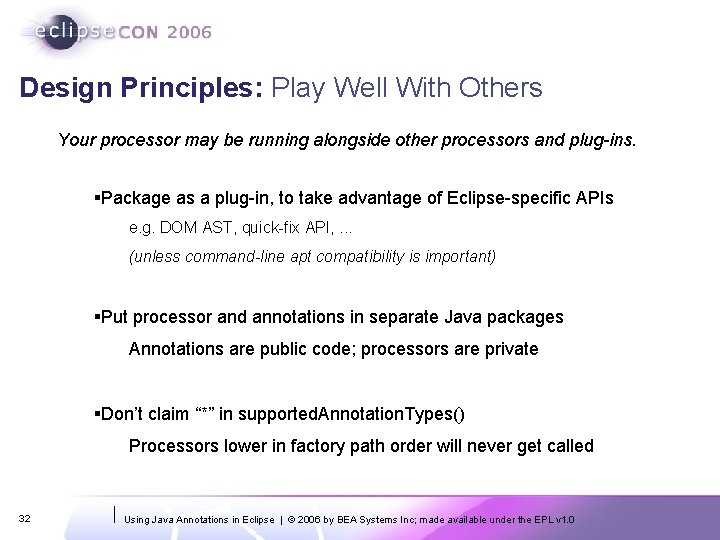
Design Principles: Play Well With Others Your processor may be running alongside other processors and plug-ins. §Package as a plug-in, to take advantage of Eclipse-specific APIs e. g. DOM AST, quick-fix API, . . . (unless command-line apt compatibility is important) §Put processor and annotations in separate Java packages Annotations are public code; processors are private §Don’t claim “*” in supported. Annotation. Types() Processors lower in factory path order will never get called 32 Using Java Annotations in Eclipse | © 2006 by BEA Systems Inc; made available under the EPL v 1. 0
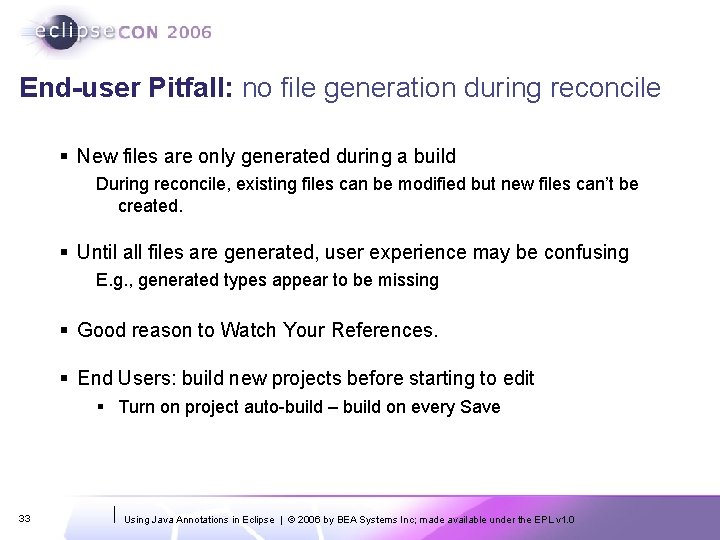
End-user Pitfall: no file generation during reconcile § New files are only generated during a build During reconcile, existing files can be modified but new files can’t be created. § Until all files are generated, user experience may be confusing E. g. , generated types appear to be missing § Good reason to Watch Your References. § End Users: build new projects before starting to edit § Turn on project auto-build – build on every Save 33 Using Java Annotations in Eclipse | © 2006 by BEA Systems Inc; made available under the EPL v 1. 0
Agenda § § § 34 Background Demo of annotation editing tools Mirror API and APT Design Principles Futures Using Java Annotations in Eclipse | © 2006 by BEA Systems Inc; made available under the EPL v 1. 0
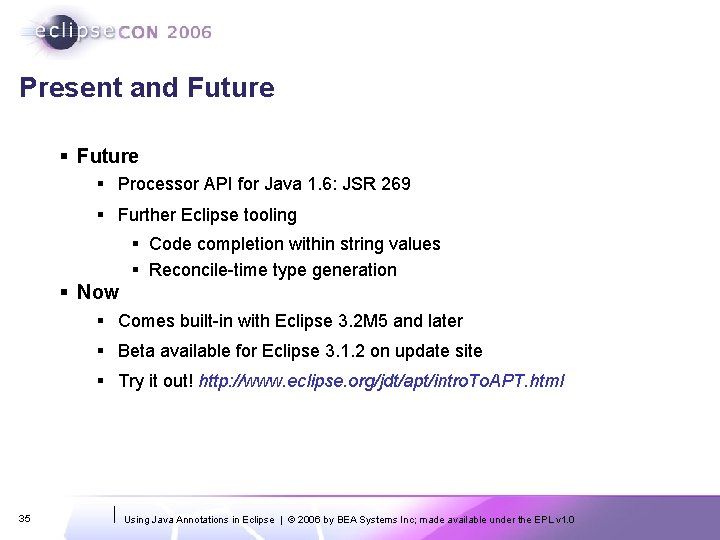
Present and Future § Processor API for Java 1. 6: JSR 269 § Further Eclipse tooling § Code completion within string values § Reconcile-time type generation § Now § Comes built-in with Eclipse 3. 2 M 5 and later § Beta available for Eclipse 3. 1. 2 on update site § Try it out! http: //www. eclipse. org/jdt/apt/intro. To. APT. html 35 Using Java Annotations in Eclipse | © 2006 by BEA Systems Inc; made available under the EPL v 1. 0
Java Annotation Processing (APT) in the Eclipse JDT Gary Horen Jess Garms Walter Harley BEA Systems Try it out! http: //www. eclipse. org/jdt/apt/intro. To. APT. html © 2006 by BEA Systems Inc; made available under the EPL v 1. 0 | March 2006 |