
Java A Programming Language for Webbased Computing CSE
Java A Programming Language for Web-based Computing CSE 341 -- S. Tanimoto Java Introduction 1
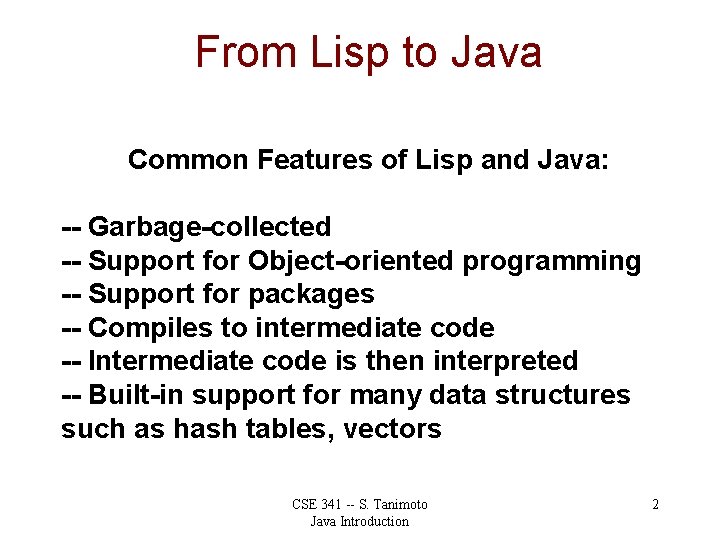
From Lisp to Java Common Features of Lisp and Java: -- Garbage-collected -- Support for Object-oriented programming -- Support for packages -- Compiles to intermediate code -- Intermediate code is then interpreted -- Built-in support for many data structures such as hash tables, vectors CSE 341 -- S. Tanimoto Java Introduction 2
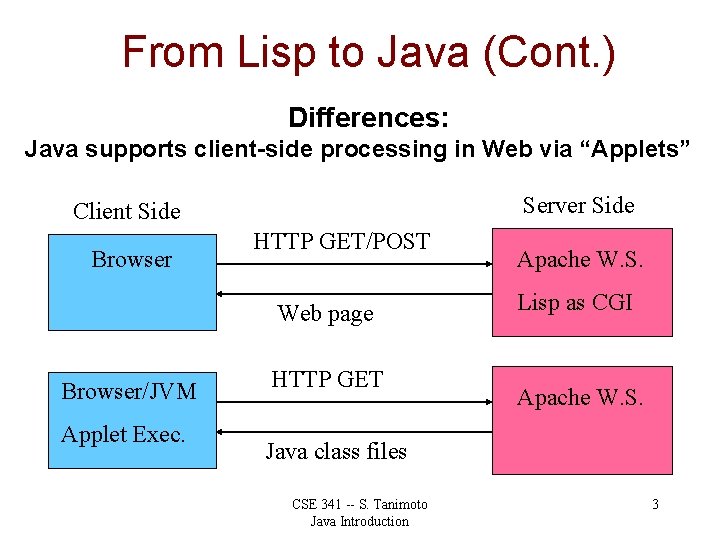
From Lisp to Java (Cont. ) Differences: Java supports client-side processing in Web via “Applets” Server Side Client Side Browser HTTP GET/POST Web page Browser/JVM Applet Exec. HTTP GET Apache W. S. Lisp as CGI Apache W. S. Java class files CSE 341 -- S. Tanimoto Java Introduction 3
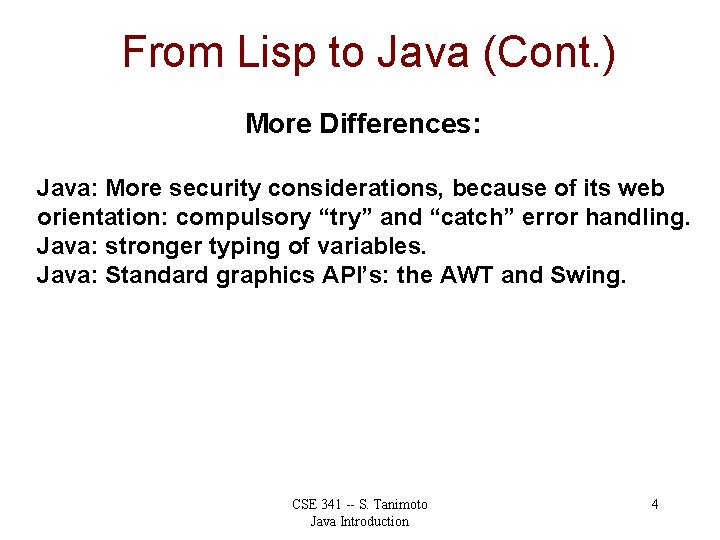
From Lisp to Java (Cont. ) More Differences: Java: More security considerations, because of its web orientation: compulsory “try” and “catch” error handling. Java: stronger typing of variables. Java: Standard graphics API’s: the AWT and Swing. CSE 341 -- S. Tanimoto Java Introduction 4
Influences on Java C, C++: syntax of arithmetic and boolean expressions, need for safe pointer operations. Smalltalk, C++, CLOS: Object orientation Lisp: garbage collection, bignums CSE 341 -- S. Tanimoto Java Introduction 5
Java’s Web Support Applets: Java virtual machine can run in a browser. Safe pointers avoid segmentation faults and other dangerous errors. Security manager provides that applets don’t perform I/O to client hard disk. Applets permitted only limited upload communication (to the originating server). Standard networking package is provided. CSE 341 -- S. Tanimoto Java Introduction 6

Java’s Graphics AWT: The Abstract Windowing Toolkit is a package providing standard classes for building GUIs. Support for decoding GIF and JPEG image formats is built in. Java has used two slightly different event models for user interaction: JDK 1. 0 (old) and JDK 1. 1 (new). Java 2 D is a more advanced imaging package that’s made to work with Java 2. CSE 341 -- S. Tanimoto Java Introduction 7
Java’s Threads Java programs can contain multiple threads of control. This can permit parallel processing. This can permit logical separation of the program into code for concurrent processes. Run-time scheduling of threads is not completely platform independent. CSE 341 -- S. Tanimoto Java Introduction 8
![Example Application class My. First. Application { public static void main(String[] args) { System.](http://slidetodoc.com/presentation_image_h2/0f4e5c7a5b9e8348b08fb3b304cdb96b/image-9.jpg "Example Application class My. First. Application { public static void main(String[] args) { System.")
Example Application class My. First. Application { public static void main(String[] args) { System. out. println("Hello World"); } } To compile on a Unix system, type: javac My. First. Application. java Then to run it, type: java My. First. Application CSE 341 -- S. Tanimoto Java Introduction 9
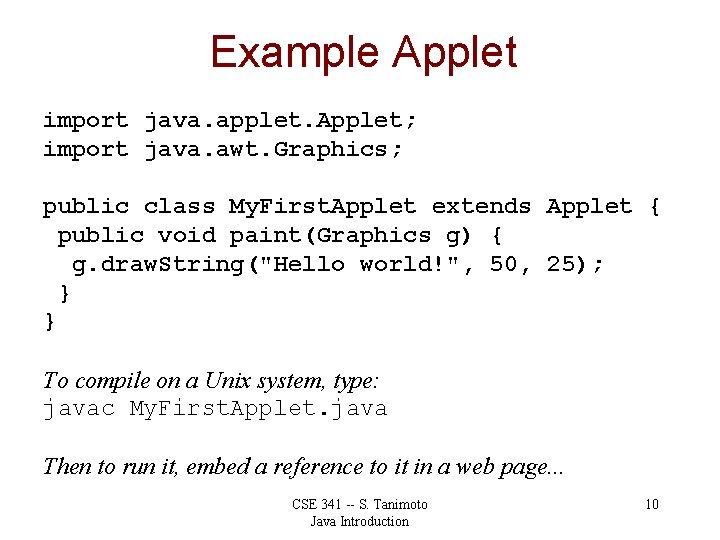
Example Applet import java. applet. Applet; import java. awt. Graphics; public class My. First. Applet extends Applet { public void paint(Graphics g) { g. draw. String("Hello world!", 50, 25); } } To compile on a Unix system, type: javac My. First. Applet. java Then to run it, embed a reference to it in a web page. . . CSE 341 -- S. Tanimoto Java Introduction 10
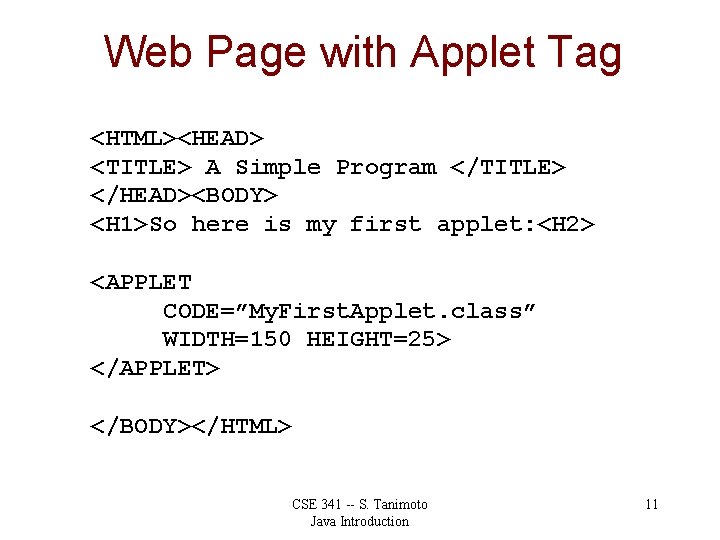
Web Page with Applet Tag <HTML><HEAD> <TITLE> A Simple Program </TITLE> </HEAD><BODY> <H 1>So here is my first applet: <H 2> <APPLET CODE=”My. First. Applet. class” WIDTH=150 HEIGHT=25> </APPLET> </BODY></HTML> CSE 341 -- S. Tanimoto Java Introduction 11
- Slides: 11