
January 11 2021 Overview Site status Inpatient CPAP
- Slides: 48
January 11, 2021
Overview • Site status • Inpatient CPAP use • Web. DCU updates and reminders • Screen failure report responses
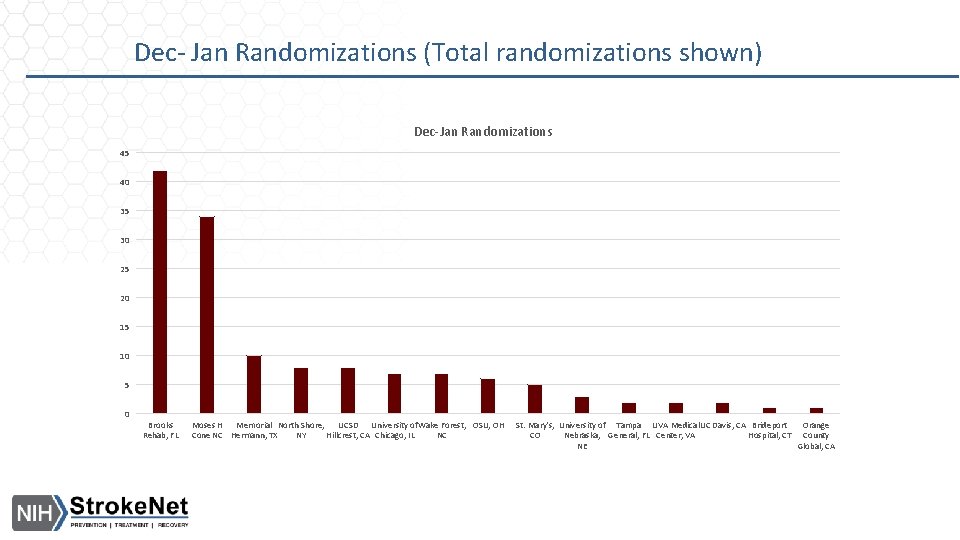
Dec- Jan Randomizations (Total randomizations shown) Dec-Jan Randomizations 45 40 35 30 25 20 15 10 5 0 Brooks Rehab, FL Moses H Memorial North Shore, UCSD University of. Wake Forest, OSU, OH Cone NC Hermann, TX NY Hillcrest, CA Chicago, IL NC St. Mary's, University of Tampa UVA Medical. UC Davis, CA Brideport Orange CO Nebraska, General, FL Center, VA Hospital, CT County NE Global, CA
Site Readiness • • Fusion. Health agreements: Clinical trial agreements (CTA): CIRB approved sites: Sites currently released to enroll: • In order to schedule your site readiness call, the following need to be completed: • Both Fusion. Health Consignment and DUA executed • CTA executed • CIRB Approval • All required training completed and uploaded in Web. DCU- Trainings can be found here https: //webdcu. musc. edu/campus/ • KOEO access confirmed and equipment received by site • Dummy Nox T 3 test completed
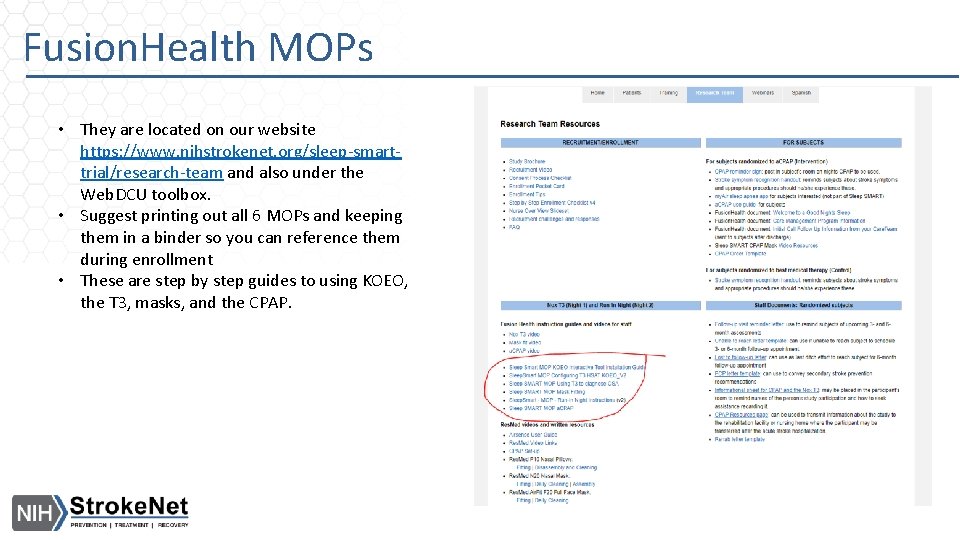
Fusion. Health MOPs • They are located on our website https: //www. nihstrokenet. org/sleep-smarttrial/research-team and also under the Web. DCU toolbox. • Suggest printing out all 6 MOPs and keeping them in a binder so you can reference them during enrollment • These are step by step guides to using KOEO, the T 3, masks, and the CPAP.
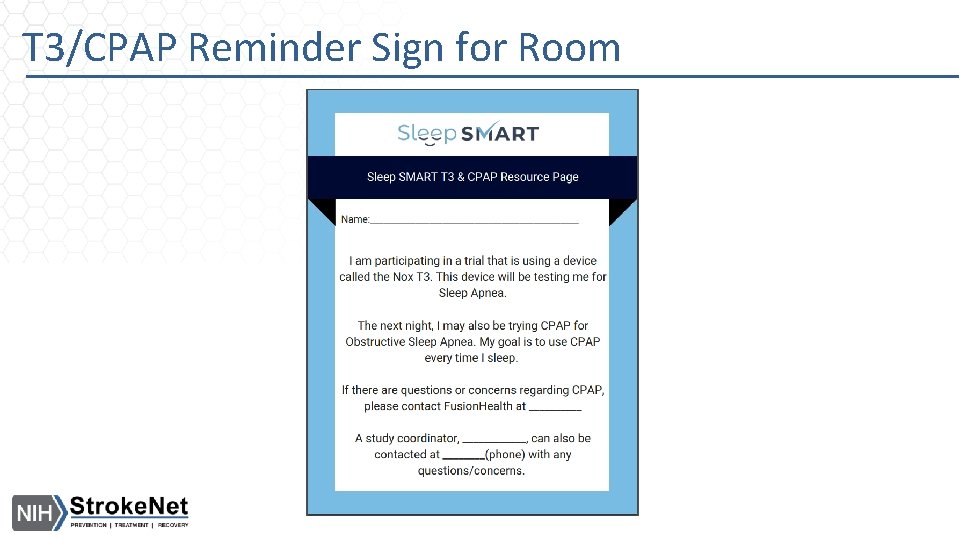
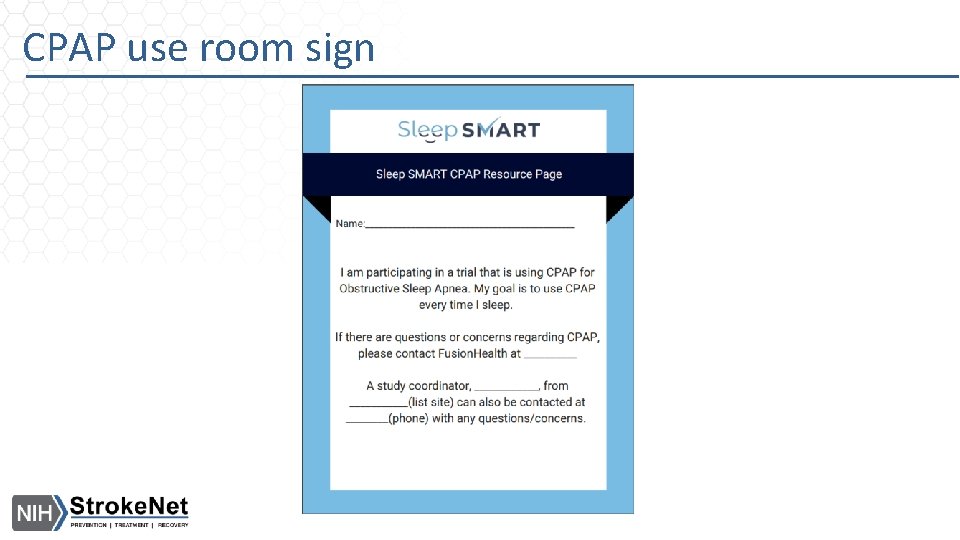
T 3/CPAP Reminder Sign for Room
Unanticipated Event - PD Report • The PI is responsible for identifying and assessing the given event/deviation/violation and documenting it in Web. DCU via the Unanticipated Event –PD Report. • Certain events/deviations/violations that are reported will require prompt reporting (within 10 days of site awareness). The Unanticipated Event – PD Report can be used as a tool for determining which events will need prompt reporting. • Events/deviations/violations that require prompt reporting will be submitted to the CIRB by Joelle as Reportable New Information (RNI). The CIRB will provide a letter of acknowledgement that will be uploaded into Web. DCU by Joelle. If further actions are needed, the site will need to act on the letter requirements. • If your site has an event that requires prompt reporting, please be sure to reach out to Joelle to confirm the event has been reported to the CIRB, as required (within 10 days of site awareness). Events that do not require prompt reporting will be reported at continuing review.
End of Study (EOS) in Web. DCU • If you have a subject that moved to EOS, please document in Web. DCU as soon as possible. • Completing this CRF lets Fusion. Health know the subject is done with participation. • If not complete, you will likely receive emails from NDMC, Kayla, and the Fusion team asking about the subject’s status.
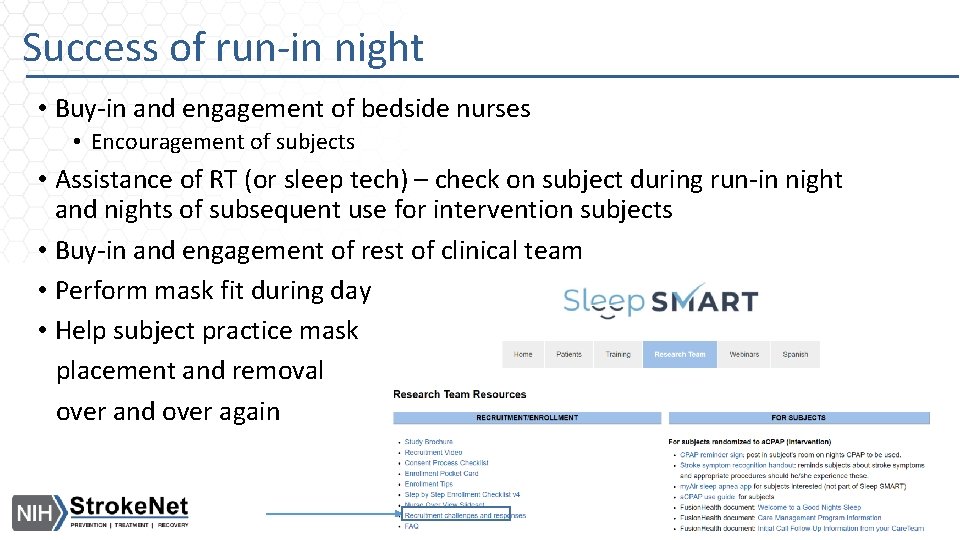
Success of run-in night • Buy-in and engagement of bedside nurses • Encouragement of subjects • Assistance of RT (or sleep tech) – check on subject during run-in night and nights of subsequent use for intervention subjects • Buy-in and engagement of rest of clinical team • Perform mask fit during day • Help subject practice mask placement and removal over and over again
Run-in Night - after OSA identification • 64% of those who attempt a run-in night pass it, so you can be enthusiastic about the chances
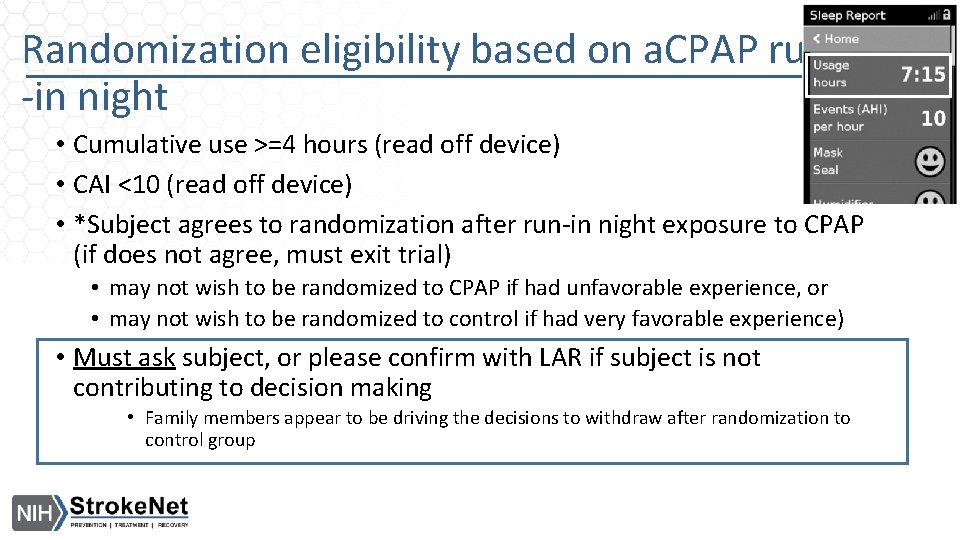
Randomization eligibility based on a. CPAP run -in night • Cumulative use >=4 hours (read off device) • CAI <10 (read off device) • *Subject agrees to randomization after run-in night exposure to CPAP (if does not agree, must exit trial) • may not wish to be randomized to CPAP if had unfavorable experience, or • may not wish to be randomized to control if had very favorable experience) • Must ask subject, or please confirm with LAR if subject is not contributing to decision making • Family members appear to be driving the decisions to withdraw after randomization to control group
Remainder pertains only to subjects randomized to intervention (CPAP) arm
Inpatient CPAP use – Why? • Early CPAP use – in first few days – is critical • Predicts later use • Reinforces importance of adherence, commitment to trial, and hope that CPAP may help • Gets subjects started on right foot • Can reveal early challenges that may be easier to troubleshoot in person than remotely, once at home • Gives an opportunity for research and clinical team to encourage use in a supportive inpatient environment • Metrics to be incorporated into future quarterly QI reports
Inpatient CPAP use – How? • Should begin the night after the run-in • Dispense new device • Place an order for CPAP use to help emphasize its importance • Make it a team effort: • Ask RT or sleep tech, and bedside nurse assist with nightly use • Ask bedside nurse to encourage nightly use • Ask entire clinical team to share enthusiasm for nightly use
Inpatient CPAP – Motivate Subject • Make sure individuals and caregiver/support people understand: • You have sleep apnea, which involves stopping breathing • Stopping breathing isn’t good • You are vulnerable because you had a stroke/TIA • We have a treatment, CPAP, that can prevent you from stopping breathing • CPAP can only be effective if you use it • Try to incorporate CPAP into your healthy lifestyle – along with exercise, eating right, and taking your stroke prevention medications • The research team is equipped to assist you in making the CPAP experience easy, comfortable, and positive.
Inpatient CPAP use – Useful strategies • Daily check-ins with intervention subject • Ask about any difficulties • With subject permission, check front panel of PAP machine (informally) for usage hours, and offer positive feedback to subject • Engage the RT or sleep tech for answers or solutions • Fusion. Health Care Team is available to discuss any problems and help troubleshoot, so feel free to reach out! Phone: 470 -655 -6688 • Praise the subject for small improvements • Consider offering to help subject or LAR enroll in My. Air (myair. resmed. com) so he or she can track PAP use independently
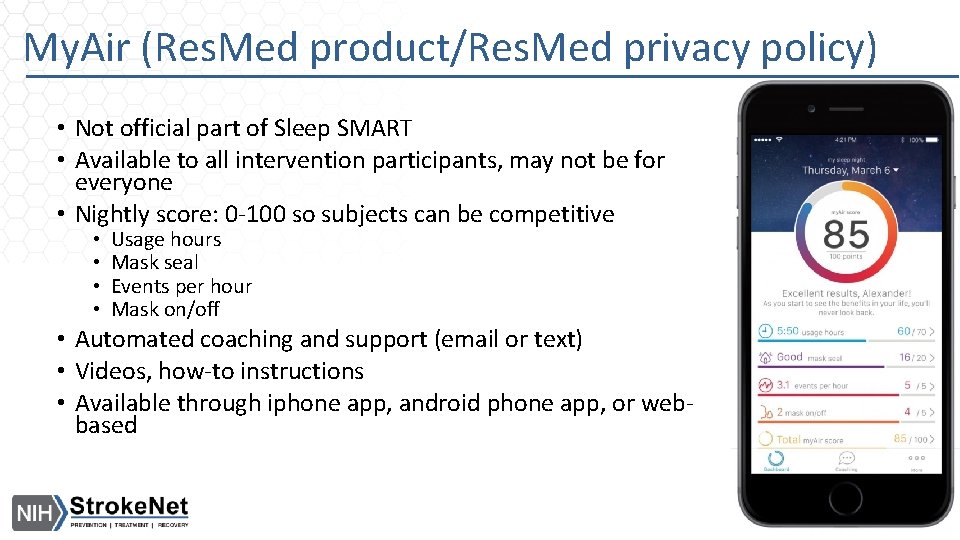
My. Air (Res. Med product/Res. Med privacy policy) • Not official part of Sleep SMART • Available to all intervention participants, may not be for everyone • Nightly score: 0 -100 so subjects can be competitive • • Usage hours Mask seal Events per hour Mask on/off • Automated coaching and support (email or text) • Videos, how-to instructions • Available through iphone app, android phone app, or webbased
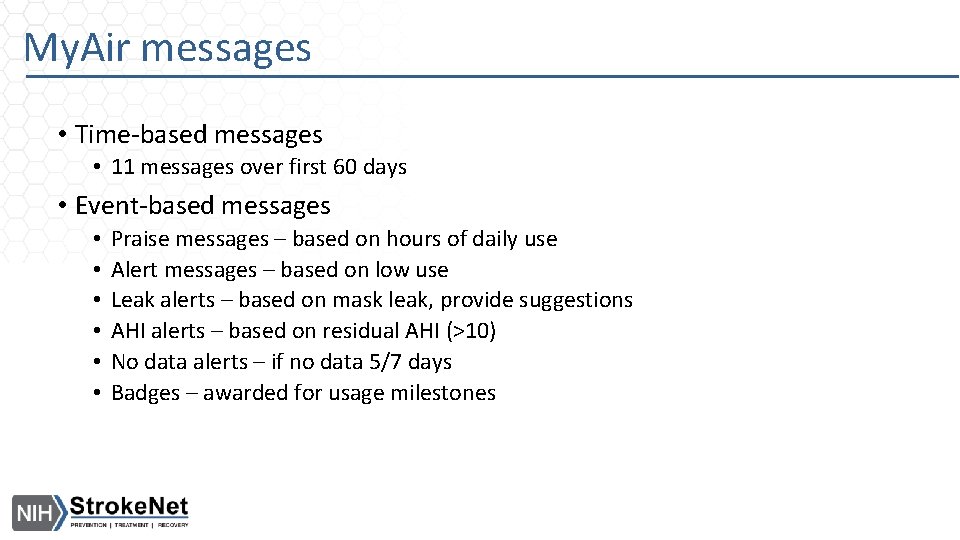
My. Air messages • Time-based messages • 11 messages over first 60 days • Event-based messages • • • Praise messages – based on hours of daily use Alert messages – based on low use Leak alerts – based on mask leak, provide suggestions AHI alerts – based on residual AHI (>10) No data alerts – if no data 5/7 days Badges – awarded for usage milestones
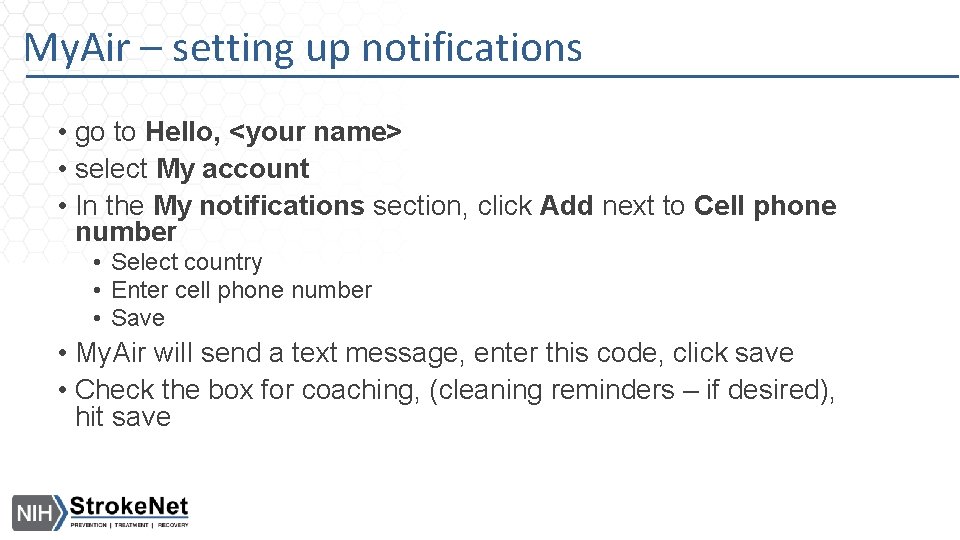
My. Air – setting up notifications • go to Hello, <your name> • select My account • In the My notifications section, click Add next to Cell phone number • Select country • Enter cell phone number • Save • My. Air will send a text message, enter this code, click save • Check the box for coaching, (cleaning reminders – if desired), hit save
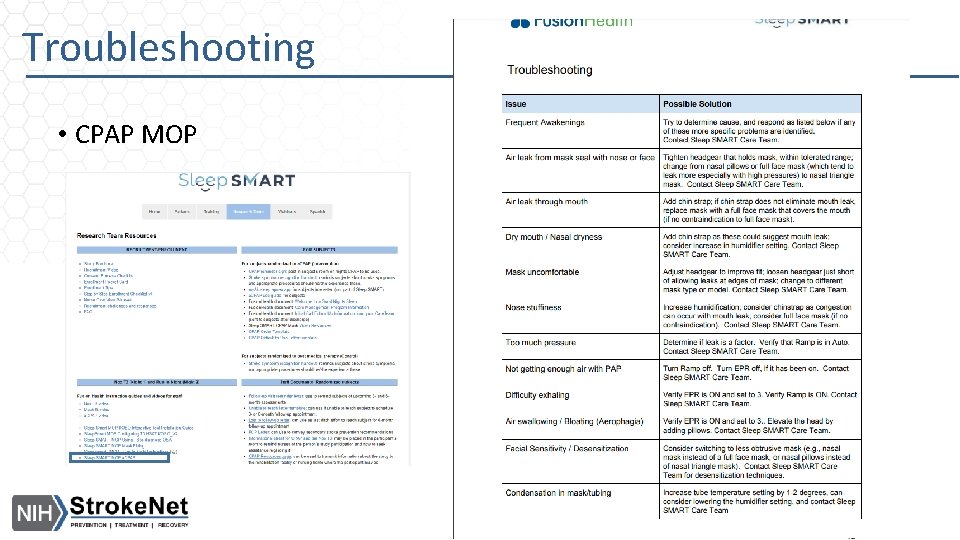
Troubleshooting • CPAP MOP
CPAP use room sign
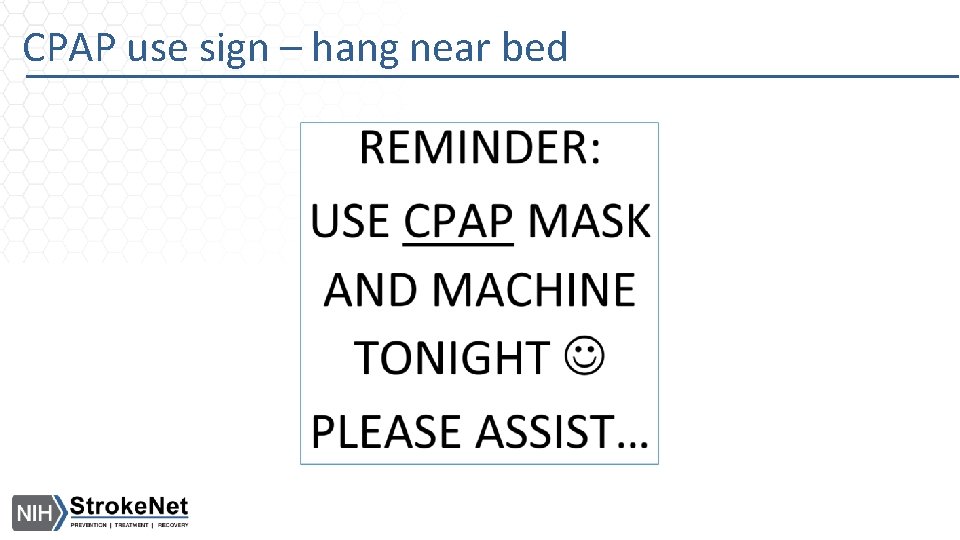
CPAP use sign – hang near bed
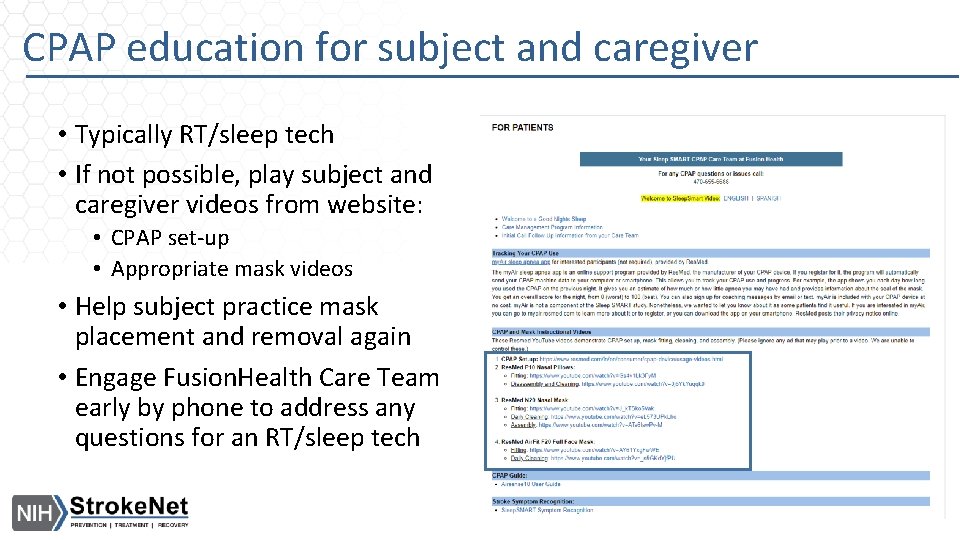
CPAP education for subject and caregiver • Typically RT/sleep tech • If not possible, play subject and caregiver videos from website: • CPAP set-up • Appropriate mask videos • Help subject practice mask placement and removal again • Engage Fusion. Health Care Team early by phone to address any questions for an RT/sleep tech
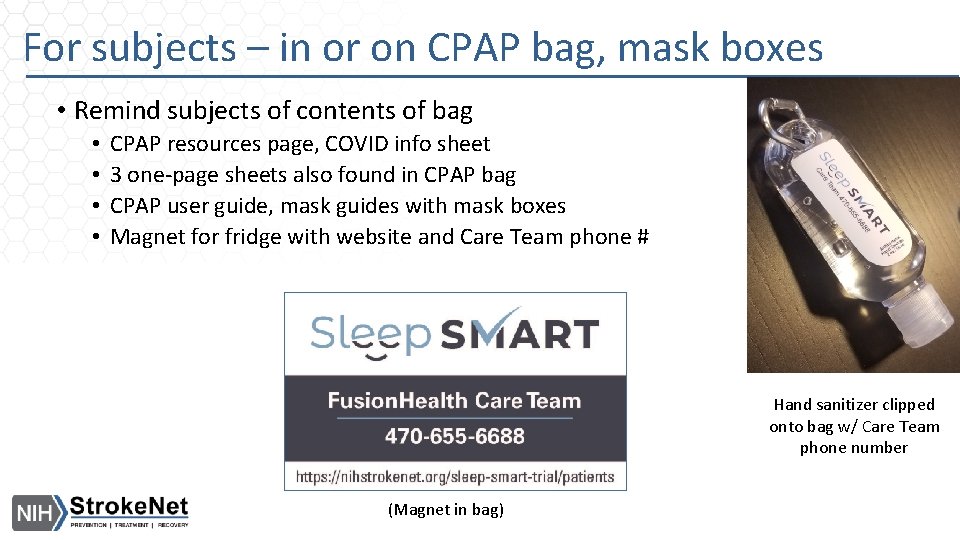
For subjects – in or on CPAP bag, mask boxes • Remind subjects of contents of bag • • CPAP resources page, COVID info sheet 3 one-page sheets also found in CPAP bag CPAP user guide, mask guides with mask boxes Magnet for fridge with website and Care Team phone # Hand sanitizer clipped onto bag w/ Care Team phone number (Magnet in bag)
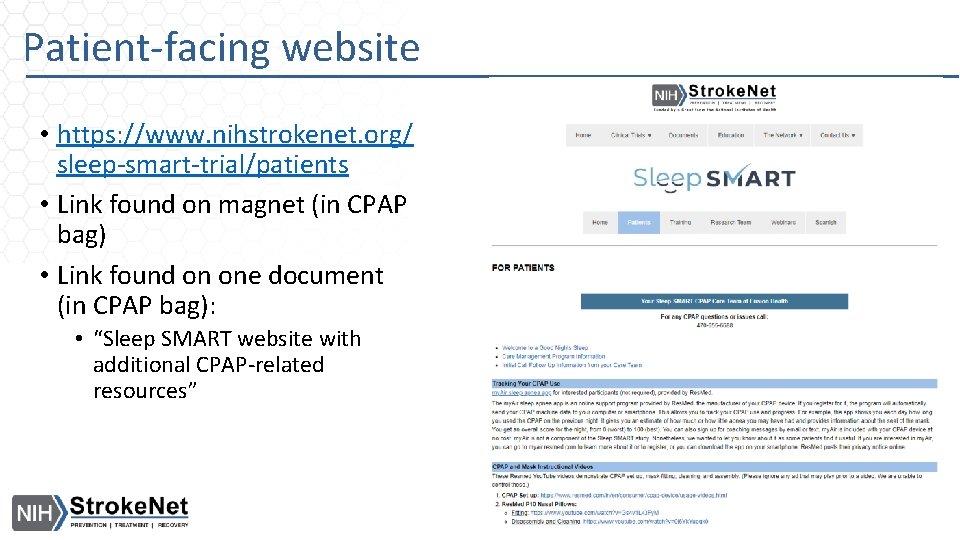
Patient-facing website • https: //www. nihstrokenet. org/ sleep-smart-trial/patients • Link found on magnet (in CPAP bag) • Link found on one document (in CPAP bag): • “Sleep SMART website with additional CPAP-related resources”
Play Care Team’s Introduction Video for intervention subject and caregiver • https: //www. youtube. com/watch? v=X 8 Fff 4 ox 3 tk&feature=youtu. be • English and Spanish version available on our website and in the Web. DCU toolbox
Facilitate contact with FH Sleep SMART Care Team! (Warm transition – from inpatient to Care Team) • With permission, store the Care Team’s number in the intervention subject’s/partner’s cell phone (470 -655 -6688). • Before discharge, help facilitate a call between intervention subject and Care Team to initiate contact. (Leave a message if a person does not answer. ) This call can be scheduled ahead of time if you prefer. • Remind intervention subject that if another call is completed with the Care Team within 7 days of discharge, he/she will receive a $10 Amazon gift card as a thank you. (This is managed by UM team. )
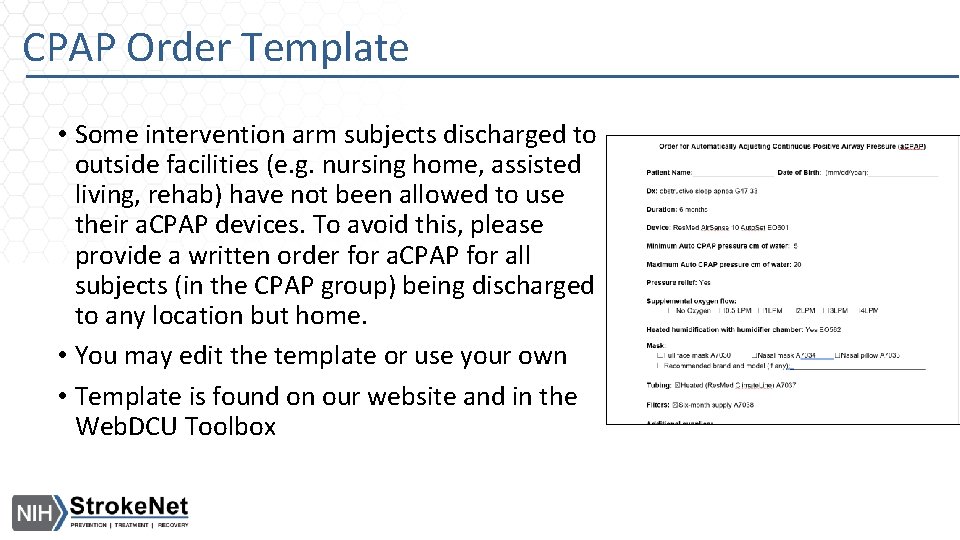
CPAP Order Template • Some intervention arm subjects discharged to outside facilities (e. g. nursing home, assisted living, rehab) have not been allowed to use their a. CPAP devices. To avoid this, please provide a written order for a. CPAP for all subjects (in the CPAP group) being discharged to any location but home. • You may edit the template or use your own • Template is found on our website and in the Web. DCU Toolbox
At time of discharge • • • Send subject home with CPAP and all supplies Remind of contents of bag, mask instructions (from mask box), CPAP manual Remind again the importance of being in contact with Care Team Encourage nightly use of CPAP (it’s not all or nothing, small improvements should be encouraged) Encourage use of CPAP anytime the subject sleeps Take CPAP on trips, and to any future hospitalizations Provide CPAP order (if discharge not to home) Document discharge date in KOEO Call Care Team to let them know of discharge
Recap (highlights) • Signage – 3 signs (T 3/run-in night, CPAP resources, inpatient use) • Provide education to subject/caregiver; practice mask with subject • Check in with intervention subject daily during inpatient stay • Ask research team and clinical team to help encourage CPAP use • Engage RT/sleep tech and bedside nurse in assistance with nightly use • If need help with troubleshooting, consult CPAP MOP, call Care Team! • Play Care Team video for subjects • Remind subject of resources (manuals, website, Care Team!) • Communicate with Care Team; warm transition
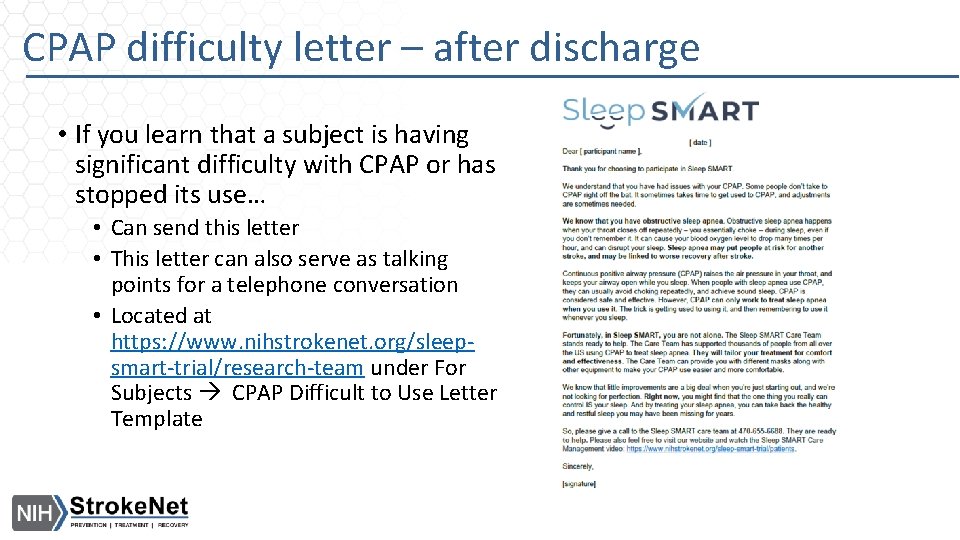
CPAP difficulty letter – after discharge • If you learn that a subject is having significant difficulty with CPAP or has stopped its use… • Can send this letter • This letter can also serve as talking points for a telephone conversation • Located at https: //www. nihstrokenet. org/sleepsmart-trial/research-team under For Subjects CPAP Difficult to Use Letter Template
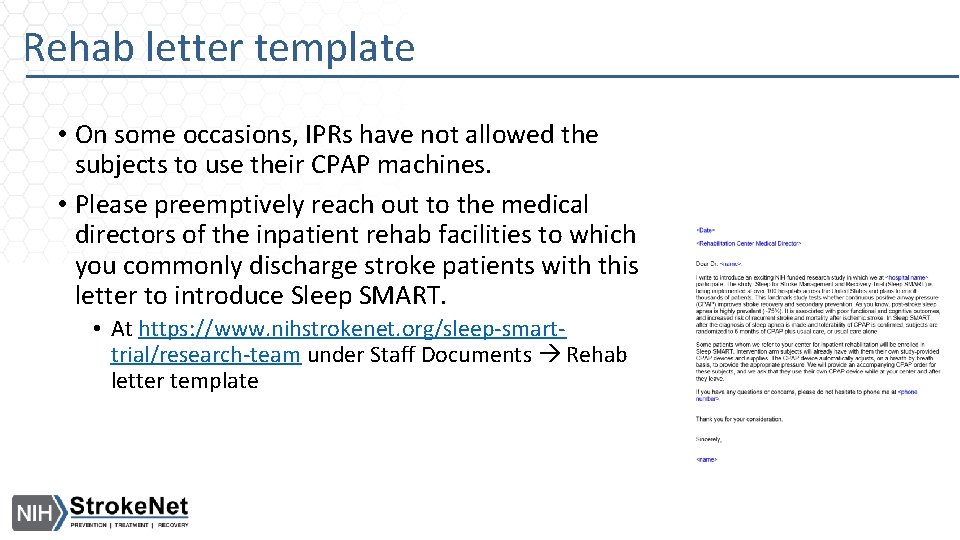
Rehab letter template • On some occasions, IPRs have not allowed the subjects to use their CPAP machines. • Please preemptively reach out to the medical directors of the inpatient rehab facilities to which you commonly discharge stroke patients with this letter to introduce Sleep SMART. • At https: //www. nihstrokenet. org/sleep-smarttrial/research-team under Staff Documents Rehab letter template
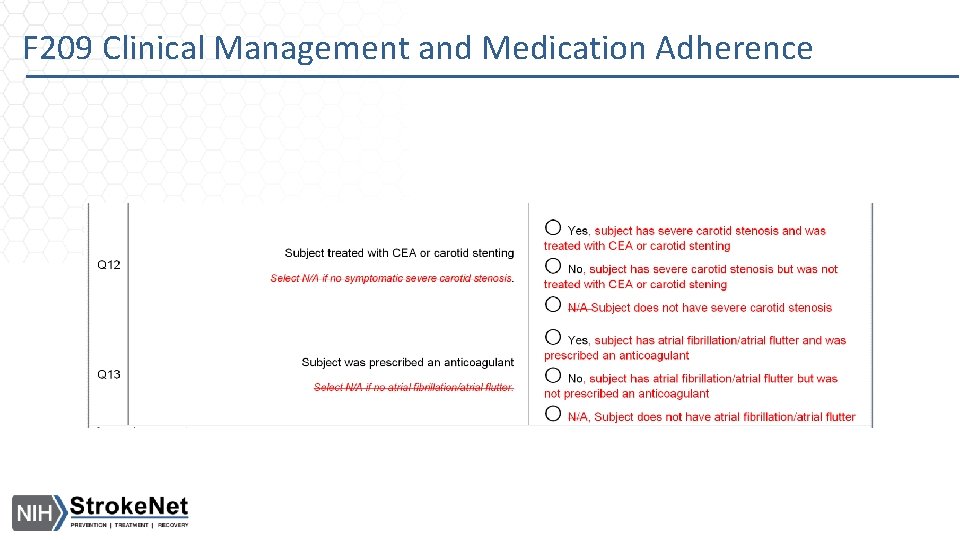
F 209 Clinical Management and Medication Adherence
Data Management • • • General Reminders General Enrollment Reminders F 101 Update Accessing Payment Module Event Packet Face Page Consent and Monitoring Update
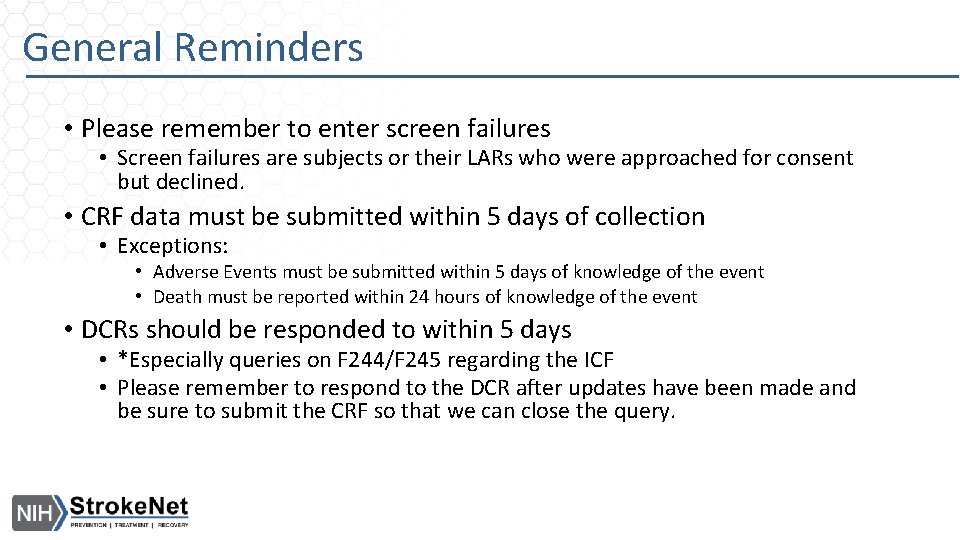
General Reminders • Please remember to enter screen failures • Screen failures are subjects or their LARs who were approached for consent but declined. • CRF data must be submitted within 5 days of collection • Exceptions: • Adverse Events must be submitted within 5 days of knowledge of the event • Death must be reported within 24 hours of knowledge of the event • DCRs should be responded to within 5 days • *Especially queries on F 244/F 245 regarding the ICF • Please remember to respond to the DCR after updates have been made and be sure to submit the CRF so that we can close the query.
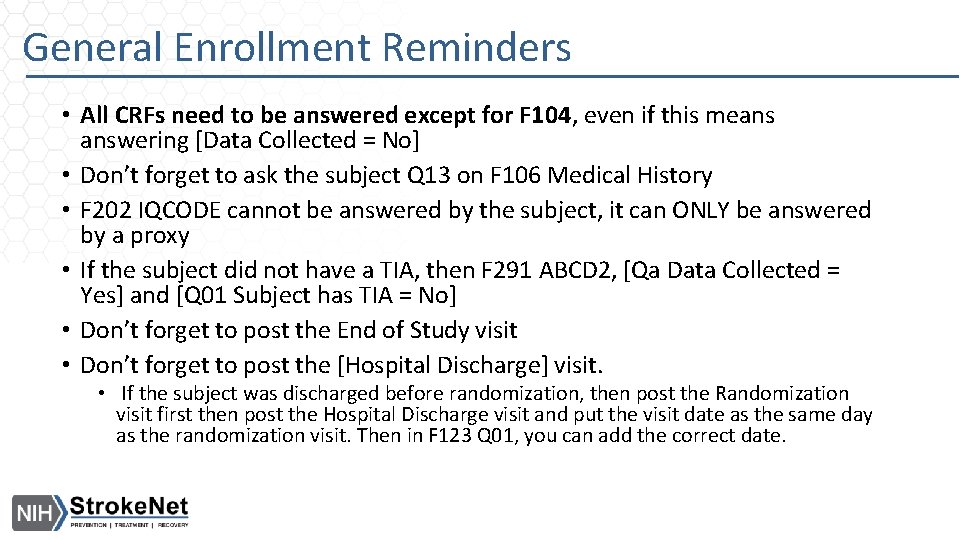
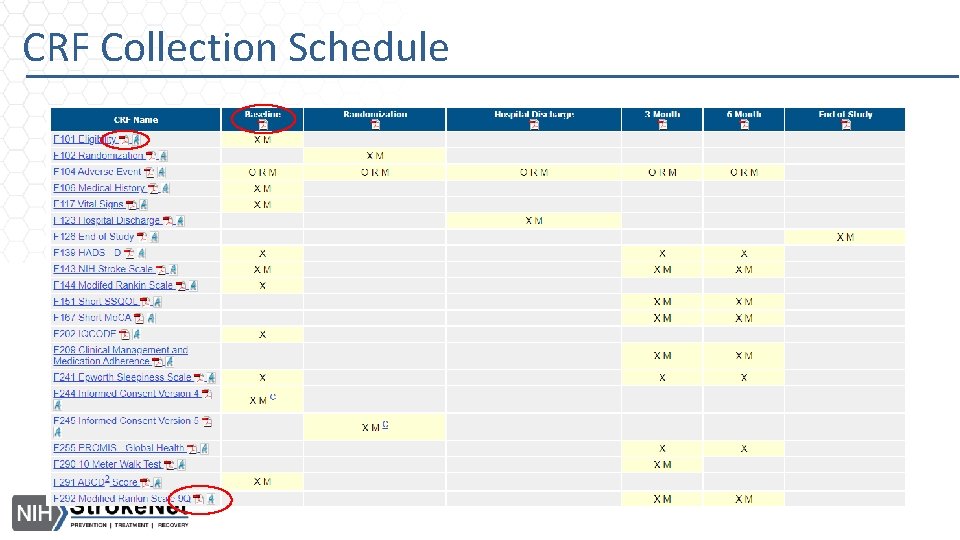
General Enrollment Reminders • All CRFs need to be answered except for F 104, even if this means answering [Data Collected = No] • Don’t forget to ask the subject Q 13 on F 106 Medical History • F 202 IQCODE cannot be answered by the subject, it can ONLY be answered by a proxy • If the subject did not have a TIA, then F 291 ABCD 2, [Qa Data Collected = Yes] and [Q 01 Subject has TIA = No] • Don’t forget to post the End of Study visit • Don’t forget to post the [Hospital Discharge] visit. • If the subject was discharged before randomization, then post the Randomization visit first then post the Hospital Discharge visit and put the visit date as the same day as the randomization visit. Then in F 123 Q 01, you can add the correct date.
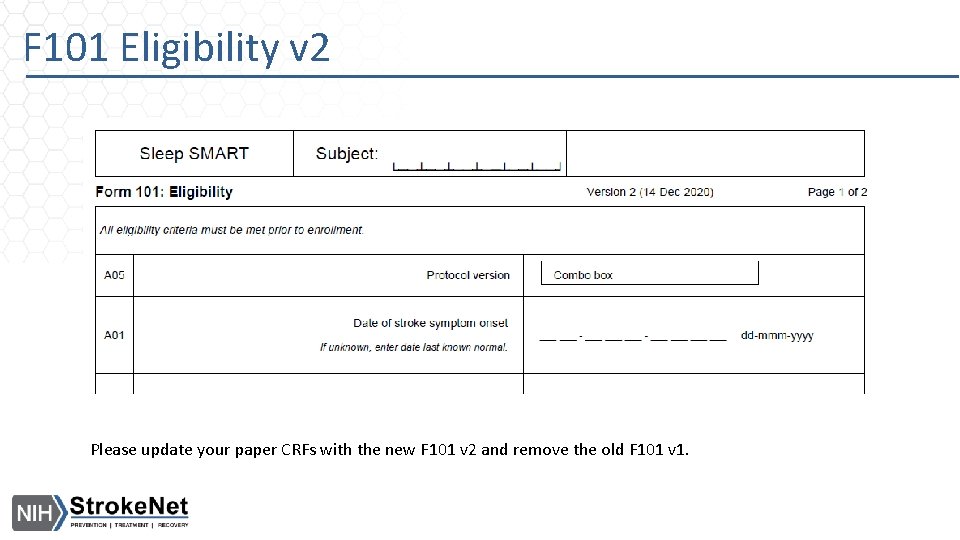
F 101 Eligibility v 2 Please update your paper CRFs with the new F 101 v 2 and remove the old F 101 v 1.
CRF Collection Schedule
Accessing Payment Module • Anyone who needs access to the payment module needs to have the user permission [Site Financial Manager]. • You do not need to be on the DOA to have this permissions • Request it using the function [User Permission Request] in Web. DCU
Event Packet Face Page • Don’t forget to use the Event Packet Face Page when uploading your event packet to F 504 Primary Outcomes Review. • This face page can be found in Web. DCU under ‘Tool. Box’ • This can also in the Data Collection Guidelines in the appendix • Also remember to include a summary page.
Consenting and Monitoring Updates • Informed Consent Form • Please make sure to respond to any open DCRs • Checklist is required to be uploaded along with ICF to Web. DCU for review • If a NTF is requested, please remember to upload NTF along with ICF for review (in one upload) • Monitoring visits are in process • Virtual site check-in • Site reports (Q 3 -2020) • COVID-19 Adverse Event • If you are trying to submit an Adverse Event for COVID-19, we recommend you use ‘Corona Virus Infection’. Otherwise, please use a Med. DRA term that best represents the event that occurred.
NDMC Contacts Jocelyn Anderson - Data Manager anderjoc@musc. edu Faria Khattak - Data Manager khattak@musc. edu When to contact: User accounts, data entry, CRFs, or any other Web. DCUrelated questions Katherine Trosclair – Site Monitoring Manager trosclak@musc. edu When to contact: If you have Web. DCUrelated DOA/regulatory database questions, Informed Consent, Remote or Site Monitoring questions
Rationale for Declining Consent: Review and Discussion #2
Reasons given to decline Sleep SMART -- 2 • Too much going on, felt overwhelmed • Subject not interested in study, does not tolerate CPAP • Patients health declined and needs continuous oxygen
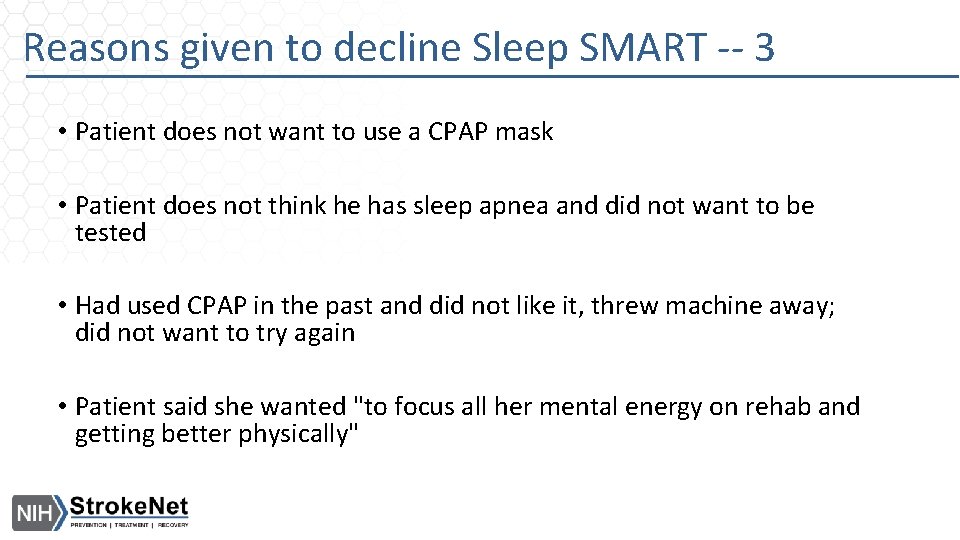
Reasons given to decline Sleep SMART -- 3 • Patient does not want to use a CPAP mask • Patient does not think he has sleep apnea and did not want to be tested • Had used CPAP in the past and did not like it, threw machine away; did not want to try again • Patient said she wanted "to focus all her mental energy on rehab and getting better physically"
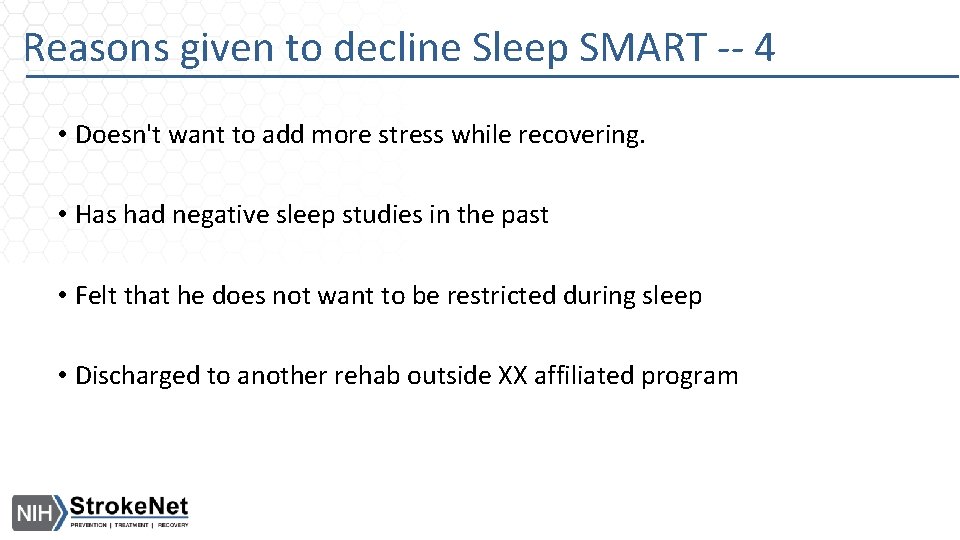
Reasons given to decline Sleep SMART -- 4 • Doesn't want to add more stress while recovering. • Has had negative sleep studies in the past • Felt that he does not want to be restricted during sleep • Discharged to another rehab outside XX affiliated program
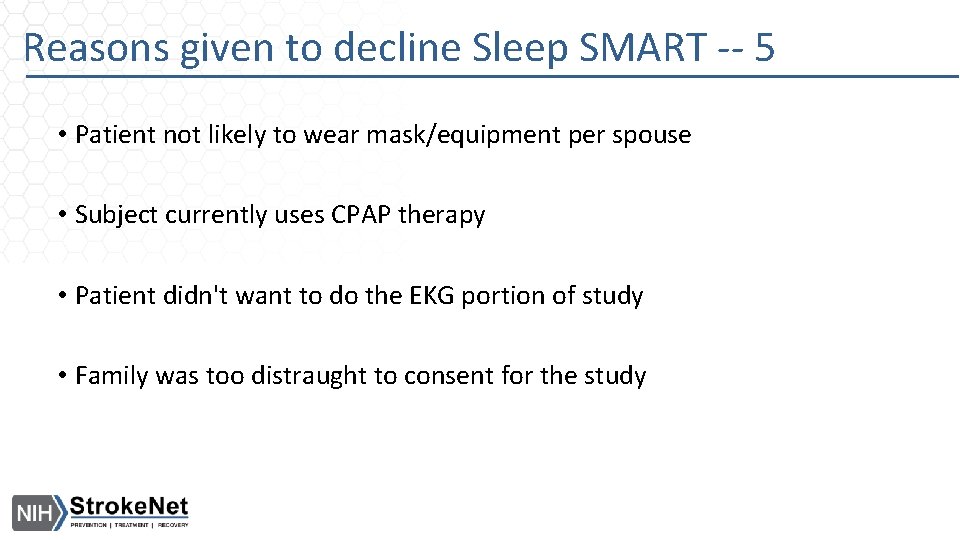
Reasons given to decline Sleep SMART -- 5 • Patient not likely to wear mask/equipment per spouse • Subject currently uses CPAP therapy • Patient didn't want to do the EKG portion of study • Family was too distraught to consent for the study
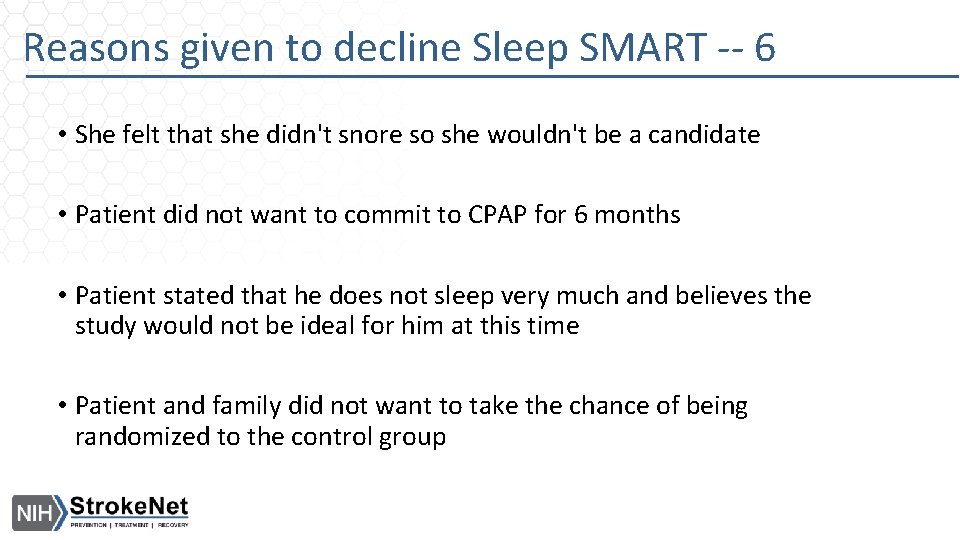
Reasons given to decline Sleep SMART -- 6 • She felt that she didn't snore so she wouldn't be a candidate • Patient did not want to commit to CPAP for 6 months • Patient stated that he does not sleep very much and believes the study would not be ideal for him at this time • Patient and family did not want to take the chance of being randomized to the control group