
Jail frank What is jail Lightweight container that
- Slides: 45
Jail frank
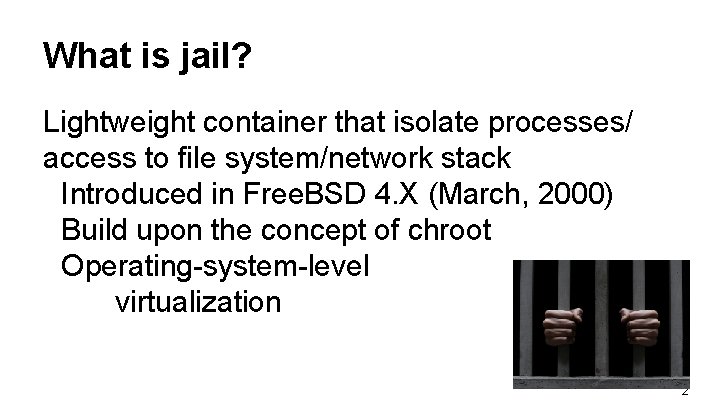
What is jail? Lightweight container that isolate processes/ access to file system/network stack Introduced in Free. BSD 4. X (March, 2000) Build upon the concept of chroot Operating-system-level virtualization 2
Jail v. s. chroot Jails differs from chroot by the level of separation: Chroot limits scope of filesystem for the process While Jail isolates processes from the rest of system 3
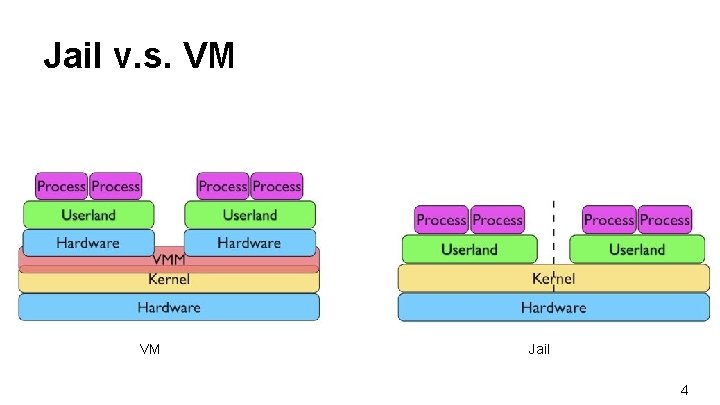
Jail v. s. VM VM Jail 4
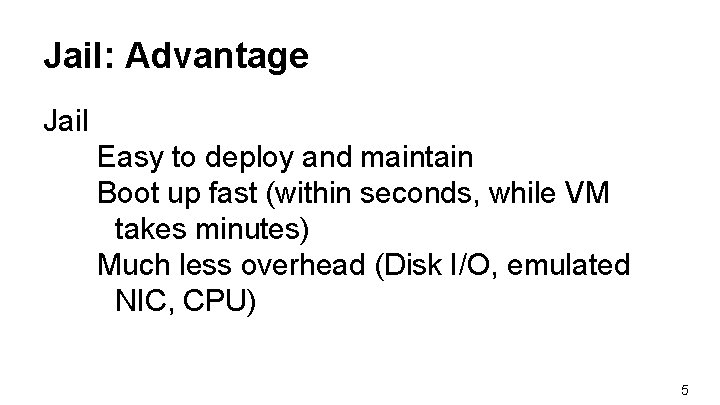
Jail: Advantage Jail Easy to deploy and maintain Boot up fast (within seconds, while VM takes minutes) Much less overhead (Disk I/O, emulated NIC, CPU) 5
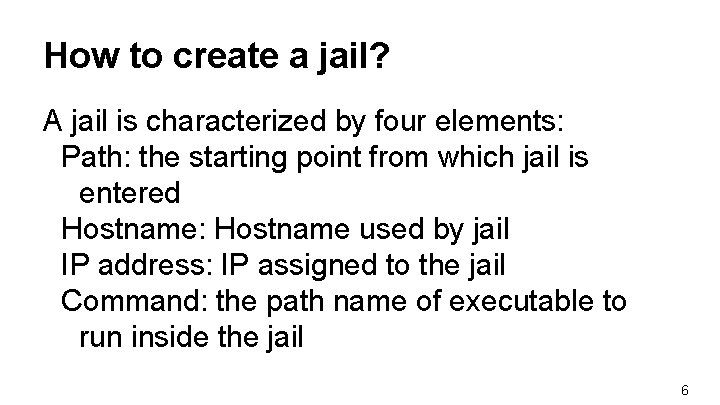
How to create a jail? A jail is characterized by four elements: Path: the starting point from which jail is entered Hostname: Hostname used by jail IP address: IP assigned to the jail Command: the path name of executable to run inside the jail 6
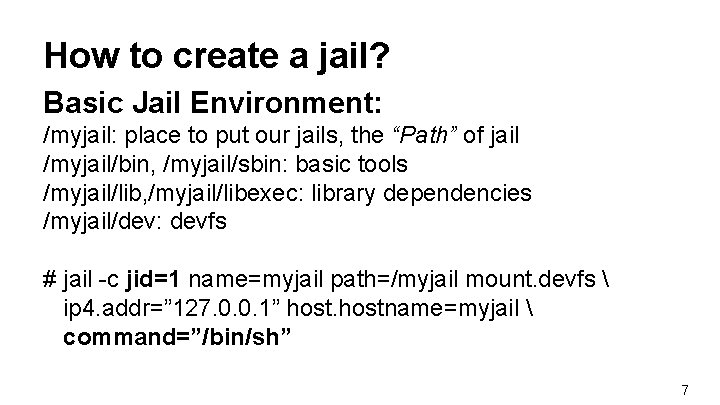
How to create a jail? Basic Jail Environment: /myjail: place to put our jails, the “Path” of jail /myjail/bin, /myjail/sbin: basic tools /myjail/lib, /myjail/libexec: library dependencies /myjail/dev: devfs # jail -c jid=1 name=myjail path=/myjail mount. devfs ip 4. addr=” 127. 0. 0. 1” hostname=myjail command=”/bin/sh” 7
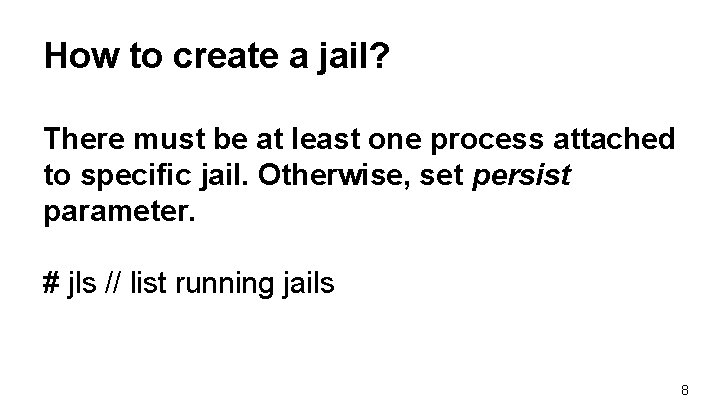
How to create a jail? There must be at least one process attached to specific jail. Otherwise, set persist parameter. # jls // list running jails 8
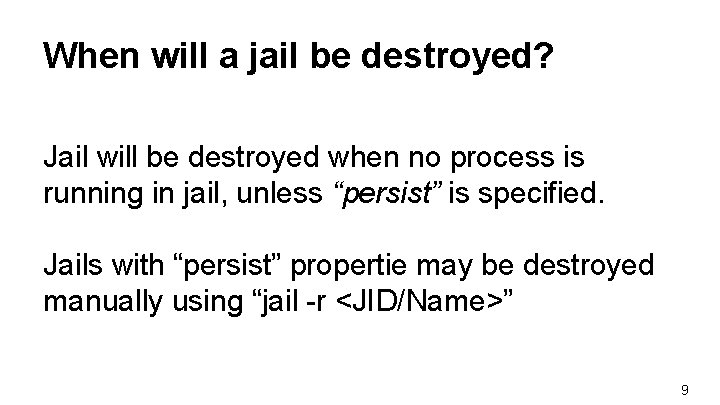
When will a jail be destroyed? Jail will be destroyed when no process is running in jail, unless “persist” is specified. Jails with “persist” propertie may be destroyed manually using “jail -r <JID/Name>” 9
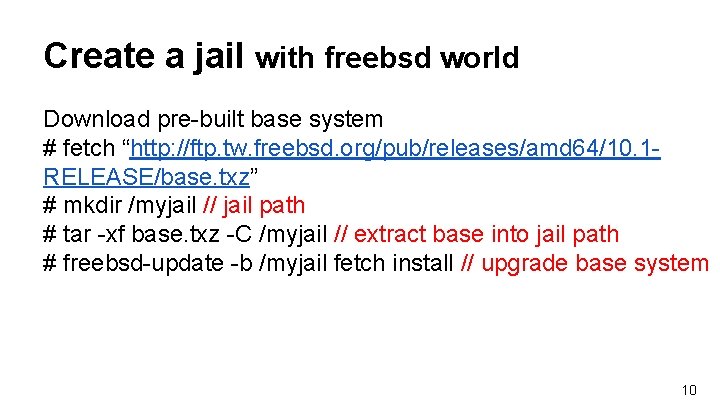
Create a jail with freebsd world Download pre-built base system # fetch “http: //ftp. tw. freebsd. org/pub/releases/amd 64/10. 1 RELEASE/base. txz” # mkdir /myjail // jail path # tar -xf base. txz -C /myjail // extract base into jail path # freebsd-update -b /myjail fetch install // upgrade base system 10
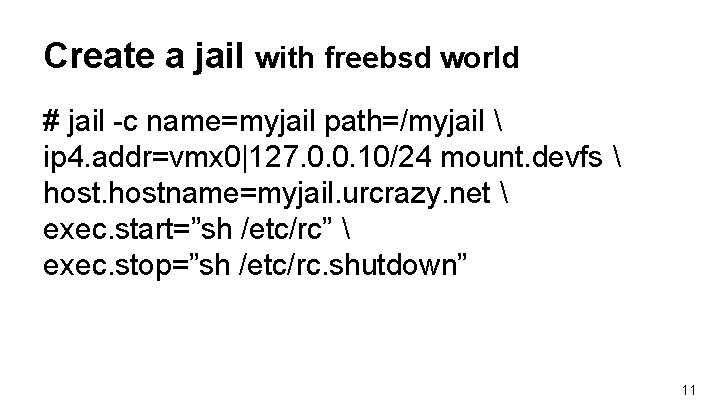
Create a jail with freebsd world # jail -c name=myjail path=/myjail ip 4. addr=vmx 0|127. 0. 0. 10/24 mount. devfs hostname=myjail. urcrazy. net exec. start=”sh /etc/rc” exec. stop=”sh /etc/rc. shutdown” 11
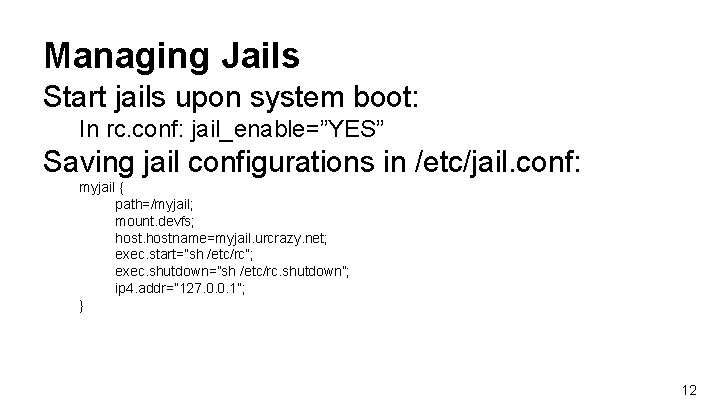
Managing Jails Start jails upon system boot: In rc. conf: jail_enable=”YES” Saving jail configurations in /etc/jail. conf: myjail { path=/myjail; mount. devfs; hostname=myjail. urcrazy. net; exec. start=”sh /etc/rc”; exec. shutdown=”sh /etc/rc. shutdown”; ip 4. addr=” 127. 0. 0. 1”; } 12
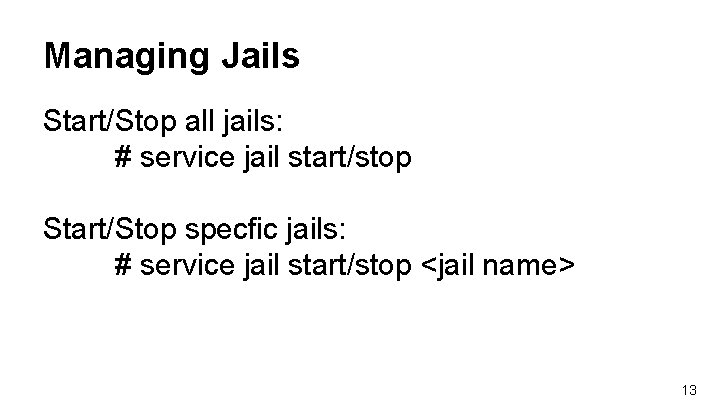
Managing Jails Start/Stop all jails: # service jail start/stop Start/Stop specfic jails: # service jail start/stop <jail name> 13
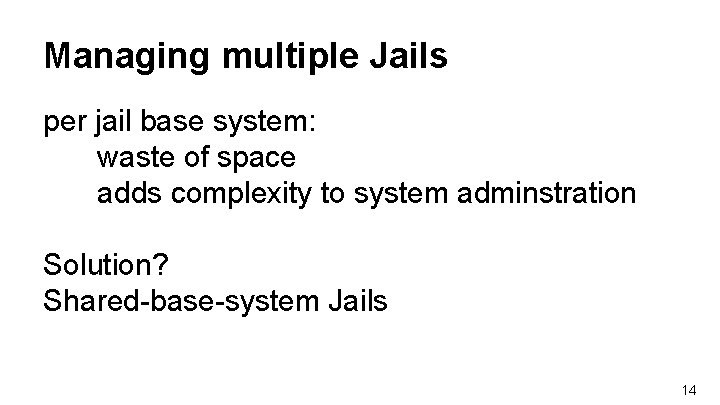
Managing multiple Jails per jail base system: waste of space adds complexity to system adminstration Solution? Shared-base-system Jails 14
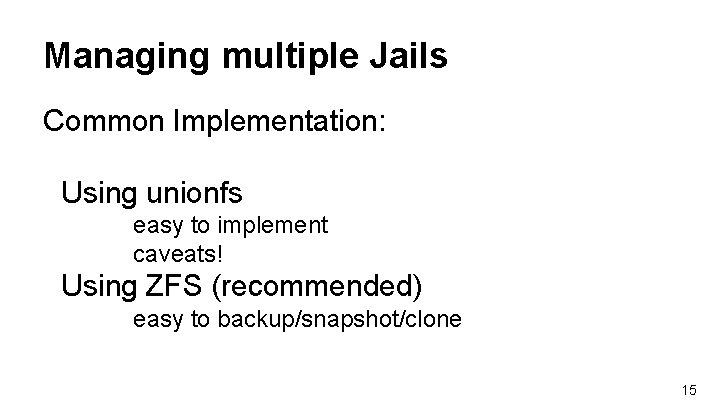
Managing multiple Jails Common Implementation: Using unionfs easy to implement caveats! Using ZFS (recommended) easy to backup/snapshot/clone 15
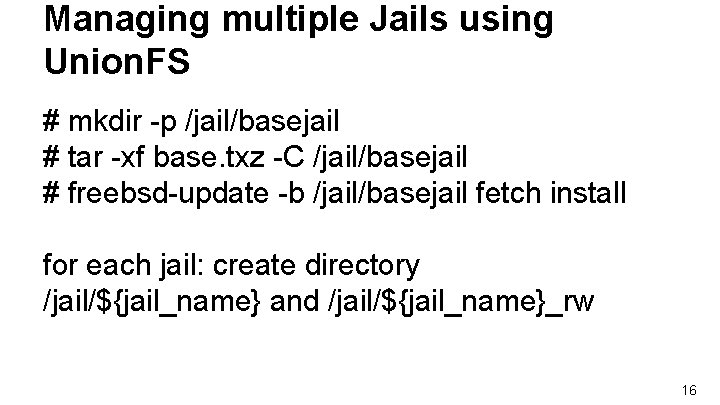
Managing multiple Jails using Union. FS # mkdir -p /jail/basejail # tar -xf base. txz -C /jail/basejail # freebsd-update -b /jail/basejail fetch install for each jail: create directory /jail/${jail_name} and /jail/${jail_name}_rw 16
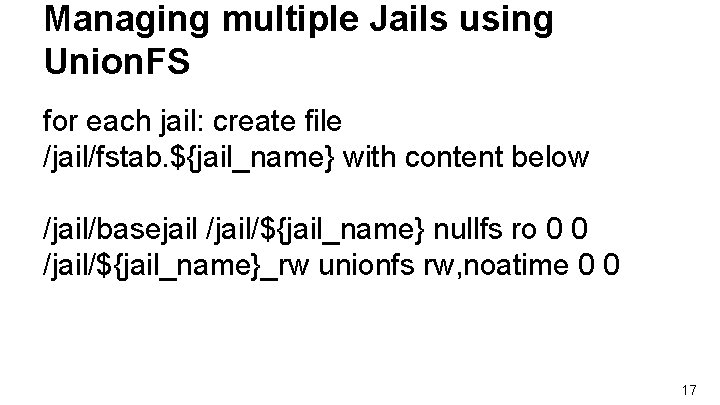
Managing multiple Jails using Union. FS for each jail: create file /jail/fstab. ${jail_name} with content below /jail/basejail /jail/${jail_name} nullfs ro 0 0 /jail/${jail_name}_rw unionfs rw, noatime 0 0 17
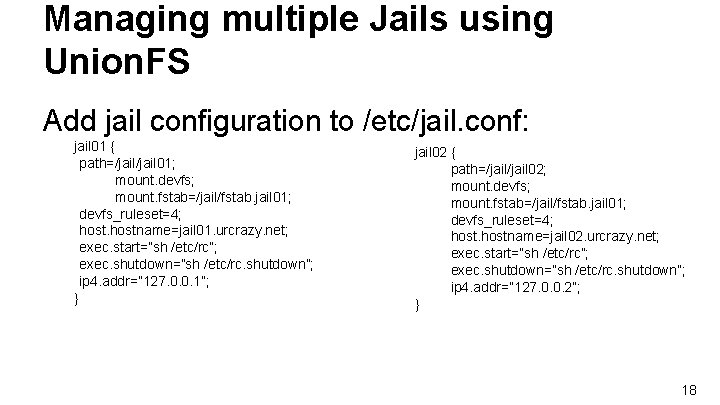
Managing multiple Jails using Union. FS Add jail configuration to /etc/jail. conf: jail 01 { path=/jail 01; mount. devfs; mount. fstab=/jail/fstab. jail 01; devfs_ruleset=4; hostname=jail 01. urcrazy. net; exec. start=”sh /etc/rc”; exec. shutdown=”sh /etc/rc. shutdown”; ip 4. addr=” 127. 0. 0. 1”; } jail 02 { path=/jail 02; mount. devfs; mount. fstab=/jail/fstab. jail 01; devfs_ruleset=4; hostname=jail 02. urcrazy. net; exec. start=”sh /etc/rc”; exec. shutdown=”sh /etc/rc. shutdown”; ip 4. addr=” 127. 0. 0. 2”; } 18
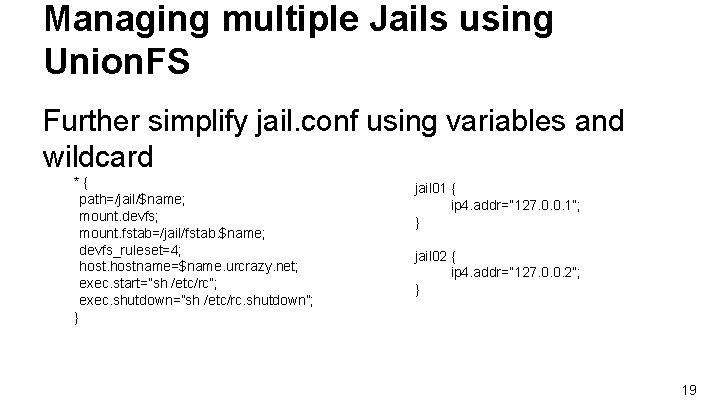
Managing multiple Jails using Union. FS Further simplify jail. conf using variables and wildcard *{ path=/jail/$name; mount. devfs; mount. fstab=/jail/fstab. $name; devfs_ruleset=4; hostname=$name. urcrazy. net; exec. start=”sh /etc/rc”; exec. shutdown=”sh /etc/rc. shutdown”; } jail 01 { ip 4. addr=” 127. 0. 0. 1”; } jail 02 { ip 4. addr=” 127. 0. 0. 2”; } 19
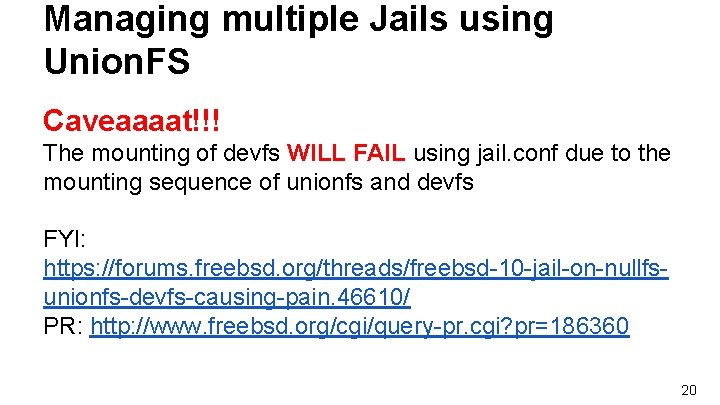
Managing multiple Jails using Union. FS Caveaaaat!!! The mounting of devfs WILL FAIL using jail. conf due to the mounting sequence of unionfs and devfs FYI: https: //forums. freebsd. org/threads/freebsd-10 -jail-on-nullfsunionfs-devfs-causing-pain. 46610/ PR: http: //www. freebsd. org/cgi/query-pr. cgi? pr=186360 20
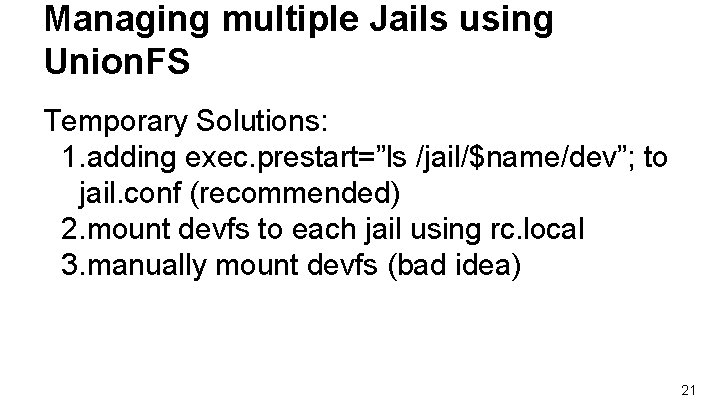
Managing multiple Jails using Union. FS Temporary Solutions: 1. adding exec. prestart=”ls /jail/$name/dev”; to jail. conf (recommended) 2. mount devfs to each jail using rc. local 3. manually mount devfs (bad idea) 21
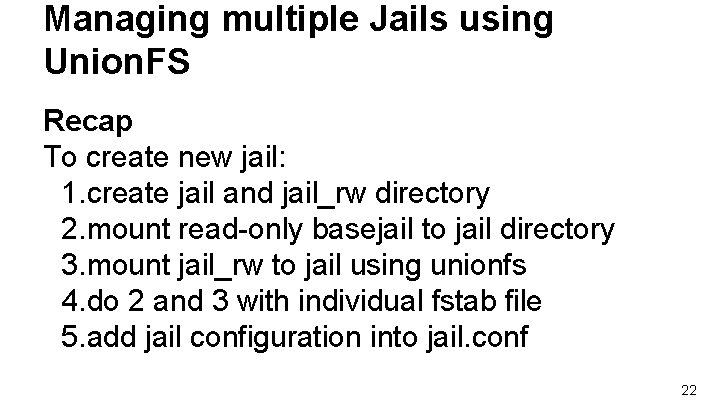
Managing multiple Jails using Union. FS Recap To create new jail: 1. create jail and jail_rw directory 2. mount read-only basejail to jail directory 3. mount jail_rw to jail using unionfs 4. do 2 and 3 with individual fstab file 5. add jail configuration into jail. conf 22
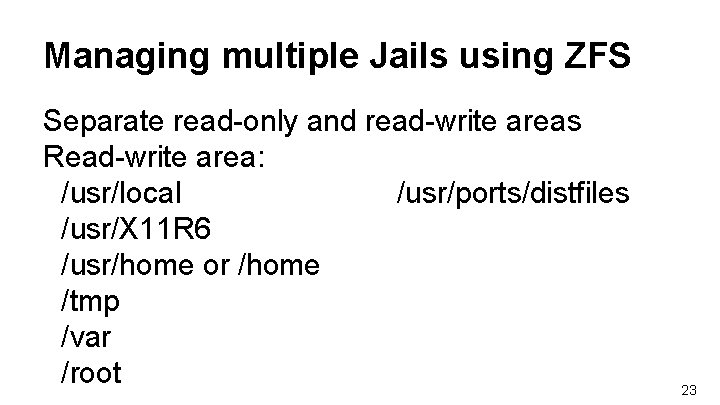
Managing multiple Jails using ZFS Separate read-only and read-write areas Read-write area: /usr/local /usr/ports/distfiles /usr/X 11 R 6 /usr/home or /home /tmp /var /root 23
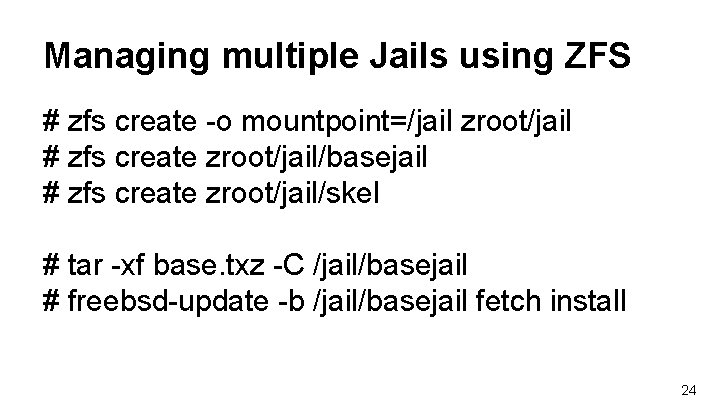
Managing multiple Jails using ZFS # zfs create -o mountpoint=/jail zroot/jail # zfs create zroot/jail/basejail # zfs create zroot/jail/skel # tar -xf base. txz -C /jail/basejail # freebsd-update -b /jail/basejail fetch install 24
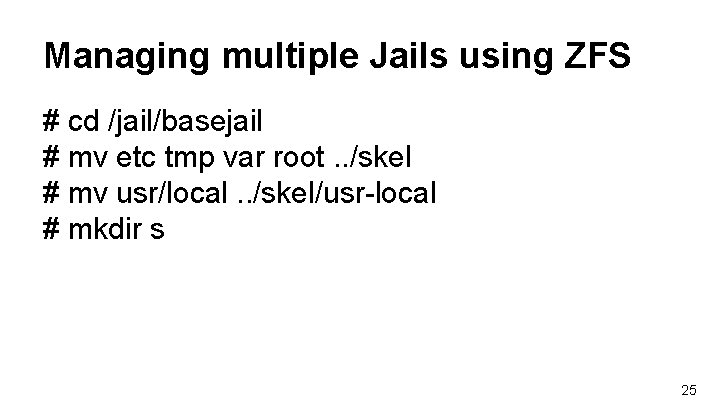
Managing multiple Jails using ZFS # cd /jail/basejail # mv etc tmp var root. . /skel # mv usr/local. . /skel/usr-local # mkdir s 25
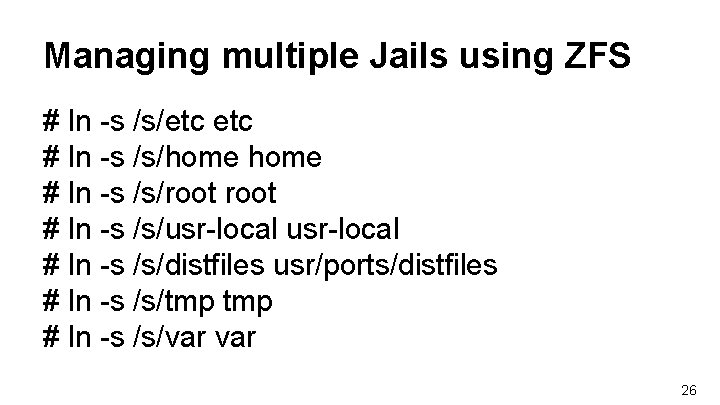
Managing multiple Jails using ZFS # ln -s /s/etc # ln -s /s/home # ln -s /s/root # ln -s /s/usr-local # ln -s /s/distfiles usr/ports/distfiles # ln -s /s/tmp # ln -s /s/var 26
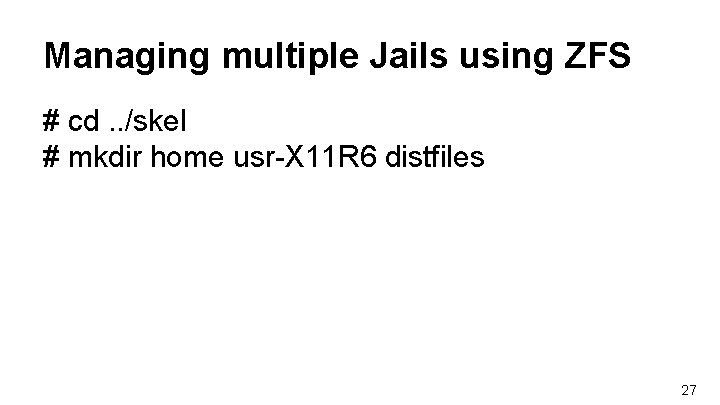
Managing multiple Jails using ZFS # cd. . /skel # mkdir home usr-X 11 R 6 distfiles 27
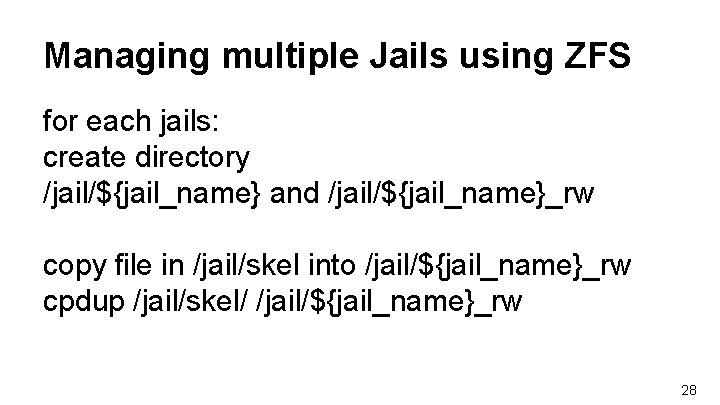
Managing multiple Jails using ZFS for each jails: create directory /jail/${jail_name} and /jail/${jail_name}_rw copy file in /jail/skel into /jail/${jail_name}_rw cpdup /jail/skel/ /jail/${jail_name}_rw 28
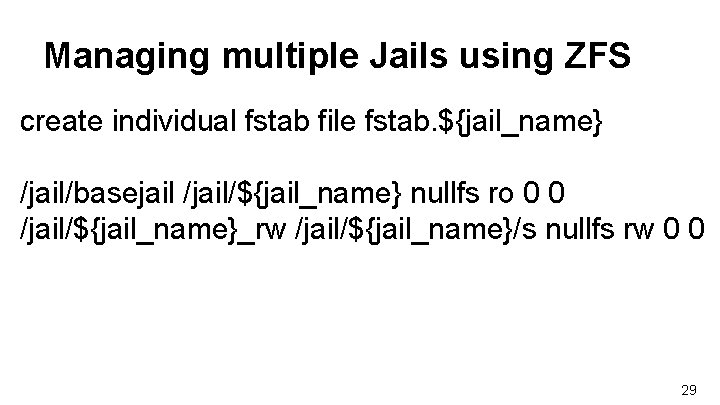
Managing multiple Jails using ZFS create individual fstab file fstab. ${jail_name} /jail/basejail /jail/${jail_name} nullfs ro 0 0 /jail/${jail_name}_rw /jail/${jail_name}/s nullfs rw 0 0 29
Managing multiple Jails using ZFS add jail configuration to /etc/jail. conf following steps in p. 19 30
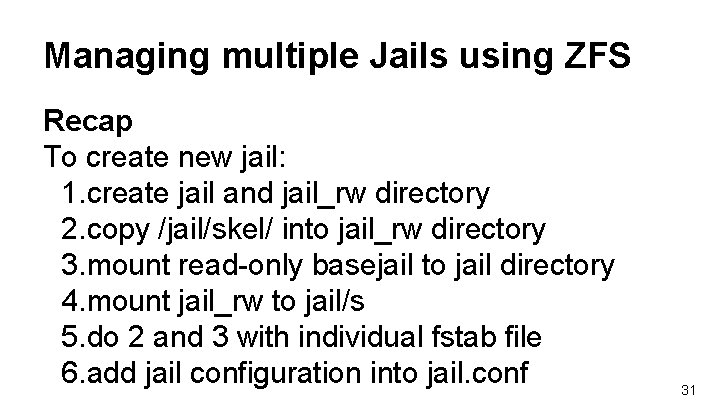
Managing multiple Jails using ZFS Recap To create new jail: 1. create jail and jail_rw directory 2. copy /jail/skel/ into jail_rw directory 3. mount read-only basejail to jail directory 4. mount jail_rw to jail/s 5. do 2 and 3 with individual fstab file 6. add jail configuration into jail. conf 31
Managing Jail using tools There are tools designed to aid jails managements qjail ezjail 32
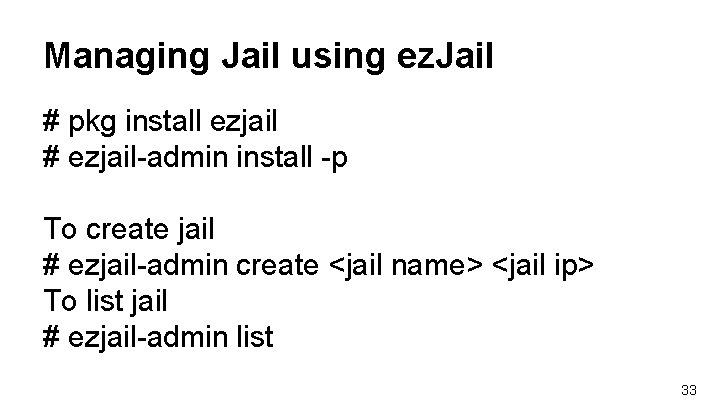
Managing Jail using ez. Jail # pkg install ezjail # ezjail-admin install -p To create jail # ezjail-admin create <jail name> <jail ip> To list jail # ezjail-admin list 33
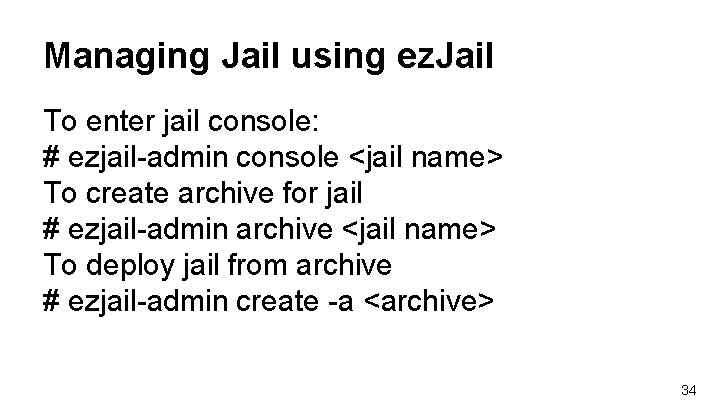
Managing Jail using ez. Jail To enter jail console: # ezjail-admin console <jail name> To create archive for jail # ezjail-admin archive <jail name> To deploy jail from archive # ezjail-admin create -a <archive> 34
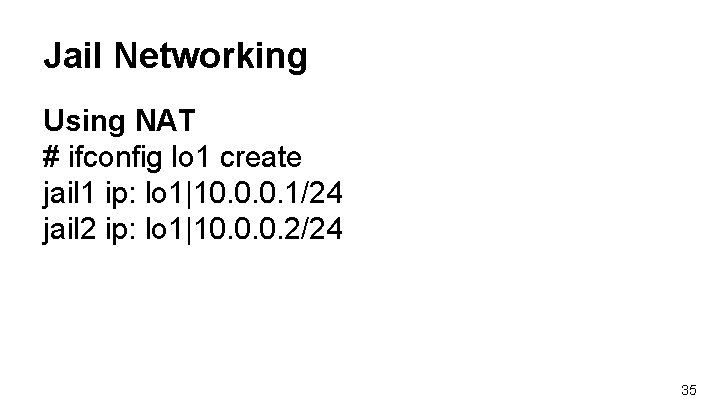
Jail Networking Using NAT # ifconfig lo 1 create jail 1 ip: lo 1|10. 0. 0. 1/24 jail 2 ip: lo 1|10. 0. 0. 2/24 35
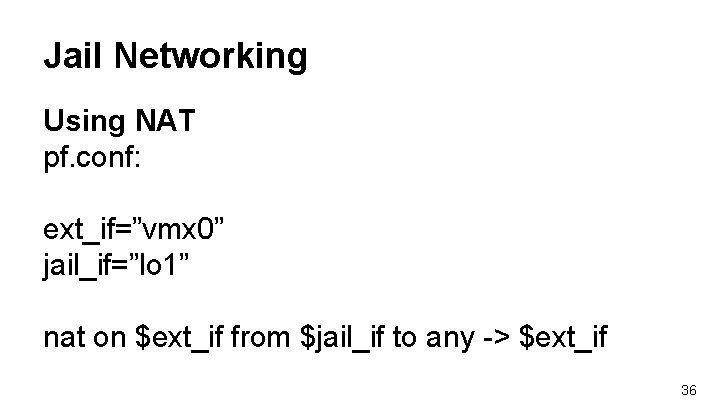
Jail Networking Using NAT pf. conf: ext_if=”vmx 0” jail_if=”lo 1” nat on $ext_if from $jail_if to any -> $ext_if 36
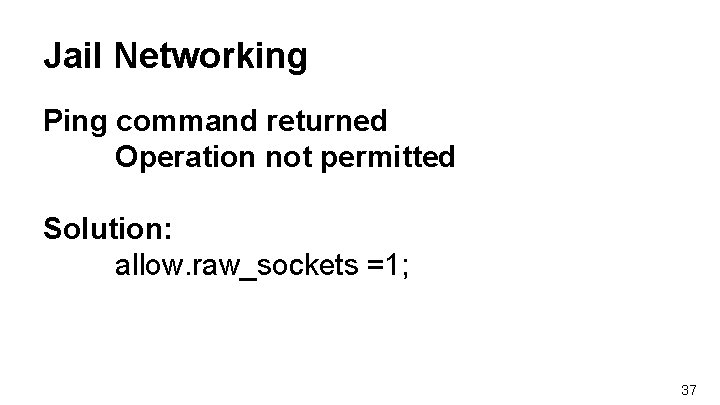
Jail Networking Ping command returned Operation not permitted Solution: allow. raw_sockets =1; 37
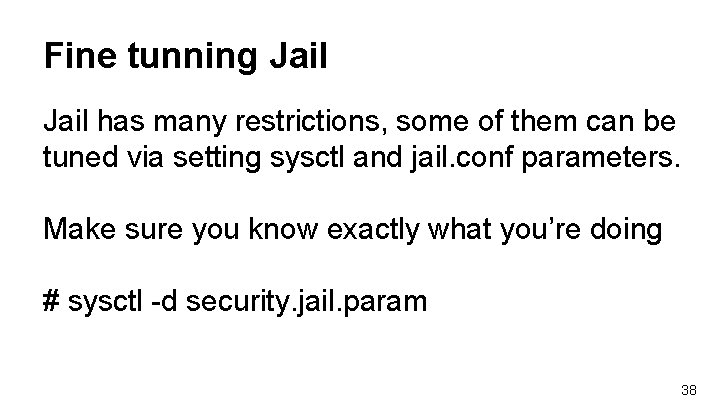
Fine tunning Jail has many restrictions, some of them can be tuned via setting sysctl and jail. conf parameters. Make sure you know exactly what you’re doing # sysctl -d security. jail. param 38
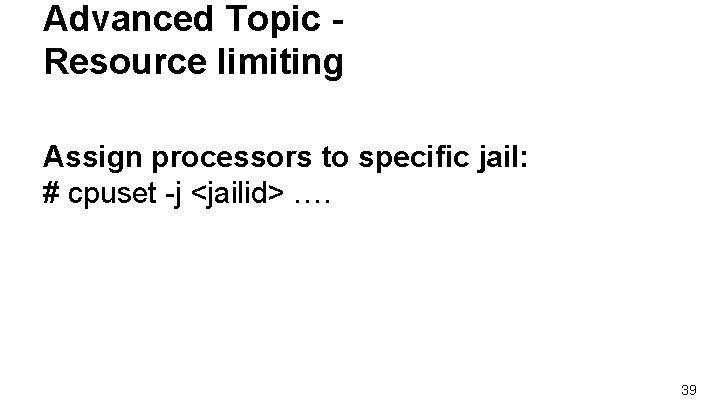
Advanced Topic Resource limiting Assign processors to specific jail: # cpuset -j <jailid> …. 39
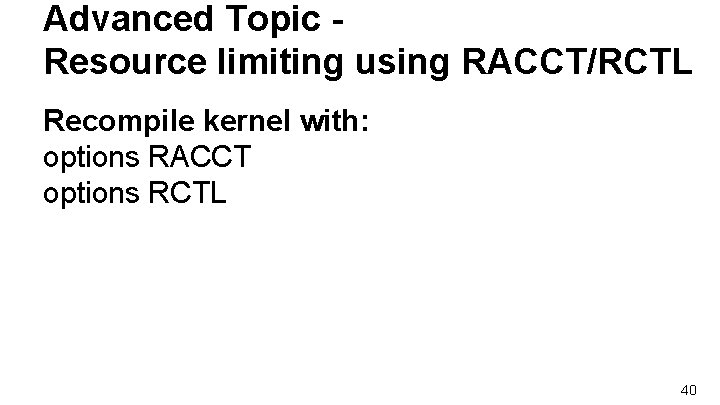
Advanced Topic Resource limiting using RACCT/RCTL Recompile kernel with: options RACCT options RCTL 40
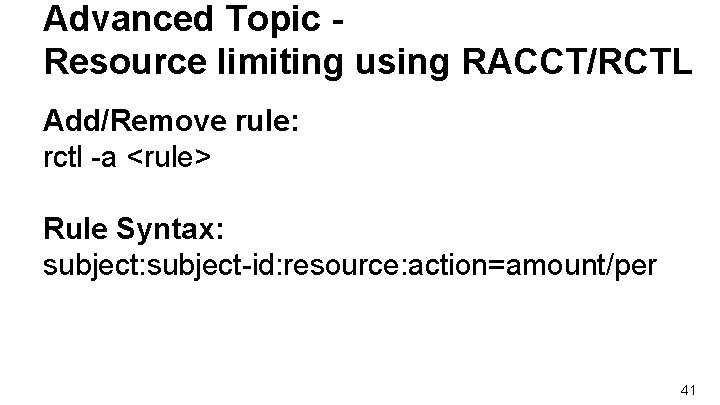
Advanced Topic Resource limiting using RACCT/RCTL Add/Remove rule: rctl -a <rule> Rule Syntax: subject-id: resource: action=amount/per 41
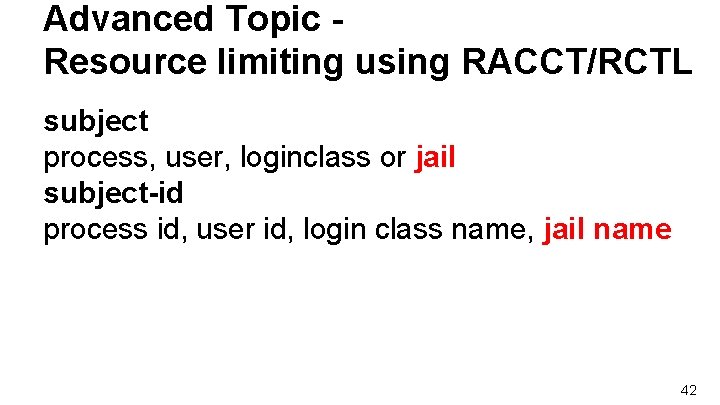
Advanced Topic Resource limiting using RACCT/RCTL subject process, user, loginclass or jail subject-id process id, user id, login class name, jail name 42
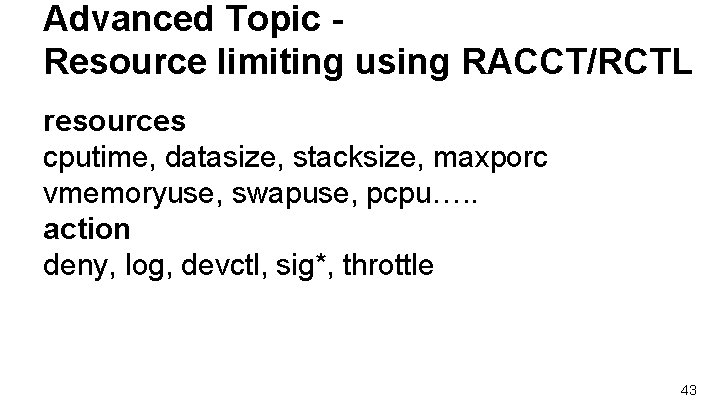
Advanced Topic Resource limiting using RACCT/RCTL resources cputime, datasize, stacksize, maxporc vmemoryuse, swapuse, pcpu…. . action deny, log, devctl, sig*, throttle 43
Advanced Topic Resource limiting using RACCT/RCTL Add/Remove rule: rctl -a <rule> Rule Syntax: subject-id: resource: action=amount/per 44
Advanced Topic - VNET Reference: https: //wiki. freebsd. org/VIMAGE 45