
Iteration panupongkku ac th The while statement The

- Slides: 37
Iteration panupong@kku. ac. th
The while statement • The following piece of C++ illustrates a while statement. • It takes a value entered by the user and as long as the user enters positive values it accumulates their sum. • When the user enters a negative value the execution of the while statement is terminated.
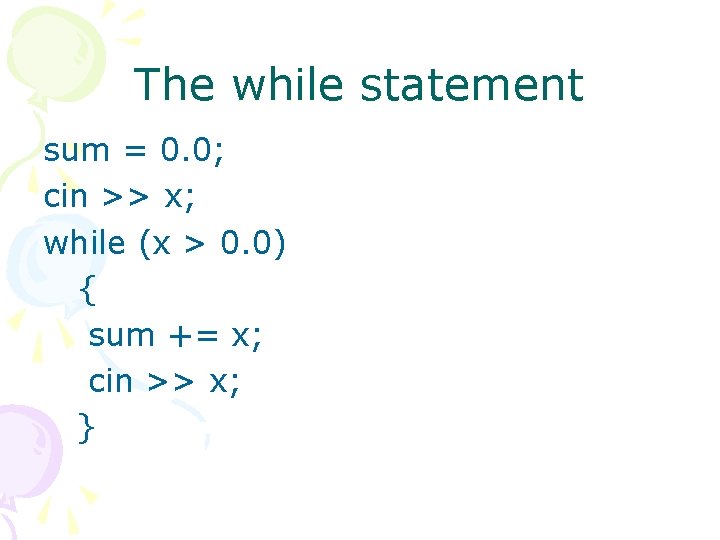
The while statement sum = 0. 0; cin >> x; while (x > 0. 0) { sum += x; cin >> x; }
The while statement • The variable sum which is to hold the accumulated sum is initialised to zero. • Then a value for x is entered so that x has a value before being tested in the condition x > 0. 0. • Note that the value of x is updated in the body of the while loop before returning to test the condition x > 0. 0 again.
The while statement • The general form of a while statement is: while ( condition ) statement • While the condition is true the statement is repeatedly executed. The statement may be a single statement (terminated by a semi-colon) or a compound statement.
The while statement • Note the following points: • It must be possible to evaluate the condition on the first entry to the while statement. Thus all variables etc. used in the condition must have been given values before the while statement is executed. In the above example the variable x was given a value by entering a value from the user.
The while statement • At least one of the variables referenced in the condition must be changed in value in the statement that constitutes the body of the loop. • Otherwise there would be no way of changing the truth value of the condition, which would mean that the loop would become an infinite loop once it had been entered. • In the above example x was given a new value inside the body of the while statement by entering the next value from the user.
The while statement • The condition is evaluated before the statement is executed. • Thus if the condition is initially false then the statement is never executed. • In the above example if the user entered a negative number initially then no execution of the body of the while loop would take place.
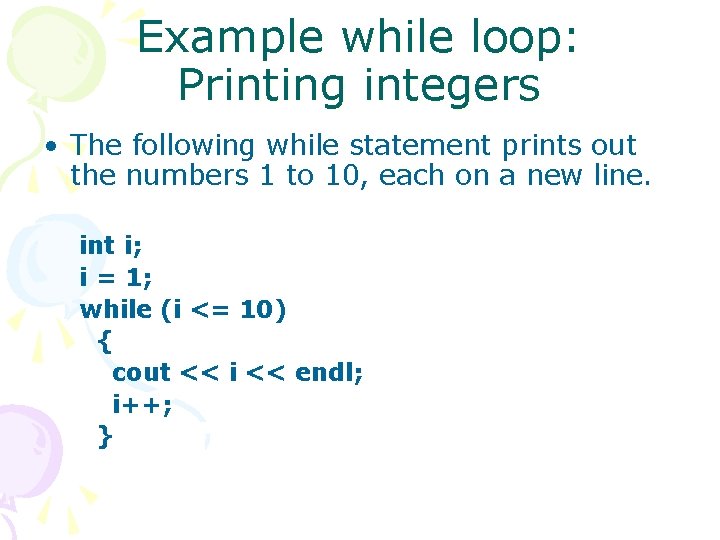
Example while loop: Printing integers • The following while statement prints out the numbers 1 to 10, each on a new line. int i; i = 1; while (i <= 10) { cout << i << endl; i++; }
Example while loop: Summing Arithmetic Progression • The following portion of C++ uses a while statement to produce the sum 1+2+3+. . . +n, where a value for n is entered by the user. It assumes that integer variables i, n and sum have been declared:
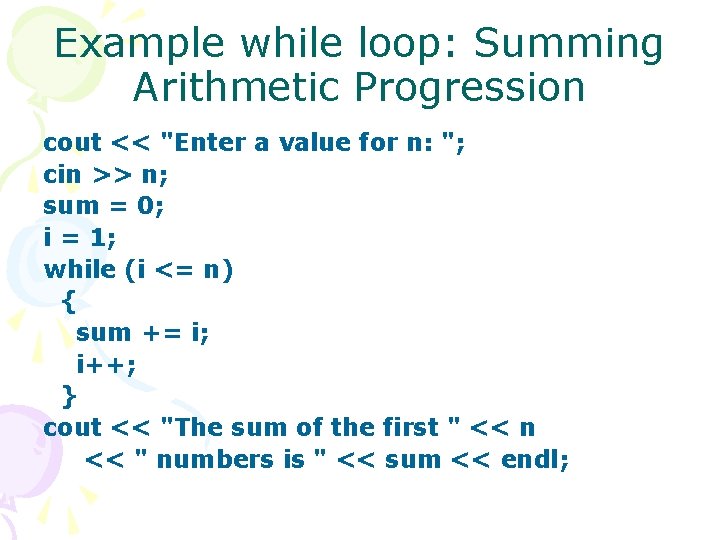
Example while loop: Summing Arithmetic Progression cout << "Enter a value for n: "; cin >> n; sum = 0; i = 1; while (i <= n) { sum += i; i++; } cout << "The sum of the first " << n << " numbers is " << sum << endl;
There are several important points to note here : • The condition i <= n requires that i and n must have values before the while loop is executed. • Hence the initialization of i to 1 and the entry of a value for n before the while statement.
There are several important points to note here: • It is possible that a while loop may not be executed at all. • For example if the user entered a value 0 for n the condition i <= n would be false initially and the statement part of the while loop would never be entered.
There are several important points to note here: • When accumulating the sum of a sequence the variable in which we accumulate the sum must be initialised to zero before commencing the summation. • Note also that if the user entered a value for n that was less than 1 then the initialisation of sum would mean that the program would return zero as the accumulated total -- if n is zero this is certainly a sensible value.
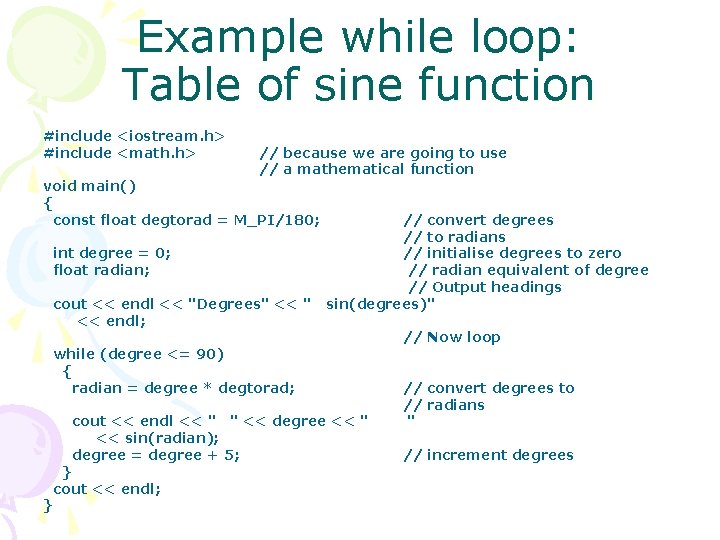
Example while loop: Table of sine function • The following program produces a table of x and sin(x) as x takes values 0 to 90 degrees in steps of 5 degrees. • Note that the C++ sin function takes an argument in radians, not in degrees. • In the program below sin(radian) returns the sine of an angle radian expressed in radians. The mathematical function library will be covered in more detail later.
Example while loop: Table of sine function #include <iostream. h> #include <math. h> // because we are going to use // a mathematical function void main() { const float degtorad = M_PI/180; int degree = 0; float radian; cout << endl << "Degrees" << endl; // convert degrees // to radians // initialise degrees to zero // radian equivalent of degree // Output headings sin(degrees)" while (degree <= 90) { radian = degree * degtorad; cout << endl << " " << degree << " << sin(radian); degree = degree + 5; } cout << endl; } // Now loop // convert degrees to // radians " // increment degrees
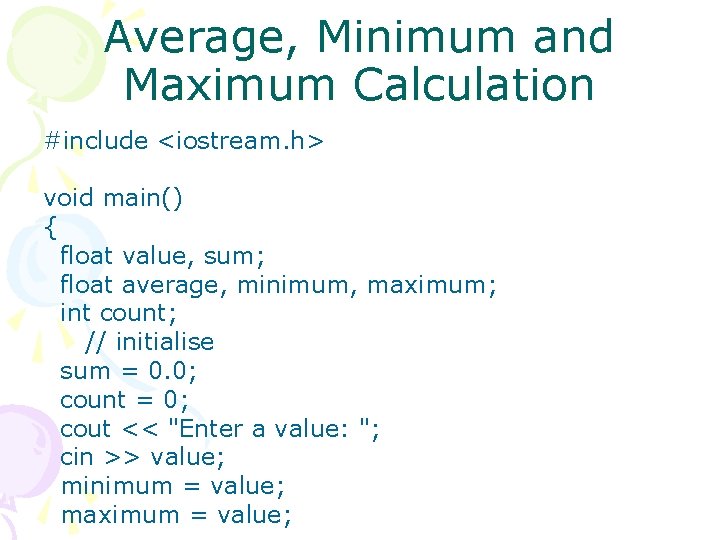
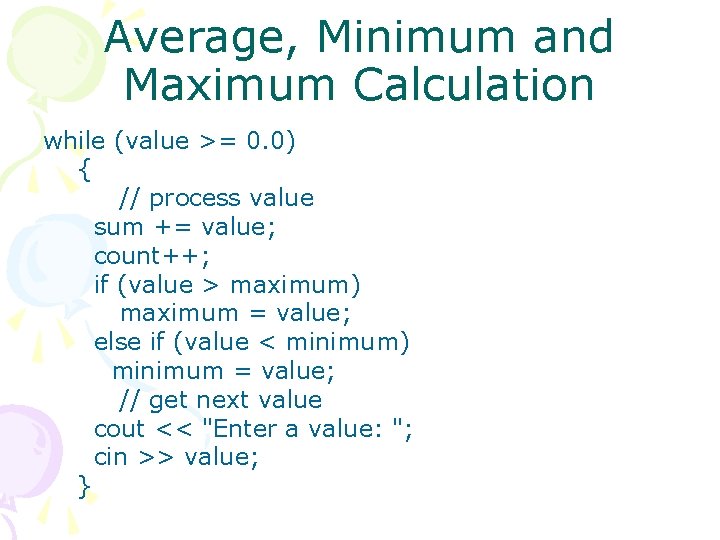
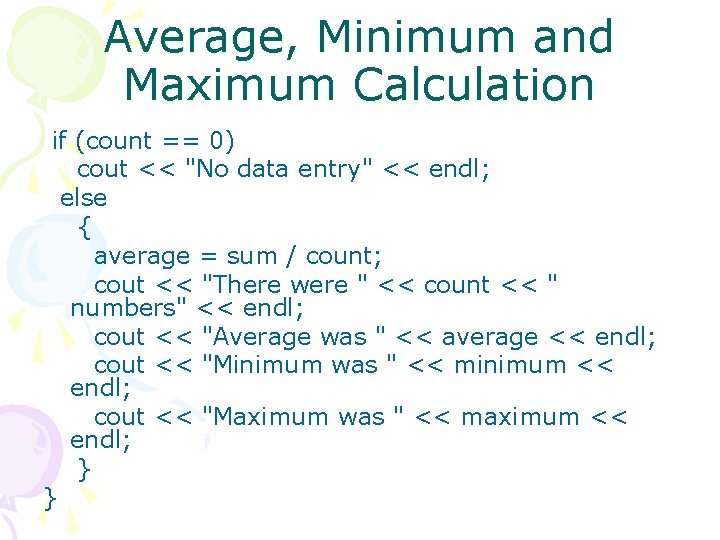
Example while loop: Average, Minimum and Maximum Calculation • A user is to enter positive float values from the keyboard when prompted by the program. • To signal end of input the user enters a negative integer. • When data entry has terminated the program should output the minimum value entered, the maximum value entered and the average of the positive values entered. • If there is no data entry (the user enters a negative number initially) then the program should output a message indicating that no data has been entered.
Average, Minimum and Maximum Calculation #include <iostream. h> void main() { float value, sum; float average, minimum, maximum; int count; // initialise sum = 0. 0; count = 0; cout << "Enter a value: "; cin >> value; minimum = value; maximum = value;
Average, Minimum and Maximum Calculation while (value >= 0. 0) { // process value sum += value; count++; if (value > maximum) maximum = value; else if (value < minimum) minimum = value; // get next value cout << "Enter a value: "; cin >> value; }
Average, Minimum and Maximum Calculation if (count == 0) cout << "No data entry" << endl; else { average = sum / count; cout << "There were " << count << " numbers" << endl; cout << "Average was " << average << endl; cout << "Minimum was " << minimum << endl; cout << "Maximum was " << maximum << endl; } }
Summary • The while statement in C++ allows the body of a loop to be executed repeatedly until a condition is not satisfied. For as long as the condition is true the loop body is executed. • The while statement is the most fundamental of the iteration statements. Because the condition is tested before executing the loop statement may be executed zero or more times.
Summary • A while statement requires initialization of any variables in the condition prior to entering the while statement. The loop statement must include statements to update at least one of the variables that occurs in the loop condition.
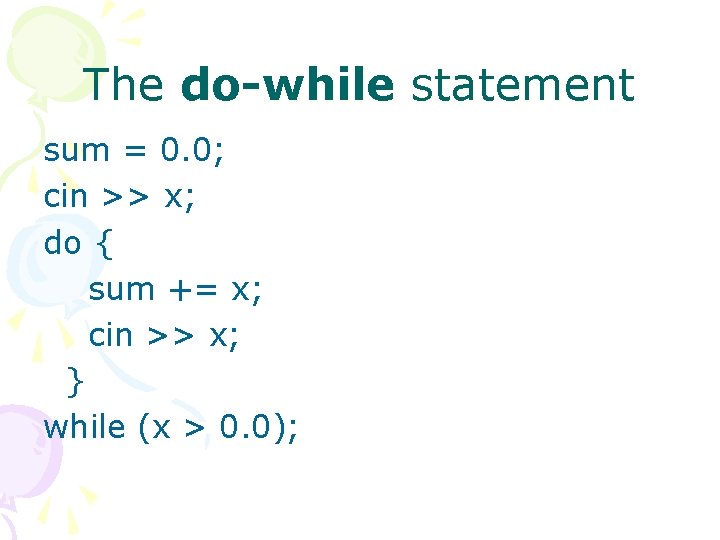
The do-while statement sum = 0. 0; cin >> x; do { sum += x; cin >> x; } while (x > 0. 0);
The do-while statement • This is different from the while statement in which the condition is tested before the statement is executed. • This means that the compound statement between the do and the while would be executed at least once, even if the user entered a negative value initially.
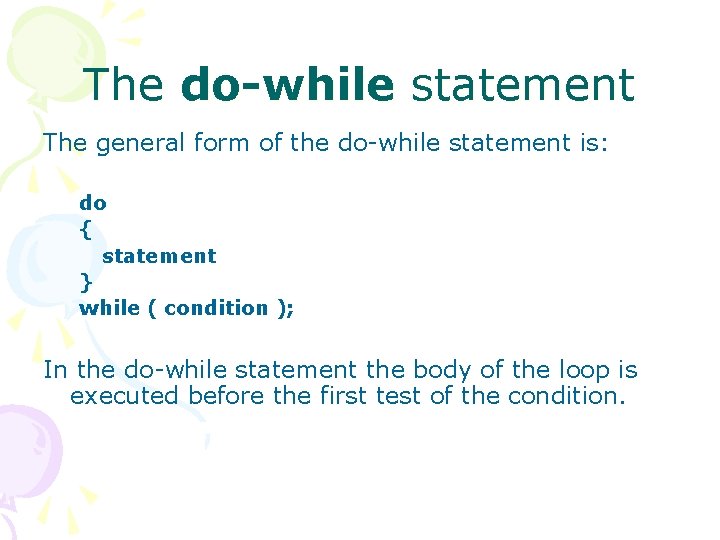
The do-while statement The general form of the do-while statement is: do { statement } while ( condition ); In the do-while statement the body of the loop is executed before the first test of the condition.
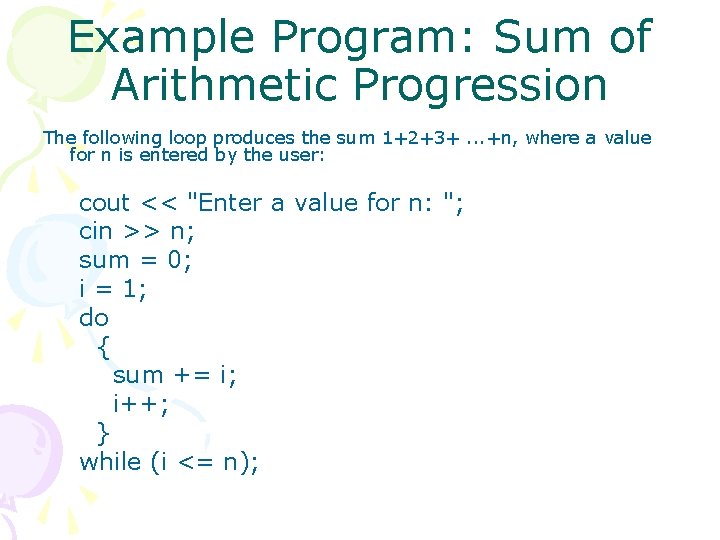
Example Program: Sum of Arithmetic Progression The following loop produces the sum 1+2+3+. . . +n, where a value for n is entered by the user: cout << "Enter a value for n: "; cin >> n; sum = 0; i = 1; do { sum += i; i++; } while (i <= n);
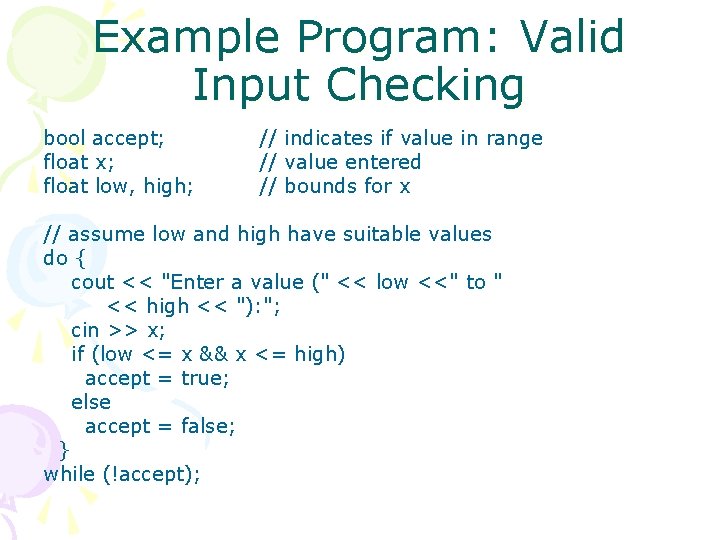
Example Program: Valid Input Checking • The do-while statement is useful for checking that input from a user lies in a valid range and repeatedly requesting input until it is within range. • This is illustrated in the following portion of C++ program:
Example Program: Valid Input Checking bool accept; float x; float low, high; // indicates if value in range // value entered // bounds for x // assume low and high have suitable values do { cout << "Enter a value (" << low <<" to " << high << "): "; cin >> x; if (low <= x && x <= high) accept = true; else accept = false; } while (!accept);
Summary • The do-while loop statement will always be executed at least once since the condition is not tested until after the first execution of the loop statement.
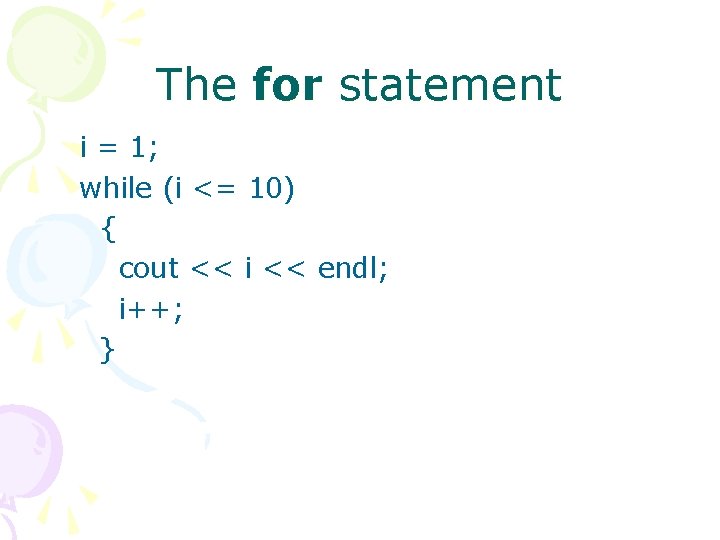
The for statement • Frequently in programming it is necessary to execute a statement a fixed number of times or as a control variable takes a sequence of values. • For example consider the following use of a while statement to output the numbers 1 to 10. • In this case the integer variable i is used to control the number of times the loop is executed.
The for statement i = 1; while (i <= 10) { cout << i << endl; i++; }
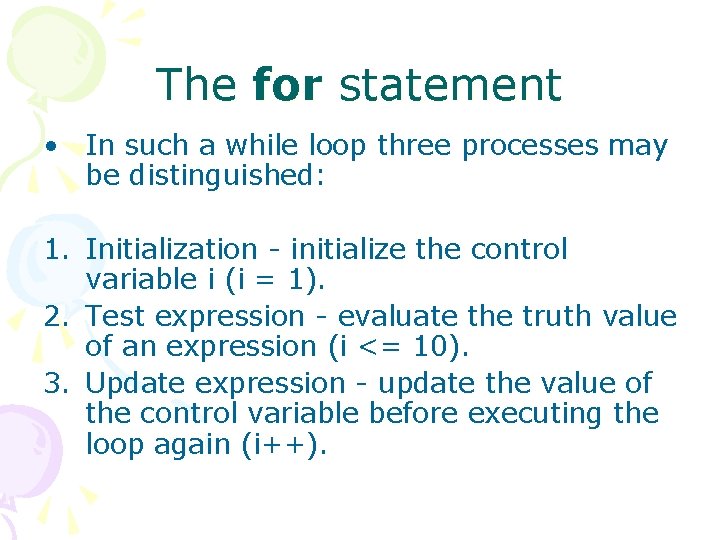
The for statement • In such a while loop three processes may be distinguished: 1. Initialization - initialize the control variable i (i = 1). 2. Test expression - evaluate the truth value of an expression (i <= 10). 3. Update expression - update the value of the control variable before executing the loop again (i++).
The for statement • These concepts are used in the for statement which is designed for the case where a loop is to be executed starting from an initial value of some control variable and looping until the control variable satisfies some condition, meanwhile updating the value of the control variable each time round the loop.
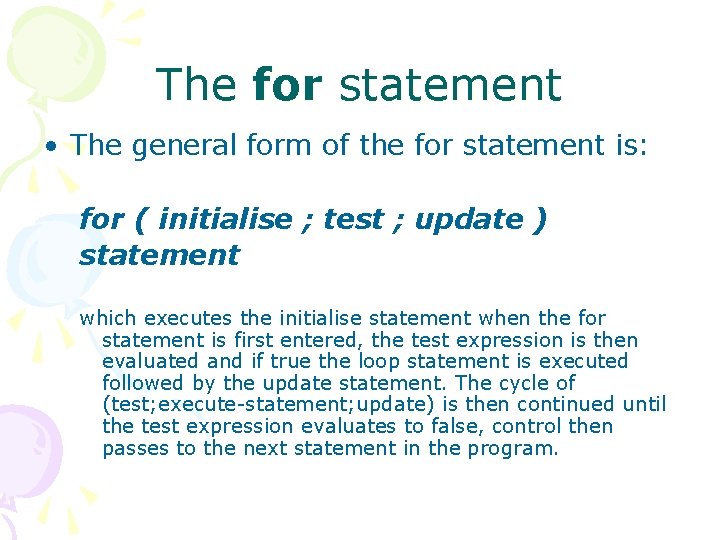
The for statement • The general form of the for statement is: for ( initialise ; test ; update ) statement which executes the initialise statement when the for statement is first entered, the test expression is then evaluated and if true the loop statement is executed followed by the update statement. The cycle of (test; execute-statement; update) is then continued until the test expression evaluates to false, control then passes to the next statement in the program.
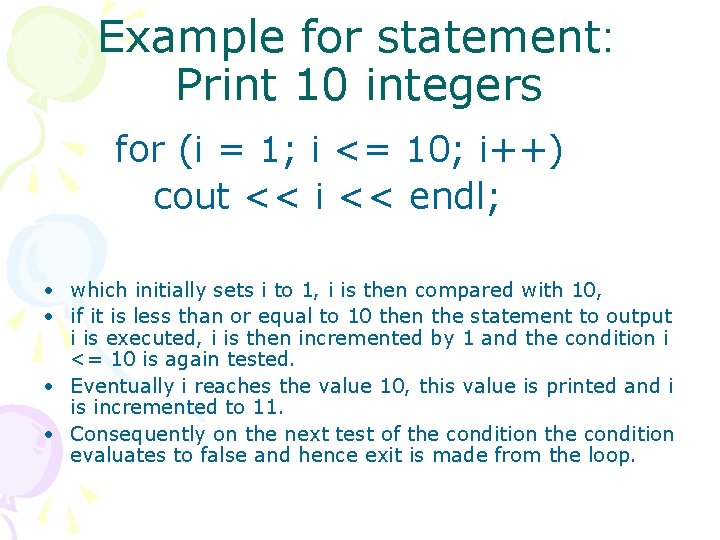
Example for statement: Print 10 integers for (i = 1; i <= 10; i++) cout << i << endl; • which initially sets i to 1, i is then compared with 10, • if it is less than or equal to 10 then the statement to output i is executed, i is then incremented by 1 and the condition i <= 10 is again tested. • Eventually i reaches the value 10, this value is printed and i is incremented to 11. • Consequently on the next test of the condition evaluates to false and hence exit is made from the loop.
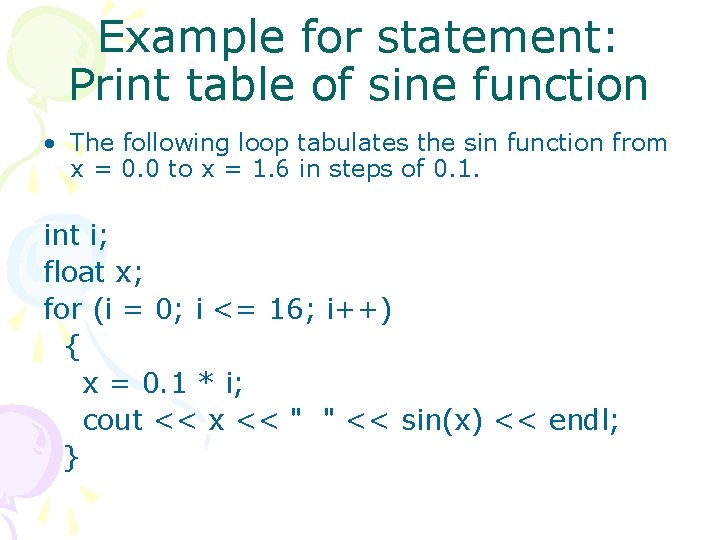
Example for statement: Print table of sine function • The following loop tabulates the sin function from x = 0. 0 to x = 1. 6 in steps of 0. 1. int i; float x; for (i = 0; i <= 16; i++) { x = 0. 1 * i; cout << x << " " << sin(x) << endl; }
Summary • The for statement is is used to implement loops which execute a fixed number of times. This number of times must be known before the for statement is entered. • If the test expression in a for statement is initially false then the loop statement will not be executed. Thus a for statement may iterate zero or more times.