
ITECH 7602 PROJECT SRS and SADD Presentation Team
- Slides: 40
ITECH 7602 - PROJECT • SRS and SADD Presentation Team members Divya Nalla - 30107395 Raja Kandasamy - 30102984 Rajashekar Donti - 30106226 Ren Zhu - 30115339 Sadah Suliman - 30886830
SOFTWARE SPECIFICATIONS REQUIREMENT FOR AN IOS APPLICATION DESIGN PATTERN-CODING STRUCTUREIMPLEMENTATION
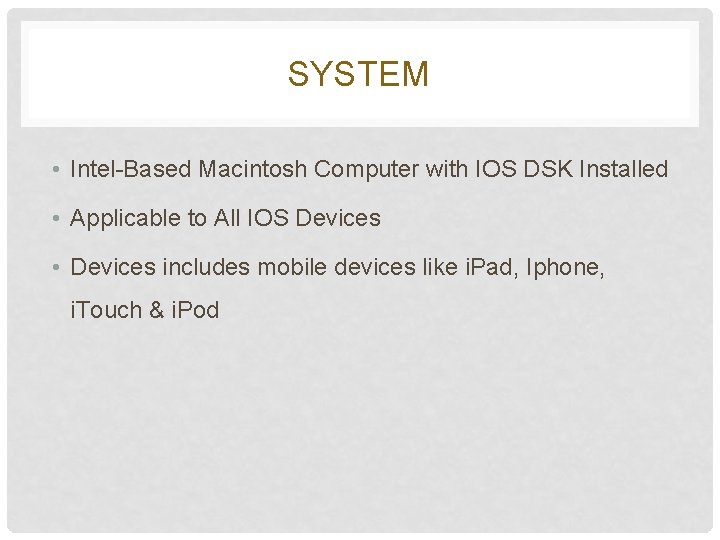
SYSTEM • Intel-Based Macintosh Computer with IOS DSK Installed • Applicable to All IOS Devices • Devices includes mobile devices like i. Pad, Iphone, i. Touch & i. Pod
DESIGN CHOICES • Pattern • Code Structure • Implementation
APP DESIGN BASICS • Handling Events • Displaying Content on the Screen • Interacting with the rest of the System • Run the application on background
CORE APP OBJECTS • Must be Different in Background and Foreground • Runs Simultaneously apps in the background • Only one foreground App but multiple apps can run in the background
APP STATES AND MULTITASKING • i. Cloud Affects the Design of Your Data Model and UI Layers • i. Cloud allows you to share the user’s data among multiple instances of your app running on different i. OS and Mac OS X devices
ICLOUD STORAGE • Apps Require Some Specific Resources • Apps include images, sounds, and other types of resources for presenting the app’s content but the App Store also requires some specific resources be present
APP-RELATED RESOURCES • Many App Behaviour's Can Be Customized • The core architecture of all apps may be the same • These tweaks are how you add specific high-level features, such as data protection and URL handling
ADVANCED APP TRICKS • Apps Must Be Tuned for Performance • Great apps are always tuned for the best possible performance • This application will provide consistency • The current data are retrieved from the Google API
PERFORMANCE • For i. OS apps, performance means more than just writing fast code • App does not degrade battery life significantly
PERFORMANCE CONTD. , • You can tune your code • The types of changes that are likely to provide the most benefit
PERFORMANCE TUNING • The i. OS Environment Affects Many App Behaviours • There aspects of i. OS itself that impact how you design and write applications • it takes a more active role in providing security for apps
SECURITY • Other system behaviours also affect everything from how memory is managed to how the system responds to hardware input • All of these system behaviours affect the way you design your apps
APPENDIX: THE IOS ENVIRONMENT • Important information about the core objects of your app and how they work together • Tour of the architecture that is common to all i. OS apps and highlights key places where you can modify that architecture to meet your needs
PREREQUISITES • Practical aspects involved with implementing your app • installed the i. OS SDK and configured your development environment
PREREQUISITES CONTD. , • App Store provides information for Developing Environment on how to configure the Development Process and an overview
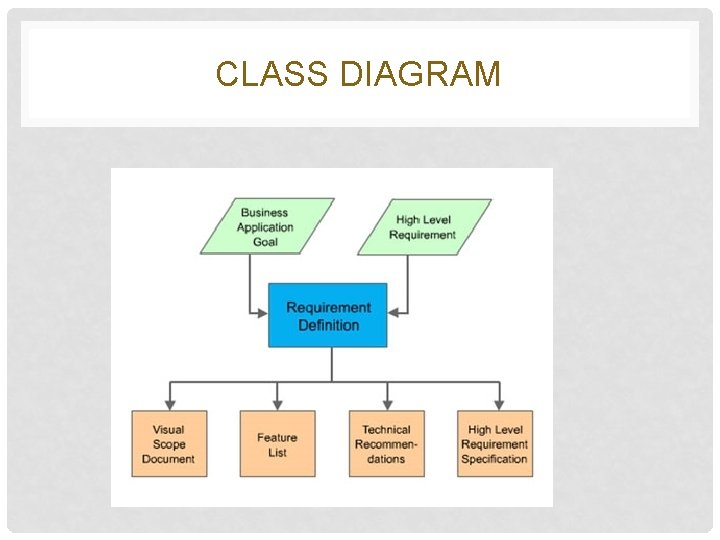
CLASS DIAGRAM
REFERENCES • http: //weekendtechnologies. com/en/apps • http: //www. theinquirer. net/inquirer/feature/2274104/ios-7 specs-and-features-everything-you-need-to-know
SOFTWARE ARCHITECTURE DESIGN DOCUMENT FOR IOS APP
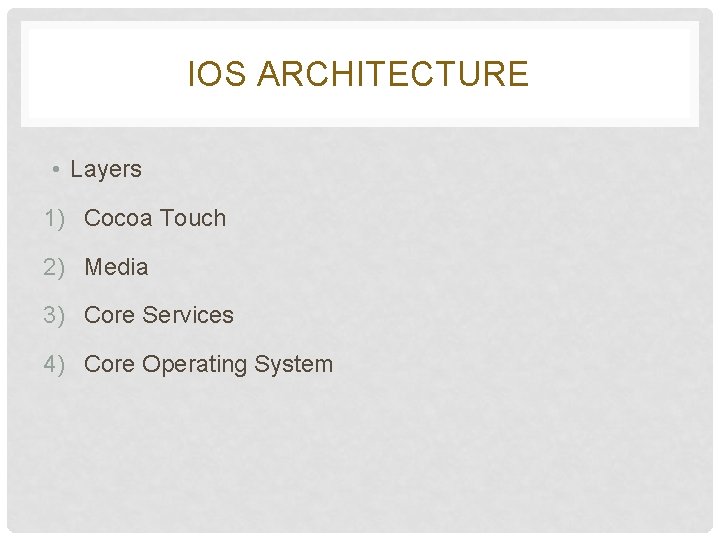
IOS ARCHITECTURE • Layers 1) Cocoa Touch 2) Media 3) Core Services 4) Core Operating System
FRAMEWORK • Dynamic Shared Library • Header Files • Images • Helper Apps
DEVELOPMENT ENVIRONMENT • X-Code 1)Create 2)Test 3)Debug 4)Tune This is to be done in an i. OS Simulator
DEVELOPER LIBRARY • Documentation • Platform • Objective c • Google API
DESIGN PATTERNS • The great thing about these patterns is they work well regardless of the tools you are using—whether it’s Objective-C and i. OS, Java and Android, or C# and Windows Phone
EVOLUTION AND CHANGES IN APPS • Not just once or twice, but many times over—and that’s even before you release it to the App store for the first time • After it’s released, your App will change even more as others use it, provide feedback and suggest enhancements
WHERE TO IMPLEMENT? • User Interface(UI) • Core logic • Data • It is a Monolithic architecture that is difficult to change • Creates a situation where you can’t change one part of the App without changing the other
MODEL-VIEW-CONTROLLER • A more formal way to look at the three main parts of an App is by means of the Model-View-Controller design pattern Model → Data View → User Interface Controller → Core Logic
MODEL • The Model is your application’s data and, in i. OS, usually takes the form of entities. An entity represents an object in the real world • Customer entity, Order entity, and Product entity
VISION Vision is the interaction between the user and the systems directly. The user interacts with objects like • Buttons • Slide bar • Dropdown boxes • Search bar
CONTROLLER • The Controller acts as an intermediary between the Model and the View. The Controller is where your core logic goes
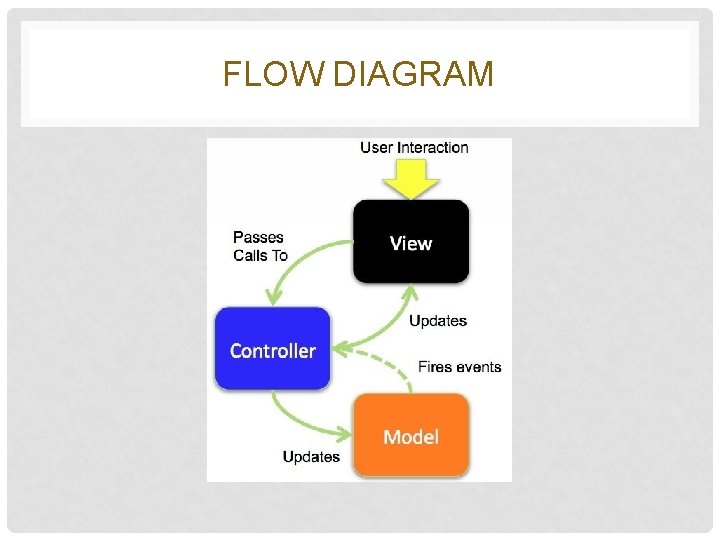
FLOW DIAGRAM
INTERACTION • User interacts with the view— • Touch • Tap • Pinch • Flick a user-interface object
INTERACTION CONTD. , • In response, the View passes a call to the Controller, and the Controller does something based on that interaction
ALTERNATIVE PROCESS INTERACTION • Sometimes when saved, a Model entity, it gets new or default values • For example, if you save a new invoice entity, it may be assigned an invoice number. So, the model can fire an event that tells the controller
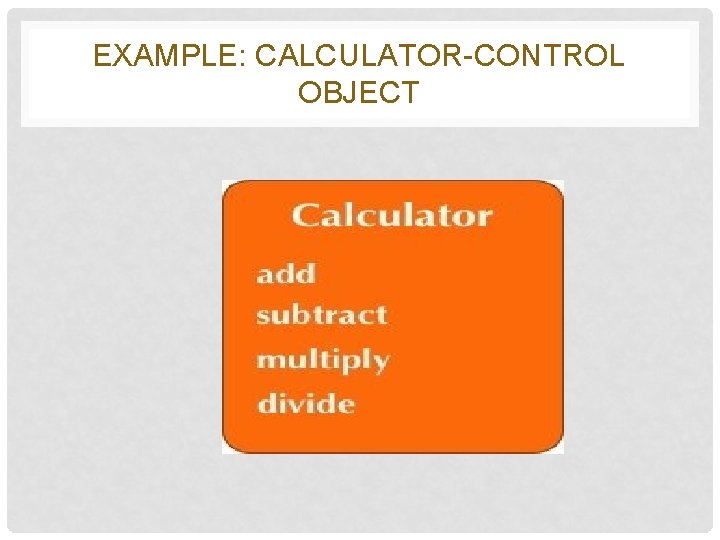
EXAMPLE: CALCULATOR-CONTROL OBJECT
DEFECTS • A view is typically bound to a single view controller • Ultimately, the view controller is a user-interface object. It’s not the tight coupling between the view and the view controller that’s the problem—that’s perfectly fine • The problem is the core logic code that’s in the view controller
DEFECTS CONTD. , • Unfortunately, because the core logic is buried inside the view controller, there isn’t a clean way to reuse this logic in another App. It’s “stuck in the weeds” of the user interface
BETTER IMPLEMENTATION TECHNIQUES • Put in the core logic in some other place where you can access it from multiple Apps, or from multiple view controllers in a single App
REFERENCES • http: //msmvps. com/blogs/kevinmcneish/archive/2012/12/ 16/building-a-solid-ios-app-architecture. aspx