
ITEC 113 Algorithms and Programming Techniques C programming

- Slides: 47
ITEC 113 Algorithms and Programming Techniques C programming: Variables, Expressions Part I
Objectives • To understand what variables are – initialization/garbage values – naming conventions • To learn about the frequently used data types • To understand the components of – an assignment Statements – arithmetic expressions • To learn about – frequently used operators, – operator precedence
Introduction to Computer Systems • Hardware • Software
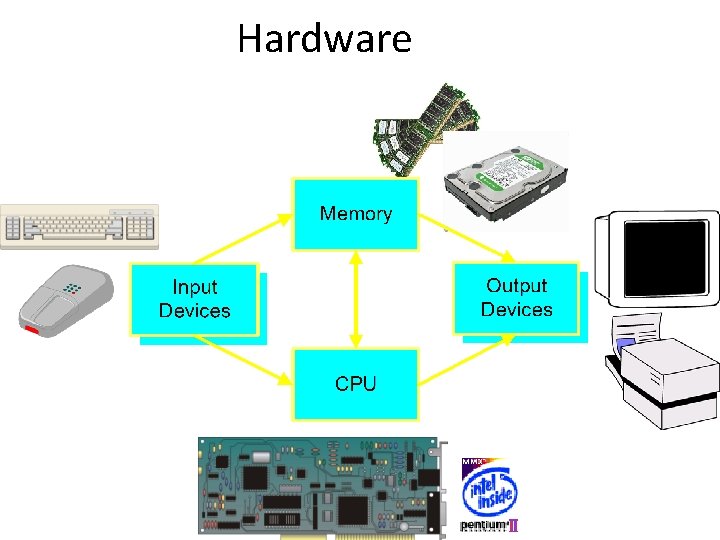
Hardware
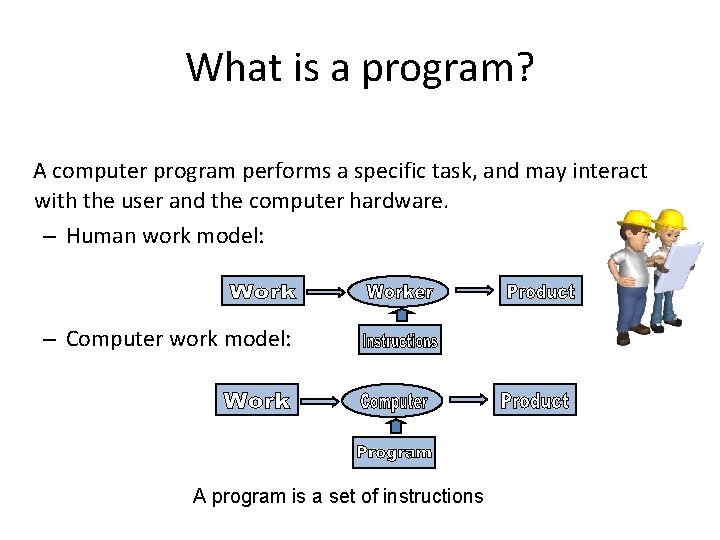
What is a program? A computer program performs a specific task, and may interact with the user and the computer hardware. – Human work model: – Computer work model: A program is a set of instructions
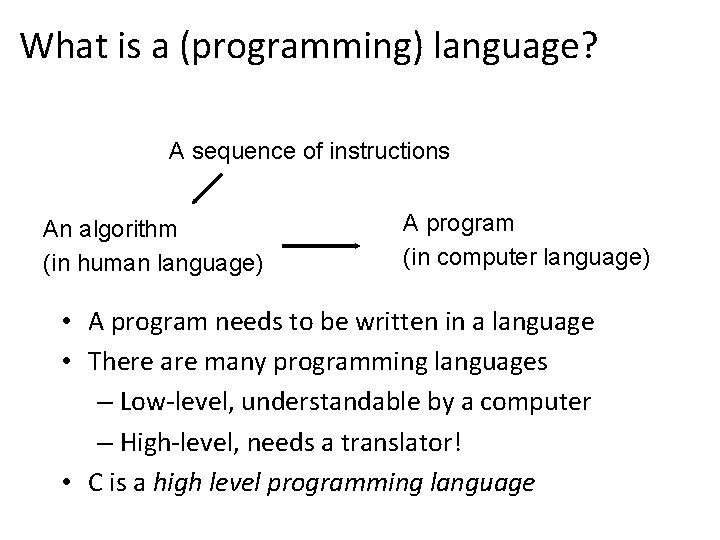
What is a (programming) language? A sequence of instructions An algorithm (in human language) A program (in computer language) • A program needs to be written in a language • There are many programming languages – Low-level, understandable by a computer – High-level, needs a translator! • C is a high level programming language
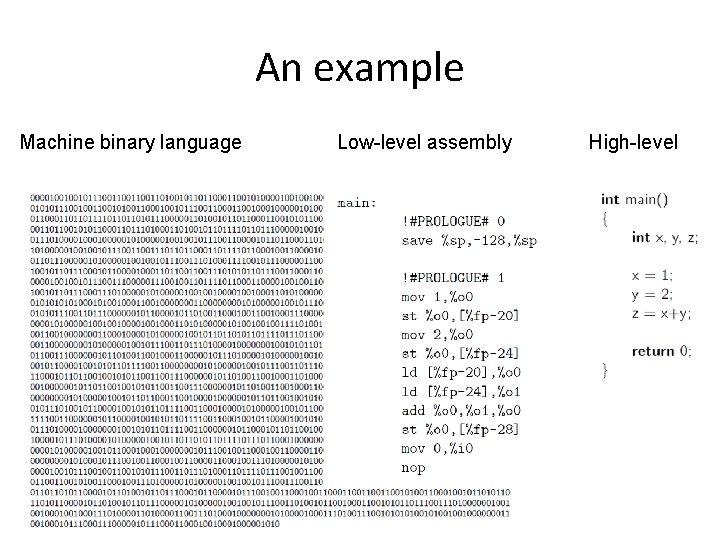
An example Machine binary language Low-level assembly High-level
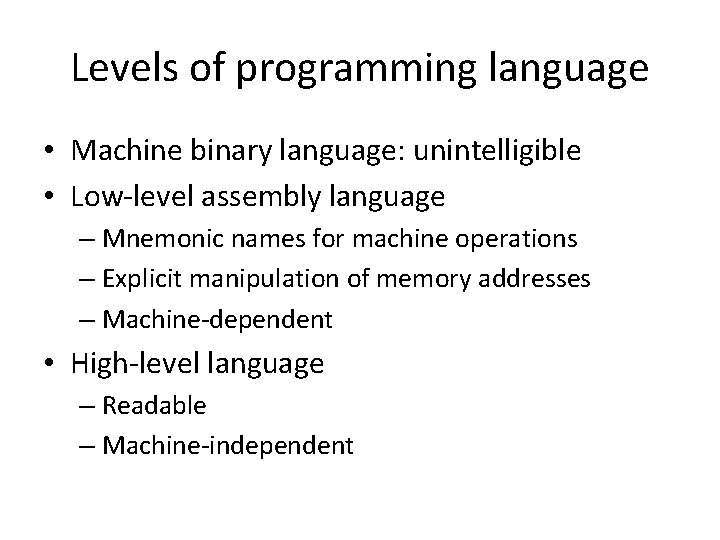
Levels of programming language • Machine binary language: unintelligible • Low-level assembly language – Mnemonic names for machine operations – Explicit manipulation of memory addresses – Machine-dependent • High-level language – Readable – Machine-independent
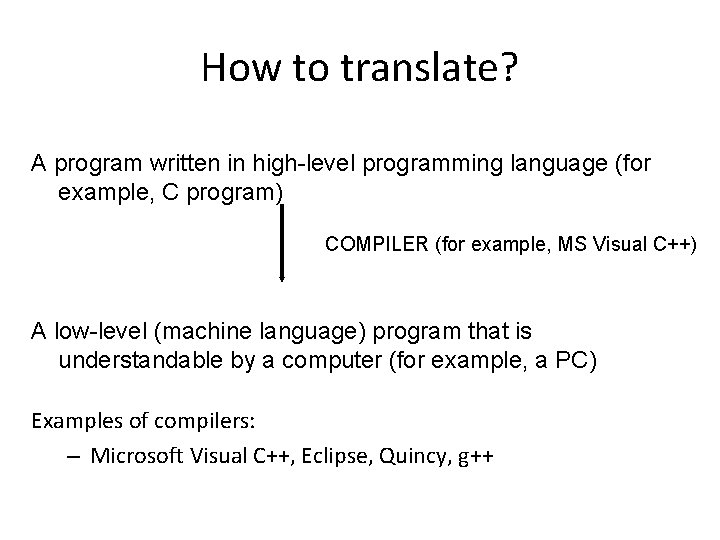
How to translate? A program written in high-level programming language (for example, C program) COMPILER (for example, MS Visual C++) A low-level (machine language) program that is understandable by a computer (for example, a PC) Examples of compilers: – Microsoft Visual C++, Eclipse, Quincy, g++
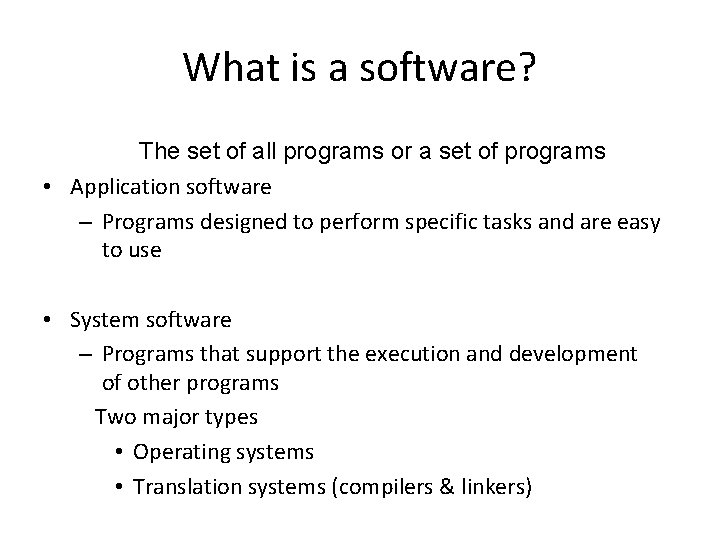
What is a software? The set of all programs or a set of programs • Application software – Programs designed to perform specific tasks and are easy to use • System software – Programs that support the execution and development of other programs Two major types • Operating systems • Translation systems (compilers & linkers)
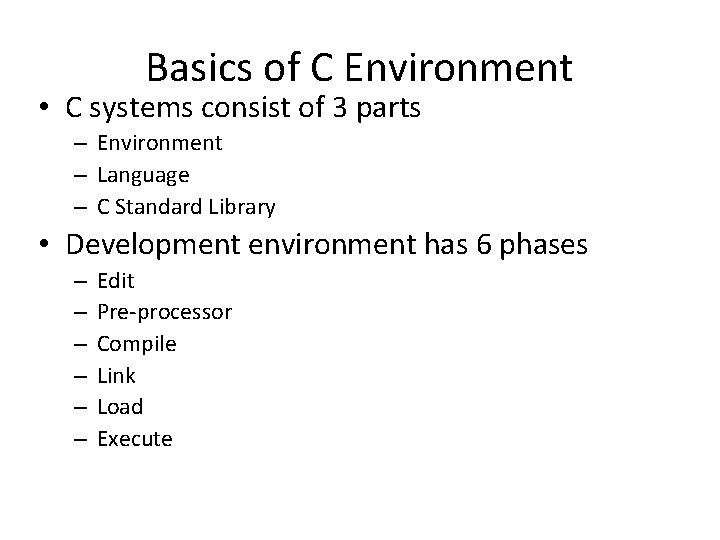
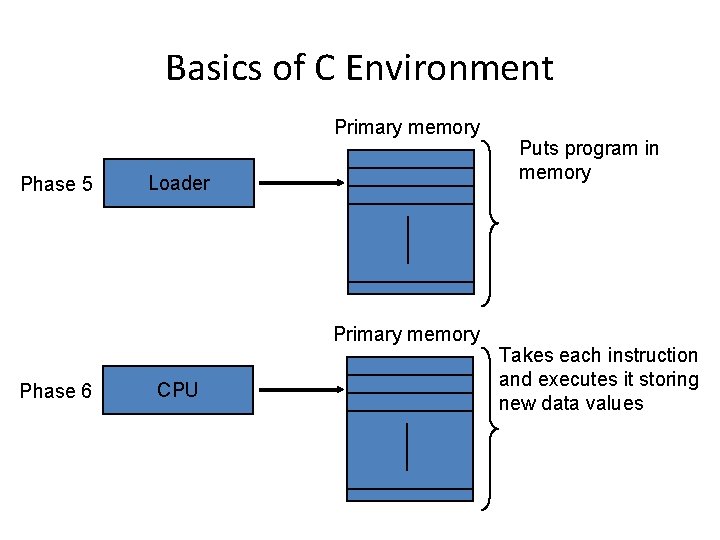
Basics of C Environment • C systems consist of 3 parts – Environment – Language – C Standard Library • Development environment has 6 phases – – – Edit Pre-processor Compile Link Load Execute
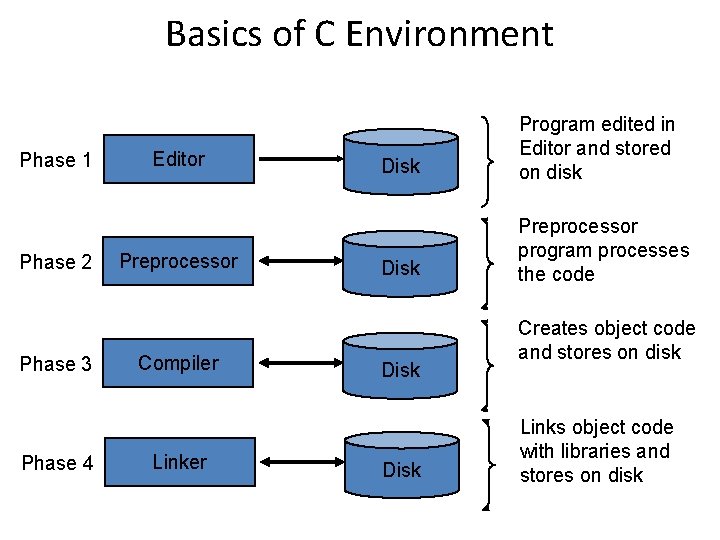
Basics of C Environment Phase 1 Phase 2 Phase 3 Phase 4 Editor Preprocessor Compiler Linker Disk Program edited in Editor and stored on disk Disk Preprocessor program processes the code Disk Creates object code and stores on disk Links object code with libraries and stores on disk
Basics of C Environment Primary memory Phase 5 Loader Primary memory Phase 6 CPU Puts program in memory Takes each instruction and executes it storing new data values
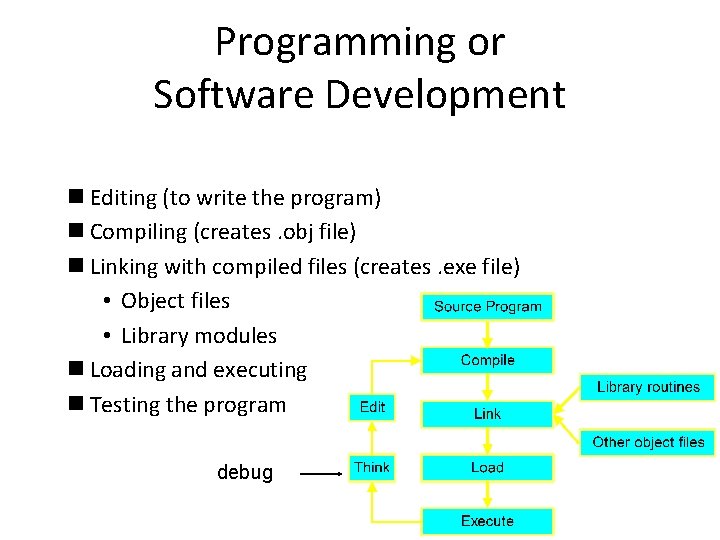
Programming or Software Development n Editing (to write the program) n Compiling (creates. obj file) n Linking with compiled files (creates. exe file) • Object files • Library modules n Loading and executing n Testing the program debug
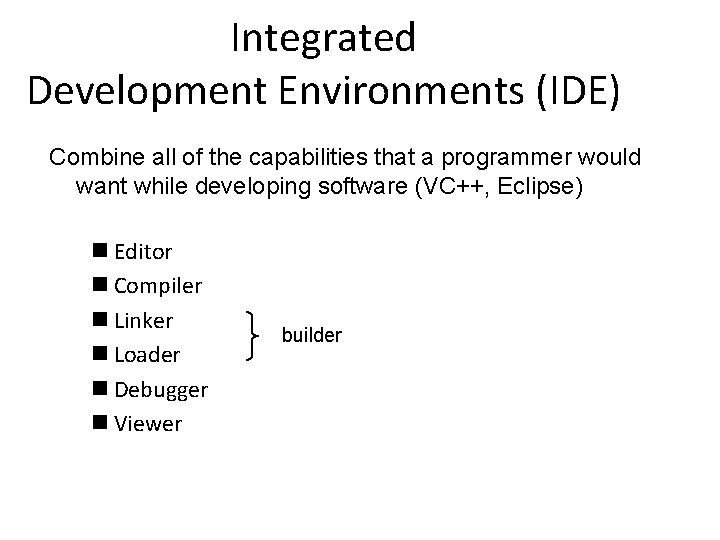
Integrated Development Environments (IDE) Combine all of the capabilities that a programmer would want while developing software (VC++, Eclipse) n Editor n Compiler n Linker n Loader n Debugger n Viewer builder
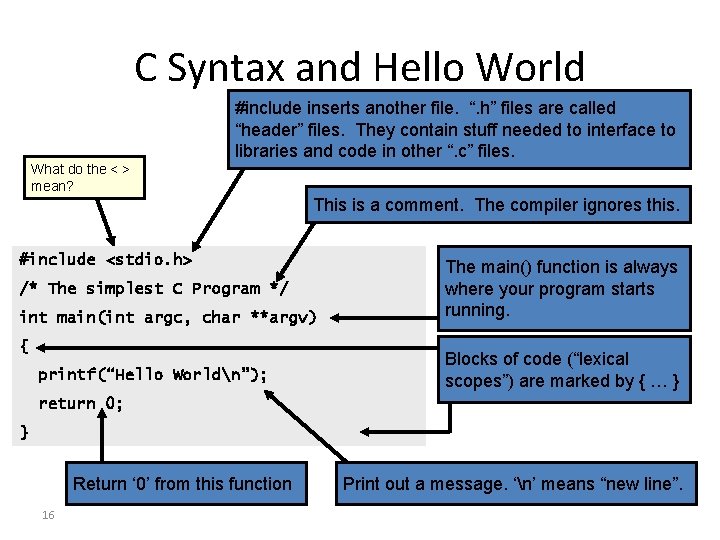
C Syntax and Hello World #include inserts another file. “. h” files are called “header” files. They contain stuff needed to interface to libraries and code in other “. c” files. What do the < > mean? This is a comment. The compiler ignores this. #include <stdio. h> /* The simplest C Program */ int main(int argc, char **argv) { printf(“Hello Worldn”); The main() function is always where your program starts running. Blocks of code (“lexical scopes”) are marked by { … } return 0; } Return ‘ 0’ from this function 16 Print out a message. ‘n’ means “new line”.
Comments • begin with /* and end with */ indicating that these two lines are a comment. • You insert comments to document programs and improve program readability. • Comments do not cause the computer to perform any action when the program is run. • Comments are ignored by the C compiler and do not cause any machine-language object code to be generated. • Comments also help other people read and understand your program. • C 99 also includes the C++ language’s // single-line comments in which everything from // to the end of the line is a comment. • These can be used as standalone comments on lines by themselves or as end-of-line comments to the right of a partial line of code.
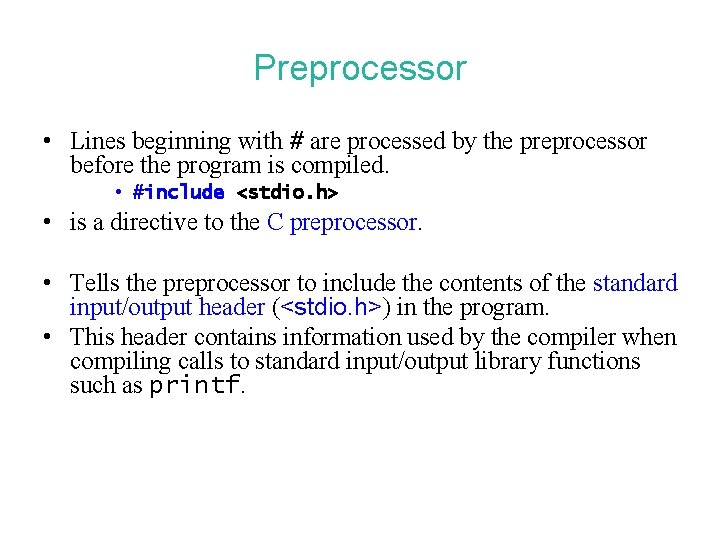
Preprocessor • Lines beginning with # are processed by the preprocessor before the program is compiled. • #include <stdio. h> • is a directive to the C preprocessor. • Tells the preprocessor to include the contents of the standard input/output header (<stdio. h>) in the program. • This header contains information used by the compiler when compiling calls to standard input/output library functions such as printf.
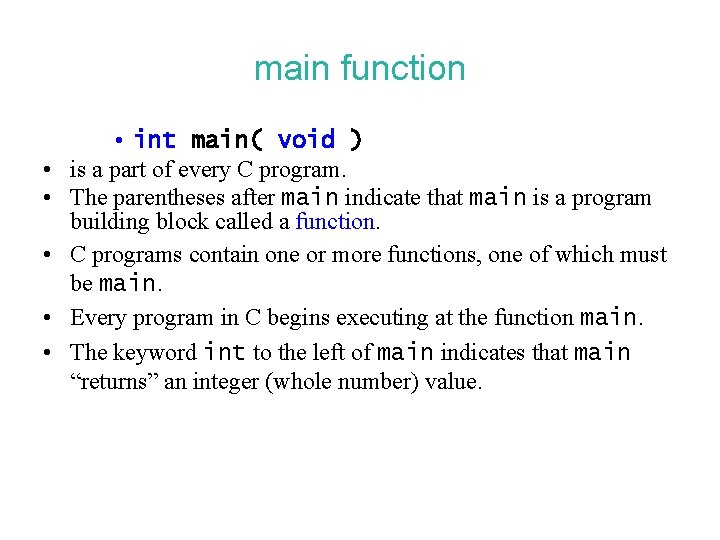
main function • • • int main( void ) is a part of every C program. The parentheses after main indicate that main is a program building block called a function. C programs contain one or more functions, one of which must be main. Every program in C begins executing at the function main. The keyword int to the left of main indicates that main “returns” an integer (whole number) value.
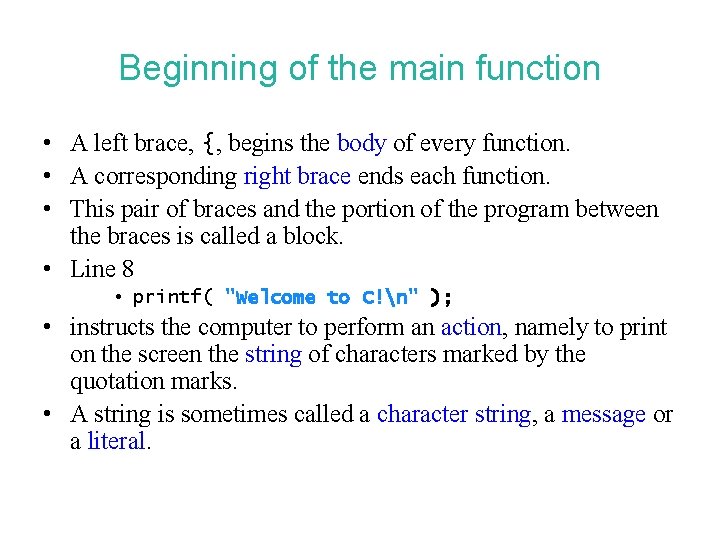
Beginning of the main function • A left brace, {, begins the body of every function. • A corresponding right brace ends each function. • This pair of braces and the portion of the program between the braces is called a block. • Line 8 • printf( "Welcome to C!n" ); • instructs the computer to perform an action, namely to print on the screen the string of characters marked by the quotation marks. • A string is sometimes called a character string, a message or a literal.
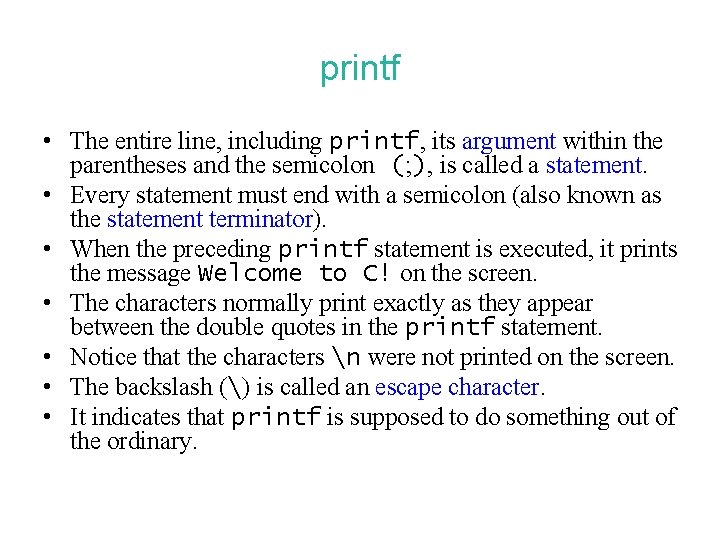
printf • The entire line, including printf, its argument within the parentheses and the semicolon (; ), is called a statement. • Every statement must end with a semicolon (also known as the statement terminator). • When the preceding printf statement is executed, it prints the message Welcome to C! on the screen. • The characters normally print exactly as they appear between the double quotes in the printf statement. • Notice that the characters n were not printed on the screen. • The backslash () is called an escape character. • It indicates that printf is supposed to do something out of the ordinary.
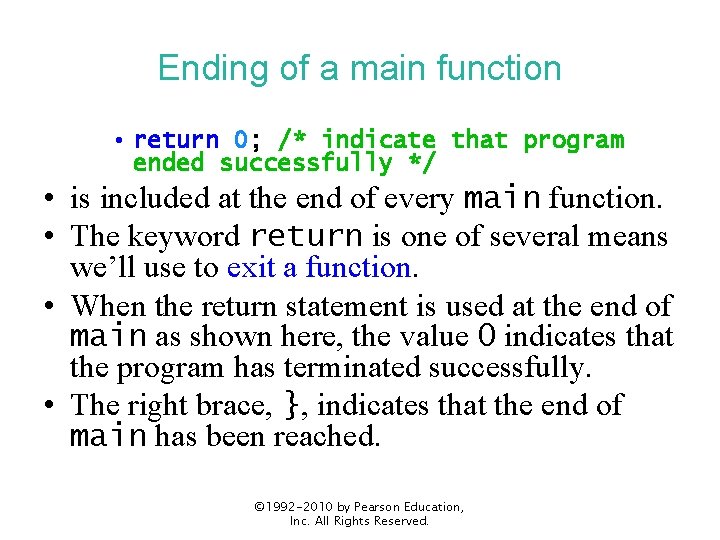
Ending of a main function • return 0; /* indicate that program ended successfully */ • is included at the end of every main function. • The keyword return is one of several means we’ll use to exit a function. • When the return statement is used at the end of main as shown here, the value 0 indicates that the program has terminated successfully. • The right brace, }, indicates that the end of main has been reached. © 1992 -2010 by Pearson Education, Inc. All Rights Reserved.
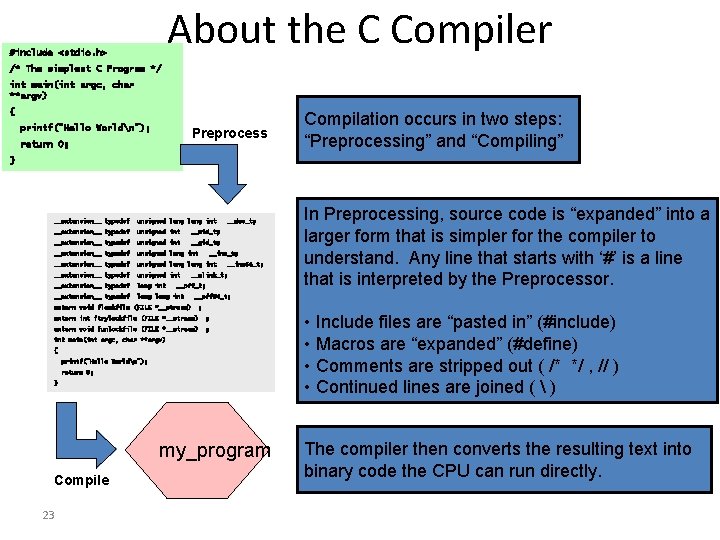
About the C Compiler #include <stdio. h> /* The simplest C Program */ int main(int argc, char **argv) { printf(“Hello Worldn”); Preprocess return 0; Compilation occurs in two steps: “Preprocessing” and “Compiling” } __extension__ typedef unsigned long int __extension__ typedef unsigned int __uid_t; __extension__ typedef unsigned int __gid_t; __extension__ typedef unsigned long int __extension__ typedef unsigned int __extension__ typedef long int __dev_t; __ino_t; __ino 64_t; __nlink_t; __off_t; __off 64_t; extern void flockfile (FILE *__stream) ; extern int ftrylockfile (FILE *__stream) ; extern void funlockfile (FILE *__stream) ; int main(int argc, char **argv) { printf(“Hello Worldn”); return 0; } my_program Compile 23 In Preprocessing, source code is “expanded” into a larger form that is simpler for the compiler to understand. Any line that starts with ‘#’ is a line that is interpreted by the Preprocessor. • Include files are “pasted in” (#include) • Macros are “expanded” (#define) • Comments are stripped out ( /* */ , // ) • Continued lines are joined ( ) The compiler then converts the resulting text into binary code the CPU can run directly.
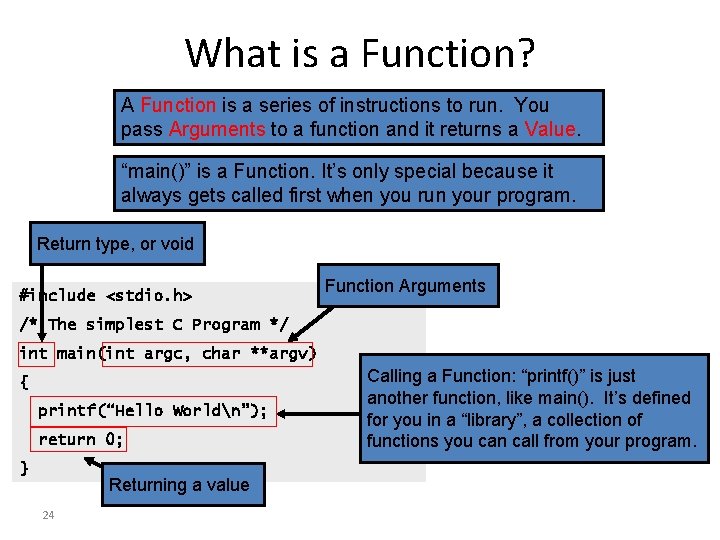
What is a Function? A Function is a series of instructions to run. You pass Arguments to a function and it returns a Value. “main()” is a Function. It’s only special because it always gets called first when you run your program. Return type, or void #include <stdio. h> Function Arguments /* The simplest C Program */ int main(int argc, char **argv) { printf(“Hello Worldn”); return 0; } Returning a value 24 Calling a Function: “printf()” is just another function, like main(). It’s defined for you in a “library”, a collection of functions you can call from your program.
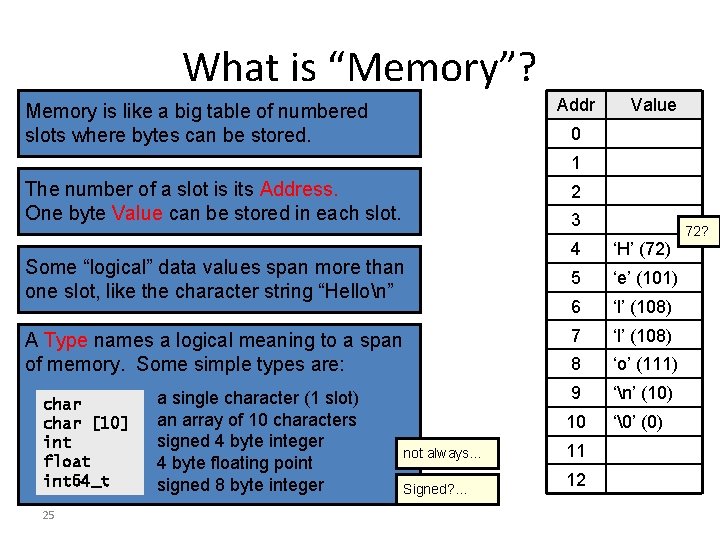
What is “Memory”? Addr Memory is like a big table of numbered slots where bytes can be stored. Value 0 1 The number of a slot is its Address. One byte Value can be stored in each slot. 2 3 Some “logical” data values span more than one slot, like the character string “Hellon” A Type names a logical meaning to a span of memory. Some simple types are: char [10] int float int 64_t 25 a single character (1 slot) an array of 10 characters signed 4 byte integer 4 byte floating point signed 8 byte integer not always… Signed? … 4 ‘H’ (72) 5 ‘e’ (101) 6 ‘l’ (108) 7 ‘l’ (108) 8 ‘o’ (111) 9 ‘n’ (10) 10 ‘’ (0) 11 12 72?
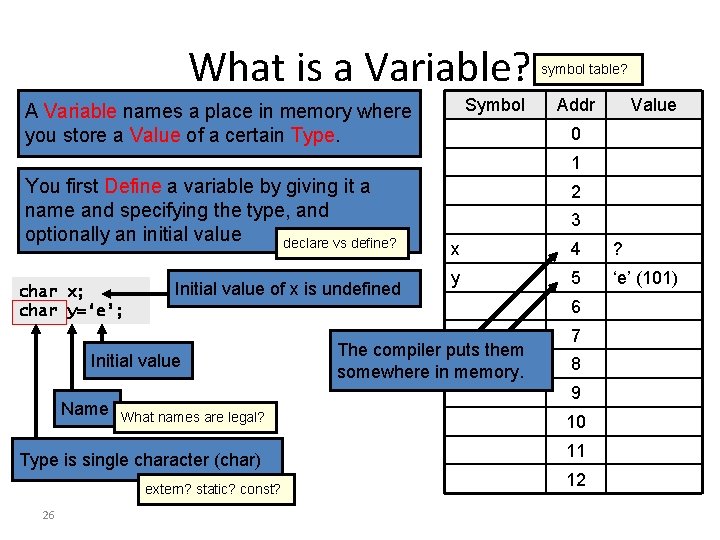
What is a Variable? Symbol A Variable names a place in memory where you store a Value of a certain Type. symbol table? Addr Value 0 1 You first Define a variable by giving it a name and specifying the type, and optionally an initial value declare vs define? char x; char y=‘e’; Initial value of x is undefined Initial value Name 3 x 4 ? y 5 ‘e’ (101) The compiler puts them somewhere in memory. 6 7 8 9 What names are legal? Type is single character (char) extern? static? const? 26 2 10 11 12
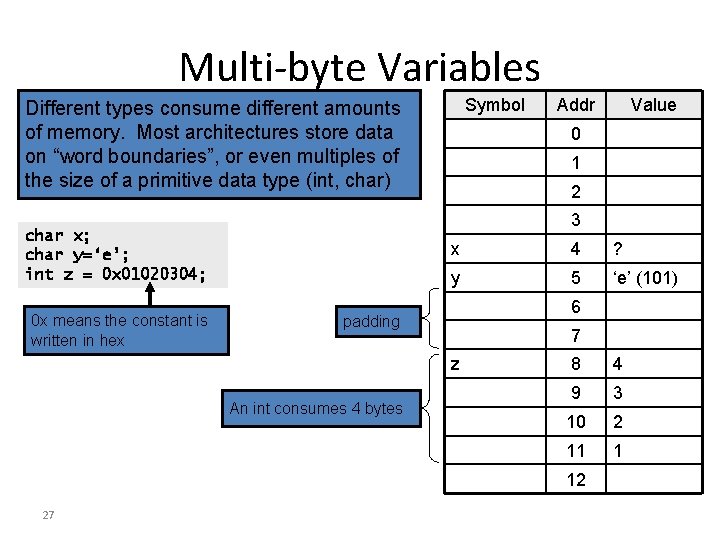
Multi-byte Variables Symbol Different types consume different amounts of memory. Most architectures store data on “word boundaries”, or even multiples of the size of a primitive data type (int, char) 0 1 2 x 4 ? y 5 ‘e’ (101) 6 padding 7 z An int consumes 4 bytes 8 4 9 3 10 2 11 1 12 27 Value 3 char x; char y=‘e’; int z = 0 x 01020304; 0 x means the constant is written in hex Addr
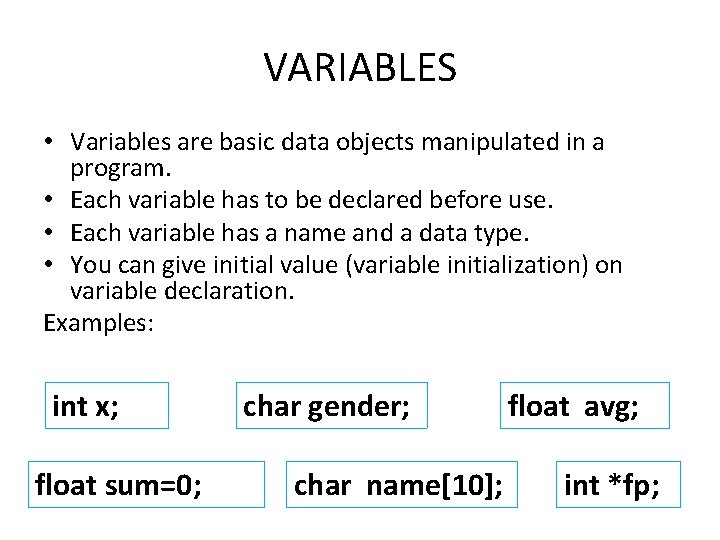
VARIABLES • Variables are basic data objects manipulated in a program. • Each variable has to be declared before use. • Each variable has a name and a data type. • You can give initial value (variable initialization) on variable declaration. Examples: int x; float sum=0; char gender; char name[10]; float avg; int *fp;
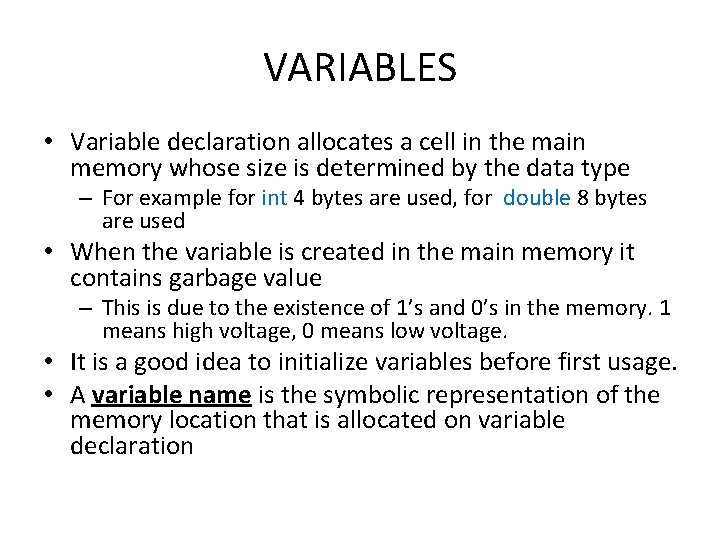
VARIABLES • Variable declaration allocates a cell in the main memory whose size is determined by the data type – For example for int 4 bytes are used, for double 8 bytes are used • When the variable is created in the main memory it contains garbage value – This is due to the existence of 1’s and 0’s in the memory. 1 means high voltage, 0 means low voltage. • It is a good idea to initialize variables before first usage. • A variable name is the symbolic representation of the memory location that is allocated on variable declaration
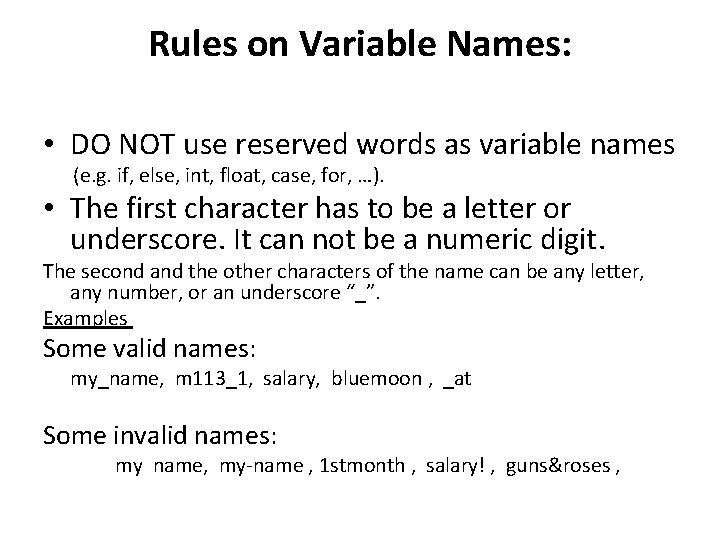
Rules on Variable Names: • DO NOT use reserved words as variable names (e. g. if, else, int, float, case, for, …). • The first character has to be a letter or underscore. It can not be a numeric digit. The second and the other characters of the name can be any letter, any number, or an underscore “_”. Examples Some valid names: my_name, m 113_1, salary, bluemoon , _at Some invalid names: my name, my-name , 1 stmonth , salary! , guns&roses ,
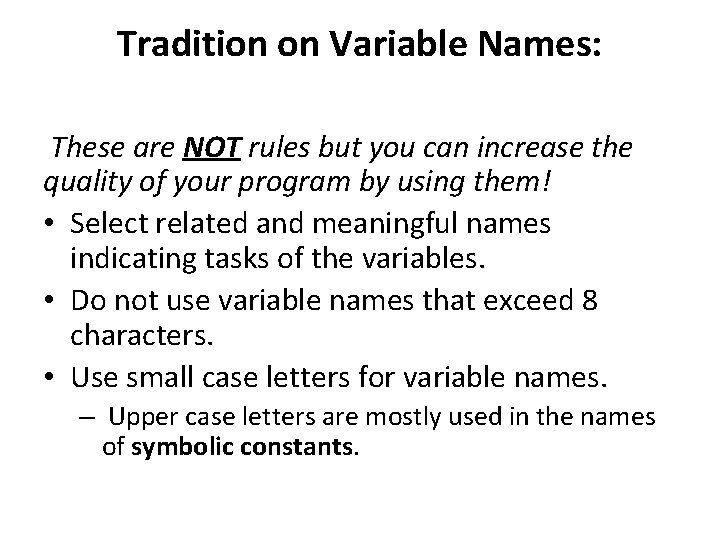
Tradition on Variable Names: These are NOT rules but you can increase the quality of your program by using them! • Select related and meaningful names indicating tasks of the variables. • Do not use variable names that exceed 8 characters. • Use small case letters for variable names. – Upper case letters are mostly used in the names of symbolic constants.
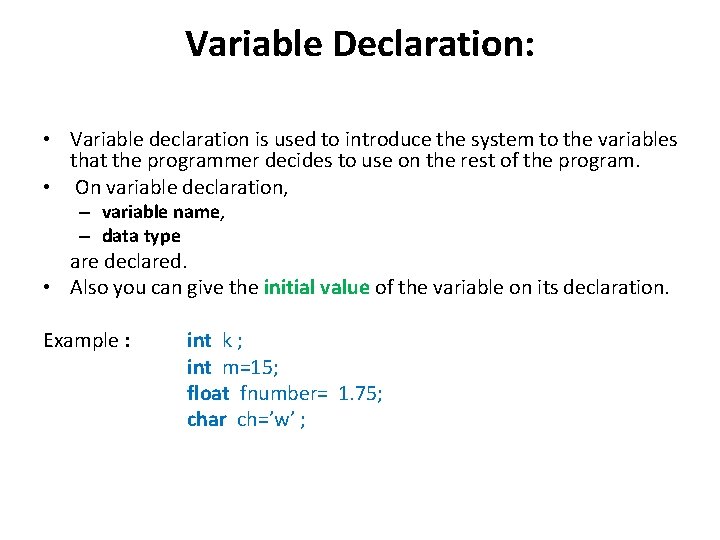
Variable Declaration: • Variable declaration is used to introduce the system to the variables that the programmer decides to use on the rest of the program. • On variable declaration, – variable name, – data type are declared. • Also you can give the initial value of the variable on its declaration. Example : int k ; int m=15; float fnumber= 1. 75; char ch=’w’ ;
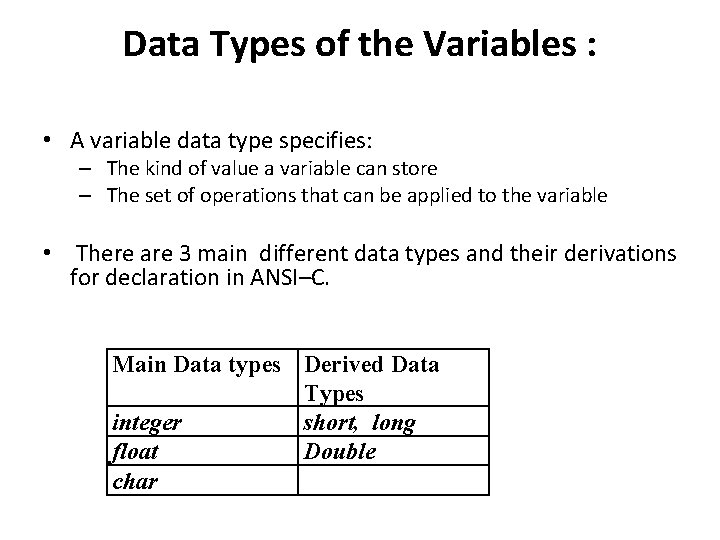
Data Types of the Variables : • A variable data type specifies: – The kind of value a variable can store – The set of operations that can be applied to the variable • There are 3 main different data types and their derivations for declaration in ANSI–C. Main Data types Derived Data Types integer short, long float Double char
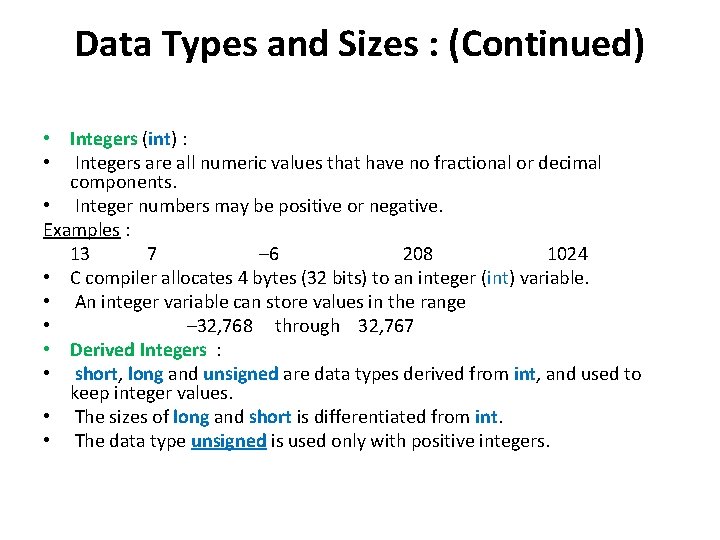
Data Types and Sizes : (Continued) • Integers (int) : • Integers are all numeric values that have no fractional or decimal components. • Integer numbers may be positive or negative. Examples : 13 7 – 6 208 1024 • C compiler allocates 4 bytes (32 bits) to an integer (int) variable. • An integer variable can store values in the range • – 32, 768 through 32, 767 • Derived Integers : • short, long and unsigned are data types derived from int, and used to keep integer values. • The sizes of long and short is differentiated from int. • The data type unsigned is used only with positive integers.
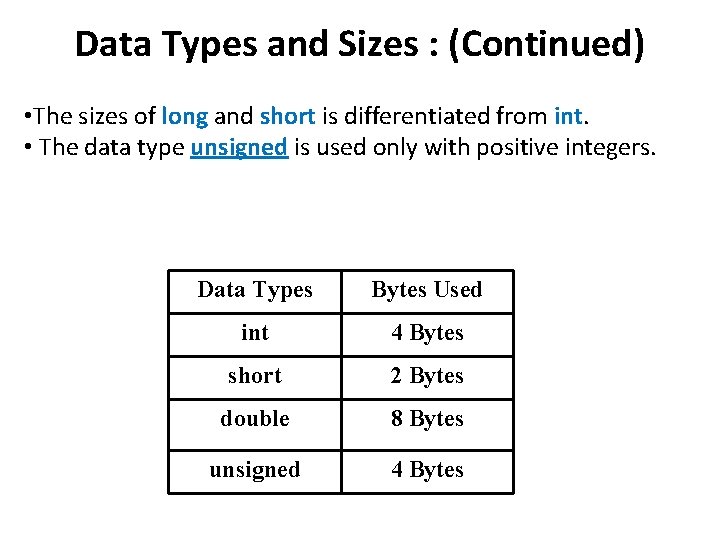
Data Types and Sizes : (Continued) • The sizes of long and short is differentiated from int. • The data type unsigned is used only with positive integers. Data Types Bytes Used int 4 Bytes short 2 Bytes double 8 Bytes unsigned 4 Bytes
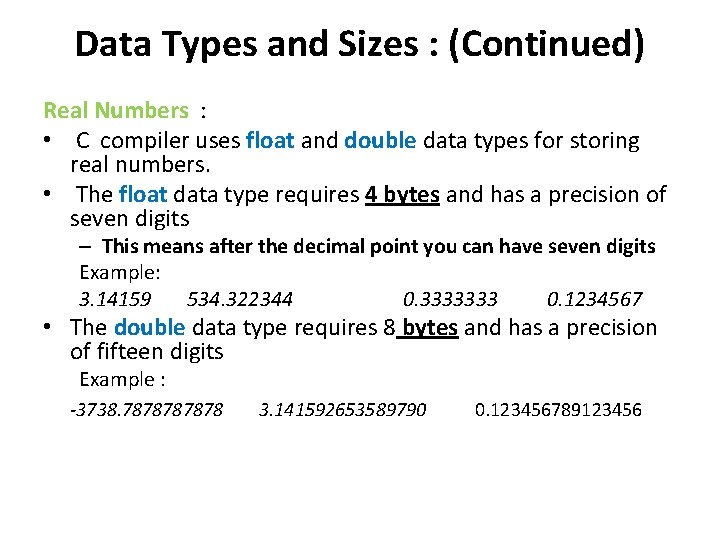
Data Types and Sizes : (Continued) Real Numbers : • C compiler uses float and double data types for storing real numbers. • The float data type requires 4 bytes and has a precision of seven digits – This means after the decimal point you can have seven digits Example: 3. 14159 534. 322344 0. 3333333 0. 1234567 • The double data type requires 8 bytes and has a precision of fifteen digits Example : -3738. 787878 3. 141592653589790 0. 123456789123456
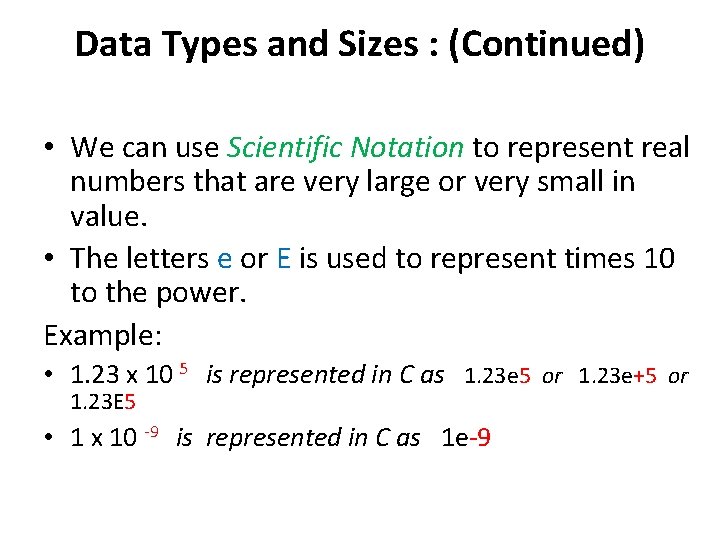
Data Types and Sizes : (Continued) • We can use Scientific Notation to represent real numbers that are very large or very small in value. • The letters e or E is used to represent times 10 to the power. Example: • 1. 23 x 10 5 is represented in C as 1. 23 e 5 or 1. 23 e+5 or 1. 23 E 5 • 1 x 10 -9 is represented in C as 1 e-9
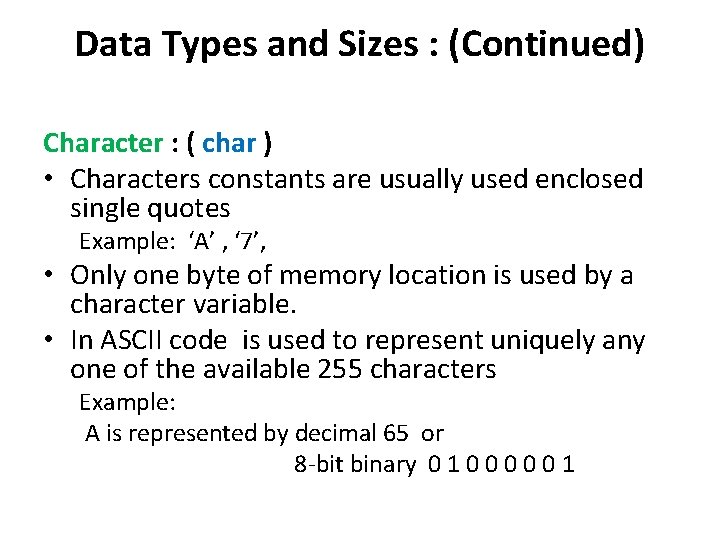
Data Types and Sizes : (Continued) Character : ( char ) • Characters constants are usually used enclosed single quotes Example: ‘A’ , ‘ 7’, • Only one byte of memory location is used by a character variable. • In ASCII code is used to represent uniquely any one of the available 255 characters Example: A is represented by decimal 65 or 8 -bit binary 0 1 0 0 0 1
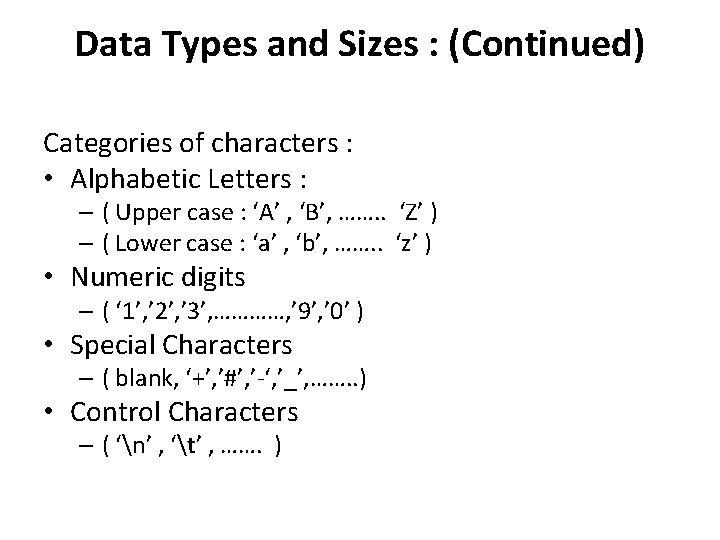
Data Types and Sizes : (Continued) Categories of characters : • Alphabetic Letters : – ( Upper case : ‘A’ , ‘B’, ……. . ‘Z’ ) – ( Lower case : ‘a’ , ‘b’, ……. . ‘z’ ) • Numeric digits – ( ‘ 1’, ’ 2’, ’ 3’, …………, ’ 9’, ’ 0’ ) • Special Characters – ( blank, ‘+’, ’#’, ’-‘, ’_’, ……. . ) • Control Characters – ( ‘n’ , ‘t’ , ……. )
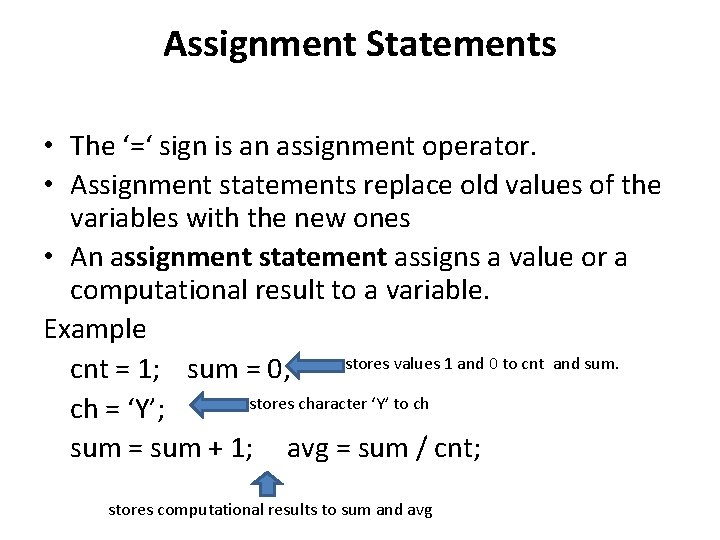
Assignment Statements • The ‘=‘ sign is an assignment operator. • Assignment statements replace old values of the variables with the new ones • An assignment statement assigns a value or a computational result to a variable. Example stores values 1 and 0 to cnt and sum. cnt = 1; sum = 0; stores character ‘Y’ to ch ch = ‘Y’; sum = sum + 1; avg = sum / cnt; stores computational results to sum and avg
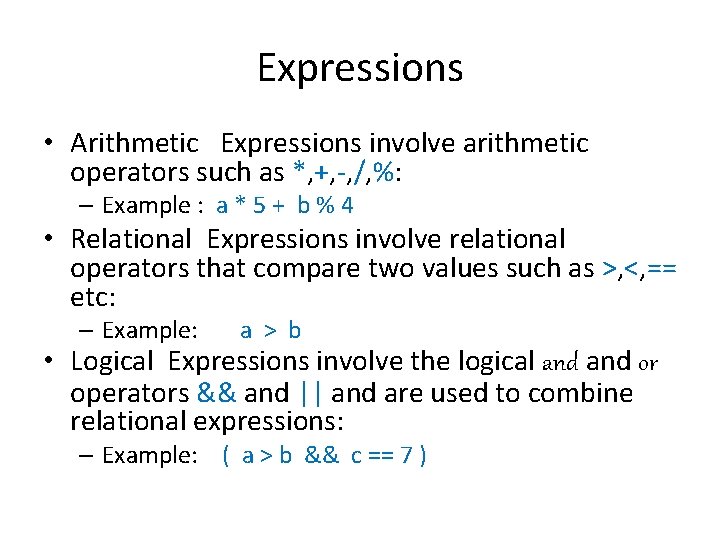
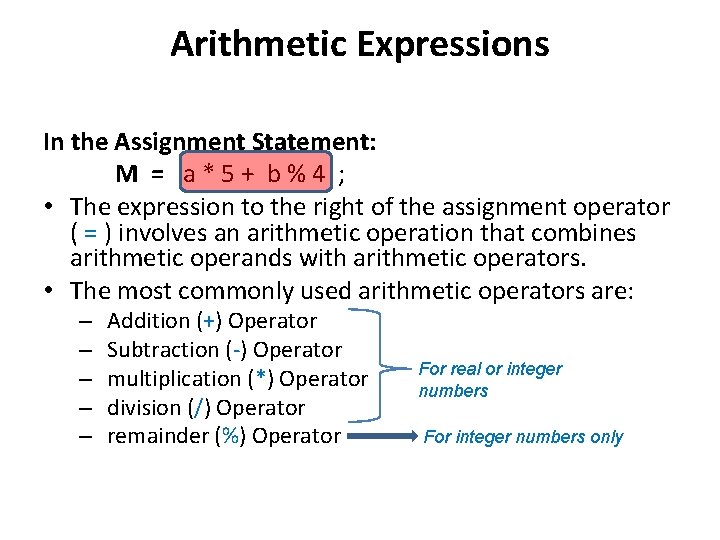
Expressions • Arithmetic Expressions involve arithmetic operators such as *, +, -, /, %: – Example : a * 5 + b % 4 • Relational Expressions involve relational operators that compare two values such as >, <, == etc: – Example: a > b • Logical Expressions involve the logical and or operators && and || and are used to combine relational expressions: – Example: ( a > b && c == 7 )
Arithmetic Expressions In the Assignment Statement: M = a * 5 + b % 4 ; • The expression to the right of the assignment operator ( = ) involves an arithmetic operation that combines arithmetic operands with arithmetic operators. • The most commonly used arithmetic operators are: – – – Addition (+) Operator Subtraction (-) Operator multiplication (*) Operator division (/) Operator remainder (%) Operator For real or integer numbers For integer numbers only
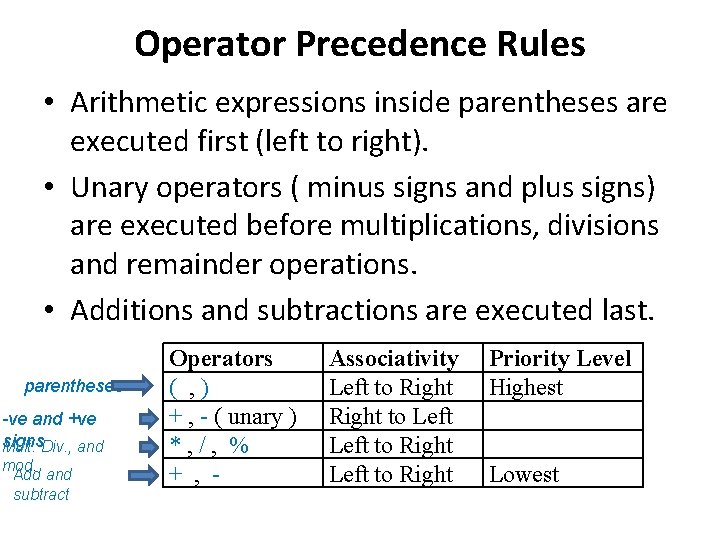
Operator Precedence Rules • Arithmetic expressions inside parentheses are executed first (left to right). • Unary operators ( minus signs and plus signs) are executed before multiplications, divisions and remainder operations. • Additions and subtractions are executed last. parentheses -ve and +ve signs. Div. , and Mult. mod. Add and subtract Operators ( , ) + , - ( unary ) *, /, % + , - Associativity Left to Right to Left to Right Priority Level Highest Lowest
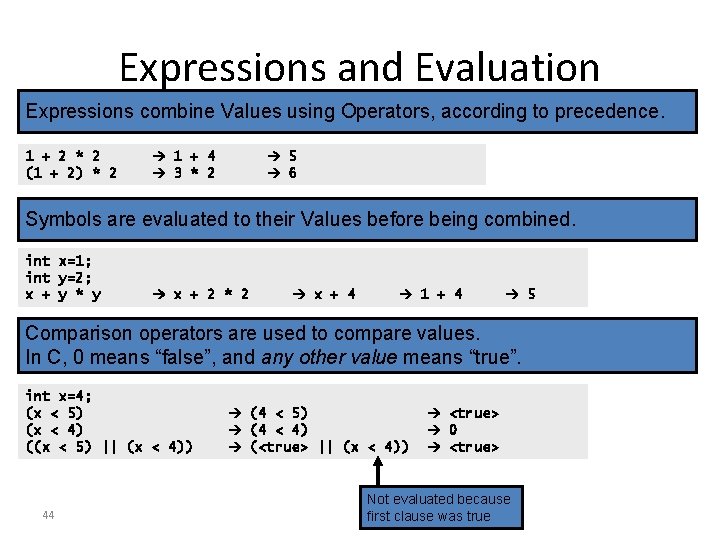
Expressions and Evaluation Expressions combine Values using Operators, according to precedence. 1 + 2 * 2 (1 + 2) * 2 1 + 4 3 * 2 5 6 Symbols are evaluated to their Values before being combined. int x=1; int y=2; x + y * y x + 2 * 2 x + 4 1 + 4 5 Comparison operators are used to compare values. In C, 0 means “false”, and any other value means “true”. int x=4; (x < 5) (x < 4) ((x < 5) || (x < 4)) 44 (4 < 5) (4 < 4) (<true> || (x < 4)) <true> 0 <true> Not evaluated because first clause was true
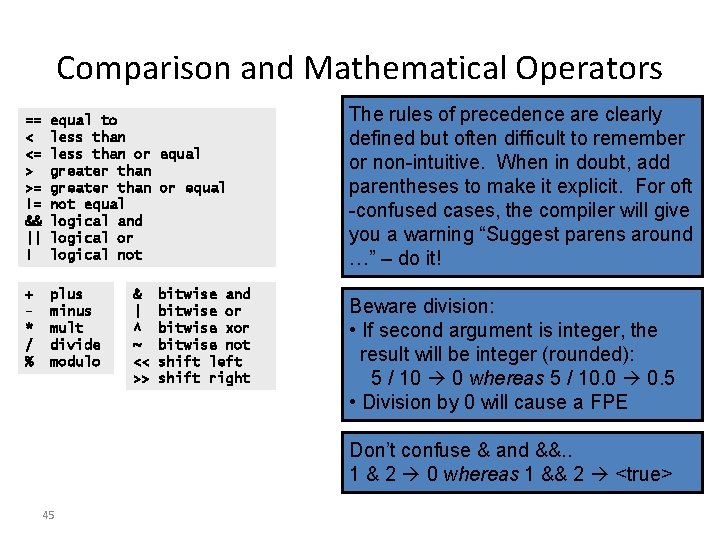
Comparison and Mathematical Operators == < <= > >= != && || ! equal to less than or equal greater than or equal not equal logical and logical or logical not + * / % plus minus mult divide modulo & | ^ ~ << >> bitwise and bitwise or bitwise xor bitwise not shift left shift right The rules of precedence are clearly defined but often difficult to remember or non-intuitive. When in doubt, add parentheses to make it explicit. For oft -confused cases, the compiler will give you a warning “Suggest parens around …” – do it! Beware division: • If second argument is integer, the result will be integer (rounded): 5 / 10 0 whereas 5 / 10. 0 0. 5 • Division by 0 will cause a FPE Don’t confuse & and &&. . 1 & 2 0 whereas 1 && 2 <true> 45
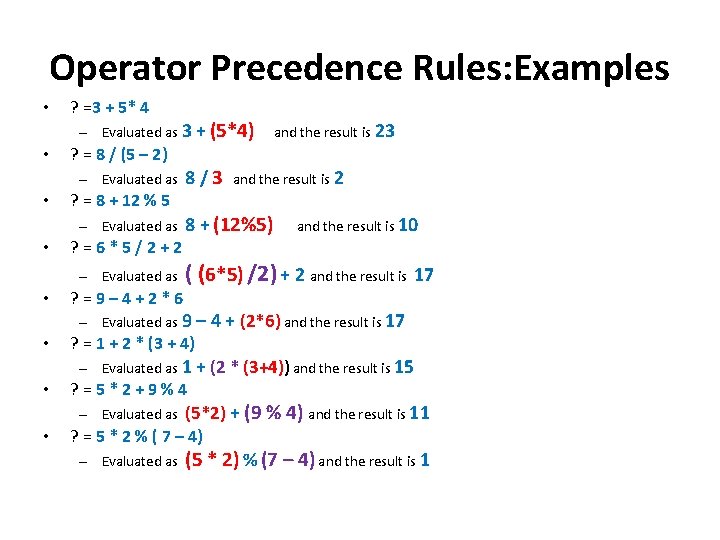
Operator Precedence Rules: Examples • • ? =3 + 5* 4 – Evaluated as 3 + (5*4) and the result is 23 ? = 8 / (5 – 2) – Evaluated as 8 / 3 and the result is 2 ? = 8 + 12 % 5 – Evaluated as 8 + (12%5) and the result is 10 ? = 6 * 5 / 2 + 2 – Evaluated as ( (6*5) /2) + 2 and the result is 17 ? = 9 – 4 + 2 * 6 – Evaluated as 9 – 4 + (2*6) and the result is 17 ? = 1 + 2 * (3 + 4) – Evaluated as 1 + (2 * (3+4)) and the result is 15 ? = 5 * 2 + 9 % 4 – Evaluated as (5*2) + (9 % 4) and the result is 11 ? = 5 * 2 % ( 7 – 4) – Evaluated as (5 * 2) % (7 – 4) and the result is 1
THAT’S IT FOR NOW! NEXT LECTURE: MORE ON VARIABLES, DATA TYPES AND EXPRESSIONS