
IT TOOLS FOR TEACHING AND LEARNING MOODLE CENTER

- Slides: 24
IT TOOLS FOR TEACHING AND LEARNING - MOODLE. CENTER FOR IT SUPPORT & DEVELOPMENT SERVICES
OUTLINE • Moodle as a Learning Management System • Google Class Room • Software Package for detection plagiarism - Turnitin
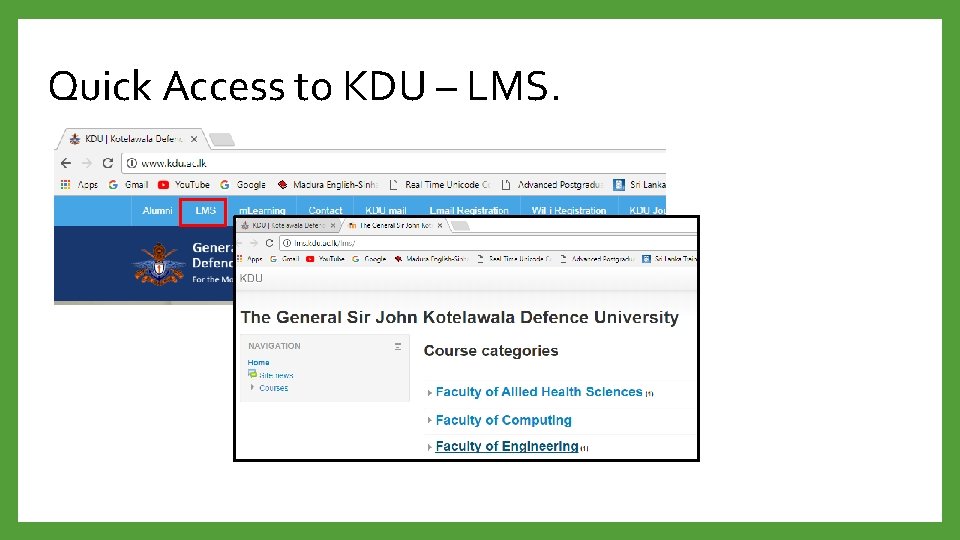
Quick Access to KDU – LMS.
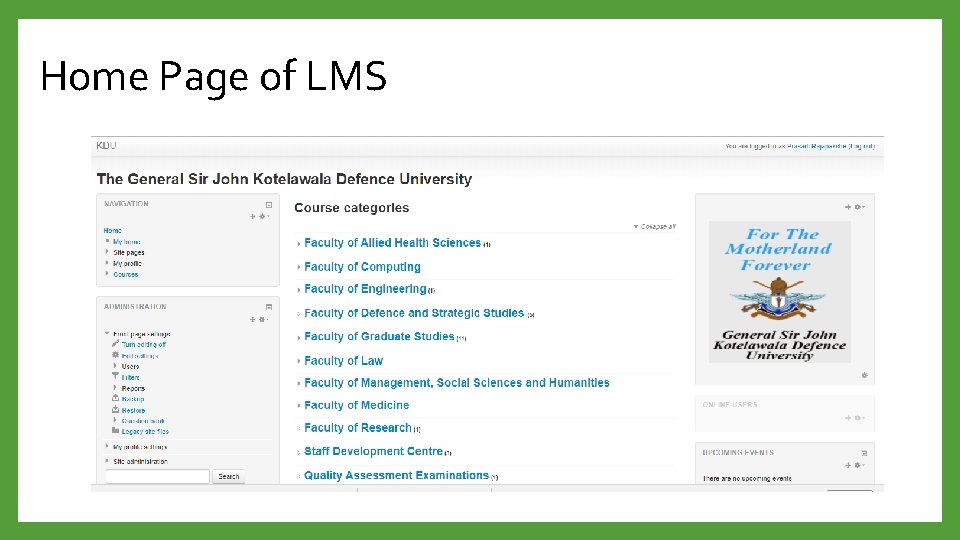
Home Page of LMS
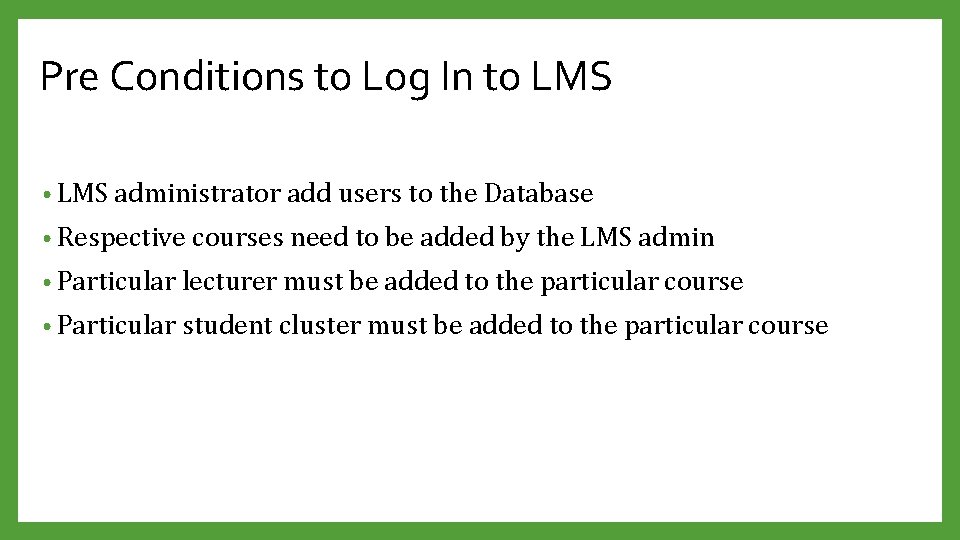
Pre Conditions to Log In to LMS • LMS administrator add users to the Database • Respective courses need to be added by the LMS admin • Particular lecturer must be added to the particular course • Particular student cluster must be added to the particular course
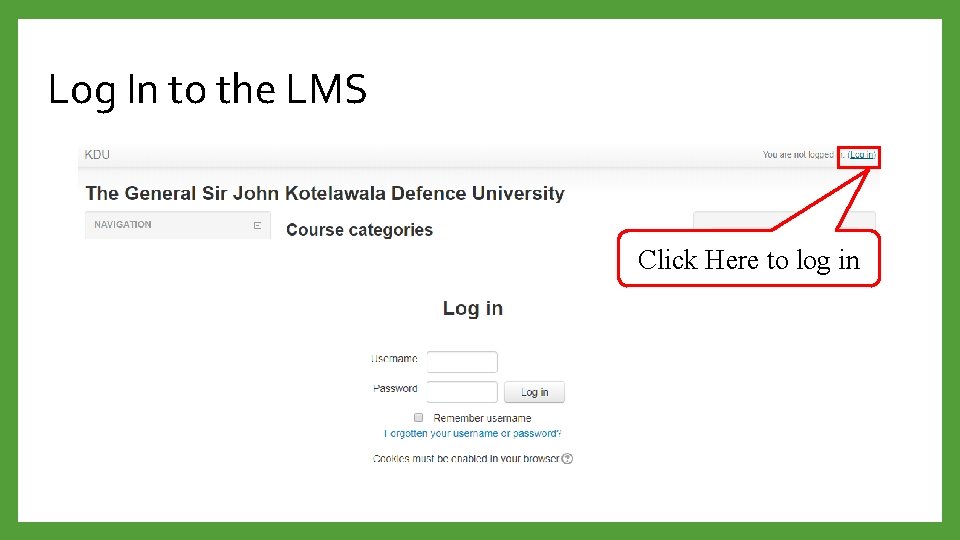
Log In to the LMS Click Here to log in
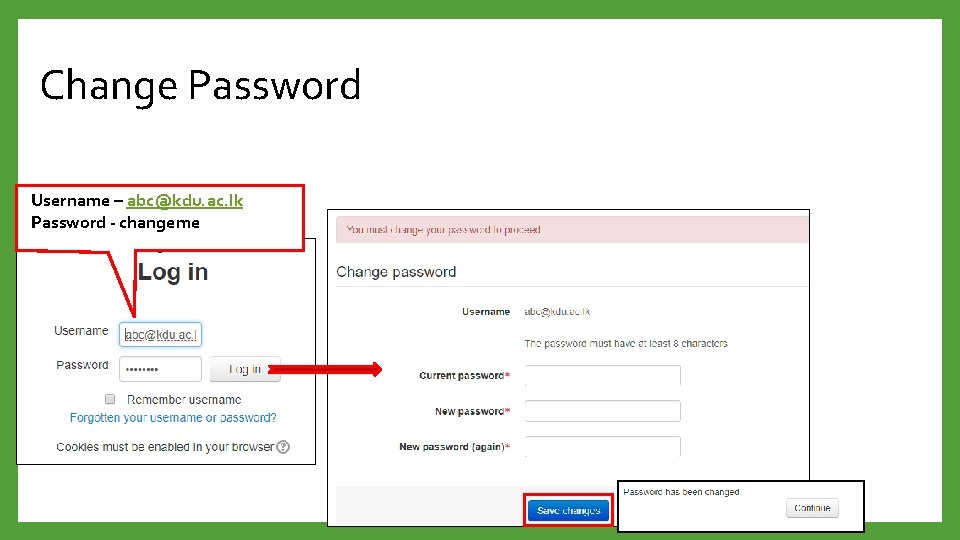
Change Password Username – abc@kdu. ac. lk Password - changeme -
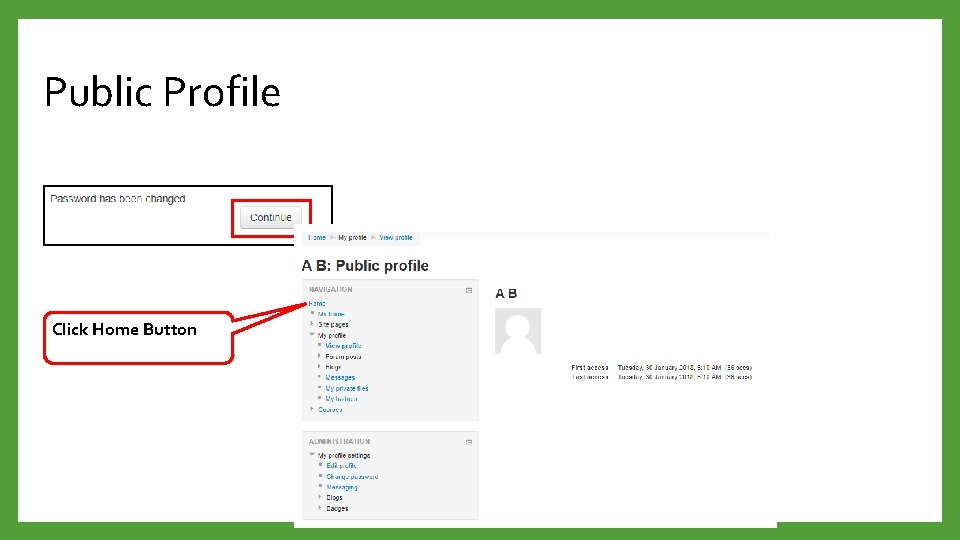
Public Profile Click Home Button
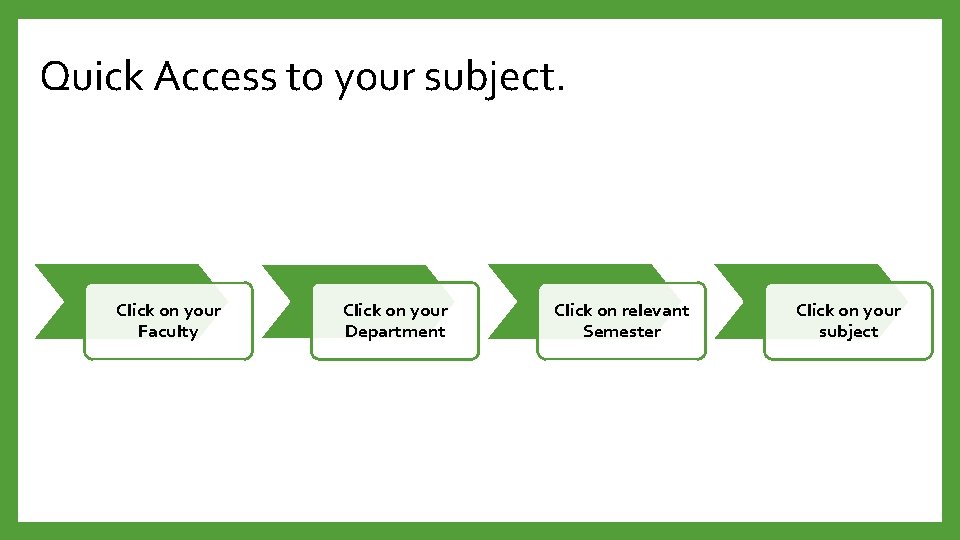
Quick Access to your subject. Click on your Faculty Click on your Department Click on relevant Semester Click on your subject
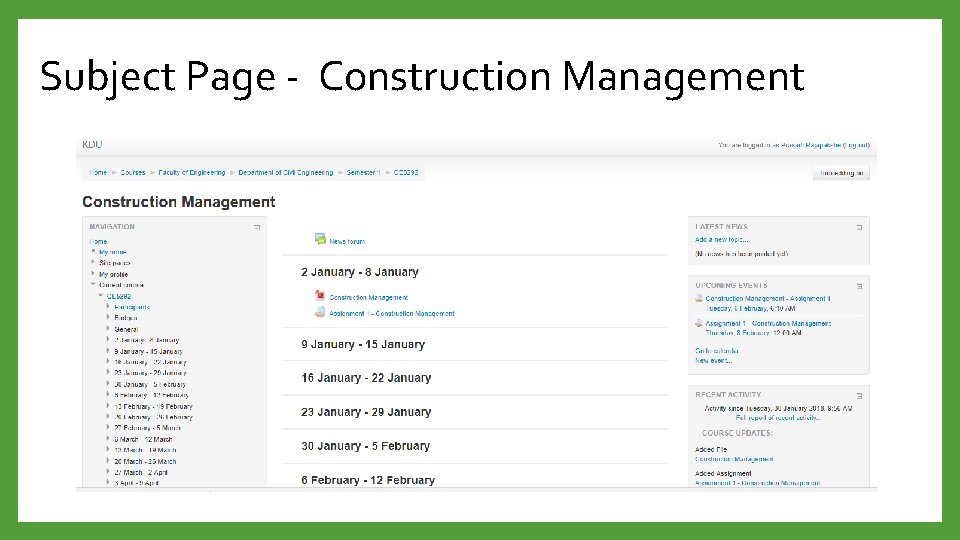
Subject Page - Construction Management
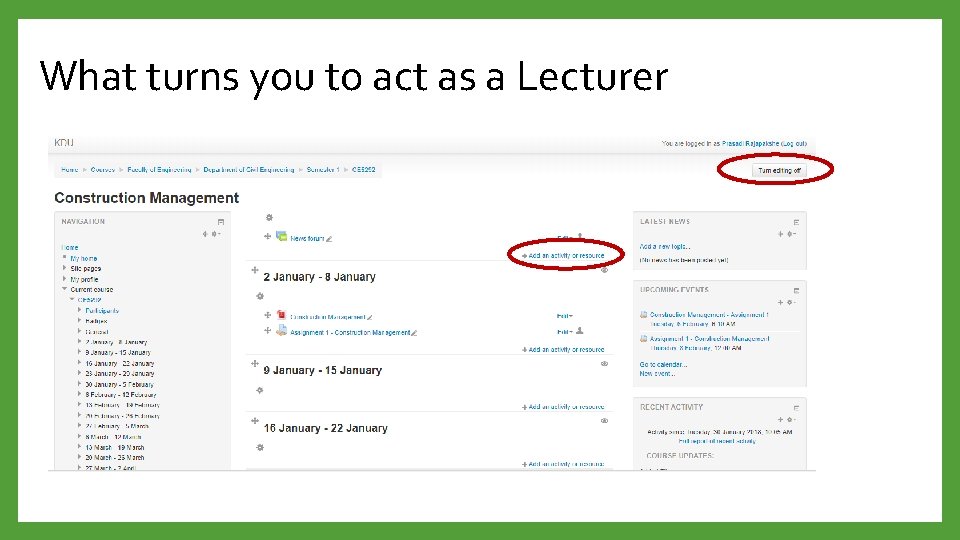
What turns you to act as a Lecturer
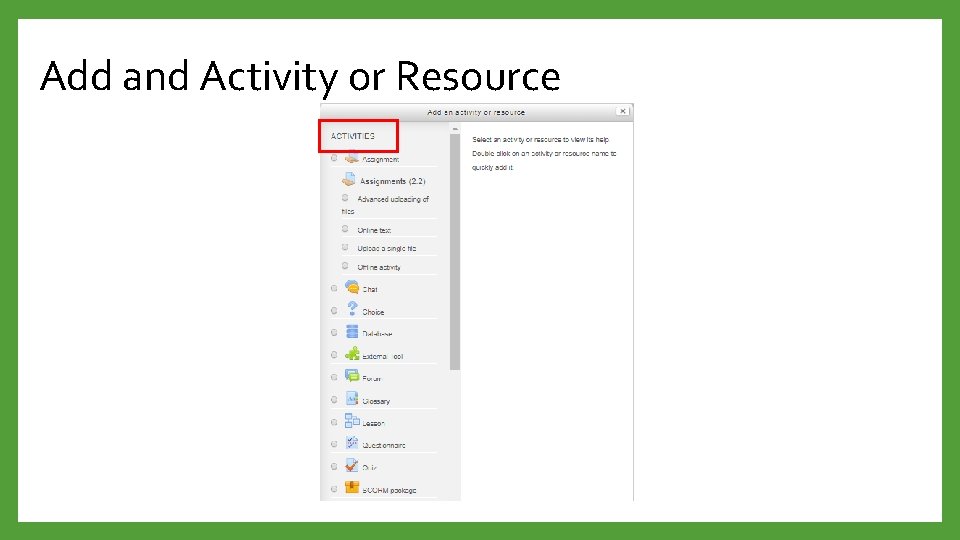
Add and Activity or Resource
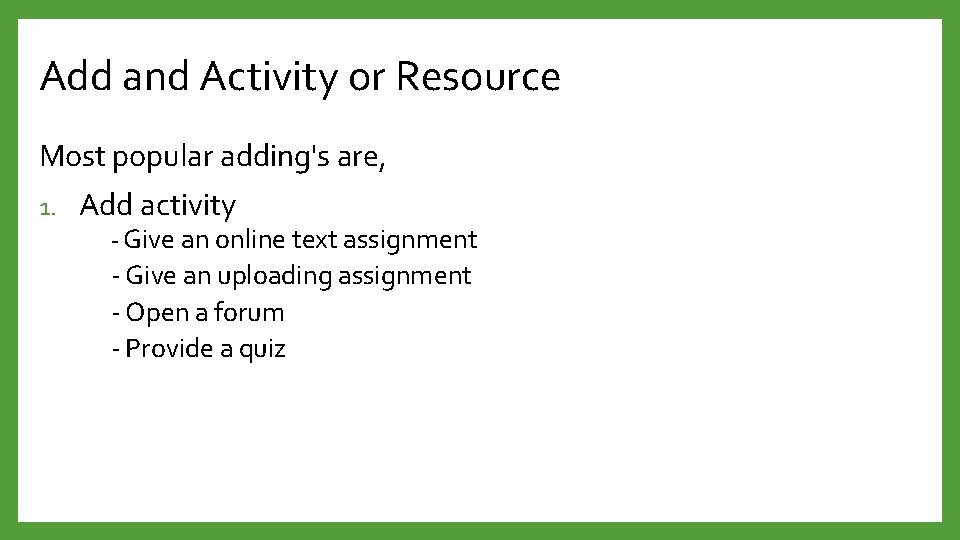
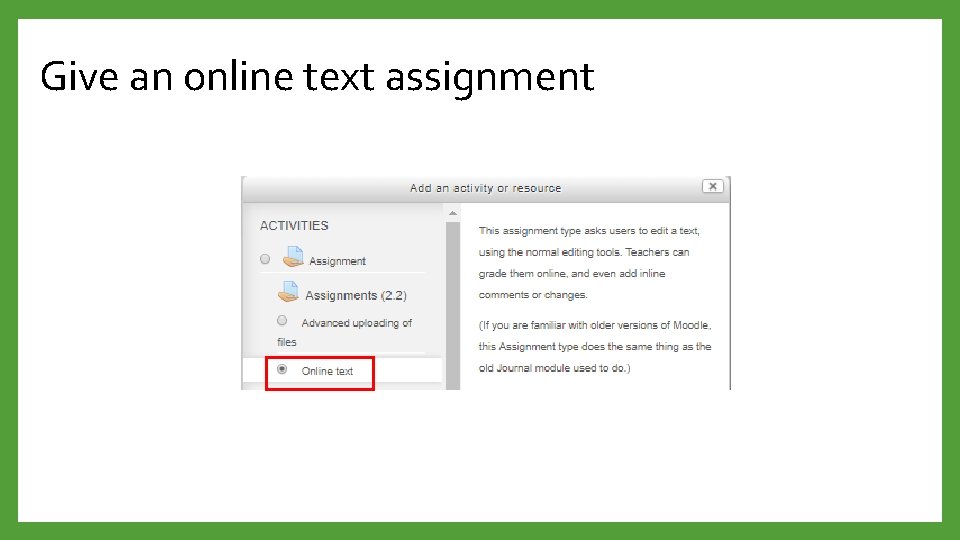
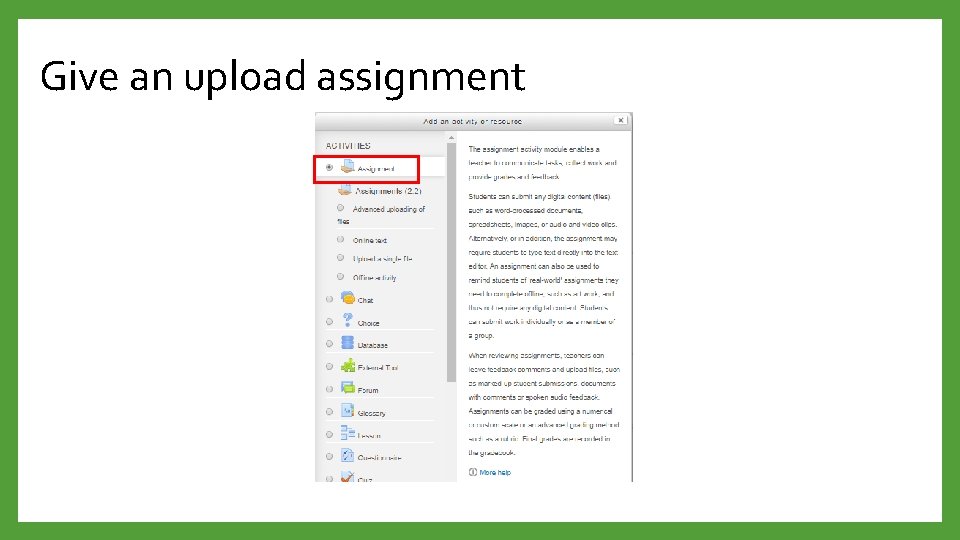
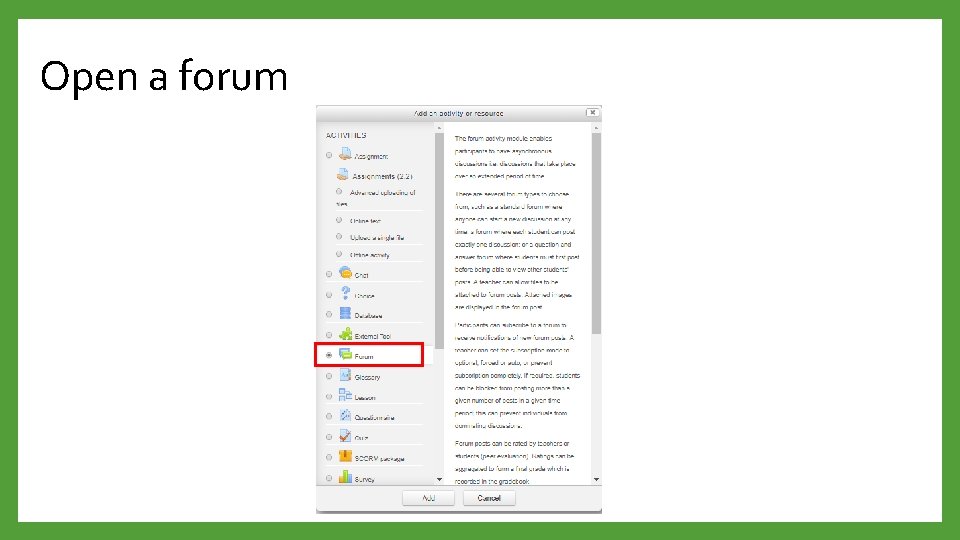
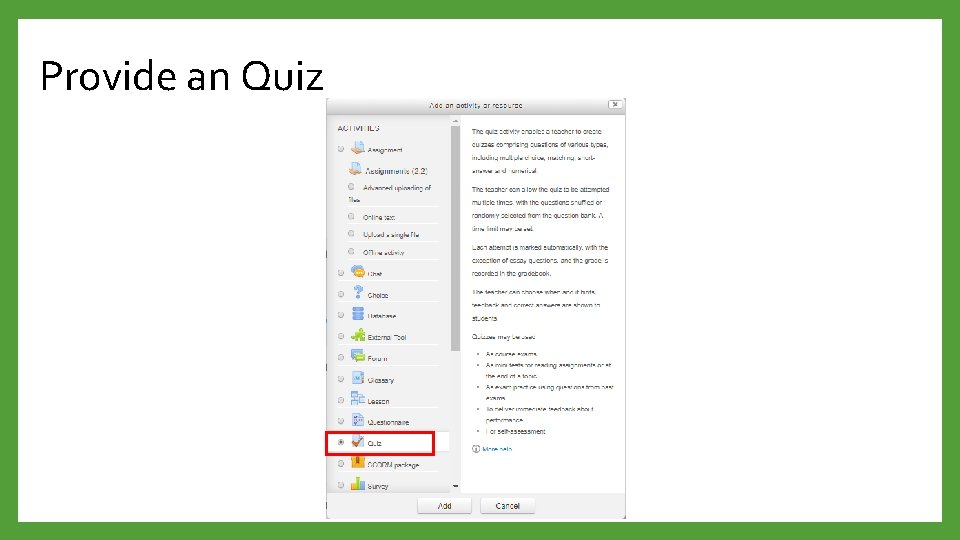
Add and Activity or Resource Most popular adding's are, 1. Add activity - Give an online text assignment - Give an uploading assignment - Open a forum - Provide a quiz
Give an online text assignment
Give an upload assignment
Open a forum
Provide an Quiz
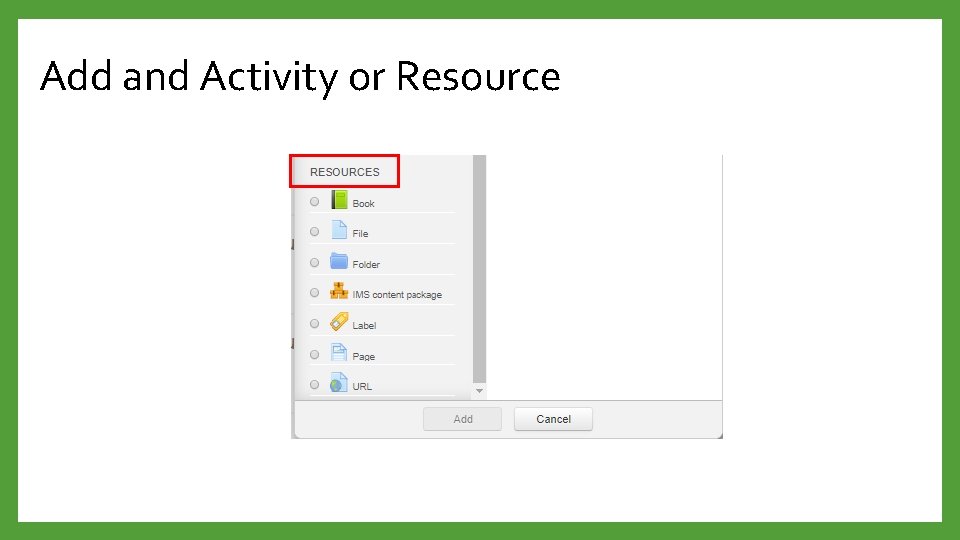
Add and Activity or Resource
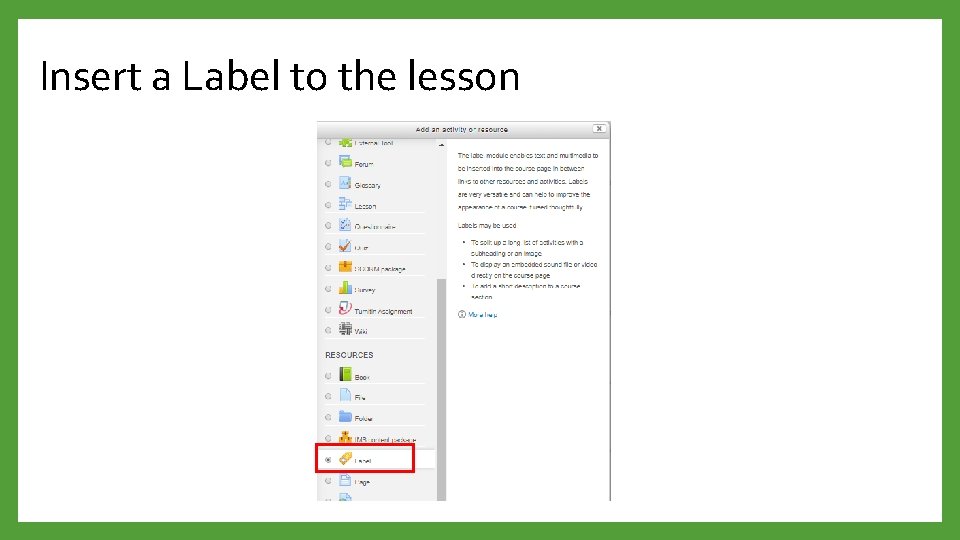
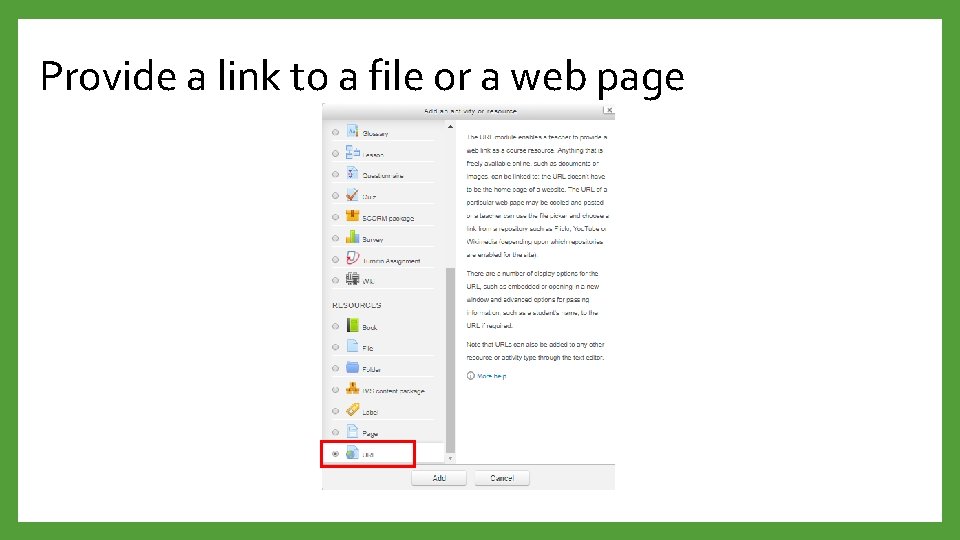
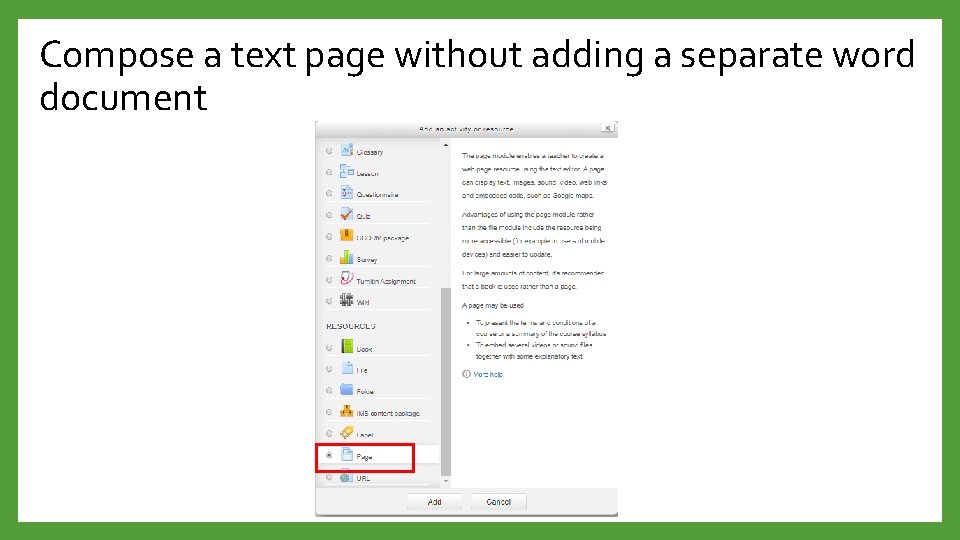
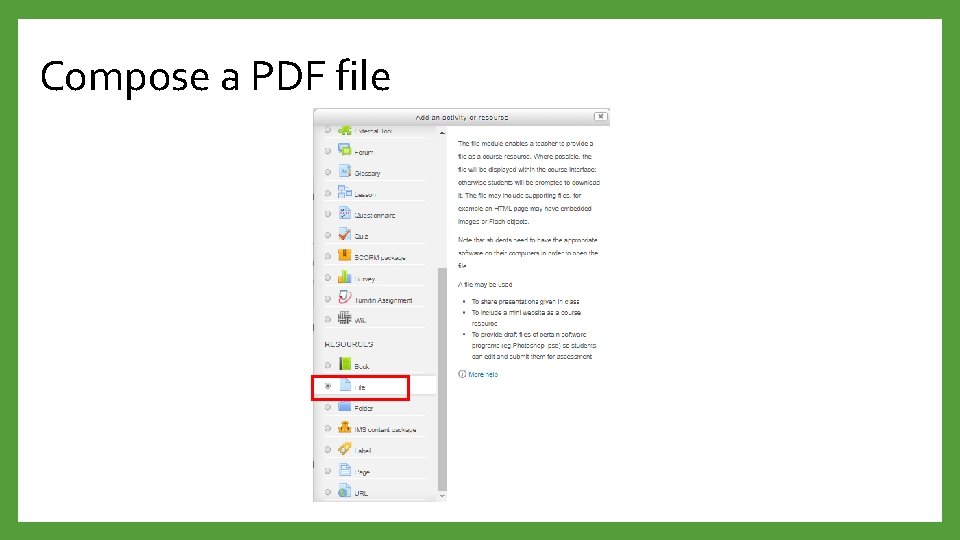
Add and Activity or Resource Most popular adding's are, 2. Add resources - Insert a Label to the lesson - Provide a link to a file or a web page - Compose a text page without adding a separate word document - Compose a PDF file
Insert a Label to the lesson
Provide a link to a file or a web page
Compose a text page without adding a separate word document
Compose a PDF file
Thank You